29 Sep 2023
|206 min
UX research guide
Explore the world of UX research. This guide covers the fundamentals of UX research, planning, participant recruitment, research types and methods, data analysis, and creating impactful research reports.
What is UX research?
UX research is the process of gathering insights about user behavior, motivations, and needs through techniques such as observation, user interviews, and usability testing.
As UX research has become more widely adopted in organizations of all sizes, its definition has evolved, and so is the importance of having a UX strategy.
Where UX research once meant focusing on user interactions to inform the design of user centric products, it can now mean different things to different people. For marketing teams, UX research can mean testing brand decisions and messaging prior to launching a new product or feature. For product teams, UX research can involve validating new ideas or testing working prototypes.
The result is that UX research is no longer limited to a specific department within an organization – in fact, all teams across a company can use research to gather feedback from customers and enable better-informed decisions.
What does a UX researcher do?
When you create a new product or improve an existing one, it’s important to start by understanding your users: who they are, what they want, and how your product can meet their needs.
A UX researcher’s role is to find these answers using qualitative and quantitative data. They are the voice of the customer, making sure customer needs are considered throughout the product development process.

Read more: Check out our What is a UX researcher? article for a more in-depth look at what a UX researcher does – including the skills required and the daily responsibilities of the job, as described by experts in the field – as well as tips on how to become a UX researcher.
What’s the difference between UX research and user research?
UX research and user research both involve studying users to gain insights for product development, but there are some subtle differences in their scope and focus.
UX research typically refers to research activities targeting the user experience of a product or service. It aims to understand the behaviors, needs, motivations, and preferences of your users to inform the design of user interfaces, interactions, and overall user satisfaction. It often involves methods like usability testing, user interviews, journey mapping, and analyzing user feedback.
User research is a broader term that encompasses a wider range of research activities. It seeks to understand users in a more holistic way, including their demographics, behaviors, attitudes, and goals, beyond their experience with a particular product or service. User research might involve conducting market research, surveys, ethnographic studies, and ux competitive analysis to gather insights about the target audience.
So, UX research focuses specifically on the user experience related to a product or service, and user research covers a broader understanding of users in various contexts. The two terms often overlap, and the choice of which you use will depend on the specific context and objectives of the research you’re conducting.

Why is UX research important?
Now that we understand what UX research is, let’s find out why it’s important and learn how it can deepen understanding, inform decisions, boost user satisfaction, and set you ahead of the competition.
Understand your users
UX research helps you gain a deeper understanding of your users, their behaviors, needs, and motivations. By conducting research, you can gather insights into how your users interact with your product or service, identify the challenges they face, and see what resonates with them.
This understanding allows you and your team to design and create user experiences that are tailored to the preferences and expectations of your users.
Make data-informed decisions
Don’t rely on gut feel or intuition. UX research provides data-driven insights that you can use to inform decision making throughout the product development process. By conducting research, you can validate assumptions, test hypotheses, and make informed choices about designs, features, and functionalities. This reduces the risks associated with guesswork, and helps you make decisions based on real feedback from your users.
Improve the user experience
The ultimate goal of UX research is to create positive experiences for your users. By understanding their needs and preferences, you can identify pain points and areas for improvement.
This helps you to design intuitive and user-friendly interfaces, simple navigation, and enhance overall satisfaction. A positive user experience not only encourages customer loyalty, it also leads to increased engagement, conversion rates, and business success.
Gain a competitive advantage
We don’t have to tell you that it’s competitive out there. And a superior user experience can help set your product apart from others. UX research allows you to differentiate yourself from the competition. By staying on top of trends, reviewing relevant ux research examples, and understanding user preferences, you can adapt your product or service to meet changing customerneeds.
Save time and money
Investing in a UX research process can save costs in the long run. By identifying usability issues, pain points, and flaws early in the design process, you can make adjustments and avoid costly product redesign. UX research helps you identify and address potential problems before they become costly mistakes, ensuring a more efficient development process.
Reduce bias
UX research is crucial for reducing bias in the design process by providing objective insights from users. By actively incorporating user feedback and diverse perspectives, UX research helps create more inclusive and accessible design solutions that meet the needs of a wide range of users.
Encourage innovation
By engaging with users to understand their behaviors, motivations, and preferences, UX research can uncover new insights and ideas that lead to innovative solutions. It can also help to challenge assumptions, explore new possibilities, and validate ideas, fostering creativity and innovation in the design process.
By incorporating user feedback and testing new concepts, you can iterate and refine your products or services, pushing the boundaries of what’s possible and delivering innovative user experiences.
When should you conduct UX research?
UX research can be used at any point in the design process. At the start of a project, you can use qualitative and formative methods to understand user motivations and needs. Later on, you can run quantitative and summative studies to test these findings.
To conduct effective research, it’s important to gather data from users in a structured way using UX methods that align with your research goals. The right UX research tools can help you streamline this process and ensure more reliable insights. By interpreting the findings, you can gather valuable insights to inform the design process.
The value of quick feedback has led to UX research becoming an important part of everyday processes. It’s no longer just about solving problems, but about identifying what problems exist in the first place.
UX research strategy
"Pay attention to what users do, not what they say." – Usability pioneer Jakob Nielsen
A solid UX research strategy is all about connecting the dots between what users say, what they do, and what they really need – even when they don’t realize it themselves. It’s your secret weapon for catching issues early, saving time and money, and ultimately creating products that aren’t just functional but intuitive and enjoyable to use.
This chapter dives into the benefits of a well-crafted UX research strategy and offers actionable steps to help you build your own. The goal? To craft experiences that users will love – and keep coming back to.
What is a UX research strategy?
A UX research strategy is a comprehensive plan that outlines how you’ll conduct user research to guide design decisions and improve the user experience. It acts as a roadmap, leading you through the processes of gathering, analyzing, and synthesizing user insights to create a product that aligns with their needs.
At its core, a UX research strategy aims to answer two fundamental questions:
What are the user’s needs and behaviors?
How can this information shape the design process?
As Steve Jobs famously said, “You’ve got to start with the customer experience and work backward to the technology.” This philosophy underpins every successful UX research strategy, ensuring that products are designed with a thorough understanding of user needs, behaviors, and pain points.
By systematically addressing these questions, you can sidestep common pitfalls – like misaligned product features, ignored user pain points, or wasted resources on irrelevant research – and remain focused on creating products that resonate with users.
The benefits of a UX research strategy
A strong UX research strategy ensures your design decisions are informed by real user data, reducing guesswork and increasing the likelihood of delivering a product that meets user needs.
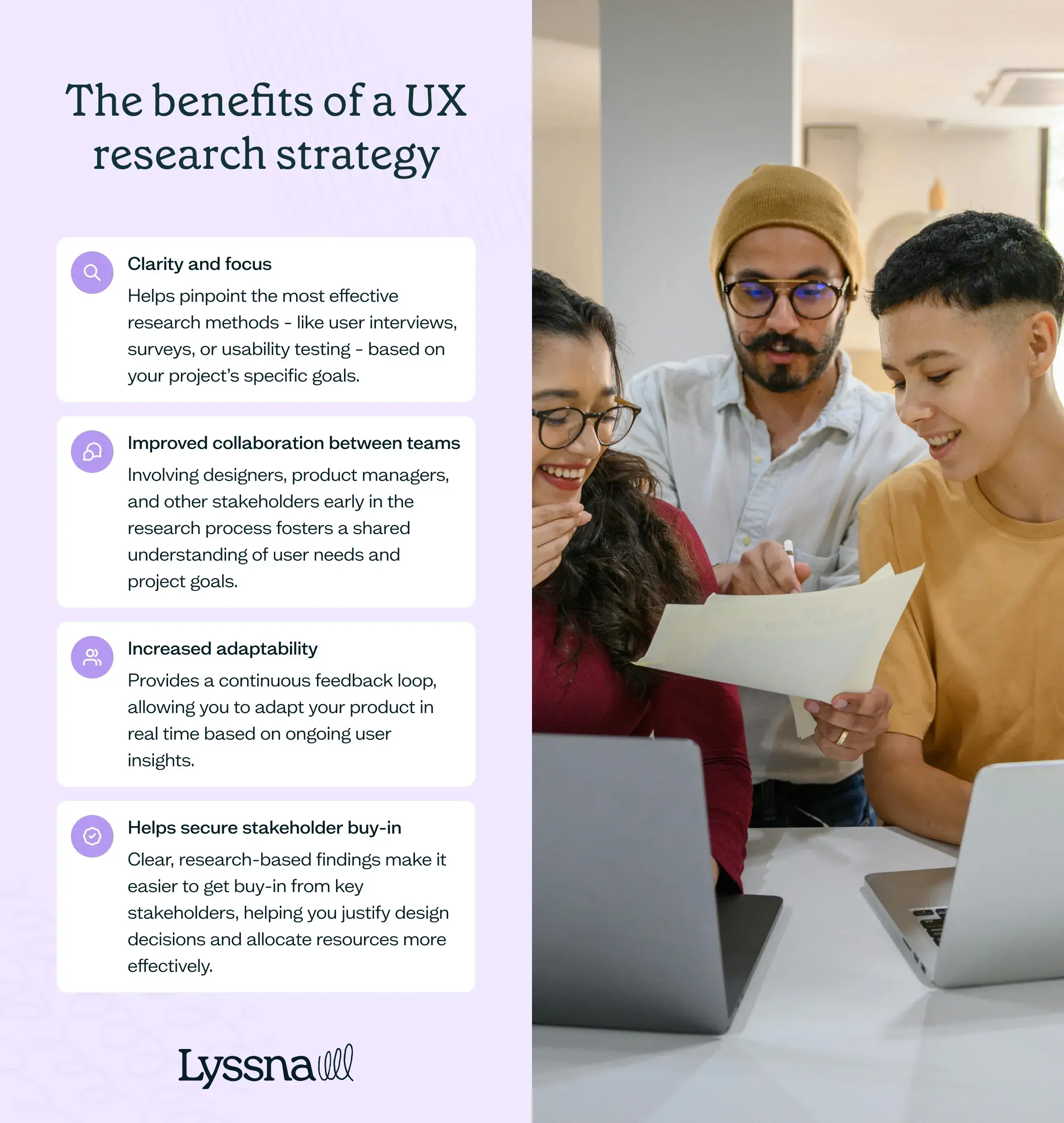
1. Clarity and focus
A UX research strategy helps pinpoint the most effective research methods – like user interviews, surveys, or usability testing – based on your project’s specific goals. This targeted approach saves time and resources, ensuring you collect relevant feedback.
2. Improved collaboration between teams
Involving designers, product managers, and other stakeholders early in the research process fosters a shared understanding of user needs and project goals. This collaborative environment improves communication and helps to make sure that everyone is aligned, working toward the same goals. The result? More cohesive and user-centered designs.
3. Increased adaptability
These days, user preferences and market conditions can change in the blink of an eye. A UX research strategy provides a continuous feedback loop, allowing you to adapt your product in real time based on ongoing user insights. This adaptability helps to keep your product relevant and responsive to evolving user needs.
4. Helps secure stakeholder buy-in
Clear, research-based findings make it easier to get buy-in from key stakeholders, helping you justify design decisions and allocate resources more effectively. This support is essential for successfully integrating UX research insights into the final product.
By anchoring your design in user insights, you’re not just building functional products – you’re delivering solutions that genuinely connect with and satisfy your users.
UX research strategy vs UX strategy: Is there a difference?
It's easy to mix up "UX research strategy" and "UX strategy" – but they’re not the same. Although they’re closely related, each plays a distinct role in the product development process, and knowing the difference is key to leveraging them effectively.
UX research strategy
A UX research strategy focuses on the methods and processes for gathering, analyzing, and synthesizing user data. It’s your plan for how you’ll conduct user research, which tools and techniques you’ll use, and how you’ll turn those findings into actionable design decisions. The core aim is to build a product with a deep understanding of user needs, behaviors, and pain points.
In essence, it’s a specialized subset of the broader UX strategy, focused exclusively on the research phase.
UX strategy
A UX strategy, on the other hand, takes a bird’s-eye view of the entire user experience process. It’s a comprehensive plan that steers the overall direction of a product's UX, from initial research and design through to development and evaluation. It’s about defining the product vision, setting UX goals, and ensuring that every part of the product aligns with these goals.
So, while a UX research strategy is about gathering user insights, a UX strategy encompasses the full journey of designing the user experience. Both are crucial, but each serves its own unique purpose in crafting a successful, user-centered product.
7 questions to ask before planning your UX research strategy
Before diving into your UX research strategy, take a moment to step back and ask yourself some key questions. These will help sharpen your focus, identify potential roadblocks, and make sure your strategy aligns not just with user needs but also with your business goals.
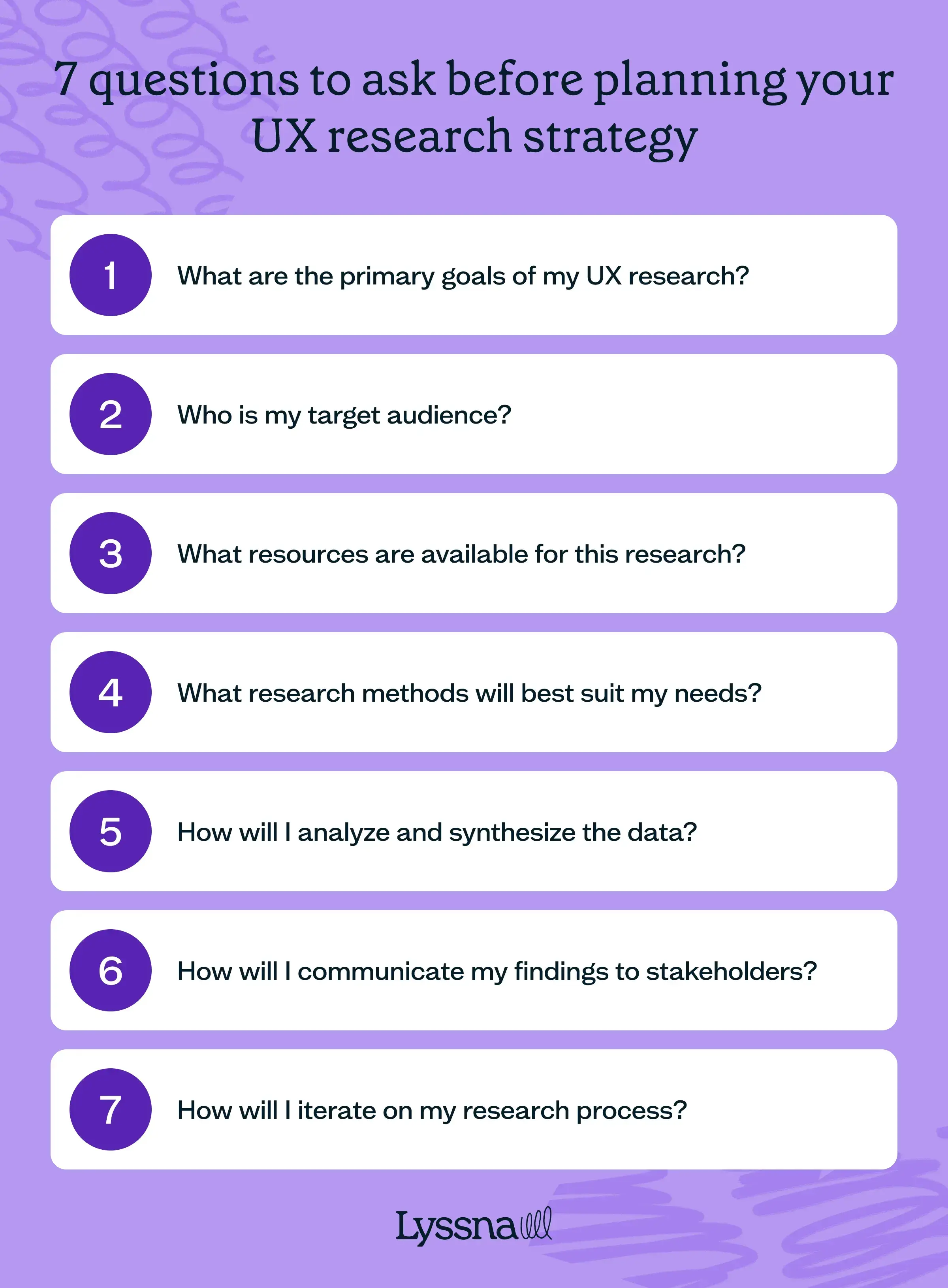
Question #1: What are the primary goals of my UX research?
Start by defining the main objectives of your research. Are you aiming to enhance an existing product, validate a new concept, or uncover unmet user needs? Clear goals will guide your choice of research methods and make sure that your findings have a real impact on the product’s success.
Question #2: Who is my target audience?
Identifying your users is essential. Look at demographic details like age, location, and occupation, alongside psychographic attributes such as values, interests, and behaviors. Knowing your audience helps you tailor your research methods, making sure your findings are both relevant and actionable.
Question #3: What resources are available for this research?
Evaluate the resources at your disposal – time, budget, and personnel. Limited resources may require you to prioritize certain research activities or seek more efficient ways to gather data. Recognizing these constraints early helps you plan a strategy that's both realistic and effective, allowing you to make the most of what you have without overextending.
Question #4: What research methods will best suit my needs?
Different research methods yield different data. User interviews can offer deep insights using various qualitative methods of research, while surveys provide broader quantitative data. If your goals point toward quantitative analysis, exploring the various methods of quantitative research can help you choose the right approach. The right choice depends on your research goals, the complexity of the issues you’re exploring, and the resources you have available. Matching methods to your needs ensures you gather the most valuable information.
Question #5: How will I analyze and synthesize the data?
Collecting data is just the beginning. The true value lies in how you analyze and synthesize this information to generate actionable recommendations. Consider your approach – will you categorize and interpret findings manually, or rely on software tools for analysis?
Planning this step carefully ensures that your research doesn’t just churn out data, but drives meaningful, impactful results to shape your next moves.
Question #6: How will I communicate my findings to stakeholders?
Communication is key to securing stakeholder buy-in and making sure your findings are put into action. Decide on the best formats for presenting your data – whether through reports, presentations, or interactive dashboards. Tailoring your communication to your audience makes it easier to convey the value of your research and gain support for your recommendations.
Question #7: How will I iterate on my research process?
UX research isn’t ‘one-and-done’; it’s an ongoing process. Think about how you’ll refine your strategy as you gather more data and your product evolves. This iterative approach keeps your research relevant, allowing you to stay responsive to changing user needs and market dynamics.
By addressing these questions upfront, you’re setting the stage for a focused, effective UX research strategy that delivers meaningful and actionable insights.

Creating your UX research strategy
Developing a UX research strategy requires careful planning, execution, and ongoing refinement. To help you craft an effective strategy, here’s a step-by-step guide to follow.
Step #1: Define your research objectives
Start by pinpointing what you aim to achieve. Are you validating a new product concept, enhancing an existing feature, or digging deeper into user behavior? Setting specific, measurable objectives will guide your efforts and keep your research aligned with broader business goals.
Step #2: Identify your target audience
With your objectives in place, the next step is to define your target audience. Knowing who your users are will shape the research methods you select. Use demographic and psychographic data to create detailed user personas. This ensures you’re focusing on the right group of people and gathering feedback that’s both relevant and actionable.
Step #3: Choose appropriate research methods
Selecting the right research methods is key to collecting meaningful data. Your choice of techniques should align with your objectives. For in-depth understanding of user behavior, consider user interviews or usability testing. If broader trends are your focus, surveys might be the better option. Tailoring methods to your goals ensures the data you gather is valuable.
Step #4: Plan and conduct your research
Once you’ve selected your methods, it’s time to dive into the specifics of your research activities. This includes designing your study, preparing materials, recruiting participants, and scheduling sessions. As you conduct the research, consistency and ethics are important. Make sure data is collected and stored in compliance with privacy regulations like GDPR and CCPA, protecting both your users and your business.
Step #5: Analyze and synthesize your findings
After collecting your data, the next step is to dig into analysis and synthesis. This involves sorting the data, spotting patterns, and pulling out insights that will drive your design decisions. Methods like affinity mapping or thematic analysis can help you organize and make sense of the information. The aim is to turn raw data into clear, actionable insights that will guide your design and development process.
Step #6: Communicate your findings
How you present your findings can be the difference between getting stakeholder buy-in and having your data sidelined. Don’t just throw out numbers or all you’ll get back are glazed eyes – turn your findings into a compelling story.
Use concise reports and presentations that hit the highlights: key findings, actionable recommendations, and next steps. If you’re looking for guidance, a well-structured ux research report can help you communicate insights effectively. Tailor your message to the audience and consider using visual aids or storytelling elements to make your insights stick.
Step #7: Iterate and refine your strategy
As we said above, UX research is an ongoing process. As you apply your findings and gather new data, make it a habit to revisit and refine your strategy. Regularly update your objectives, methods, and processes to incorporate fresh insights and address evolving user needs. This iterative approach keeps your UX research strategy both relevant and effective over time.
Building your UX research strategy is just the beginning. The real value comes from continuously tweaking and refining it. Keep exploring, stay curious, and let your strategy evolve alongside your product. This ensures you’re always moving forward – learning, improving, and discovering new ways to meet user needs.

Importance of a strong UX research team
The right mix of skills and perspectives is what transforms raw data into real design improvements.
Key UX research role #1: The UX researcher
At the heart of any UX team is the UX researcher, the driving force behind designing and conducting user studies.
This role is all about creating research plans, selecting the most effective methods, analyzing data, and synthesizing the findings. A A skilled UX researcher has a deep understanding of the differences between qualitative vs quantitative research, enabling them to uncover insights that truly inform product decisions.
Beyond the research, they must also excel at communicating these insights clearly and persuasively to stakeholders, ensuring that the findings lead to meaningful action.
Key UX research role #2: The data analyst
In a world where data is now king, it’s no surprise the role of a data analyst has become increasingly important.
Tasked with interpreting the vast amounts of data generated from user research, data analysts use statistical tools and software to identify patterns and trends. They provide a solid quantitative foundation for the qualitative data gathered by UX researchers.
Their work ensures that decisions are grounded in robust data, making research findings more credible and actionable.
Key UX research role #3: The UX designer
While UX designers are primarily responsible for crafting the user interface, their involvement in the research process is essential. Understanding the difference between a ux designer vs ux researcher highlights why collaboration between these roles is so critical: UX designers work closely with UX researchers to make sure that user insights directly inform design concepts.
By translating research findings into wireframes, prototypes, and final designs, UX designers bridge the gap between raw data and user-friendly products. Their ability to creatively apply research findings ensures the end product isn't only functional but also resonates with users on an intuitive level.
Key UX research role #4: The product manager
The product manager plays a pivotal role in integrating UX research into the broader product strategy.
Acting as the voice of the user in strategic discussions, product managers advocate for design solutions that meet both user needs and business goals. They help prioritize which insights should be acted upon and make sure that research findings are incorporated into the development process.
The strength of a UX research team lies in the collaboration between these diverse roles. Each brings unique skills and perspectives to the table, and together they’re more than the sum of their parts. Working together, they ensure the product not only meets business objectives but also delivers a meaningful, user-centered experience.
5 tips for executing a UX research strategy
While a solid plan forms the backbone of any successful UX research strategy, the right mindset – and the right tools – are crucial, too. Here are some practical, no-nonsense tips to keep you on track and moving forward.
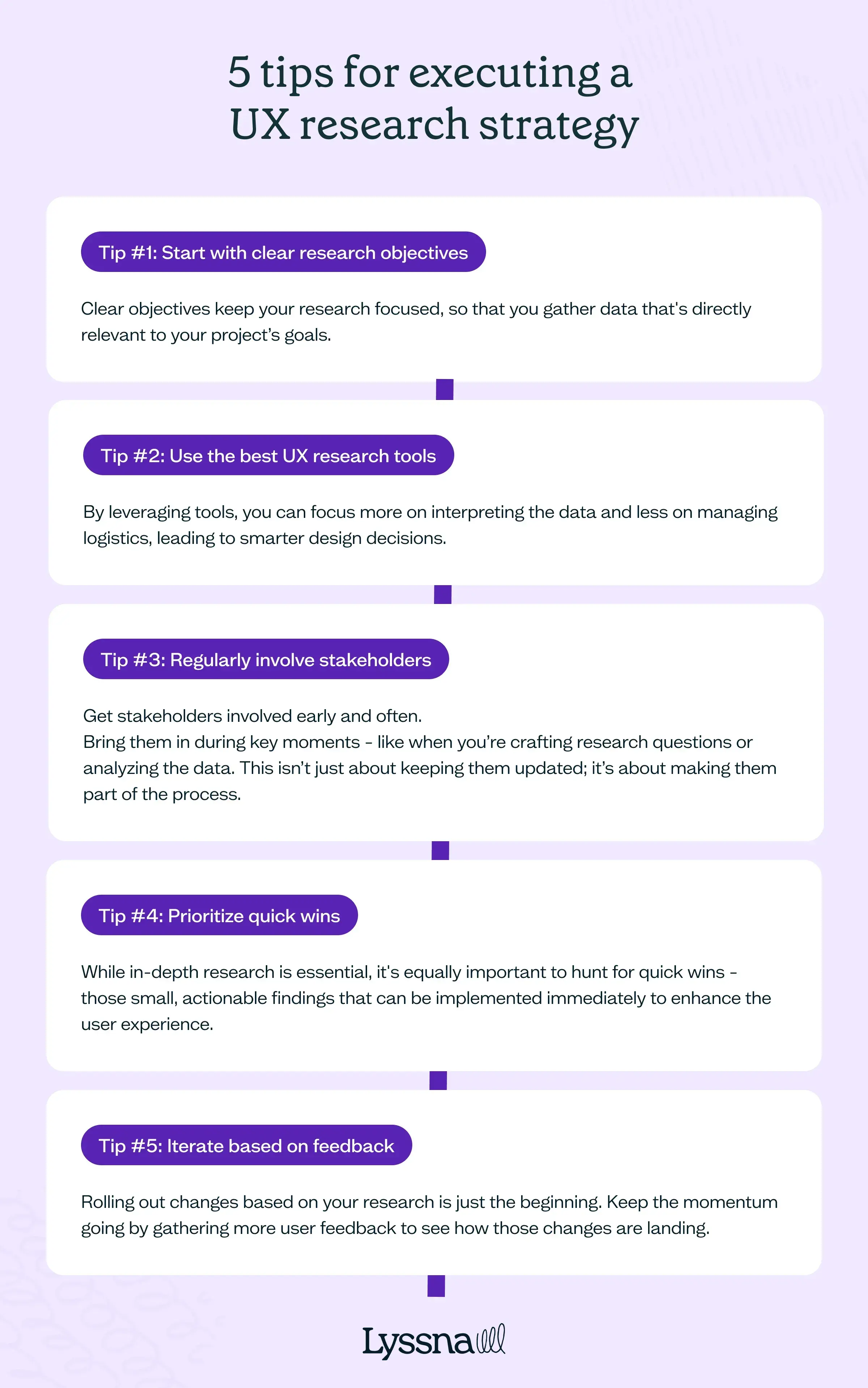
Tip #1: Start with clear research objectives
Clear objectives keep your research focused, so that you gather data that's directly relevant to your project’s goals. If you’re testing a new feature, for example, your objective might be to understand how users interact with it and pinpoint any potential pain points. Starting with specific objectives helps you avoid wasting time on irrelevant data and keeps your research aligned with your overall strategy.
Tip #2: Use the best UX research tools
The right UX research tools can streamline your workflow and improve the quality of the data you collect, making it easier to draw meaningful insights. Tools like Lyssna simplify participant recruitment and data analysis, offering robust features for gathering and synthesizing user feedback. By leveraging these tools, you can focus more on interpreting the data and less on managing logistics, leading to smarter design decisions.
Tip #3: Regularly involve stakeholders
One of the biggest challenges in UX research is making sure that your findings don't just get noticed but get implemented.
The trick? Get stakeholders involved early and often.
Bring them in during key moments – like when you’re crafting research questions or analyzing the data. This isn’t just about keeping them updated; it’s about making them part of the process. When stakeholders understand the research and see how it aligns with business goals, they’re much more likely to back the changes you recommend.
Tip #4: Prioritize quick wins
While in-depth research is essential, it's equally important to hunt for quick wins – those small, actionable findings that can be implemented immediately to enhance the user experience. Quick fixes not only improve the product but also show the tangible value of UX research to stakeholders.
For instance, if usability testing reveals a minor navigation issue causing frustration, addressing it promptly can significantly boost user satisfaction with minimal effort. These early wins build momentum within the team, showing that UX research isn’t just theoretical – it’s practical and it delivers results.
Tip #5: Iterate based on feedback
Rolling out changes based on your research is just the beginning. Keep the momentum going by gathering more user feedback to see how those changes are landing. This iterative approach lets you continuously fine-tune and optimize the user experience.
Tools like Lyssna make it easy to set up quick follow-up studies or surveys, allowing you to track the impact of your changes over time. This makes sure your product doesn’t just meet user expectations – it evolves alongside them, adapting to new insights and needs.
Following these tips can turn your UX research strategy from a static plan into a dynamic, evolving process that keeps your product in sync with user needs and market demands.
Ready to put your UX research strategy into action?
Lyssna's got your back! From quick surveys to in-depth user interviews, we've got all the tools you need to execute your strategy like a pro. Plus, with our diverse panel of 690,000+ participants, you'll always find the right users for your research. Jump in and start gathering those game-changing insights today!

Execute your UX research strategy with Lyssna
Executing a UX research strategy is much easier with the right tools – and that’s where Lyssna comes in. Lyssna is a user research platform designed to streamline your workflow, making it simpler to gather actionable feedback quickly.
Ease of use: Lyssna boasts an intuitive interface that’s earned high praise for its usability on platforms like G2 (where’s that ‘bashful’ emoji when it really need it …). Whether you’re running unmoderated ux studies, moderated interviews, or usability tests, Lyssna makes the process straightforward and efficient, allowing you to focus on what truly matters: understanding your users and tuning into their needs.
High-quality research panel: With access to over 530,000 participants across 395+ demographic and psychographic attributes, Lyssna ensures you can recruit the right people quickly – often in under 30 minutes. Plus, our satisfaction guarantee means if the responses don’t meet your standards, we’ll replace them at no extra cost.
Cost-effective solutions: Lyssna is designed to be accessible for teams of all sizes, offering a generous free plan along with affordable recruitment rates starting at just $1 per minute for surveys or usability tests. This makes Lyssna a budget-friendly alternative to pricier tools like Usertesting.com or Maze.
Fast turnaround: Built for rapid execution, Lyssna helps you gather feedback and validate ideas swiftly – ideal for when you need to pivot quickly and make informed decisions fast.
Continuous improvement: Lyssna is dedicated to evolving with your needs. With regular updates and new features, you’ll always have access to the latest in user research tools, keeping you ahead in a competitive market.
UX research process
Discover the stages of the UX research process, from planning and data collection to analysis and implementation, to enhance product design and user satisfaction.
The UX research process: An overview
User experience (UX) research is the backbone of effective product design. It offers a structured approach to understanding users' needs, behaviors, and motivations through various observation and feedback methods.
While UX design zeroes in on crafting interfaces and experiences, UX research digs deeper into why users behave the way they do – delivering the data that drives informed design decisions.
The UX research process unfolds in multiple stages, each crucial for gathering and analyzing data. Understanding these stages also helps clarify the roles in product design vs ux design, ensuring that products aren't just functional, but are also intuitive and enjoyable for users.
The importance of establishing an effective user research process
User research lays the foundation for designing products that genuinely meet user needs, leading to higher satisfaction and loyalty. But why is it so critical to establish an effective process?
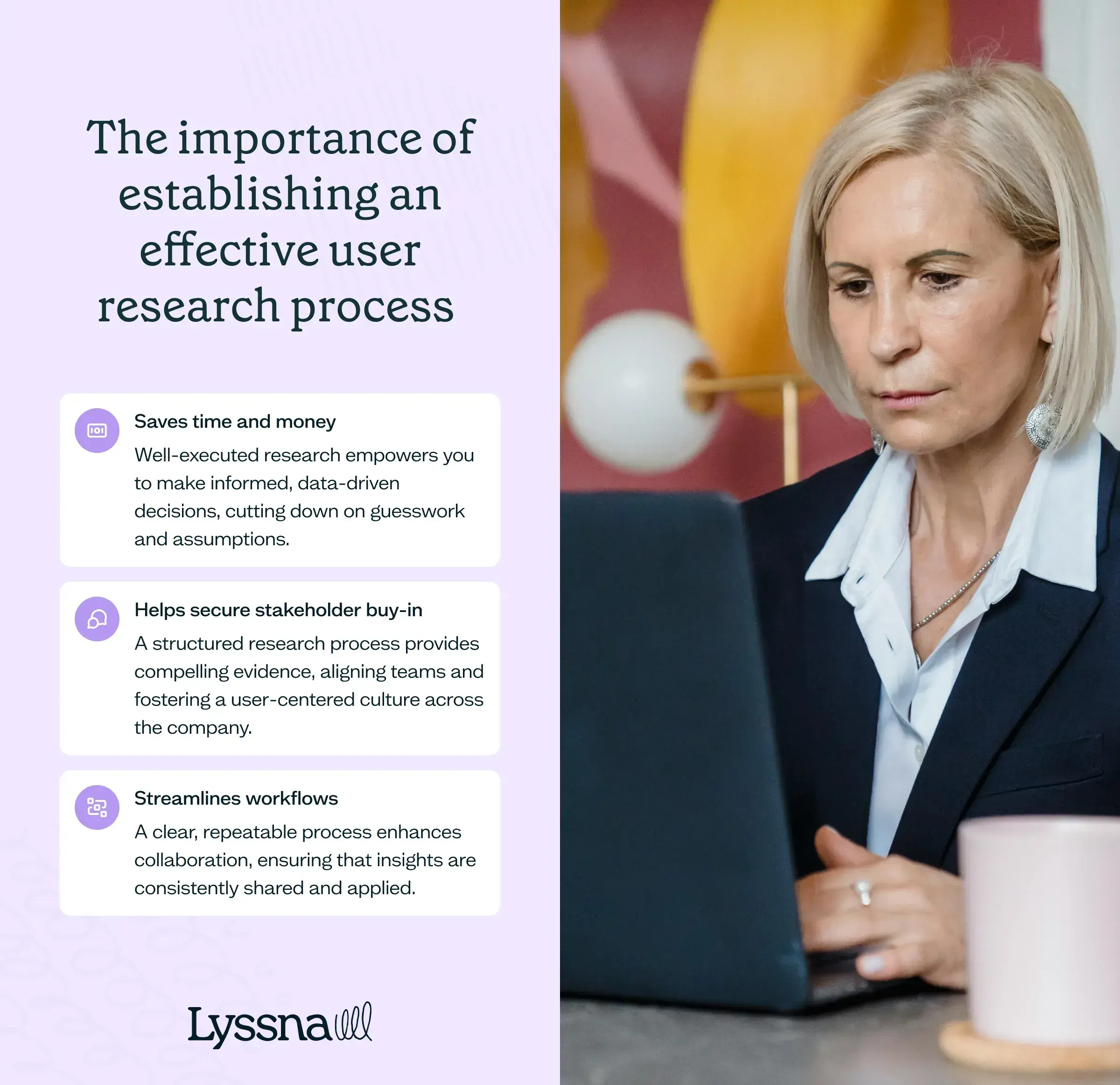
Saves time and money
The return on investment (ROI) of user research is undeniable. By understanding user behavior (and preferences) early in the development and design process, businesses can ‘fail early’– catching design flaws before they snowball into costly problems later on. Well-executed research empowers you to make informed, data-driven decisions, cutting down on guesswork and assumptions.
Helps secure stakeholder buy-in
Presenting findings backed by solid research makes it easier to gain support for design decisions. This is especially valuable in organizations with lower UX maturity, where research might still be undervalued. A structured research process provides compelling evidence, aligning teams and fostering a user-centered culture across the company.
Streamlines workflows
A clear, repeatable process enhances collaboration, ensuring that insights are consistently shared and applied. This not only improves the final quality of your product, but also speeds up the development cycle, enabling quicker iterations and more responsive design changes.
Research saves time. It saves money. It streamlines workflows. And, it cuts through the clutter to focus on what really matters – meeting user needs.
The four crucial phases of the UX research process
The UX research process is a journey that systematically uncovers user insights – guiding designers and researchers toward better product decisions. It’s about truly understanding your users – how they think, what they need, and how they interact with your product.
By breaking research down into manageable stages, teams can gather comprehensive and actionable data. The process can be divided into four key phases: discovery, exploring, testing, and listening.
Each phase uniquely contributes to understanding user behavior and product performance, moving from initial inquiry to refined improvements. Together, they form a holistic approach that mitigates design risks, fosters creativity, and drives more informed, data-driven decisions.
Let’s dive deeper into each phase and see how they work together to create an effective UX research process.
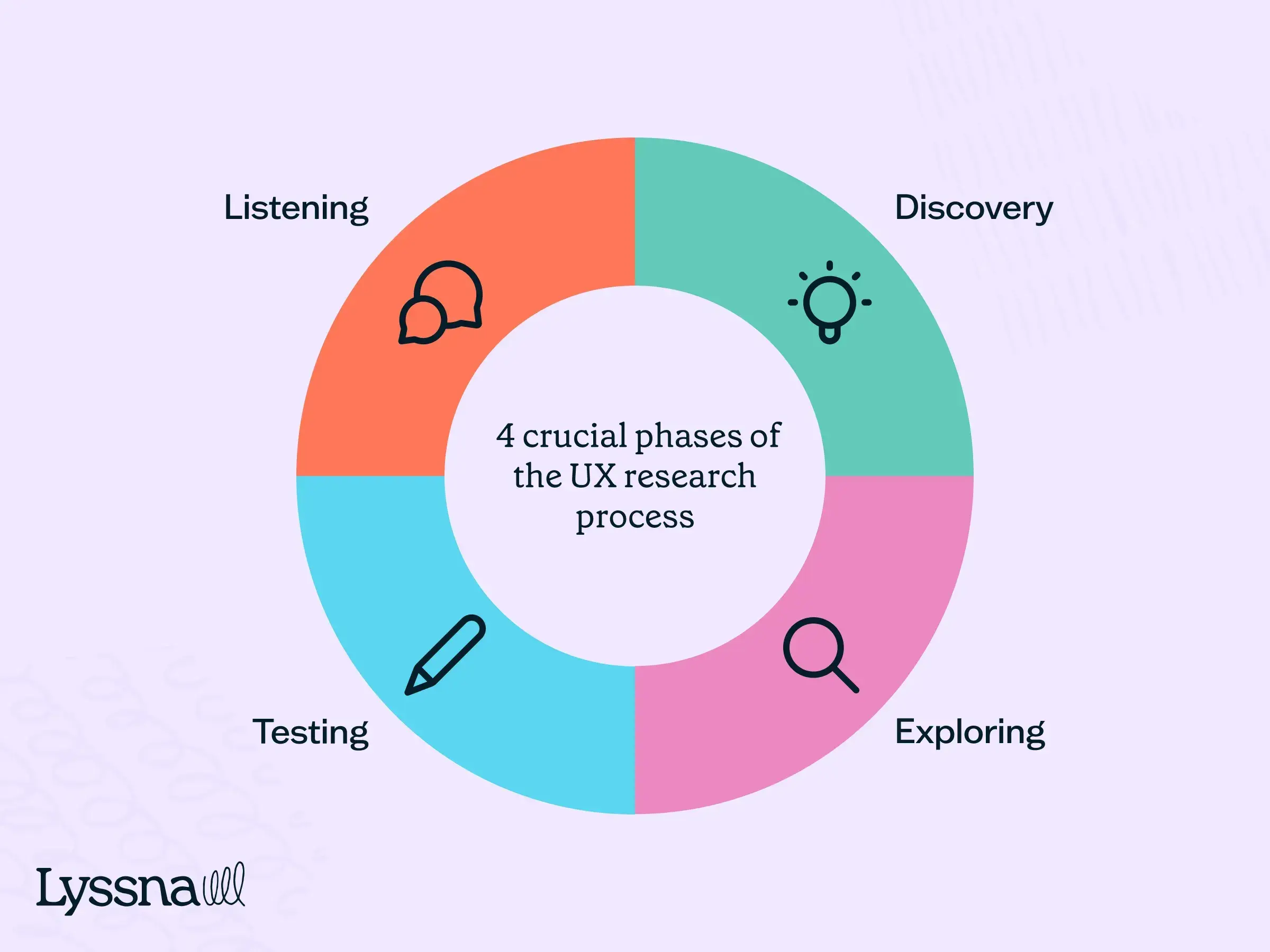
Discovery
"People ignore design that ignores people." – Frank Chimero, designer and author
The discovery phase sets the foundation for all subsequent research and design efforts.
This phase is about understanding the broader problem space and gathering key background information that shapes the direction of research. UX researchers engage in activities like stakeholder interviews, ux competitive analysis, and reviews of existing data to understand the environment users are navigating, along with clarifying business objectives and constraints.
By pinpointing the core questions that need answering, the discovery phase helps guide the choice of research methods for the next phases. It’s also crucial for formulating hypotheses to be tested later – making sure the research remains focused and aligned with user and business goals.
Exploring
The exploring phase takes the data from discovery and dives deeper into the nuances of user behavior.
This is the phase where researchers actively engage with users to gather data—often blending approaches from quantitative vs qualitative research to gain a richer understanding of users' motivations, needs, and pain points. If you're looking to expand your toolkit, these 8 types of qualitative research can help uncover deeper user insights.
Common methods used during this phase include user interviews, ethnographic studies, observational research, and surveys, a widely used type of quantitative research that helps gather measurable data at scale.
The goal here is to gather a detailed picture of the user experience, identifying patterns and pain points that can drive design decisions.
While this phase is guided by the hypotheses formed in discovery, it’s equally about uncovering new, unexpected findings. These findings often refine or expand the research focus, offering deeper clarity into user behaviors and needs.
Testing
The testing phase is all about validation – putting your ideas, designs, and assumptions from earlier phases to the test. At this stage, the focus shifts to evaluating how well your design solutions address identified user needs. Methods like usability testing, A/B testing, and prototype testing help gather feedback on specific design elements.
This phase is critical as it helps you validate your design hypotheses. Testing highlights usability issues, reveals whether your solutions resonate with users, and identifies areas needing further iteration. Iteration is key, with feedback from testing driving continuous improvements before you release the product or feature.
Listening
The listening phase goes beyond the initial product launch, emphasizing continuous feedback and iteration. UX research doesn’t end once the product goes live – researchers keep gathering user feedback and monitoring product performance in real-world settings. Post-launch surveys, user interviews, analytics monitoring, and ongoing usability tests all help track how users interact with the product over time.
This phase creates a feedback loop, where the data you collect inform future discovery phases – enabling ongoing product improvement. By staying in tune with user behavior, you can adapt to changing user expectations and market conditions, maintaining a competitive edge and enhancing long-term user satisfaction.
By following these four crucial phases, you build a comprehensive UX research process that not only meets current user needs but also adapts to future changes.
UX research process: The key steps
Navigating the UX research process can feel daunting, but with the right approach, each step builds on the last, turning raw data into powerful insights.
Below, we break down the essential steps to make sure your research is thorough, focused, and impactful – from defining objectives to making informed recommendations that drive design decisions.
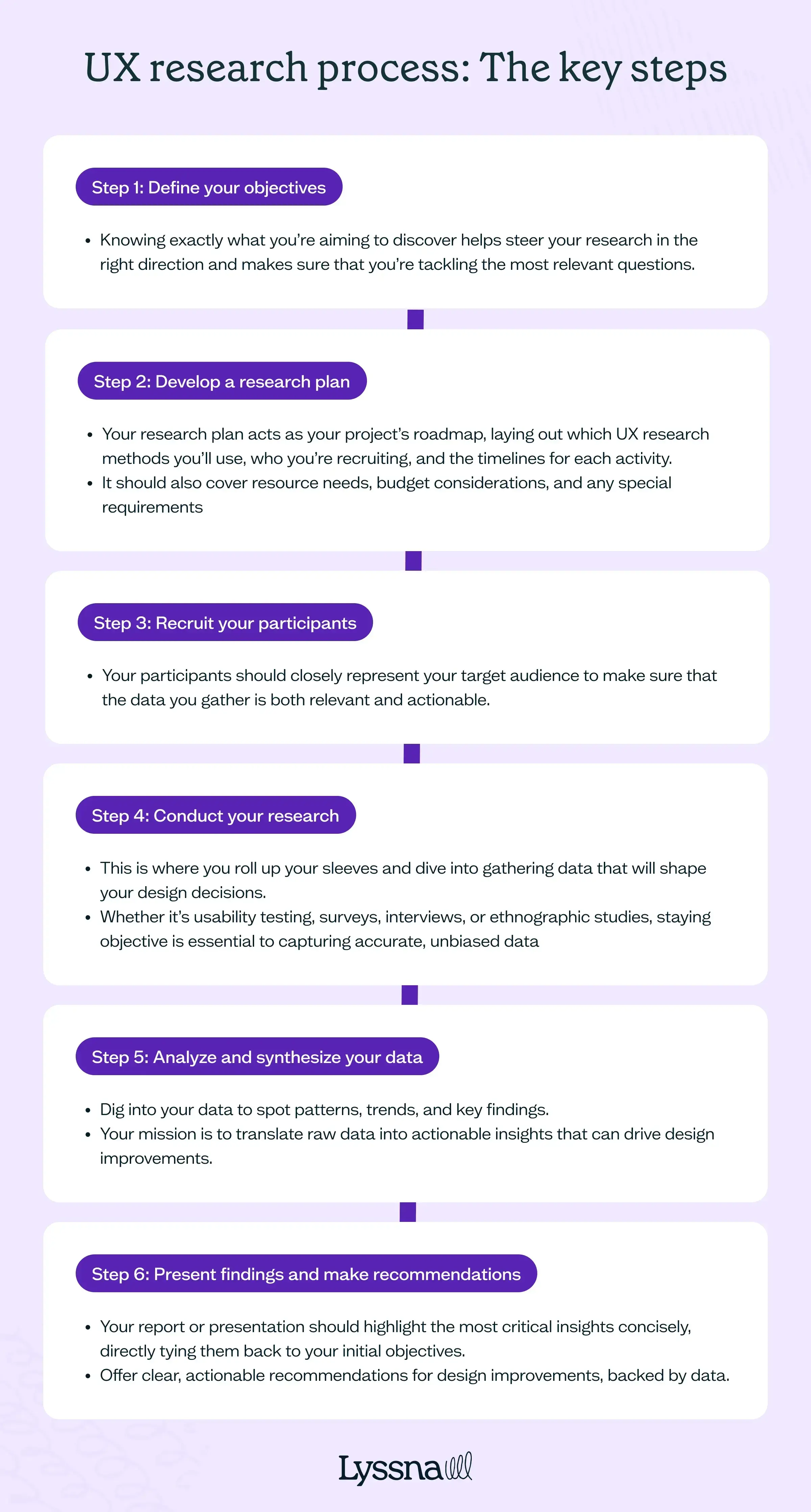
Step 1: Define your objectives
Start by setting clear objectives – knowing exactly what you’re aiming to discover helps steer your research in the right direction and makes sure that you’re tackling the most relevant questions.
Are you looking to uncover user behavior patterns, test a new feature, or pinpoint pain points in the customer journey? Defining these goals up front sharpens your focus and guides your choice of UX research methods and tools.
This phase isn’t just about the research team – it’s about collaboration. Engage with stakeholders to align on goals, making sure that your objectives also meet business needs and project constraints.
Step 2: Develop a research plan
With your objectives decided, it’s time to chart your course with a detailed research plan.
This plan acts as your project’s roadmap, laying out which UX research methods you’ll use, who your participants will be, and the timelines for each activity. It should also cover resource needs, budget considerations, and any special requirements – like external participant recruitment or specific software tools.
Remember, flexibility is your friend here. Research can take unexpected turns, and your plan should be sturdy enough to guide you but flexible enough to adapt as new findings or challenges arise. A delicate balancing act, at times, admittedly!
Step 3: Recruit your participants
The right participants are the cornerstone of reliable research. Your participants should closely represent your target audience to make sure that the data you gather is both relevant and actionable. Depending on your research focus, this might mean seeking participants with specific demographics or characteristics. For instance, if you’re exploring a mobile banking app for millennials, make sure your participants reflect that user group.
Diversity in your participant pool is crucial – it helps avoid biases and enriches your data with a broad range of perspectives.
Step 4: Conduct your research
Now comes the heart of the process: conducting the research. This is where you roll up your sleeves and dive into gathering data that will shape your design decisions. Whether it’s usability testing, surveys, interviews, or ethnographic studies, staying objective is essential to capturing accurate, unbiased data.
When running usability tests, make sure tasks are grounded in real-world scenarios your users would actually face. If conducting interviews, lean into open-ended questions that encourage participants to share their experiences in their own words. Your goal is to capture feedback that truly reflects how users interact with your product.
Step 5: Analyze and synthesize your data
With data in hand, now it’s time to make sense of it all!
Analyzing and synthesizing involves digging into your data to spot patterns, trends, and key findings. Quantitative data often involves statistical analysis, while qualitative data requires a deeper dive into categorizing responses and identifying recurring themes.
Your mission is to translate raw data into actionable insights that can drive design improvements. Visual tools like personas, journey maps, or a well-crafted ux research report can make these insights more accessible and compelling for stakeholders, turning complex data into clear, impactful guidance for your product team.
Step 6: Present findings and make recommendations
The final step is where it all comes together – presenting your findings to stakeholders and recommending the next steps. Your report or presentation should highlight the most critical insights concisely, directly tying them back to your initial objectives.
Offer clear, actionable recommendations for design improvements, backed by data. Whether you’re creating visual presentations, detailed reports, or leading workshops, the goal is to make sure your findings resonate with your team and drive meaningful change.
By following these steps, you build a strong UX research process that takes your team from initial exploration to actionable design insights – transforming raw user feedback into a strategic asset that fuels better product experiences.
Simplify the UX research process with Lyssna
Conducting UX research can be complex, especially when managing tight resources and deadlines. Lyssna simplifies this process by offering a streamlined, all-in-one platform designed to make UX research more efficient and data-driven.
User-friendly experience
Lyssna’s intuitive interface is accessible for both experienced researchers and beginners. It allows you to easily set up your studies, recruit participants, and gather data – whether through moderated usability testing or unmoderated ux study – so you can focus on understanding your users, not on navigating the platform.
Comprehensive research tools
Lyssna covers every aspect of the UX research process with a variety of tools such as card sorting, tree testing, and first click testing. We also accommodate static images, prototypes, and video content, ensuring your research adapts to different project needs.
Fast and targeted recruitment
Recruiting participants can be time-consuming, but Lyssna reduces that burden. With a panel of over 690,000 participants across diverse demographics, you can recruit the right audience quickly, often in under 30 minutes, ensuring your research is relevant and actionable.
Affordable plans
Lyssna’s free plan includes unlimited tests, surveys, and interviews, with affordable paid options for more advanced features. This flexibility allows you to choose a plan that fits your budget without sacrificing quality.
Continuous improvement
Committed to evolving with user needs, Lyssna regularly updates its platform based on feedback. We also offer strong customer support to make sure you get the very most out of the tools.
Lyssna helps you streamline your research, gain deeper insights, and create products that resonate with users – whether you’re at a startup or a larger enterprise.
UX research plan
Approaching your study with a detailed plan will set your research off on the right foot. A well-considered plan includes your goals and research questions, details how you’ll conduct your research and the methods you’ll use, and outlines your timeline, recruitment methods, and how you’ll present your results.
Putting time into your plan will pay off later down the road, because you’ll know exactly what to focus on when faced with lots of raw data to sort through.
In this chapter, we’ll cover everything you need to know to get started. Let’s get planning!
What is a UX research plan?
A UX research plan is a detailed guide for your research study. It outlines the objectives, methods, and logistics of your study, making sure that everyone involved is on the same page and aware of the expectations and goals.
Your plan should cover your research objectives, who will be involved, when and how you'll conduct the research, and what you hope to achieve. It serves as a handy reference throughout the project, helping you stay focused on the main research questions you're seeking to answer.
Why is a UX research plan important?
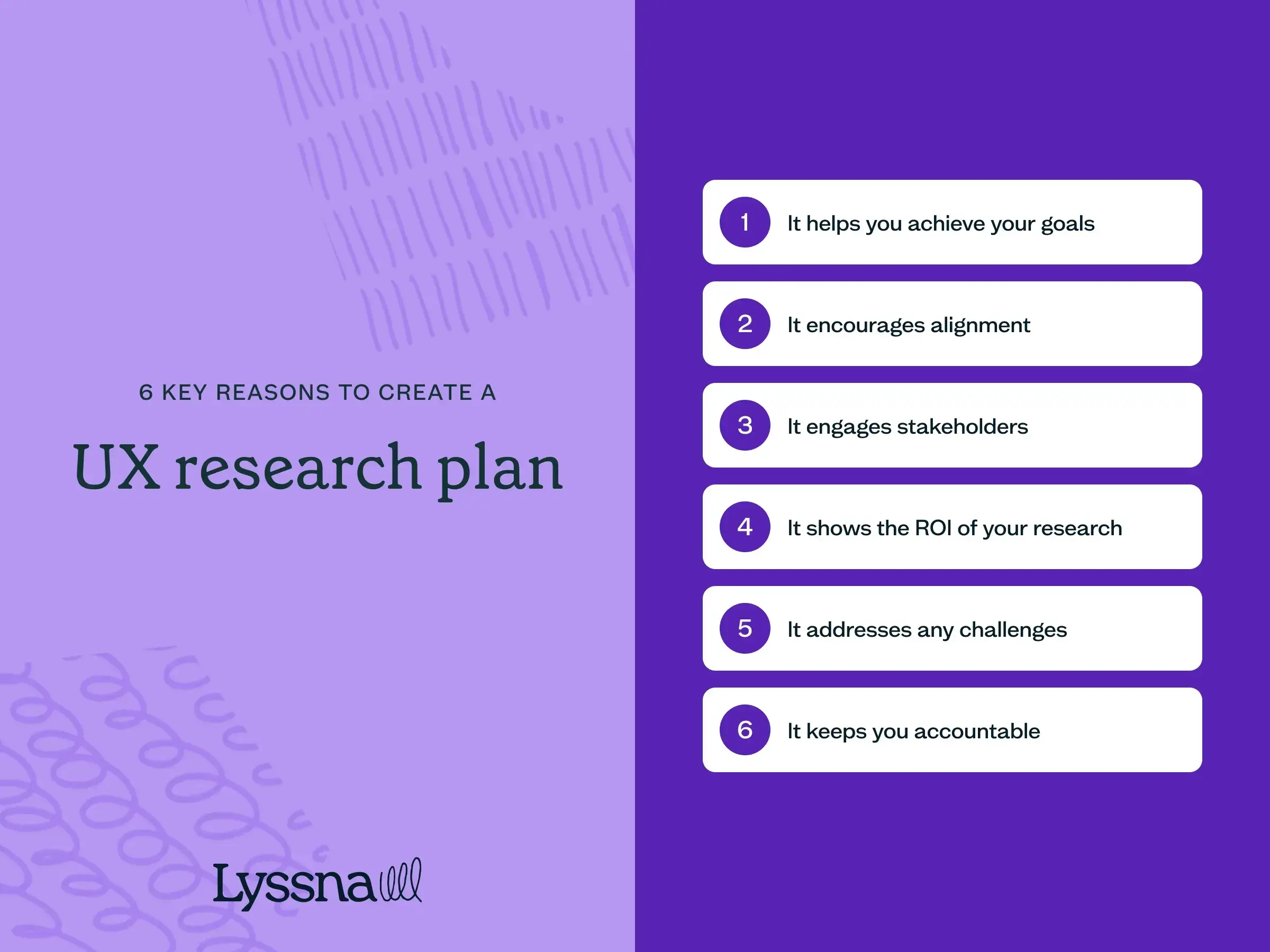
We briefly touched on this above, but let’s explore the core reasons why a UX research plan is important to the success of your study.
It helps you achieve your UX goals
A solid UX research plan keeps you focused on your goals throughout the study. It serves as a reminder of what you want to achieve and tracks the progress you've made. With a clear plan in place, you can stay on track and make sure your research efforts are moving you closer to your desired outcomes.
It encourages alignment
A UX research plan helps to keep everyone on the same page. It ensures that your entire team understands the project’s objectives, timelines, and expectations. By having a plan in place, you can spot conflicting interests early on and address them before they become major roadblocks.
It engages stakeholders
A well-written research plan is a great tool for involving stakeholders. It allows them to become active participants and understand how the research aligns with business objectives.
A good plan addresses stakeholder concerns, sets realistic expectations, and provides a concise overview of the research methods and logistics involved. This engagement helps you gain stakeholder buy-in and makes sure everyone is on board with the research process and expected outcomes.
It shows the ROI of your research
Stakeholders are often interested in the results and impact of the research more than the process itself. A UX research plan clearly outlines the objectives of the research and how they'll benefit the product or business. It helps you articulate the value and return on investment (ROI) of the research, which is crucial for gaining support and resources.
It addresses challenges
UX research can be fraught with challenges, such as no-show participants, unqualified participants, or disorganized data. A research plan helps you anticipate and plan for these risks.
As you develop your plan, you can identify potential issues and refine your research approach. By addressing these challenges proactively, you can improve the quality of your research and increase its effectiveness.
It keeps you accountable
When you write down your research plan, it keeps you accountable. It reduces the risk of missing important steps, going over budget, or losing sight of your objectives. Think of the research plan as a checklist that makes sure you’ve covered all the necessary aspects of your research so you can stay on track from start to finish.
How to write a UX research plan
In this section, we walk through each step of writing a UX research plan, from defining your problem statement to presenting impactful research findings.
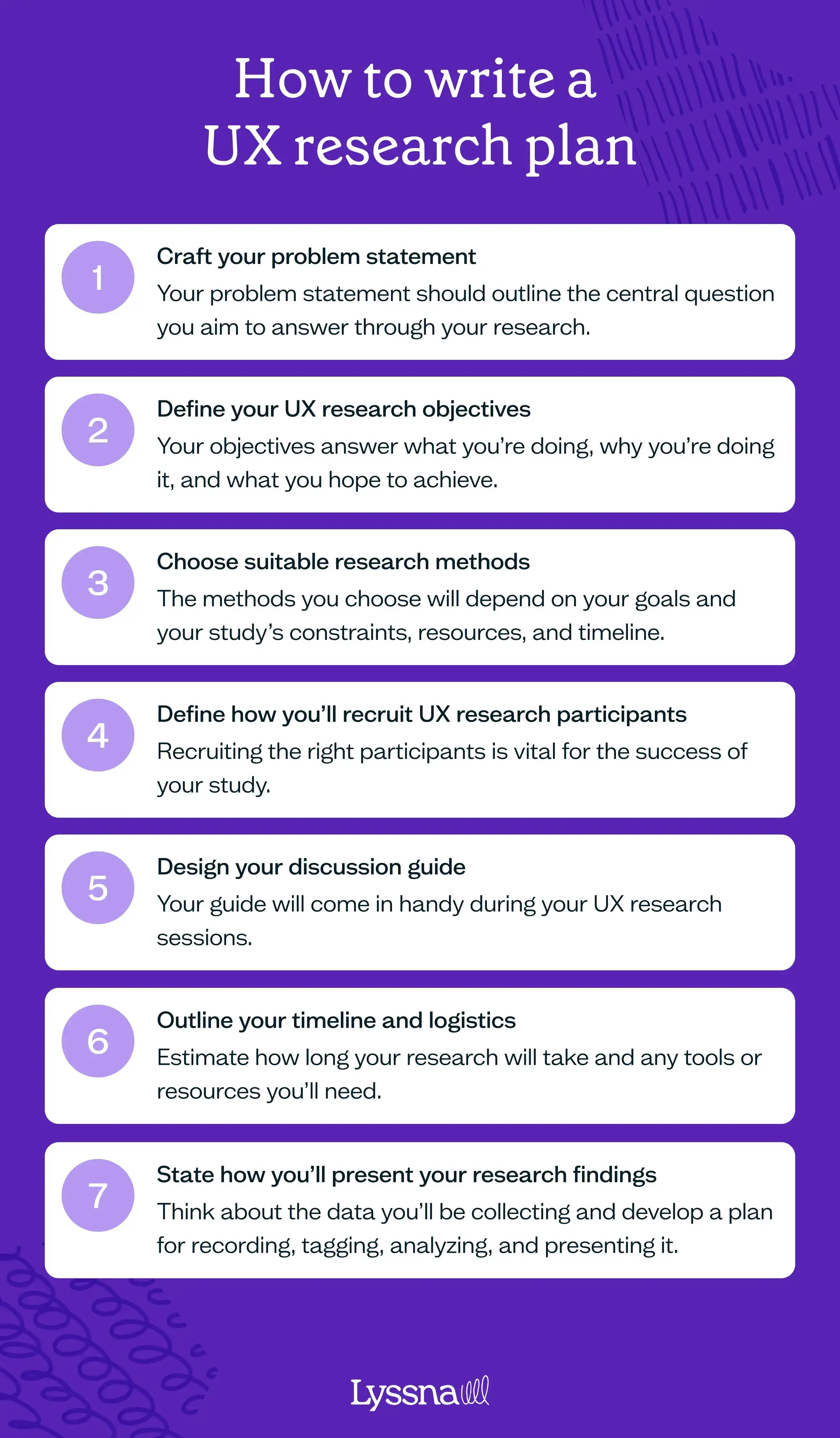
1. Craft your problem statement
A solid UX research plan begins with a clear problem statement that outlines the central question you aim to answer through your research findings. This statement should clearly identify the problem you’re seeking to solve and provide enough detail for stakeholders to understand the purpose and objectives of the research. Take the time to explain the project, its background, and the desired outcomes you hope to achieve.
Inspiration for your problem statement could come from your customer support team (who have firsthand knowledge of customer issues), exploring customer reviews on platforms like G2, NPS survey results, and feedback received via social media. By assessing this existing data and identifying the gaps in your knowledge, you’ll lay a strong foundation for building a robust research plan.
Remember, a well-crafted problem statement sets the stage for your research, making sure that everyone involved is aligned and working toward a common goal.
2. Define your UX research objectives
Once you have a clear problem statement, it’s time to define your research objectives. These objectives answer what you’re doing, why you’re doing it, and what you hope to achieve.
To set effective objectives, consider the end goal you want to accomplish through your research. Think of it as telling a story – what’s the purpose behind your research and what insights do you expect to gain? It’s important to set specific objectives, as they'll help shape the project scope and guide the questions you ask your participants.
By setting clear and meaningful objectives, you ensure that your research has a purpose and direction. This will help you focus your efforts, gather actionable insights, and make informed decisions throughout your UX research journey.
Example objectives
Here are some examples of undefined vs clearly defined UX research objectives:
Unclear objective: “We want to understand user behavior on our app.”
Clear objective: “We want to identify the most common user paths and interactions on our app to optimize the user flow and improve conversion rates.”
Explanation: The first objective is vague and lacks specificity. It doesn't provide a clear direction for the research or indicate what insights are needed. The improved objective is specific and outlines a clear purpose for the research.
Unclear objective: “Get feedback on our new website design.”
Clear objective: “Evaluate user perceptions and usability of our new website design through usability testing to identify areas for improvement and ensure a seamless user experience.”
Explanation: The first objective doesn’t specify the purpose of the feedback or what aspects of the design need to be evaluated. The second statement states the goal of evaluating user perceptions and usability, and explains how this will be gathered – through usability testing. It also highlights the desired outcome of identifying areas for improvement and ensuring a seamless user experience.
Unclear objective: “Learn about our users’ preferences.”
Clear objective: “Conduct user interviews and surveys to gather insights into user preferences regarding color schemes, font styles, and layout options to inform the visual design of our mobile app.”
Explanation: The first objective is broad and doesn’t provide specific details about what user preferences are being explored. The improved objective clearly defines the scope of research by specifying the areas of user preferences related to color schemes, font styles, and layout options for the mobile app. It also mentions the research methods being used.
3. Choose suitable research methods
Choosing suitable research methods for your study depends on various factors such as your goals, the product development phase you’re at, and the project's constraints, resources, and timeline. Often, a combination of methods will be used to gather comprehensive insights.
Working out when to use formative methods versus summative methods is important. Formative methods, like interviews and surveys, help you uncover insights early in the design process. Summative methods, such as card sorting and first click testing, are useful when you have a prototype or refined designs to test.
In the UX research methods chapter of this guide, we delve into methods in detail. Once you have a clear understanding of the results you want to achieve, you can make sure the methods you choose align with your objectives and will provide the evidence you need to make well-informed decisions.
Templates can be a fantastic starting point when creating your research plan. Take a look at our collection of test templates to explore various methods and find inspiration for your own research approach.
4. Define how you’ll recruit UX research participants
Engaging with the right participants is vital for the success of your UX research project. In your research plan, you’ll need to outline the details of participant recruitment. We go into more detail about this in the UX participant recruitment chapter.
First, clearly define the characteristics of the participants you’re seeking. Make sure that your selection aligns with your research goals and the specific questions you aim to answer. By targeting individuals who represent your target audience, you’ll gather insights that are relevant and valuable.
Next, describe your recruitment approach. Will you be leveraging a participant panel or reaching out to your own user base? Clearly outline the methods you’ll use to connect with potential participants.
It’s also important to specify the desired number of participants for your study. The appropriate sample size will vary depending on your research methods and the nature of your project. Be sure to determine the number of participants necessary to gather enough data and generate reliable results.
Don’t forget to address the topic of participant compensation. You can explore examples of incentives for participation in research studies to determine effective ways to motivate individuals who contribute their time and insights to your research. Whether it’s financial compensation, gift cards, or other forms of recognition, make it clear how participants will be compensated for their involvement.
Check out this webinar we co-hosted with Tremendous to explore what participants expect to be paid considering factors like the method and study length.
Example
Here’s an example to illustrate participant recruitment in a UX research plan:
Participants: We’ll recruit participants who are active users of our mobile app and represent our target user demographic [include details], including both new and experienced users.
Recruitment methods: We’ll use a combination of our own user database and online participant recruitment platforms to identify potential participants. An email invitation will be sent to our user base, inviting them to participate in the research. Additionally, we’ll leverage a participant recruitment platform to reach out to individuals who match our desired participant profile.
Sample size: We aim to recruit a total of 20 participants for this study. This sample size will allow us to collect diverse perspectives and ensure sufficient data for analysis.
Participant compensation: To show our appreciation for their time and contribution, participants will receive a $50 payment upon completion of the research session.
5. Design your discussion guide
In this step, you’ll create a discussion guide that you’ll use when conducting your UX research sessions. This will help to keep you on track to meet your objectives and ensure meaningful discussions with participants.
Your guide should include several key things:
Introduction: Start by outlining how you’ll greet participants and provide them with a clear understanding of the purpose of the research. This sets the stage for a productive and comfortable research session.
Interview questions: Include a list of example questions that align with your research objectives. These questions will guide your interviews and help you gather the insights you need. Consider asking open-ended questions to encourage participants to share their thoughts and experiences freely.
Wrap-up: This is what you’ll say at the end of the session. This includes summarizing the key findings, discussing next steps, thanking participants for their time and contributions, and addressing compensation.
If you’re conducting unmoderated research, such as unmoderated usability testing, your guide might include prompts or tasks for participants to complete on their own.
Remember, your guide should be flexible enough to accommodate unexpected insights and adapt to the dynamics of each research session.
Example
Introduction: Welcome participants and explain that the purpose of the research study is to gather feedback on a new website design. Emphasize that their insights are crucial in helping to improve the user experience.
- Interview questions:
Can you describe your initial impressions of the website?
How easy or difficult was it to navigate through different sections?
Did you encounter any issues or challenges while using specific features?
What aspects of the website stood out to you positively?
Is there anything you found confusing or unclear?
Wrap-up: Thank participants for their valuable input and highlight that their feedback will contribute to enhancing the website. Explain that you’ll analyze the findings and share any follow-up steps or improvements based on the insights gathered. If applicable, provide compensation details and express your appreciation for their time and effort.
6. Outline your timeline and logistics
Establishing a clear timeline and outlining any logistics required are also important considerations to include in your UX research plan.
Start by estimating how long the research project will take from start to finish. Consider factors such as the number of participants, complexity of research methods, and data analysis requirements. This estimate will help you manage stakeholder expectations and plan other project activities accordingly.
Identify the UX research tools or resources you’ll need. This could include usability testing tools, interview recording tools, etc. Specify any specific requirements or preferences related to these tools.
It’s worth also clearly defining the roles and responsibilities of team members involved in the research process. This includes researchers, designers, and any other stakeholders contributing to the project. Assigning responsibilities makes sure that everyone understands their role and contributes effectively to the research study.
Including this information in your plan will help to create a structured framework for your research project and manage stakeholder expectations.
7. State how you’ll present your research findings
Effective research analysis begins at the planning stage, even before the research actually begins. Think about the type of data you’ll be collecting and develop a plan for recording, tagging, analyzing, and presenting it.
Consider creative ways to present your findings. This might be a written research report, an interactive report with video snippets from participants, or a digital whiteboard that displays results visually. You could also consider scheduling a dedicated session to present your findings at the end of the project. By tailoring your presentation to the preferences of your stakeholders, you’ll increase the impact and engagement of your findings.
We go into more detail about analysis and reporting in the UX research analysis and UX research report chapters of this guide.
After you’ve completed your study, consider holding a retrospective to reflect on what went well and what could be improved. Use this feedback to refine your UX research plan, and turn it into a reusable template that you and your team can use for future projects.

Key elements of a solid UX research plan
A well-structured UX research plan sets you up for a successful study. In this chapter, we’ve covered the essential aspects of how to create one, including:
Problem statement: Define your central research question clearly to provide a foundation for your study.
Research objectives: Determine what you want to achieve and why, ensuring your research has a purpose and direction.
Research methods: Select the most appropriate methods for your goals, considering the stage of design and available resources.
Participant recruitment: Specify participant characteristics, your recruitment approach, sample size, and compensation.
Discussion guide: Craft questions and prompts to guide meaningful discussions with participants.
Timeline and logistics: Estimate project duration, list required tools/resources, and clarify team roles.
Presenting findings: Plan how you’ll analyze, record, and present your research results effectively.
With a comprehensive plan in place, you’ll stay focused, be aligned with stakeholders, and be on the path to gathering valuable user insights.
How to recruit participants for UX research
In this chapter, we’ll delve into user experience (UX) research participant recruitment. You’ll discover a bunch of useful strategies and techniques for finding, engaging, and collaborating with participants effectively.
Whether you’re new to UX research or looking to refine your recruitment process, this chapter will equip you with the tools and knowledge to make recruitment an important part of your user-centered design approach.
We’ll explore topics such as understanding your target audience, various participant recruitment methods, the role of technology, ethics, and inclusivity in recruitment, and how to transition from mere transactional relationships with participants to fostering user communities. Finally, we’ll consider the future of participant recruitment in the ever-evolving landscape of UX research.
Why is participant recruitment important in UX research?
Participant recruitment is the process of identifying, selecting, and engaging individuals who represent your target audience to participate in your research studies. These participants provide the valuable insights that drive informed design decisions that ultimately determine the success of your product or service.
Recruiting the right participants is important because it:
Offers representative insights: Effective participant recruitment ensures that your study's participants closely match your actual user base. This representative sample is critical for making design decisions that resonate with the majority of your users.
Fosters user-centric design: By involving real users in your research, you align your product development and design process with their needs, behaviors, and preferences.
Gathers feedback for improvement: Recruiting the right participants allows you to collect targeted and actionable feedback. This information is important for identifying pain points, uncovering usability issues, and refining your product or service.
Validates your solutions: Participant feedback validates your design choices. It confirms whether your solutions meet user expectations and helps you iterate on your designs effectively.
Offers a competitive advantage: In a crowded market, understanding your users through effective recruitment can be a source of competitive advantage. It enables you to differentiate your product by offering superior user experiences.
Ensures resource efficiency: Good recruitment practices save resources. By recruiting the right participants, you avoid investing time and effort in designs that may not meet user needs.
Understanding your target audience
Before recruiting participants for your UX research, it’s important to understand your target audience. Audience personas can be a helpful way to develop this understanding.
What are audience personas?
Audience personas are detailed, semi-fictional representations of your ideal users or customers. They serve as archetypes that cover the diverse characteristics, behaviors, and motivations of the people who will interact with your product or service. Creating audience personas involves going beyond demographic data and delving into the psychology and needs of your potential users.
Audience personas can help with:
Alignment: They make sure your team has a shared understanding of who your users are. This alignment is vital in creating a cohesive user experience.
Empathy: Personas humanize your users. They make it easier to empathize with their needs and frustrations, driving a more user-centric approach to design.
Guidance: Personas help you make decisions that resonate with the intended audience.
Focus: Personas prevent scope creep by keeping the project focused on meeting the needs of primary user groups.
How to create audience personas
Creating audience personas involves research and data collection. Here are the key steps:
Surveys: Conduct surveys to gather quantitative data on user preferences, opinions, and behaviors at scale.
User interviews: Conduct in-depth interviews to uncover qualitative insights and the motivations behind user behaviors.
Analytics: Use web and app analytics tools to gather data on user interactions with your digital products.
Social listening: Monitor social media and online discussions related to your product or industry to reveal unfiltered user sentiments.
Once you’ve gathered data, you can begin crafting your audience personas. Each persona typically includes:
Demographics: Age, gender, location, occupation, income, etc.
Behaviors: How users interact with similar products or services, their preferences, and pain points.
Goals and motivations: What users hope to achieve by using your product or service.
Challenges and pain points: The obstacles users face when trying to achieve their goals.
Psychographics: Hobbies, interests, values, and lifestyle choices that influence their decisions.
How to apply audience personas in UX research
Audience personas aren’t static documents; they evolve as your understanding of your audience deepens.
These personas play a pivotal role in your research, from participant recruitment to usability testing and beyond. By aligning your research efforts with your audience personas, you ensure that the feedback you gather is relevant and actionable.
Participant recruitment methods
When it comes to recruiting participants for your UX research, there are several well-established methods you can use to find the right participants for your study. Let’s explore them now.
Surveys
Surveys are a valuable tool not only for gathering insights about your users, but also for recruiting participants. Here are some ideas on how to use surveys for recruitment:
Pre-screening surveys: Embed pre-screening questions within your user surveys to identify potential research participants. These questions can help filter participants based on specific criteria, such as demographics or product usage.
Incentives: Offer incentives like discounts, gift cards, or early access to your product to encourage survey respondents to participate in your research.
Segmentation: Use survey data to segment your user base. This segmentation can be particularly useful when you need participants with specific characteristics or behaviors.
Looking for more information on UX surveys? We have articles on the benefits and survey questions to help you out.
Leverage internal user databases
If you're recruiting from your own network, your company might have user databases containing information about your customers. These databases can be goldmines for recruiting participants:
Email lists: Reach out to your customers through email campaigns. Explain the research opportunity and the benefits of participating. Make sure your emails are engaging and personalized to increase response rates.
CRM systems: Customer Relationship Management (CRM) systems often store comprehensive user profiles. Leverage this data to identify and contact potential participants.
Opt-in programs: If you have an opt-in program for user research, use it to notify interested users about upcoming studies.
Engage sales and customer experience teams
Harness the support of your sales and customer experience (CX) teams. Account and customer support managers serve as a direct link between your organization and your users. This valuable connection can be leveraged to engage with customers to see if they’d be happy to participate in research activities. This personalized approach not only adds a thoughtful touch but also communicates a genuine appreciation for their insights.
However, it’s important to strike a balance and avoid inundating your customers with excessive requests. Be respectful of their time and make sure you’re not overwhelming them. Additionally, consider introducing incentives as a token of gratitude. Enticing rewards such as cash, gift cards, account credits, discounts, or even exclusive early access to new features (more on this below) can sweeten the deal and underscore your appreciation for their cooperation.
Tap into existing networks
Leverage partnerships and collaborations with universities, industry organizations, and online communities. These networks can provide access to a diverse pool of potential participants who may be interested in research opportunities.
Use social media and online communities
Social media platforms and online communities can provide direct access to your audience. Here are some tips for how to use them for participant recruitment:
Targeted advertising: Platforms like Facebook and LinkedIn allow you to create highly targeted ad campaigns. Define your audience parameters to reach potential participants effectively. By using tools like Linked Helper, you can automate your efforts, ensuring that you're engaging with participants who closely match your research needs.
User groups: Participate in or create user groups on platforms like Slack, Facebook, or Reddit. Engage with members and share research opportunities within these communities.
Engaging content: Create engaging and informative content related to your research. Share it across your social media channels and encourage your followers to participate.
Partner with influencers in your field: These individuals often have dedicated followers who trust their recommendations, making it easier to find engaged participants.
Recruit through user testing platforms
Some user testing platforms, like Lyssna, offer access to a pool of potential participants. These platforms are designed to connect you with users willing to participate in research. There are many benefits to recruiting in this way, including:
Filtering options: Filtering can help you find participants who meet specific criteria. These criteria can range from demographics to product usage habits.
Quick turnaround: These platforms can speed up the recruitment process, allowing you to find participants quickly, which is especially useful for time-sensitive projects.
Diverse pools: User testing platforms often have diverse user pools, enabling you to recruit participants from different backgrounds and locations.
If you're using Lyssna, you can check whether your target audience exists in the panel and get a fulfilment estimate before you start building your study. You can also use the Lyssna panel to recruit participants for studies hosted on other platforms (like Maze, Typeform, Qualtrics, or Google Forms) without needing to rebuild your study in Lyssna.
Work with external agencies
Sometimes, it's beneficial to collaborate with external recruitment agencies that specialize in user research. They have access to extensive participant databases and can quickly find suitable candidates.
Automation and AI in participant recruitment
Automation and artificial intelligence (AI) have found their place in nearly every industry, and UX research is no exception.
Participant recruitment can be a resource-intensive process, demanding time, effort, and often a dedicated research ops team. Automation and AI are making recruitment more efficient and scalable. For example, automated systems can quickly sift through potential participants, matching them against predefined criteria. This saves time and ensures that only the most qualified individuals proceed in the recruitment process.
AI brings a new level of intelligence to participant recruitment. Machine learning algorithms can analyze vast datasets to identify patterns and preferences, which can then be used to match participants more effectively, for example through personalized messages based on preferences and behaviors, and predicting which participants are more likely to provide valuable insights based on historical data.
While automation and AI offer benefits in participant recruitment, they also come with some important ethical considerations:
Transparency: Participants should be informed when automation or AI is being used in recruitment. Transparency builds trust and ensures that individuals are aware of how their data is being processed.
Data security: Automation relies on data, and this data needs to be handled securely. Protecting the privacy and security of participants’ information is paramount.
Bias mitigation: AI algorithms can inherit biases present in training data. Careful monitoring and adjustment are necessary to ensure that recruitment processes remain fair and unbiased.
Opt-out mechanisms: Participants should always have the option to opt out of automated recruitment processes.
Developing a participant recruitment strategy for UX research
The success of your research often hinges on the quality and relevance of the participants you engage with.
Now that we’ve covered some of the different methods you can use, this section explores the strategic aspects of participant recruitment. It guides you through the process of developing an effective recruitment strategy that aligns with your research goals and enhances the overall user experience.
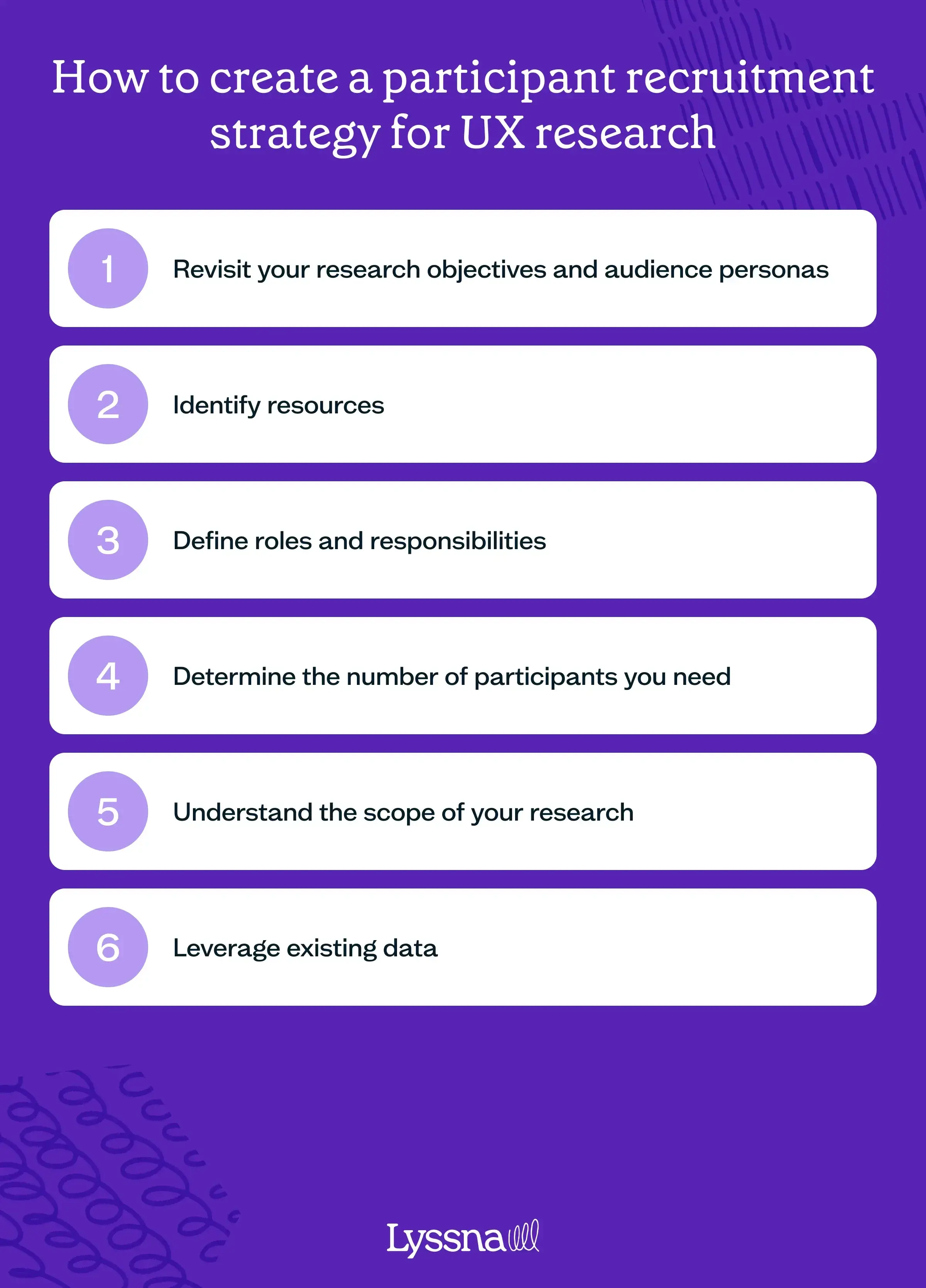
1. Revisit your research objectives and audience personas
Before you begin recruiting, take a moment to revisit the goals you outlined in your research plan. These objectives should be clear, defining precisely what insights you aim to gain from your study. At the same time, return to your audience personas to help identify the specific groups that align with your research objectives.
For instance, if you're conducting a UX study for a new productivity app designed for freelancers and remote workers, ensure your research methodology (such as remote user interviews) aligns with your target audience (freelancers and remote workers). This alignment streamlines your recruitment process, enabling you to focus on those participants who genuinely represent your user base.
2. Identify resources
Determine the resources required for effective recruitment, including personnel, tools, and budget. Having a clear understanding of what you need will streamline the process.
3. Define roles and responsibilities
If you’re working with a team, establish roles and responsibilities. Clearly define who will handle outreach, screening, scheduling, and communication with participants. Well-defined roles prevent overlap and ensure efficiency.
4. Determine the number of participants you need
The nature of your study and research objectives plays a significant role in determining the number of participants you need. Qualitative studies typically demand fewer participants, provided they meet the specific demographic and behavioral criteria relevant to your study. In contrast, quantitative studies require a larger sample size to achieve statistically significant results.
To decide on the ideal number, define the group you want to study – whether it's a broad category like “smartphone users in the United States” or a more specific subset like “smartphone users in California aged 20–30 who are homeowners and employed full-time.” This clarity helps you make sure you have enough participants to gather meaningful insights without overextending your recruitment efforts.
5. Understand the scope of your research
Your research scope determines not only what you study but also who you need to study. Define the specific problem you aim to address and the user demographics most relevant to that problem.
For instance, if you're looking to enhance the user experience of an existing mobile banking app, specify aspects like fund transfers, transaction history access, and recurring payment setups. This clarity allows you to target your recruitment toward app users who fit these criteria.
6. Leverage existing data
Before casting a wide net for recruitment, tap into existing data sources. Analyze demographic information, user behavior patterns, feedback from support channels, and customer reviews. This information unveils user preferences, behaviors, and needs, helping you identify highly engaged user segments or those with unique requirements. These segments can be valuable recruitment pools, especially if they align with your research objectives.
7. Consider task complexity and required tools
It’s important to factor in the complexity of the tasks you’re asking participants to complete. If your study involves intricate tasks or specialized skills, your recruitment strategy should prioritize participants with the necessary expertise.
Also, consider the tools or technologies they'll need to engage with. Making sure participants have access to and are comfortable with these tools minimizes friction in your research process.
Building user communities for participant recruitment in UX research
User research isn’t just about gathering insights for a single study; it’s an opportunity to build lasting relationships with your user base.
Traditional participant recruitment often focuses on transactional interactions. Researchers reach out to users, gather insights, and the relationship ends there. However, fostering a user community means going beyond this transactional model. It involves viewing your participants as collaborators, co-creators, and advocates for your brand or product. This shift in perspective is important for building meaningful, long-term relationships.
How to build a user community
A user community is a group of individuals who share a common interest in your product or brand. These communities provide a space for users to connect, share their experiences, and contribute to the evolution of your offerings.
Building a user community requires deliberate efforts, such as:
Creating dedicated spaces for collaboration: Establish online forums, social media groups, or user communities (e.g. a Slack workspace) where participants can engage. These spaces should be welcoming, moderated, and designed to encourage discussions.
Encourage knowledge sharing: Actively promote knowledge sharing within the community. Users can share tips, best practices, and creative solutions related to your product or industry.
Recognize and reward: Acknowledge and reward active community members. Highlight their contributions, offer badges or incentives, and make them feel valued.
Recruitment for UX research can be the starting point for building this community. When users have a positive recruitment experience, it sets the stage for ongoing engagement and advocacy.

Incentivizing UX research participation
Incentives play a crucial role in driving UX research participation. They encourage users to take part in your research activities, increasing response rates – participants are more likely to commit their time and effort when they see tangible benefits.
Providing incentives also demonstrates that you value your participants’ contributions. It creates a positive, collaborative atmosphere that fosters trust and long-term engagement.
Types of incentives
There are various incentive options to consider, each with its unique appeal. Some incentives suggestions include:
Money: Cash compensation provides flexibility for participants to use the reward as they see fit.
Gift cards: Offering gift cards from retailers or online platforms allows participants to choose items or services they prefer.
Charitable donations: Allowing participants to select a charity for a donation in their name adds a meaningful and socially conscious element to the incentive.
Account credits or discounts: If you have budget limitations, providing participants with account credits or discounts for your product or service can still be enticing and valuable.
Swag: Branded merchandise like t-shirts, stickers, socks, or gadgets creates a sense of belonging and serves as a tangible reminder of participation.
Early access to features: Giving participants exclusive access to upcoming features or beta versions can be particularly attractive to early adopters or product enthusiasts. This is also a good incentive for those in your user community.
Determining incentive amounts
The amount or value of incentives can vary based on several factors, including the nature of your study and your budget constraints. Factors that can influence incentive values include the complexity and duration of research activities, the expertise or skills required from participants, and the market rates for similar research participation. Tremendous has a handy research incentives calculator that you can use to determine incentive amounts.
This webinar we co-hosted with Tremendous explores what payments participants prefer and what they expect to be paid based on factors like research method and study length.
Administering and tracking incentives
Effectively managing incentives is critical for a smooth participant experience. Be sure to collect necessary details like email addresses or mailing addresses in advance. Securely store this participant information to ensure accurate incentive distribution.
You can use specialized tools and platforms for efficient compensation administration. For example, you can use the Interviews feature in Lyssna to track the status of incentives paid.
Communication and transparency
Maintaining clear and transparent communication regarding incentives is vital. Set clear expectations – be upfront with your participants about the incentive amount, distribution method, and timing. Make sure they understand what to expect in return for their participation.
Aim to deliver incentives promptly after each session to create a positive experience and show your commitment to fulfilling your part of the agreement.
Express gratitude to each participant individually. Acknowledge their specific contributions and offer opportunities for future participation.
International considerations
If your research includes international participants, you may need to understand the regulatory and tax implications of providing incentives in different countries.
Explore options for handling payments or incentives for different regions. Consider using platforms, such as Tremendous, that support multi-country gift cards for a seamless international incentive distribution process.
Ethical practices
It’s important to maintain ethical standards when distributing incentives. Make sure that incentives don’t unduly influence participants’ responses or behavior during research. Maintain transparency in your incentive practices to avoid conflicts of interest or ethical concerns.
Ethical and inclusive participant recruitment for UX research
Speaking of ethical concerns, upholding ethical standards in your recruitment processes isn’t just a choice; it's an imperative. Ethical recruitment builds trust with your participants, assuring them that their rights and privacy are respected. This trust is pivotal in ensuring their openness and honesty during research activities.
Ethical research practices also enhance the credibility of your findings and the reputation of your organization. Participants are more likely to engage with research efforts that they perceive as fair and respectful. Additionally, it helps you comply with legal and regulatory requirements, thereby mitigating any potential legal risks.
Ensuring inclusivity in recruitment
Inclusivity is a fundamental principle of ethical recruitment, helping to make sure that your research accurately represents diverse user perspectives. Strive for diversity in your participant pool, considering factors such as age, gender, race, ethnicity, socioeconomic background, and abilities.
Diverse participant selection ensures that your research outcomes aren’t biased toward a particular demographic, making your findings more applicable and insightful. Make sure that your recruitment methods and research activities are also accessible to individuals with disabilities. This includes considerations for physical accessibility, as well as digital accessibility for remote research.
Be sensitive to language preferences and cultural nuances too, providing materials and support in participants’ preferred languages when necessary.
The future of participant recruitment in UX research
The landscape of UX research is continually evolving, driven by advancements in technology, changing user behaviors, and the growing importance of user-centered design. Within this dynamic environment, the role of participant recruitment is becoming increasingly vital. As organizations strive to create products and services that resonate with users, the need for effective participant recruitment strategies has never been greater.
Throughout this chapter, we’ve explored participant recruitment in UX research. We’ve discussed traditional and innovative recruitment methods, the power of data-driven recruitment, strategies for agility and co-creation, the role of automation and AI, and the importance of building recruitment ecosystems. We’ve also emphasized ethical and inclusive recruitment practices and the value of fostering user communities.
Key takeaways from this chapter include:
Align recruitment with research objectives: Effective recruitment begins with a clear understanding of your research objectives. Ensure that your recruitment strategy aligns with these goals to gather meaningful insights.
Leverage diverse methods: Explore a variety of recruitment methods, from surveys to leveraging existing networks, to find the right participants effectively.
Foster collaboration with participants: Treat participants as collaborators, involving them in decision-making processes. This not only improves recruitment but also fosters user communities.
Incentivize your participants fairly: Implement incentives thoughtfully to boost engagement and build trust with participants, ensuring a positive recruitment experience.
Prioritize ethical and inclusive recruitment: Uphold ethical standards and prioritize inclusivity in your participant selection. This enhances research quality and trust among participants.
As you recruit participants for UX research, remember that it’s not just about numbers but the quality and diversity of participants that matter. It’s about building relationships, fostering trust, and respecting participants’ rights and privacy.
By continuously refining your recruitment strategies and staying on top of emerging trends, you can ensure that your UX research remains relevant, impactful, and user-centered.
UX research methods
Want to know the best times to use different user research methods? We break down each method and when it's perfect for your project.
Key takeaways:
UX research methods help you uncover user needs, test ideas, and improve digital experiences at every stage of product development.
The main types of research include generative, evaluative, qualitative, quantitative, attitudinal, and behavioral approaches.
Each method serves a different purpose – from in-depth interviews and usability testing to A/B tests, card sorting, and competitive analysis.
Choosing the right method depends on your research goals, timeline, available resources, and product phase.
Combining multiple methods often leads to more comprehensive insights and better design decisions.
Tools like Lyssna make it easy to run tests, gather feedback, and turn insights into action – all in one place.
Choosing the right UX research method can feel overwhelming, especially when there are so many options and each one serves a different purpose. Whether you’re launching something new, refining a feature, or diagnosing a usability issue, it’s not always clear which method to use or when to use it.
That’s where this guide to UX research methods comes in.
We’ll walk you through the most essential techniques – including user interviews, usability testing, A/B testing, surveys, card sorting, tree testing, diary studies, and more. For each method, you’ll get practical examples, tips on when to use it, and how to conduct it effectively.
By the end, you’ll know how to confidently choose the right research method for your goals and how to plan studies that deliver real, actionable insights. Whether you’re just getting started with UX or refining your research practice, this guide will give you the clarity and structure you need.
What are user research methods?
User research methods are techniques used to gather insights about your audience – their needs, behaviors, goals, and experiences. These methods help you validate ideas, uncover usability issues, and design with real user input. Choosing the right method depends on your research goals, timeline, and where you are in the product lifecycle.
Types of user research
User research can be approached in many ways, depending on what you need to learn. Some methods help you explore broad ideas, while others validate specific designs or features. And while some focus on what users say, others focus on what they do.
Here’s a quick overview of the main types of user research:
Generative (exploratory) research – Helps you understand user needs, pain points, and mental models early in the process.
Evaluative research – Tests designs, features, or concepts to assess usability and effectiveness.
Qualitative research – Explores user motivations, perceptions, and behaviors through interviews, observations, and open-ended feedback.
Quantitative research – Gathers measurable data to identify patterns, trends, and performance metrics.
Attitudinal research – Captures what users think through surveys, interviews, and self-reported feedback.
Behavioral research – Observes what users do in real contexts or usability tests.
Remote research – Conducted online, allowing for broader participant reach and flexible timing.
In-person research – Conducted face-to-face, offering richer observational detail and real-time interaction.
Up next, we’ll take a closer look at each type, starting with generative research.
Generative research
Generative research is used to gain a deep understanding of your users’ motivations, pain points, and behaviors. Its goal is to identify and frame problems, and gather evidence to move forward with developing user-centered solutions.
Also known as exploratory or discovery research, generative research is usually conducted early on in the product development process. Studying your audience at this stage can help you understand the problem you’re trying to solve, as well as uncover new opportunities for innovative solutions.
One of the key aims of generative research is to gather rich qualitative data that provides valuable insights into your customers – who they are as humans and what their everyday experiences are. By keeping an open mind during the research process, you can explore user needs and desires that may not be known yet, allowing you to empathize with users and develop solutions that will meet their expectations.
Generative research is particularly useful when you’re looking to discover new directions. You can use it to uncover user insights that could lead to new product ideas or improvements through product iteration to existing products.
What are the advantages of generative research?
When you don’t conduct generative research, you risk building a product no one needs or uses. Remember Google+? It was a social networking platform launched by Google in 2011 with the aim of competing with Facebook. Despite initial hype and anticipation, it struggled to attract a substantial user base and didn't achieve widespread adoption (not to mention a data leak). In the end, Google announced its discontinuation in 2018.
This isn’t to say that Google+ didn’t conduct research, but it does show that it didn't understand user needs and wants – something that generative research can help to achieve.
Here are some of the main benefits of conducting generative research.
Get a deep understanding of your users
Generative research helps you develop an understanding of your users. By exploring their motivations, pain points, and behaviors, you gain an understanding of their needs and preferences. You can use this knowledge to create user-centered products or services that resonate with your target audience.
Identify problems
One of the primary goals of generative research is to identify and define problems. It enables you to uncover hidden challenges, gaps, or opportunities that may not be immediately apparent. By identifying the right problems to solve, you can focus your efforts on creating meaningful solutions that address the core needs of your users.
Create innovative solutions
Generative research is a powerful tool for driving innovation. It helps you identify new opportunities for solutions and improvements. By understanding your users' experiences and behaviors, you can generate fresh ideas and concepts that lead to innovative products or services.
Develop empathy with your users
By conducting generative research, you can empathize with your users and understand their perspectives. This empathy allows you to design experiences that resonate with their needs, preferences, and goals. It helps you create products that genuinely connect with your users on an emotional level.
Make evidence-based decisions
Generative research provides you with rich qualitative data that serves as evidence to inform your decision-making process. It helps you make informed choices based on real user insights rather than assumptions or guesswork.
Early-stage feedback
Generative research is typically conducted at the beginning of the product development cycle. This early-stage research allows you to gather insights before investing significant time and resources into development. It helps you make strategic decisions from the outset and lays a solid foundation for the rest of the design and development process.
Generative research methods
There are several methods you can use for generative research to gain a deep understanding of user behavior, motivations, and needs. Here are some common approaches.
User interviews
Interviews allow for in-depth conversations and uncover valuable qualitative insights. When conducting interviews, it’s important to ask open-ended questions to explore your participants’ experiences, preferences, and challenges related to the research topic.
Contextual inquiry
Contextual inquiries involve observing users in their natural environment while they perform tasks or interact with a product or service. The goal is to understand their needs, behaviors, and motivations in real-world contexts, so you can gain deeper insights that might not be apparent through traditional lab-based interviews.
Focus groups
Focus groups can provide rich qualitative data through open-ended discussions and can foster new ideas.
Diary studies
This method can capture rich longitudinal data and provide insights into users’ daily lives, routines, and interactions with your product.
Open card sorting
This method allows you to understand users’ mental models, how they perceive relationships between information, and how they organize and prioritize content. It’s useful when you want to inform the information architecture and organization of your product or website.
Evaluative research
Evaluative research, also referred to as evaluation research, is used to assess and improve products or concepts. Its primary goal is to determine if an existing solution meets user needs, is easy to use, and provides an enjoyable experience.
This type of research is typically conducted in the early stages of the design process and continues iteratively throughout the development lifecycle, from initial concept designs to the final product. By conducting evaluative research at various stages, you can identify potential issues and make enhancements to the user experience.
The evaluative research process doesn’t stop once a new product is launched, though. For the best possible user experience design, solutions should be continually monitored and improved based on customer feedback and evolving needs. This ongoing evaluation helps you identify areas for improvement and ensures that the product remains relevant and effective.
When it comes to evaluative research, there are two main methods: formative and summative. Formative research takes place earlier in the development process and focuses on identifying and resolving specific usability issues. By gathering feedback and observing user behavior, you can pinpoint areas that require improvement and make iterative adjustments to optimize the user experience.
Summative research typically happens toward the end of the design process, where the focus is on evaluating the overall performance and impact of the product. These studies help determine if the solution meets predetermined goals and objectives.
By using both formative and summative evaluative research, you can gain valuable insights into how users interact with your product. You can then use this information to make data-driven decisions, leading to more user-centered designs and improved overall user satisfaction.
What are the advantages of evaluative research?
Evaluative research offers several advantages that contribute to improving user experience and fostering user loyalty.
Identify usability issues
Evaluative research helps to identify usability issues and challenges with your product. Through methods like usability testing and heuristic evaluation, you can uncover obstacles, pain points, and areas of confusion that can impact the user experience.
Increase user-centered designs
Evaluative research puts the user at the center of the design process. Gathering feedback and insights from users helps to make sure that design decisions are based on real-world user experiences and preferences. This increases the likelihood of creating products that meet user needs and expectations.
Make iterative improvements
Evaluative research promotes an iterative design process. By continuously evaluating and testing your designs, prototypes, and features, you can gather feedback and make incremental improvements over time. This approach helps to make sure that your final product is refined based on user insights and ongoing feedback.
Increase user loyalty
By incorporating evaluative research methods into your design process, you can improve the user experience, leading to increased user satisfaction and loyalty. When users feel their needs are being met, they’re more likely to engage with your product, recommend it to others, and become loyal customers.
Evaluative research methods
When conducting evaluative UX research, it’s important to choose a method that aligns with your research goals. Below is a summary of some of the most common evaluative research methods.
Usability testing
Helps you to identify usability issues, gather user feedback, and evaluate the overall user experience.
Surveys
A good way to collect quantitative and qualitative data from a large number of users. This is useful for gathering feedback on a specific aspect of your product or design, measuring user satisfaction, assessing preferences, or gathering demographic information.
Closed card sorting
Another common evaluative research method, you can use closed card sorting to understand how users categorize and organize information.
A/B testing
Also known as split testing, A/B testing involves comparing two or more versions of a design or feature to determine which one performs better in terms of user engagement, conversion rates, or other relevant metrics. This method encourages data-driven decision making by directly comparing user responses to different variations.
How to choose between generative and evaluative research
Research goal | Generative research | Evaluative research |
|---|---|---|
Understanding | Focuses on understanding user behaviors, motivations, and pain points | Aims to assess and evaluate existing designs or prototypes |
Problem identification | Helps identify problems and generate innovative solutions | Focuses on usability testing and gathering feedback on specific aspects of a product |
Stage of development | Typically conducted in the early stages of development to uncover user needs | Usually conducted later in the development cycle to refine designs |
Key methods | User interviews, contextual inquiry, focus groups, diary studies, open card sorting | Usability testing, surveys, A/B testing, closed card sorting |
Benefits | Provides rich qualitative data – use it to uncover new insights and opportunities | Identifies usability issues – use it to make iterative improvements |
By now you’ve got an understanding of what generative and evaluative research is, but how do you choose between these methods? Well, it all depends on what your research goals are.
As the table above suggests, generative research focuses on understanding user behaviors, motivations, and pain points to inform product development. It helps identify problems and generate innovative solutions, and is typically conducted in the early development stages to uncover user needs.
On the other hand, evaluative research aims to assess and evaluate existing designs or prototypes to gather feedback and make improvements. It focuses on usability testing and gathering user feedback on specific aspects of a product, and is usually conducted later in the development cycle to refine designs.
As you’ll no doubt hear us say many times throughout this guide, the best approach you can take is a hybrid one, and conduct both types of research at different stages of the product development cycle. Understanding when and how to apply each approach can lead to more user-centered and effective design outcomes.
Qualitative research
Qualitative research is a valuable approach that allows you to explore the intricacies of user experiences, perceptions, needs, and motivations, and provide rich insights to shape the development of user-centered products and services.
Unlike quantitative research (more on that below), which focuses on numerical data, qualitative research gathers non-numerical data – like quotes, anecdotes, and observations – that uncover the human element of user experience. By analyzing and interpreting this qualitative data, you can identify patterns, themes, and user personas that inform design decisions, iterate on prototypes, and create solutions that resonate with your target audience.
One of the strengths of qualitative research is its ability to explain and complement quantitative data. For example, if you discover the average time spent on a checkout page of your ecommerce website has significantly increased, you can use qualitative research to find out why. Through user interviews and usability testing, you might discover that users are confused or frustrated during the checkout process due to unclear instructions and a complex interface. You can use this feedback to improve the checkout flow, such as simplifying the steps, adding clear prompts, and addressing usability issues.
Another strength is that qualitative research is both formative and summative, so it can be conducted at any stage of the design and product development process. During product development, it can help inform design choices and make iterative improvements. It can also be conducted after the final design is implemented to assess its effectiveness and gather feedback for further improvements.
Qualitative research plays an important role in gaining a deeper understanding of user perspectives. By exploring perceptions, behaviors, and motivations, you can make more informed design decisions and create solutions that meet the needs and expectations of your users.
What are the advantages of qualitative research?
By putting your users at the center of your research through qualitative methods, you can design products that truly meet their needs and preferences, resulting in better overall user satisfaction and engagement. Below are some of the advantages that qualitative research offers.
Gain a deep understanding of your users
Qualitative research provides detailed insights into user behaviors, needs, motivations, and preferences. This allows you to delve into the why behind user actions and provide a deeper understanding of user experiences than quantitative research alone.
Make iterative design improvements
Because you can conduct qualitative research iteratively throughout the design process, you can gather feedback on early prototypes, identify usability issues, iterate designs based on user insights, and validate design decisions before releasing the product or feature.
Inform quantitative data
Like we mentioned above, qualitative research can complement quantitative data by providing explanations and context for numerical data. It can help you interpret qualitative findings, uncover underlying reasons or trends, and guide further exploration.
Puts your users at the center
Qualitative research focuses on capturing the perspectives of your users. This helps to make sure that your product is designed with a user-centered approach, leading to better user satisfaction and engagement.
Qualitative research methods
Qualitative research methods offer valuable approaches for gaining deeper insights into user experiences, motivations, and behaviors. Below is a summary of some of the most common qualitative methods.
User interviews
User interviews are a valuable method for collecting qualitative data and gaining a deeper understanding of your users’ motivations, needs, and behaviors. Interviews give you the opportunity to directly engage with users and gather their perspectives, insights, and feedback on your product or service.
It’s crucial to ask open-ended questions during these interviews to encourage users to share relevant and useful information about their actions and frustrations. Whether the interviews are structured or semi-structured, the goal is to facilitate open-ended discussions that provide valuable insights for informing design decisions.
Qualitative usability testing
During a moderated usability test, you can gather qualitative data about the usability of your product or service by observing users while they perform a specific task, listening to their thought process, and asking questions.
If you’re conducting unmoderated usability testing, you can add different types of questions (like long answer or short answer) throughout your test to gather similar types of feedback.

Read more: Check out our article on questions to ask during usability testing.
Diary studies
As covered in the generative research methods section, diary studies involve participants maintaining a diary to record their experiences, thoughts, and behaviors using your product over a specified period. This allows you to gain deep insights into how your users interact with your product in their natural environment, and gather qualitative data that can uncover patterns, trends, and perspectives.
Focus groups
Bringing together a group of users to facilitate discussions and gather collective insights allows for interactive exchanges between participants, providing a broader understanding of shared experiences and opinions.
Quantitative research
Quantitative research involves collecting and analyzing numerical data to understand user behavior, preferences, and patterns. It focuses on gathering measurable and objective data that can be analyzed to draw insights and guide data-driven decision making.
To conduct quantitative research, you typically use large sample sizes to ensure the statistical significance of the data. You can conduct surveys and usability tests using a research tool like Lyssna, which automatically records and analyzes data and calculates metrics like time on task, error rate, or success rate so you can assess usability, identify trends, and make informed decisions.
This type of research is useful when evaluating an existing product or assessing a final design. It can be used at the beginning of a design cycle and then iteratively throughout to provide insights into usability.
Quantitative research complements qualitative research by offering a broader perspective and validating qualitative insights, creating a more comprehensive understanding of the user experience.
What are the advantages of quantitative research?
Quantitative research offers several advantages that contribute to data-driven decision making and objective insights.

Numerical data
Quantitative research gives you numerical data to analyze and measure usability, such as completion rate, task success rate, and time on task. By collecting from large sample sizes, you can also gather statistically significant results. This can be a compelling tool when presenting findings and making recommendations to your stakeholders.
Easier to avoid human bias
Quantitative research focuses on measurable and objective data, reducing cognitive biases and personal interpretations. This objective nature of data collection helps make sure that findings are based on concrete evidence rather than individual opinions or perceptions.
Data-driven decision making
Similarly, quantitative research encourages data-driven decision-making processes. By analyzing the data you collect, you can identify trends and patterns that can inform design improvements, feature enhancements, and product iterations.
Ability to make comparisons
Quantitative research facilitates comparisons between different user groups, product variations, and design iterations. By establishing benchmarks, you can measure the effectiveness of design changes over time and track improvements in usability and user satisfaction.
Efficiency
By using automated research tools, you can conduct quantitative research efficiently and at scale. This enables you to collect data from a large group of participants within a relatively short time, enhancing the efficiency of your research processes.
Quantitative research methods
Quantitative research methods offer effective ways to collect numerical data and measure user interactions. Below are some common types of quantitative research methods.
Surveys
Surveys are a popular way to collect quantitative data. They’re relatively easy to set up and send to your target audience, allowing you to collect data from a large group. Because surveys include structured questions with predefined response options, you can collect consistent data like frequencies, percentages, ratings, and ranking for numerical analysis and measurement.
A/B testing
A/B testing is a method where you compare two or more versions of a design or feature to see which one performs better. By randomly assigning users to different groups and showing them different versions, A/B testing allows you to collect objective, numerical data on user interactions and preferences.
Quantitative usability testing
Usability testing methods like first click tests and five second tests can be used to gather numerical data like time on task, completion rate, and success rate. You can use this data to set a benchmark as you improve your product over time.
It’s worth mentioning that these methods are often gathered alongside quantitative insights, such as a participant’s reasoning, thoughts, and expectations. The combination of quantitative and qualitative insights can offer a more comprehensive understanding of user behavior and provide valuable feedback for improving a design’s usability and effectiveness.
Analytics and tracking
Analyzing data from website or app analytics tools can provide valuable quantitative insights. These tools collect data on user interactions, such as page views, clicks, and conversion rates. By analyzing this data, you can identify user patterns, behaviors, and preferences.
How to choose between qualitative and quantitative research
Research considerations | Qualitative research | Quantitative research |
|---|---|---|
Focus | Explores the meaning behind user behavior and experiences | Emphasizes numbers and statistical analysis |
Research goals | Gains deep understanding, explores motivations, and uncovers insights | Measures usability, assesses performance, and identifies patterns |
Data collection methods | User interviews, qualitative usability testing, diary studies, focus groups | Surveys, A/B testing, quantitative usability testing, analytics and tracking |
Sample size | Typically smaller sample sizes for in-depth analysis | Large sample sizes for statistical significance |
Data analysis | Qualitative analysis (tagging, thematic analysis) | Quantitative analysis (statistical calculations, data visualizations) |
Strengths | Provides rich insights, explores nuances and context | Offers objective measurements, enables comparisons |
Limitations | Findings may not be generalizable, time-consuming data analysis | May lack contextual understanding, limited in capturing nuanced insights |
When it comes to choosing between qualitative and quantitative research, it’s important to understand the differences and consider the pros and cons of each approach. As the table above shows, quantitative research focuses on numbers and statistics, while qualitative research delves into the meaning to understand the “why” behind user behavior.
Ideally, a mixed-methods approach where you combine qualitative and quantitative research is recommended to obtain a comprehensive understanding of the usability of your product, with findings clearly outlined in a user research report to support design decisions. However, in certain situations where you’re pressed for time or lack resources, you might opt for one method over the other.
The reason a mixed-methods approach is considered best practice is because it allows you to leverage different insight sources. For instance, you can begin in the discovery phase with qualitative research, conducting user interviews to uncover people’s needs and preferences. Based on these insights, the product team could then move into developing a low-fidelity prototype and testing this using a combination of qualitative methods like interviews and surveys, gathering feedback to iterate and improve the design. Then, you can conduct quantitative user testing on the final design to make sure it’s intuitive and meets user expectations, and identify any potential issues before moving into the product development phase.
One advantage of using a research tool like Lyssna is that it allows you to incorporate both qualitative and quantitative methods in a single test. For example, you can run a prototype test to gather numerical data such as the percentage of participants who successfully complete a task, average clicks (including misclicks), average time to complete the task, and the exact number of participants who reached the goal screen. Additionally, you can include questions to gather qualitative insights, like asking participants about the ease or difficulty of the task, their likes or dislikes about the design, and their overall thoughts on the product.
By combining qualitative and quantitative research methods, you can gather a broad understanding of user experiences, make informed decisions, and create user-centered solutions that meet the needs and expectations of your target audience.
Attitudinal vs behavioral research
Research considerations | Attitudinal research | Behavioral research |
|---|---|---|
Focus | Measures beliefs, attitudes, and feelings | Observes and measures user actions and behaviors |
Research goals | Uncovers motivations, preferences, and opinions | Evaluates user interactions and behavior |
Data collection methods | Interviews, focus groups, surveys, diary studies | Eye tracking, A/B testing, usability testing |
Data type | Qualitative data | Quantitative measurements |
Sample size | Smaller sample sizes | Larger sample sizes |
Data analysis | Qualitative analysis (tagging, thematic analysis) | Quantitative analysis (statistical calculations) |
Strengths | Provides insights into motivations and preferences | Objective measurements, identifies usability issues |
Limitations | Findings may be subjective and influenced by self-reporting | May lack contextual understanding, limited in capturing user motivations |
Two more UX research methods worth exploring are attitudinal and behavioral UX research, which are used to understand user behavior and preferences. While they serve different purposes, both methods offer valuable insights when used together.
Attitudinal research focuses on what people say and aims to measure their beliefs, attitudes, and feelings toward a product or experience. It delves into users’ preconceived notions and gathers qualitative insights through methods like interviews, focus groups, surveys, and diary studies.
By asking questions about users’ thoughts, opinions, and perceptions, attitudinal research uncovers valuable insights that help to understand user motivations and preferences. For example, asking users why they like or dislike a particular product feature before they use it provides insights into their expectations and initial impressions.
On the other hand, behavioral research focuses on what users do and provides quantitative data on their interactions with a product or website. This approach measures user actions and behaviors, such as where they click or how they navigate through a site.
Methods like eye tracking, A/B testing, and usability testing are used to observe and measure user behavior objectively. Behavioral research helps answer questions about user actions and provides insights into user engagement, conversion rates, and usability issues.
To gain a comprehensive understanding of your users, it’s worth combining attitudinal and behavioral research methods. By conducting both types of research, you can capture a more well-rounded picture of your users’ preferences, motivations, and behaviors.
Behavioral research provides insights into user behavior, and attitudinal research helps uncover the why behind those actions. By combining both approaches, you can develop a deeper understanding of your users and create user-centered experiences that align with their needs and preferences.
Remote vs in-person research
Considerations | Remote research | In-person research |
|---|---|---|
Pros | Cost-effective | Direct observation of non-verbal cues |
Global reach and participant diversity | Immediate feedback and rapport-building | |
Convenience for participants | Controlled testing environment | |
Insights from users in their natural environments | Opportunities for deeper interaction | |
Flexible scheduling and time zone accommodation | Enhanced understanding of user experience | |
Cons | Limited non-verbal cues | Higher costs (travel, facilities, logistics) |
Reduced control over testing environment | Geographic limitations and participant selection | |
Potential technology and connectivity issues | Scheduling coordination | |
Dependent on participant self-motivation | Time-consuming data transcription (if applicable) |
When conducting UX research, one important decision to make is whether to opt for remote or in-person methods.
Remote UX research offers several advantages, including cost-effectiveness, global reach, convenience for participants, and the ability to gather insights from users in their natural environments. Remote methods, such as moderated or unmoderated usability testing, user interviews, and online surveys, allow for flexible scheduling and accommodate participants’ diverse locations and time zones.
In-person UX research provides its own set of unique benefits as well. It enables researchers to observe and interact with participants directly, capturing nuanced non-verbal cues and body language that may be missed in remote sessions. In-person methods like moderated usability testing, contextual inquiries, and focus groups offer the advantage of immediate feedback, deeper rapport-building opportunities, and the ability to create a controlled testing environment.
The choice between remote and in-person research depends on various factors, such as your research goals, budget, target audience, and timeline. It’s important to consider the specific requirements of your study and weigh the pros and cons of each approach. In some cases, a hybrid approach that combines both remote and in-person methods may be the most suitable option. By selecting the appropriate research method, you can effectively gather valuable insights from users and make informed design decisions that enhance the user experience.

Best user research methods and when to conduct them
Choosing the right UX research method isn’t just about preference, it’s about timing, goals, and the type of insights you need. Some methods are great for exploring early-stage ideas. Others are better for validating decisions before launch.
Below is a comparison of the 12 most effective user research methods – including when to use them, what type of data they generate, and what they’re best suited for. Whether you're validating a prototype or trying to uncover user pain points, this table helps you match the right method to the right moment.
Method | Purpose | When to use it | Type of data |
|---|---|---|---|
User interviews | Gather in-depth feedback from individual users | Early discovery or post-launch | Qualitative |
Usability testing | Observe how users interact with a design | Anytime in the design cycle | Qual + Quant |
Surveys | Collect opinions and preferences from many users | Any stage, especially beneficial post-launch | Qual + Quant |
A/B testing | Compare two or more versions to see what performs best | Post-launch or during optimization | Quantitative |
Card sorting | Understand how users group and label content | Early IA or redesign phase | Qualitative |
Tree testing | Test findability and structure of content hierarchies | Mid-cycle IA refinement | Quantitative |
Focus groups | Generate discussion and share feedback on ideas | Early concept or idea validation | Qualitative |
Diary studies | Track long-term behaviors and experiences | Extended product use or habits | Qualitative |
Contextual inquiry | Observe users in their natural environment | Early-stage discovery | Qualitative |
Concept testing | Validate early ideas, features, or value propositions | Before building or prototyping | Qualitative |
Competitive analysis | Analyze rival products to identify gaps or expectations | Early-stage strategy or redesign | Qualitative |
Heuristic reviews | Expert evaluation of UX issues using design principles | Anytime in the design cycle | Qualitative |
User interviews
TL;DR: One-on-one interviews are ideal for exploring user motivations, pain points, and expectations. Use them early to gather rich, open-ended feedback and validate assumptions directly from your target audience.
A user interview is a qualitative research method used to gather insights and understand the experiences, needs, and behaviors of users. It involves conducting one-on-one conversations with individuals (either in-person or remotely) who represent your product or service’s target audience.
In a user interview, you ask open-ended questions to prompt participants to share their thoughts, opinions, and experiences related to your product or service. The goal is to understand their perspectives, motivations, pain points, and preferences to inform design decisions and improve the user experience.
User interviews are typically conducted in a conversational and semi-structured format, allowing participants to express their thoughts in their own words. The questions you ask during a user interview can cover a range of topics, such as goals, tasks, frustrations, expectations, and perceptions of the product or service. You might also show your participants prototypes, wireframes, or existing designs to gather feedback and more specific insights.
The insights you gather from user interviews are valuable for identifying user needs, validating design assumptions, uncovering usability issues, and generating ideas for product improvements. The findings from user interviews can be synthesized, analyzed, and used to guide the design process, iterate on prototypes, and create user-centered solutions.
When would you conduct user interviews?
User interviews can be conducted at any stage of the design and product development process. Below are some key points when you might organize user interviews.
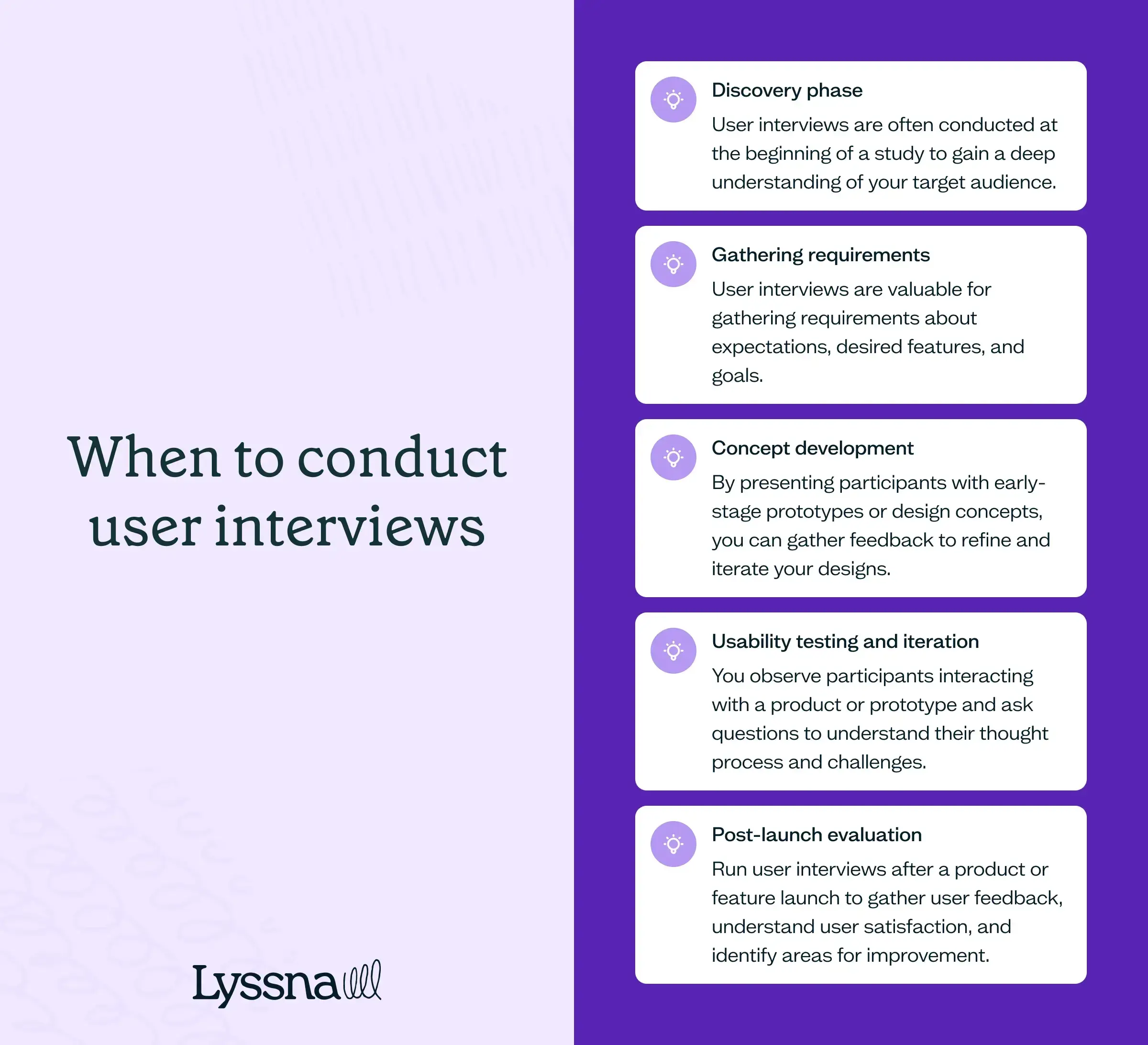
Discovery phase
User interviews are often conducted at the beginning of a study to gain a deep understanding of your target audience. They help uncover user needs, motivations, and pain points, which inform the design strategy and product goals. User interviews in this phase can also help identify potential opportunities for innovation and problem-solving.
Gathering requirements
User interviews are valuable for gathering requirements directly from users. They provide insights into users’ expectations, desired features, and goals, which can be used to define the scope of the project and prioritize design and development efforts.
Concept development
User interviews can be used to generate ideas and validate design concepts. By presenting participants with early-stage prototypes or design concepts, you can gather feedback and insights to refine and iterate on the designs. User interviews help ensure that the design aligns with user expectations and needs.
Looking for feedback on your early designs or product concepts? Use our five second test template to gather quick feedback.
Usability testing and iteration
User interviews are commonly conducted as part of usability testing. You observe participants interacting with a product or prototype and ask questions to understand their thought process, challenges, and satisfaction. Conducting user interviews during usability testing helps to identify usability issues, gather feedback for improvement, and validate design decisions.
Post-launch evaluation
User interviews can be held after a product or feature is launched to gather user feedback, understand user satisfaction, and identify areas for improvement. Post-launch interviews provide insights into real-world usage and help prioritize future updates and enhancements.
What’s an example of a user interview used for UX research?
Let’s say your team is developing a mobile banking app. You’re in the early stages of designing the app and want to make sure the concept will meet the needs and preferences of your target users – first-time homeowners.
You decide to conduct user interviews to gather insights and validate your assumptions about what first-time homeowners are looking for in a banking app. You target existing banking customers and other first-time homeowners who have expressed an interest in mobile banking services.
You focus the interviews on understanding how users manage their mortgage payments, budget and track expenses, plan for renovation costs, and whether they use educational resources. You ask open-ended questions to encourage participants to share their experiences and provide detailed feedback.
During the interviews, participants might discuss topics such as their preferred app features, their concerns about security and privacy, how often they use banking apps, and any challenges they face while managing their finances online.
The insights you gather will help the product team identify key priorities, features, and design considerations for the app. For example, the interviews might reveal a strong demand for a seamless and secure login process, the need for easy navigation and quick access to account information, and preferences for personalized financial insights and notifications.
Based on your recommendations from the user interviews, the team can refine the design concepts, prioritize features, and make informed decisions about the user interface, information architecture, and overall user experience. This helps to make sure that the product is user-centered, meets the needs of the target audience, and provides a seamless banking experience on different mobile devices.
Usability testing
TL;DR: Watch real users complete tasks to uncover usability issues. Great for validating designs, improving flows, and spotting friction – whether you’re testing wireframes, prototypes, or live products.
Usability testing is a method used to evaluate the usability of a product or design. It involves observing users while they perform specific tasks and collecting data on their actions, feedback, and overall user experience. The goal of usability testing is to identify usability issues, uncover user frustrations, and gather feedback for improving the design.
Before you conduct a usability test, it’s important to define clear objectives. This helps focus testing activities and provides meaningful results. The design of your test is another important aspect, which includes recruiting participants who match the target user demographic, creating realistic and relevant tasks, and deciding whether to use moderated or unmoderated testing approaches.
Once you’ve collected data from usability testing, you can analyze the results to identify patterns, common issues, and areas for improvement. You can synthesize qualitative and quantitative data to gain a comprehensive understanding of the user experience, and use those insights to make informed design decisions and iterate on the product.
When would you conduct usability testing?
Usability testing can be conducted at various stages of the design and product development process to evaluate the usability and effectiveness of a product or design. The timing of your tests will depend on your project timeline, resources, and specific goals, but ideally usability testing should be conducted ealy and iteratively throughout the design process so you can catch and address usability issues proactively.
Here are some common points at which usability testing is usually conducted.
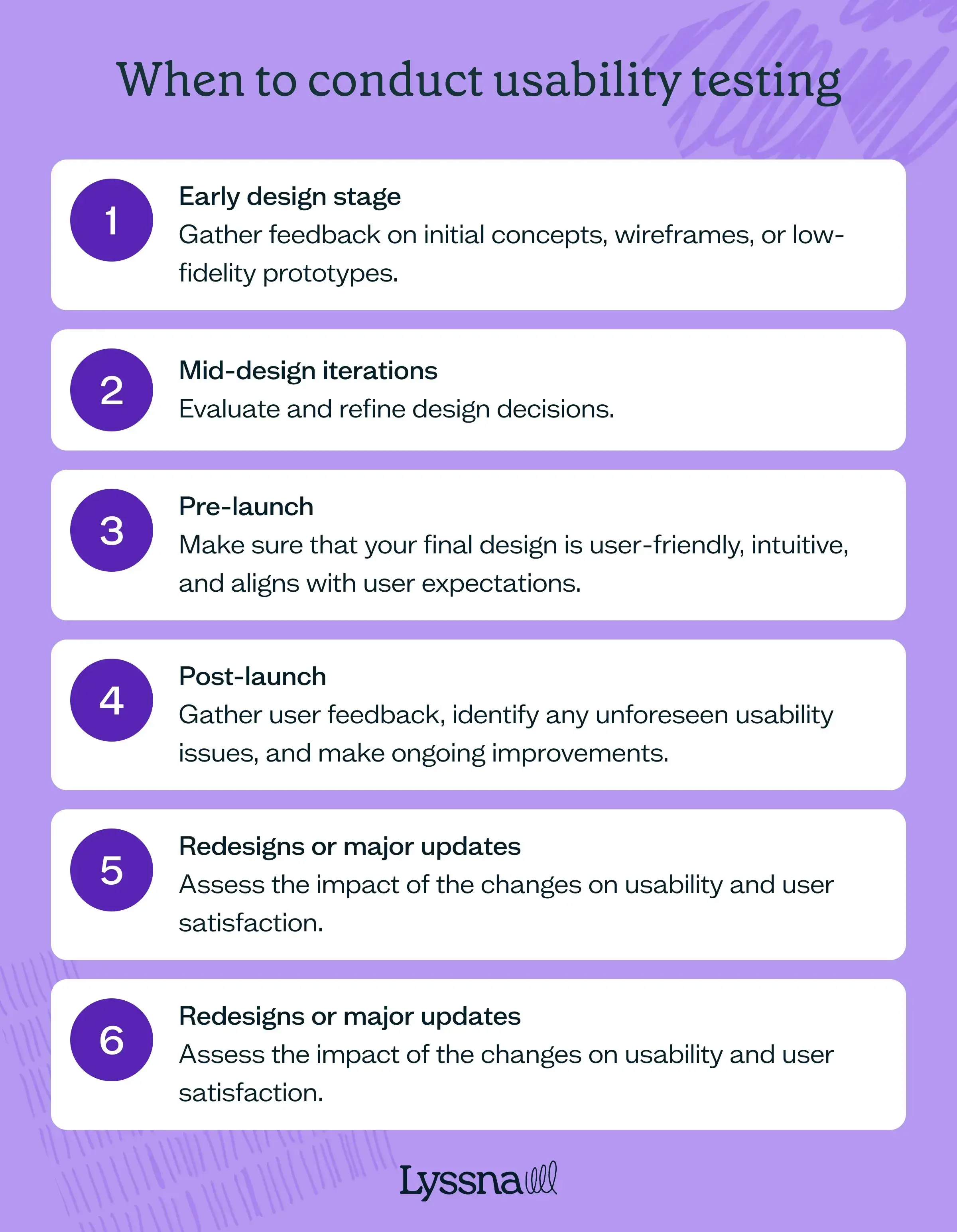
Early design stage
You can run a usability test during the early stages of a design to gather feedback on initial concepts, wireframes, or low-fidelity prototypes. This helps you identify usability issues early, understand user needs, and make informed decisions before investing significant time and resources.
Mid-design iterations
It’s useful to run usability testing during the iterative design process to evaluate and refine design decisions. Testing throughout helps uncover any usability problems that may have been introduced, validate changes, and gather feedback to inform further iterations.
Pre-launch
Usability testing is often conducted before launching a product or a new feature. It helps make sure that the final design is user-friendly, intuitive, and aligns with user expectations. This testing phase can catch any last-minute usability issues and provide valuable insights for making final improvements.
Post-launch
Usability testing can also be conducted after the product or feature has been launched. This allows you to gather user feedback, identify any unforeseen usability issues, and make ongoing improvements.
Redesigns or major updates
If you’re planning to do a significant redesign or make a major update, you can conduct usability testing to assess the impact of the changes on usability and user satisfaction.
Continuous product discovery
Usability testing can be an ongoing process throughout the product life cycle. By regularly testing, you can gather ongoing feedback, track improvements, and identify emerging usability issues or user needs. This iterative approach allows for continuous improvement and optimization of the user experience.
The timing of usability testing will depend on the project timeline, resources, and specific goals of the research. Ideally, usability testing should be conducted early and iteratively throughout the design process to catch and address usability issues proactively.
What’s an example of usability testing used for UX research?
Let’s say your company is developing a language learning app that offers interactive lessons, vocabulary exercises, and language practice for learners at different proficiency levels. You’re in the pre-launch stage and want to make sure the app is intuitive, engaging, and effective in helping users learn a new language.
To evaluate the usability of the app, you run remote unmoderated usability testing with a group of ten participants. You recruit participants with different language backgrounds and proficiency levels to capture a diverse range of perspectives.
During the usability test, you give participants specific tasks that align with the app’s features and learning objectives. For example, asking participants to navigate to a specific Spanish language lesson, complete a vocabulary exercise, and record their pronunciation. You include some follow-up questions, asking participants to share their thoughts on the design and voice any challenges or feedback they encountered while using the app.
This leads to some valuable insights. Some participants found it challenging to locate the Spanish lesson and struggled with the recording feature. Based on this feedback, you can identify areas for improvement – refining the app’s navigation structure to make it easier to find lessons and making it easier to use the recording feature. Once these changes have been made, you can conduct another round of usability testing to make sure these enhancements have improved the usability of your app.
Our assess website conversion flow prototype template is ideal if you're looking to run a test like the scenario above.
Surveys
TL;DR: Surveys help you collect feedback at scale. Use them to capture both qualitative and quantitative data across a wide audience, especially post-launch or to validate broader trends.
Surveys are a method of gathering data and feedback from users. Surveys offer many benefits – because they can be conducted online and are fairly easy to set up, they’re a particularly useful way to collect data from a large number of participants.
In UX research, surveys are used to gather both qualitative and quantitative data. Qualitative data is gained via open-ended questions that encourage participants to provide detailed explanations, opinions, or suggestions. It can offer deep insights into users’ thoughts, behaviors, motivations, or pain points.
Quantitative data is gathered through close-ended questions with predefined response options. This helps you analyze and measure trends, frequencies, percentages, or ratings, and provides insights into user preferences, satisfaction levels, and demographics.
The focus of your survey will depend on your research goals. For example, you might be looking to find out about user satisfaction, product usability, feature preferences, brand perception, or demographic information.
When designing surveys, it’s important to write questions to ensure clarity, avoid bias, and gather meaningful data. You should consider your target audience, research objectives, and the specific information you want to gather.
Read more: Check out our UX survey questions article to learn how to gather valuable insights about your product, with example questions and best practices for improving user experience.
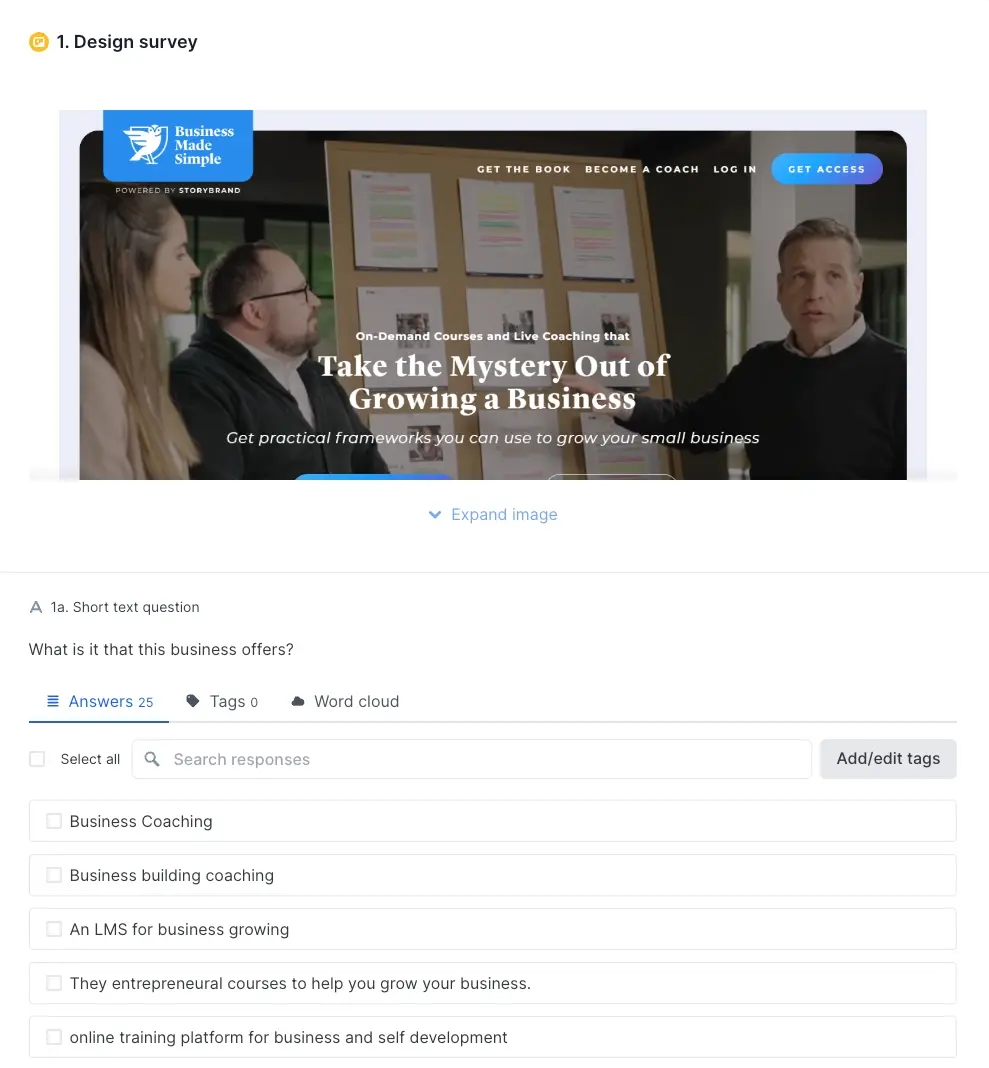
When would you conduct a survey?
Surveys can be conducted at different stages of the design process, from initial user research to post-launch evaluations. Below are some common scenarios where surveys are used in UX research.
Assessing user needs
Surveys can be used to understand the needs, preferences, and pain points of your potential users. This helps to identify target user demographics, their goals, and the features they’d expect to see in your product or service.
Validating designs and assessing usability
Surveys can be used to validate design concepts and assess usability. By presenting design variations or specific features to users and collecting their feedback, surveys help to assess user preferences and guide design decisions.
They can also accompany a usability test to gather quantitative and qualitative data on the usability of a product or UI. They can capture a user’s experience, satisfaction level, and any usability issues they encountered during the testing process.
In Lyssna, for example, you can run a prototype test or preference test and incorporate a follow-up survey asking users what they think about the design, how they found the task, why they liked or disliked a particular design, and so on.
User feedback and feature requests
Surveys can be used to ask participants for their feedback and suggestions for new features, and to share their opinions on existing functionalities. This can help you to understand user expectations and prioritize future enhancements.
What’s an example of a survey used for UX research?
Continuing with our language app concept, here’s an example of a survey that could be sent to active users (e.g. users who have spent 20+ hours on the app) post-launch to gather user feedback and feature requests.
It would begin with an introduction thanking participants and letting them know what to expect from the survey and how long it will take, and some demographic questions, followed by:
Language learning goals:
What is your primary motivation for using the app?
Which language(s) are you currently learning?
How often do you use the app to practice language skills?
App features evaluation:
On a scale of 1 to 5, how would you rate the app’s user interface in terms of intuitiveness and ease of navigation?
Which features of the app do you find most useful for language learning?
Are there any features that you find difficult to use or understand?
Lessons:
How satisfied are you with the variety and quality of lessons provided?
Are there any specific topics or language skills that you would like to see?
Do you find the content level appropriate for your language proficiency?
User engagement:
How motivated do you feel to continue using the app regularly?
What factors contribute to your motivation?
Would you recommend the app to others? Why/why not?
Additional feedback:
Is there anything else you would like to share about your experience using the app?
Do you have any suggestions for improving the app’s user experience?
Do you have any suggestions on features you’d like to see added?
The survey could include a mix of question types, for example, open text (short or long answer), single select (e.g. yes/no), multiple choice, and rating scales.
Top tip: In Lyssna, you can use a variety of question types when designing your surveys, including short text, long text, single and multiple choice, Linear scale, and ranking questions.

A/B testing
TL;DR: A/B tests compare variations to see what performs best. Ideal for optimizing conversions or UX decisions based on measurable user behavior – like clicks, sign-ups, or task success.
Also known as split testing, A/B testing is a research method that involves creating two different versions of a website or landing page and then directing traffic to each version to see which one performs the best. It’s used to evaluate and optimize user experiences, conversion rates, and engagement metrics.
During an A/B test, you show two different variations of a design or feature. Users are randomly assigned to different groups and exposed to one of these variations. Data is collected on user interactions, behaviors, and metrics, such as click-through rates, conversion rates, and time spent on page.
After the test period, the data you collect is analyzed using statistical analysis to find out if the differences in user behavior between the two variations are statistically significant. This helps you to identify which variation performs better to achieve the desired outcomes. These insights can then be used to optimize and improve the user experience.
In Lyssna, a preference test can be used much like an A/B test.
When would you conduct A/B testing?
A/B testing is usually conducted in the later stages of the UX research process, specifically during the evaluation and optimization phase. After initial research, user feedback, and design iterations have been incorporated into a product or feature, A/B testing can be used to assess the performance and impact of different variations.
Once the design or feature is relatively final, A/B testing can be conducted to compare how effective different options are. This allows you to evaluate specific design elements or variations to work out which one performs better.
A/B testing can also be used iteratively throughout the design process. For example, after initial testing and feedback, modifications can be made to the design and then tested again using A/B testing to validate the improvements and gather more insights.
It’s important to note that A/B testing shouldn’t be your only UX research method. It’s most effective when it’s used in conjunction with other research methods, such as usability testing or surveys, to gain a comprehensive understanding of user needs and behaviors.
What’s an example of an A/B test used for UX research?
Say you’re conducting UX research for a project management tool that helps teams collaborate, track tasks, and manage projects. The company wants to increase the conversion rate for users signing up for their product, and has identified some usability issues with its sign-up form.
You want to find out if modifying the form layout will improve the conversion rate, and decide to test:
Variation 1: All fields in a single column.
Vation 2: Fields divided into multiple sections for improved visual flow.
The method includes:
Randomly assigning website visitors into two groups: Group A and Group B.
Group A sees the sign-up form with all fields in a single column.
Group B sees the sign-up form with the fields divided into multiple sections.
Monitoring and recording the conversion rate – the percentage of visitors who complete and submit the form, over a two-week period.
Analyzing the data and comparing the conversion rates between Group A and Group B.
Based on the data, you find that Variation 2 achieves a higher conversion rate compared to Variation 1. This insight helps the company make an informed decision to modify the design across their sign-up process, leading to a higher number of conversions and customer acquisitions.

Card sorting
TL;DR: Understand how users group and label content. Open card sorting reveals natural patterns, while closed sorting validates existing structures. Use it early when designing or rethinking navigation.
Card sorting is a UX research method used to understand how users organize and categorize information. It involves presenting participants with a set of labeled cards representing different elements, such as navigation labels, features, or content items, and asking them to group and organize these cards into meaningful categories.
The goal of card sorting is to gain insights into users’ mental models and understand how they perceive the relationships between different elements. You can use it to help inform information architecture, content organization, and navigation design decisions.
There are two main types of card sorting: open card sorting and closed card sorting. In open card sorting, you ask participants to create their own categories and group cards based on their own understanding and logic. This method is useful when exploring new or unfamiliar domains and when you want to understand users’ natural categorization patterns.
In closed card sorting, you give participants predefined categories and ask them to sort cards into these categories. This method is useful when evaluating existing category structures, testing the effectiveness of predefined labels, or comparing different categorization options.
The data you collect can be analyzed to identify patterns, similarities, and discrepancies in how participants organize the cards. The results inform the design and organization of information, aiding in creating intuitive and user-friendly structures for websites, applications, or other digital products.
Read more: Discover the best card sorting tools, their key features, pricing options, and how to use them to elevate the structure of your website.
When would you conduct card sorting?
Card sorting is usually conducted during the early stages of the design process to understand how users naturally group and categorize information. It can help you gain insights into users’ mental models and organization preferences, which informs the creation of user-friendly information architecture.
Card sorting is useful in different situations, such as exploratory research, information architecture design, website or app redesign, content organization, and comparative analysis. By involving your target audience, card sorting ensures that the way you organize and label information aligns with their expectations.
What’s an example of card sorting used for UX research?
Let’s say you’re working for a careers portal aimed at job seekers and recruiters. It’s in the early design stages, and to make sure its usability and navigation align with your users’ expectations, you decide to conduct an open card sorting exercise.
You recruit participants who represent the two target user groups, with job seekers and recruiters from various industries and backgrounds. During the test, you provide participants with a set of labeled cards representing different features, functionalities, and categories that could be included on the job portal. These cards could include options like: job search, resume upload, company profiles, job recommendations, application tracking, salary information, interview tips, networking events, and so on.
You ask participants to conduct an open card sort by grouping the cards into categories that make sense to them based on how they'd expect to find these features on a job portal, and label each category.
During the analysis phase, you identify common patterns and groupings among participants. For example, you may find that most participants create categories like: search and filters, profile management, saved jobs, application history, company insights. This information reveals the mental models and expectations of users when it comes to organizing and accessing job-related information.
Based on the results of the card sorting exercise, you can refine the information architecture and navigation of the job portal. You can make sure that important features are prominently displayed and easily accessible, optimizing the user flow for both job seekers and recruiters. For example, if participants consistently group ‘job search’ and ‘filters’ together, it suggests the importance of providing robust search functionality with advanced filtering options.
Use our open card sorting template to create a study like the one outlined above.

Tree testing
TL;DR: Tree testing evaluates whether users can find information in your navigation structure. It’s fast, focused, and helps validate IA decisions before visual design enters the mix.
Tree testing is used to evaluate the organization and labeling of information architecture and navigation structure. It’s a useful method to follow on from card sorting, as it focuses on the organization and hierarchy of content elements rather than the visual design, with a goal of assessing how well users can find and locate specific information within a given hierarchical structure.
In tree testing, you present participants with a text version of your site structure showing the main categories and subcategories of content. You give participants specific tasks or scenarios to complete, such as finding a particular piece of information or navigating to a specific section of the site.
You ask participants to navigate through the tree structure by selecting the categories and subcategories they believe would lead them to the desired information. They can choose to explore multiple paths or backtrack if they feel they’ve made an incorrect choice. The goal is to understand how well the structure aligns with their mental model and whether they can effectively locate the information without getting confused or frustrated.
Through tree testing, you can gather quantitative data, such as success rates and time on task. The findings can help identify potential issues with the information architecture, such as ambiguous labels, unclear categorization, or navigation pathways that don’t lead anywhere. This feedback can then be used to refine and optimize the structure of your website or app, improving its usability and user experience.
When would you conduct tree testing?
You’d typically conduct tree testing using dedicated tree testing tools, during the early stages of a website or app design or redesign, when the information architecture is being decided or refined. It’s a useful method for evaluating the effectiveness of the proposed navigation and to make sure that your users can easily find the information they need.
What’s an example of tree testing in UX research?
Let’s consider an example of a large ecommerce website selling a variety of electronic products. The product team is planning a redesign to improve the navigation and overall user experience. You want to make sure that customers can easily find the products they’re looking for and that the information architecture is intuitive.
You decide to conduct tree testing and create a simplified text-based diagram representing the proposed information architecture. The tree includes main categories, subcategories, and product pages.
You recruit participants who fit the target audience – including both frequent online shoppers and those less experienced with the website. Each participant is given a set of tasks, such as:
Locate an xBox console
Find the DSLR cameras category
Locate a soundbar
Locate a Garmin smartwatch
The participants interact with the text-based tree, clicking through the categories and subcategories to complete the tasks. From there, you can see how well each participant completes the tasks, the time it takes them to find the correct items, and any issues or confusion they may have experienced. You analyze the results to identify any patterns and trends, and make informed recommendations about how to optimize the information architecture and navigation.

Focus groups
TL;DR: Focus groups reveal shared opinions and spark new ideas through discussion. Best used early to explore user expectations, emotional reactions, or broad concepts across different perspectives.
Focus groups are used to gather insights from participants about a specific topic, product, or service. To conduct a focus group, you bring together a group of around 6–10 participants who share common characteristics or experiences relevant to your research objective.
During a focus group session, a moderator guides the discussion by asking open-ended questions and encouraging participants to share their thoughts, feelings, and experiences related to the topic.
Focus groups offer many benefits, such as:
Rich insights: Through open discussion and group dynamics, focus groups can gather in-depth insights that may not come from individual interviews or surveys alone.
Group dynamics: Participants can influence each other’s perspectives and generate new ideas, providing a more comprehensive understanding of user perspectives.
Interactions in real-time: Observing participants’ body language, facial expressions, and emotions during a focus group can provide context for understanding their attitudes and reactions.
Efficiency: A single focus group can gather input from multiple perspectives simultaneously, which can make it a time-efficient method.
While these aspects can be positive, they have their downsides too. For example, while group dynamics can lead to deep discussions, you might find some participants dominating the conversation, with others hesitant to voice their opinion, which can lead to biased insights. Some participants might also alter their responses to align with social norms, and this social desirability bias can lead to participants providing socially acceptable answers rather than their own opinions.
It can also be difficult to find participants who fit the target criteria and are available to attend a session, which can lead to a less diverse or representative group. Organizing sessions can also be time-consuming and costly.
As with any research method, proper planning, recruiting diverse participants, and skillful moderation are important to make sure the success and validity of the insights you gather from focus groups.
When would you conduct a focus group?
Focus groups are useful in UX research when you want to gather in-depth qualitative insights and understand the motivations, attitudes, and preferences of your users or target audience.
They can be useful in the following scenarios:
Conducting formative research: Focus groups can be useful in the early stages of a project, when you want to explore perspectives and expectations related to a new product or service. They can help generate ideas and uncover potential design directions.
Gathering feedback on new concepts or designs: When you have a prototype or design concept that you want to evaluate, focus groups can be a good way to gather feedback from potential users.
Understanding expectations: Similar to the above, when you’re developing a new product or service, it’s important to align with user expectations. Focus groups can provide insights into what users expect in terms of usability, functionality, and experience.
Understanding user perspectives: If you want to gain a deeper understanding of how users interact with your product or service, focus groups can be a good way to gather diverse opinions.
It’s worth remembering that focus groups aren’t suitable for every research question – they work best in conjunction with other methods, such as usability testing, surveys, or user interviews.
What’s an example of a focus group in UX research?
Say you’re a UX researcher working for a financial institution developing a mobile app designed to help young adults manage their finances and budget effectively.
You conduct a focus group to gather feedback on the app concept, with a group of eight participants aged 18 to 30 with diverse financial backgrounds and levels of financial literacy.
During the session, discussion topics include current budgeting practices, financial goals, and experiences with budgeting apps. You ask the group to provide feedback on the concept and features of the new app, discussing their interest, potential use cases, and concerns related to financial data security. Participants explore prototypes of the app screens, offering insights on the user interface, ease of navigation, and features.
The focus group provides valuable qualitative insights, including understanding the financial management needs and preferences of young adults, identifying potential usability issues, and suggestions for improvements to the prototype designs. This information can now be used to make recommendations that will guide the design of the app to meet the needs of the target audience.

Diary studies
TL;DR: Capture long-term insights into user behavior, routines, and decision-making over days or weeks. Great for exploring evolving needs and uncovering patterns that short-term research might miss.
Diary studies are what the name implies – a UX research method that involves participants maintaining a diary to record their experiences, behaviors, and thoughts over a period of time, ranging from a few days to several weeks.
In these studies, participants are active observers, documenting their interactions with your product or service in real-time and in their natural environment.
The number of participants you recruit will vary depending on your research goals, the complexity of the research questions, and the resources available. But because of their nature, they tend to involve a smaller number of participants compared to other research methods like surveys or usability testing. The important thing is making sure the sample size is large enough to provide valuable insights.
In a diary study, you provide participants with specific prompts or questions to guide their diary entries, which may be written, photographic, video, or audio recordings.
Diary studies allow you to gain deep insights into participants' experiences and behavior over an extended period, capturing both the highs and lows of their user journey. This approach allows you to understand how their interactions evolve over time and in different contexts.
Analyzing diary study data requires careful review, looking for patterns, trends, and insights that can inform design decisions and improve the user experience.
When would you conduct a diary study?
Diary studies tend to be conducted during the exploratory or discovery phase. They’re particularly useful for:
Understanding long-term usage patterns: Diary studies are useful when you want to understand how users interact with your product or service over an extended period. For example, if you’re developing a learning language app, you might want to observe how users practice and progress over several weeks.
Capturing natural behaviors: Diary studies allow you to capture users’ experiences and behaviors in their natural environment, which can lead to authentic insights. For example, you might study how families use a meal planning app in their day-to-day lives.
Exploring complex or emotional experiences: Diary studies can be insightful when dealing with complex tasks or experiences with an emotional component. For example, for a financial budgeting app, you might want to understand how users manage their finances and the emotions that come into play when making financial decisions.
Tracking changes or progress: If a service undergoes significant changes or updates, diary studies can help to assess the impact on users’ experiences over time.
What’s an example of a diary study in UX research?
Let’s use the language learning app mentioned above. Say your objective is to conduct a diary study to gain insights into how users practice and progress in their language learning journey over a six-week period. The goal is to learn about user motivations, study habits, challenges, and successes as they interact with the app each day.
You recruit a diverse group of six participants with varying levels of language proficiency and learning goals. Each person is provided with access to the app and is asked to use it regularly for at least 30 minutes each day during the study period.
To capture their experiences, you ask each user to maintain a digital diary within the app, where they’re prompted to record their daily interactions, including the lessons they completed, vocabulary learned, speaking exercises, and any difficulties or breakthroughs they encountered.
After the six-week period, your team can analyze the diary entries, looking for patterns and trends, such as preferred learning modules, challenges, and any shifts in motivation or engagement. The findings reveal interesting insights into users’ language learning experiences. Some participants reported feeling motivated when they achieved language milestones, while others found difficult grammar concepts frustrating. You also find that interactive exercises, like pronunciation practice and speaking challenges, received positive feedback.
The research findings provide valuable input. Based on your recommendations, the design team decide to further enhance the interactive exercises and gamify progress tracking to boost motivation. They also plan to introduce adaptive learning features to cater to individual learning styles and paces.

Contextual inquiry
TL;DR: Observe users in their natural environment to understand real-world behaviors and workflows. Best for discovering pain points and needs that users may not express directly.
Contextual inquiry involves observing users in their natural environment while they perform tasks or interact with a product or service. The goal is to understand their needs, behaviors, and motivations in real-world contexts, so you can gain deeper insights that might not be apparent through traditional lab-based interviews.
Some of the benefits of conducting contextual inquiries include:
Rich contextual insights: Contextual inquiries provide authentic insights into users’ experiences, needs, and challenges.
User empathy: You can gain a deep understanding of users’ perspectives and develop empathy for their needs and goals.
Identifying pain points: Contextual inquiries reveal pain points and areas of improvement that users might not have expressed in an interview.
Opportunities for iterative improvements: By observing users in their natural environments, you can identify potential design improvements and iterate the product to make it better.
There are of course some challenges too, like:
It’s resource and time-intensive: Onsite visits and interviews can involve a lot of time, especially when working with geographically dispersed participants.
Logistical challenges: Similar to the above, coordinating visits, ensuring availability, and obtaining consent can present some logistical challenges.
Observer bias: Your presence might influence participants’ behavior or responses.
Despite its challenges, contextual inquiry can be valuable in gathering in-depth insights for user-centered design, especially when you’re seeking a deep understanding of user behavior in real-world contexts.
When would you conduct a contextual inquiry?
Contextual inquiries can be conducted during the early stages of product development to uncover user needs and shape the initial design and features. In this scenario, they’re particularly useful for identifying usability issues and challenges that users face when using a product, offering direct observations of potential barriers.
It can also be useful to run a contextual inquiry when you want to evaluate the overall user experience of a product or service and make iterative improvements. By observing how users integrate it into their routines, you can understand its impact on their daily lives. This method is especially ideal for products or services with complex or long-term user journeys, so that you can follow participants over time and understand their evolving needs.
What’s an example of a contextual inquiry in UX research?
Let’s say your company is looking to improve its podcast recording and editing software to an all-in-one solution for recording, editing, and managing episodes. You want to understand how podcasters use the software currently in a studio environment.
Your goal of the contextual inquiry is to gain insights into the podcasters’ workflow, pain points, and needs, as well as observe how they interact with the technology during the recording and editing process.
You’ve recruited a group of professional podcast producers and hosts who regularly use the software in a studio setting, and visit them onsite to observe their recording and editing session, paying close attention to their actions, interactions with the technology, and any challenges they encounter. Where possible, you also ask follow-up questions to gain deeper insights into their experiences and thoughts about the software.
Throughout the contextual inquiry, you’re able to gain insights about how podcasters use the software and how it impacts their recording and editing processes. You also observe how different teams collaborate and their preferences for specific features.
Analyzing the data, you’re able to look for recurring themes and patterns related to user experiences and pain points. With a better understanding of how podcasters are using the software in a real-world studio environment, your design team is able to make informed improvements to the user interface and address technical issues that optimize the podcasting experience.
Concept testing
TL;DR: Use concept testing to validate early ideas before design or development. Get quick feedback on whether a new feature or message resonates and solves a meaningful problem.
Concept testing is used to evaluate early-stage ideas – such as product features, design directions, or messaging – before committing to design or development. It helps teams understand whether their solution resonates with real users and addresses a genuine need.
This method typically involves presenting participants with low-fidelity assets like wireframes, written descriptions, UI sketches, or value propositions. You might then run surveys, interviews, or preference tests to learn whether the idea is clear, relevant, and worth pursuing.
It’s especially helpful in the discovery or ideation phase, when you have multiple directions but need to narrow your focus. For example, if you’re building a finance app and debating two onboarding flows, concept testing could reveal that users are more motivated by a goal-setting prompt than a step-by-step account setup, helping you move forward with confidence.
Competitive analysis
TL;DR: Analyze competitors to learn what users already expect – and where you can do better. Run early in projects to guide strategy, identify gaps, and spot UX opportunities.
UX competitive analysis is a strategic research method used to evaluate how rival products structure content, deliver features, and solve user problems. It highlights gaps, patterns, and opportunities for your product to stand out.
This can include reviewing competitors' UI flows, information architecture, visual hierarchy, accessibility, and onboarding. Paired with user reviews, usability testing, or heuristic comparisons, it gives you a grounded view of what users expect and where they’re being underserved.
Competitive analysis is particularly useful at the beginning of a project or redesign. For instance, if you’re designing an HR platform and find that key tasks like “request time off” are deeply buried in every competitor’s UI, it signals an opportunity to win through clarity and ease of use.
Heuristic reviews
TL;DR: Heuristic reviews catch common UX issues based on usability principles. Fast, low-cost, and ideal for cleaning up problems before usability testing or design handoff.
Heuristic reviews are expert-led evaluations of a product’s usability, based on well-established principles like Nielsen’s 10 usability heuristics. Instead of relying on user feedback, a trained reviewer inspects key screens and flows to identify common UX issues.
These might include unclear labels, inconsistent navigation, weak error messages, or unnecessary complexity. Reviewers typically score each issue by severity, which helps teams prioritize what to fix before launch.
Heuristic reviews are best used early in design QA or just before user testing to catch issues that may otherwise slow down or skew testing sessions. For example, during a pre-launch review of an ecommerce flow, you might uncover that vague error messages are stopping users from completing checkout – a fix that can directly impact conversions.
How to choose the right user research method for your project
Choosing the right research method means balancing practical realities with strategic priorities. It’s not about picking a “correct” option, it’s about choosing the one that fits your team, your timeline, and your goals. Here are the five factors that matter most – and how to make each one work for you.
1. Clarify your research goal
Before you pick a method, define what you’re trying to learn. Are you exploring a problem space or testing a solution? Do you need to understand why users behave a certain way, or measure how often they do?
For example, if you’re validating whether users understand your new onboarding flow, usability testing is a smart fit. If you’re trying to discover unmet needs for a product pivot, interviews or diary studies will give you richer context.
Top tip: Write out your research question in plain language first. If it starts with “Why...?”, “How might we...?”, or “What do users expect...?”, you’re probably looking at a qualitative method.
2. Know where you are in the product lifecycle
The right method depends heavily on timing. Early in the process, you need exploratory insights. Later, you need validation and refinement.
Discovery phase: Use interviews, contextual inquiry, or concept testing to understand needs, habits, and reactions to early ideas.
Design phase: Run usability testing to validate early design concepts and apply card sorting, tree testing, or competitive analysis to shape navigation and flows.
Pre-launch and post-launch: Use usability testing, surveys, or A/B tests to optimize UI and validate decisions at scale.
Don’t wait until the end to involve users – the earlier you learn, the fewer expensive mistakes you’ll make later.
3. Consider your time, budget, and team
Time and resources play a huge role in what’s realistic, but constraints don’t mean compromising on quality. Some methods are light-touch and quick to execute (like heuristic reviews or unmoderated usability tests), while others (like diary studies or contextual inquiry) require more planning and time.
Think about:
Time-to-insight: How fast do you need answers?
Team support: Who will analyze the data and share findings?
Tools on hand: What research platforms or recruitment channels can you already use?
Even small teams with tight timelines can run effective research, especially with remote and mixed-methods tools like Lyssna that combine multiple approaches into one test.
4. Don’t just pick one – combine methods
Relying on a single research method is like viewing your product through a keyhole. By combining complementary approaches, you can fill in blind spots and validate findings from multiple angles.
For example:
Use card sorting to shape your IA, then tree testing to confirm users can navigate it.
Combine usability testing with a post-task survey to gather both behavioral and attitudinal data.
Pair interviews with competitive analysis to learn both what users want and how others are (or aren’t) delivering it.
Each method adds another layer of insight. Together, they give you the full picture.
5. Think about stakeholder impact and deliverables
The method you choose also affects how findings are shared, understood, and acted on by your team. Some stakeholders respond best to stories and quotes (from interviews or diary studies), while others prefer numbers, charts, and benchmarks (from A/B tests or surveys).
Consider what outcomes your research needs to support. If you're pitching a new idea, concept testing with real user feedback can help win buy-in. If you're prioritizing feature updates, quantitative usability tests with success rates and time-on-task data make a stronger case.
The right method? It’s the one your team will actually act on!
Use Lyssna to generate valuable insights about your users
Ready to apply the research methods you've just explored? With Lyssna, you can run user interviews, usability tests, card sorts, surveys, concept tests, and more – all from one platform.
Whether you're gathering early discovery insights or validating final designs, Lyssna helps you move faster and make smarter UX decisions with real user feedback.
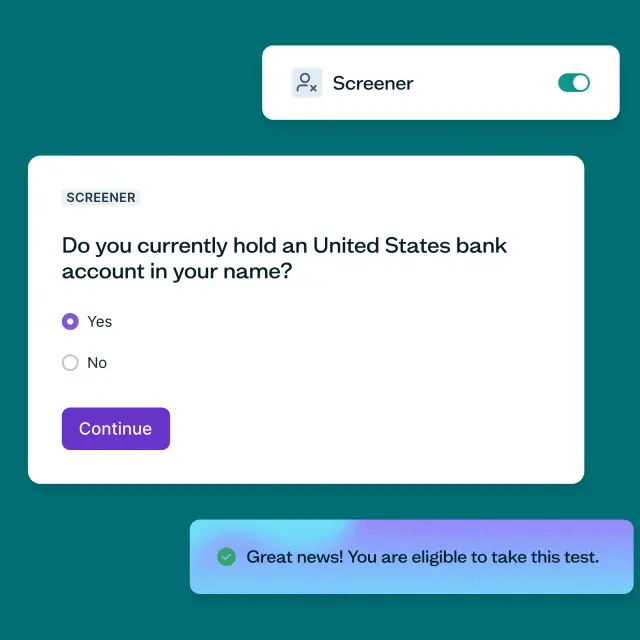
UX research analysis and synthesis
UX research analysis and synthesis are the keys to unlocking your research efforts. Analysis is the process of systematically examining and organizing the data you’ve collected during your research study, whether through user interviews, surveys, usability tests, or other methods. Synthesis takes this further by connecting your findings to discover patterns and deeper meaning that guide your design and product decisions.
Together, these processes transform raw data into actionable insights that enhance the user experience of your product or service.
In this guide, you’ll gain a deep understanding of how to conduct both UX research analysis and synthesis effectively, and how they work together to create meaningful insights.
Understanding UX research analysis and synthesis
UX research analysis and synthesis work together to transform your research data into actionable insights. Analysis involves organizing, classifying, and examining the data you collect during your research study – like user interviews, surveys, or usability tests. Synthesis takes this organized data and connects it to discover patterns, themes, and deeper meaning.
When you conduct analysis, you’re essentially asking:
What can the data reveal about user needs?
How are users interacting with our product?
What challenges are users facing?
When you synthesize, you’re asking:
Why are these patterns emerging?
What do these findings mean for our users?
How can we connect these insights to drive design decisions?
Both processes tackle qualitative and quantitative data. Whether you’re dealing with numbers or narratives, the aim is the same: to uncover meaningful patterns and themes that shed light on user behavior and product usability, then transform those patterns into insights that guide product teams toward addressing user needs and pain points.
What’s the difference between UX research analysis and UX research synthesis?
When it comes to navigating UX research, terms like analysis and synthesis often get thrown around. But do they really mean the same thing? Before we get into the how-to’s, it's worth understanding the key differences between these terms and how they work together.
Analysis: Breaking down and organizing
At its core, analysis involves sorting and categorizing data. You’re dissecting raw information and organizing it into manageable pieces. This usually involves working with qualitative data (like interview transcripts) and quantitative data (like survey responses or usability metrics).
During analysis, you:
Code and tag your data.
Identify individual findings.
Organize information into categories.
Spot initial patterns and trends.
Synthesis: Connecting and interpreting
Synthesis takes an interpretive route. It’s about looking beyond the individual data points and seeking patterns, connections, and meaningful relationships. This involves spotting themes that connect user experiences, crafting coherent explanations, and building insights. This is the phase where you form groups of notes on an affinity map, merge various themes from multiple interviews, and transform findings into actionable recommendations.
During synthesis, you:
Connect findings across different sources.
Identify deeper themes and patterns.
Create coherent narratives about user behavior.
Transform findings into insights that reveal user motivations.
How they work together
Analysis and synthesis can happen at different stages, but they’re often done at the same time. Through analysis you’ll identify findings – specific observations backed by your data. Through synthesis, you can turn those findings into insights – deeper understandings that reveal why users behave the way they do and what it means for your product decisions.
Think of it this way: analysis helps you see the trees, while synthesis helps you understand the forest.
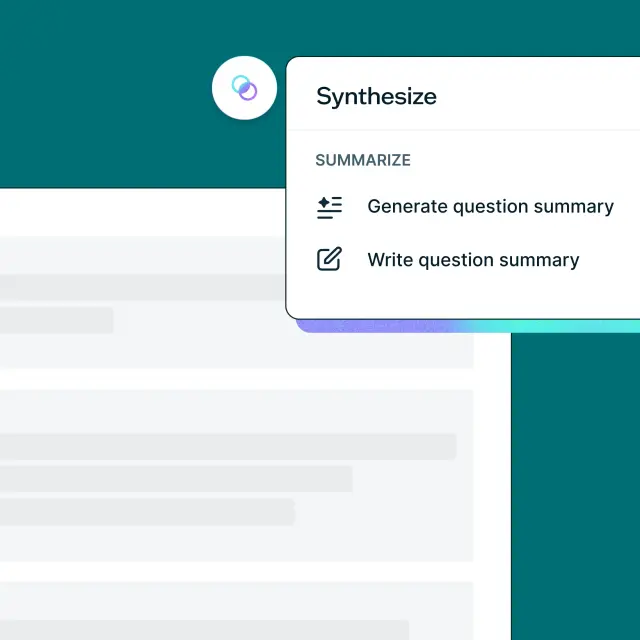
When should you conduct UX research analysis and synthesis?
So, when should you begin analyzing and synthesizing all that valuable data you’re gathering? While the obvious answer might be after your study ends, it’s good practice to start analyzing a few steps earlier.
Before researching
Obviously you can’t start analyzing before you begin researching, but you should have clearly defined objectives and research questions. Incorporating this step into your research plan lets you bake analysis into your study from the outset. With a clear vision, you’ll know exactly what to look for when conducting your analysis, which will prevent you from getting lost in a sea of data.
As you gather data
As you start gathering data, conduct on-the-go analysis and note emerging patterns for future synthesis. This practice helps you spot any potential issues early on.
For example, say you’ve conducted a couple of user interviews – by doing some early analysis of your interview transcripts, you might notice that some of your questions are steering the research away from meeting your objectives. You might also start noticing themes emerging that warrant deeper exploration in remaining interviews. Because you’ve caught this early, you'll be able to fix any issues and pursue interesting synthesis opportunities before conducting further interviews.
After data collection
Starting your analysis early can also save you time at the end of the project. But it’s worth noting that most analysis and synthesis will happen at the end of your study. By this point, you should have your raw data, tagged notes, and initial analysis ready – now, it’s time to dive deep into both detailed analysis and comprehensive synthesis to uncover meaningful insights.
How long does UX research analysis and synthesis take?
One of the most common questions we hear is about timing: “How long should I expect to spend on analysis and synthesis?” The answer depends on several factors, but our research study with 300 practitioners provides some helpful benchmarks.
Most synthesis happens quickly
Our survey data revealed that research synthesis typically moves quickly. The most common timeframe is 1–2 days (35.0% of participants), with another 30.3% taking 3–5 days. This means nearly two-thirds of all synthesis work is completed within five days.
Quick synthesis (less than a day) accounts for 21% of participants, while extended synthesis periods (more than 5 days) are less common at just 13.7%.
What affects the timeline?
Several factors can influence how long your analysis and synthesis will take:
Organization size: Larger organizations tend to have longer synthesis periods due to additional stakeholders, formal processes, and complexity.
Research type: Market research and competitive analysis typically require more time due to broader scope and complex datasets.
Your role: Marketing and customer insights professionals often report longer synthesis periods, possibly due to larger sample sizes and more comprehensive analysis requirements.
Data volume: The amount of data you’re working with significantly impacts the timeline.
The most time-consuming tasks
Based on our research, here’s what takes the most time during synthesis:
Reading through responses/data (59.0% of participants).
Organizing findings into a structure (57.3%).
Identifying patterns and themes (55.0%).
Creating presentations/visualizations (49.0%).
Writing summaries (35.0%).
Planning your synthesis timeline
When planning your research project, consider allocating:
1–2 days for straightforward usability tests or small interview studies.
3–5 days for comprehensive user research with multiple methods or large datasets.
5+ days for complex market research or studies involving multiple user segments.
Remember that starting your analysis early – even during data collection – can significantly reduce the time needed at the end of your project.
Quantitative vs qualitative UX research analysis
There are two main types of user research: quantitative research methods and qualitative research methods, each offering unique insights into user behavior and experiences.
Quantitative research deals with objective, measurable data – think completion rates, task durations, and error rates. It’s all about finding concrete answers to questions like “How many users successfully completed a specific action” or “How long did it take them to navigate through a particular feature?” This type of analysis unveils the “what” and “how” of user behavior, shedding light on user actions and interactions within a product or service.
Qualitative research uncovers subjective experiences using words and behaviors. This method captures the depth of user interactions – their feelings, opinions, and thoughts. When analyzing qualitative data, the goal is to identify recurring themes and patterns. This kind of analysis uncovers insights about what resonates with users, how they emotionally connect with an experience, and where they encounter challenges. Bearing in mind the depth of insights means analyzing qualitative data often takes more time compared to quantitative analysis.
Depending on your research objectives and questions, you might opt for one method or find value in combining the two. While they lead to different insights, the ultimate goal remains the same – to understand your users and how to optimize their experience.
Tips for conducting quantitative research analysis and synthesis
In the world of UX research, quantitative analysis deciphers patterns to unveil the "how" and "why" behind user interactions with your product.
Below are some top tips on how to analyze quantitative data.

Organize your quantitative data
When you conduct a quantitative study, you'll find yourself with lots of data. You might have the data neatly arranged in a spreadsheet, with each column representing a question and each row containing a participant's responses, or you might need to manually compile data from various sources. Either way, organizing your datasets in a manageable way will help bring structure to your analysis.
Use data analysis tools and software
Once your data is neatly organized, it's time to undertake statistical analysis. Tools like R, Python, SPSS, and Excel can help you crunch the numbers and unearth valuable insights.
Most user research tools will have some analysis functionality built in. In Lyssna, there are various reporting and analysis features available to make this task easy to manage.
Define your focus
Before you start synthesizing, revisit your study's core objectives. What questions are you seeking to answer? For example, you might want to determine how long it takes for a user to complete a task or gauge their satisfaction at different stages of a checkout process. Concentrate on these key questions.
Consider variables
Common variables explored in quantitative analysis include success rates, task completion times, and error rates. You might also assess the overall user experience through survey responses or behavioral data. Demographic and geographic data can also be folded into the analysis, offering insights into user patterns among specific groups.
Tips for conducting qualitative research analysis and synthesis
Qualitative research analysis and synthesis involves carefully reviewing non-numerical data collected from sources like user interviews, focus groups, or diary studies. Our research with 300 practitioners reveals both common approaches and persistent challenges in this process.
Transcribe and tag your qualitative data
If your research involves spoken or written responses from participants, such as interviews, you'll need to transcribe this data. Transcription tools like Rev and Otter can streamline this process. In Lyssna, automated transcripts for user interviews are built in.
You'll also need to consider how you'll tag your data. Some UX research tools, like Dovetail and UserTesting, include transcription and tagging features, which can also help streamline this process. Other popular tagging tools include Miro and Airtable.
Align with your research goals
Before you dive into your analysis, revisit your research objectives. For example, if your goal is to understand user preferences regarding a product’s user interface, focus your analysis on responses relevant to this goal.
Focus areas for qualitative analysis
To make your qualitative analysis more effective, consider the following focus areas as you explore the data:
Patterns and themes: Run a thematic analysis to look for significant patterns and common themes that emerge from users' responses. These recurring elements often hold valuable insights. Our research showed that identifying patterns and themes is time-intensive (cited by 55.0% of practitioners) but crucial for meaningful synthesis.
Surprising findings: Take note of any unexpected findings. Investigate these surprises to uncover their potential implications and significance.
Emotional responses: Pay attention to the contexts in which users express significant emotional responses to questions. Emotions can reveal critical aspects of the user experience.
Feature importance: Determine which product features hold the highest importance for users. Insights into feature prioritization can guide future design decisions.
Cross-segment differences: Our research revealed that practitioners often struggle with conflicting feedback from different user segments. Look for how responses differ across user groups to provide insights into diverse user needs and preferences.
Methods for qualitative analysis and synthesis
Two popular methods can help you extract meaningful insights from qualitative data: content analysis and affinity mapping.
Content analysis
Content analysis can help you uncover valuable patterns in your data and label them for deeper understanding. This method is particularly useful when dealing with lots of text, like interview transcripts.
Here's how to conduct a content analysis:
Define your codes: The first step is to decide on the codes you'll use. You can either define codes based on topics you expect to find or let them emerge naturally as you delve into the data. For example, if you're analyzing customer feedback, codes like "pricing," "usability," and "customer support" might come up.
Assign codes along the way: As you sort through the data, apply these codes. You can do this manually or use a qualitative analysis program to streamline the process. For example, if you're reviewing interview transcripts and a participant shared their frustrations with app navigation, you could apply codes like "usability" and "navigation."
Organize codes into themes: To make sense of the coded data, group related codes under broader categories. For example, codes like "user interface" and "menu layout" might fall under the theme of "app navigation."

Top tip: If multiple team members are involved in coding transcripts, make sure everyone is on the same page. You can test this by having each team member code a small section of data and compare the results. You can then chat through any discrepancies until you reach a consensus on how to apply the codes.
Affinity mapping
Affinity mapping (or affinity diagramming) is a method used to transform a large volume of raw data into structured and actionable insights. This technique is especially useful when analyzing user interviews, surveys, or open-ended responses.
Here's a brief overview of how to create an affinity map:
Collect and segment your data: Gather all the qualitative data you've collected. This could be notes, quotes, or excerpts.
Hold an affinity mapping session: Create physical or digital cards for each data point. During the session, have participants organize the cards into groups (you could use sticky notes or collaboration tools like Miro, InVision, or Figma).
Identify patterns and insights: As you arrange the cards, you'll start to notice connections between different data points. Some cards may cluster together, indicating strong themes or recurring insights. This step helps you identify patterns and relationships that might not have been apparent in the raw data.
Synthesize insights and make recommendations: Once your affinity map is complete, step back and analyze the bigger picture. Synthesize the insights you've uncovered and use them to derive actionable recommendations. These recommendations are grounded in the patterns you've discovered, making them more robust and relevant to your research objectives.

How to analyze and synthesize UX research data: Step-by-step guide
Now that we've covered the different approaches you can take to analyze your UX research data, it's time to dive into the analysis and synthesis process itself. In this section, we'll walk you through each step.
By following these steps, you'll effectively transform raw data into actionable insights. This process not only enhances your understanding of user behavior but also equips you to provide valuable recommendations that contribute to creating more user-centered products and services.
1. Collect and organize your data
Begin by gathering data from the various research methods you've used in your study, like interviews, surveys, or usability tests.
Keep things organized and structured using spreadsheets, note-taking tools, or specialized research platforms. Well-organized data is important for efficient analysis.
2. Revisit your research objectives
Before diving into analysis, revisit your initial research objectives. These objectives will help you stay on course and extract insights that directly address the aims of your study.
For example, say you're conducting research for a collaboration tool aimed at improving remote team productivity. Your initial research objectives might include "Discover the main pain points users experience when working remotely" and "Determine which features are most valuable to remote teams." Reminding yourself of these objectives helps you focus on aspects relevant to your research goals.
3. Analyze your data to uncover findings
Now, it's time to unearth some hidden gems. This involves coding and tagging your data to categorize different types of information. Look for recurring themes, patterns, and trends that span across different data points. This might involve identifying common pain points, user preferences, or behavioral trends.
Whether you're dealing with quantitative or qualitative data, you're on the hunt for patterns and trends. Each finding should be prioritized based on severity and importance, always aligned with your research objectives.
Top tip: Coding data is a useful technique, especially for structuring lengthy text like interview transcripts. It involves tagging relevant insights and observations with concise phrases. For example, if a user mentions difficulties with the checkout process, you could use "Checkout issues" as a code. You can use these codes to categorize and structure your data, making it easier to identify patterns and draw meaningful insights during analysis.
4. Synthesize your findings into insights
With your findings identified through analysis, it's time to synthesize them into meaningful insights. This is where you weave individual findings into a coherent narrative that reveals deeper truths about user behavior, needs, and motivations.
The synthesis process
Synthesis involves connecting findings across different sources and methods to discover patterns and meaning. During synthesis, you:
Connect related findings: Group findings that relate to similar themes or user behaviors.
Look for patterns across data sources: Identify themes that emerge from multiple interviews, surveys, or usability tests.
Challenge assumptions: Use your findings to question existing beliefs about users and their needs.
Create narratives: Build compelling stories that explain user behavior and motivations.
Identify implications: Understand what your findings mean for product decisions.
The progression from findings to insights
Findings and insights are often used interchangeably, but understanding the difference is crucial for effective synthesis:
Findings are specific observations backed by data – they describe what's happening.
Insights reveal deeper truths about user motivations and needs – they explain why it's happening and what it means.
For example:
Finding: "Users abandon the checkout process due to excessive form fields."
Insight: "Users value efficiency over thoroughness during checkout, prioritizing speed and simplicity when they're ready to purchase."
Synthesis techniques
Consider various approaches for synthesizing your data:
Affinity mapping: Group related findings to identify overarching themes.
Storytelling: Create user narratives that connect multiple findings.
Empathy maps: Visualize user thoughts, feelings, and motivations.
Journey mapping: Connect findings across different touchpoints.
Thematic analysis: Identify recurring themes that span multiple data sources.
Your aim is to transform individual findings into insights that reveal user motivations and guide product decisions.
5. Transform insights into actionable recommendations
Your insights hold the power to drive change and improvement. Translate these synthesized insights into actionable recommendations. Align each recommendation with your initial research objectives and outline their potential impact on user experience and business goals. Provide a hierarchy of recommendations based on importance and feasibility.
Top tip: Use user statements, "how might we" questions, and video clips of users to translate complex insights into plain language. If insights are feasible, desirable, and viable, they can initiate new design and marketing initiatives. You might even be asked to weigh in on briefs that will kick off these projects and even help during development to make sure they align with user needs.
Now, your insights are ready to be shared with your stakeholders and your team! User research comes full circle when insights guide decision-making. Share your findings according to your organization's culture, whether through a written report, a presentation, a workshop, or a combination of these approaches.
What tools do I need for UX research analysis and synthesis?
The tools you choose can impact both the efficiency and quality of your analysis and synthesis. Our survey with 300 practitioners conducting research revealed that they use a combination of specialized research tools and general-purpose collaboration platforms. Here’s the current landscape.
Specialized research platforms:
Dovetail: Frequently cited as a dedicated research tool.
NVivo: Popular in academic and enterprise contexts.
Collaboration and AI tools:
Miro: For collaborative affinity mapping and synthesis sessions.
ChatGPT: Integregating AI into synthesis workflows.
Supporting tools: Practitioners also mentioned analytics platforms (Google Analytics, Meta Business Suite), academic tools (Zotero, Google Scholar), transcription solutions (Fathom, Otter), and general collaboration software (Notion, Airtable, Figma).
How to choose the right tools
Your tool selection should depend on the following:
For small teams (1–50 employees):
Focus on tools that offer AI assistance to extend your team's capabilities.
Prioritize platforms that integrate multiple functions (research collection + analysis).
Consider tools with strong collaboration features.
For larger organizations (500+ employees):
Invest in specialized research platforms that can handle complex data management.
Choose tools that support formal processes and stakeholder reporting.
Ensure your tools integrate with existing workflow systems.
Tool integration patterns
Our research shows that most practitioners use multiple tools throughout their analysis and synthesis workflow rather than relying on a single solution. Successful teams often follow this pattern:
Collect data using specialized research platforms.
Process initial findings using AI-assisted tools.
Collaborate on interpretation using visual collaboration platforms.
Document insights using knowledge management systems.
Present findings using presentation software.
Best practices for effective analysis and synthesis
Now that you understand the process and have the right tools, let's explore how to make your analysis and synthesis as effective as possible.
For meaningful analysis
Stay systematic and objective when organizing your data.
Use consistent coding and tagging approaches across your team.
Focus on your research objectives to avoid getting lost in the data.
Document your analysis process so others can follow your reasoning.
For insightful synthesis
Look for connections across different data sources and methods
Challenge your existing assumptions and mental models
Create insights that are memorable and compelling for stakeholders
Ensure your insights connect back to user motivations and needs
Test your insights by asking "So what?" – if you can't answer why an insight matters, dig deeper
Working as a team
If multiple team members are involved in analysis and synthesis, make sure everyone is aligned on your approach. You can test this by having each team member analyze a small section of data and compare results, then discuss any discrepancies until you reach consensus.

Common challenges in UX research synthesis
Even experienced researchers and practitioners can fall into synthesis traps that reduce the impact of their work. Based on our research findings and common patterns, here are the most frequent challenges – and how to avoid them.
1. Conflating findings with insights
The problem: Our research found that 39.3% of practitioners struggle to translate findings into actionable recommendations. Often, this stems from treating findings and insights as the same thing.
What it looks like:
Presenting statements like "Users clicked the wrong button 40% of the time" as insights
Listing observations without explaining their significance
Jumping straight from data to solutions without understanding motivation
How to avoid it:
Use the "So what?" test for every finding
Ask "Why might this be happening?" before moving to recommendations
Focus on user motivations, not just behaviors
Example of the fix:
Finding: "Users clicked the wrong button 40% of the time"
Insight: "Users prioritize speed over accuracy when they're focused on completing a task – they rely on visual cues and spatial memory rather than reading labels"
Recommendation: "Redesign button placement to match users' mental models and increase visual distinction between primary and secondary actions"
2. Analysis paralysis from too much data
The problem: 46.3% of practitioners struggle with synthesizing large volumes of data, and 60.3% cite time-consuming manual work as their biggest frustration.
What it looks like:
Collecting more data than you can reasonably synthesize
Spending excessive time coding every detail instead of focusing on key patterns
Getting lost in the data without clear direction
How to avoid it:
Consider the sample size you need to support your research goals
Define your research objectives clearly before starting synthesis
Set synthesis time limits (remember: 65.3% of synthesis takes 1-5 days)
Use AI assistance for initial data processing and focus your efforts on interpretation
3. Synthesizing in isolation
The problem: While 34.0% of synthesis happens solo, our research shows that small team collaboration (41.0%) often produces better results.
What it looks like:
One person interpreting all the data alone
Missing diverse perspectives on user behavior
Introducing personal bias without team validation
Difficulty getting stakeholder buy-in for insights
How to avoid it:
Include 2–3 team members in synthesis when possible
Validate individual synthesis work with colleagues
Document your reasoning process for team review
4. Focusing on problems without understanding context
The problem: Many practitioners identify what's wrong without understanding the broader user context, leading to solutions that miss the mark.
What it looks like:
Listing usability issues without understanding user goals
Recommending interface changes without considering user workflows
Solving symptoms instead of root causes
Missing emotional and contextual factors that drive behavior
How to avoid it:
Always connect findings back to user goals and motivations
Consider the full user journey, not just the moment you tested
Include contextual questions in your research design
Use empathy mapping and journey mapping during synthesis
5. Overrelying on AI without human validation
The problem: While AI assistance is valuable, human interpretation remains crucial for nuanced understanding.
What it looks like:
Accepting AI-generated themes without validation
Missing nuanced emotional responses that AI can't detect
Losing important context that humans would catch
Generating insights that sound good but lack depth
How to avoid it:
Use AI for initial processing, not final interpretation
Always validate AI findings with human review
Combine AI efficiency with human empathy and context
Remember that AI works best as a synthesis assistant, not a replacement
6. Poor stakeholder communication
The problem: While only 28.0% of participants in our study cited communicating findings as a major frustration, poor communication can make excellent synthesis ineffective.
What it looks like:
Overwhelming stakeholders with too much detail
Using research jargon instead of business language
Presenting findings without clear next steps
Focusing on the research process rather than business impact
How to avoid it:
Lead with business impact, then support with research evidence
Use the communication methods stakeholders prefer (75.3% use presentations)
Create visual summaries alongside detailed findings
Connect every insight to potential business outcomes

Navigating UX research analysis and synthesis
In this guide, we've explored the essential processes of UX research analysis and synthesis, critical phases in the journey toward creating user-centered products.
Here are some key takeaways:
Analysis and synthesis work together: Understanding how these processes complement each other is crucial. Analysis helps you organize and examine your data to identify findings, while synthesis connects those findings to uncover deeper patterns and insights that reveal user motivations.
Start early and iterate: If possible, start both analysis and synthesis early, aligning them with your research objectives. This can save you time later and helps you spot potential issues or emerging insights that can inform the rest of your research.
From data to action: The journey from raw data to actionable insights requires both systematic analysis and creative synthesis. Quantitative analysis offers an objective view of user behavior, while qualitative analysis and synthesis together help you understand the "why" behind user behavior and transform findings into compelling insights.
Focus on user impact: Whether you're analyzing completion rates or synthesizing interview themes, always connect your work back to user needs and motivations. The most powerful insights reveal not just what users do, but why they do it and what it means for creating better experiences.
Equipped with this knowledge, you can now confidently navigate the intricate landscape of UX research analysis and synthesis, transforming your research data into insights that drive meaningful product decisions.
How to write a UX research report
Learn how to transform raw UX research data into clear, engaging, and actionable reports that effectively communicate insights to different stakeholders and drive informed decision-making.
Key takeaways
A UX research report transforms raw data into actionable insights by structuring findings in a clear, concise, and engaging format that helps stakeholders make informed decisions.
Different types of UX research reports serve different purposes – executive summaries provide high-level takeaways, while comprehensive reports, usability testing reports, and survey analysis reports offer deeper insights tailored to various teams.
A great UX research report is clear, structured, and actionable – it holds attention, presents credible data, provides concrete recommendations, and is tailored to the audience’s needs.
Choosing the right format and presentation style ensures your insights drive impact – written reports are ideal for in-depth reference, while presentations engage stakeholders through storytelling and discussion.
Writing a UX research report can feel overwhelming – how do you condense hours of research into a clear, compelling document that actually influences decisions? Many researchers struggle with making reports engaging, actionable, and digestible for different stakeholders.
The good news? It doesn’t have to be difficult.
This guide will walk you through how to write a UX research report step by step, with practical tips, examples, and templates to streamline the process.
You’ll learn:
What to include in a UX research report.
How to tailor it for different audiences.
Best practices for structuring and presenting your findings.
By the end, you’ll have the tools to craft concise, impactful UX research reports that don’t just document findings but actually drive user-centered decisions. Let’s get to it …

UX research reports: What they are and what they aren’t
A UX research report isn’t just a data dump or a lengthy academic paper – it’s a structured summary that transforms raw research into actionable insights for stakeholders. The goal is to bridge the gap between research findings and business decisions. A well-crafted report ensures that your UX research analysis is clear, compelling, and directly tied to business objectives.
What a UX research report IS | What a UX research report ISN’T |
|---|---|
A clear, concise summary of research goals, methods, key findings, and recommendations. | A long, dense document filled with raw data and technical jargon. |
Tailored to non-researchers – easy to understand and focused on impact. | A research diary that details every step of the process without synthesis. |
A tool that connects user insights to business objectives, helping teams make informed decisions. | A one-size-fits-all report – your format and content should adapt to your audience. |
The best UX research reports don’t just summarize data – they translate findings into meaningful insights that inform design decisions and business strategies. For practical inspiration, explore these ux insights examples.
Why create a UX research report? The benefits
A UX research report is more than just a summary of your findings – it’s a powerful tool that turns research into action. Without a clear, well-structured report, valuable insights can get lost, misinterpreted, or ignored. By documenting the research process in a format that resonates with different stakeholders, you ensure your findings drive real improvements in user experience, product design, and business strategy.
Key benefits of a UX research report:
Turning raw data into actionable insights: A report distills large amounts of information into key takeaways, helping teams quickly grasp user needs, behaviors, and challenges.
Aligning teams around user needs and pain points: It makes sure everyone – from designers to executives – shares a common understanding of user challenges, eliminating guesswork.
Improving stakeholder buy-in with evidence-based findings: Research-backed insights presented clearly help secure support for UX improvements.
Enhancing design decisions with structured feedback: Teams gain direct user feedback, usability insights, and pain points to inform user-centered design choices.
Documenting research for future reference and iteration: Reports serve as a valuable reference, helping teams track progress, validate assumptions, and refine their approach over time.
What to include in a UX research report
Not all UX research reports look the same – what you include depends on your audience, goals, and research scope. However, every strong report is built on a well-defined UX research strategy, ensuring insights are structured in a way that drives informed decision-making.
A well-crafted report typically includes the following essential components.
Introduction
The introduction of your report sets the stage for the rest of the document. Here, you lay out the problem you’re addressing and provide context for your research. A succinct yet impactful introduction is essential to capture the reader’s attention.
This section should outline the scope of your research, its relevance, and its potential impact on the business.
Research goals
This section is where you outline your research objectives and the questions that guided your study. As a continuation of your UX research plan, this section of the report succinctly summarizes your hypotheses, expectations, and research inquiries. These goals act as anchors so that your stakeholders can understand the core objectives of your study.
Business value
In this section, the focus shifts to clarifying the “why” behind your research. It’s a place to explain how your research findings contribute to tangible business metrics and growth objectives.
It’s important to tailor the information to your stakeholders. For example, if your report is being shared with your executive team, you might explain how your research aligns with strategic business goals. If you’re presenting to the wider UX team, you might highlight how your insights can enhance the UI design.
Methodology
In the methodology section, you’ll need to succinctly describe your research approach, the methods you used, and an overview of participant demographics in a way that non-researchers can easily understand.
Jargon-free language is crucial here. Make your methods transparent and, if necessary, provide explanations for any technical terms you use.
Key learnings
This is the most substantial part of your report. Aim for a balance between depth and clarity, making sure that your insights are presented without overwhelming your audience with data.
Choose and present key findings only, emphasizing recurring themes and trends.
You can support any insights like common experiences and pain points with things like quotes or audio and video clips. Contextualizing these findings can help your stakeholders empathize and make sense of the data.
Recommendations
Your report should conclude with actionable recommendations you’ve gained from your insights. These recommendations should echo your key takeaways and provide a clear pathway for addressing pain points or making improvements to your product or service.
Link these suggestions back to your research goals and present them as concrete next steps, whether they involve product design changes, future research studies, or recommendations for business decisions.
How to write a UX research report
A well-crafted UX research report isn’t just about documenting findings – it’s about making insights clear, compelling, and actionable. To ensure your report resonates with stakeholders, follow these key principles.
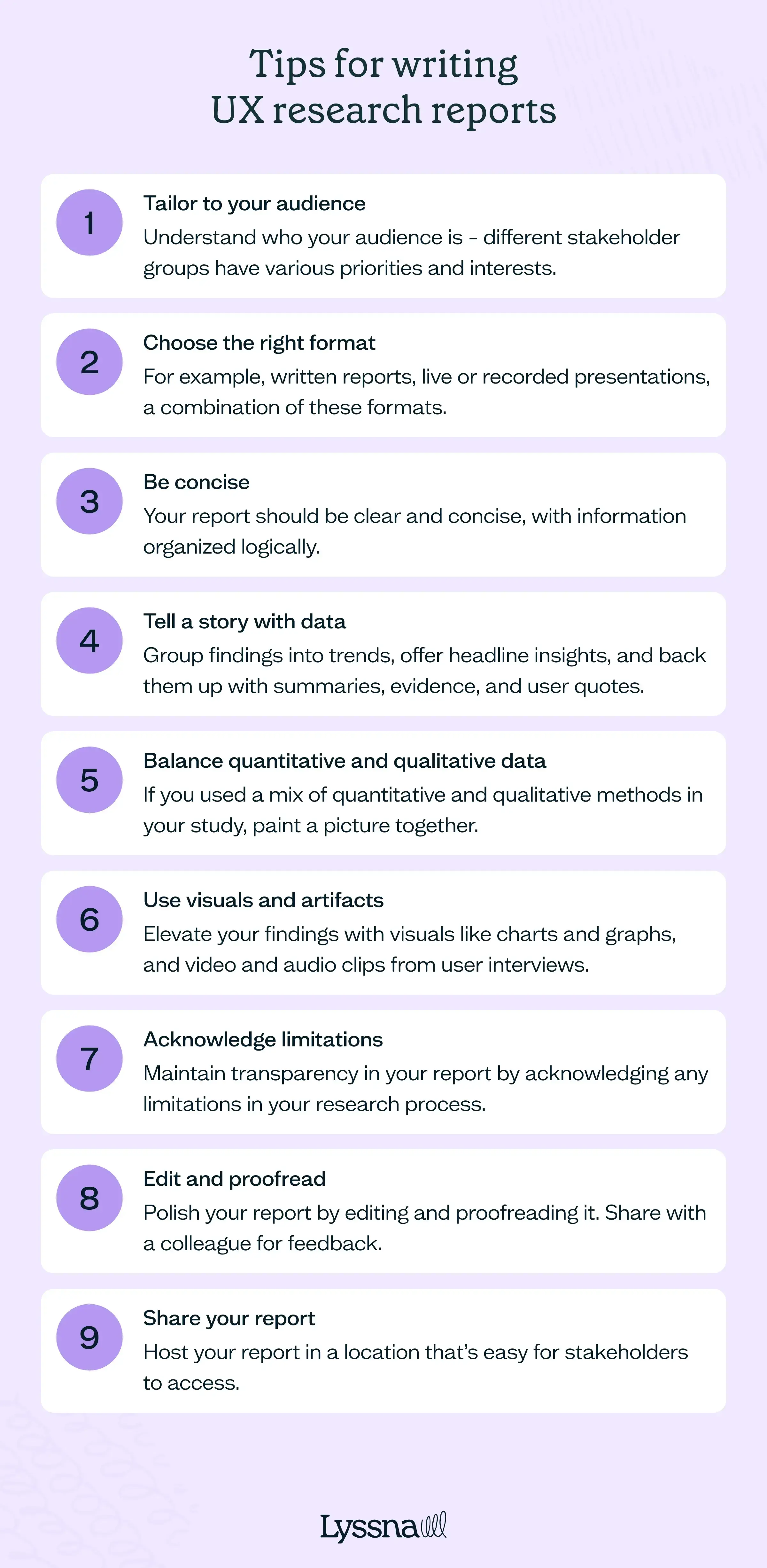
Tailor to your audience
Different stakeholders have different priorities. Adjust your content, tone, and format accordingly:
- For executives: Focus on ROI and business impact, such as:
Increased customer retention.
Reduced acquisition costs.
Higher engagement and conversions.
For UX and product teams: Dive into methodologies, usability issues, and design implications to inform product decisions.
For developers: Provide technical insights related to implementation feasibility and constraints.
Remember to also adapt the length, terminology, and complexity of your report to suit your audience.
Choose the right format
Your report format should align with the needs of your audience:
Live or recorded presentations: Ideal for large groups and executives.
Written reports (PDFs, shared documents): Best for in-depth analysis and long-term reference.
Workshops: Combine a report overview with interactive discussions for engagement.
Multi-format approach: Consider blending different formats (e.g. a live presentation with a PDF for deeper insights).
Be concise
Keep your report clear and to the point.
Organize information logically – each section should flow naturally into the next.
Focus on the what, why, and how in a succinct manner.
Tell a story with data
Structure your findings in a narrative format rather than just listing raw data.
Highlight trends and recurring themes to make insights easier to digest.
Support findings with summaries, key quotes, and real-world examples to add context.
Balance quantitative and qualitative data
Use a mix of quantitative and qualitative data to create a well-rounded report:
Quantitative: Charts, graphs, and statistics from usability tests and surveys. For inspiration on how to present this kind of data effectively, check out these quantitative research examples.
Qualitative: User quotes, pain points, and behavioral observations if you’re exploring different approaches, check out these common types of qualitative research methods.
Example: Instead of stating "60% of users struggled to find the checkout button," include a direct user quote like, "I kept looking for the checkout, but it wasn’t where I expected."
Use visuals and artifacts
Don’t be afraid to get creative. Enhance engagement with:
Charts and graphs: Showcase usability test results, survey responses, and trends.
Video and audio clips: Add real user feedback for deeper impact.
Personas, journey maps, and wireframes: Help stakeholders visualize user behavior.
Acknowledge limitations
Maintain transparency by addressing any research constraints:
Limited participant diversity: If your sample size isn’t fully representative.
Time/resource limitations: If certain areas couldn’t be explored in depth.
Potential biases: If factors like leading questions or testing conditions may have influenced results.
Example: "Due to time constraints, this study focused on desktop users, so mobile experiences require further research."
Edit and proofread
A polished report ensures credibility and clarity:
Edit for structure and flow: Make sure your narrative makes sense.
Proofread for grammar, spelling, and formatting errors: Tools like Grammarly or ProWritingAid can help.
Get a second opinion: Have a colleague review your report for clarity and objectivity.
Share your report
Make sure your insights reach the right people:
Host it in an accessible location: Use shared folders, ux research repository, or project management tools.
Share it on internal communication channels: Post highlights in Slack, Microsoft Teams, or other internal communications channels.
Create a summary for quick reference: Offer a one-page overview with key takeaways for executives and time-strapped stakeholders.
There are plenty of free UX research report templates available online. Here are a few good picks from the UX community:
UX research report/case study template from Aadil, shared in the Figma community
UX research report template from Furquan Ahmad, shared in the Figma community
UX research report template from Hrvoje Grubišić, shared on Pitch
UX research report template, from Pitch
UX research report template from Femke
UX research report types: When to use each
Not all UX research reports serve the same purpose – different formats are suited to different audiences and goals. Choosing the right type of report ensures stakeholders get enough detail to make informed decisions. Below are common UX research report types and their best use cases.
Report type | Best for |
|---|---|
Executive summary reports | Leadership teams needing quick, high-level takeaways without deep data analysis. |
Comprehensive research reports | UX and product teams requiring detailed analysis, methodology breakdowns, and insights for decision-making. |
Usability testing reports | Evaluating how users interact with a product or feature, identifying task-based friction points and usability issues. |
Survey analysis reports | Summarizing quantitative and qualitative insights from user surveys, helping teams understand patterns and user preferences. |
Comparative analysis reports | Benchmarking UX against competitors or previous versions of a product to highlight areas of improvement. |
Heuristic evaluation reports | Expert evaluations that identify usability and design flaws based on UX best practices and heuristics |
Tips for presenting your UX research report
If you’re presenting your UX research report in person or asynchronously via video, mastering the art of presenting will help you feel confident.
Here are some valuable tips to make sure your presentation captivates your audience and your insights are delivered with clarity and impact.
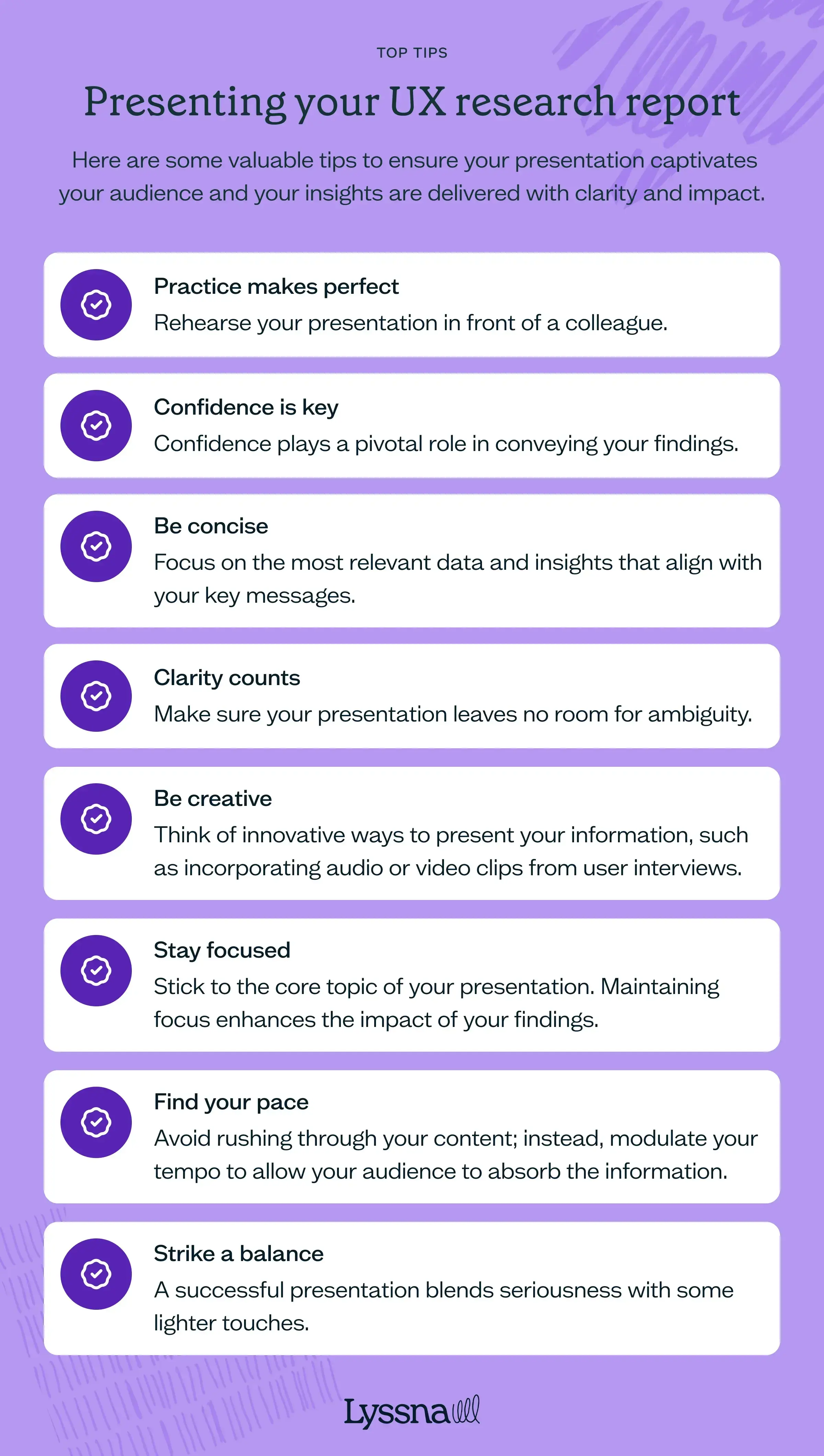
Practice makes perfect
Beyond practicing alone, rehearse your presentation in front of a colleague who isn’t part of the research process. This practice round helps you refine your content, identify any unfamiliar terms or lengthy sections, and build confidence. Constructive feedback from an outsider’s perspective can be invaluable in fine-tuning your presentation.
Confidence is key
Confidence plays a pivotal role in conveying your research effectively. Projecting your voice and maintaining eye contact with your audience (even on a video recording) establishes you as a credible and trustworthy presenter.
Try to avoid filler words like “uhs” and “ums” to maintain a smooth flow. Remember, your audience is more likely to be engaged if they sense your belief in the significance of your findings.
Be concise
Just like the report itself, conciseness matters. Keep in mind that time is limited – you usually have around half an hour to communicate your insights.
Focus on the most relevant data and insights that align with your key messages. Overloading your presentation with raw data can overwhelm your audience. Curate your content so that it strikes a balance between depth and brevity.
Clarity counts
Opt for precise and action-oriented language, removing any potential for misinterpretation.
For example, instead of “Several users had difficulty locating the search bar,” try “Improvements are needed to enhance the visibility of the search bar.” The clearer your delivery, the more effectively your audience will grasp your insights.
Be creative
Infuse creativity into your presentation to make it memorable. Think of innovative ways to present your information, such as incorporating audio or video clips from user interviews. These multimedia elements can lend an engaging and immersive quality to your presentation.
Stay focused
Stick to the core topic of your presentation. Avoid tangents that could divert your audience’s attention from the main message. Maintaining focus enhances the impact of your insights.
Find your pace
Balancing the pace of your presentation is crucial. Avoid rushing through your content; instead, modulate your tempo to allow your audience to absorb the information. This is where practicing can help you gauge when to slow down and when to pause for emphasis.
Strike a balance
A successful presentation blends seriousness with some lighter touches. Striking the right balance is important, so tailor your approach to what suits your audience and the nature of your research.
Reporting vs presenting
When sharing UX research findings, you can choose between a written report or a presentation – each serves a different purpose.
Written reports provide a detailed, structured record of research findings that stakeholders can revisit over time.
Presentations are ideal for delivering insights in a concise, engaging format, especially for decision-makers who prefer high-level takeaways.
Choosing between the two depends on your audience, research complexity, and the level of interaction required. Often, a combination of both works best.
It’s worth checking in with your stakeholders at the start of the project to make sure everyone is on the same page about the research deliverables.
Comparison: Reporting vs presenting
Aspect | Written report | Presentation |
|---|---|---|
Depth | Detailed and comprehensive | High-level and concise |
Format | Structured document (PDF, shared file) | Slide deck or live talk |
Best for | In-depth analysis, long-term reference | Engaging stakeholders, quick decision-making |
Interaction | Minimal (read at convenience) | High (discussions, Q&A) |
Ideal audience | Researchers, product teams, developers | Executives, design teams, cross-functional groups |
Written reports formats
A written UX research report can be presented in various formats depending on its purpose and audience:
Traditional reports (PDFs, Word docs, Google Docs): Structured documents with detailed findings, methodology, and recommendations.
Dashboards and data repositories: Centralized hubs where findings can be stored, referenced, and updated over time.
Case studies: Narrative-style reports focusing on specific research projects and their impact.
One-pagers or executive summaries: Condensed versions highlighting key takeaways and action items for quick reference.
Emails: Summarized research findings, key takeaways, and next steps for quick stakeholder alignment.
Presentations report formats
Presentations are ideal for engaging stakeholders and driving discussions. They can take different formats, including:
Slide decks (Figma Slides, PowerPoint, Google Slides, Keynote): A structured visual presentation for meetings or async sharing.
Live presentations: Interactive sessions where you present findings and facilitate discussions.
Recorded video walkthroughs: Pre-recorded overviews that allow stakeholders to consume insights on their own time.
Workshops: Hands-on sessions where you present research findings alongside collaborative exercises.
What is a good user research report?
A good user research report does more than just document findings – it delivers insights in a way that engages stakeholders, drives action, and informs decision-making. Here are the key characteristics to include in yours.
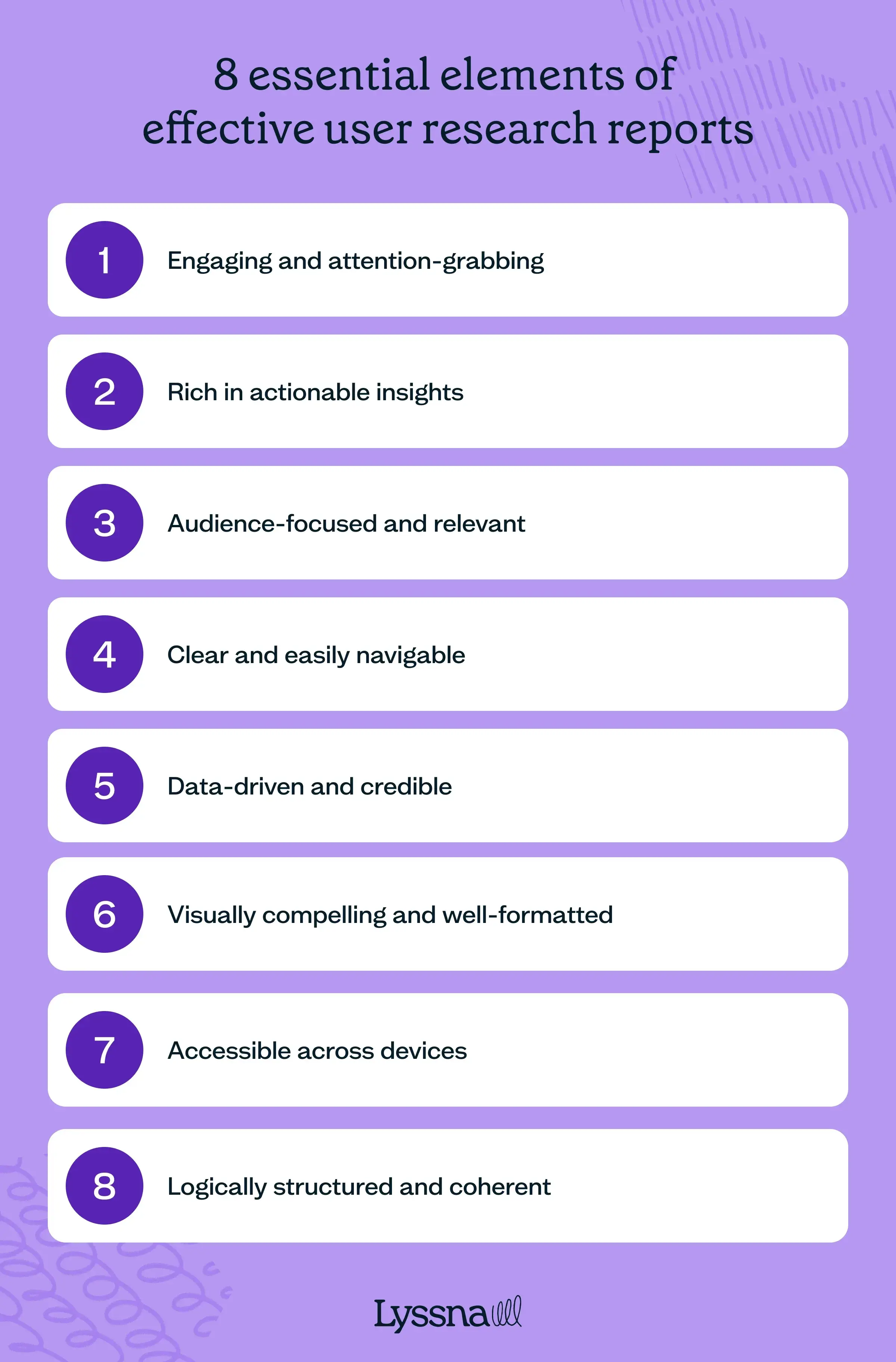
Engaging and attention-grabbing
A strong research report captures the reader’s interest from the start. It avoids dry, overly technical language and instead presents findings in a compelling and engaging manner.
Effective storytelling, real user quotes, and well-structured insights help keep the audience engaged.
Vadym Syliava, design partner and mentor, also recommends incorporating “examples and analogies to make complex concepts more relatable and easier to grasp.”
To maintain attention, reports should use varied formatting, such as summaries, bullet points, and bolded key points. (Skim back up this article and notice how we’ve tried to apply these very principles!)
Rather than overwhelming readers with dense paragraphs, a good report keeps information digestible and engaging.
Rich in actionable insights
A research report is only valuable if it leads to clear, informed recommendations. Instead of just presenting data, a strong report translates findings into practical next steps.
Each insight should include:
A clear takeaway explaining what the data means.
Implications for product, design, or business strategy.
Concrete next steps that teams can act on.
Audience-focused and relevant
A well-structured research report is customized to its audience. Different stakeholders have varying levels of expertise and interests – executives may need high-level takeaways, while design and development teams may require deeper insights.
Key ways to tailor your report:
Use familiar terminology suited to the readers’ knowledge level.
Focus on what’s relevant to each stakeholder group.
Provide different levels of detail (e.g. a one-page summary plus a detailed breakdown).
By aligning the content with the reader’s needs, the report becomes more impactful and engaging.
Clear and easily navigable
A cluttered, disorganized report makes it difficult for readers to find the most important insights. The best research reports use a logical structure, clear headings, and visual breaks to enhance readability.
Best practices for structure:
Use concise, jargon-free language.
Follow a consistent format (introduction, methodology, findings, recommendations).
Include summaries at the beginning of each section.
Use numbered lists or bullet points for clarity.
Data-driven and credible
An effective report builds trust through credibility. Every insight should be supported by solid research methods, reliable data, and transparency.
Ways to ensure credibility:
Clearly state sample sizes, demographics, and research methodologies, including how you recruited participants for your study.
Use both qualitative and quantitative data to strengthen insights.
Avoid speculation – let the data drive the conclusions.
Acknowledge any limitations or biases that may have impacted the findings.
Visually compelling and well-formatted
A visually well-designed report enhances readability and engagement. Instead of large text blocks, strong reports use visual hierarchy, white space, and multimedia elements to present findings clearly.
Key visual elements to include:
Graphs and charts to present numerical data.
Icons and color coding to highlight key points.
User journey maps or personas to illustrate findings.
Screenshots or video clips to provide real user context.
We love this tip from Octet Design Studio, too: “Photos are a great way to add a layer of detail and personality to your UX research report. You can use them to illustrate concepts or show how people use products in real life.”
A thoughtful layout makes the report not only easier to read but also more persuasive.
Accessible across different devices
A good research report is easy to access and share – that way, stakeholders can engage with it regardless of their location or preferred device.
Best practices for accessibility:
Provide multiple formats (PDF, online dashboards, interactive reports).
Ensure reports are mobile-friendly for on-the-go access.
Use clear, legible fonts and high-contrast visuals.
Avoid large file sizes that may hinder downloads or sharing.
Making reports easily accessible ensures that research findings reach the right people at the right time.
Logically structured and coherent
An effective UX research report guides the reader effortlessly from introduction to conclusion. Findings should be presented in a logical order that builds understanding step by step.
To create a strong flow:
Start with context before diving into findings.
Group related insights into coherent sections.
Use headings and subheadings to structure the content.
End with clear, prioritized recommendations.
A well-organized report ensures stakeholders absorb the key takeaways and can act on them immediately.

Crafting impactful UX research reports
A well-crafted UX research report doesn’t just document findings – it drives action. Whether you're presenting insights to executives, guiding product teams, or shaping design decisions, your report should make it easy for stakeholders to understand, engage with, and act on your research.
Now that you know how to create an effective UX research report, it’s time to put it into practice.
Start by selecting the right report type, structuring your insights clearly, and tailoring your content to your audience.
9 UX research examples
Great UX research helps turn a product people use into one they love.
In this chapter, we explore real-world examples of UX research in action, from card sorting studies to user interviews. We show you how companies have used these methods to solve real problems.
UX research offers a variety of methods to gain a deeper understanding of how target users interact with products, from simple surveys to complex interviews. In this section, we'll explore real-world examples of how organizations have used different types of UX research to improve user experiences and drive better design decisions.
Card sorting
RSPCA UK
The RSPCA faced challenges in creating an intuitive intranet navigation.
"We started using Lyssna because we wanted to know what people thought of things. We needed insights and facts to go back to our stakeholders and say, 'Actually, we think this is a better approach,'" shares UX designer Eden Sinclair.
Conducting a card sort using Lyssna allowed the RSPCA team to organize content in a way that felt natural to their users.
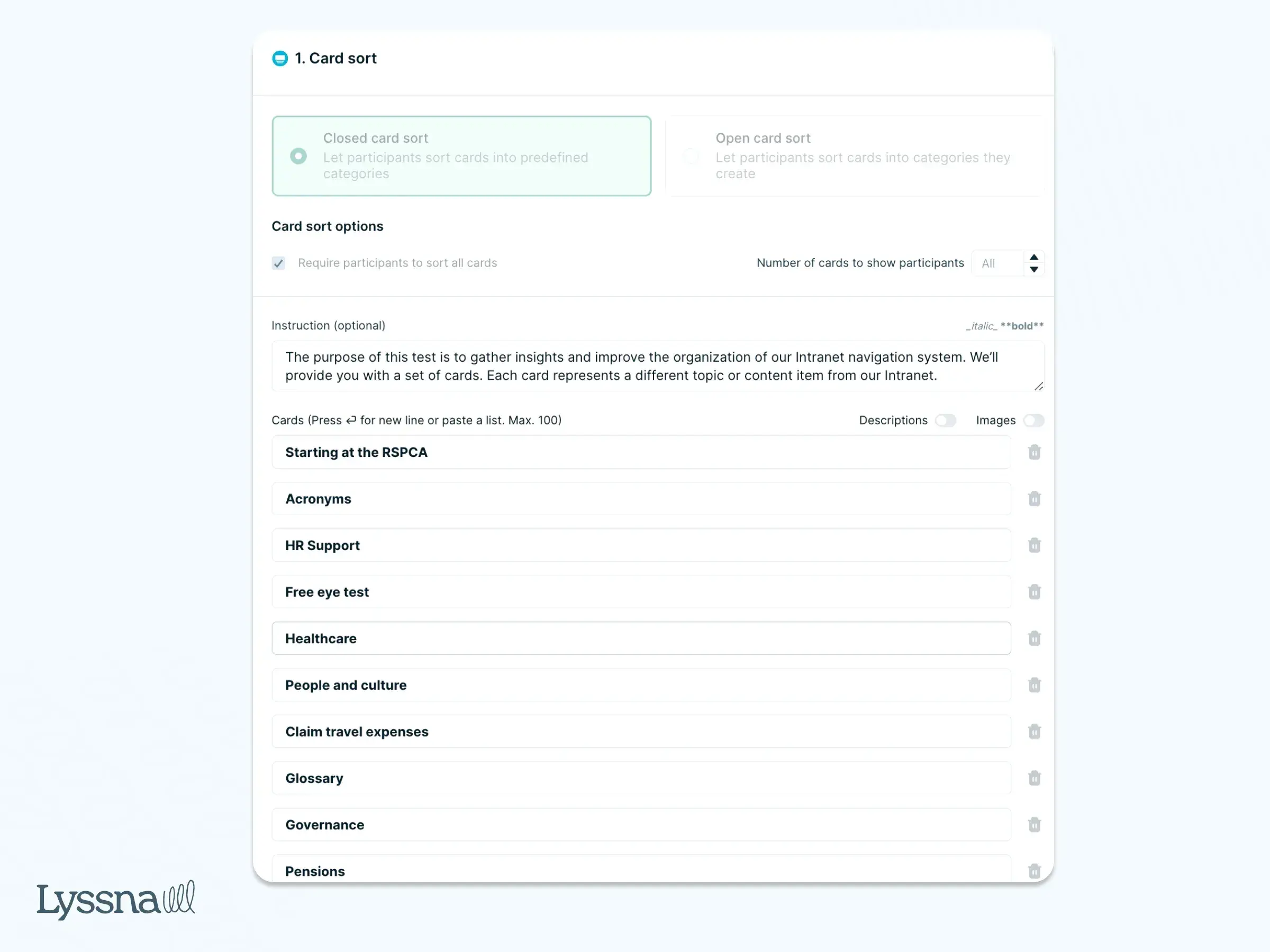
Eden adds, “After conducting a card sort, I realized I had designed the navigation completely wrong. The feedback from Lyssna helped us correct it, leading to a more intuitive user experience. It was an easy win for us.”
monday.com
To make sure their new feature name hit the mark with a global audience, monday.com used Lyssna to conduct a card sorting study.
“One of the bigger challenges is ensuring we can provide a consistently great customer experience across such a wide audience," said Nadav Hachamov, UX Researcher at monday.com. "There are demographic nuances such as language, location, industry, and job roles that need to be considered to ensure an optimal experience for that specific target audience.”
They asked participants from the UK, US, and Australia to categorize potential names into three groups: “I understand & not appealing,” “I understand & this is appealing,” and “I don't understand.” This approach helped the team choose a name that both resonated with customers and clearly conveyed the feature’s purpose.
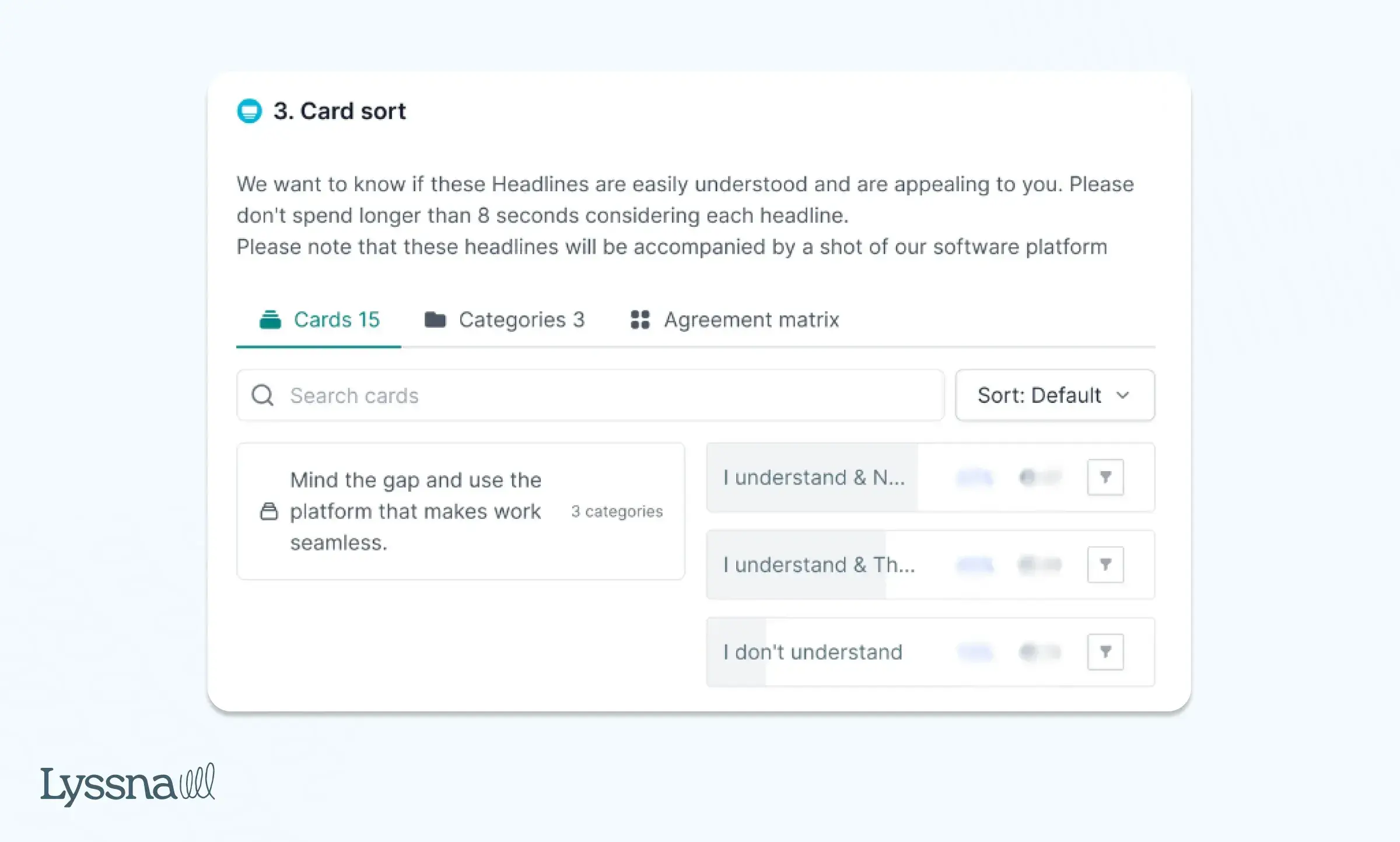
By gathering user feedback early on, monday.com made sure their new feature was relevant and appealing across multiple markets.
Surveys
RSPCA UK
The RSPCA also ran a survey using Lyssna to understand how sensitive images of animals displayed on their website affected users' emotions.
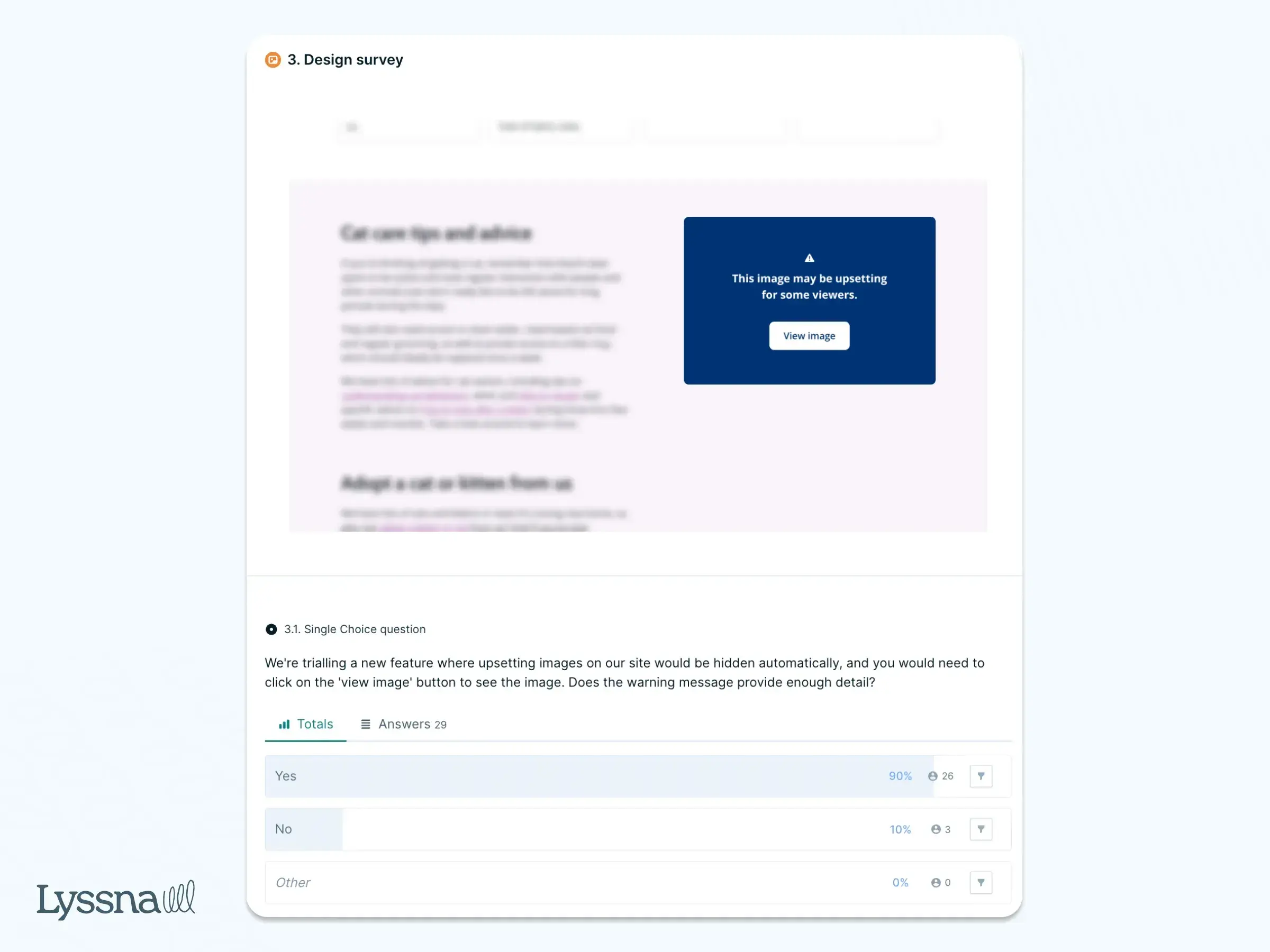
The team was concerned that these images might upset their supporters. But after testing with 30 participants, they found that the images didn’t have a significant negative impact. However, to give users more control, they introduced a "sensitive image" filter, allowing visitors to choose whether to view or hide the content.
This thoughtful approach aligned with the charity’s mission of promoting empathy while respecting user preferences.
STAYERY
Faced with a critical decision about access control systems for their expanding serviced apartment buildings, STAYERY used Lyssna to run a preference survey.
This survey tested guest preferences for electronic locks, including options like pin codes, key cards, and mobile apps. The stakes were high, as installing the wrong system could cost the company millions. A single electronic lock costs around €1,000, and scaling this decision across multiple properties would significantly impact their budget.
“For me, it was always obvious that we have to do user testing before we commit to big ticket building projects. Especially now that our biggest challenge is that we want to grow,” said Eveline Moczko, Head of Product at STAYERY.
By running the test with their guests, they gathered valuable feedback that ultimately saved them from a costly mistake.
LabXchange
As an edtech platform, LabXchange needed to make sure its navigation and user experience aligned with its target demographic of high school STEM teachers.
Using Lyssna, the team ran a quick design survey to decide whether to label a key navigation item as "Learn." Within two hours, feedback revealed that users interpreted "Learn" as a link to learn more about the organization, rather than a path to student learning materials.
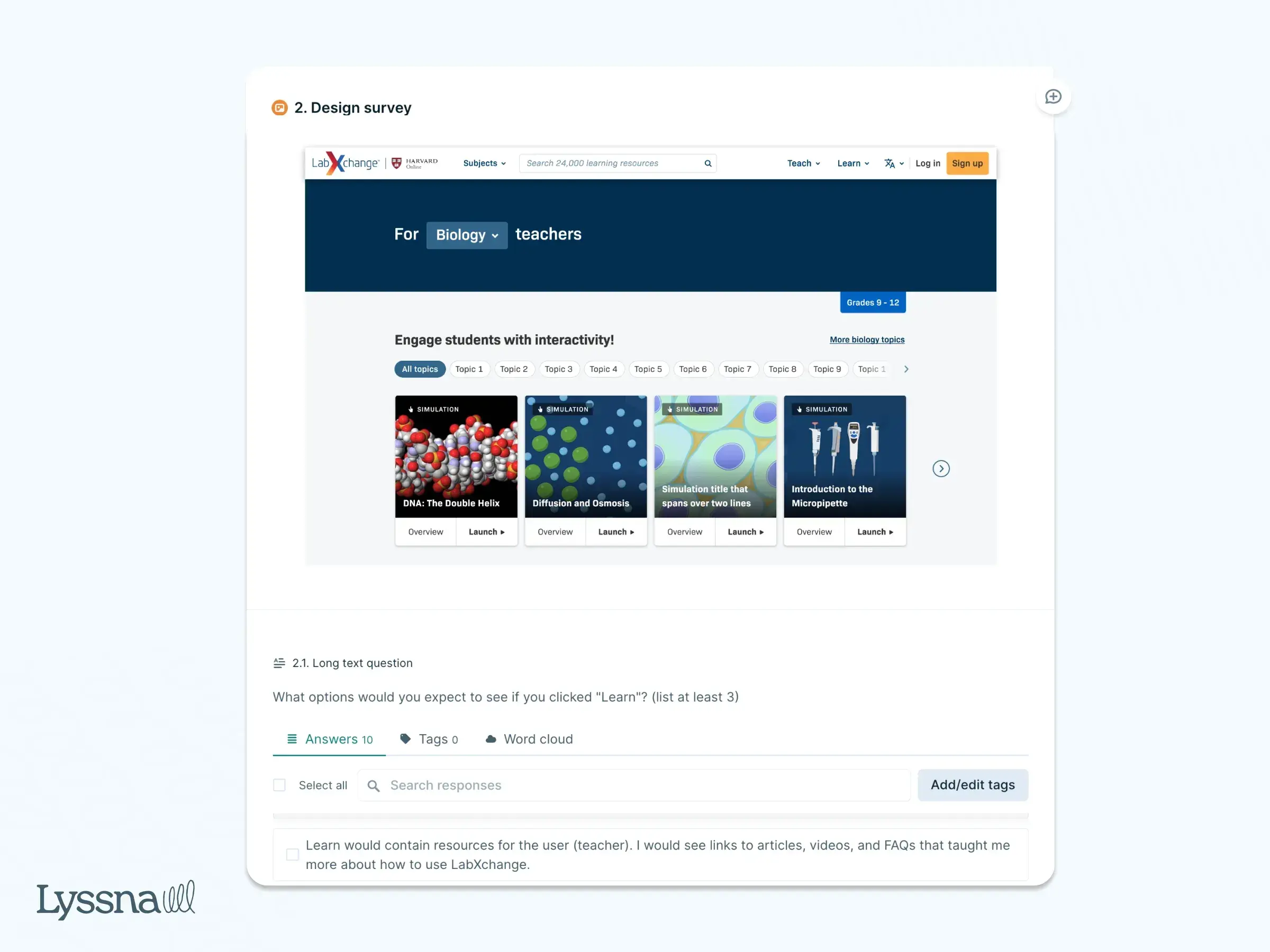
This prompted a swift redesign, saving the team time and resources by avoiding user confusion early on.
"That simple test saved us a lot of heartache!" shared Tess Gadd, Product Design Lead at LabXchange.
This approach to short, iterative testing has allowed LabXchange to make quicker, data-driven design improvements, fueling continuous innovation.
Klarna
To standardize its payment terminology globally, Klarna used Lyssna to survey how people perceive different payment terms. “We conducted a survey to comprehend user expectations and perceptions of payment terminology across Klarna's offerings," shared Sonal Malhotra, User Research Lead at Klarna. "This effort enabled us to fine-tune the naming of various concepts and products company-wide, leading to standardized naming conventions and improved brand coherence."
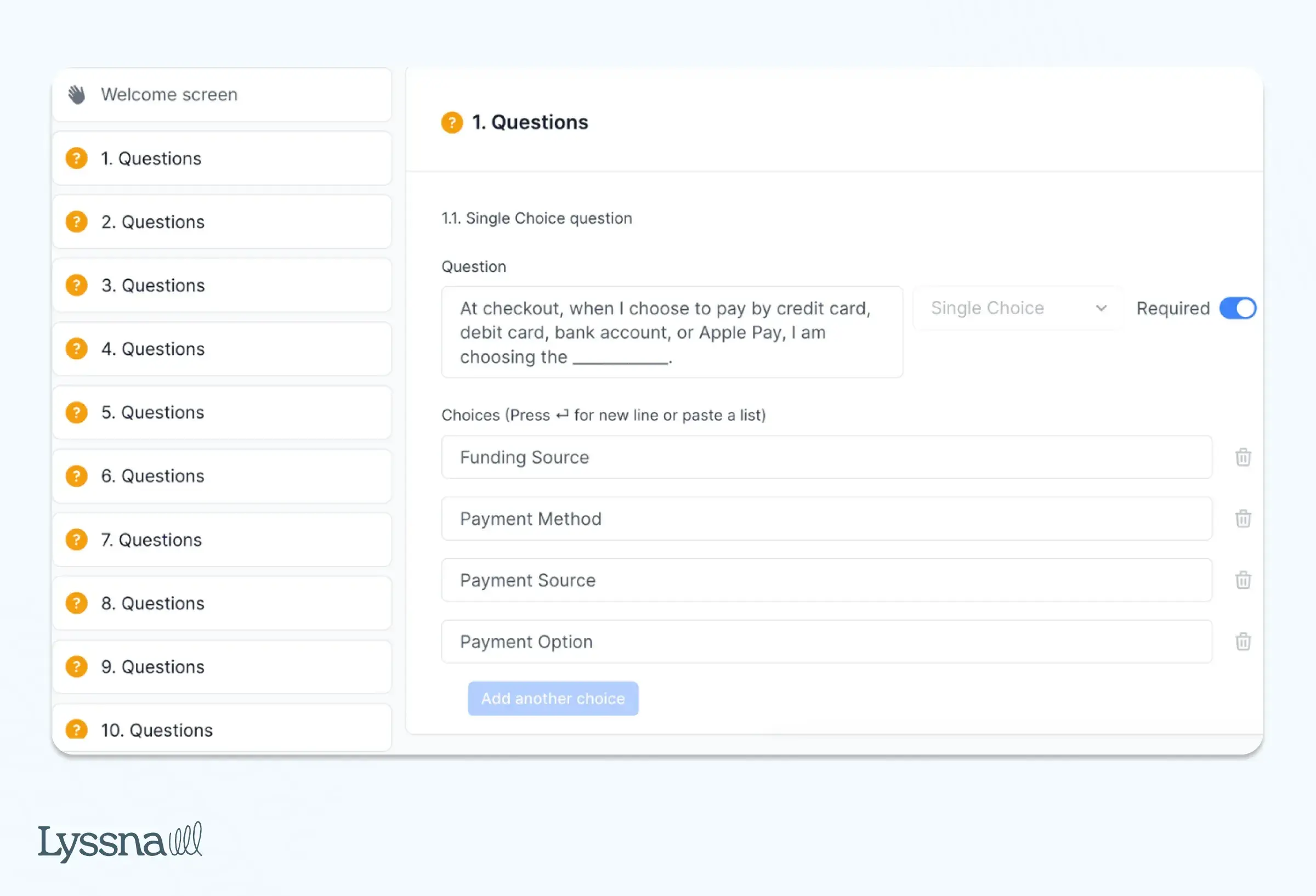
Klarna also used Lyssna to evaluate its value propositions, analyzing which unique selling points (USPs) resonated most with users. This led them to highlight the top three USPs at its merchant checkouts.
Sonal also shares: “I constantly receive responses on the same day or the following day, greatly aiding my interaction with various stakeholders.”
User interviews
Milo
Expanding their financial solutions to Latin America, Milo used Lyssna’s Interviews feature to conduct user interviews for scenario-based research.
Scott Weinreb, Senior Product Manager, conducted two rounds of interviews with participants from countries like Chile, Colombia, and Mexico. The goal was to understand cultural nuances in saving habits, which revealed key differences: while people in Colombia and Mexico used savings accounts much like checking accounts in the US, Chileans had a savings culture more aligned with Milo’s product.
This insight helped Milo refine their market entry strategy, focusing on Chile first, where user habits closely matched their product offering.
“For this particular scenario, we're creating a new product in countries that we really have no connection with. So being able to recruit from the Lyssna panel was super helpful,” said Scott.
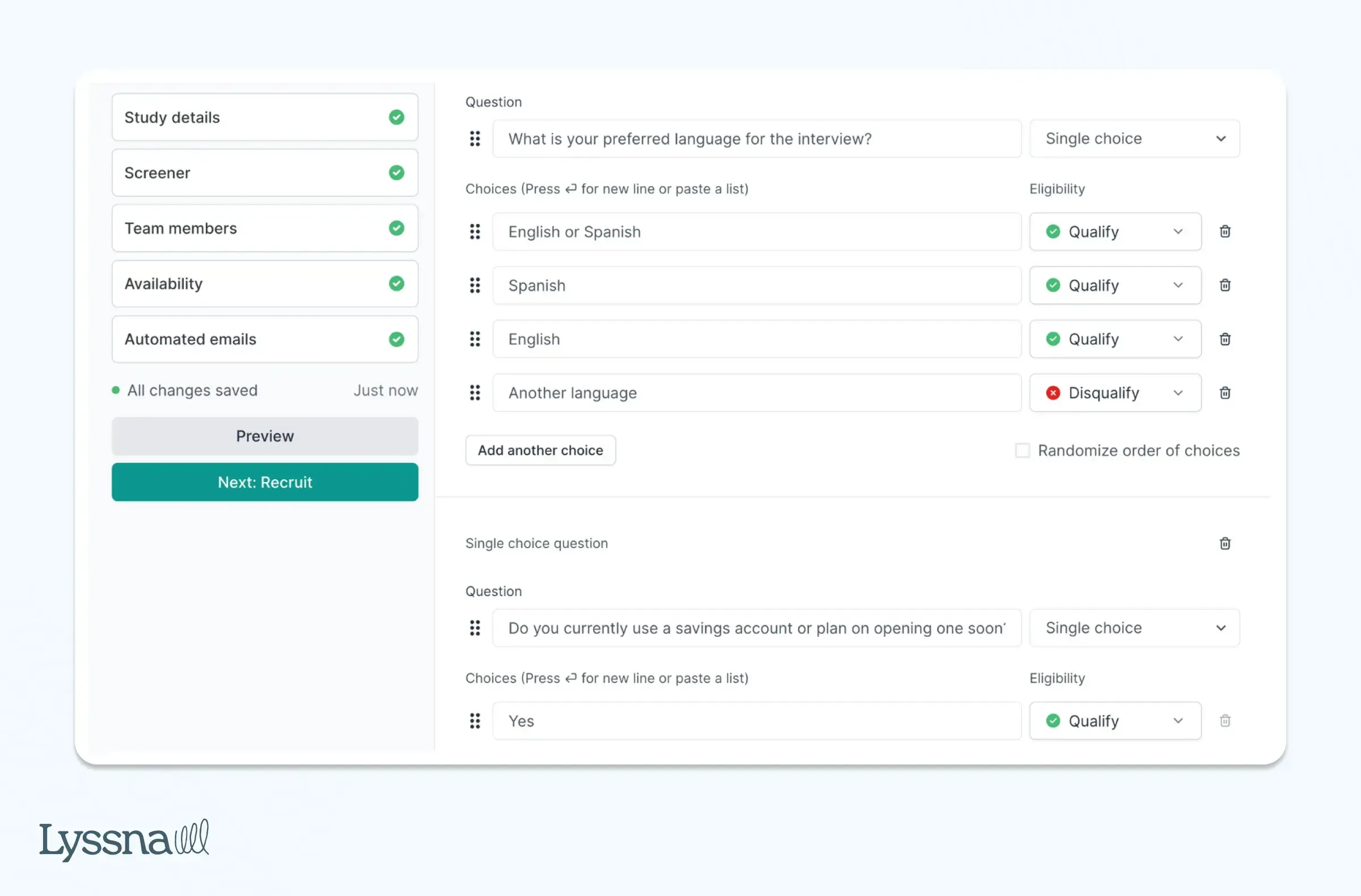
By recruiting and filtering participants through Lyssna, Scott was able to have the targeted conversations that shaped the company’s product development strategy and expansion plans.
Nav
Nav specializes in credit and financial wellbeing for small businesses. To refine their research targeting, they used a screener survey to focus on specific segments within their small business audience.
"We needed a solution that would allow us to gain quantitative insights through online research to understand, monitor, and improve our customer experiences,” shares Jenn Wolf, Senior Director of Customer Experience (CX).
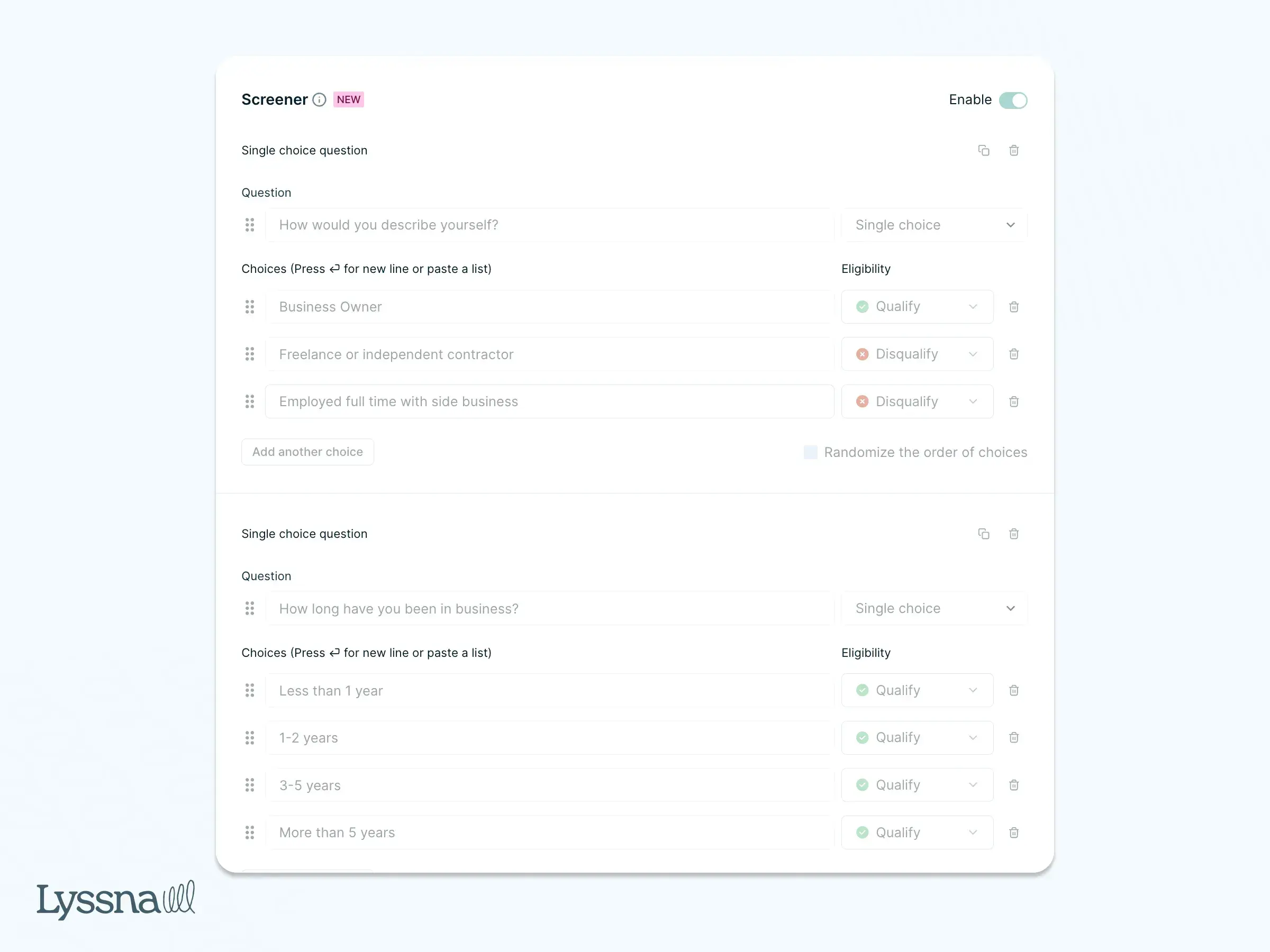
By customizing their audience at a granular level, Nav was able to collect valuable feedback from high-quality candidates, helping them optimize products and services for small business owners. This feature, combined with regular interviews and surveys, has made their research more cost-effective and efficient, allowing them to conduct impactful tests with a small team.
TrueCar
To gain deeper understanding of the behaviors and preferences of electric vehicle (EV) shoppers, TrueCar conducted user interviews using Lyssna.
Justin Nowlen, Senior Director of Product Design, led interviews to pinpoint key moments when potential buyers interacted with the platform. He was especially interested to know whether they’d consider EVs alongside traditional gas vehicles.
With Lyssna, Justin’s team quickly recruited participants and set up interviews within days. During the sessions, they asked participants to share their screen and navigate the design. This allowed them to observe real-time user behavior, including how users engaged with high-contrast banners and navigated vehicle options on TrueCar.
“What we need is something that allows us to get up and running very fast, have direct conversations over a trusted tool; a trusted interface that allows us to gain insights and take actions in the same week. Neither competitive product allowed us to do that as swiftly as Lyssna,” said Justin.
The interviews Justin conducted uncovered valuable feedback, like how users often skip additional information to focus on specific vehicles, which helped the team enhance the car-buying experience for TrueCar’s diverse audience.
Conduct UX research with Lyssna
Lyssna offers a comprehensive and user-friendly platform for conducting UX research, helping teams gather actionable insights at every stage of the product development process. Whether you're working with moderated or unmoderated ux study, user research interviews, or in-depth interviews, Lyssna provides tools to seamlessly integrate these methods into your workflow.
Integrations with Zoom, Microsoft Outlook, Microsoft Teams, and Google Calendar allow you to organize and schedule interviews easily, while screeners help you recruit participants with precision, ensuring you’re speaking to the right audience. This makes Lyssna an invaluable resource for UX teams looking to validate ideas, understand user behavior, and fine-tune design decisions with real-time data.
What sets Lyssna apart is the speed and ease with which you can set up studies and gather feedback. From first-click tests to card sorting, Lyssna enables you to engage with over 690,000 participants worldwide, ensuring your research is both cost-effective and scalable. This versatility allows teams to optimize user experience across a variety of touchpoints, helping brands build products that truly resonate with their audience.
If you’re looking to enhance your UX research process, Lyssna can help you streamline everything from recruitment to ux research analysis, allowing your team to move faster and more efficiently toward user-centered design.
And finally, if you wish to explore your options, see our extensive list of the best UX research tools on the market.