Trusted by 320,000+ designers, marketers, researchers, and product leaders to validate their decisions






















Put your research to work
Ground your AI tools in real response data from your Lyssna studies, not the model's best guess.
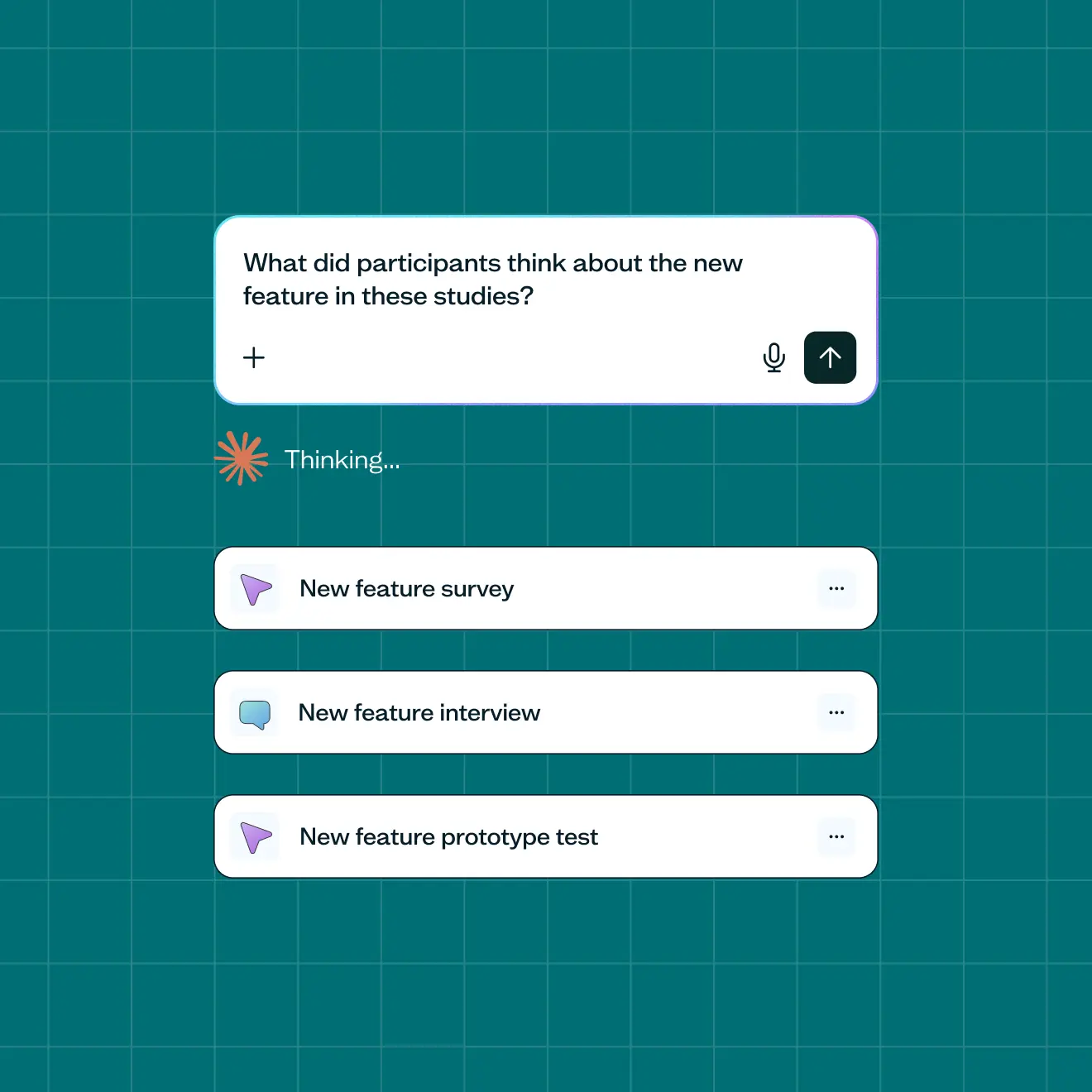
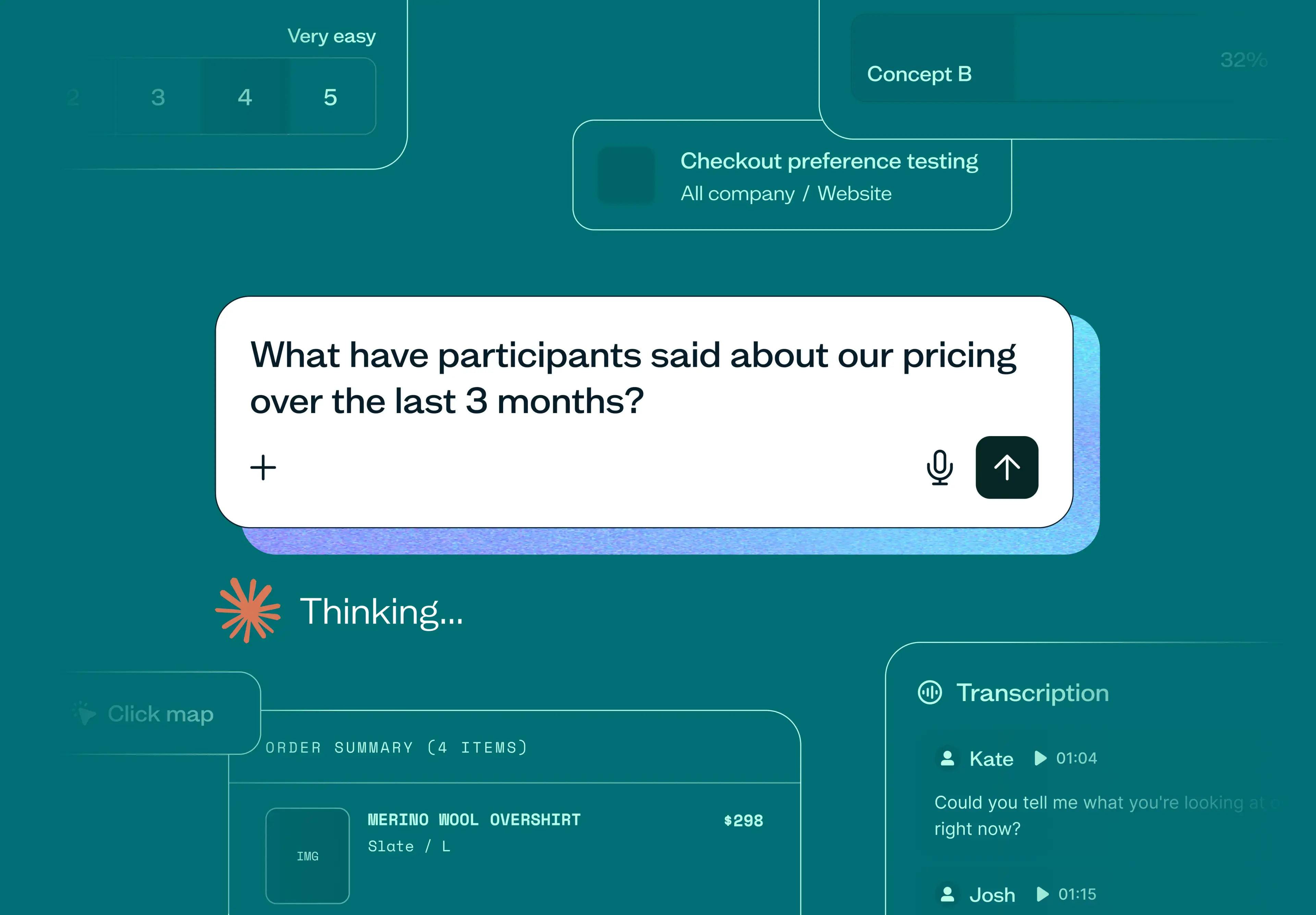
Ask a question across multiple studies
No more digging through past studies one by one. Ask a question in natural language and get an answer pulled from across all of them.

Cross-study synthesis
Grounded in your actual research data
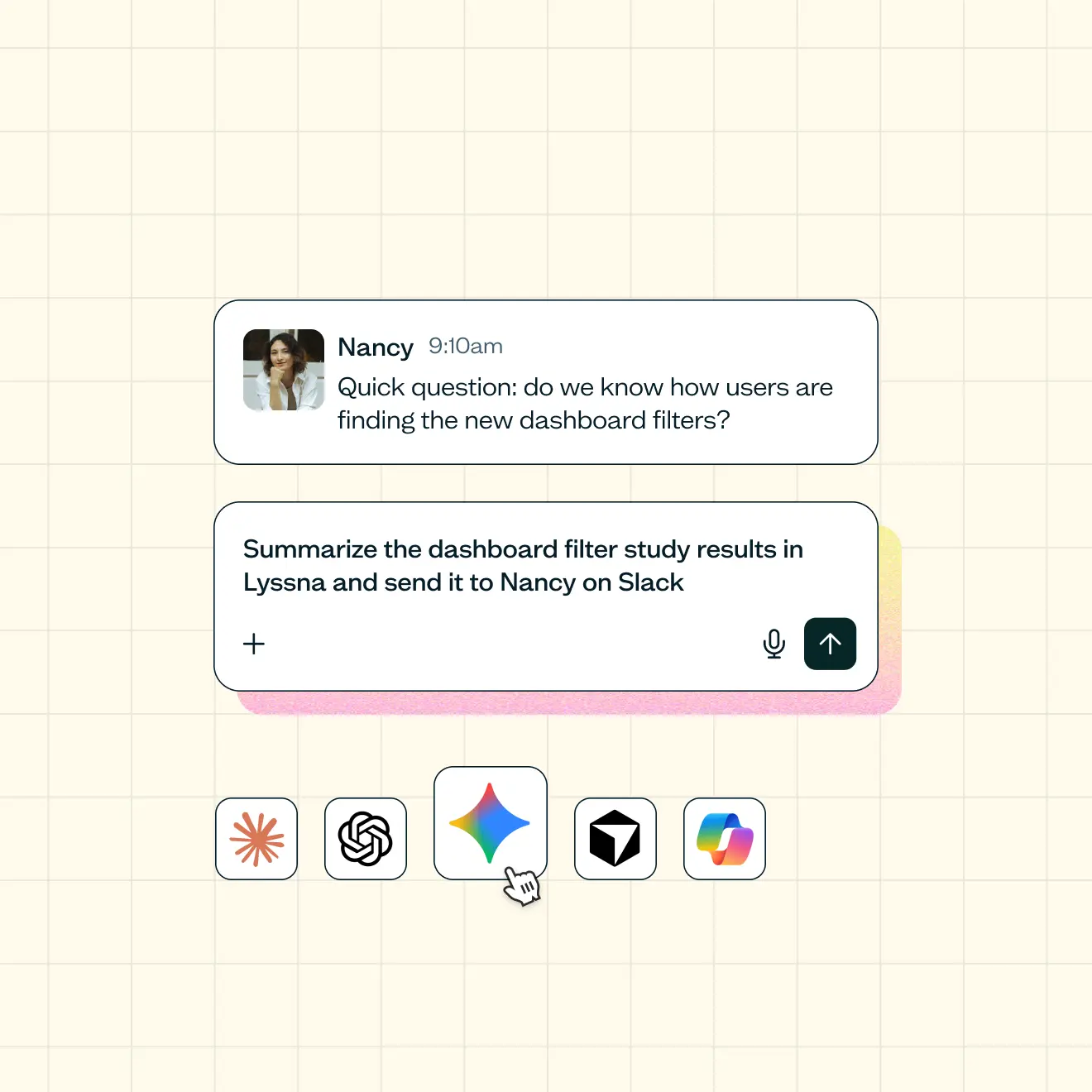
Your research data, wherever you're working
A stakeholder asks a question on short notice, you no longer have to open every study to answer it. Your assistant already has access to your results - just ask.
Conversationally query any of your results
Lyssna access permissions maintained
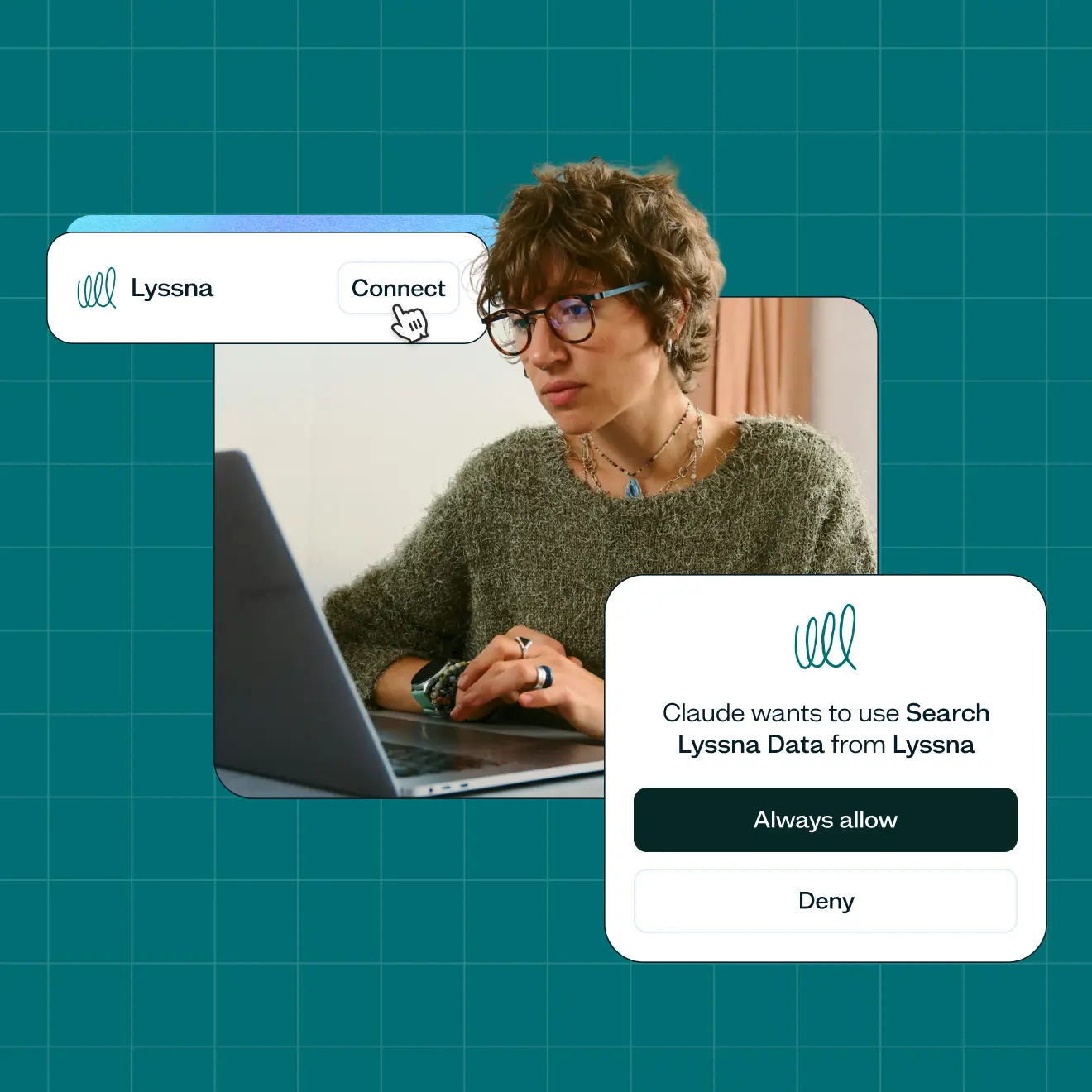
One connection, and your data is in the conversation
No more downloading a CSV and re-uploading it into your AI tool. Connect once, and your studies are already there.
One-time connection
No repository to maintain
Lyssna MCP with all MCP-compatible platforms, including





Turn findings into action, alongside the tools you already use
Your research doesn't have to stay in its own tab. By connecting via MCP, a finding can become a task, a summary, or an update without the manual work.
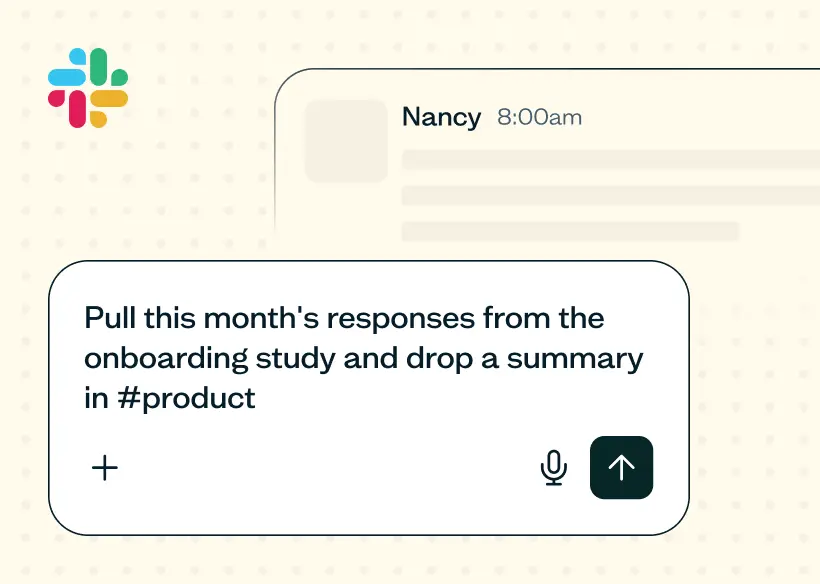
Automate reporting
Every month, pull any new study responses and post a summary straight to the relevant Slack channel.
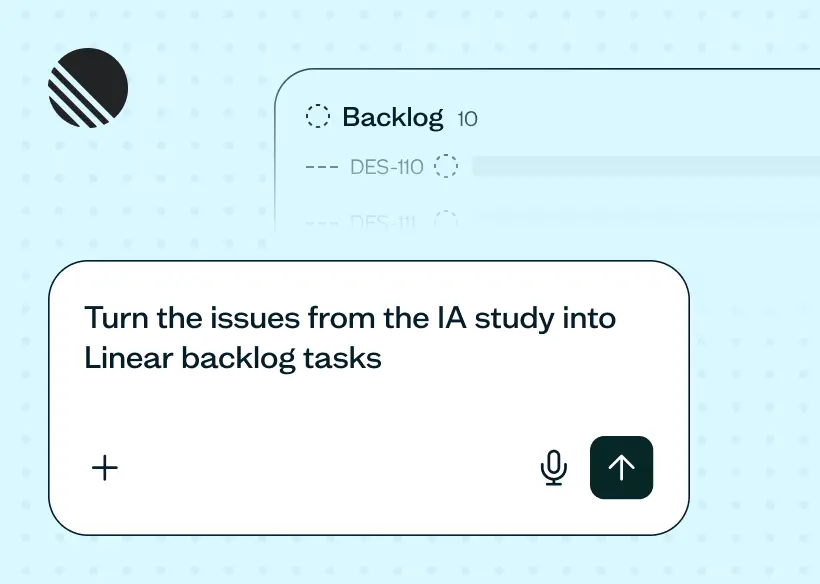
Spin up tickets from insights
Turn your study findings into a Linear project or task – customer quotes, and context included.
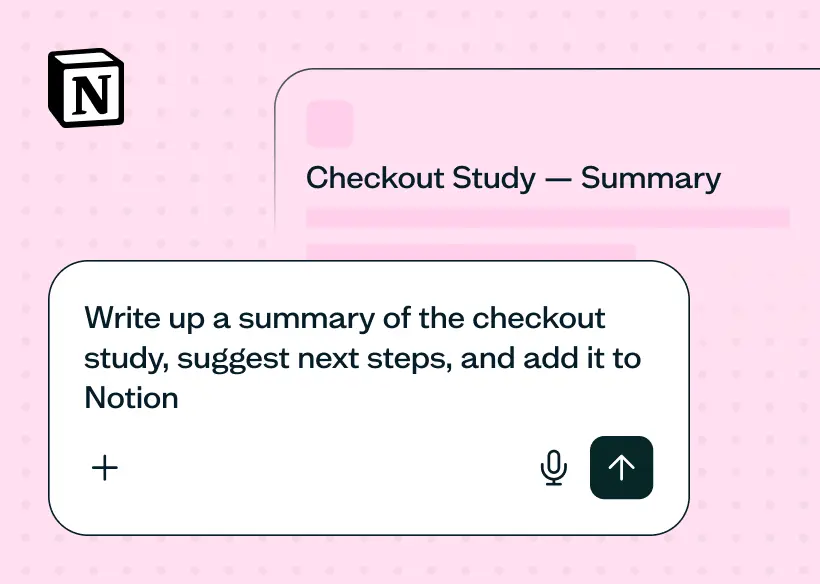
Share a written summary
Export a report summary straight to Notion for the rest of the team to reference, or create a deck.
See Lyssna's MCP in action
Trusted by industry leaders
From startups to global enterprises, leading teams rely on Lyssna to validate ideas, run studies, and make product decisions.

















Get more from AI in your research
Resources for using AI throughout your research process.
GUIDE
AI in user research guide
A practical guide to using AI at every stage of user research – planning, recruiting, running sessions, analyzing, reporting, and reusing what you learn.
ARTICLE
MCP for AI research
The Model Context Protocol (MCP) lets AI assistants answer questions using your real research data. Here's what MCP is and how to use it for user research.

ARTICLE
AI UX research
AI UX research can turn weeks of analysis into hours, but not every task is ready to hand over. See where AI helps in 2026, and where judgment still wins.
Frequently asked questions
Lyssna's MCP server currently provides read-only access to interviews, unmoderated test data and unmoderated test recording transcripts: test details, study structure, recruitment information, responses, answers, screener answers, and comments. It doesn't create, edit, or write anything back to Lyssna.
Yes, itt currently covers interviews as well as unmoderated test data and test recording transcripts
Yes. MCP access uses the same permissions and security standards as the rest of Lyssna – data stays encrypted, and it's never used to train AI models. See Lyssna's approach to AI and the Trust Center for more detail.
Claude, ChatGPT, Copilot, Gemini, Cursor and public MCP tool directories.
Yes – Lyssna's MCP server is one connection among several an AI assistant can have at once. If you also connect other MCP-compatible tools like Slack, Linear, or Notion, an agent can pull a finding from Lyssna and act on it elsewhere – drafting a summary, logging a ticket – all from one prompt. Lyssna doesn't build those integrations directly; this is just what's possible once your assistant has more than one connection at a time.
Not yet. Currently, Lyssna's MCP server is read-only and focused on analysis. Write access – creating studies or placing orders – is a possible future direction.
Yes, Lyssna's MCP server is available on all paid plans.
No. Connecting is a one-time step in your AI assistant's settings, similar to connecting any other app – no coding or developer setup required.

