15 Sep 2026
|10 min
MCP for AI research
The Model Context Protocol (MCP) lets AI assistants answer questions using your real research data. Here's what MCP is and how to use it for user research.
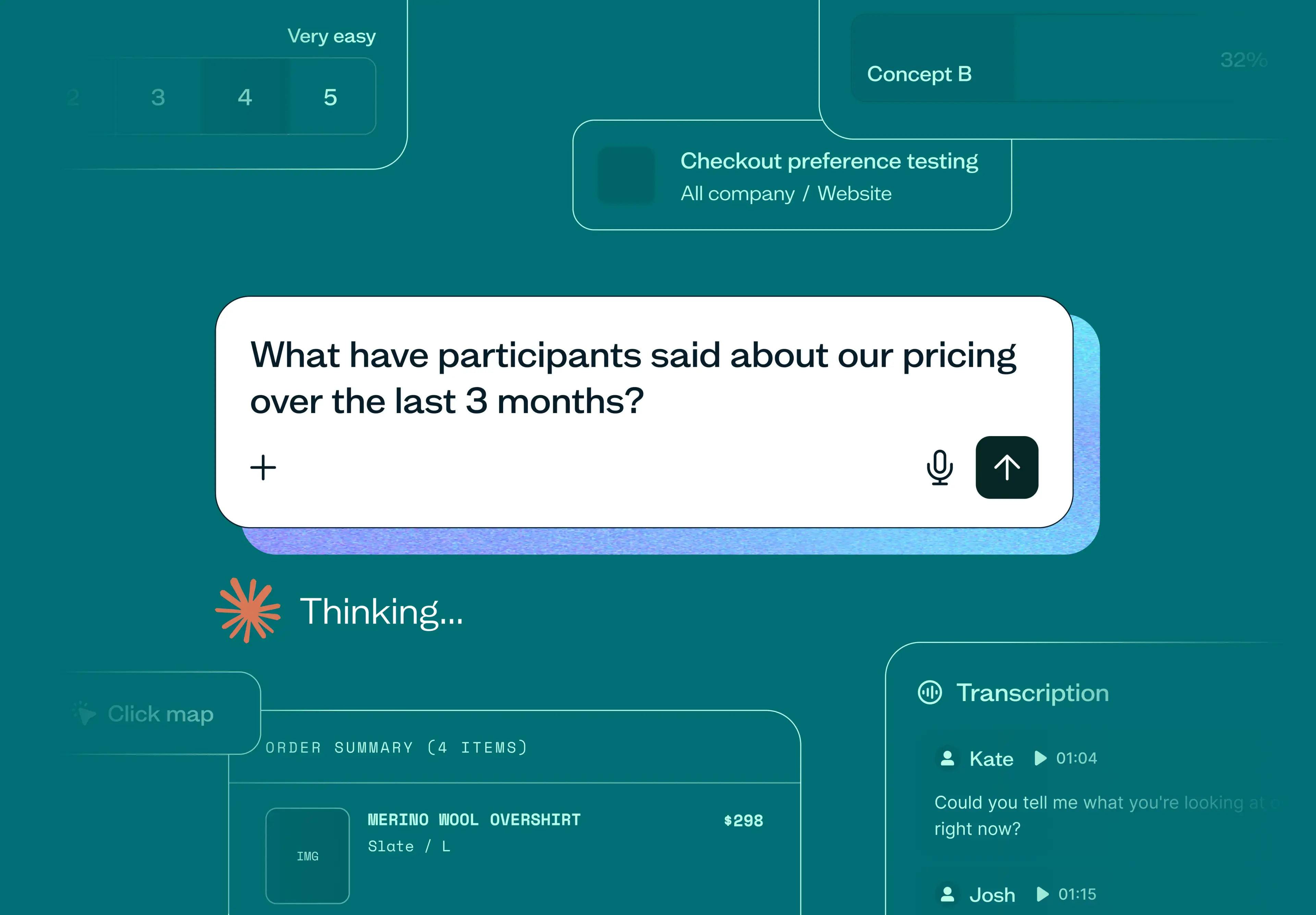
The Model Context Protocol (MCP) solves a problem anyone doing research knows all too well: the answer is usually already there – you just can't get to it easily. You're digging through old results, exporting a CSV just to analyze a survey properly, or telling a stakeholder "let me look into it."
If you're a researcher managing a growing backlog of studies, a product manager trying to justify a roadmap call, or a designer who needs quick context before beginning a new design cycle, you've probably felt this.
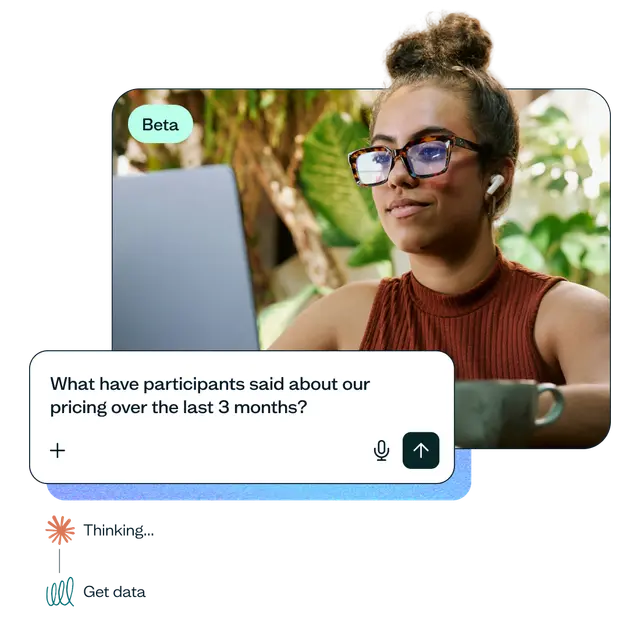
MCP lets AI assistants like Claude, ChatGPT, Microsoft Copilot, Cursor, and Gemini connect directly to your research data. Instead of going to find the answer, you ask a question and get a response immediately – grounded in what participants actually said.
Key takeaways
The Model Context Protocol (MCP) lets AI assistants like Claude and ChatGPT answer questions using your real research data.
Connecting an MCP server means asking your research tool questions directly, instead of exporting data or reopening old studies.
You can search by describing what a study was about, and ask about interviews – transcripts, quotes, and all – alongside usability tests and surveys.
Common use cases include cross-study analysis, checking if research already exists, and pulling real quotes into what you're writing.
Lyssna's MCP server is available on paid plans, supporting Claude, ChatGPT, Microsoft Copilot, Cursor, and Gemini.
What is MCP for AI research?
The Model Context Protocol (MCP) is an open standard that lets AI assistants connect directly to a tool's data, so you can ask it questions and get answers grounded in that data instead of the model's best guess. For user research specifically, that means an AI assistant can answer questions using your actual studies, responses, and findings – not general knowledge about UX research, and not a hallucinated summary.
When a research tool builds a connection using this standard, it's called an MCP server. Lyssna's MCP server is one example – it's what lets AI assistants read from your Lyssna studies once you've connected it. MCP is quickly becoming part of how product teams work: in our 2026 survey of 428 product people, 49% said they’ve connected an AI assistant directly to their tools and use it regularly.
How do you connect an MCP server for AI research?
Connecting an MCP server is self-serve – you connect via URL yourself, no waitlist or IT ticket required – and it's a one-time setup. After that, you ask questions about your research the same way you'd ask an AI assistant anything else.
Here's what that looks like: connect Lyssna to Claude, ChatGPT, Microsoft Copilot, Cursor, or Gemini once, and from then on you can ask about your studies directly in the chat. Answers are pulled from real study data you already have access to – no exporting your data, no uploading it anywhere. MCP access follows the same permissions and security standards as the rest of Lyssna. See Lyssna's approach to AI and the Trust Center for more detail, and our help center for step-by-step guidance.
What can you do once your research tool is connected via MCP?
Here are some common examples of how an MCP connection supports user research.
Ask a question across your past studies
Ask something specific, like "What have participants told us about onboarding across the last three months?" Or ask something broader, like "Which usability issues have come up in more than one study this year?" This spans usability tests, surveys, and interviews, so a quote from an interview transcript can surface right alongside a pattern from a multiple-choice question.
Either way, you get an answer pulled from the actual response data across whichever studies you name – a handful or every one you've run – instead of opening four different results pages and cross-referencing them manually.
Find research by describing it
You don't need the exact study name or a participant's exact wording to find what you're looking for. Ask something like "Have we already looked into anything about our checkout flow this year?" and get matching studies back based on what they were about, not just keyword matches.
Get exact quotes from interview transcripts, not just a summary
Ask something like "Pull every mention of pricing confusion from our last three interview studies, with the exact quote and who said it." Instead of a paraphrased takeaway, you get the participant's own words, attributed – the same way you'd get it from a transcript, without scrubbing back through the recording yourself to find the moment it was said.
Turn scattered research into one synthesized answer
Combine cross-study search with interviews to answer something too broad for any single study to cover: "What have we learned about onboarding confusion across every study we've run this year, interviews included – with supporting quotes?" MCP pulls from usability tests, surveys, and interview transcripts at once and hands back a synthesized answer instead of a list of studies you'd still have to open yourself.
Get answers without exporting your data first
Going from "we ran this test" to "here's what it means" usually involves exporting a CSV, opening it in a spreadsheet, and scrolling through open-text answers looking for patterns – especially slow when the interesting stuff is buried in open-ended responses rather than a clean multiple-choice tally.
With MCP, you skip that and ask, right where you're already working: "What are the top three complaints participants had about the checkout flow in last week's usability test?"
Check if the research already exists
Before you commission new research or start on the next design iteration, ask something concrete: "Did we test a similar checkout redesign last year?" or "Have we already gotten feedback on this onboarding flow from new users?"
Either way, you get the answer immediately, instead of Slacking a researcher and waiting for them to dig through old files, or running the same study twice because you can’t remember an earlier one.
Pull a quote straight into the doc you’re writing
Whether it's a PRD, a design rationale, or a research-backed brief, ask for what you need while you're drafting: "In the last usability test, pull out the top three most frequent pain points around pricing, then draft the PRD's problem statement with a supporting quote for each one."
That's one conversation, not a separate trip to reopen the study, scroll back through responses, and copy the line back in by hand.
Answer stakeholder questions with real research
Imagine you're in a roadmap review where someone asks, "Have we actually looked into whether people understand the new pricing tiers?"
Instead of promising to check and circling back next week, ask right there: "What did participants say about pricing tiers in the last two months?" and read back what people actually said. You can leave the meeting with an actual answer instead of an action item to follow up on.
Build an agent that acts on findings across your other tools
Lyssna's MCP server is read-only for now – it surfaces the evidence. But in an agent you build yourself, it can sit alongside other connected MCPs – Linear, Slack, your CRM, Google Drive or OneDrive, and Gmail – that do the writing.
One prompt can pull a finding via Lyssna's MCP server, draft a Slack summary for the team, and create a tagged Linear ticket, chained together instead of manual copy-pasting. Lyssna isn't building these integrations directly – this is what's possible once an agent has access to more than one MCP server at a time, Lyssna's included.
Here's a real example from Shane, one of Lyssna's product managers: he runs an ongoing survey in our Lyssna account collecting integration tool requests from customers. He set up a scheduled Claude task that checks the survey weekly. The prompt picks up only new responses since it last ran, reviews what tool each customer wants and why, then checks Linear for a matching issue or project.
If one exists, it links the new request there and updates the use case (if it's not already captured); if not, it creates a new, tagged Linear issue and puts it in triage for Shane to review, then logs a quick summary of what it did. Everything in Linear is tagged "integration," so the whole product team can see requests coming in without anyone manually checking the survey results.
Putting it all together
Recruiting participants from Lyssna’s research panel compounds with MCP: launch an unmoderated test in the morning, and responses often start arriving within the hour (for common demographics). Ask Claude, ChatGPT, Gemini or Copilot to compile the findings into a report, and you can have a synthesized summary with supporting quotes ready to share that same afternoon.
Try Lyssna’s MCP server
Lyssna's MCP server is available on all paid plans, and connects with Claude, ChatGPT, Microsoft Copilot, Cursor, and Gemini. It's read-only for now – built for analysis, not for creating or editing studies – with more capabilities planned as we keep iterating. Try it and tell us how you’d use it: your feedback will shape what we build next.
FAQs about MCP for AI research

Diane Leyman
Senior Content Marketing Manager
Diane Leyman is the Senior Content Marketing Manager at Lyssna, where she built the content program from the ground up and leads the company’s content strategy. She brings more than 15 years of experience in content and editorial roles across SaaS, publishing, and the not-for-profit sector.

You may also like these articles