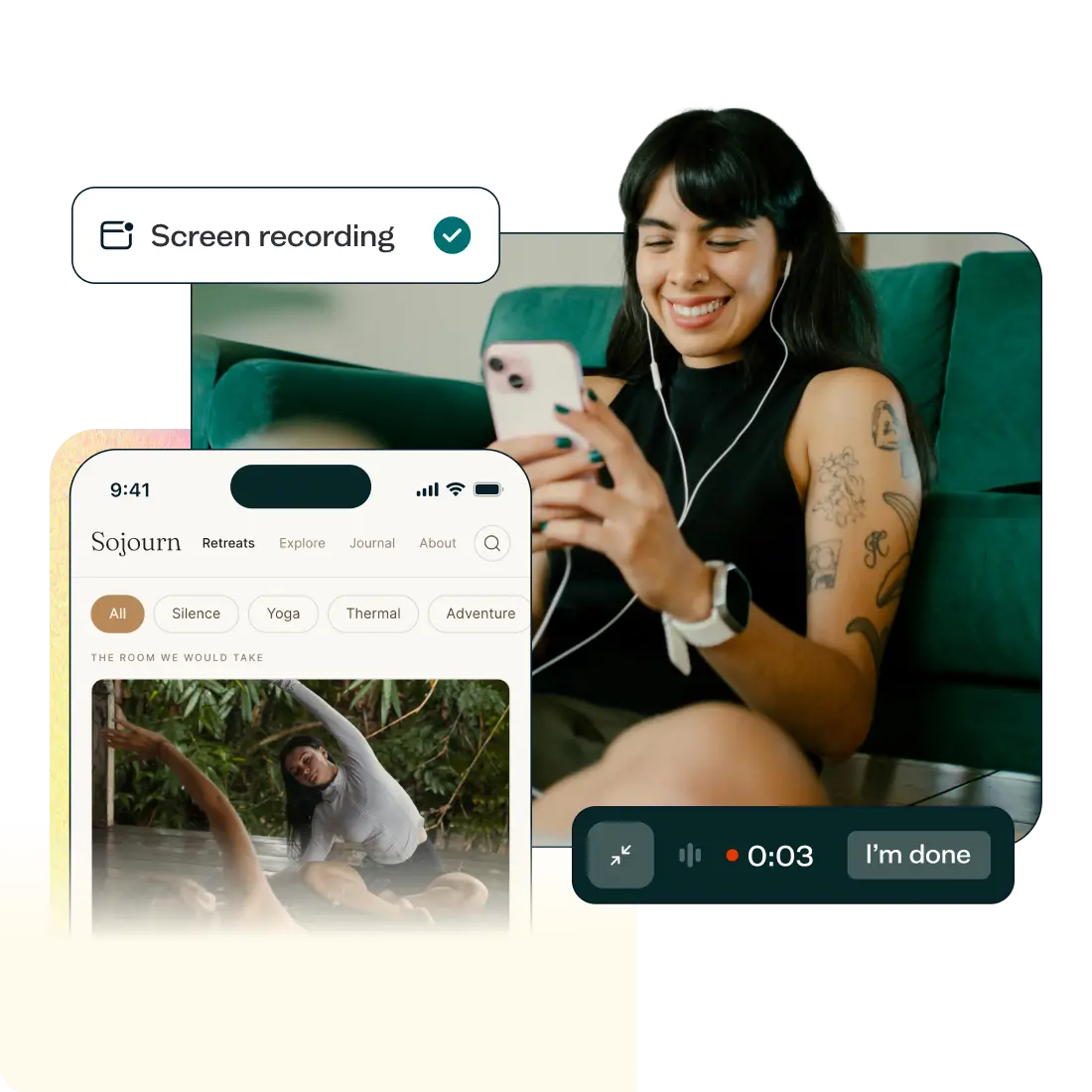
Trusted by 320,000+ designers, marketers, researchers, and product leaders to validate their decisions






















Your users are on mobile. Your research should be too.
Lyssna gives you mobile screen recording, built–in panel access, and AI-supported analysis in one place.
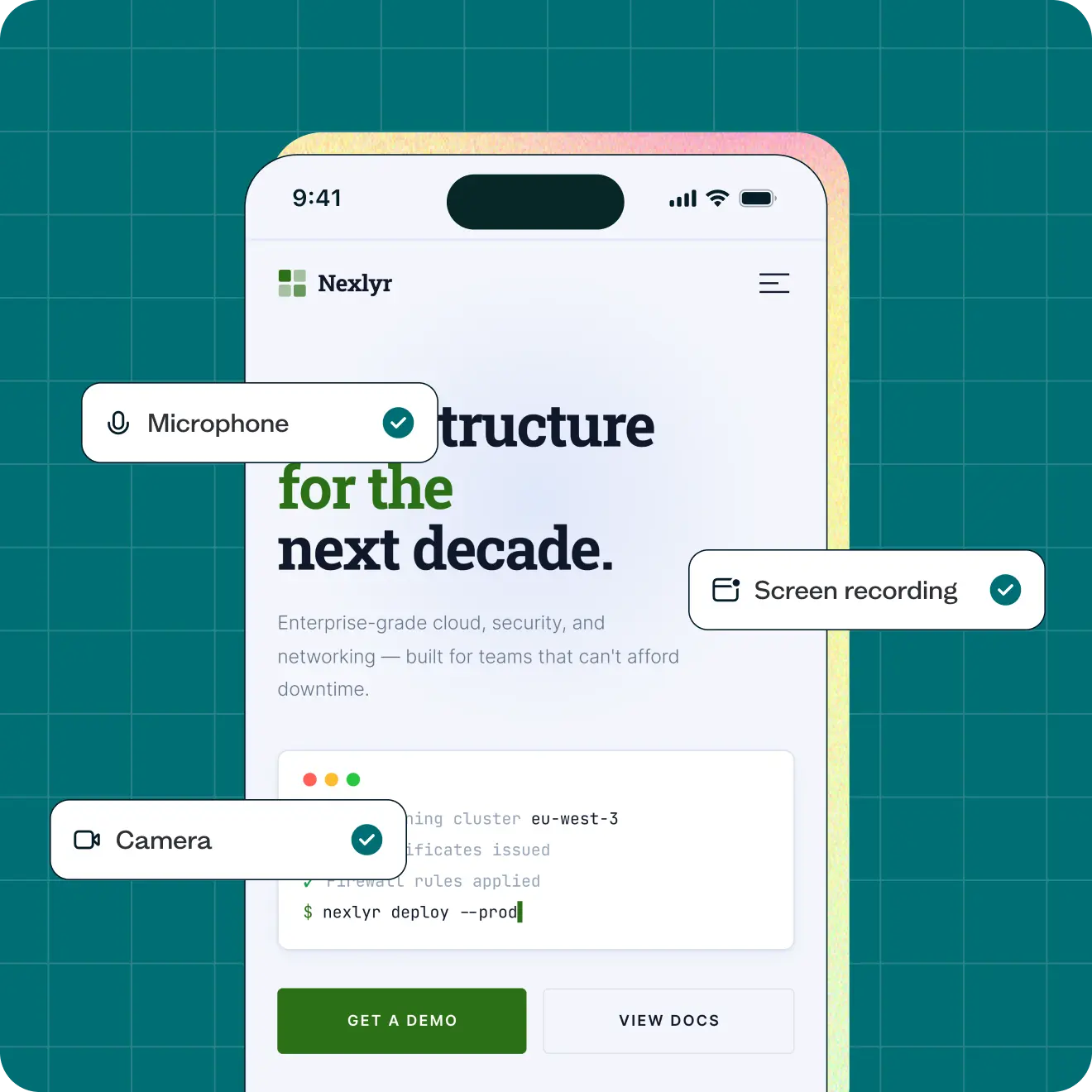
Watch what your users actually do on mobile
Mobile testing captures your participants' screen, audio, and camera in one recording – so you can see real navigation behaviour on a real device, not what users remember or describe after the fact.

Full screen capture of test sessions taken on iOS and Android mobile devices.
Captures screen, audio, and camera in a single recording
Supported across nine test and survey methods
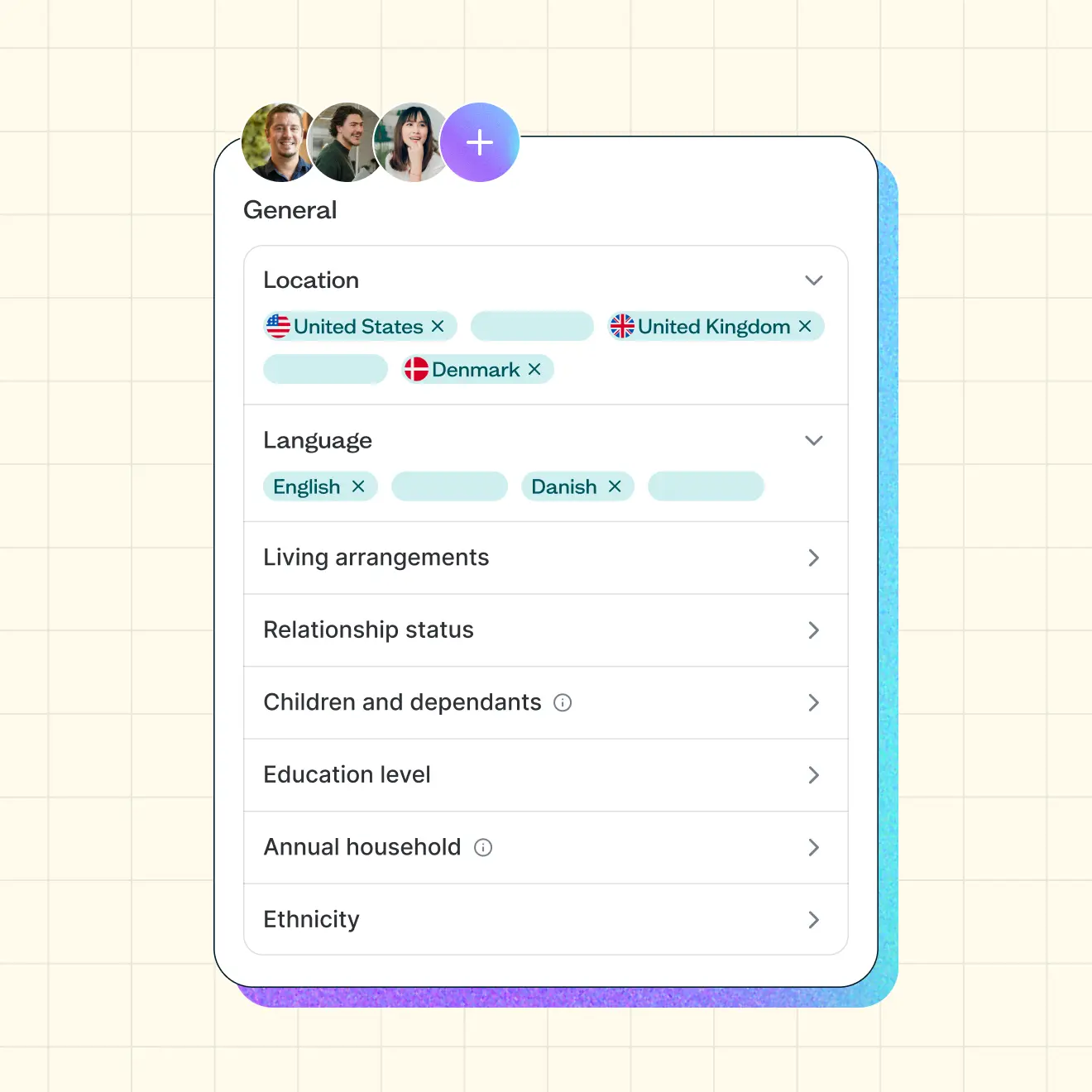
The same vetted panel – for desktop and mobile
Lyssna includes a built–in research panel of 690,000+ vetted participants – so you can recruit for mobile studies fast, without a separate tool or recruitment agency.
Global panel of B2B and B2C participants in 124 countries
Easy participant setup, with no account or login required
Bring your own participants – self–recruit is supported through the same workflow
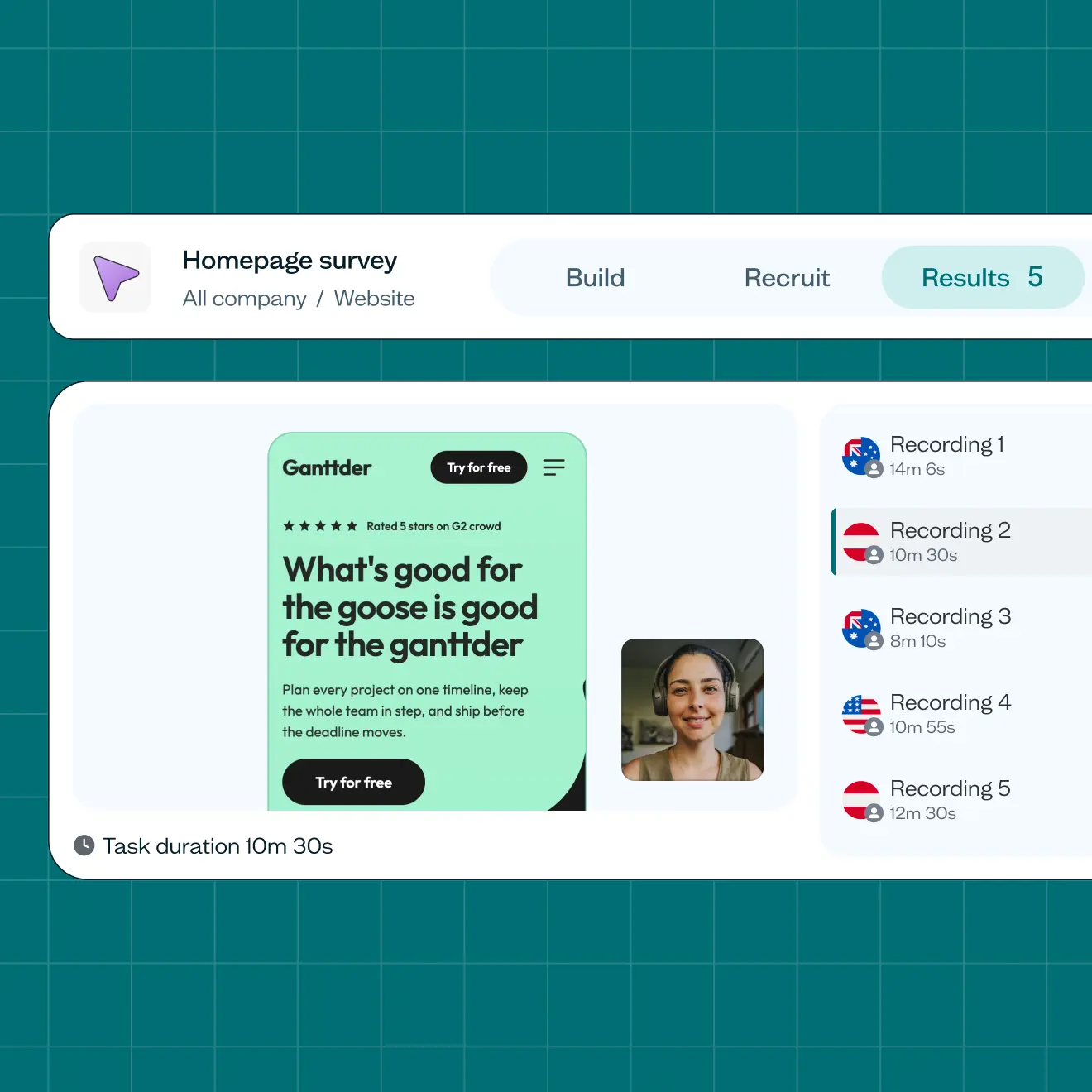
Everything in one place – recruiting, recording, results
Create your study, recruit participants from Lyssna’s panel or your own network, and get mobile recordings delivered back into your results dashboard.
Same study setup whether you're testing desktop or mobile
Analyze faster with AI summaries, or connect via MCP to your AI tool of choice
Mobile and desktop results live together – share one results link with your team
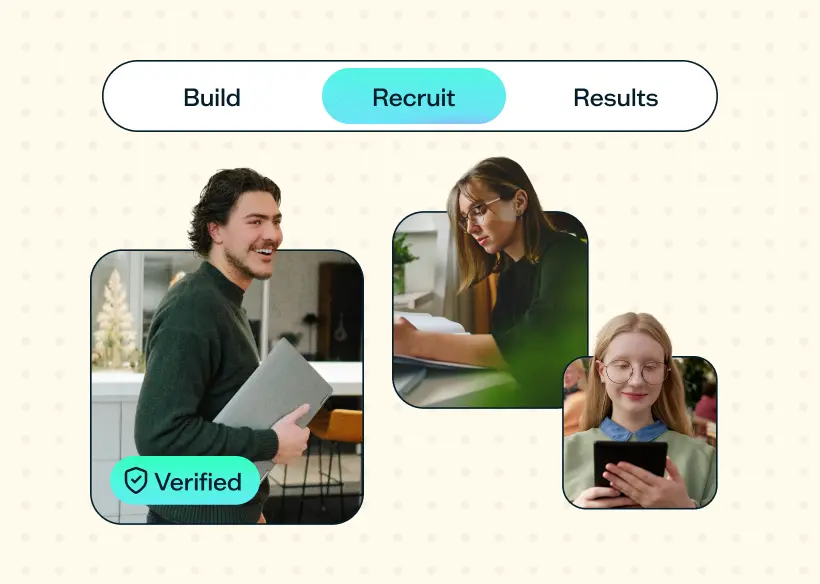
On-demand panel
Recruit from 690k+ participants over 124 countries.
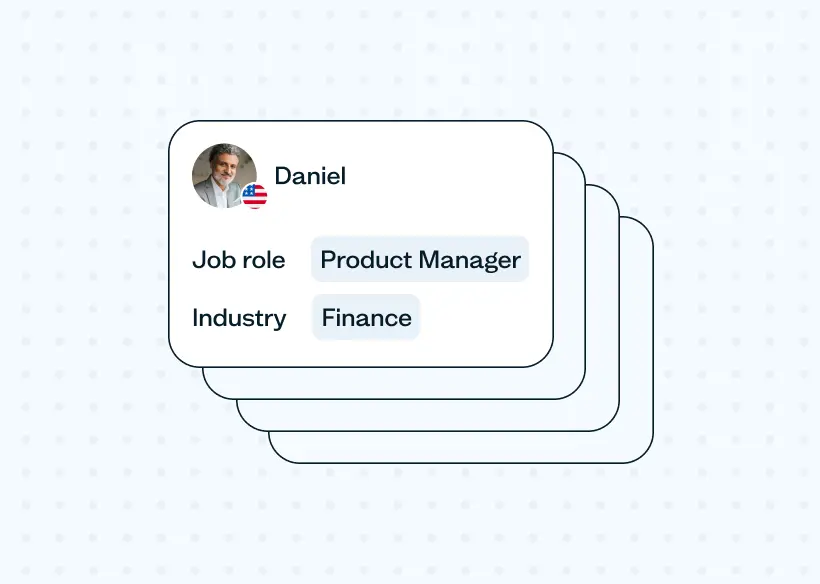
Precise targeting
Use 395+ filters and screeners to pinpoint ideal users.
iOS + Android
Both iOS + Android platforms supported.
See mobile testing in action
Trusted by industry leaders
From startups to global enterprises, leading teams rely on Lyssna to validate ideas, run studies, and make product decisions.















Get the most from mobile testing
Guides and tips for running your first mobile study – from setup to synthesis.
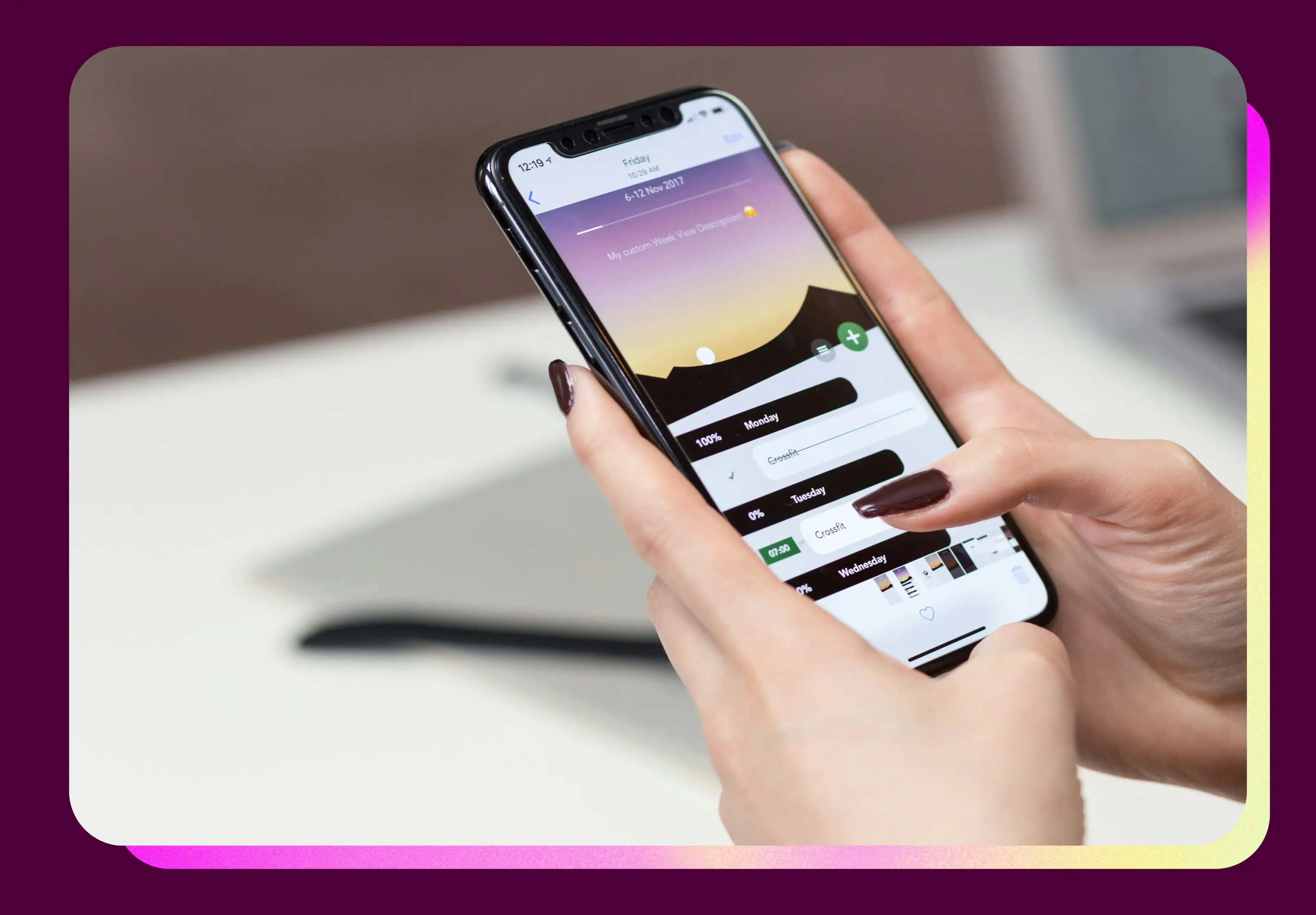
ARTICLE
Mobile usability testing
Mobile usability testing shows you exactly how people use your app or mobile site – not what your analytics guess. Here's how to plan, run, and act on it.
GUIDE
Website testing guide: Definition, benefits & how to test
A beginner's guide to website testing – from usability and functionality testing to performance and compatibility testing. Learn the basics and best practices for ensuring a high-quality website or web application.

ARTICLE
Mobile-first design
Mobile-first design means building for small screens before anything else. Here's why it works, how it differs from responsive design, and how to apply it well.

