10 Sep 2026
|12 min
Mobile usability testing
Mobile usability testing shows you exactly how people use your app or mobile site – not what your analytics guess. Here's how to plan, run, and act on it.
Mobile usability testing is how you find out whether your app or mobile site actually works the way people expect it to, not just whether your dashboards say it does. Analytics can tell you that someone dropped off during checkout or gave up halfway through onboarding. It can't show you the hesitation before a tap, the confusion over a mislabeled button, or the moment someone almost abandoned your product altogether.
Getting this wrong has real consequences. When Sonos redesigned its mobile app in 2024, the backlash was significant enough that Lyssna's CEO and co-founder, Mateja Milosavljevic, pointed to it as a cautionary tale: "They wanted to modernize their mobile application, they wanted to simplify things, but in doing so, they ended up changing a bunch of behaviors and functionality that people actually depended on." Mobile usability testing is what catches that kind of gap before it reaches your users – whether you're validating an early concept, testing a prototype, or checking a live app or site before it ships.
Whether you're a solo designer validating a prototype or a product team running research across multiple squads, the approach is the same: put a real task in front of a real person on their own device, and watch what actually happens.
Key takeaways
Mobile usability testing shows exactly where people hesitate or get stuck – a detail no drop-off number can give you.
It's useful at every stage, from early concepts and prototypes through post-launch redesigns.
Testing on a real device, in real hands, catches problems a desktop preview never will.
A structured process – plan, recruit, run, analyze – keeps results consistent and easy to act on.
Small details – thumb reach, session length, connectivity – shape whether a test reflects real mobile use.
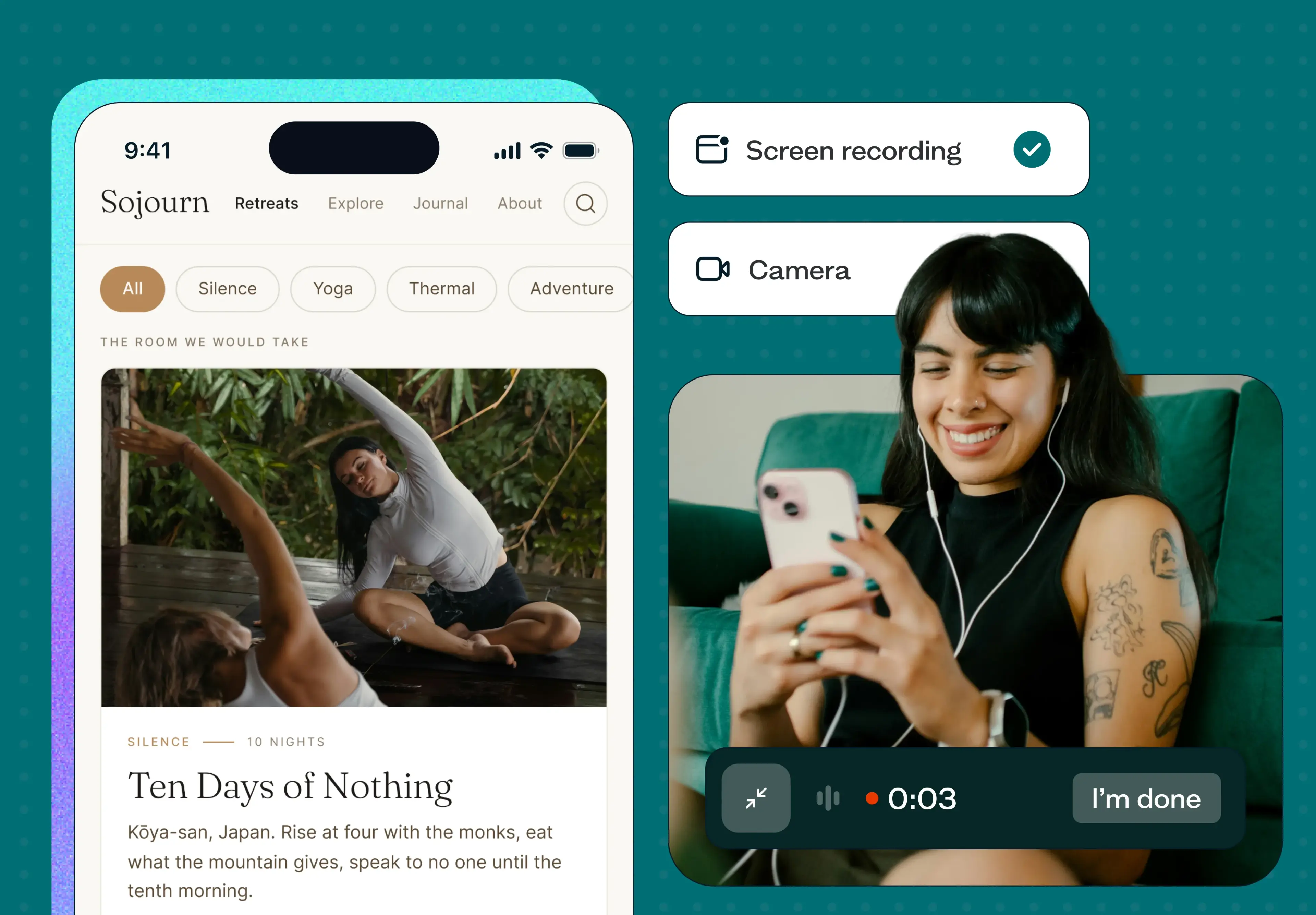
Lyssna's mobile testing brings that same screen, audio, and camera recording to mobile web and prototype studies.
What is mobile usability testing?
Mobile usability testing is the process of evaluating how real people use your app or mobile site by watching them complete real tasks on their own devices, rather than guessing from analytics or assuming desktop behavior carries over. It applies to native apps, mobile websites, and the prototypes that come before either one is built.
This is different from QA or functional testing, which checks whether the app or site works correctly – crashes, load times, broken links. Mobile usability testing looks at whether people can actually use it the way they expect to.
People's expectations for mobile are high and mostly unforgiving: a layout that isn't self-explanatory, or an interaction that doesn't behave the way a similar app or site does, is usually enough to make someone give up and move on. Usability testing is how you find those moments before your users do – though starting with a mobile-first design approach can help you avoid many of them in the first place.. For the fundamentals of the method itself, our usability testing guide covers the full process in more depth.
What can you test in mobile usability testing?
A mobile usability test can look at almost any part of the experience, depending on what you need answered:
What to test | What you're looking for |
|---|---|
Navigation | Can people move through your app or site without getting lost? |
Performance | Does it respond quickly to taps, swipes, and scrolls? |
Functionality | Do buttons, forms, and other UI elements work as expected? |
Accessibility | Can people using assistive technology complete key tasks? |
Cross-device consistency | Does the experience hold up across screen sizes and OS versions? |
Visual appeal | Do people respond well to the layout, colors, and imagery? |
Onboarding and retention | Do new users understand what to do first, and want to come back? |
Feature expectations | Does it do what people assume it will, based on similar products they've used? |
Why mobile usability testing matters
Usability testing isn't a niche method – it's one of the most heavily relied-on tools researchers and designers have.
That reliance comes down to results. Teams that build mobile usability testing into their process tend to see it show up in a few concrete ways:
Better reviews and satisfaction, because fewer people hit friction that makes them frustrated enough to complain.
Stronger conversion, particularly around checkout, sign-up, and onboarding flows where small points of confusion add up to real drop-off.
Lower development costs, since catching a problem in a prototype is far cheaper than rebuilding it after launch.
Fewer support tickets, because usability issues are caught before they turn into "how do I..." emails.
Better retention, since people are more likely to come back to something that worked the first time.

When to test your app or site for usability
Mobile usability testing belongs at every stage of the product lifecycle – from an early concept through years of updates after launch.
Stage | What to focus on |
|---|---|
Early on | Concept and prototype testing validate whether an idea or a proposed flow makes sense before any code gets written. |
During active development | Iterative testing checks that key tasks stay intuitive as the product evolves, with more comprehensive testing as you approach launch. |
After launch | Major updates deserve the same rigor as a first release; periodic testing keeps pace with changing expectations, and a dip in your metrics is a signal to run a focused round. |
How to test your app or site for usability
1. Plan the test
Start with a clear objective: what decision will this test help you make? From there, design specific tasks that map to that objective, write the questions you'll ask, and do a trial run with a colleague before you launch to real participants. A usability test plan template and a solid usability test script make this step faster – our usability testing templates are a good starting point if you'd rather not build one from scratch.
2. Recruit participants
Decide whether you need existing customers, people from a new target segment, or a mix of both. Whoever you recruit, make sure they have genuine experience with the type of device you're testing on – someone who rarely uses a smartphone won't behave the way your typical mobile user will.
3. Run your test
Follow your prepared script closely, whether the session is moderated (you're present, asking follow-up questions) or unmoderated (participants complete it on their own). Consistency across sessions is what makes the results comparable.
4. Analyze and report on your data
Evaluate what you found against your original objective. Combine qualitative observations (where people hesitated, what they said) with any quantitative data (task completion, time on task) to get the full picture, then turn that into a short, specific set of recommendations. If you need a structure for sharing what you found, our guide on writing a usability testing report covers what to include.

Mobile usability testing best practices
Mobile introduces constraints that don't exist on desktop, so a few extra considerations are worth building into your process:
Recruit for real device experience. Someone who's used a smartphone for years will behave differently from a newer user or someone unfamiliar with the interaction patterns.
Test across multiple devices, since screen size, OS version, and hardware all affect how an experience holds up.
Let people test in their own environment where you can – remote testing captures more realistic behavior than a lab setting.
Watch battery and resource use, not just the interface – a laggy or draining experience is a usability problem too.
Account for thumb reach and one-handed grip. What looks right on a screen doesn't always feel right in someone's hand.
Keep sessions shorter. Mobile use happens in bursts, and long sessions stop reflecting real behavior.
Test resilience to interruptions – calls, notifications, and patchy connectivity are part of real mobile use, not edge cases.
Prioritize onboarding. With so many alternatives a tap away, a confusing first impression is often the only impression you get.
Three steps to reliable mobile usability testing
Lyssna design advocate Joe Formica ran into every one of these constraints firsthand while building a mobile app for farmworkers. Out in the field, the design broke down in ways his desk-based testing never caught: "A ton of glare on the screen. The contrast in my original design was a little bit better, but it was still way too faint... There was also no cell reception out there. A technical constraint for the situation that doesn't happen when I'm sitting at my desk on a strong Wi-Fi connection, but does happen when you're out in the field."
He walks through this example in the workshop below.
Joe took three practical lessons from that experience.
1. Make your prototype feel real
"If your prototype doesn't feel real, your feedback won't be either," Joe says. Swap out placeholder content and filler images for the real thing wherever you can – a screen full of lorem ipsum shifts people from giving feedback to guessing at what you meant. Animations, transitions, and micro-interactions matter here too: they're what makes an experience feel like a real product instead of a demo.
2. Design tasks for mobile behavior
Context is what separates mobile from desktop use, according to Joe: mobile is "a device that is literally with us and being picked up all the time," compared to sitting down deliberately at a desktop. Task design needs to account for that – give people a goal rather than a set of directions: "What's much more valuable is to give them a goal and see how they would accomplish it on their own without prescribing so many of the steps involved."
Keep tasks brief, too, since having to return to a long one is extra annoying on mobile. It's also worth starting a prototype mid-flow – from a simulated notification, say – rather than the home screen, since that's often closer to how a feature actually gets used.
3. Test in real-world conditions
"Get creative in how you try to simulate real world constraints, environmental factors, and scenarios that might affect a user's behaviour," Joe says. That doesn't need to be elaborate – something as simple as asking someone to complete a task standing up, or holding something in one hand, closes some of that gap for surprisingly little effort.
How Lyssna can help
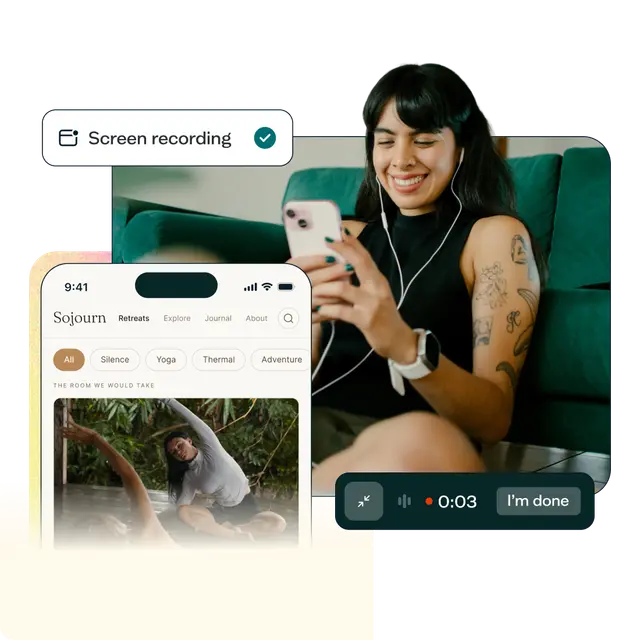
Lyssna's mobile testing brings native screen, audio, and camera recording to mobile devices, so you can watch exactly what someone does on their own phone – not just infer it from analytics or hear them describe it afterward. Two purpose-built apps make it possible: Respond by Lyssna for participants from your own network, and the UserCrowd app for participants recruited from the Lyssna panel. It's supported across nine study types: prototype testing, card sorting, tree testing, first click testing, preference testing, five second testing, design surveys, live website testing, and navigation testing – and it's included at no extra cost on Growth and Enterprise plans.
As one Lyssna customer, Tom Alcock, UX Researcher at Vestd, put it about Recordings generally: "Now with Recordings, you can hear what they're saying. You can see where they're clicking, you can see what they're doing wrong. It's just added so much more context to the prototype tests that we would have never got before." That's exactly the gap mobile testing closes for phones and tablets specifically.
One important scope note: mobile testing doesn't yet support testing your own native mobile app – the kind installed from an app store. Right now, it covers mobile web and prototype-based studies: a live site, a responsive redesign, or a prototype opened on a real device. If native in-app testing is specifically what you need, the methodology in this guide still applies, but this particular capability isn't there yet.
Recordings land in the same results dashboard as your desktop tests, alongside AI summaries, and you can recruit from Lyssna's research panel – 690,000+ participants across 124 countries, with 395+ targeting filters – or from your own network. If you're exploring Lyssna for the first time, you can start with a free plan to see how the rest of the platform works; mobile testing itself is a Growth and Enterprise feature.
FAQs about mobile usability testing

Diane Leyman
Senior Content Marketing Manager
Diane Leyman is the Senior Content Marketing Manager at Lyssna, where she built the content program from the ground up and leads the company’s content strategy. She brings more than 15 years of experience in content and editorial roles across SaaS, publishing, and the not-for-profit sector.

You may also like these articles