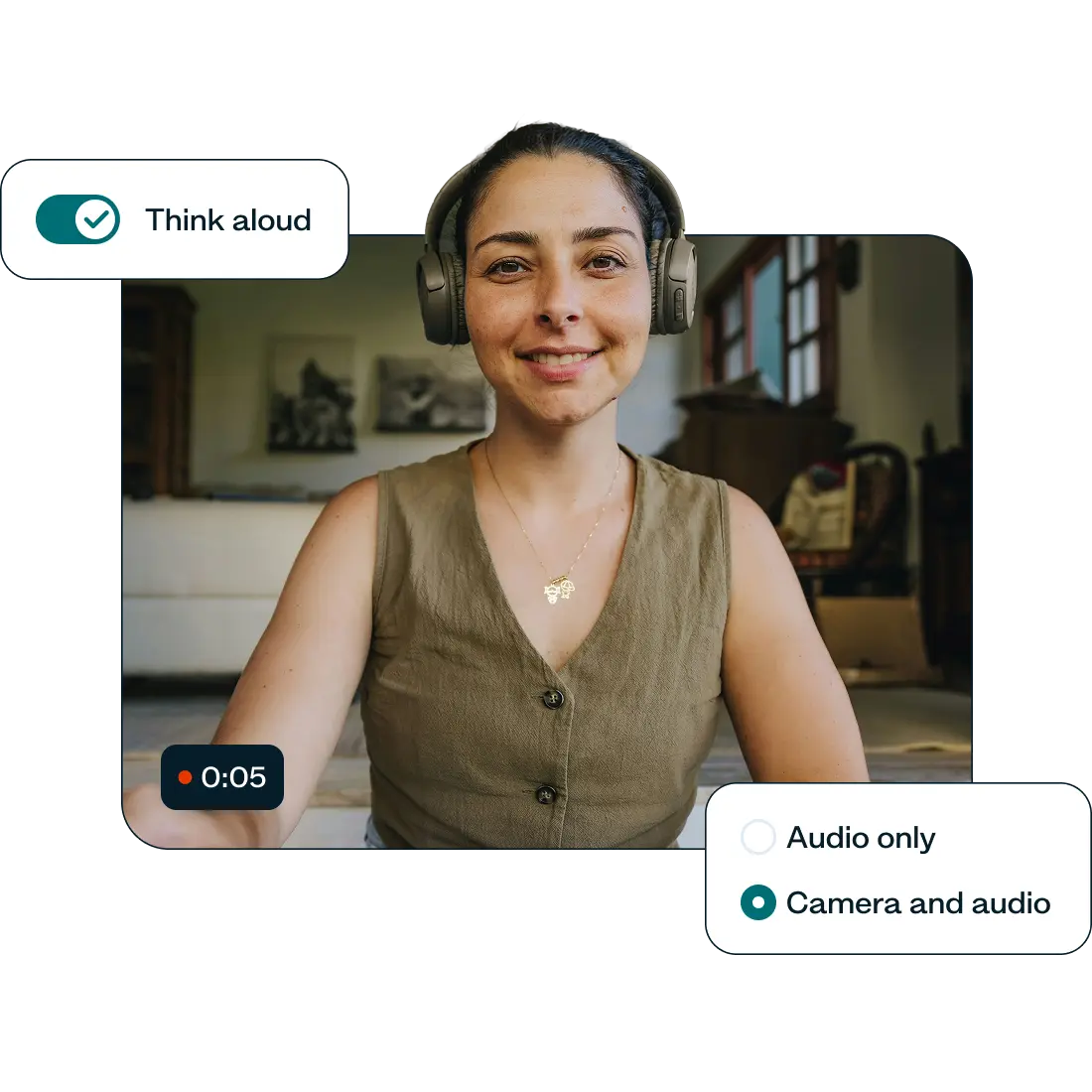






















Gain a deeper understanding with recordings
Capture your users' thoughts and insights as they think-aloud during unmoderated usability tests.
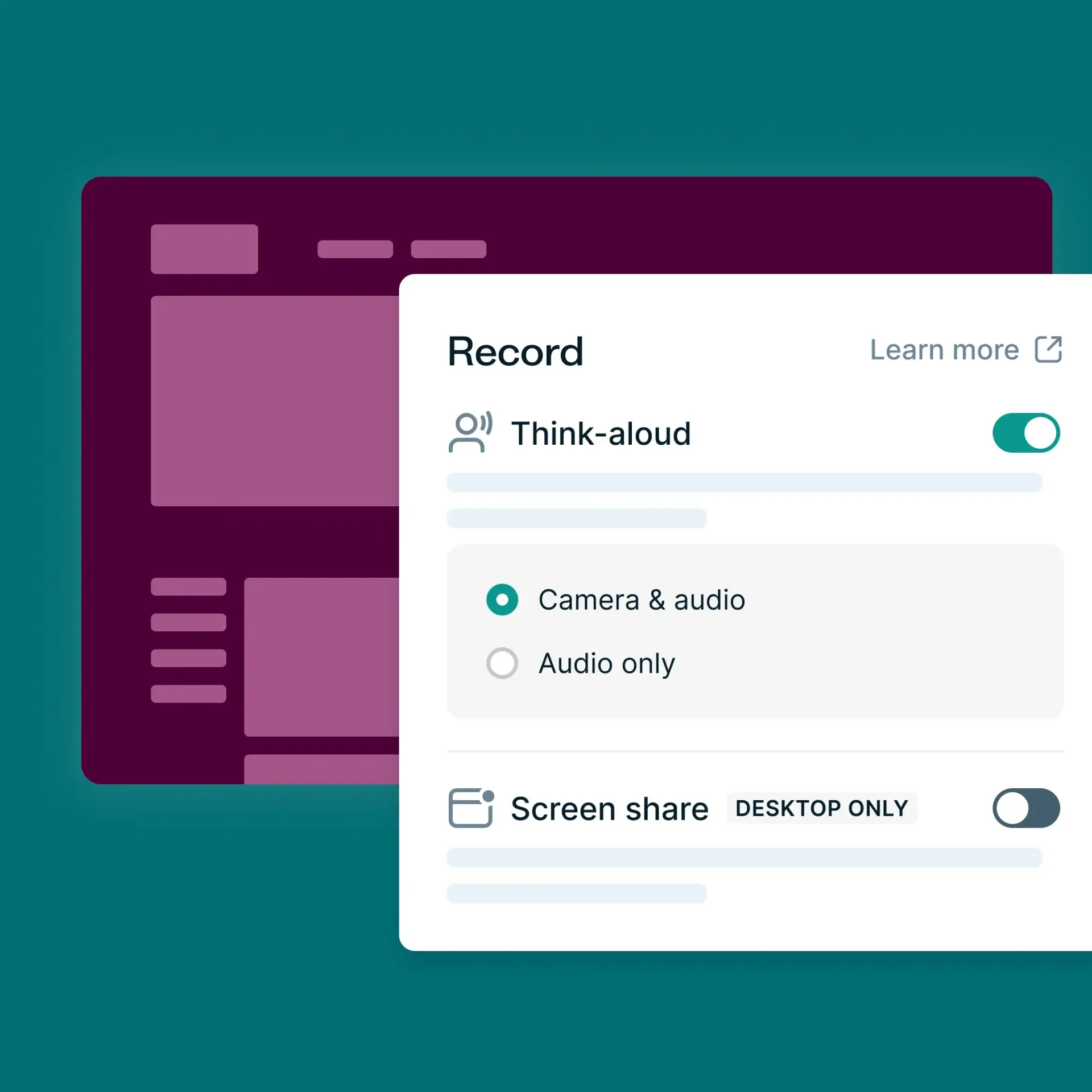
Choose to record audio, screen, or webcam
Record audio, screen, webcam, or a combo of all three to capture users’ think-aloud moments during unmoderated tests. It's like having a front-row seat to their experience!
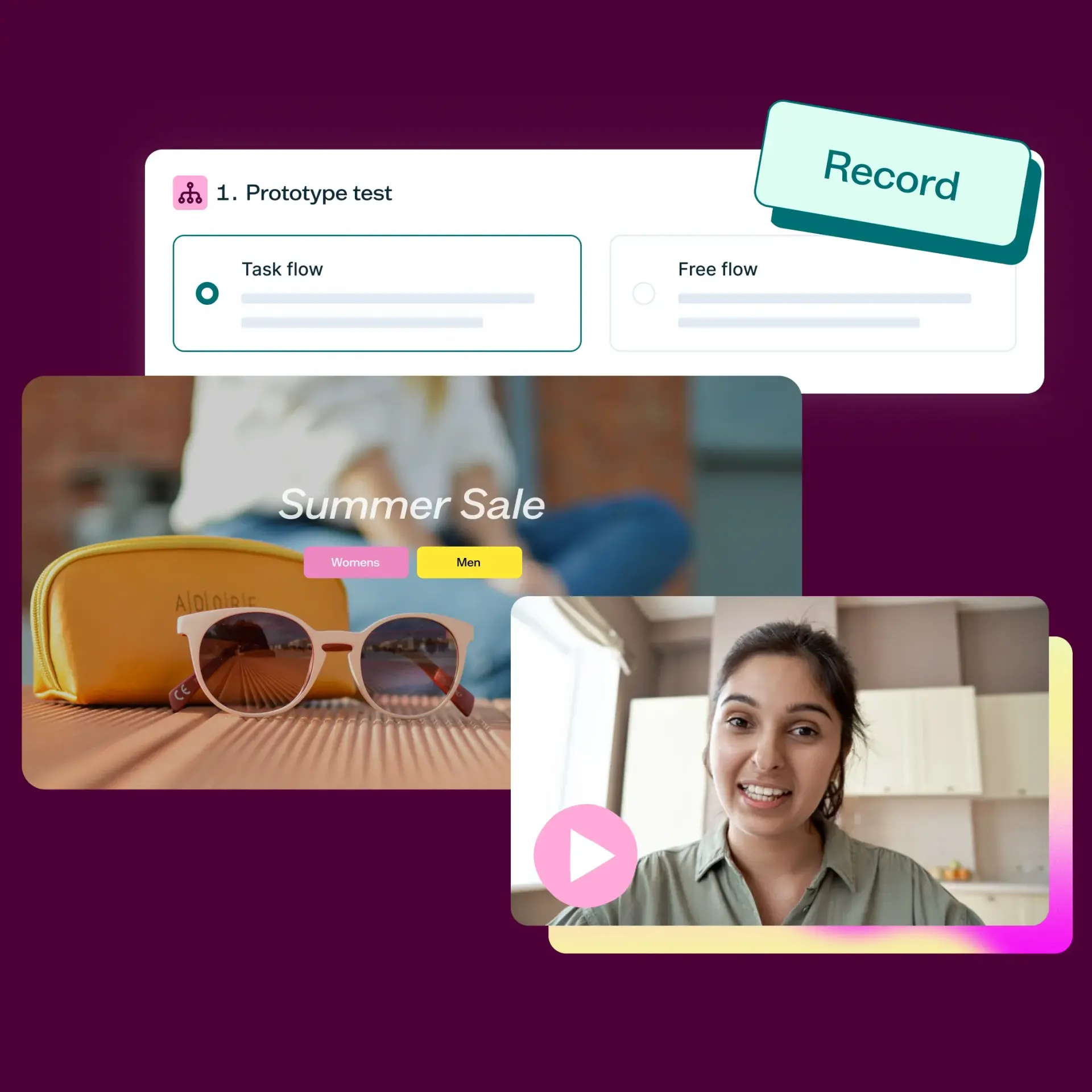
Enable Recordings in your preferred test sections
Simply toggle Recordings on for the sections where you want more context. Recordings can be enabled for prototype testing, first click, card sorting, navigation, and tree testing. Easy!
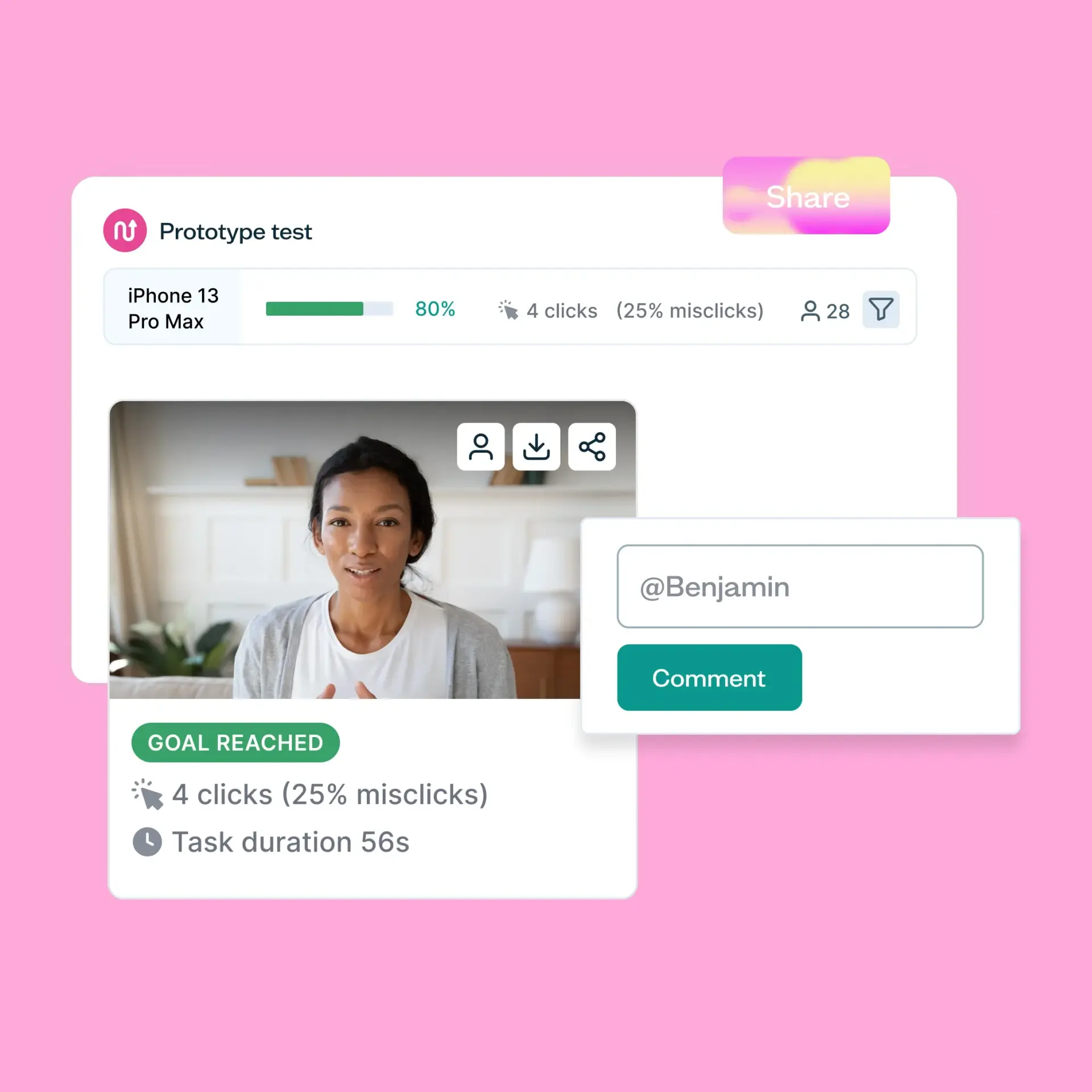
Take your whole team along for the journey
Easily share your recordings with a link. Tag teammates in comments to discuss findings. Or download recordings to import into your repository for further analysis.

Use with the Lyssna panel or for self-recruitment
Record audio, screen, or camera or a combination
Toggle Recordings on by test section
Enable/disable feature in account admin
Playback or share results with a link
Download recordings to upload to your repository
SOC 2 and GDPR compliant
See Recordings in action
Trusted by industry leaders
From startups to global enterprises, leading teams rely on Lyssna to validate ideas, run studies, and make product decisions.















Get started with our resources for think aloud testing
Guides, templates, and examples to help you record what users do and hear the thinking behind it.
GUIDE
Think-aloud protocol guide
Discover how to use a think-aloud protocol in UX research to a gain deep understanding of user behavior.
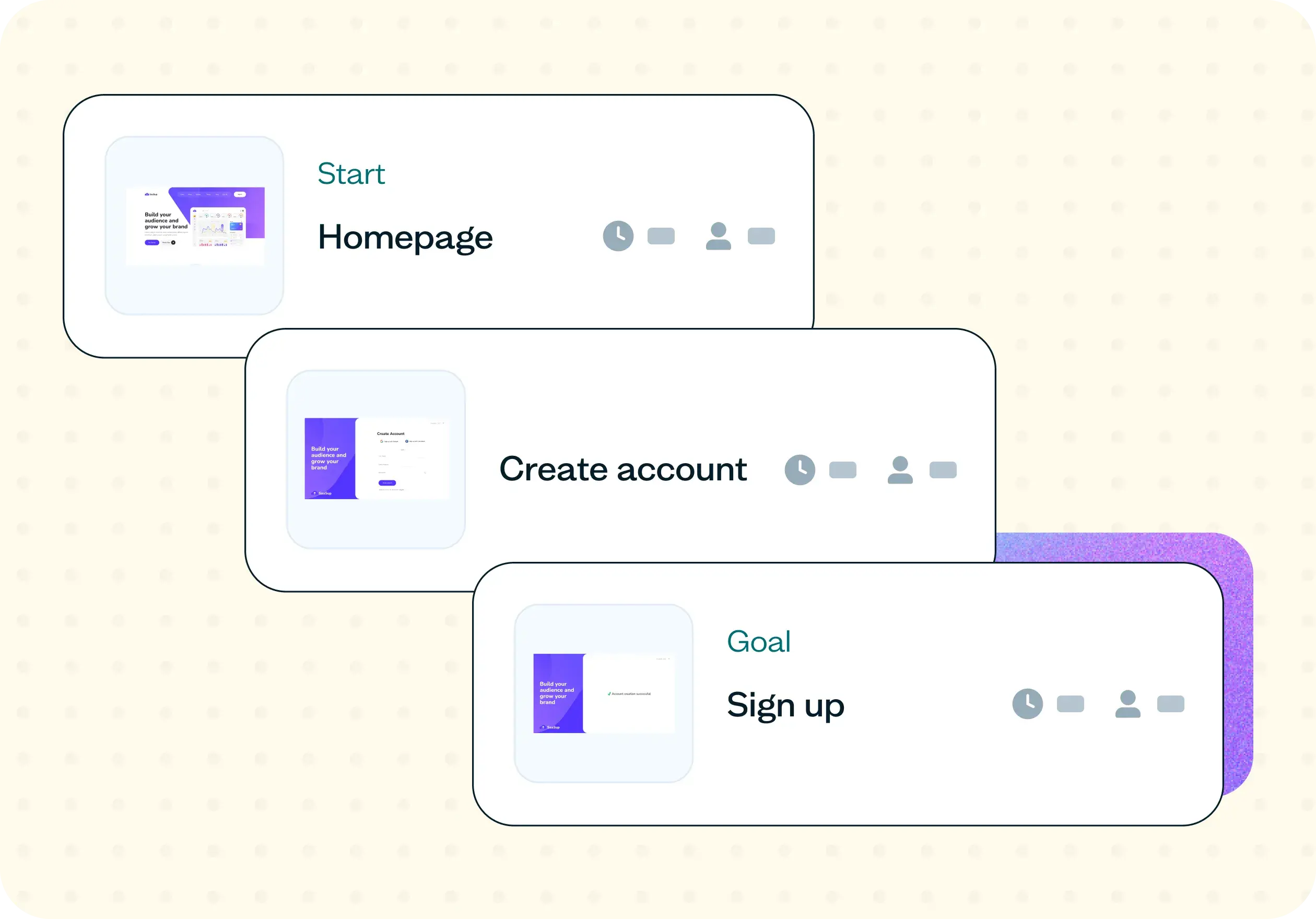
TEMPLATE
How to assess website conversion flow
Learn how to assess your website conversion flow with real users. Use this research template to diagnose drop-off, surface friction, and turn guesswork into evidence-based fixes.
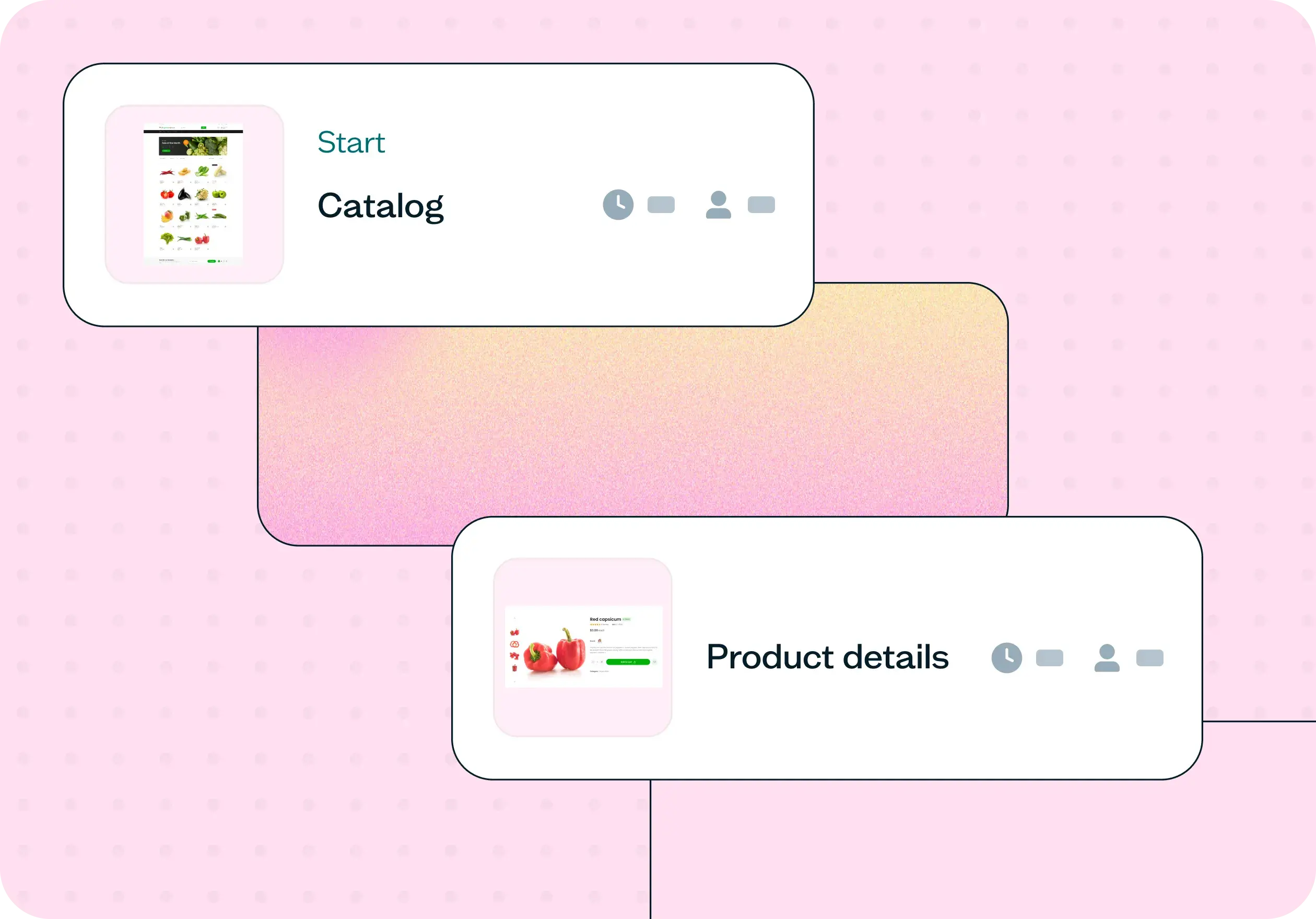
TEMPLATE
How to improve your checkout process
Learn how to improve your checkout process with evidence, not guesswork. Use this research template to cut cart abandonment, surface friction, and ship fixes users actually need.

