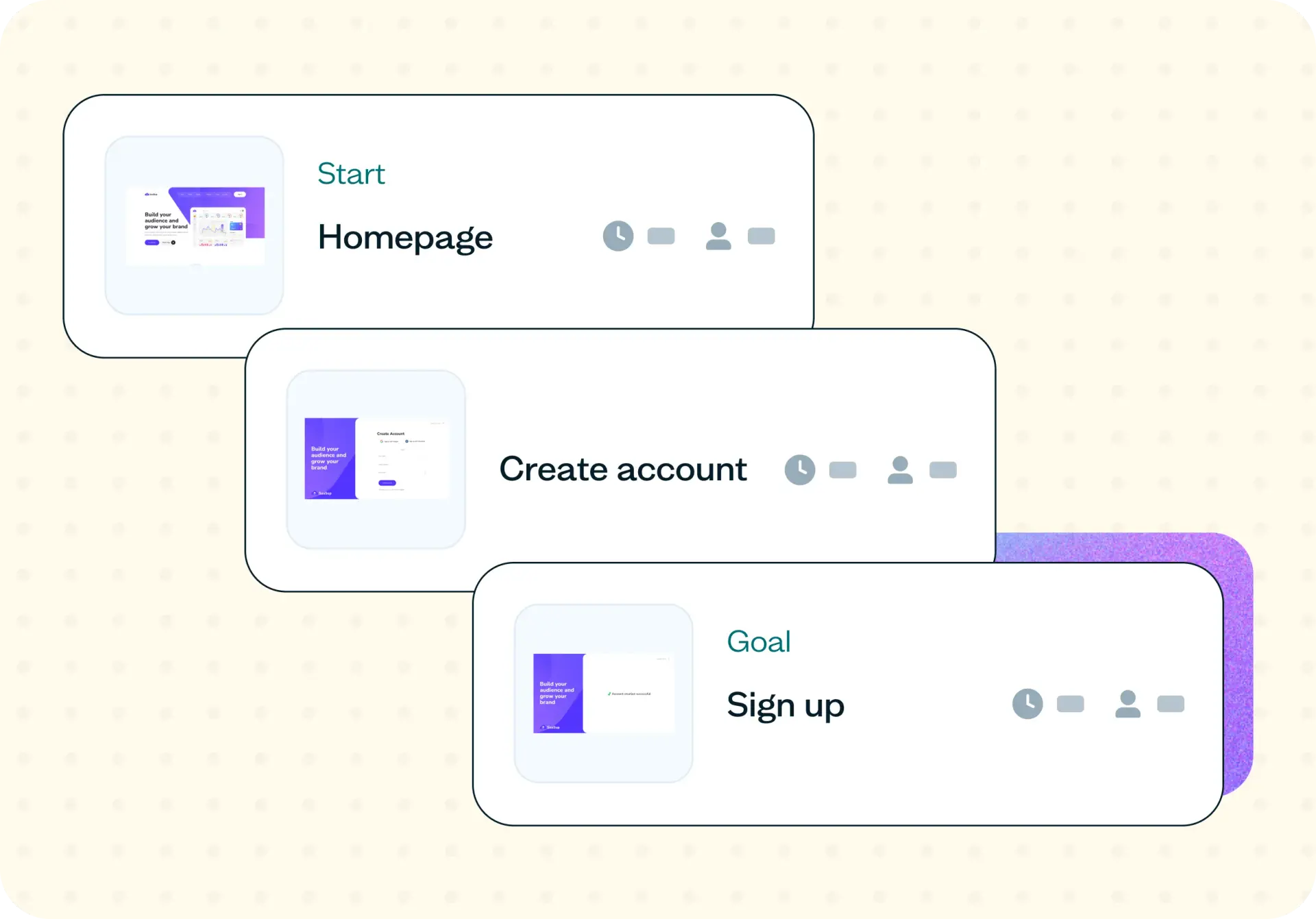

Analytics can tell you that 30% of users drop off at step three of your conversion flow, but it can't tell you why. Is it a UX problem, a trust problem, a pricing problem, or a channel problem? This template uses task-based usability testing to help you diagnose exactly where and why users abandon your flow, so you can fix the right problem the first time.
Why guessing on conversion flow costs you
When conversion rates dip, it's tempting to redesign the most obvious friction point and hope for improvement. But without understanding why users are dropping off, you risk wasting design, engineering, and marketing time fixing the wrong thing.
A modest conversion lift often outperforms even significant gains in top-of-funnel traffic. Improving your website conversion flow by just 10% can deliver more revenue impact than doubling your visitor count – and that lift compounds over time. Yet many teams still rely on funnel analytics alone, accepting internal assumptions about what's broken rather than testing those assumptions with real users.
The challenge is that internal teams grow accustomed to usability issues in their conversion funnel that new users reject in the first 30 seconds. Conversion flow testing surfaces the actual blocker in days, not quarters – giving your growth, product, and design teams evidence to align on the same next action and focus your conversion rate optimization efforts where they'll have the most impact.

What this template helps you discover
This website conversion flow template helps you uncover the specific points where your funnel breaks down – and why. After running this test, you'll have clarity on:
Which step in your conversion flow causes the most user hesitation
Whether drop-off is a UX problem or a channel, offer, or pricing problem
What users expect at each step – and where those expectations break
How mobile and desktop experiences diverge inside the same flow
Which trust signals are missing at the point of commitment
What you'll test
This template structures your website conversion flow assessment around three core dimensions, each designed to reveal a different layer of user behavior.
Task success
Task success measures whether target users can complete the primary conversion task – and where they fail. You'll identify which steps fall below the 85% success threshold and pinpoint the specific screens or interactions that cause users to abandon the flow. This gives you a clear, quantitative baseline to measure against after making changes.
Friction and hesitation
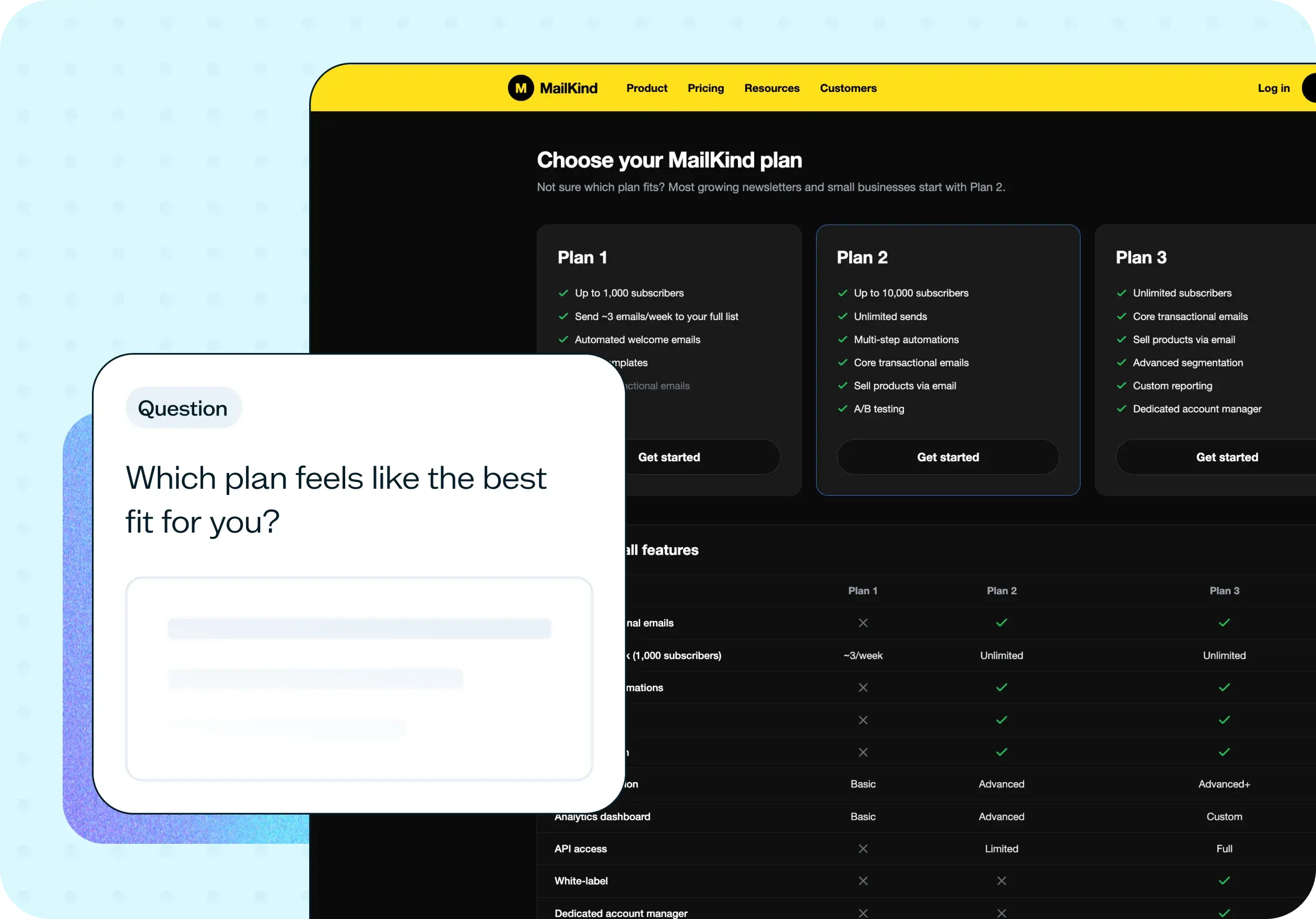
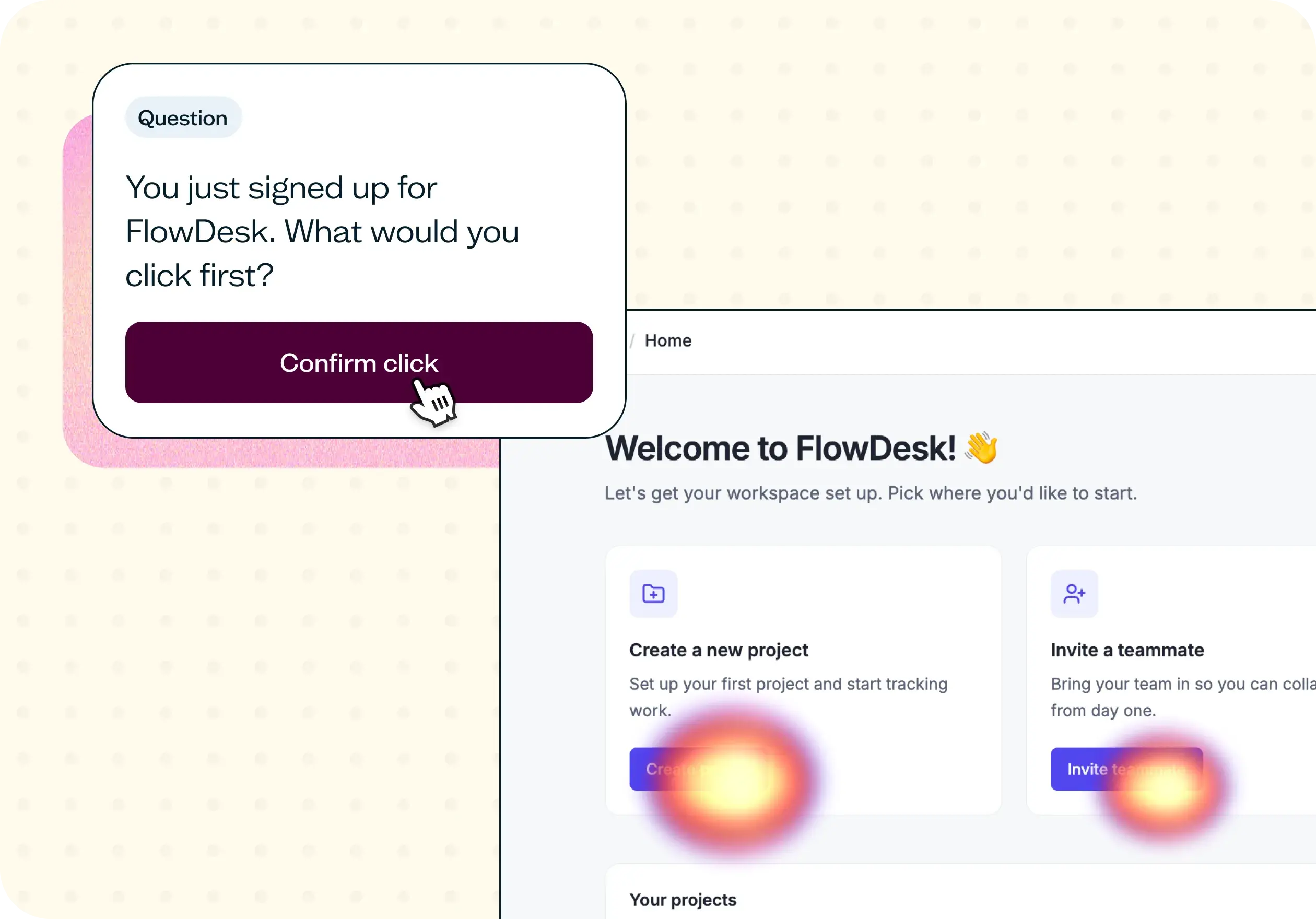
Friction testing reveals where users pause, backtrack, or express confusion during the conversion flow. You'll discover which form fields, CTAs, or steps feel unexpected – the moments where users slow down or second-guess their next action. These hesitation points often represent the highest-impact opportunities for conversion improvement.
Recovery and trust
Recovery and trust testing examines whether users can recover from errors without abandoning the flow entirely. You'll learn whether trust signals – like security badges, clear pricing, or social proof – are visible at the moments when decisions get harder. Missing trust cues at the point of commitment are one of the most common and fixable causes of conversion drop-off.
When to use this template
This template is most valuable when you need to move from "we know there's a problem" to "we know exactly what to fix." Use it in these situations:
After a sudden drop in conversion rate that analytics can't fully explain
Before a major redesign or re-platform, to establish a baseline and identify what's actually broken
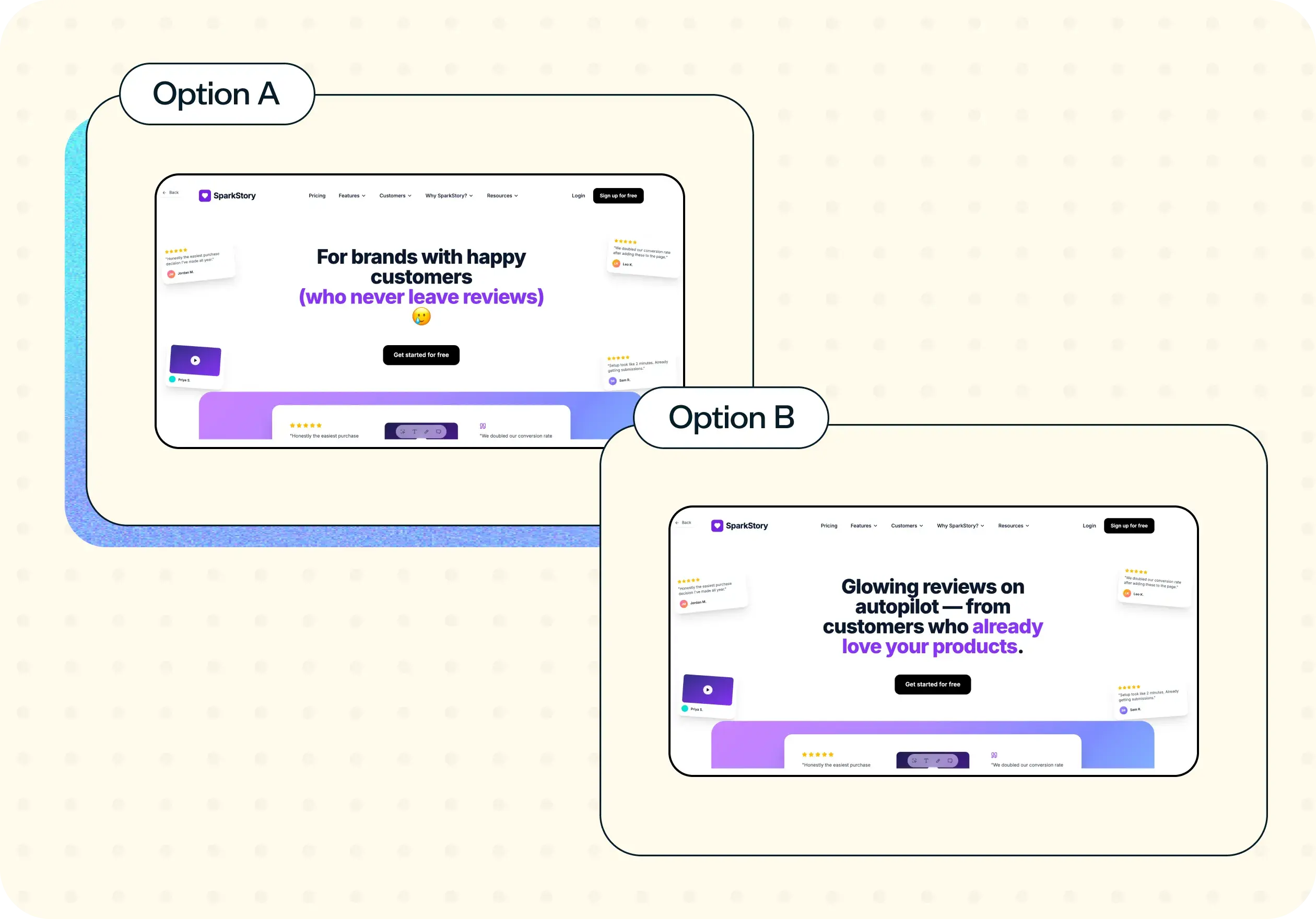
When A/B testing has plateaued and you need fresh qualitative signal to find the next experiment
When launching to a new audience segment that may experience your flow differently
When mobile and desktop conversion rates diverge significantly and you need to understand why
When analytics shows where users drop off but nobody can explain why
Example outcomes
After running this website conversion flow assessment, you'll have a clear set of evidence-based outputs to guide your next steps:
A prioritized list of the three highest-impact conversion fixes, ranked by severity and user impact
Task success and task confidence scores broken down by step and user segment
Verbatim quotes from participants that explain the real friction behind each drop-off point
Mobile-specific recommendations separated from desktop issues, so you can address each platform on its own terms
A before-and-after benchmark to measure the lift of each fix you implement
Who this template is for
This template is designed for anyone responsible for improving conversion performance – whether you're running your first website conversion flow assessment or refining an established optimization program:
UX researchers diagnosing drop-off across the full conversion flow
CRO specialists prioritizing the next experiment with qualitative evidence
Product managers deciding what to ship in the next sprint based on real user behavior
Growth leads aligning acquisition spend with on-site experience
Designers turning funnel data into actionable design decisions
How to use this template
Getting started with this website conversion flow assessment takes just a few minutes. Follow these steps to set up your test and start collecting insights:
Click "Use this template" and log in to your Lyssna account. This loads a pre-built prototype testing study designed to assess your conversion flow. If you don't have an account yet, you can start exploring with a free plan.
Connect your Figma prototype. Create a Figma flow of your conversion path and add it to your test. Lyssna supports two types of prototype tests – Task flow and Free flow. This template uses Task flow, which is ideal when you want to test a specific set of objectives that ends with a goal screen.
Customize the tasks and questions. Adjust the task prompts to match your specific conversion flow. For example, you might ask participants to complete a signup, make a purchase, or reach a confirmation screen – whatever action represents your primary conversion goal.
Recruit your participants. Choose participants from Lyssna's research panel of 690,000+ participants across 124 countries with 395+ targeting options, or share the test link with your own users. For conversion flow testing, recruiting 15–25 participants across your key segments is a good starting point.
Launch and review your results. Set your test live and start collecting responses. Review task success rates, identify hesitation points, and read participant comments to understand the "why" behind each drop-off.
FAQs about website conversion flow
You may also like these templates

We used to spend days collecting the data we can now get in an hour with Lyssna. We're able to get a sneak preview of our campaigns' performance before they even go live.

Aaron Shishler
Copywriter Team Lead at monday.com























