Usability testing
Discover how usability testing helps teams validate designs, understand their users, and make confident decisions – at every stage of the product life cycle.
Usability testing templates
Ready-to-use templates to help you set up and run usability studies faster. Pick one, customize it for your goals, and start gathering insights in minutes.
TEMPLATE
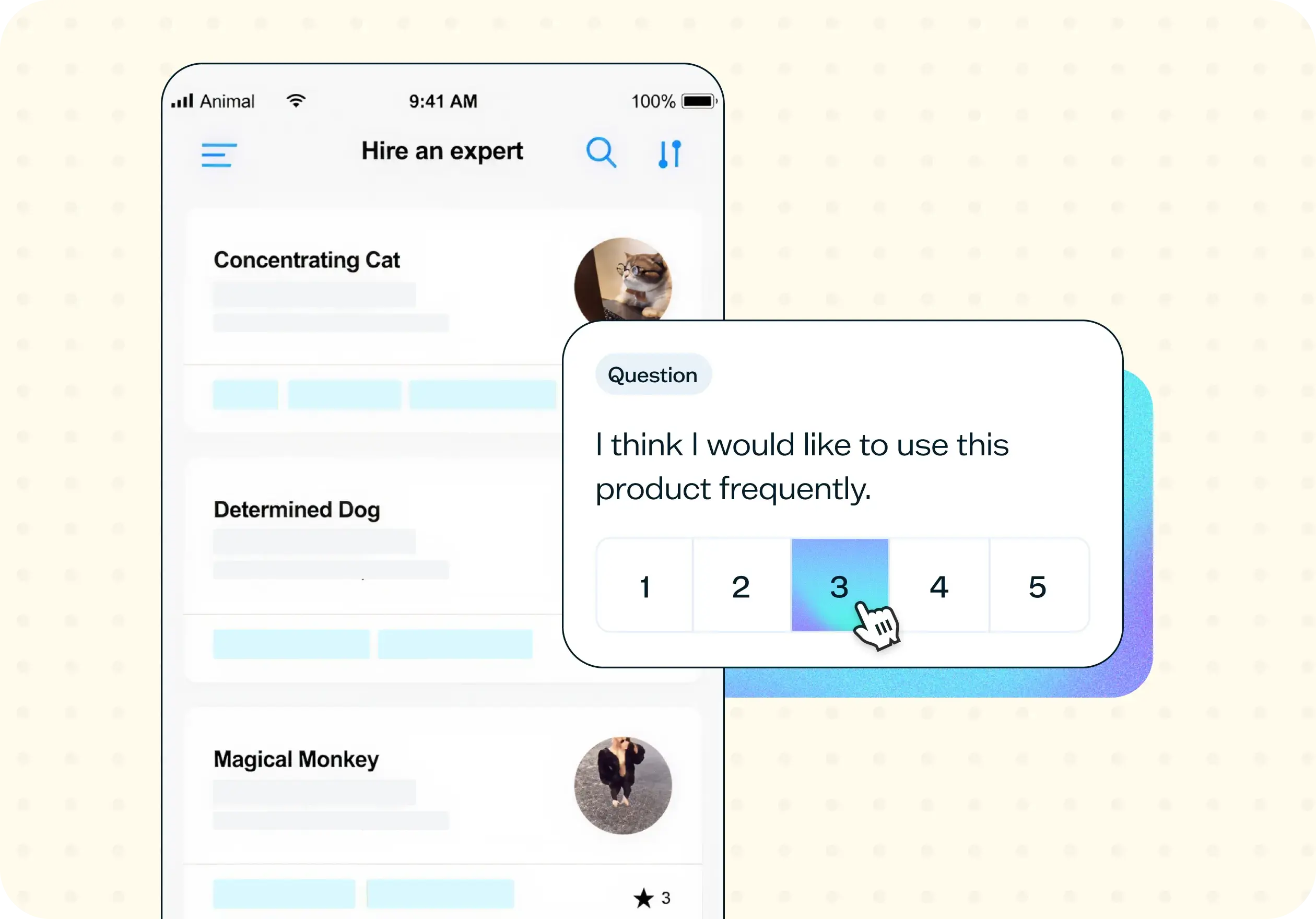
How to calculate a SUS score
Use this template to measure perceived usability, benchmark your product against industry standards, and track improvements over time.
TEMPLATE
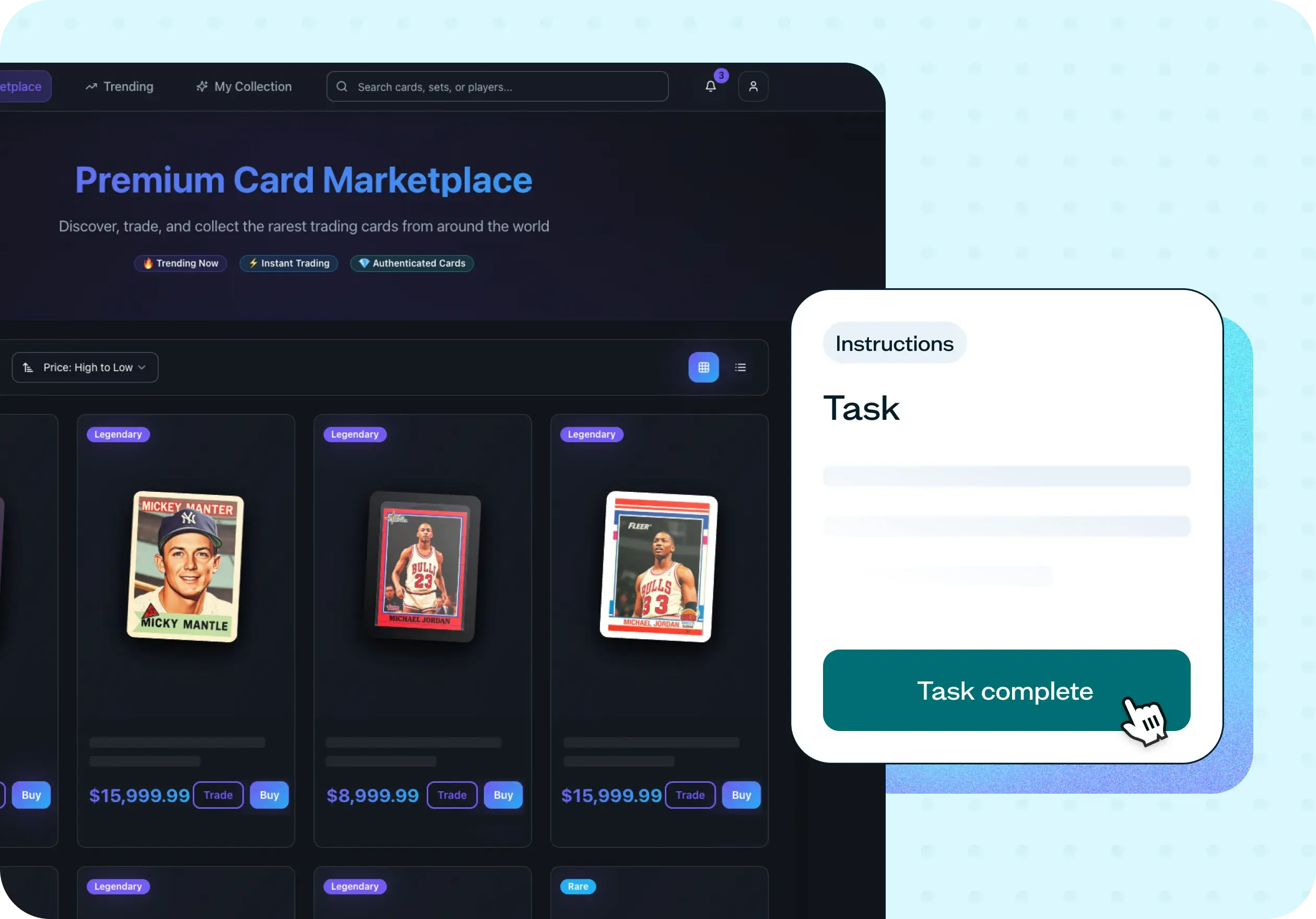
How to test your Lovable prototypes
Validate your Lovable and vibe coded prototypes with real users before development. Use this research-driven template to test usability, identify friction, and confirm your product is ready to build.
TEMPLATE
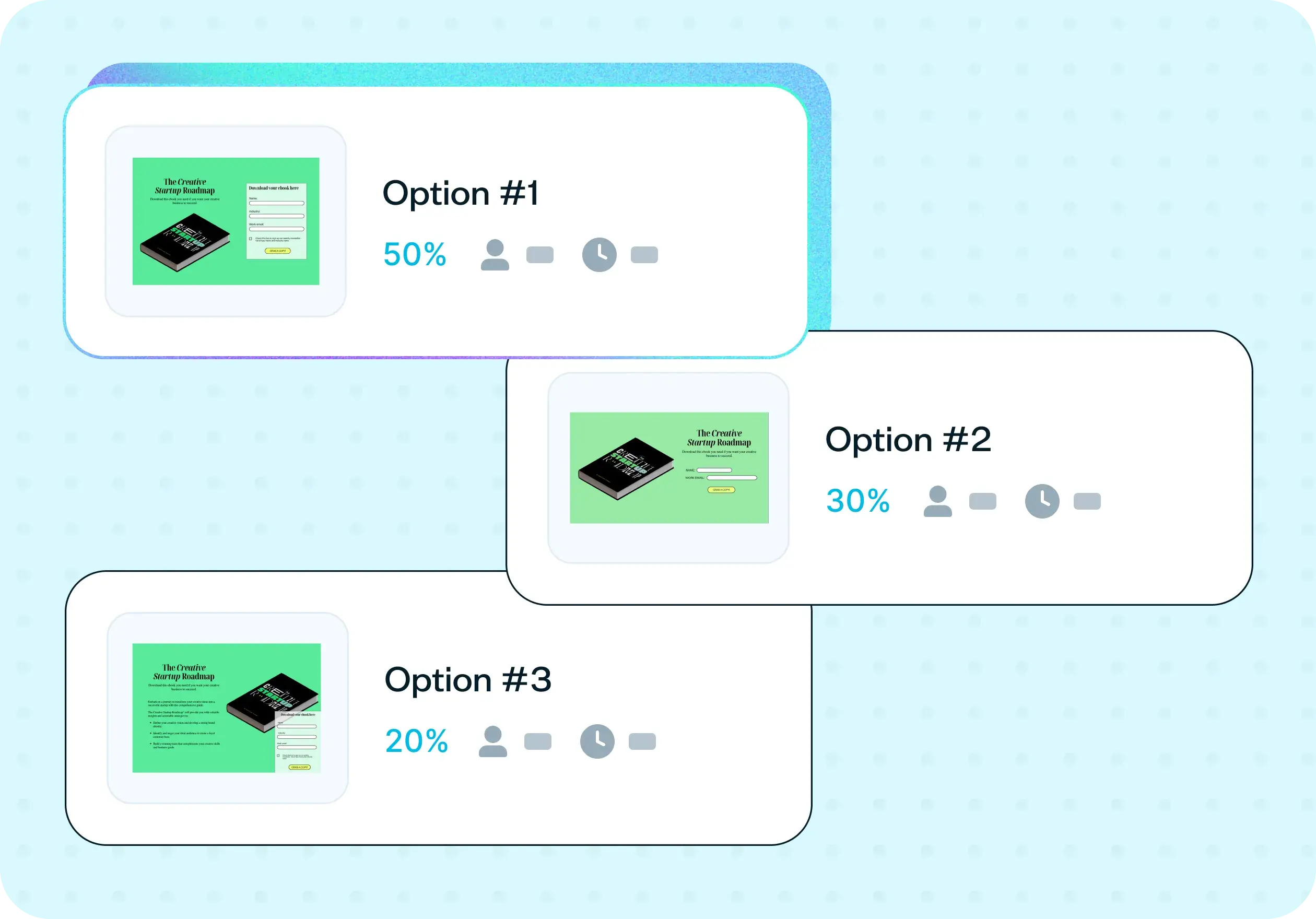
How to test a website form
Compare website form designs with real users before you build. Use this Lyssna template to see which version people prefer, why, and what might stop them.
Usability testing articles
Practical guides and expert advice to help you plan, run, and get more from your usability studies.

ARTICLE
Usability test script
Write a usability test script that keeps sessions consistent and reduces bias. Includes a step-by-step guide, template, and moderated vs unmoderated examples.

ARTICLE
Usability metrics
Learn the most important usability metrics, including task success rate, time on task, error rate, and SUS. Discover how to measure usability and improve UX.

ARTICLE
Summative usability testing
Learn how summative usability testing helps evaluate product performance using benchmarks, success metrics, and real user feedback.
Usability testing videos
Watch our usability testing videos to see methods in action, get practical tips, and learn how to run better studies.
VIDEO
Unmoderated usability testing made easy
Unmoderated usability testing can help you improve your products, validate your design decisions, and understand your users better. In this video, we walk through everything you need to know about unmoderated usability testing.
VIDEO
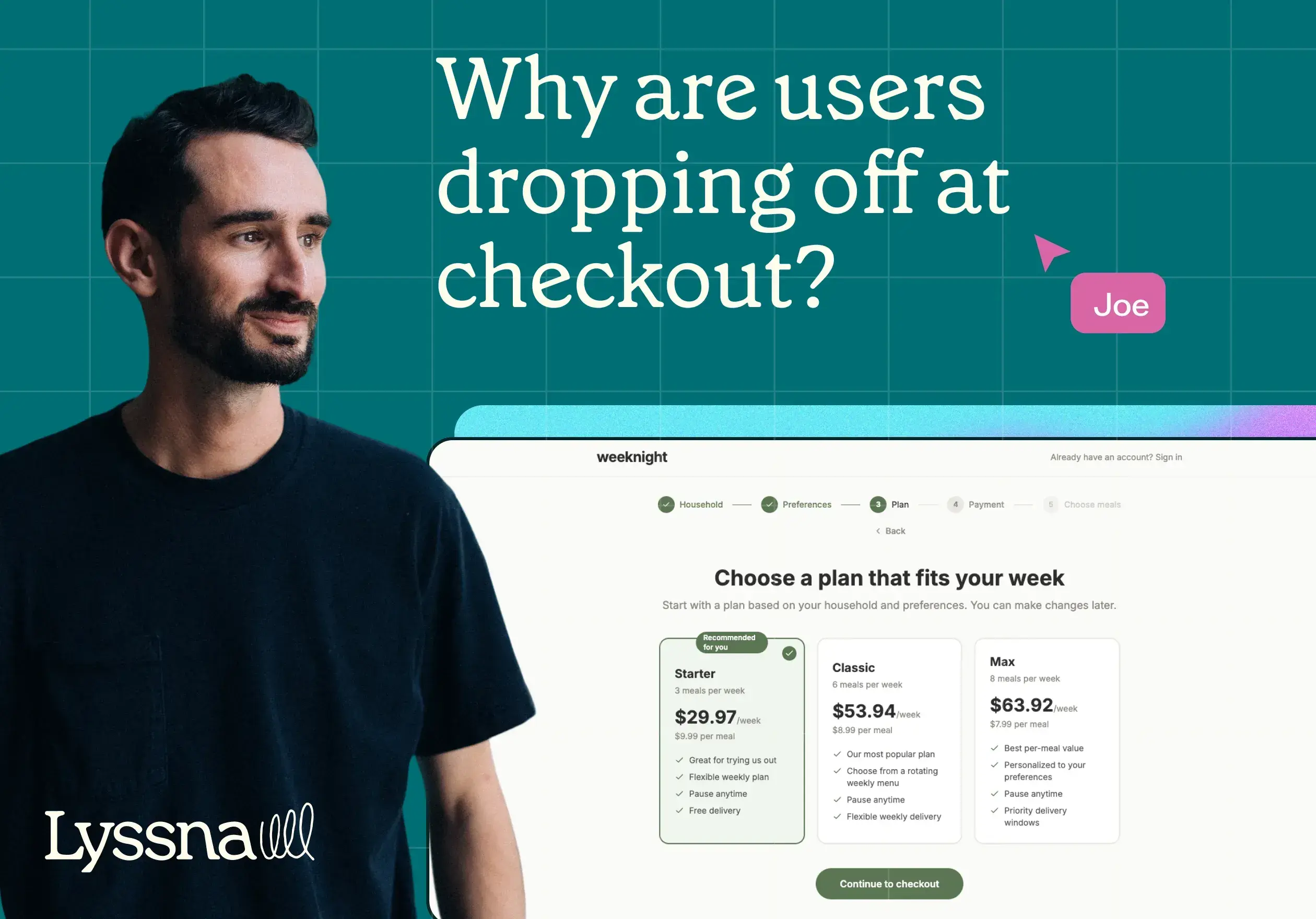
How to uncover checkout abandonment using live website testing
Users dropping off at checkout? Learn how to run a live website test to uncover where confidence breaks down – using a real meal delivery scenario – so you can fix what's actually causing hesitation.
VIDEO
Writing effective usability testing tasks & scenarios
Dive into the essentials of crafting usability testing tasks and scenarios.


Trusted by industry leaders
From startups to global enterprises, leading teams rely on Lyssna to validate ideas, run studies, and make product decisions.

















FAQs about usability testing
Usability testing is a research method that involves observing real users as they attempt to complete tasks with a product, prototype, or website. The goal is to identify where users struggle, where they succeed, and why – so teams can make informed design decisions before investing in development. Whether you're testing a rough prototype or a live product, usability testing gives you direct evidence of how your design performs in the hands of real people.
Usability testing helps teams move forward with confidence rather than assumptions. By watching real users interact with your product, you can identify friction points early, validate design decisions before development begins, and gather insights that are far more compelling to stakeholders than internal opinions. It also reduces the risk of costly redesigns after launch – catching issues when they're still cheap to fix.
Moderated usability testing involves a facilitator who guides participants through tasks in real time, asking follow-up questions and probing for deeper understanding. Unmoderated usability testing is asynchronous – participants complete tasks independently, on their own time, without a researcher present. Moderated sessions are better suited to exploratory research where you need to understand the "why" behind user behavior. Unmoderated testing is faster, more scalable, and works well when you need quick feedback on specific design questions.
Usability testing is valuable at every stage of the product life cycle, not just at the end. Early on, you can test rough prototypes to validate concepts before investing in development. During the design phase, testing helps you catch navigation and layout issues while they're still easy to fix. And after launch, testing your live product reveals how real users interact with it in context. The earlier you test, the less expensive the fixes.
It depends on the type of study you're running. For quantitative tests – such as first click testing or five second testing – you'll typically need 30–50 participants or more to get statistically meaningful results. For qualitative, task-based studies where you're observing behavior and gathering rich feedback, smaller sample sizes of five to ten participants per user group are often sufficient to identify key patterns.
Use Lyssna's sample size calculator to find the right number for your specific study based on method, confidence level, and audience.
The terms are often used interchangeably, but they mean slightly different things. Usability testing focuses specifically on how easy a product is to use – it evaluates whether users can complete tasks efficiently and without confusion. User testing is a broader, informal term that can refer to any kind of research involving users, from concept validation to preference testing to user interviews. In practice, usability testing is a type of user testing, but not all user testing is usability testing.
Start by reviewing your session recordings or notes and documenting what you observed – where users struggled, where they succeeded, and what they said. Look for patterns across participants: issues that appeared once may be worth noting, but issues that appeared consistently are the ones to prioritize. From there, you can analyze and synthesize those findings into insights — identifying not just what happened, but why, and what it means for your design. Organizing issues by frequency and severity helps you communicate priorities clearly to stakeholders.
Yes – and for most teams, remote usability testing is now the default. Remote testing removes geographic constraints, making it easier to reach participants who reflect your actual user base. Moderated remote sessions can be conducted over video call, while unmoderated testing platforms like Lyssna allow participants to complete tasks in their own time, from anywhere. Remote testing also tends to be faster and more cost-effective than in-person sessions, without sacrificing the quality of insights.
Sign up for a free account, choose your test type – such as first click testing or preference testing – customize your tasks and questions, then recruit participants from Lyssna's panel of 690,000+ or share the link with your own audience. Most studies can be set up and live within minutes, with results available as soon as responses come in.