
Overview
Test your Lovable prototype with real users to find out whether it's ready for development. This template helps you see where users get confused, where the flow breaks down, and whether your concept delivers on its promise before you write a single line of code.
The problem with untested prototypes
Great ideas don't fail because of lack of vision – they fail because they aren't tested early enough.
When teams move from prototype to development without validating usability, problems compound. Users encounter interfaces they don't understand. Flows that felt logical to the designer break in practice. Features get built that nobody uses, and by the time the friction surfaces, fixing it is expensive.
The risk isn't just wasted development time. It's misalignment between what the team assumed users would do and what users actually do – a gap that only testing can close.
This template gives you a structured way to test your Lovable prototypes (or any vibe coded prototypes) with real users before development begins, so you can fix problems early, when changes are fast and cheap.

This template will help you discover
Whether users understand the interface without guidance.
Where users get confused, hesitate, or get stuck.
Whether the flow feels natural and intuitive from the user's perspective.
What's preventing users from completing key tasks.
Whether the concept is ready for development – or needs another iteration.
What you'll test
Each dimension of this template targets a different layer of the user experience:
Usability – Can users complete the core task without help, or do they need to guess?
Clarity – Do users understand what to do next at each step, or does the interface leave them uncertain?
Flow – Does the experience feel logical from start to finish, or do transitions create confusion?
Confidence – Do users feel sure about the actions they're taking, or do they hesitate before committing?
Friction – Where do users slow down, make errors, or abandon the task altogether?
How the research works
This template combines four complementary research approaches to give you a complete picture of how users experience your prototype:
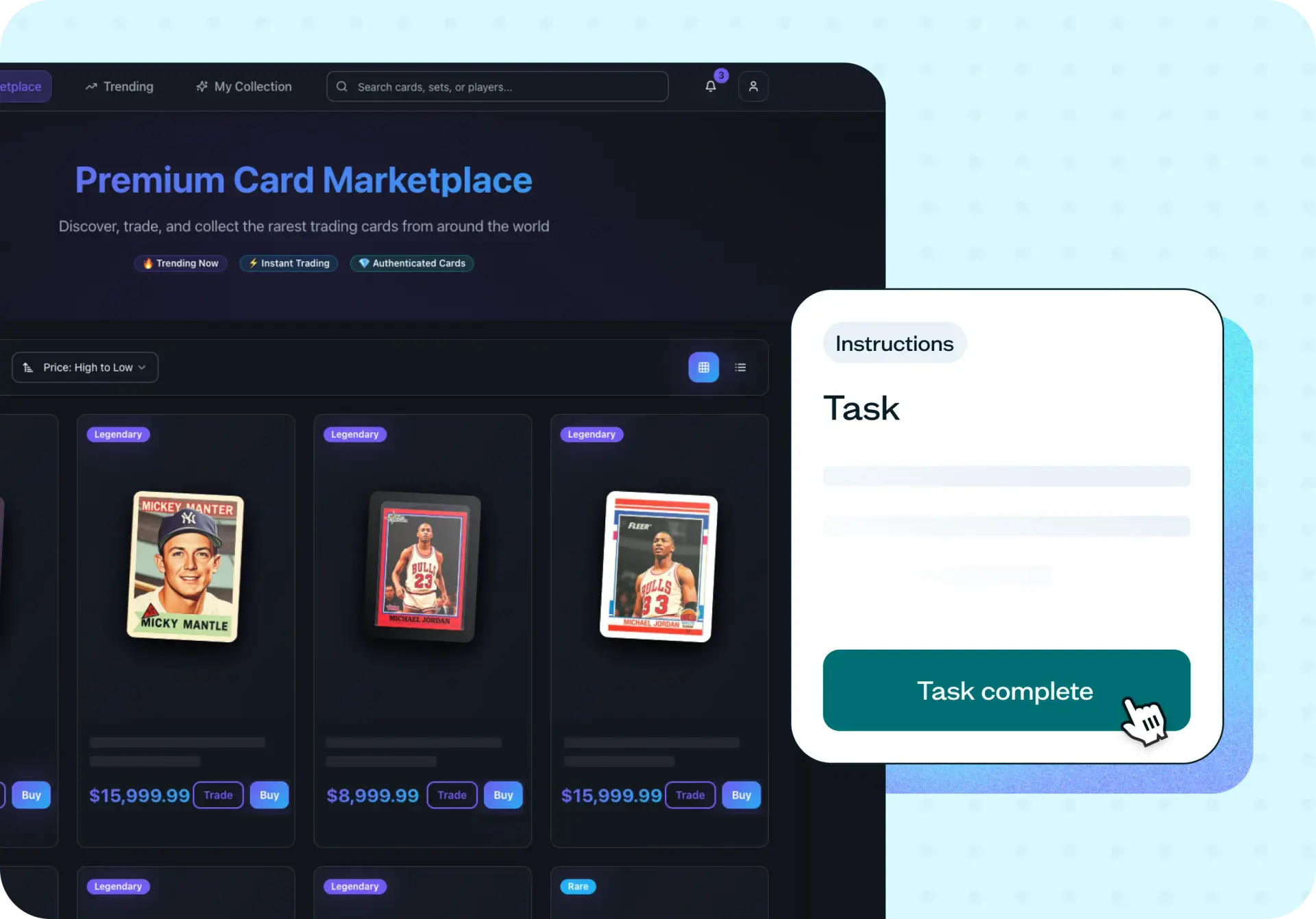
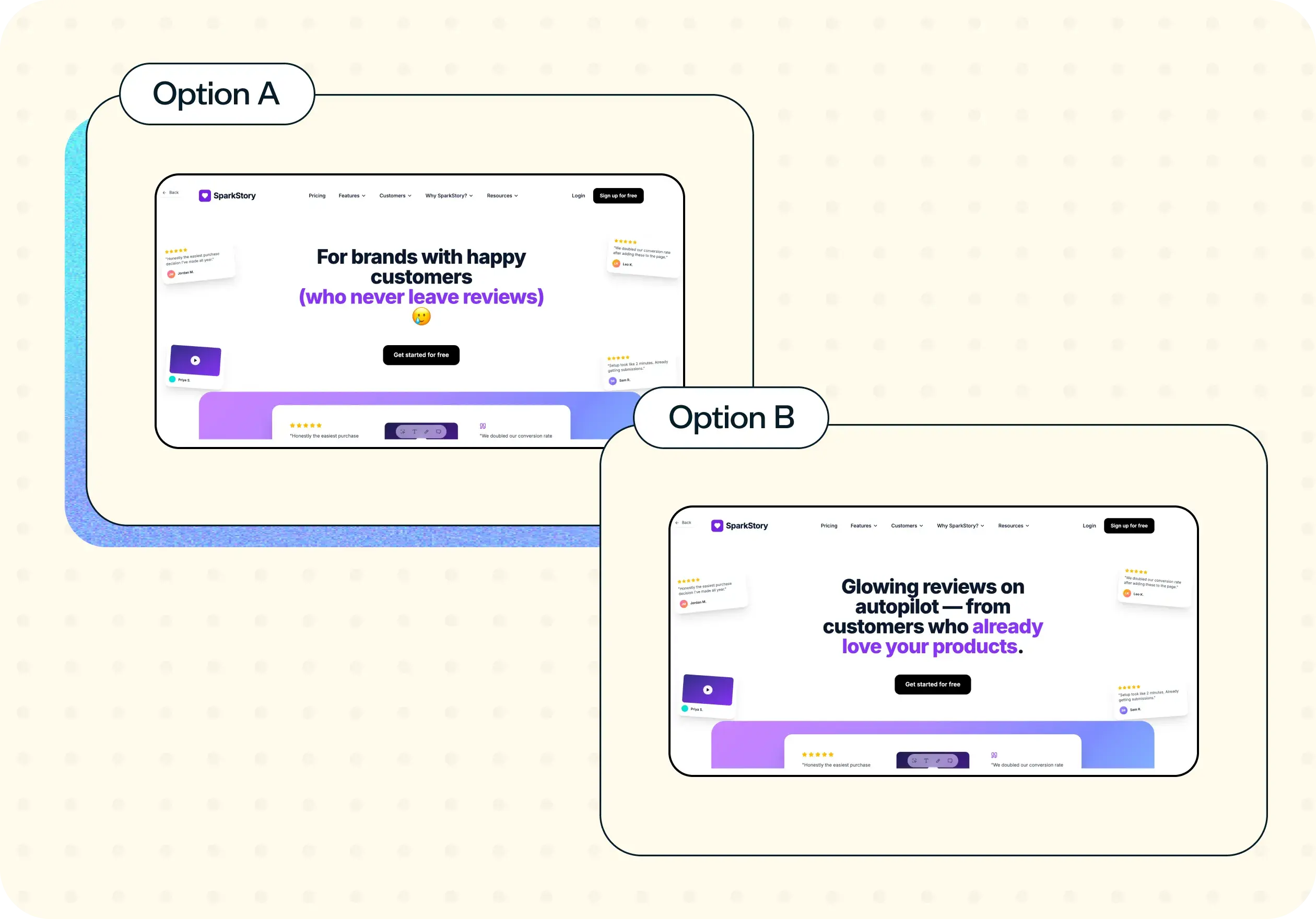
Prototype testing puts users inside your design and observes real behavior – not what they say they'd do, but what they actually do when the interface is in front of them.
Task-based scenarios ask users to complete realistic actions within the prototype. This reveals exactly where the flow breaks down and where the design assumptions don't hold.
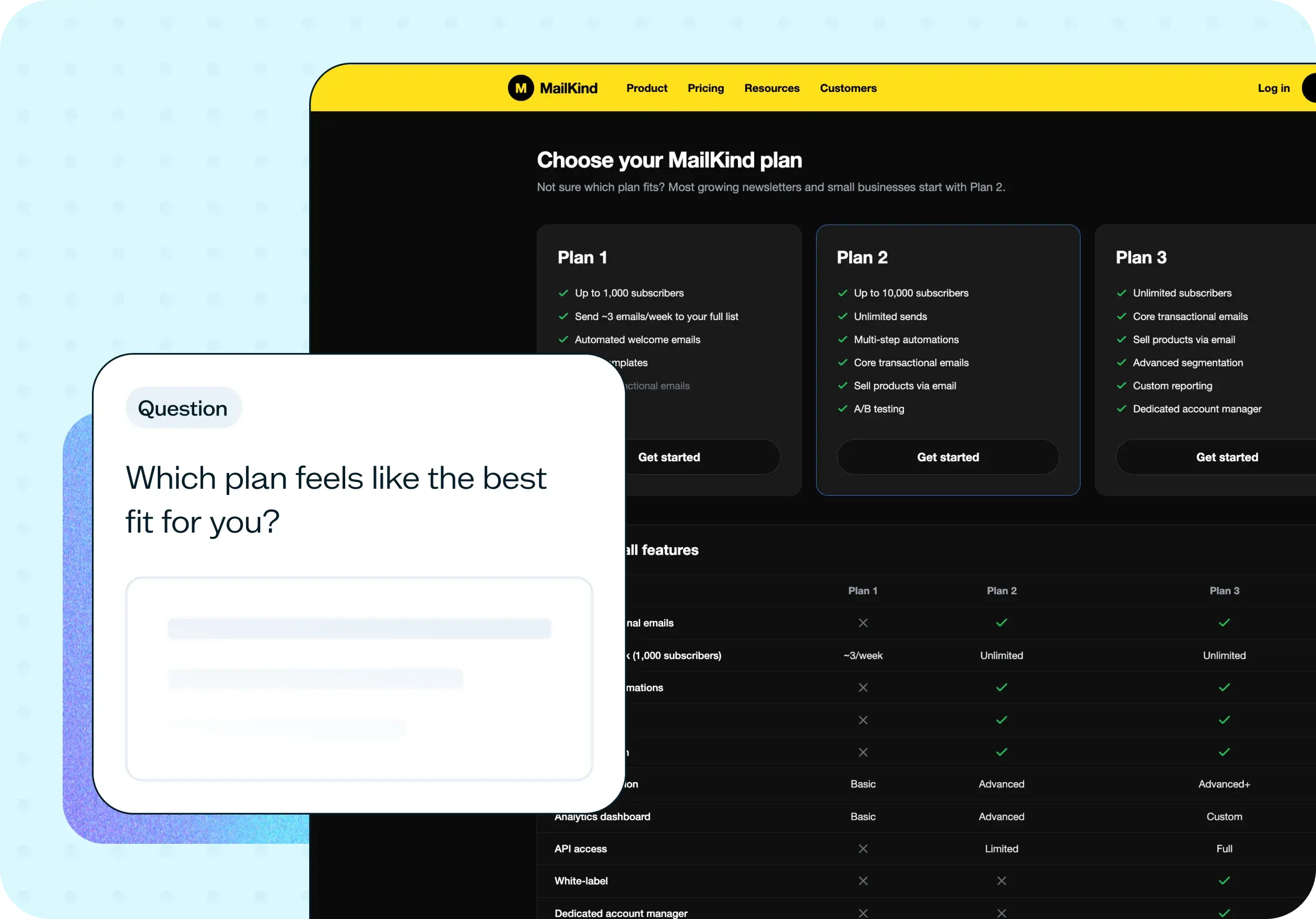
Follow-up questions go beyond behavior to uncover the reasoning behind it – what confused users, what they expected, and what felt missing.
Card sorting reveals how users expect your content and features to be organized. When participants group elements from your prototype into categories that make sense to them, you can spot information architecture mismatches before they're locked into development.
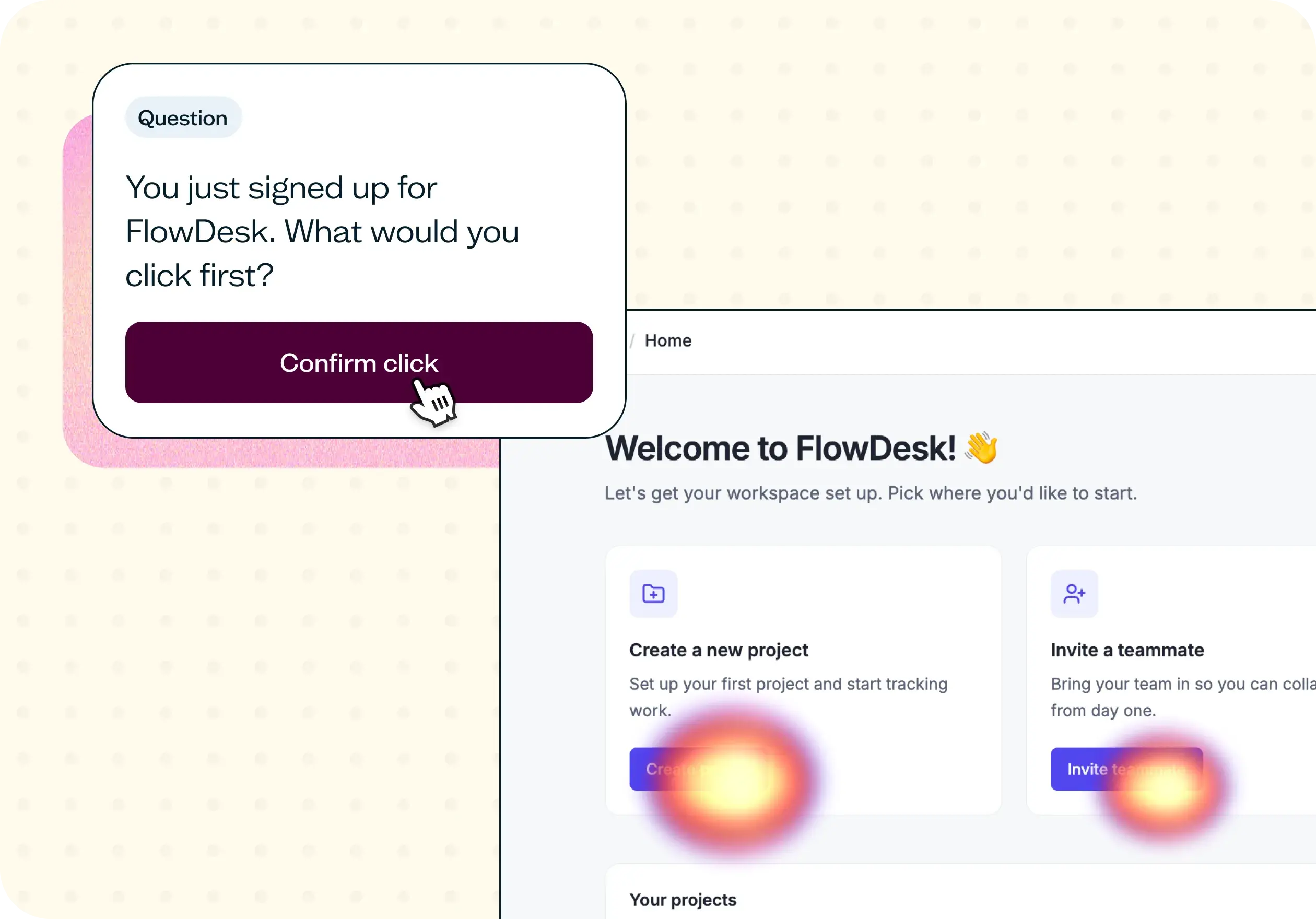
First click analysis detects navigation problems early by capturing where users click first when trying to complete a task. When that first click is wrong, the flow rarely recovers.
When to use this template
This template is most valuable at the moments when changing direction is still low-cost:
Before development starts.
After creating wireframes or a Lovable prototype.
Before presenting to stakeholders for approval.
When redesigning an existing flow.
When improving conversion or activation on a key step.
When validating a new feature idea before committing resources.
Who this template is for
Whether you're a solo designer testing a concept or a product team validating before a sprint, this template adapts to your context:
Product managers who need evidence before committing to a development roadmap.
UX designers testing whether usability holds up under real conditions.
UX researchers running structured prototype studies.
Startups looking to reduce build risk before investing in development.
Growth teams optimizing key flows for conversion or activation.
How to use this template
Click "Use this template" and log in to your Lyssna account. If you don't have an account yet, you can start exploring with a free plan.
Add your Lovable prototype link. Paste the URL of your prototype so participants can interact with the live design. If your prototype isn't fully functional yet, you can still test the flows that are ready – partial testing is better than no testing.
Customize the task scenarios. Review the pre-built tasks and adjust them to match your specific prototype. Good task prompts describe a realistic goal without leading the participant: "Find where you'd go to update your billing details" not "Click the billing tab."
Set up your follow-up questions. Use the included questions to probe confusion, expectations, and confidence – or adapt them to your specific research questions.
Recruit participants and launch. Use Lyssna's research panel to reach your target audience, or share the test link with participants from your own network. Once responses come in, review task completion rates, first click patterns, and participant feedback to identify your highest-priority fixes.
The below video also walks through the entire testing process.
FAQs about testing your Lovable prototype
You may also like these templates

The navigation test is god's gift to UI designers. It probably has the best power-to-simplicity ratio of any software, ever.

Nick Franklin
CEO at ChartMogul