Lyssna vs Userlytics
Compare Lyssna vs Userlytics features, ease of use, and pricing. Find the best user research platform with transparent pricing and intuitive interface.
Why companies choose Lyssna over Userlytics
Transparent pricing structure. Lyssna offers a clear tiered pricing structure with a free plan, a Growth plan ($166/month billed annually), and Enterprise options – providing a smooth scaling path for growing teams. Userlytics offers multiple plan types including a flat-fee Limitless Plan for unlimited testing, alongside subscription and project-based options.
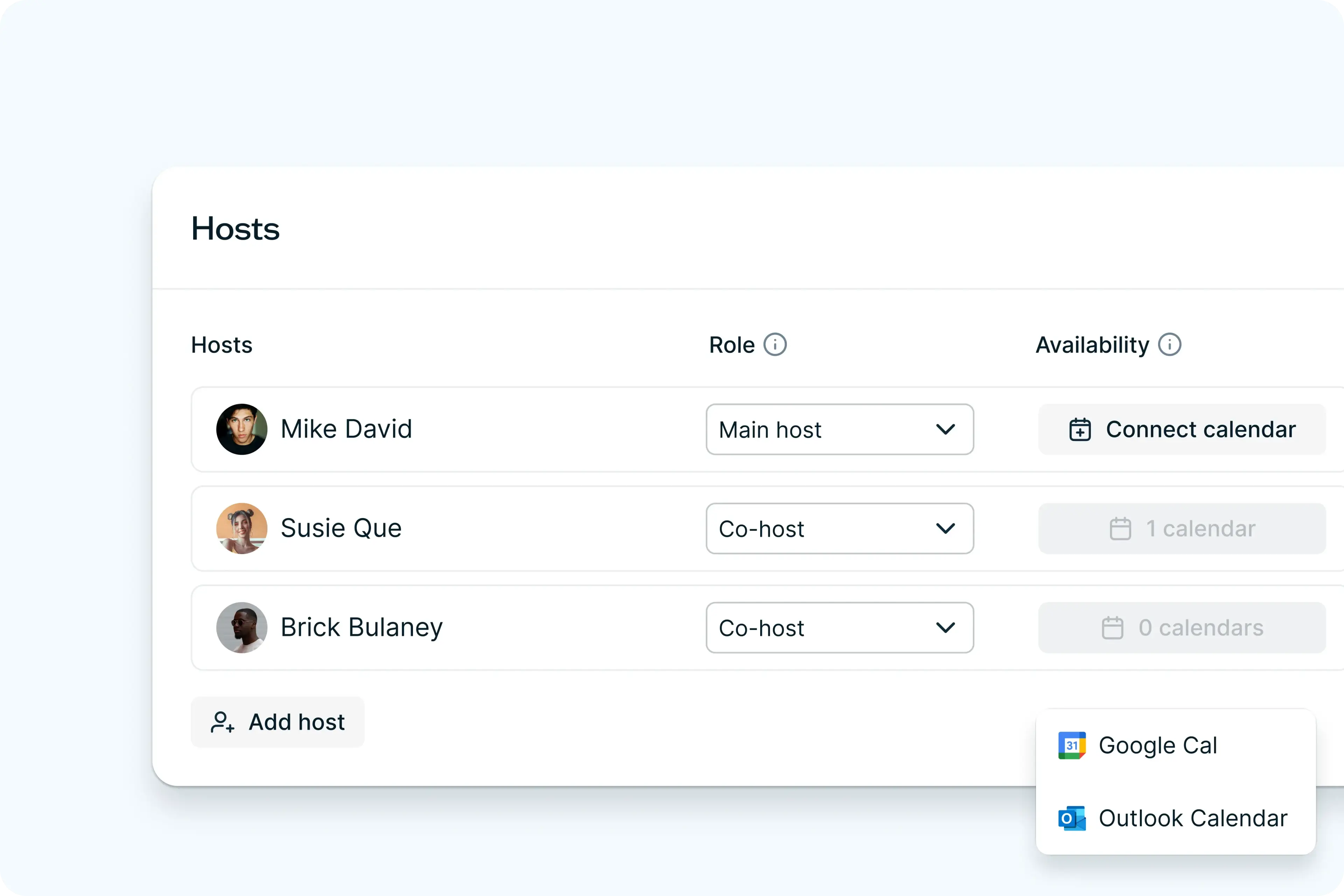
Seamless moderated research experience. Lyssna's User interviews functionality integrates directly with Zoom, Google Meet, and Microsoft Teams — tools many research teams already use – creating a familiar, low-friction experience for both researchers and participants.
Accessible pricing at every stage. Lyssna's free plan includes three seats and unlimited quick studies, so teams can start running research straight away – no commitment required. Paid plans scale predictably from there, with a Growth plan from $166/month for teams ready to run more in-depth research.
Lyssna vs Userlytics: Key differences
Research method flexibility
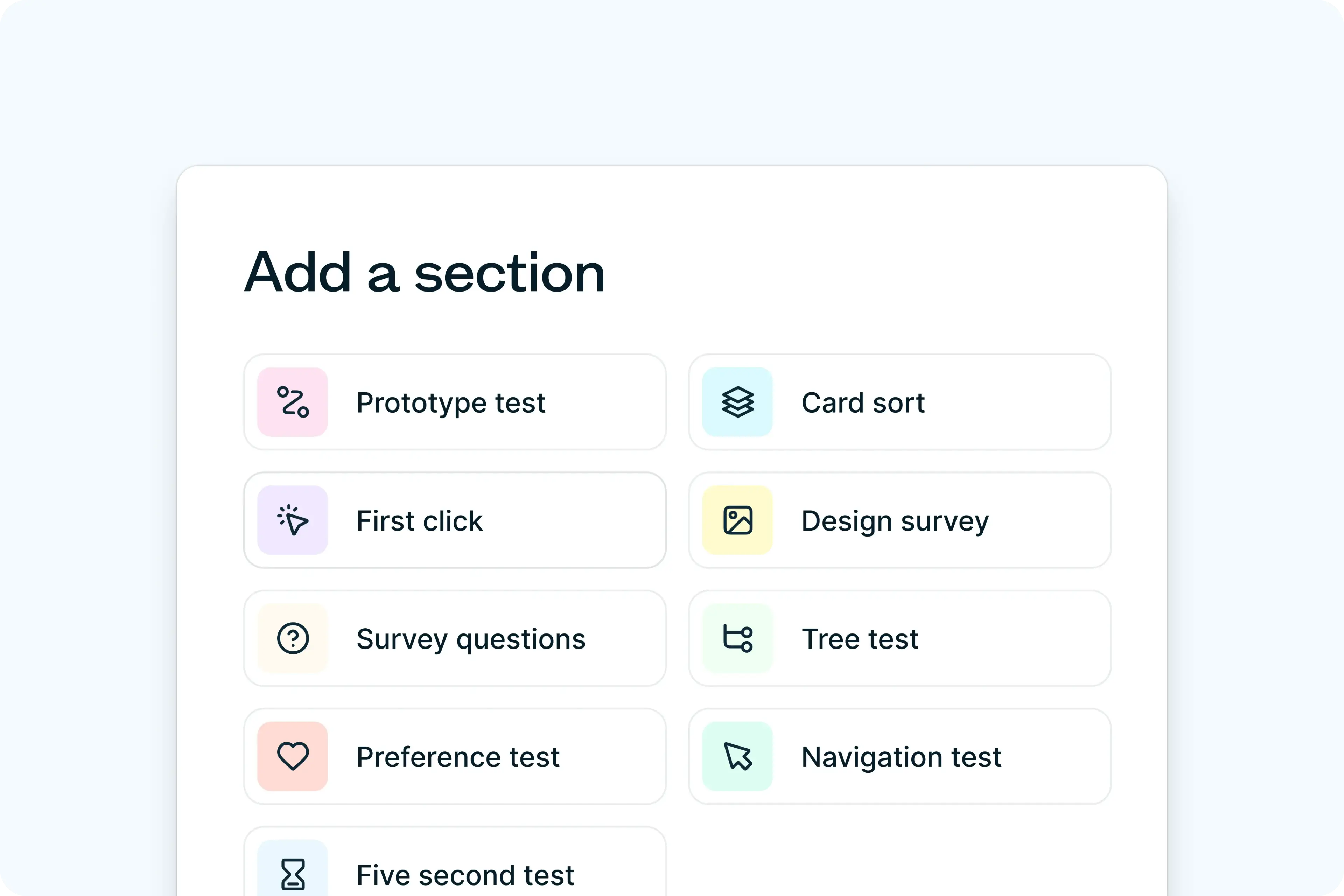
Lyssna's in-depth studies (available on paid plans) give researchers the flexibility to combine different research methods within a single study – mixing first click testing, preference testing, surveys, and more to answer complex research questions in one session. This mixed-method approach is particularly useful for teams who need to answer layered research questions without running multiple separate studies.
Panel quality
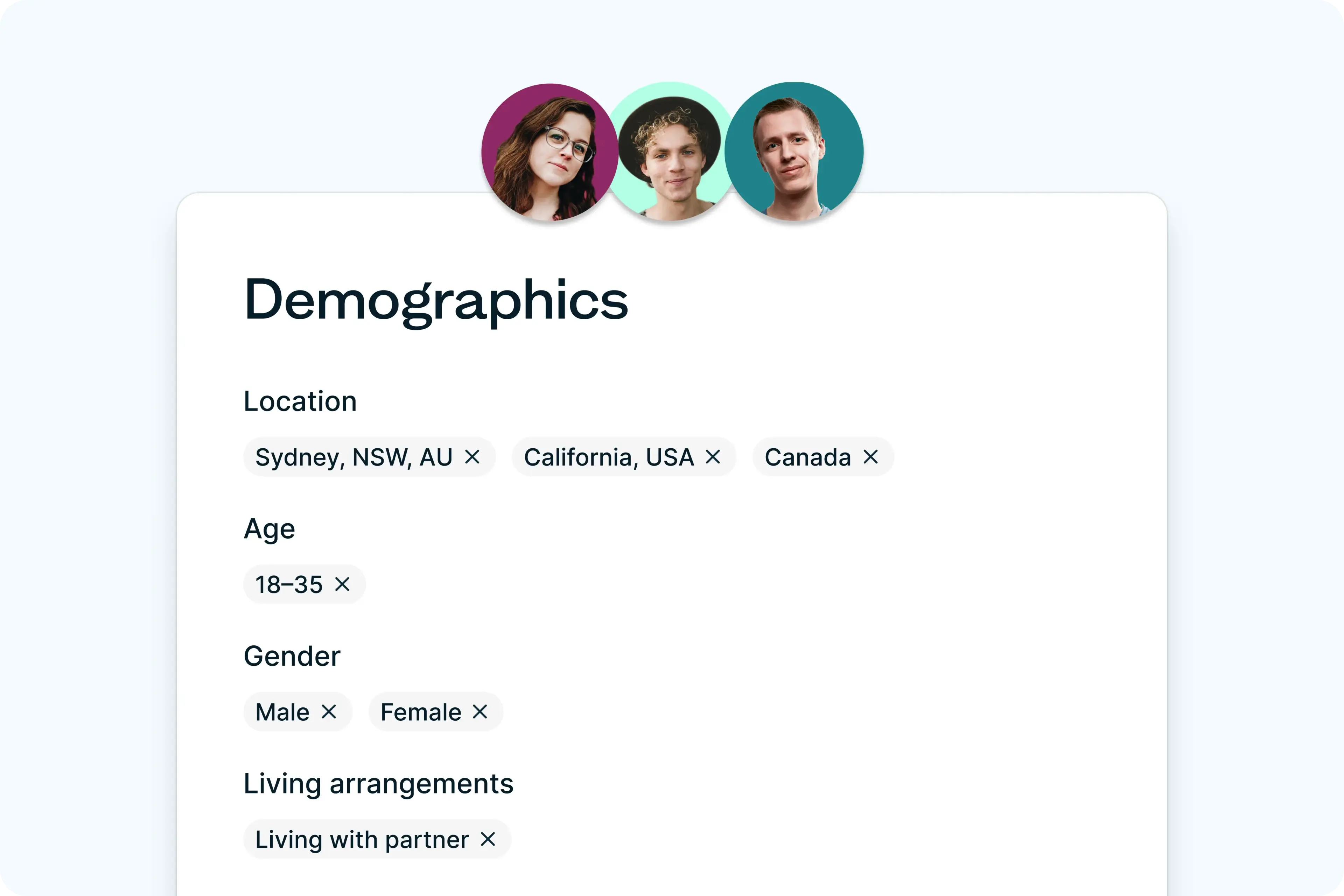
Lyssna’s participant panel includes over 690,000 individuals globally, with advanced targeting options across 395+ demographic attributes. This allows for precise pre-filtering by audience before a study begins. Userlytics offers a larger panel of over 2 million participants and uses screener questions with conditional logic to achieve audience specificity – a different approach to targeting that may suit teams who prefer to qualify participants through the screening process itself.
Transparent pricing structure
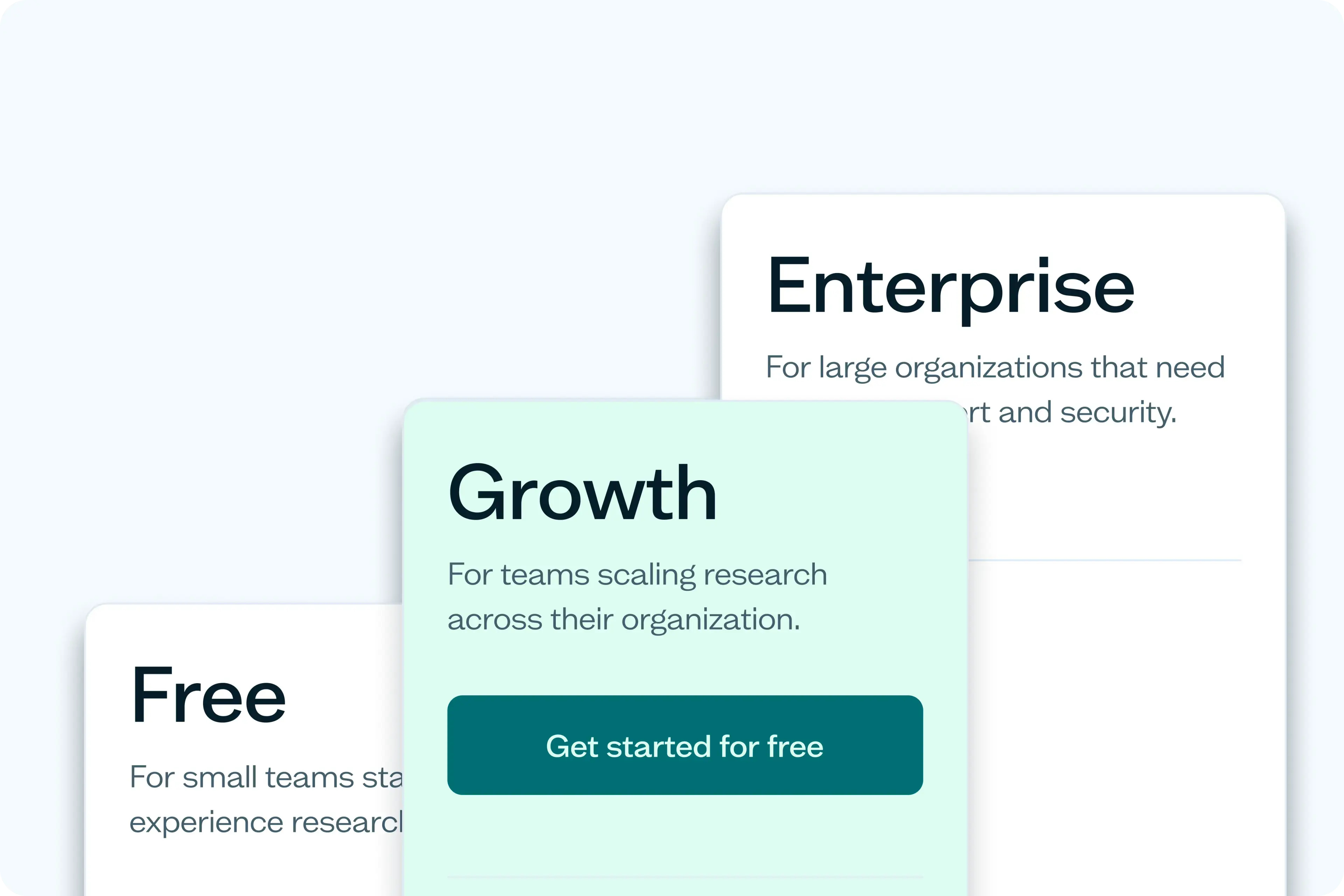
Lyssna offers a clear tiered pricing structure with a free plan, a Growth plan ($165/month billed annually), and Enterprise options – providing a smooth scaling path for growing teams. Userlytics offers multiple plan types including a flat-fee Limitless Plan for unlimited testing, alongside subscription and project-based options.
User experience and ease of use
Lyssna scores higher on ease of use (9.1/10 compared to Userlytics' 8.2/10 on G2), reflecting its intuitive interface and streamlined workflows. This makes Lyssna accessible to researchers and non-researchers – product managers, designers, and marketers who want to run studies without a steep learning curve – encouraging broader adoption and more consistent research practices across organizations.
Lyssna vs Userlytics: Feature comparison
Feature | Lyssna | Userlytics |
|---|---|---|
Free plan features | ||
Seats included | ||
Pay-per-use panel credits | ||
Research | ||
Card sorting | ||
Conditional logic | ||
First click testing | ||
Five second testing | ||
Live website testing | ||
Prototype testing with Figma | ||
Surveys | ||
Tree testing | ||
User interviews | ||
Participant recruitment | ||
Research panel access | ||
Advanced panel targeting criteria | ||
Panel credits | Pay-per-use | Pay-per-use |
Panel credit cost | US$1 per credit | US$1 per credit |
Custom screening | ||
Self recruitment |
| |
AI-powered features | ||
AI generated summaries | ||
AI follow-up questions | ||
Analysis and reporting | ||
Heatmaps | ||
Video recordings | ||
CSV exports | ||
Interviews | ||
Microsoft integration | ||
Google Calendar integration | ||
Zoom integration | Includes picture-in-picture video recording | |
Video transcription | ||
Support | ||
Email support | ||
Live chat | ||
Help center | ||
Pricing flexibility | ||
Free plan | Free trial | |
Entry-level plan | ||
Mid-level plan | ||
Enterprise plan | ||
Security | ||
SOC 2 compliant | ||
GDPR compliant | ||
SSO |