Trusted by 320,000+ designers, marketers, researchers, and product leaders to validate their decisions






















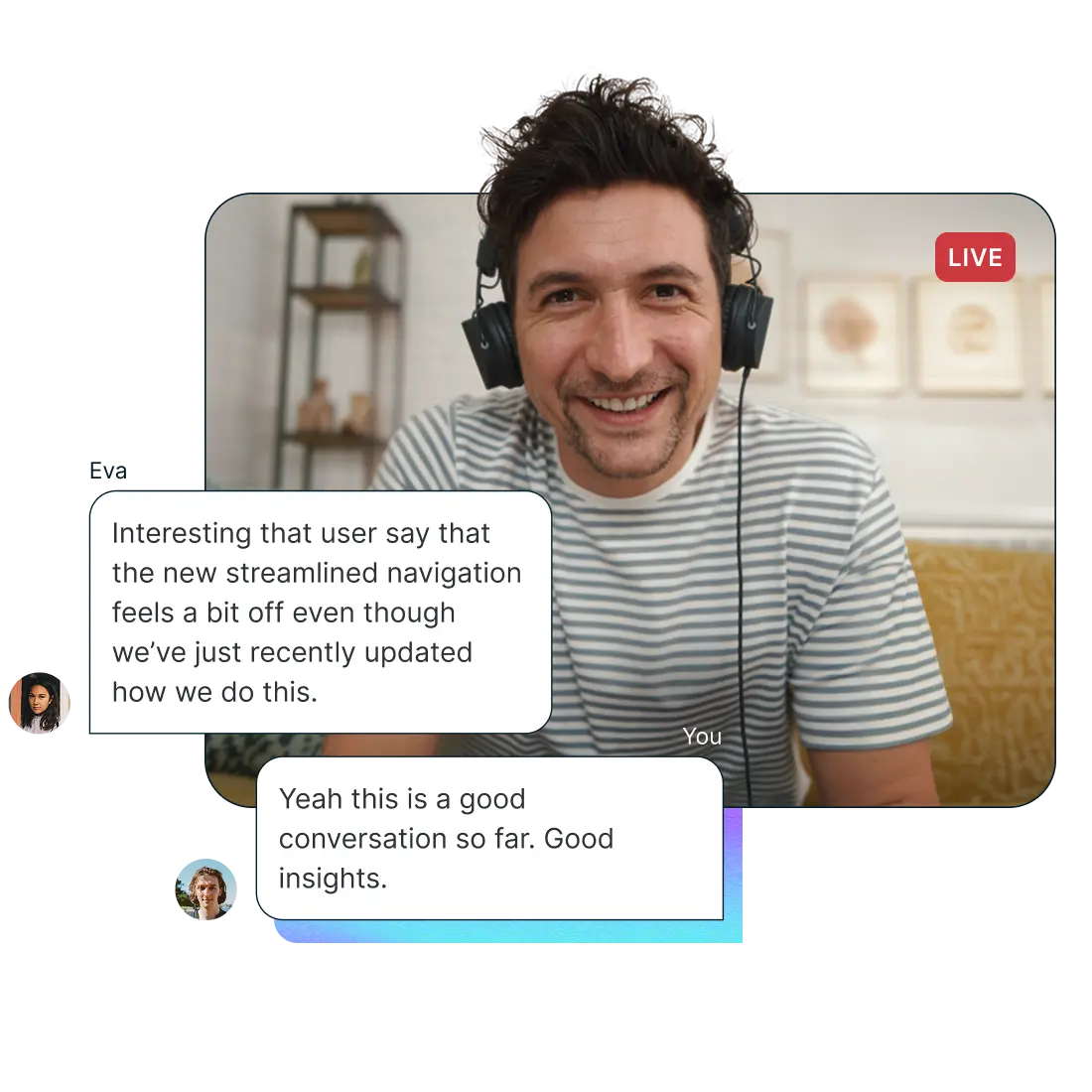
Watch live without getting in the way
Stakeholders join a private room tied to the session. The participant never sees them, hears them, or knows they're there – so the conversation stays exactly as natural as it should be.

Invisible to the participant
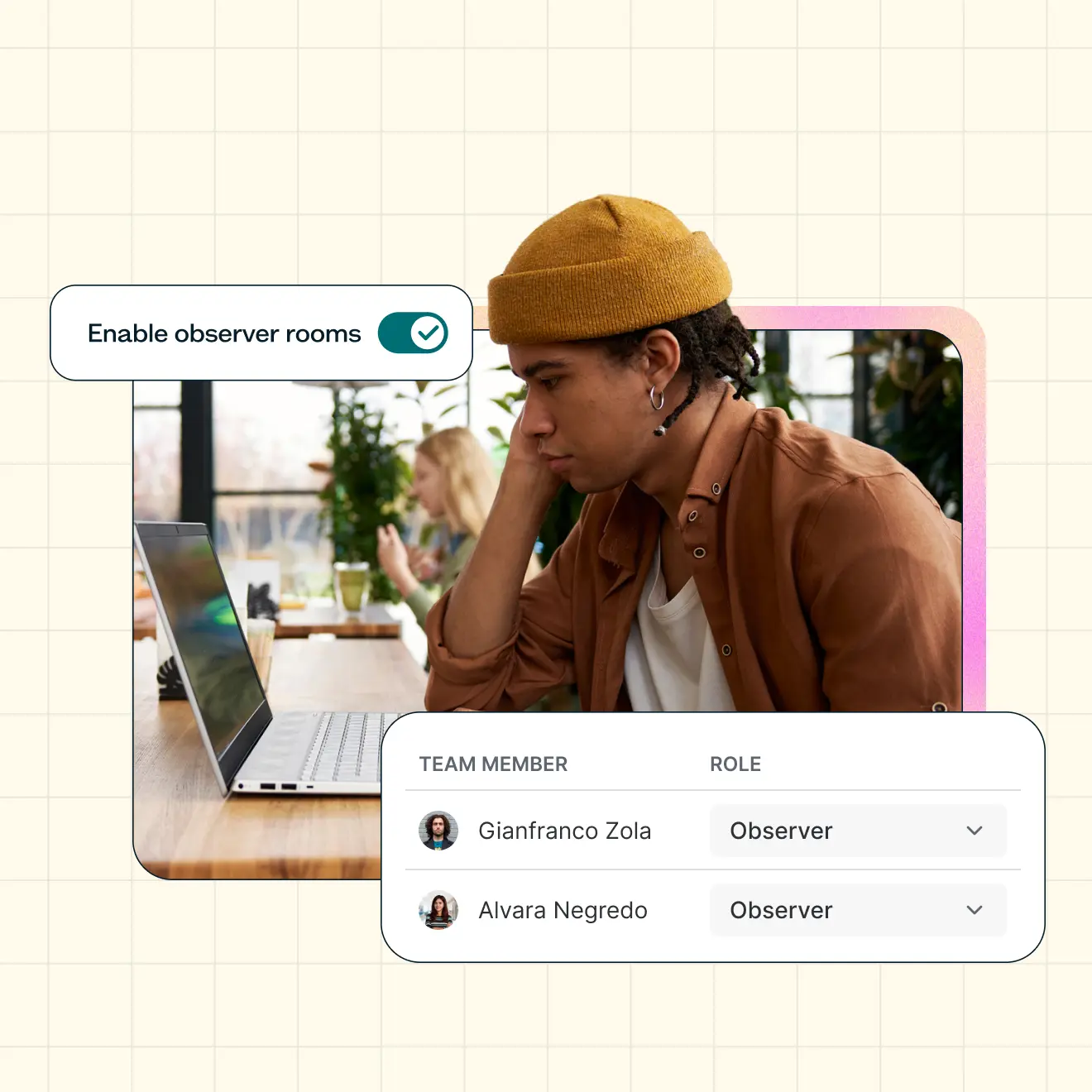
A dedicated room for every session
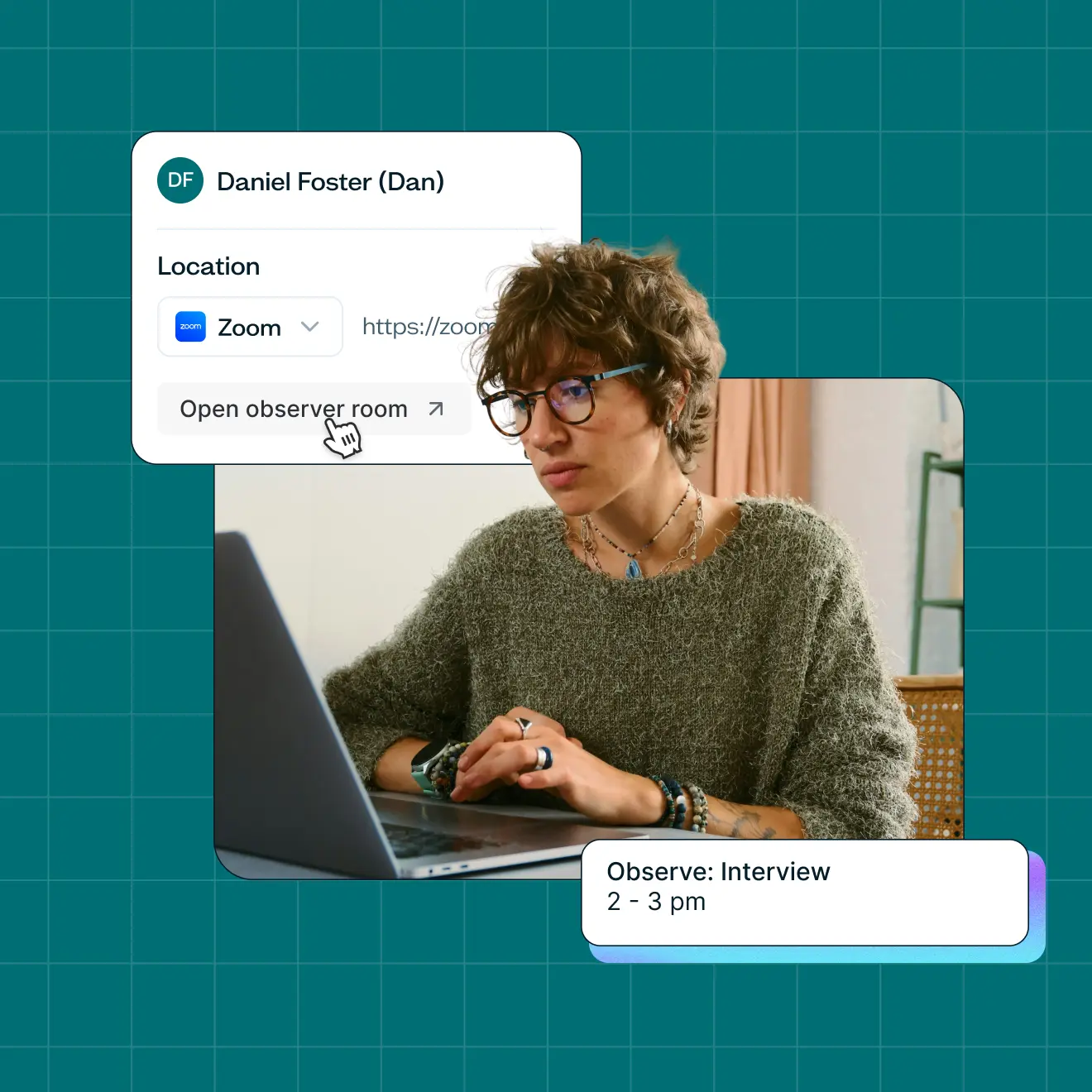
Invite the right people to the right session
Add an observer to a single session – not the whole study – and they get a calendar invite with the observer room link automatically. You get confirmation it went out, and can see exactly who's in the room.
Session-level control, not just study-level
Calendar-correct invites with confirmation
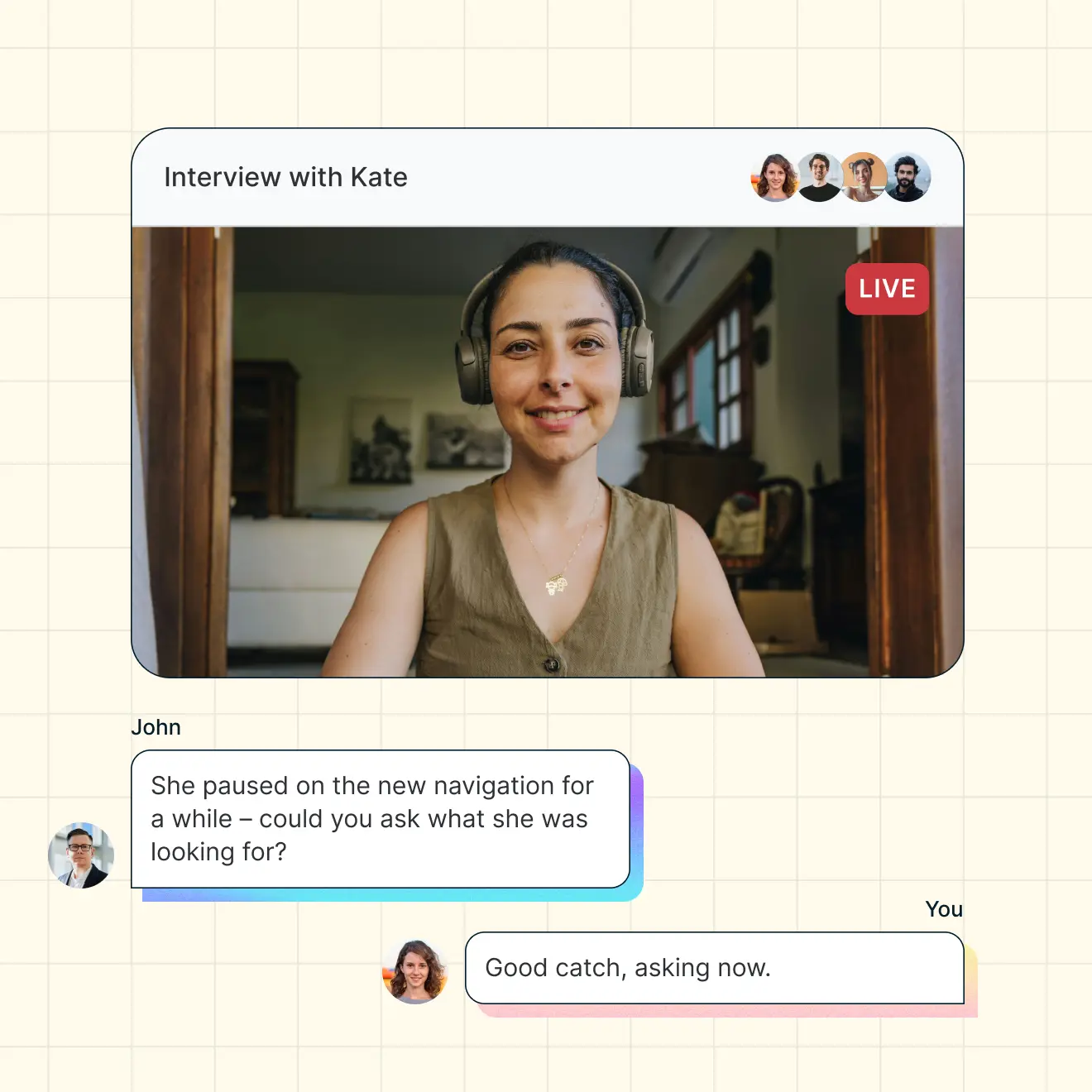
A private line to the researcher
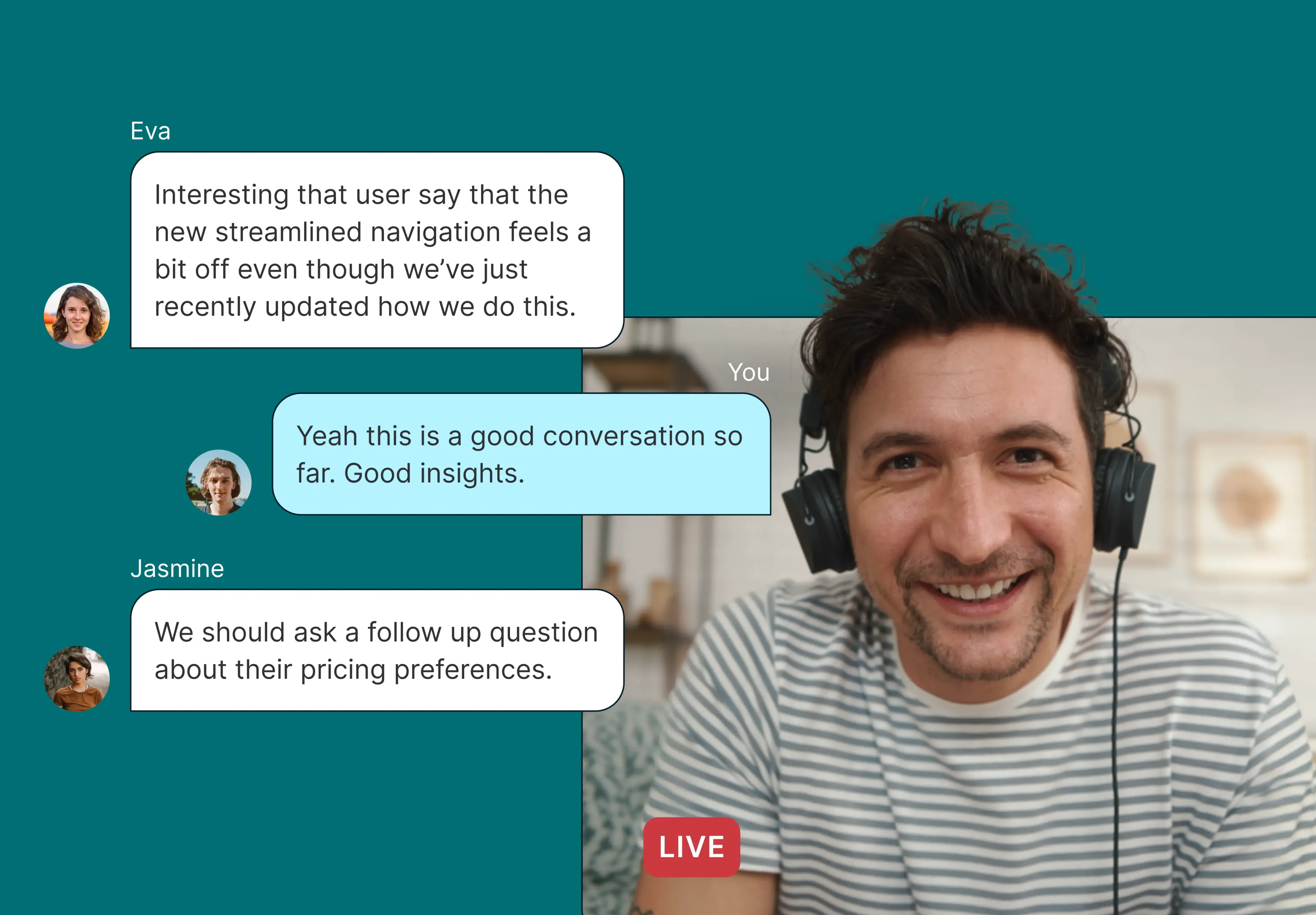
Observers can message the researcher in real time – ask a question, flag a follow-up – without the participant ever seeing it. Works on mobile, so stakeholders can watch from wherever they are.
Live, private chat with the researcher
Mobile-friendly observing
See observer rooms in action
Trusted by industry leaders
From startups to global enterprises, leading teams rely on Lyssna to validate ideas, run studies, and make product decisions.

















Get the most from observer rooms

ARTICLE
How to observe user interviews: A guide for researchers and stakeholders
Give stakeholders a front-row seat to real customer conversations, without changing how participants behave. Includes a free observer briefing template.
ARTICLE
Introducing Observer rooms
Observer rooms from Lyssna let stakeholders watch live moderated interviews in a private room and message the researcher in real time – without being seen by the participant.

ARTICLE
Continuous interviewing
Learn how to set up and run continuous interviewing for product discovery. A practical guide to building a sustainable weekly interview practice that keeps your team close to users.
Frequently asked questions
An observer room is a private space where an invited stakeholder can watch a live moderated interview and chat with the researcher in real time. It's separate from the interview call itself, so the participant never sees or hears the observer.
No. Observers join a separate, private room. They never appear on the participant's screen and can't be heard by the participant. Observers also can't message the participant directly – only the researcher.
Observer rooms are included on Enterprise plans as part of Lyssna's enterprise security and administrative bundle, alongside SSO, custom contracts, and closed spaces.
Observer rooms work with sessions conducted over Zoom, Google Meet, and Microsoft Teams. Recording and transcription happen automatically regardless of which platform you use.
You can add or remove an observer at the individual session level, so a single-session request doesn't mean giving someone access to the entire study.
Yes. Observer rooms work on mobile, so stakeholders can watch a live session from wherever they are.
Adding someone to the meeting itself makes them a visible attendee, which can change how a participant behaves. An observer room keeps them completely separate and private, with a dedicated chat to the researcher that never reaches the participant.
Yes, they need to have viewing access to the Lyssna account