Trusted by 320,000+ designers, marketers, researchers, and product leaders to validate their decisions




















See prototype testing in action
Walk through setting up and running a Figma prototype study.
Test your design before it costs you
Validate prototypes with real users, at the stage where acting on feedback is still affordable.

Find out what's confusing, before your users do
Share your Figma prototype with real participants and watch how they navigate it. See where they hesitate, where they go wrong, and where they give up, so you can fix it before it ships.

Works directly with Figma, no exports or screenshots needed
Task-based testing reveals real navigation behavior.

Test as you design, not after you've finished
You don't have to wait until a prototype is polished to start testing. Whether you're working on a rough wireframe or a near-final design, get feedback at any stage.
Test wireframes, mid-fidelity flows, or near-final prototypes
Run multiple rounds of testing across a project

Capture the 'why' behind every click
Task prompts guide participants through your prototype, while follow-up questions uncover the reasoning behind their choices
Add task prompts, rating scales, and open-ended questions
Mix quantitative and qualitative feedback in one study

Results that go straight into your next design decision
Analyze prototype testing results and surface the patterns that matter. Present in a format you can share with your team or take directly into Figma.
Task completion rates, time on task, and misclick analysis for each task
Shareable results reports for stakeholders
Recruit the right participants
Find the people who matter most to your research through a global, vetted panel, backed by a quality guarantee.
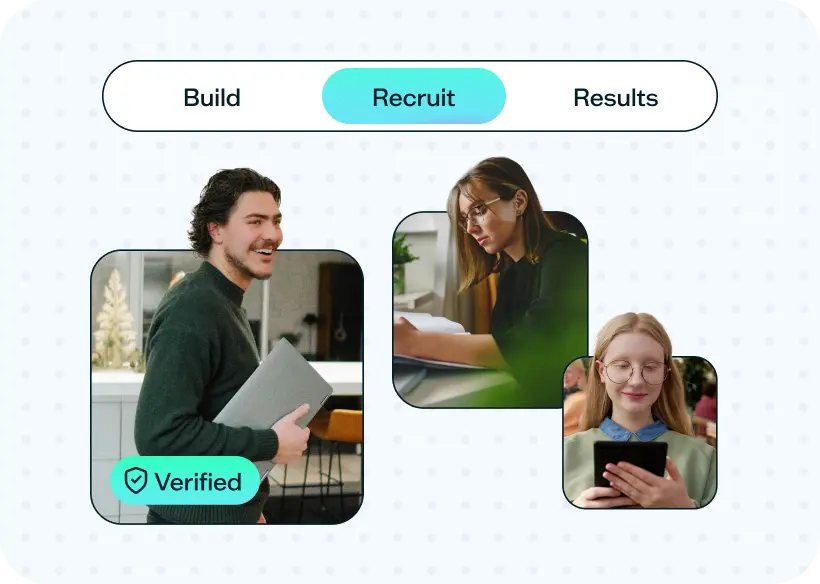
Quality guaranteed
Run research with confidence. If participants don’t meet expectations, we’ll make it right.
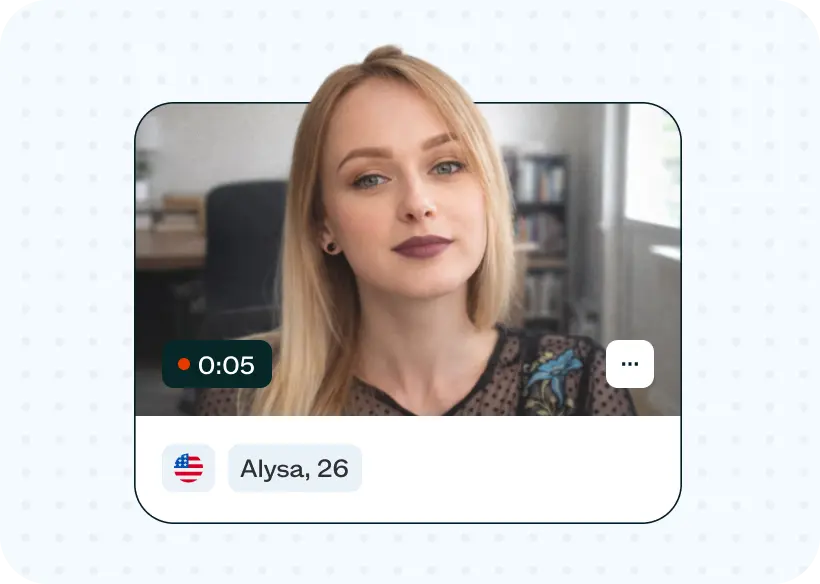
Precision targeting
Combine demographic filters and screeners to find the best-fit participants.
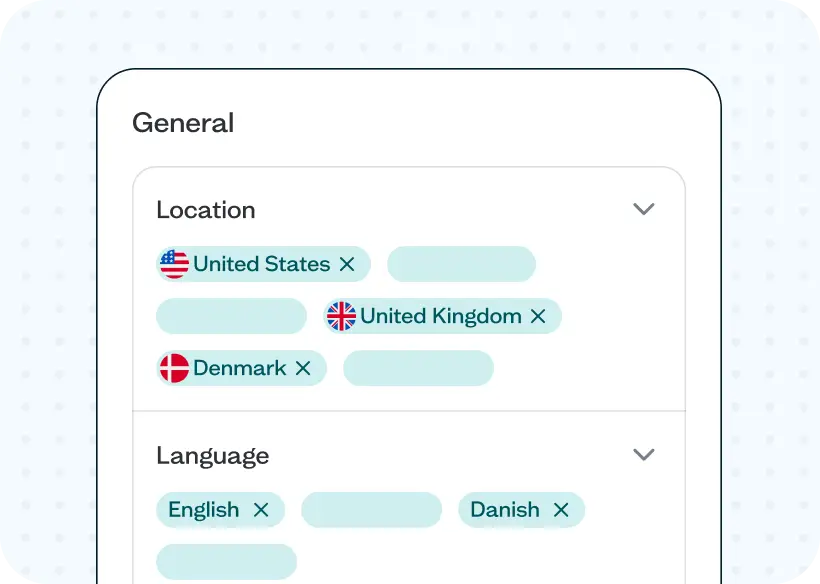
Global reach
Recruit from 124 countries and connect with participants in 55 languages.
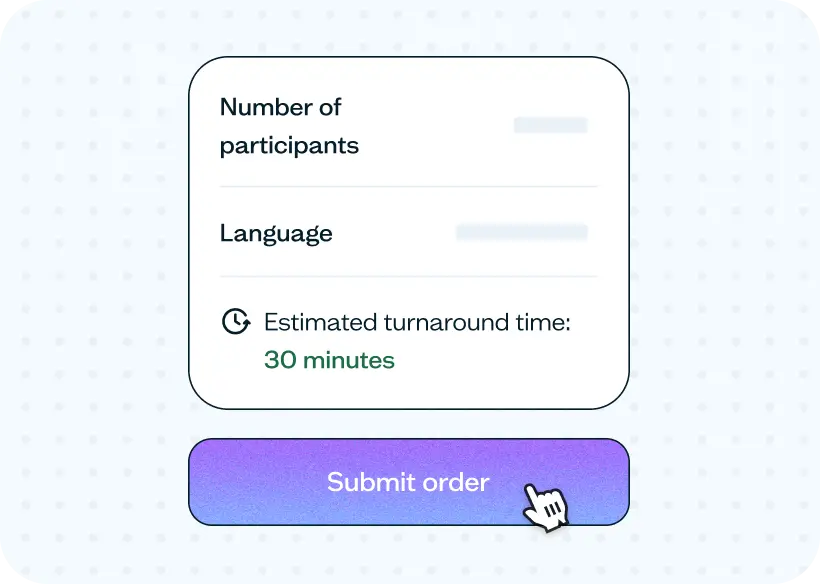
Fast, on-demand recruitment
Complete studies quickly with an average order fulfilled in just 30 minutes.
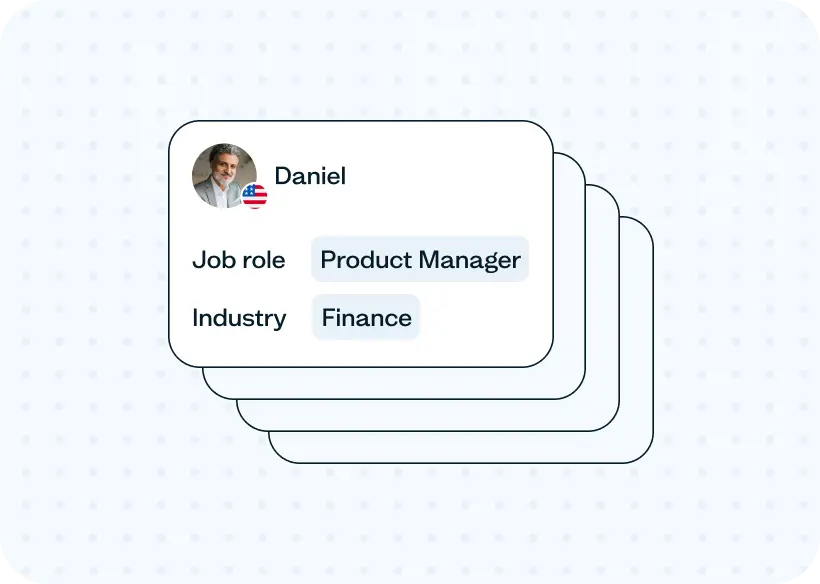
Built for B2B and B2C
Reach both consumer and professional audiences across a wide range of use cases.
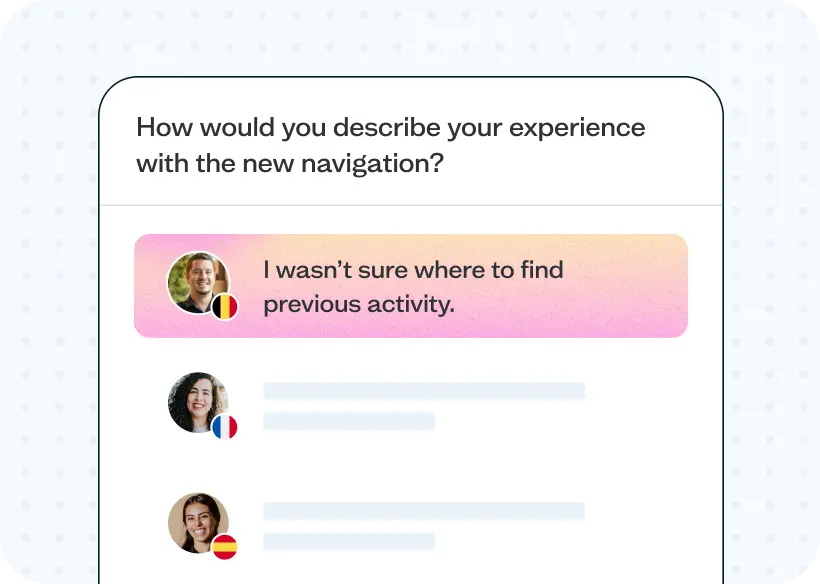
Real people, better data
Thoughtful responses from real participants lead to stronger insights and better decisions.
Trusted by industry leaders
From startups to global enterprises, leading teams rely on Lyssna to validate ideas, run studies, and make product decisions.
















Get the most from prototype testing
Guides and tips to help you test smarter, from your first Figma study to a full research process.
TEMPLATE
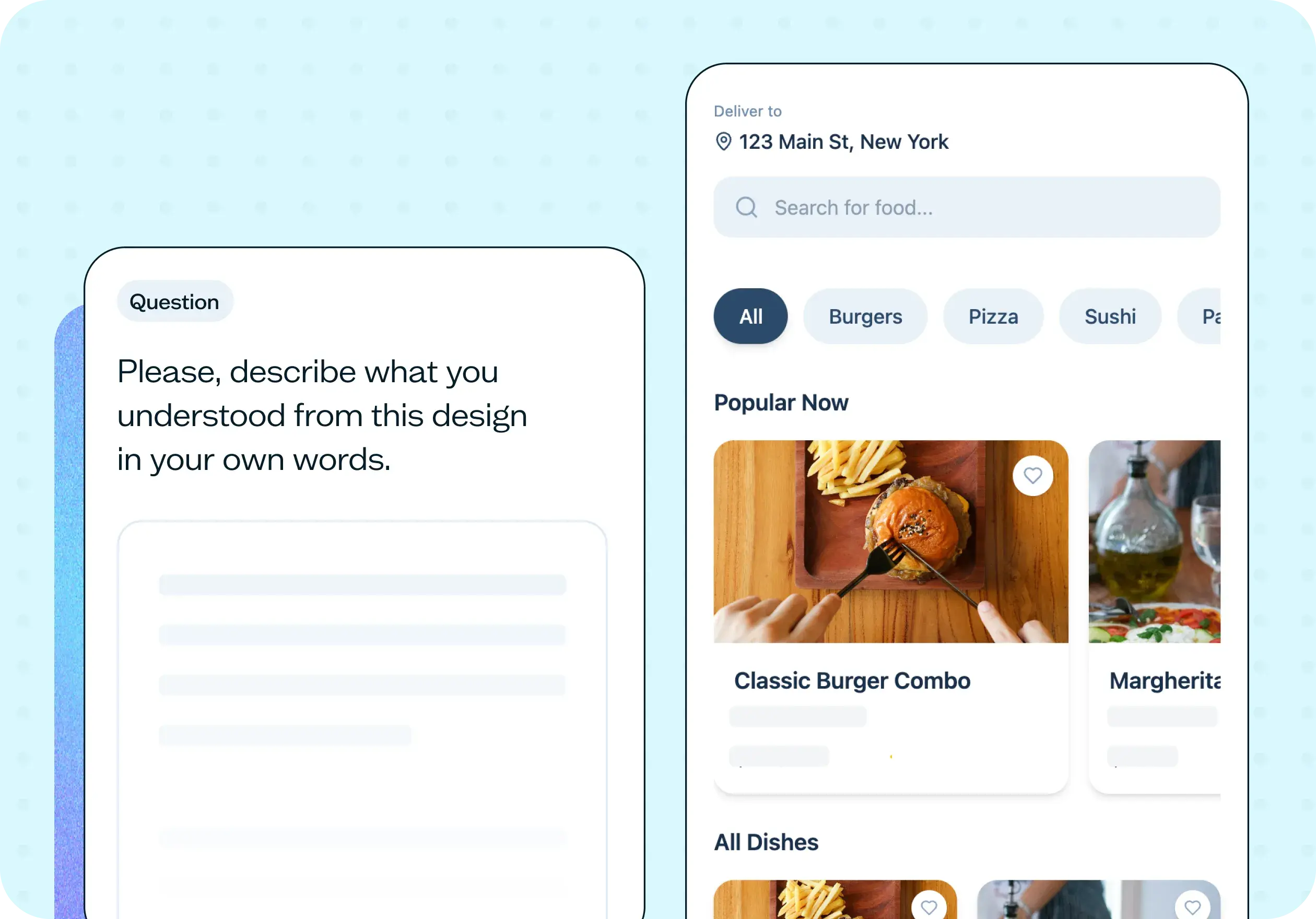
How to test an early prototype
Test your early prototype with real users before you build. This free prototype usability testing template tracks navigation paths and captures reactions in one study.

VIDEO
Prototype testing
Learn how to create a Figma prototype test in this step-by-step video.
GUIDE
Prototype testing guide
Test your interactive prototypes with real users to get powerful feedback to validate your design decisions.
Frequently asked questions
Prototype testing is a user research technique that involves testing a preliminary version of a product or interface with users to identify and fix usability issues before the final product is released.
Add your Figma prototype flow link directly into Lyssna, choose a Task Flow or Free Flow test, then either recruit your own participants or use Lyssna's integrated panel of 690,000+ users. You'll get results like heatmaps, click maps, and completion rates showing exactly how people interacted with your design.
Once your prototype test is live, use a floating modal to add custom instructions or conditional follow-up questions based on what users do or don't click. You'll see granular results including heatmaps, click maps, path analysis, time to complete, and completion rate — and you can tag and filter results to dig deeper into specific findings.
Yes. You can add up to 10 tasks to a single prototype test, all using the same Figma prototype, so there’s no need to duplicate sections. Each task can be a task flow or a free flow, with its own instructions and follow-up questions. Results are broken down task by task, with click maps, heatmaps, paths, and timing shown for each one.
You can either recruit your own users or use Lyssna's integrated panel of over 690,000 participants to get feedback on your prototypes.
While the number of users you should test with depends on the complexity of your product and research goals, a sample size of 5–10 users is generally recommended to identify the majority of usability issues. You can use our sample size calculator to find out more.
When testing your prototype using Lyssna, you can expect to gain insights into how users interact with your product, identify usability issues and pain points, and receive feedback on the overall user experience. This can help you make informed design decisions and improve the usability of your final product.