Prototype usability testing means putting an unfinished design in front of real people and watching how they move through it, before you build anything. In an early, exploratory test, participants navigate your Figma prototype freely instead of working through a fixed task, then answer a set of follow-up questions on what they understood, how they felt about it, and whether they'd use it. The results show whether the direction is understood, not whether a task can be completed.
A low-fidelity prototype gives you a reliable read on comprehension and expectation; it won't tell you much about polish or performance, since participants know they're looking at a prototype. Test the direction now, and you'll find out whether it's worth building before a single screen goes into development.
The problem with untested prototypes
Most early prototypes get signed off by the people who already know how they're supposed to work, and the build often starts before anyone outside the team has tried the flow without context.
Common signs your prototype needs testing:
The team has strong opinions about the flow and no evidence to back them up.
You're about to commit engineering time to a direction nobody outside the team has seen.
Stakeholders are reviewing screens rather than the journey through them.
You have two design directions and no reliable way to choose between them.
Your last release solved a problem users didn't actually have.

This template will help you discover
A Free flow prototype test surfaces the kinds of insight you can't get from a design review alone. These are the same fundamentals you'd expect from any usability testing, applied earlier in the process.
Where users get stuck
Usability issues and navigation problems show up as they happen. You'll see the point where someone clicks "Settings" expecting to find "Profile," or hesitates on a screen because it's not obvious what to do next.
Whether your design decisions hold
Participants show you how they actually move through the flow, which you can compare against how you expected them to move through it. The gap between the two is often the most useful part of the test.
Whether they understood what it is
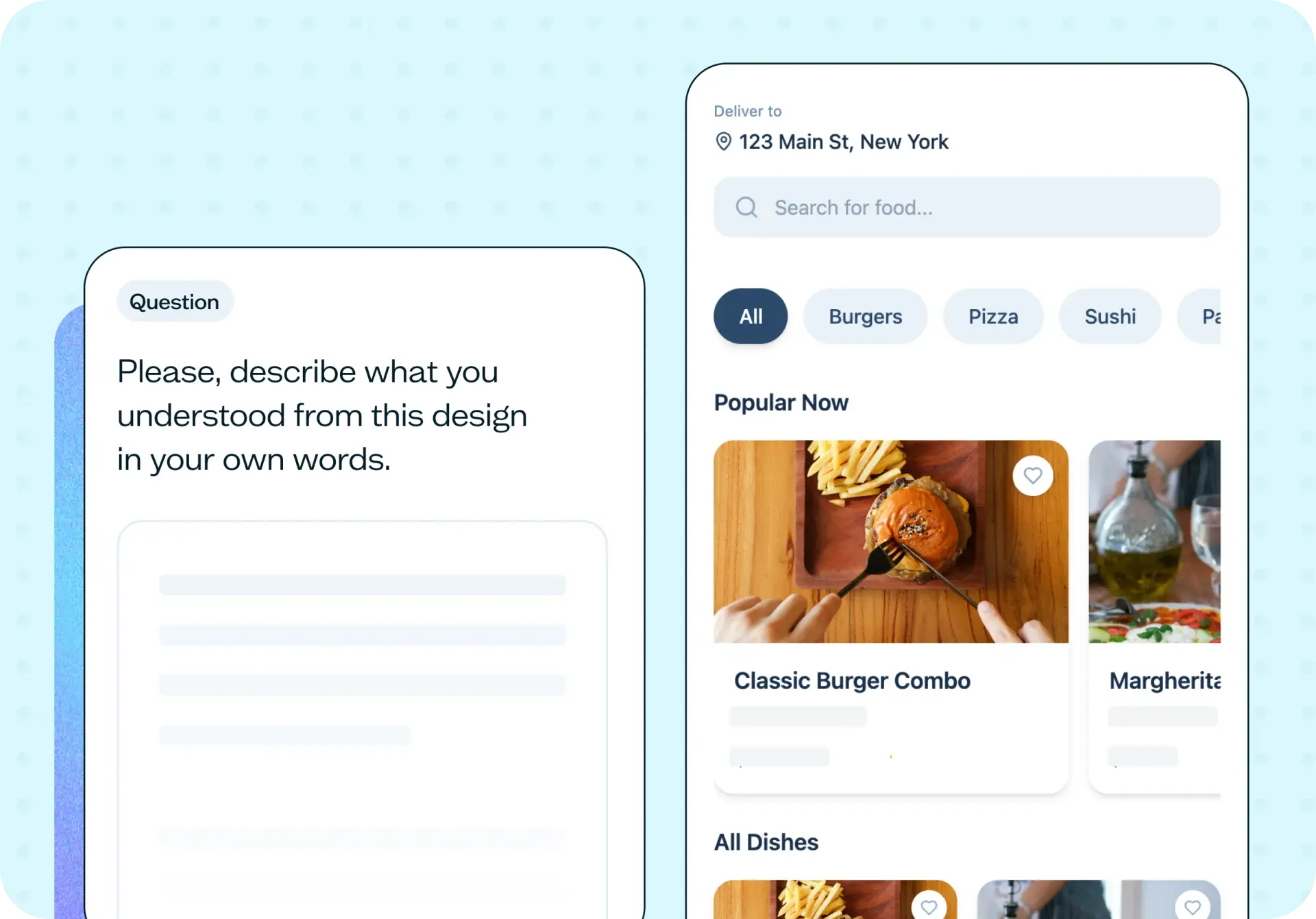
A follow-up question asks participants to describe what they understood from the design in their own words, alongside a quick check on what kind of product they think it is (software, a service, or something physical).
How they feel about the idea
Beyond comprehension, follow-up questions capture their reaction to the idea itself and whether they'd actually use it. That's the gut-check that tells you whether a direction is worth pursuing, not just whether it's understood.
The words that describe the look and feel
A follow-up question asks participants to pick five words from a tailored list that best describe how the design looks and feels. It's the same word-association approach used to test brand and visual appeal elsewhere, applied here to an early prototype.
What you'll test
This template runs on a Figma prototype flow, shown to participants screen by screen in the order you've linked it. There's no fixed goal screen here, and no success-rate measurement. Participants explore freely, and the results show you the different paths they took, including where clicks landed somewhere other than the intended interactive area.
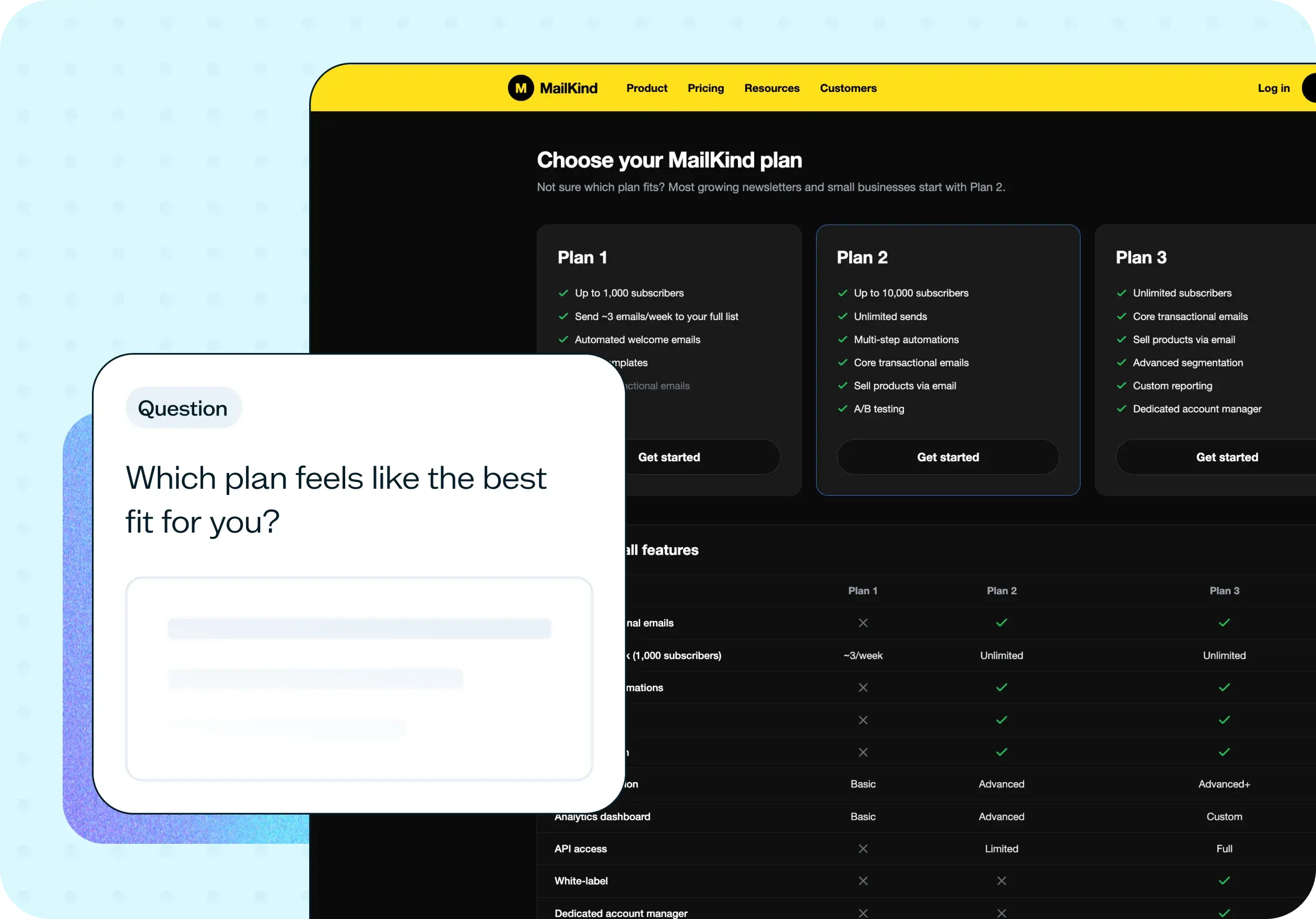
Once someone has finished exploring, a set of follow-up questions asks what they understood the design to be, how clear the screens felt, what kind of product they think it is, how they feel about the idea, whether they'd use it, and which words from a tailored list best describe the look and feel. That combination of real navigation data and a structured reaction afterward is what separates this from a design review – you see what people actually did, then hear what they took away from it in a form you can compare across participants.
That's a deliberate structure: this template is exploratory, built to answer whether a direction makes sense rather than whether people can complete a task. If you need a completion rate against a specific goal (a checkout flow, a sign-up flow, a particular action you need users to finish), that's a Task flow prototype test, not this one. Keep them separate, and you'll get a cleaner answer to whichever question you're actually asking.
How the research works
Here's what happens once you launch the test.
Free flow prototype test
You'll need a Figma prototype with your screens linked into a flow. That's the one requirement, and it's non-negotiable, since the Free flow experience depends on participants being able to move between real, connected screens rather than static images. Once the prototype test is live, participants open the prototype and move through it at their own pace, clicking wherever feels natural rather than following a set path. There's no facilitator steering them and no script to follow; the flow itself is the only guide they get, which is exactly the point: it shows you what the design communicates on its own.
Follow-up questions
Once participants have finished exploring, a set of follow-up questions captures what they took away from the design: an open-text description of what they understood, a clarity rating for the screens, a quick check on what kind of product they think it is, a reaction to the idea itself, whether they'd use it, and a five-word pick describing the look and feel. Asking these after free exploration, rather than interrupting it screen by screen, means the navigation data reflects how people actually move through the design, not how they move once they know a question is coming next.
How to use this template
Getting this test live takes a few minutes:
Add your Figma prototype. Paste your prototype link and confirm the screens are connected in the flow you want participants to follow. The Free flow experience depends on linked screens, so participants can click through the design naturally rather than viewing static images.
Add your follow-up questions. The template includes questions on comprehension, clarity, product type, reaction, use intent, and look and feel. Adjust these to focus on whatever matters most for this round of testing.
Recruit your participants. Share the test with your own network, or recruit from Lyssna's research panel of 690,000+ participants across 124 countries with 395+ targeting options. Matching participants to your target audience means the reactions you get back are ones you can act on.
Launch and review results. Responses often start arriving within hours. You'll see the paths participants took through the prototype alongside their answers to each follow-up question, so you can connect what they did with what they understood.
Start exploring with a free plan.
When to use this template
Use this template in the exploratory phase, while the direction is still open enough to change based on what you learn. It's most useful before anyone commits engineering time, while a different structure, a different flow, or a different set of screens is still a realistic option rather than a costly rewrite. Don't use it to measure task success on a finished design. Once a design is built out and the goal is to check whether people can complete a specific job, that's a Task flow prototype test, not this one.
Here's the question underneath all of this: how much can you trust a test run on something that isn't finished?
A low-fidelity prototype gives you a reliable read on comprehension, expectation, and direction: whether people understand what they're looking at and where they expect it to take them. It doesn't give you a reliable read on perceived polish, performance, or trust, because participants know they're looking at a prototype, not a live product. Test the former now, while it's still cheap to change. Leave the latter for when you have something built to test.
Who this template is for
This template is built for product and UX designers who want a reality check on a direction before it goes further into design or development. It's a way to see the flow through someone else's eyes instead of just your own. Product managers use it to settle a debate between two directions with something more solid than opinion, before committing a sprint to either one. Founders and small teams use it for the same reason at an earlier stage: to know whether an idea holds up before there's a team in place to build it.
You don't need a research background to run this test or make sense of what comes back. The questions are built into the flow, the participants are ready to go, and the results arrive as clear reactions to specific screens, not a dataset that needs a specialist to interpret. Whether you're testing your first prototype or your fiftieth, this template gets you a direct answer to whether the direction is working.
FAQs about how to test an early prototype
You may also like these templates
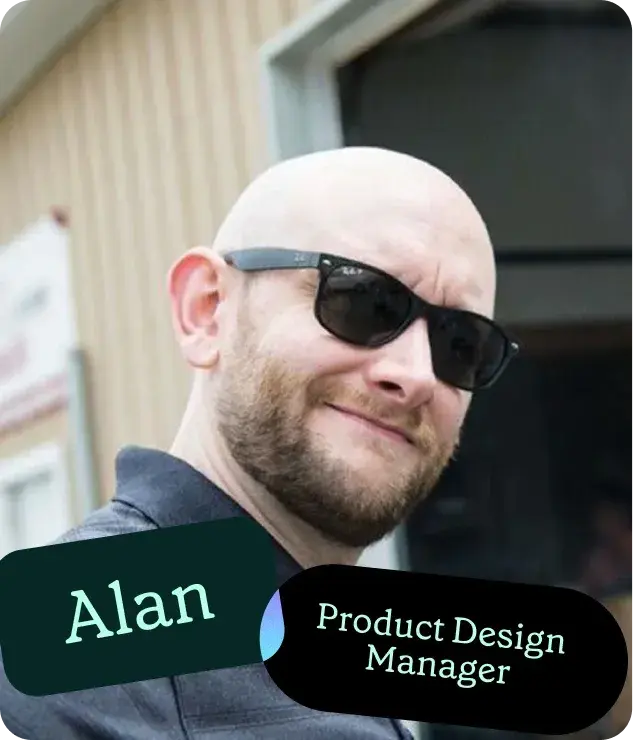
It wasn’t a big sell to move to Lyssna's paid account due to the speed at which you can put together a test, quickly get feedback, and recruit good participants. It just makes monetary sense. It's so cheap and the feedback is valuable.

Alan Dennis
Product Design Manager at YNAB