28 Jul 2026
|11 min
Design validation
Learn what design validation is, explore methods like usability testing and prototype testing, and understand verification vs validation in practice.

Design validation makes sure that your product works where it matters – in the hands of real users. Whether it’s an app or a physical product, validating your designs confirms that you’re solving real problems for real people.
In this guide, we’ll walk through design validation methods, explore how it differs from design verification, and cover best practices to help you validate your designs effectively.
From user testing to pilot studies, you’ll find practical approaches to reduce risks, save resources, and create a product users love from day one.
Key takeaways
Design validation confirms that your product meets end users' expectations and works in real-world conditions – not just that it was built to spec.
Verification asks, "Are we building the product right?" Validation asks, "Are we building the right product?" Both are essential, but they serve different purposes.
Methods like user testing, usability testing, A/B testing, and surveys help you validate designs at every stage – reducing risk, saving resources, and catching issues before they become costly.
What is design validation?
Design validation is the process of confirming that your product meets real user needs, functions as expected, and solves problems in real-world contexts. Put simply, it answers a critical question: Did we design the right product?
At its core, validation checks whether your design outputs – the actual product or experience you've created – align with your design inputs, which are the user needs and requirements you defined at the start. It ensures that your design not only works, but delivers a positive user experience.
This process typically involves testing prototypes with real users, gathering feedback, and running simulations to evaluate the performance of your design. By validating early, you can catch potential issues before they lead to costly revisions later.
Design validation methods
Here’s a look at five different approaches, when to use them, and how Lyssna can support each step.
User testing
When to apply: Early in the design process, during prototyping or beta testing, and for ongoing improvements.
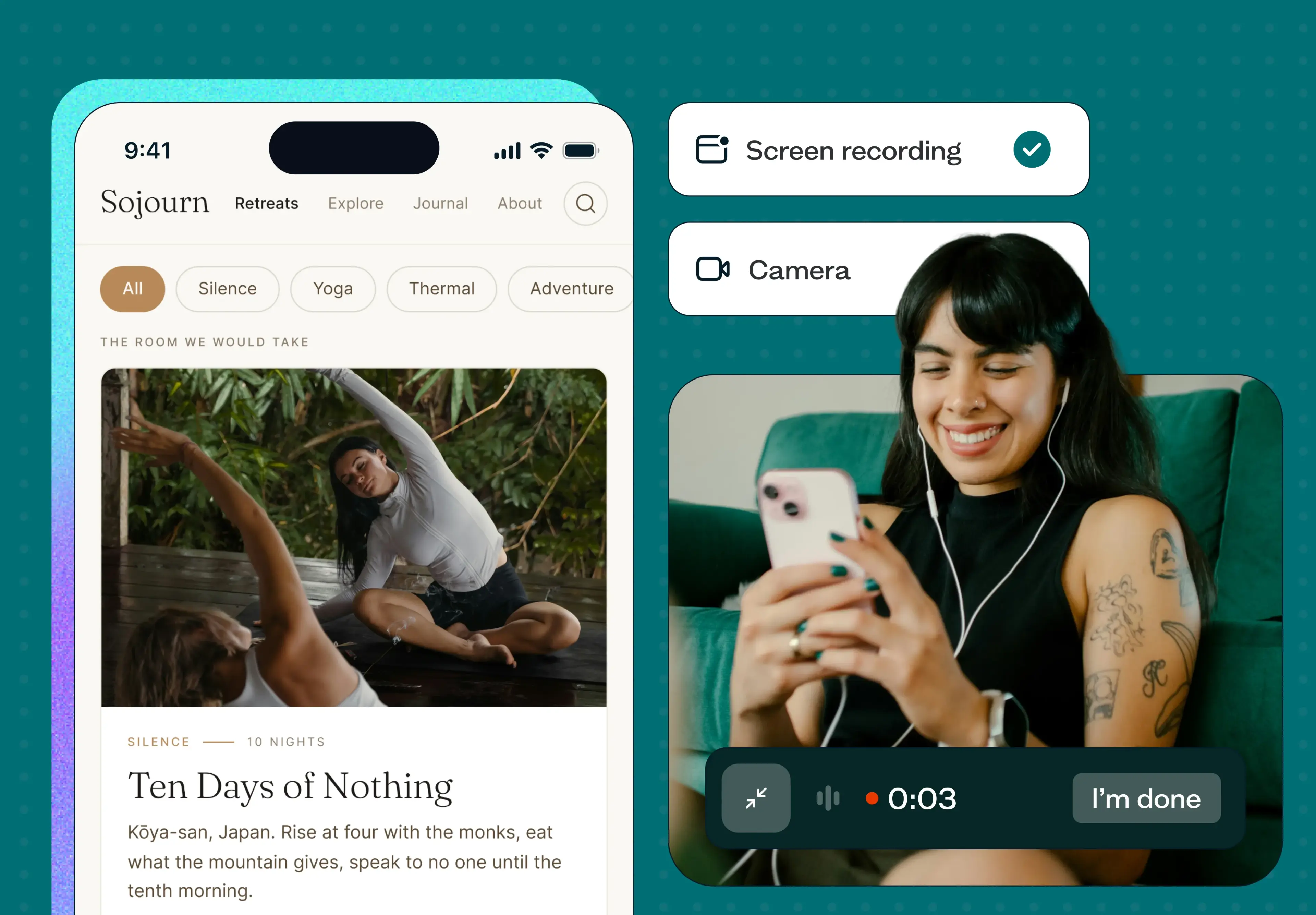
Purpose: User testing lets you observe real users interacting with your product, in an open-ended way. Rather than measuring task completion, you’re watching how people explore, what catches their attention, and where they get stuck – giving you a broad view of the overall experience.
Example: You’ve created an initial prototype for a financial planning app. Using Lyssna’s unmoderated user experience testing tools, you recruit users from your target group to see how they interact with core features like budget tracking. Watching users’ real actions helps you spot and fix confusing elements early on, so your final design flows smoothly.
Usability testing
When to apply: Mid- to late-stage development, before moving to full production.
Purpose: Usability testing focuses on how efficiently users can complete specific tasks. It’s a more structured approach that measures things like task success rate, time on task, and error frequency – helping you identify and fix friction points before launch.
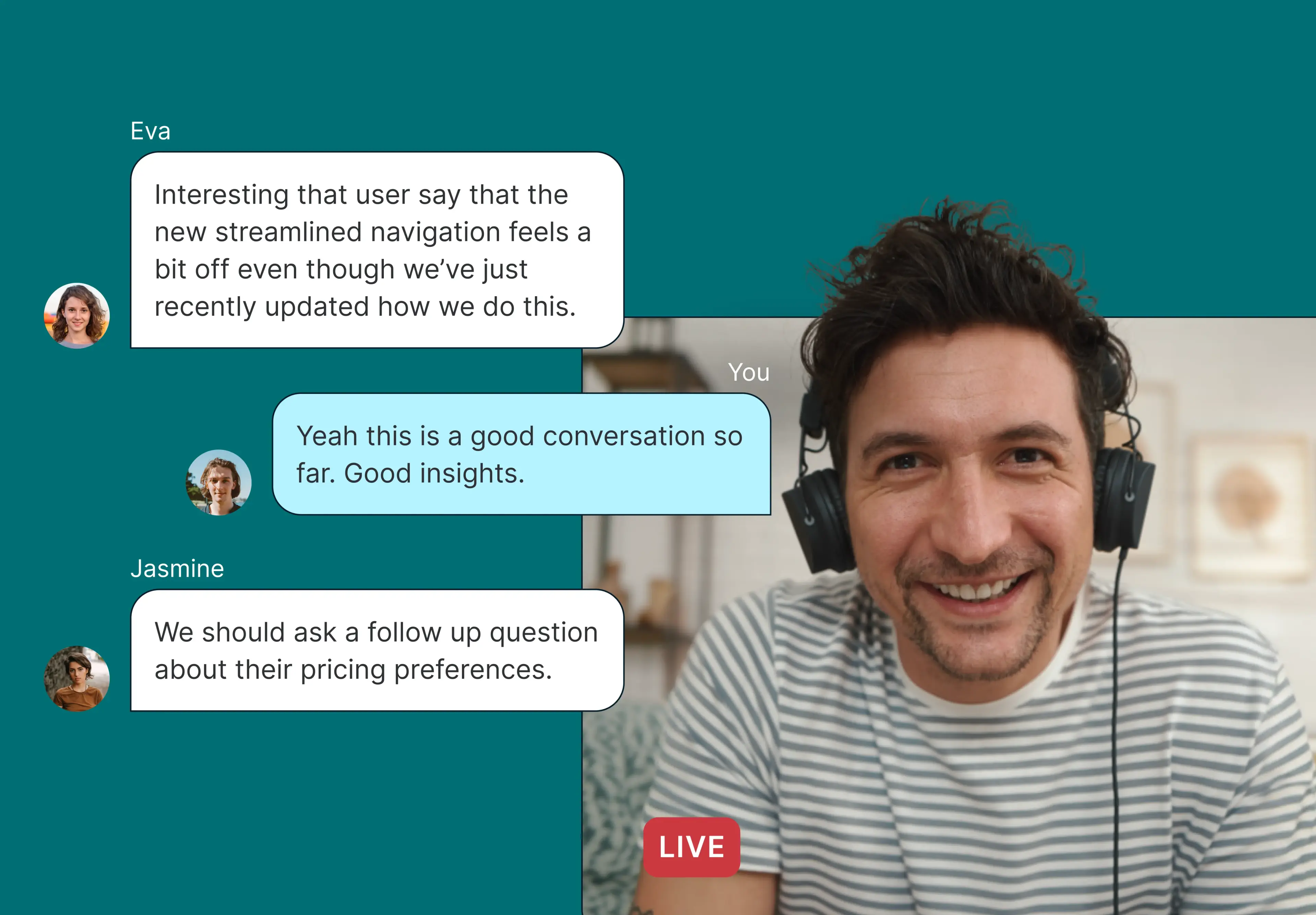
Example: As you finalize a fitness app, you want to make sure users can quickly access progress tracking. By recording a prototype test or navigation test, you watch users navigate the app. Their feedback shows the tracking feature needs to be more visible, so you adjust the layout to make it easier to find before launch.
A/B testing
When to apply: After initial prototype testing or during early rollout.
Purpose: A/B testing lets you compare two design options to see which works better for users. It’s ideal for fine-tuning specific elements or layouts.
Example: You’re deciding between two sign-up screens for a productivity app – one minimal, the other with extra onboarding info. Using Lyssna, you deploy both versions to a test group and track engagement to see which screen performs better. With this feedback, you can choose the version that best fits user preferences.
Surveys
When to apply: You can run surveys throughout development, especially during early concept testing and post-launch to gather ongoing feedback.
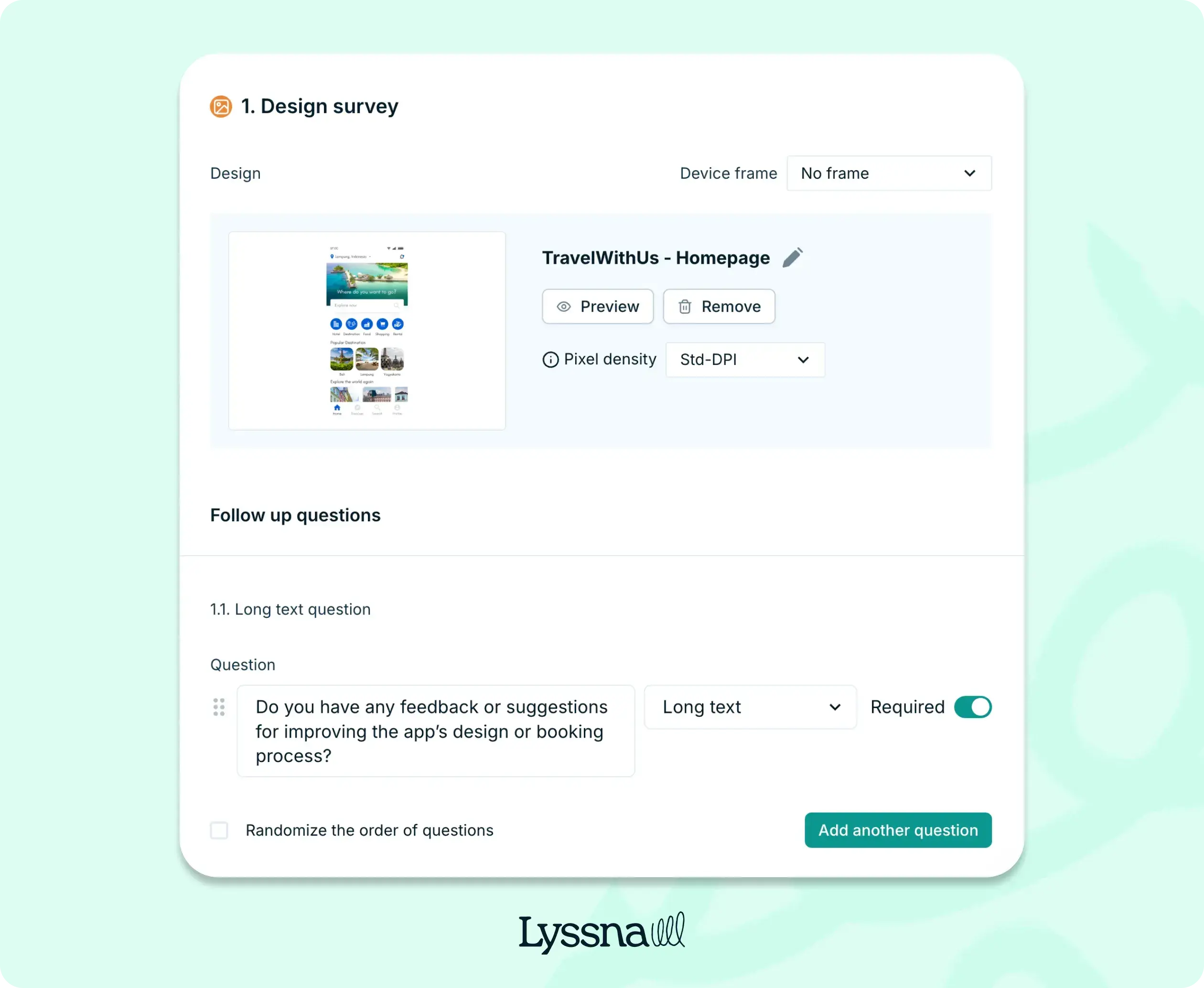
Purpose: Ask users directly about their experiences with your product, uncovering their needs, frustrations, and preferences. It’s a direct and accessible way to validate design choices and surface ideas you might not have considered. In Lyssna, design surveys are a good option as they allow you to ask questions while keeping your design front and center.
Example: After a beta release of a travel app, you use Lyssna’s survey tool to gather feedback from early users about the booking process. Responses show that users want a more streamlined search function, guiding your team on what to improve before the full launch.
Heuristic reviews
When to apply: Early in the design process, during prototype evaluations, and before usability testing.
Purpose: A heuristic review uses experts to check your design against basic usability principles. It helps identify usability issues before real users try your product.
Example: Before testing a new e-learning platform with users, you run a heuristic review with UX experts. Working from the goals outlined in your design proposal, the experts evaluate the interface against established usability principles. The review flags that too much information on the onboarding screens might overwhelm users, so you simplify the layout for a better first impression.
Design verification vs validation: What’s the difference?
The simplest way to remember the difference: verification asks, "Are we building the product right?" while validation asks, "Are we building the right product?" While often used interchangeably, these are distinct steps in the product development process – and both matter. Here’s a breakdown of how they differ.
Verification ensures your design meets the original requirements – your design inputs. Through reviews, inspections, and tests, you confirm that your design outputs (drawings, specs, prototypes) match what was specified at the start.
Validation confirms the product meets user needs and performs well in real-world conditions. It goes beyond specs to ask whether the end result actually works for the people using it.
Verification happens throughout the design and development process, with inspections, code reviews, and simulations to make sure the design is on track.
Validation is often associated with later stages, but for digital products, it can – and should – happen throughout development. Whether you’re testing early prototypes or a live product, validation confirms the design works in the conditions and environments where real users will interact with it.
Verification focuses inward – on technical specifications, design requirements, and predefined standards. It’s about making sure every detail of the design matches what was documented.
Validation focuses outward – on the user’s experience, their environment, and real-world usability. It’s about confirming the product works for its intended use and the people using it.
Verification includes inspections, walkthroughs, code reviews, and prototype testing.
Validation involves user testing, field testing, and pilot studies to measure real-world performance.
Successful verification shows the product meets technical specifications, but it doesn’t necessarily confirm usability.
Successful validation confirms the product works as intended and fulfills the user’s needs.
Both are crucial: verification ensures the product is built correctly; validation checks it works well for your users.

Why is design validation important?
Design validation is like a safety net, making sure your product not only works but also meets user needs. After all, even the most polished product only matters if people can – and want – to use it. Your internal requirements matter, but they need to align with what your users actually need.
Here are five reasons why design validation is so important.
User satisfaction
Involving users in validation through testing and field trials confirms that the product aligns with their needs, directly boosting user satisfaction. Imagine a productivity app where users struggle to find core features; validation testing can catch these issues early so you can improve the experience.
Risk reduction
Applying UX principles during validation ensures your product is intuitive and user-friendly. This helps you address minor issues before they escalate into major setbacks.
Compliance
Whether it’s safety regulations or privacy laws, validation confirms your product complies with essential guidelines, helping you avoid legal or reputational risks. It’s also an opportunity to incorporate inclusive UX design practices and meet accessibility standards, making sure your product works for a diverse audience.
Performance assurance
Real-world testing reveals how well your design holds up in its intended environment, whether hardware or software. This builds confidence in its performance and reliability.
Cost efficiency
Catching and fixing flaws early avoids expensive post-launch fixes and reduces wasted resources. Validation helps you invest in the right solutions from the start, saving time and money in the long run.

How Lyssna can help with design validation
Whatever stage you’re at, Lyssna is built to support design validation without adding friction to your process – so your team can move from question to insight faster.
Moderated and unmoderated studies
Lyssna offers everything you need for design validation in one place. With tools for unmoderated user testing and moderated usability testing — including surveys, usability tests, and prototype tests — you can gather data and findings at every stage of your UX/UI design journey, ensuring your product meets user expectations.
Fast and affordable participant recruitment
Recruiting the right participants no longer has to slow you down. Lyssna’s research panel of over 690,000 vetted users lets you filter by demographic, behavioral, and psychographic attributes to reach your exact audience — often within the same day. Whether you’re targeting frequent travelers, fintech power users, or first-time app adopters, Lyssna’s panel lets you reach the right participants quickly — often in under 30 minutes — without the manual overhead of sourcing them yourself. For instance, if you’re testing a travel app, you could recruit frequent travelers who match your user profile almost instantly.
Insights to reduce risks
Lyssna helps you gather actionable insights quickly, so your team can catch issues early and move forward with confidence. Whether you’re testing prototypes or conducting large-scale research, our platform streamlines the process so you can focus on what matters most — creating a product that works for your users.
FAQs about design validation

Pete Martin
Content writer
Pete Martin is a content writer for a host of B2B SaaS companies, as well as being a contributing writer for Scalerrs, a SaaS SEO agency. Away from the keyboard, he’s an avid reader (history, psychology, biography, and fiction), and a long-suffering Newcastle United fan.

You may also like these articles