08 Sep 2026
|16 min
Top 8 dscout alternatives
Looking for dscout alternatives? Compare 8 UX research platforms on pricing, AI features, testing methods, and mobile testing to find the right fit.

If you're searching for dscout alternatives, something about the tool probably isn't working for your team. Launched in 2011, dscout has built a strong reputation in enterprise UX research – it's been a consecutive G2 Leader, known for longitudinal diary studies, field research, and ID-verified participants, alongside moderated interviews and usability testing.
Here's what's worth knowing before you switch. dscout's subscription plans are gated by a shared pool of credits, and usage can be hard to predict – especially for diary studies, where credit costs scale with both participants and activities. Diary and field studies also take days to weeks to run, which suits deep qualitative research but not fast iteration. And on G2, some reviewers point to a confusing interface and manual analysis as areas they'd like to see improved.
Why find an alternative to dscout?
dscout has real strengths – deep longitudinal research, ID-verified participants, an enterprise-grade compliance story that's earned it G2 Leader status, and a growing AI toolkit: dscout AI helps draft and moderate studies and surface patterns in the data, and dscout MCP lets you create studies and pull findings from inside tools like Claude, Cursor, and Figma Make. It's built for depth over speed, though, and a few missing features or workflows may still send you looking for an alternative, especially if quick iteration or self-service pricing matters to your team.
Below are a couple of other considerations.
Unclear pricing
dscout's subscription plans include a shared pool of "activity credits" that you spend as you run studies – typically one credit per completed response, and up to five credits per participant for diary studies. Because usage scales with how much research you're running, it can be difficult to predict what a project will cost in advance.
Unmoderated testing spans surveys, usability tests, and intercepts
dscout's unmoderated methods are organized around three study types – media surveys, usability tests, and intercept studies – which support question types like card sorting, ranking, and scale questions; tree testing is available in media surveys and usability tests, but not intercepts. It doesn't currently offer a dedicated five-second testing format.
Reviews suggest analytics features need improving
Offering AI-based analysis can be an interesting draw for many teams. However, many of the reviews on G2 say dscout needs to improve its overall analysis capabilities, including better tagging and filtering.
Top 8 dscout alternatives at a glance
With all of the above in mind, you're likely looking for a comprehensive tool that will help you get your UX research and design projects underway quickly and easily. To help you figure out what would make a suitable alternative, we've put together a comparative list of eight tools, including:
Lyssna
Useberry
User Interviews
Userlytics
Optimal Workshop
Contentsquare (Hotjar)
Maze
UserTesting
Each of these platforms offers features that are a worthwhile alternative to dscout, but not every platform is the best choice for every organization. Pay particular attention to "best for" mentions and use cases.
Note: all prices below are listed in USD unless otherwise stated, and reflect published self-serve pricing as of August 2026. Some tools price in other currencies or require a sales conversation for pricing – this is noted where relevant.
dscout alternatives | Best for | Pricing |
|---|---|---|
Lyssna | Comprehensive UX research and remote usability testing | Free plan; Growth ($166/month, billed annually); Enterprise (custom) |
Useberry | Small teams needing basic UX testing | Free plan; Growth (€83/month, billed annually); Business (€659/month, billed annually); Enterprise (custom) |
User Interviews | In-depth moderated research and interviews | Recruit: PAYG (from $49/session) or Essential (from $41/session); Research Hub (custom) |
Userlytics | Enterprise teams with diverse research needs | Project-based (custom); Enterprise (from $30/session); Premium ($699/month); Limitless (custom) |
Optimal Workshop | Information architecture (IA) research and broader UX testing | Starter ($199/month, billed annually); Enterprise (custom) – no free plan |
Contentsquare (Hotjar) | Website behavior analytics and feedback | Contact sales – pricing not publicly listed since the Contentsquare merger |
Maze | Agile teams seeking AI insights | Free plan; Starter ($99/month); Enterprise (custom) |
UserTesting | Video-first user feedback | Custom pricing |
Lyssna
Best for: Comprehensive UX research and remote usability testing
Overview
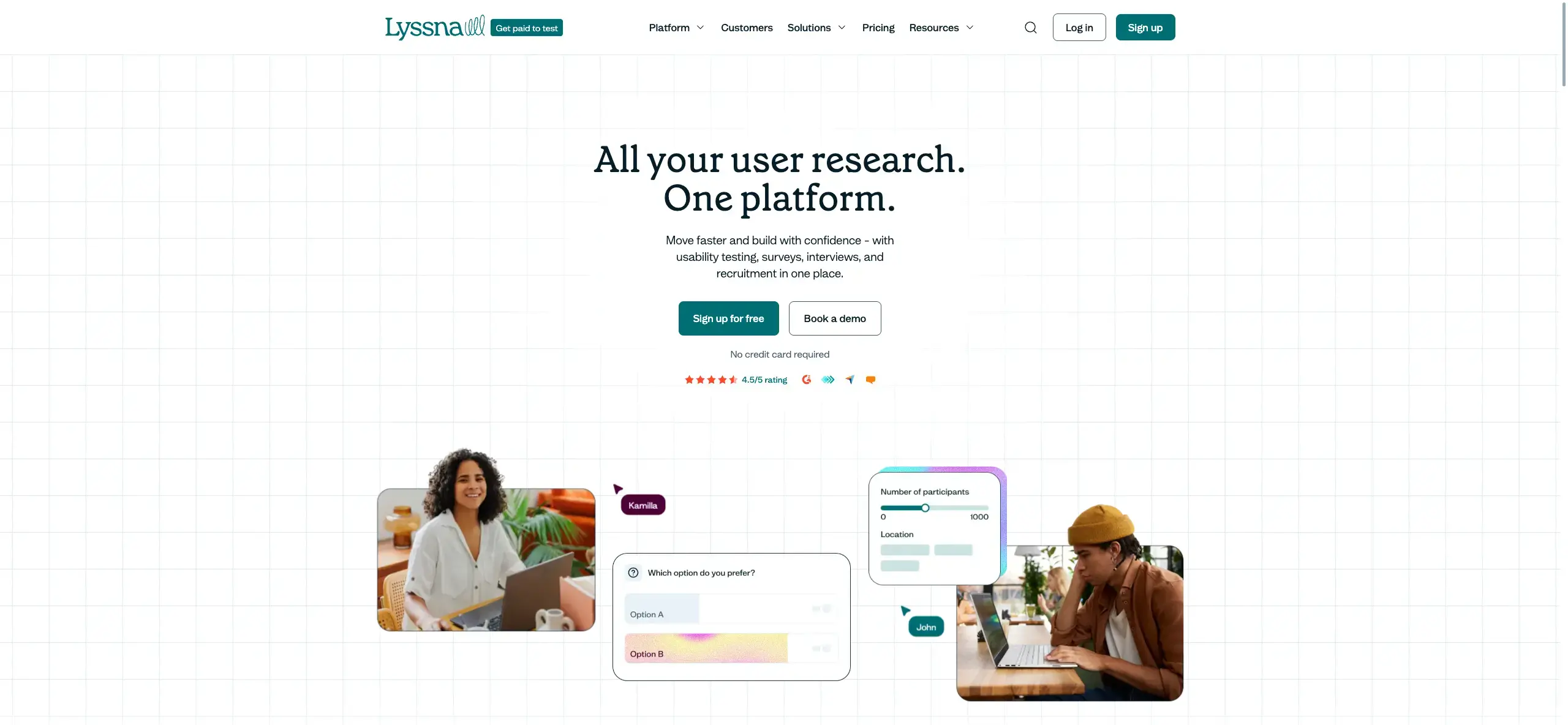
Lyssna is an all-in-one UX research platform offering unmoderated and moderated research tools. Unmoderated testing includes surveys, first click testing, five second testing, card sorting, tree testing, prototype testing, live website testing, mobile testing, and preference testing, alongside moderated interviews.
Lyssna also offers a research panel with 690,000+ participants across 124 countries, with 395+ targeting options, so you can recruit for your tests in minutes or hours rather than days. You also have the option to self-recruit if you already have a list of participants in mind – your existing customers, for example.
Key features
Free plan access to quick, single-section studies using core method.
Moderated interviews on every plan, including the Free plan.
In-depth studies (tests with multiple sections) available on paid plans.
All tests are SOC2 and GDPR compliant.
Native integrations with Zoom, Microsoft Outlook, Google Calendar, Google Meet, Figma, and Microsoft Teams.
Recruit from the Lyssna research panel or your own network.
Record your participants' audio, screen, and/or camera during testing, including on mobile.
Analysis features include result filtering, text analysis, navigation analysis, click and heat maps, agreement matrices, similarity matrices, and flow analysis.
AI-powered research tools, including AI summaries, AI follow-up questions, and AI-assisted recruiting, plus an MCP server that connects Claude and ChatGPT directly to your Lyssna studies.
Study-taking interfaces are translated into over 55 languages, supporting global testing.
Comments and mentions in the study builder and results pages for team collaboration.
Pros and cons
Pros:
You can try Lyssna's core research methods on the free plan without adding a credit card.
Reviewers on G2 frequently mention Lyssna's fast setup and quick, insightful participant responses.
Fixed, transparent plans mean you know exactly what you're paying for.
Cons:
The Free plan is limited to quick, single-section studies using core methods.
Lyssna doesn't yet have native interview conferencing features, though it integrates with recording and calendar tools to manage moderated interviews.
Plans and pricing
Free plan: Includes three seats and up to 15 self-recruited responses on quick, single-section studies using core methods – surveys, first click tests, five second tests, navigation tests, and preference tests. Interviews are unlimited on every plan, including Free.
Growth: Starting at $166/month (paid annually). Includes everything in the Free plan, plus five seats, five in-depth studies per month, AI-generated summaries, custom branding, and mobile testing.
Enterprise plan: Pricing is tailored to your company and includes everything on the Growth plan, plus unlimited seats, custom in-depth study volume, security audits, and additional security integration.
Panel responses are pay-as-you-go for all plans.
Find reviews of Lyssna on G2.
Useberry
Best for: Small teams needing UX testing
Overview
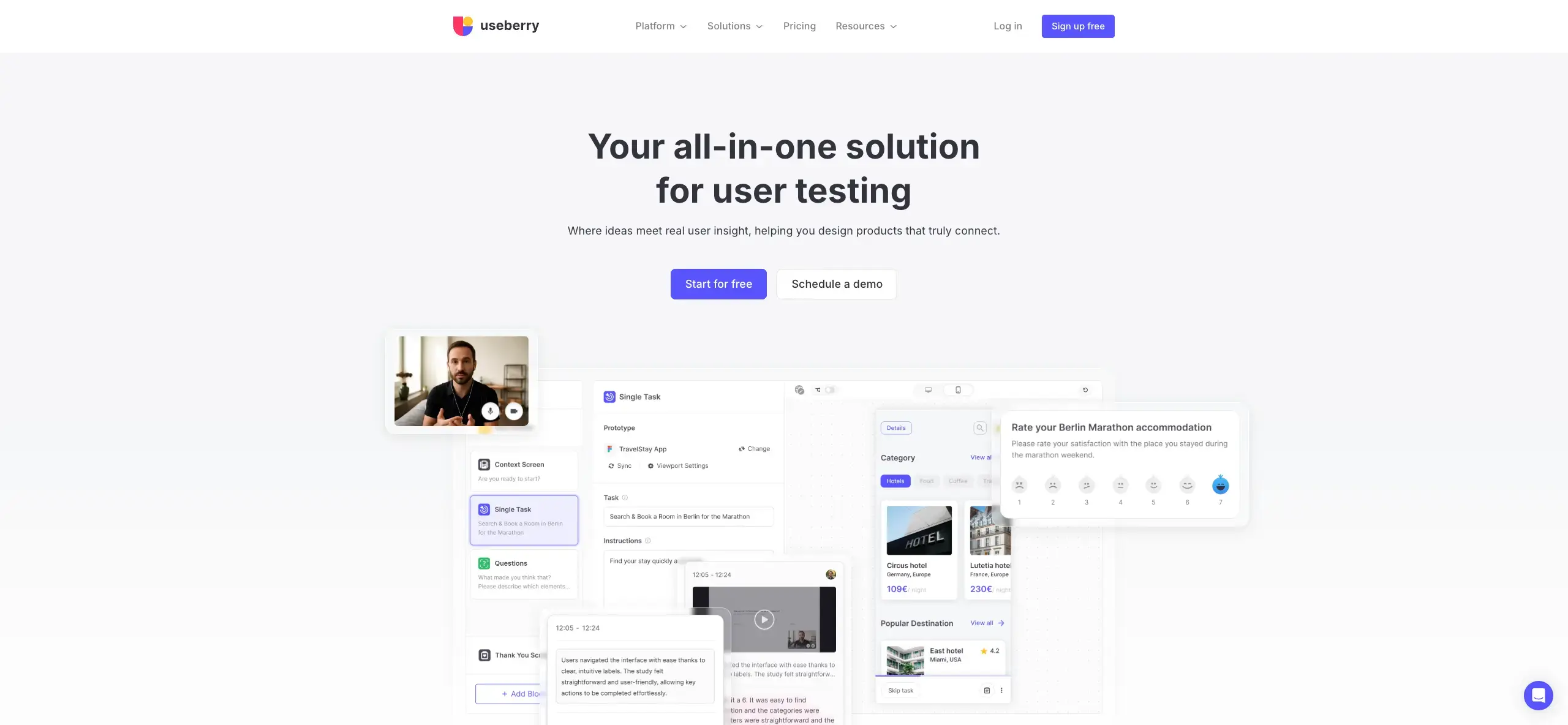
Like Lyssna, Useberry offers a one-stop-shop style platform for UX research, with a variety of testing options and third-party integrations.
Key features
Integrations with Figma, ProtoPie, and Sketch.
Unmoderated tests including single task, first click, five second, surveys, card sorting, preference tests, and tree testing.
A participant pool available for test recruitment.
Record participants' face, voice, and screen during testing.
Plans and pricing
Free: €0/month – 1 seat, up to 10 responses/month.
Growth: €83/month (billed yearly; monthly billing available) – 1 seat, 300 responses/month.
Business: €659/month (billed yearly; monthly billing available) – 5 seats, 2,000 responses/month.
Enterprise: Custom pricing – 10-seat minimum, 48,000+ responses/year.
Useberry's pricing is published in EUR.
Find reviews of Useberry on G2.
User Interviews
Best for: In-depth moderated research and interviews
Overview
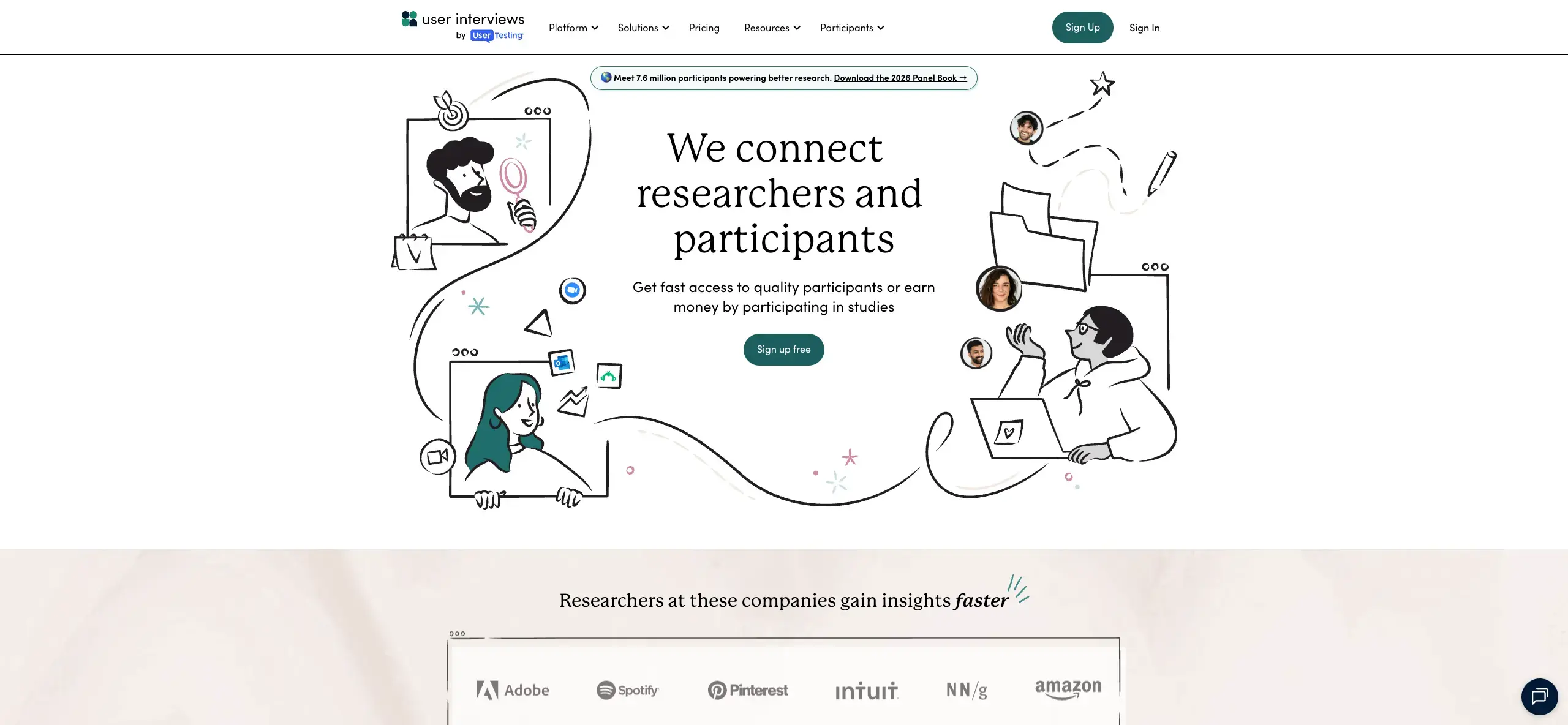
If your research needs lean toward moderated studies, User Interviews could be the tool for you. UserTesting acquired User Interviews in January 2026, and the two now share a combined panel, though User Interviews continues to operate as a distinct product for recruiting and moderated research.
Key features
Access to a combined panel of 7.5+ million qualified panelists, shared with UserTesting following the January 2026 acquisition.
Interview scheduling and participant management.
Moderated usability tests to observe and interact with participants as they progress through tasks.
Integrations including Zoom, Google Calendar, Microsoft Outlook, Lookback, SurveyMonkey, Typeform, Loop11, and Qualtrics.
Targeting features for accessibility testing, filtering by disability and condition.
Plans and pricing
Pricing is split between participant recruiting ("Recruit") and panel/workflow management ("Research Hub"):
Recruit – Pay As You Go: $49/session (general audiences) or $98/session (advanced B2B targeting).
Recruit – Essential: $41/session at 60 sessions, or $36/session at 150 sessions (billed annually).
Recruit – Custom: From 250 sessions, negotiated rate.
Research Hub – Workflow: From 3 seats plus unlimited collaborators, custom pricing.
Research Hub – CRM: From 1,000 contacts in your participant database, custom pricing.
There's no free plan available.
Find reviews of User Interviews on G2.
Userlytics
Best for: Enterprise teams with diverse research needs
Overview
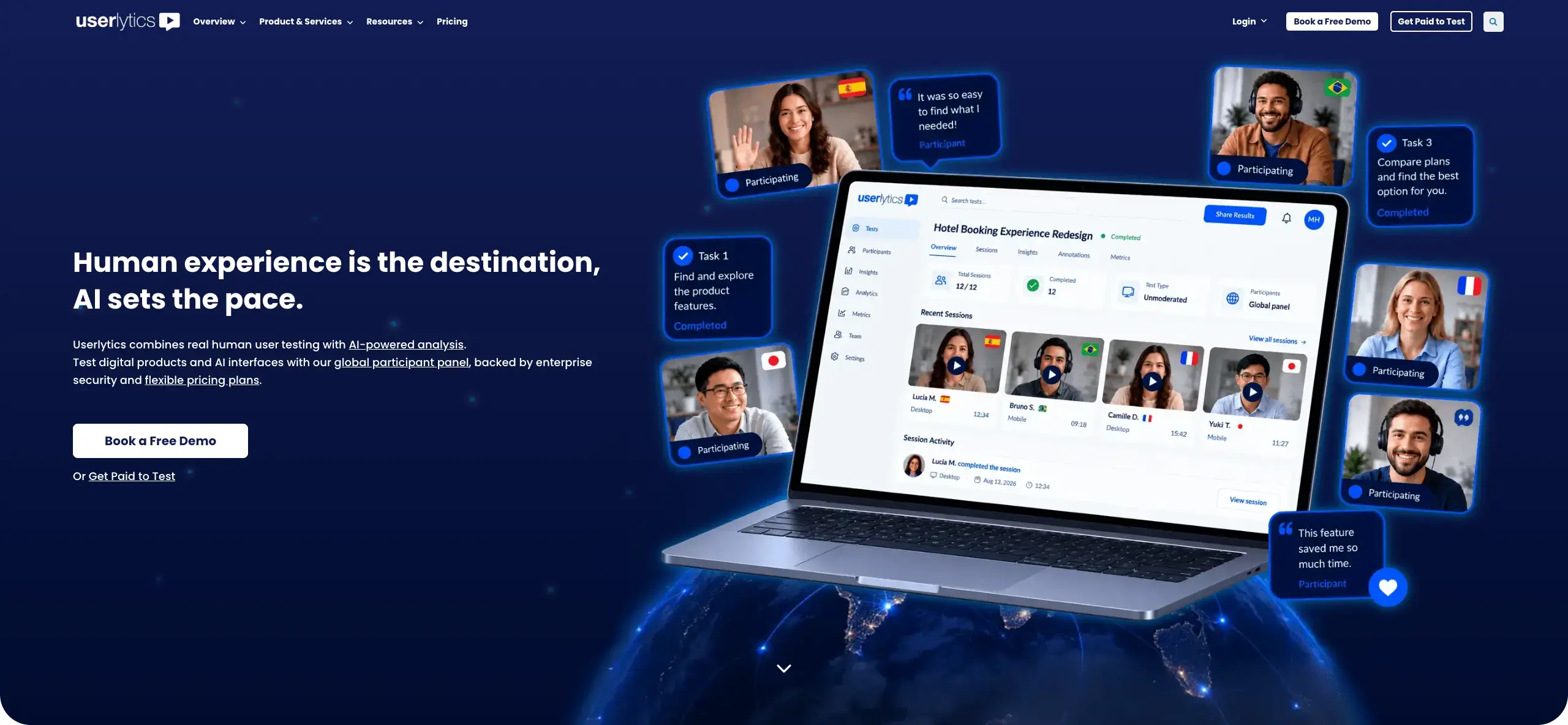
Launched in 2009, Userlytics is one of the older platforms on this list and specializes in a mixed-methods approach, offering a variety of testing methods including think-aloud studies.
Key features
Moderated testing with native interviewing features on any device.
Mixed-methods approaches, including think-aloud studies, five second testing, preference testing, card sorting, and tree testing.
Recruit participants from a panel of over 2 million.
AI-based analysis, benchmarking scores, video analysis tools, a system usability scale, and sentiment analysis.
Plans and pricing
Project Based: For one-off projects; custom pricing.
Enterprise: From $30/session with annual discounts, unlimited seats.
Premium (self-recruitment subscription): $699/month – 5 seats.
Limitless: Custom quote – unlimited seats, unlimited AI transcriptions.
Find reviews of Userlytics on G2. Read our Userlytics vs UserTesting comparison.
Optimal Workshop
Best for: Information architecture (IA) research and broader UX testing
Overview
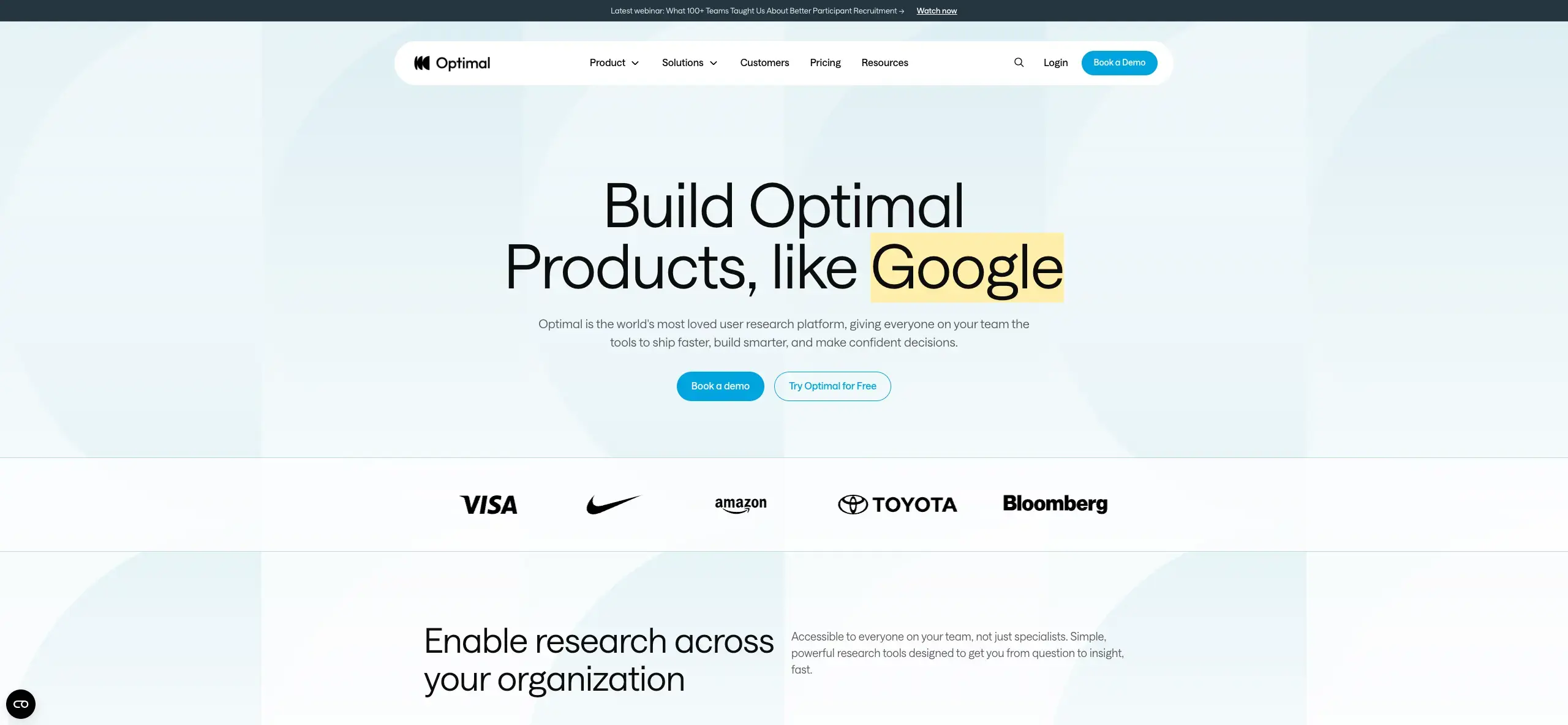
Originally launched as OptimalSort in 2004 and specializing in card sorting, Optimal Workshop has grown into a broader UX research platform. Alongside its core IA strengths – card sorting and tree testing – it now includes first click testing, live site testing, prototype testing, surveys, and AI-assisted interviews, plus its Qualitative Insights tool (formerly Reframer) for coding transcripts and observation notes.
Key features
Core research tools, including card sorting, tree testing, first click testing, live site testing, prototype testing, surveys, and interviews.
AI features across the platform: automated interview summaries, transcripts, and highlight reels with PII redaction; an AI Chat tool for exploring data across studies; an AI writing assistant for survey questions; and an MCP integration connecting research data to tools like Claude and ChatGPT.
An in-house recruitment team plus third-party panel partnerships for participant access.
Qualitative Insights (formerly Reframer), a tool for coding interview transcripts and observation notes.
Pros and cons
Pros:
A broad set of research methods – from quantitative IA testing to AI-assisted interviews – in one platform.
Cons:
There's no free plan currently available.
All tools and study types are bundled into a single starting tier, with no lower-cost option for teams that only need one or two methods.
Plans and pricing
Starter: $199/month (billed annually) – 5 studies launched per year (additional study bundles available), unlimited seats, unlimited participant responses per study, all tools and study types, AI-powered analytics, SOC II/GDPR compliance.
Enterprise: Custom pricing – everything in Starter, plus enterprise-grade security, multiple workspaces and private projects, administrator controls, usage reports, and a dedicated Customer Success Manager.
Find reviews of Optimal Workshop on G2.
Contentsquare (Hotjar)
Best for: Website behavior analytics and feedback
Overview
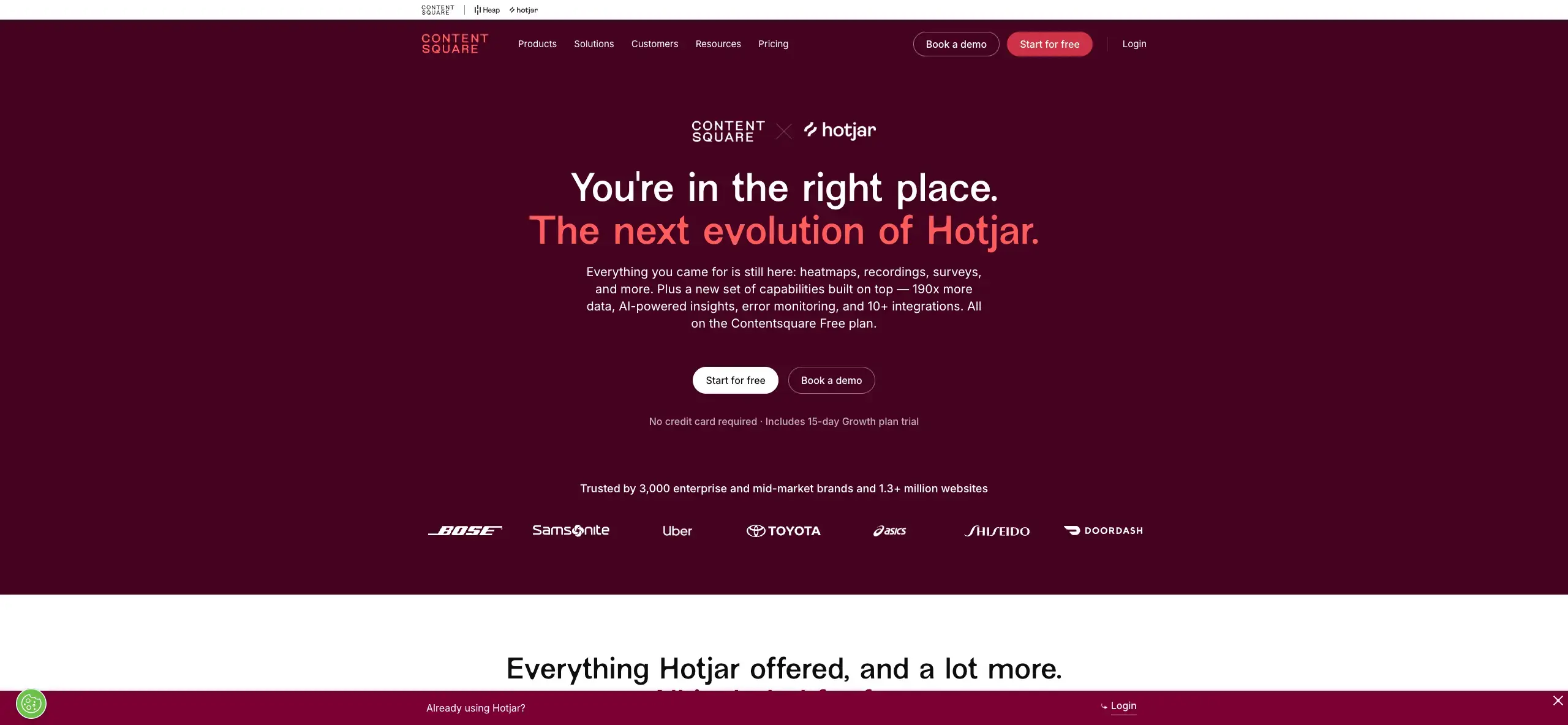
Contentsquare acquired Hotjar in 2021, and the two products fully merged into a single platform in 2024–2025 – Hotjar is no longer sold as a standalone product. If you're evaluating Hotjar as a dscout alternative, Contentsquare is now where you'd sign up; the combined product is sometimes referred to as "Hotjar by Contentsquare."
Hotjar was known primarily for heatmapping and customer feedback features focused on website optimization. It also offered Engage, a user-interview tool with scheduling and hosting, though this is no longer sold to new customers.
Plans and pricing
Contentsquare doesn't list Hotjar-specific pricing publicly now that the two platforms have merged – contact Contentsquare's sales team for current plans.
Find reviews of Hotjar by Contentsquare on G2.
Maze
Best for: Agile teams seeking AI insights
Overview
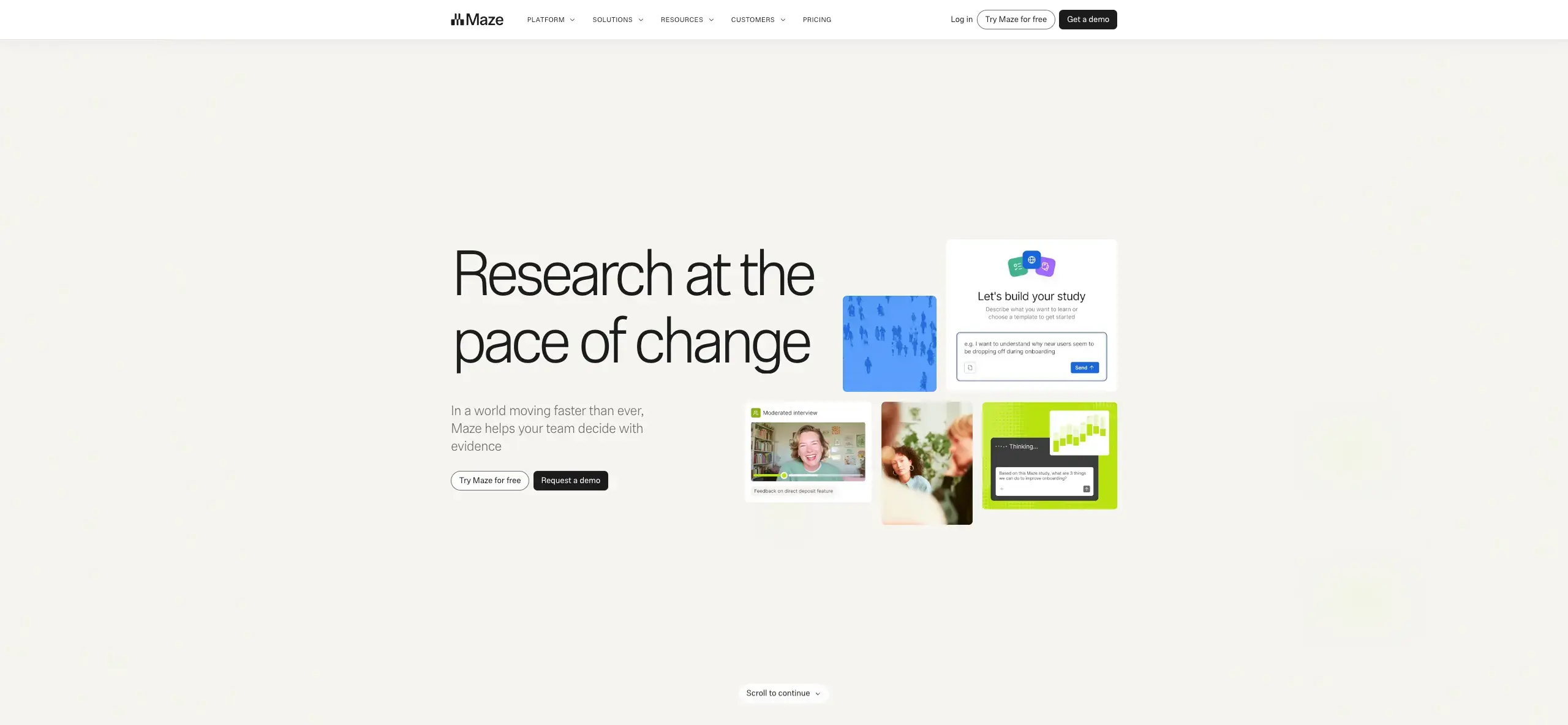
Launched in 2018, Maze is a UX research and design platform offering a range of testing methods, including remote unmoderated testing and interview studies, with AI analysis capabilities for generating customizable, shareable reports.
Key features
Prototype testing and surveys on the Free plan; unmoderated research toolkit, research-ready templates, and audio/video/screen recording added on Starter.
Card sorting, tree testing, and live website testing available at a basic level on Starter, with deeper analysis and native mobile app testing on Enterprise.
Access to a panel of 7M+ participants on Enterprise, or bring your own users.
AI-powered moderated interviews and automated, presentation-ready research reports on Enterprise.
Plans and pricing
Free: $0/month – 1 study/month, 5 seats – essential prototype testing, surveys, pay-per-use panel credits.
Starter: $99/month – 1 study/month, 5 seats – everything in Free, plus an unmoderated research toolkit, research-ready templates, and audio/video/screen recording.
Enterprise: Custom pricing – custom study quantities, unlimited seats, access to Maze's global panel (7M+ participants) or your own users, all Maze AI features, moderated and AI-moderated interviews, prototype testing, live website testing, surveys, card sorting and tree testing, mobile experience testing, and priority support with a dedicated CSM.
Find reviews of Maze on G2.
UserTesting
Best for: Video-first user feedback
Overview
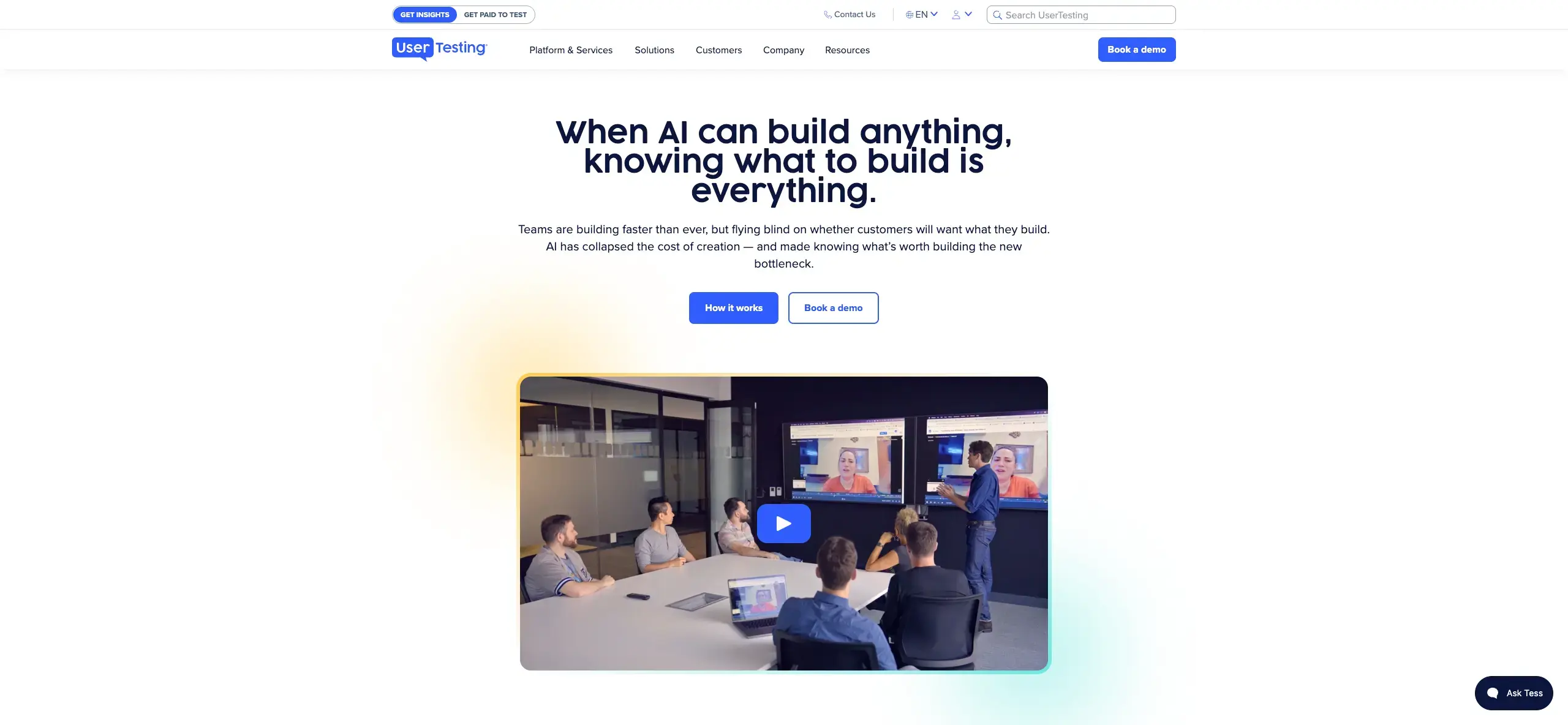
If you prefer video-based testing, UserTesting could be the platform for you. It offers unmoderated and moderated testing – including surveys, think-aloud studies, card sorting, tree testing, and prototype testing.
Key features
Testing for prototypes, websites, and mobile apps, including unreleased apps.
Integrations with productivity apps such as Jira, Trello, and Slack.
Interactive data visualizations.
Professional services including consulting, insights, and audience/panelist services.
Plans and pricing
Pricing isn't listed on the website. Three plans are available – Advanced, Ultimate, and Ultimate+ – with increasing access to features; card sorting and tree testing are available starting on the Ultimate plan.
Find reviews of UserTesting on G2. Read our Maze vs UserTesting comparison.
How to choose the right tool
With plenty of software options available, narrowing down the right one takes a bit of structure. Here's a quick approach.
Think about what you need. Get your team together and list the features you actually need to get the job done – if a tool doesn't cover those, it doesn't make the cut.
Compare and contrast. With a shortlist in hand, weigh collaboration features, integration with your existing workflow, usability and design, and the depth of insights each tool's studies produce.
Evaluate contenders against your budget. Think about what you're able to spend on research and which platform gives you the most value for it.
How Lyssna can help
Among the alternatives on this list, Lyssna stands out for a few reasons.
You can try Lyssna's core research methods on the free plan without adding a credit card, and interviews are unlimited on every plan, including Free.
It combines unmoderated and moderated research in one platform, plus quantitative methods like card sorting, tree testing, and preference testing. See our full Lyssna vs dscout comparison for a feature-by-feature breakdown.
Lyssna's plans are fixed and transparent, so you know what you're paying for rather than working through a credit system or a sales conversation.
Like dscout, Lyssna also offers AI-assisted research tools and an MCP server (Beta) that connects Claude and ChatGPT directly to your studies, so you can query findings and turn them into next steps without leaving your AI workflow.
Mobile testing lets you record real participant sessions on mobile devices – screen, audio, and camera together – matching one of dscout's traditional advantages in mobile, field-based research.
If you're interested in improving the usability of your product, join over 320,000 marketers, designers, researchers, and product leaders using Lyssna.
FAQs about dscout alternatives

Diane Leyman
Senior Content Marketing Manager
Diane Leyman is the Senior Content Marketing Manager at Lyssna, where she built the content program from the ground up and leads the company’s content strategy. She brings more than 15 years of experience in content and editorial roles across SaaS, publishing, and the not-for-profit sector.

You may also like these articles