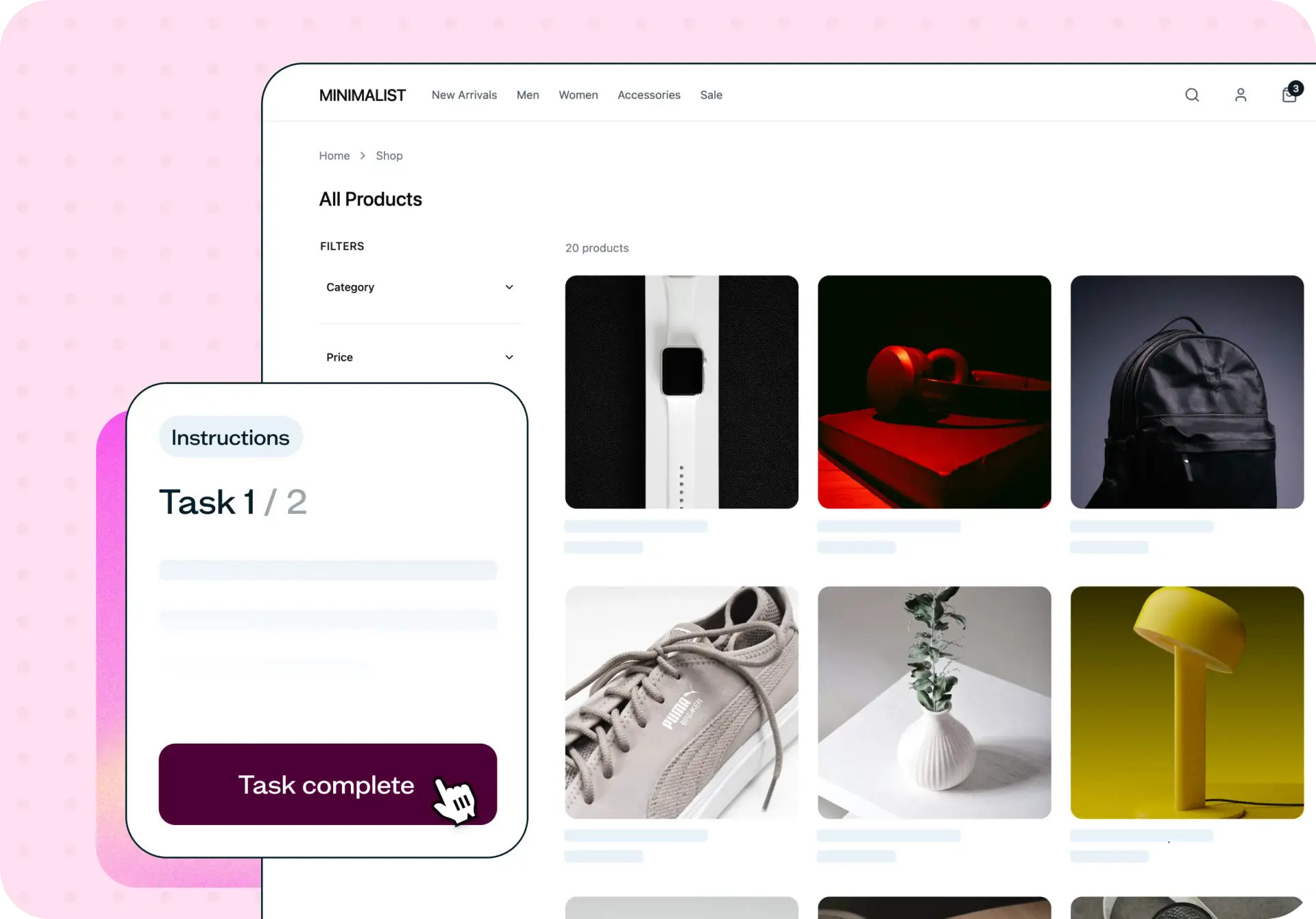

Your ecommerce site might look polished, but small friction points in the shopping experience can quietly push customers away. Whether shoppers can't find the right product, struggle to locate return information, or hesitate before completing a purchase, these issues are difficult to spot without watching real users interact with your store.
This template uses live website testing to observe how people navigate your ecommerce site and complete key shopping tasks – helping you pinpoint exactly where the purchase experience breaks down and fix it before it costs you conversions.
The problem with ecommerce purchase journeys
Every ecommerce team wants a smooth path from browsing to buying. But the gap between what your team assumes works and what customers actually experience can be significant.
Cart abandonment is one of the most visible symptoms of a broken purchase journey, but it's rarely the full picture. Shoppers might struggle to find the product they're looking for, get confused by unclear size or color options, or leave because they can't find shipping costs or return information upfront. These friction points accumulate across the journey, and each one chips away at the confidence shoppers need to complete a purchase.
The challenge is that analytics can tell you where users drop off, but not why. You might see a high exit rate on your product pages without understanding whether users couldn't find what they needed, didn't trust the information provided, or simply got frustrated with the navigation. Without observing real shoppers, your team is left guessing at the root causes – and guessing often means wasted development cycles on fixes that don't address the actual problem.
This template helps you move beyond assumptions by watching how real people interact with your store, revealing the specific moments where the ecommerce purchase experience falls apart.

What this template helps you discover
This template surfaces specific insights about how shoppers experience your ecommerce site:
Where users struggle to find products using your navigation, filters, and search
Whether product information – including sizing, pricing, and variations – is clear enough to support a purchase decision
How easily shoppers can locate customer service information, return policies, and shipping details
Which steps in the shopping journey create hesitation or confusion
What alternative paths users take when their first approach doesn't work
Whether your store builds enough confidence for shoppers to complete a purchase
What you'll test
This template focuses on the critical touchpoints that shape the ecommerce purchase experience. Each area targets a different stage of the shopping journey:
Product discovery
Product discovery is where the shopping journey begins. This section tests how users browse your product catalog, whether they can find specific items using your navigation and filtering systems, and how clearly your product pages communicate key details like size, color, and availability. You'll see whether your category structure matches the way shoppers actually think about your products – or whether it creates unnecessary friction before they even consider buying.
Purchase confidence
Confidence is what turns browsing into buying. This section focuses on the information and trust signals shoppers need before they're willing to commit – things like return policies, shipping costs, payment security, and customer support accessibility. You'll discover whether your store provides enough reassurance at the right moments to help shoppers feel comfortable completing a purchase.
When to use this template
Testing your ecommerce purchase experience is valuable at several key moments in your product life cycle:
Before launching a new online store, to catch usability issues before they affect real customers
When redesigning product pages or updating your product catalog structure
When you're experiencing higher-than-expected cart abandonment rates
When optimizing ecommerce conversion rates and need to understand where shoppers get stuck
Even if your store is performing well, periodic testing helps you catch emerging issues before they significantly impact revenue. User expectations shift over time, and what felt intuitive six months ago may not work as well today.
How to use this template
Click the "Use this template" button and log in to your Lyssna account. Don't have an account yet? Start exploring with a free plan.
Customize the tasks and questions to match your ecommerce site. Swap in your own store URL, update the product-finding tasks to reflect your catalog, and adjust the follow-up questions to focus on the areas you're most concerned about.
Preview your test to make sure the tasks are clear and the flow makes sense, then save and continue to recruit your participants. You can recruit from your own network or use the Lyssna research panel to reach shoppers who match your target audience.
Set your test live. Once participants complete the tasks on your live ecommerce site, review the results to see where shoppers struggled, which paths they took, and what feedback they shared about the experience.
Example outcomes
Teams that test their ecommerce purchase experience typically uncover actionable improvements across the shopping journey.
Product discovery testing often reveals that users rely on different browsing strategies than the team expected. Shoppers might search by brand name rather than navigating by category, or use the site search instead of filters. These insights help you restructure navigation to match actual shopper behavior, making products easier to find.
Purchase confidence testing often surfaces gaps in trust signals that the team hadn't considered. Shoppers might struggle to find your return policy, feel uncertain about payment security, or want more product details before committing. Strengthening these areas builds the confidence that turns browsers into buyers and improves overall ecommerce conversion rates.
Who this template is for
This template is designed for anyone responsible for the ecommerce shopping experience:
Ecommerce managers optimizing conversion rates across the purchase journey
UX researchers studying how shoppers navigate, browse, and buy
Designers improving product pages and trust-building elements
Growth teams working to reduce cart abandonment and improve ecommerce funnels
Online store founders validating that the shopping experience works the way customers expect
Whether you're running a small online store or managing ecommerce at scale, understanding how real shoppers experience your purchase flow is the fastest way to identify what's working and what needs to change.
FAQs about ecommerce purchase experience testing
You may also like these templates
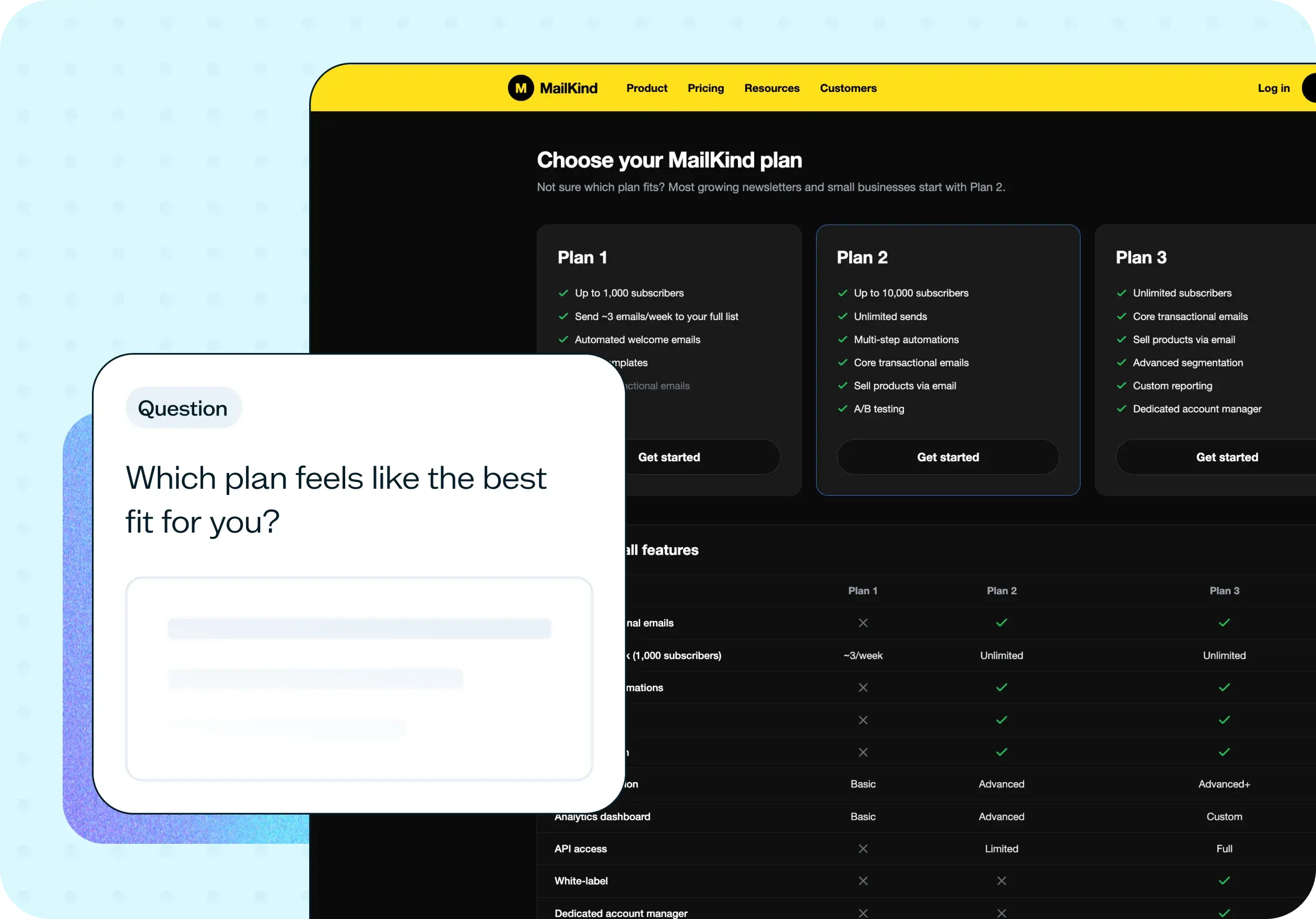
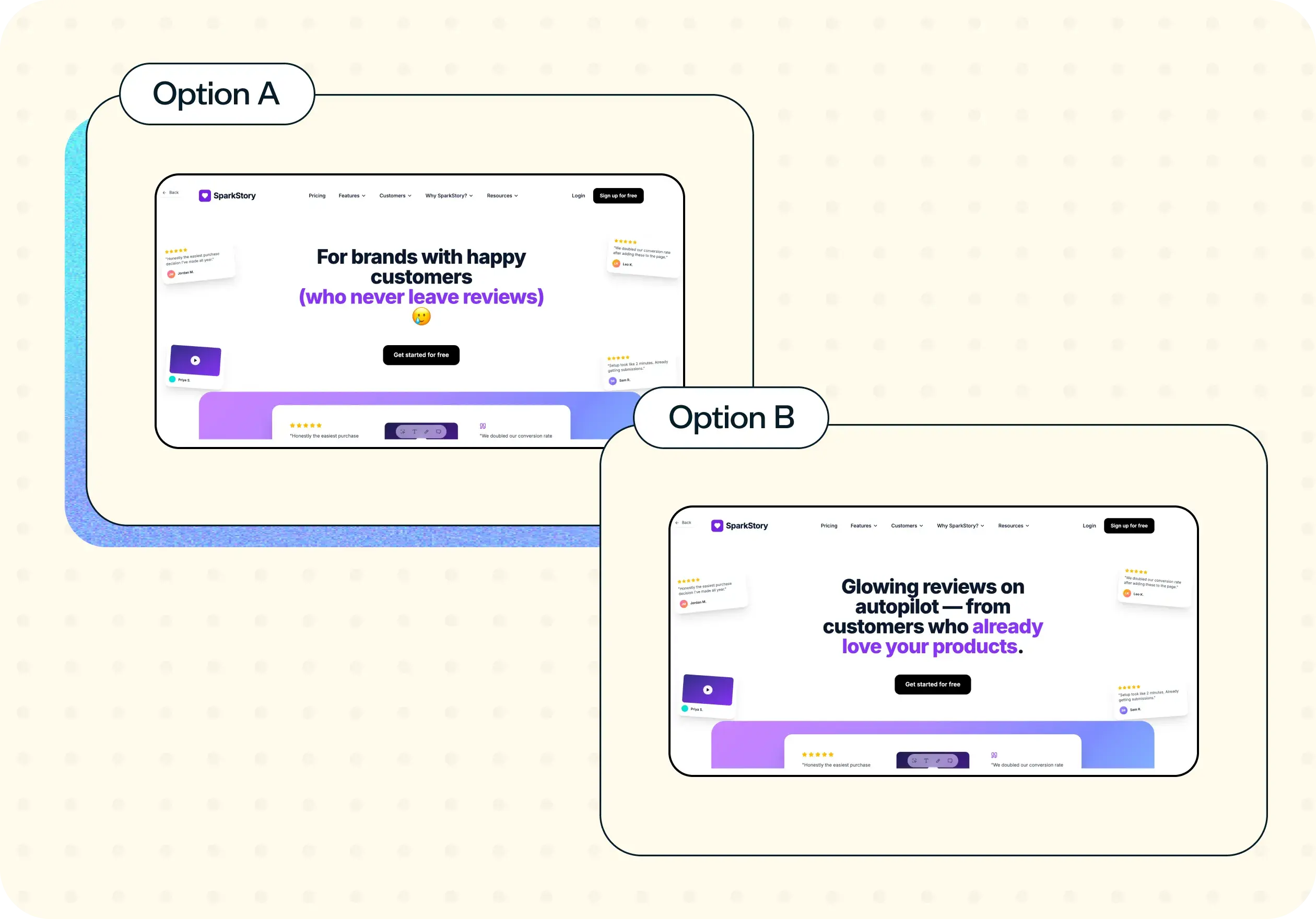
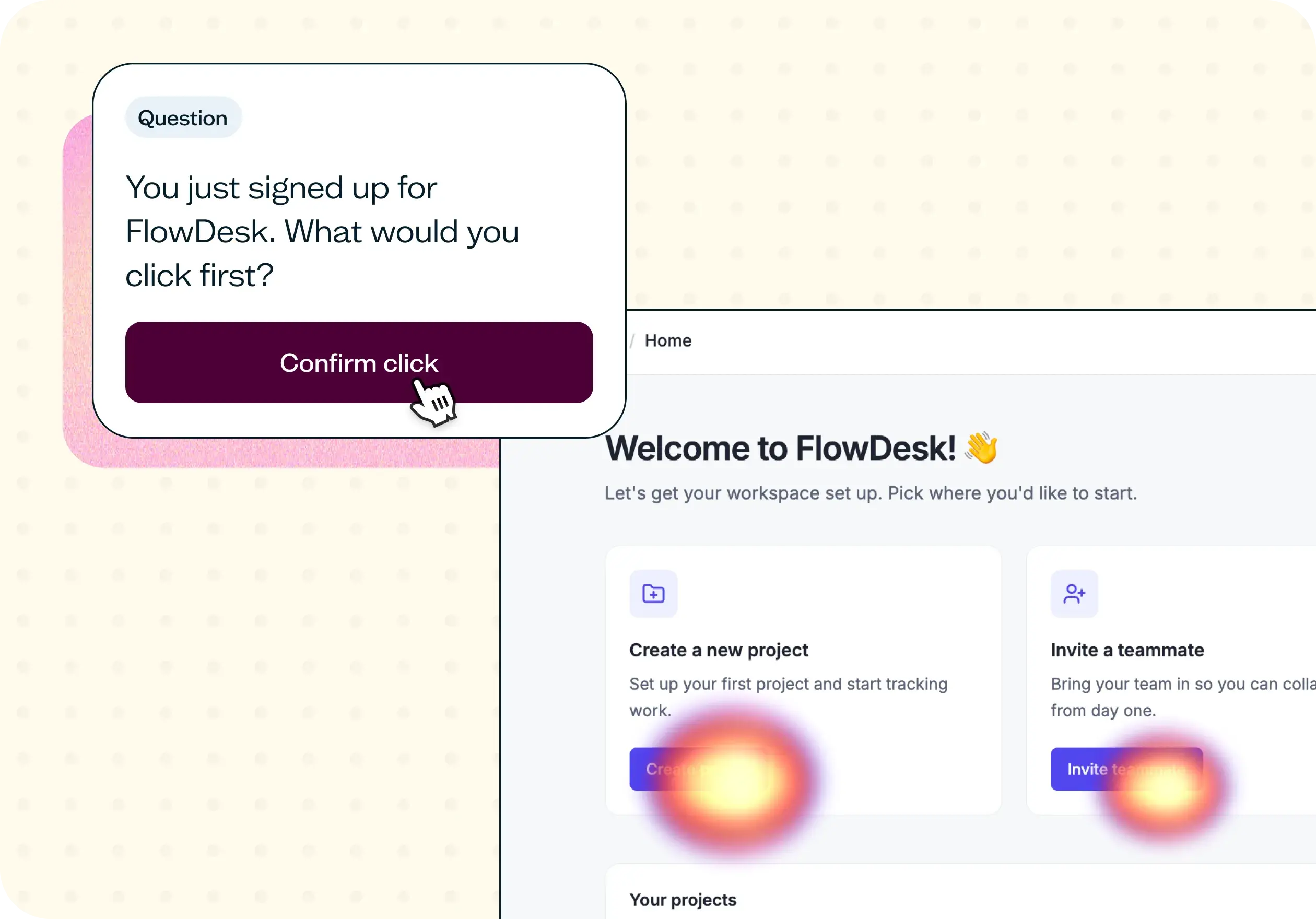

The navigation test is god's gift to UI designers. It probably has the best power-to-simplicity ratio of any software, ever.

Nick Franklin
CEO at ChartMogul























