
Overview
Screen research participants based on active purchase intent, so only people who are genuinely in-market reach your study. Use this template to separate casual browsers from committed buyers – and filter by timeframe, decision stage, and prior category experience.
Researching buyers who aren't actually buying yet
Plenty of people are interested in a product category. Far fewer are actively in the market for one right now. That gap matters more than it might seem.
When your research involves concept testing, pricing validation, or purchase decision behavior, the perspective of someone casually browsing looks very different from the perspective of someone who has set a budget, started comparing options, and is working toward a decision. One is hypothetical. The other is live.
The challenge is that general interest is easy to find and active purchase intent is not – and the two can look identical on the surface. A participant who says they're "interested in buying a new laptop" might mean next month, or they might mean vaguely, eventually, if the right deal comes along. For research that needs to reflect real buying behavior, that distinction is the whole point.
This template screens for it directly. It will qualify participants based on how soon they're planning to purchase and how far along they are in the process, so your sessions include the people who are genuinely mid-decision.
This template will help you discover
Whether a participant is actively planning a purchase within a timeframe that's relevant to your research.
Where they are in the decision process, so you can match participants to the right stage of your study.
Whether a participant has bought in this category before, so you can separate first-time buyers from repeat purchasers when your research calls for it.
How this purchase intent screener works
Timing is everything in purchase intent research. These screener questions filter your participant pool so you're only talking to people who are at the right stage of their buying journey.
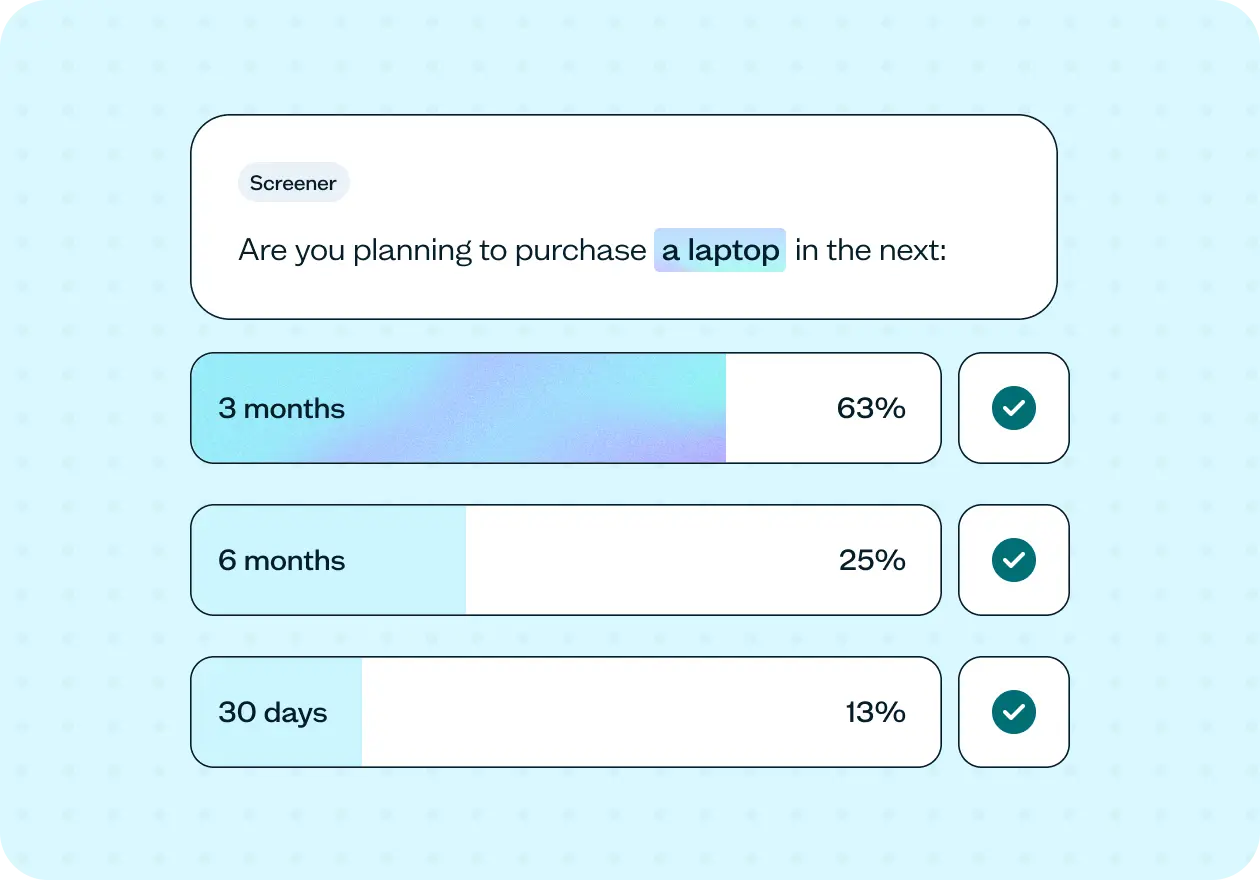
The first question establishes timeframe, disqualifying anyone who isn't planning to buy within six months. That way, only participants with active purchase intent proceed.
The second question captures where each participant is in their decision process, from just starting research through to ready to purchase. This gives you a precise picture of decision stage across your pool and the flexibility to segment findings by how close each participant actually is to buying.
The third question adds prior category experience to the mix. Both first-time and repeat buyers qualify in this template, but knowing which group each participant falls into adds a useful layer of context when it comes to analysis.
While this template pairs the screener with a follow-up survey, the screener can be added to the beginning of any Lyssna study type where active purchase intent affects the quality of your results.
Here's where it adds the most value across different research methods:
Concept test – qualify participants before testing a new product concept or feature, so reactions come from people who are genuinely evaluating options in your category right now.
Prototype test – test product flows, or purchase journeys with participants who are already mid-decision, so feedback reflects how real buyers think and behave.
User interview – filter for participants who can speak from live experience about how they're approaching a purchase decision — the comparisons they're making, the trade-offs they're weighing, and the friction they're encountering in real time.
Live website test – send screened participants through to a product page, pricing page, or checkout flow, and watch real in-market buyers navigate.
How to use this template
Start by replacing the category placeholder with the specific product category your study involves. "Noise-cancelling headphones" or "family SUV" will feel more grounded to participants than a generic reference, and the more concrete it is, the more accurately they'll place themselves in or out of the market for it.
Next, review the timeframe thresholds on the first screener question. The default qualifies anyone planning to purchase within six months. Tighten this if you're studying imminent purchase behavior, or extend it for high-consideration categories like automotive or home renovation where purchase cycles run longer.
For the decision stage question, think about whether all four stages are relevant or whether your study needs a more specific slice. Early-stage researchers and ready-to-purchase participants will give you very different responses – make sure the stages you're qualifying for match what you're actually trying to learn.
Once your screener is live, review the results before your sessions begin. The breakdown of timeframes and decision stages tells you exactly who made it through and gives you the context you need to interpret what they said.

See an example of the screener results
Click the ▸ icon to reveal screener results
When to use this template
When you're validating a concept, testing pricing, or refining messaging and need reactions from people with real purchase intent behind them.
When you're studying a category with a defined purchase cycle – retail, consumer electronics, automotive, home improvement, or travel – and timing matters.
When you need to understand what's actually driving purchase decisions in your category right now, from people who are actively weighing their options.
When you've run consumer research before and suspected the results felt too hypothetical.
When you want to go beyond general consumer attitudes and get specific about what in-market buyers are thinking, comparing, and prioritizing.
Who this template is for
UX researchers running concept tests, pricing studies, or purchase journey research who need participants with live buying intent.
Product and design teams validating new features or product concepts in consumer categories where being actively in-market shapes how people respond.
Marketing and insights teams testing messaging, pricing communication, or promotional concepts with audiences who are genuinely close to a purchase decision.
Researchers in retail, consumer electronics, automotive, home improvement, or travel categories where purchase timing and decision stage significantly affect what participants can tell you.
FAQs about screening for purchase intent
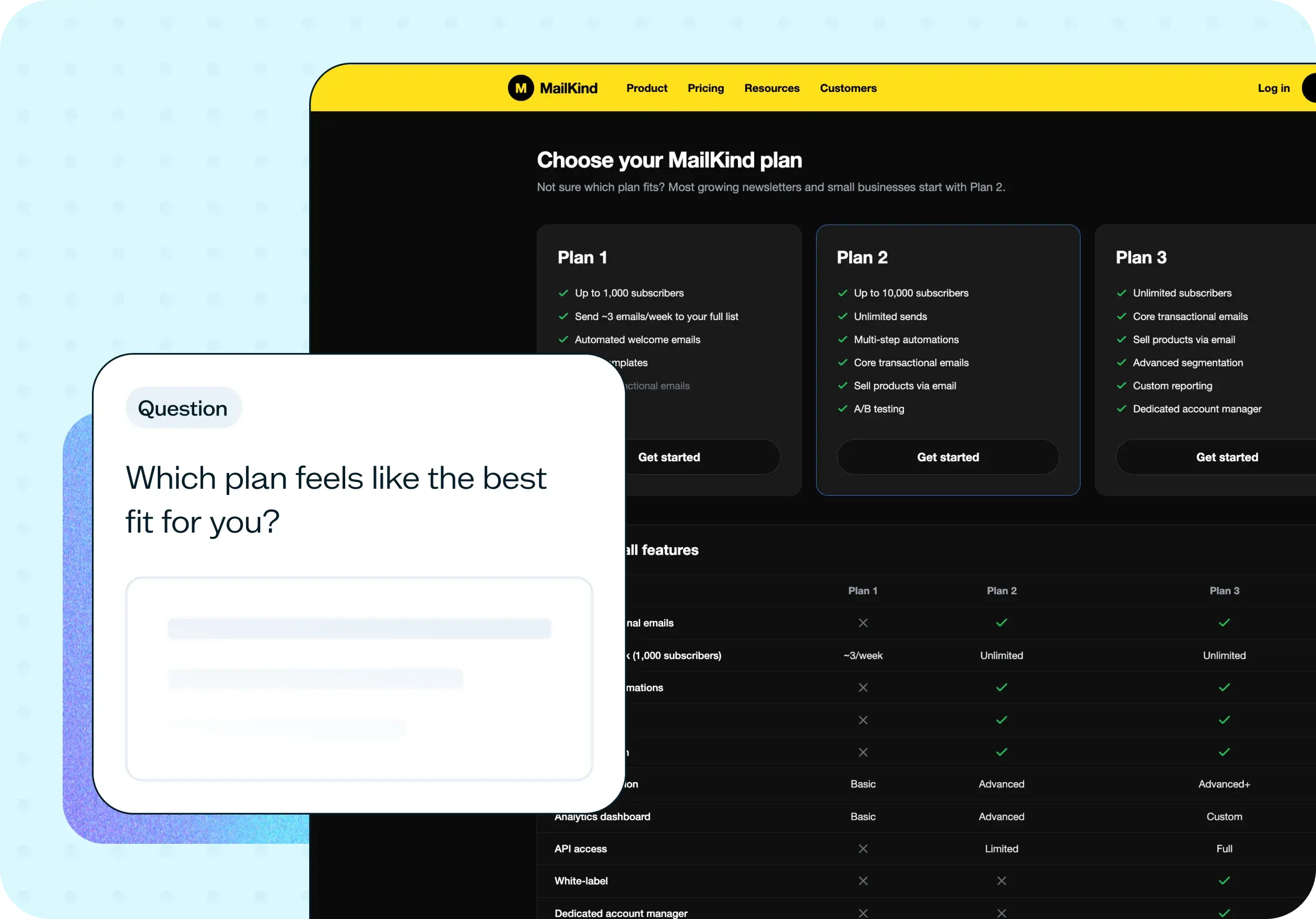
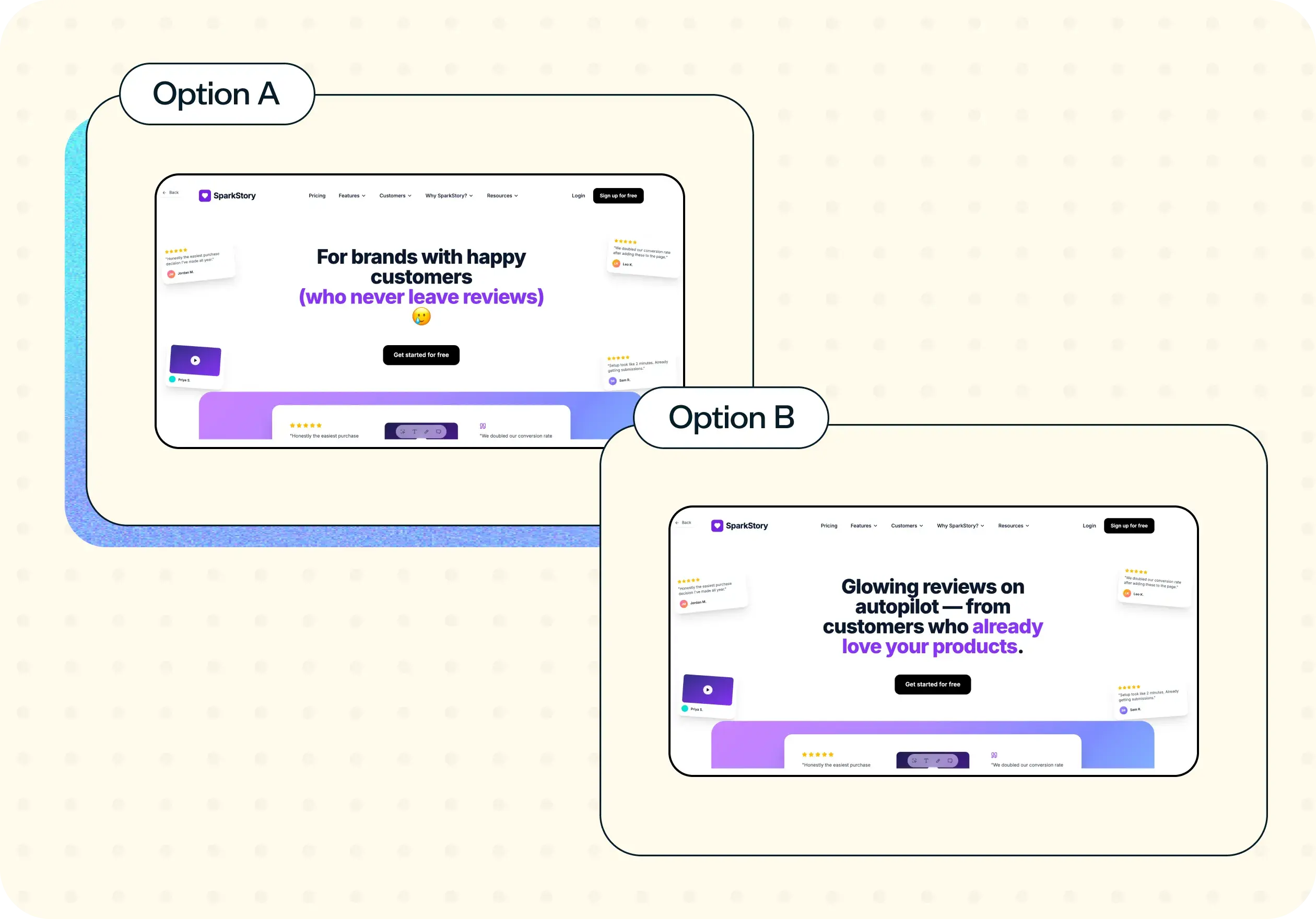
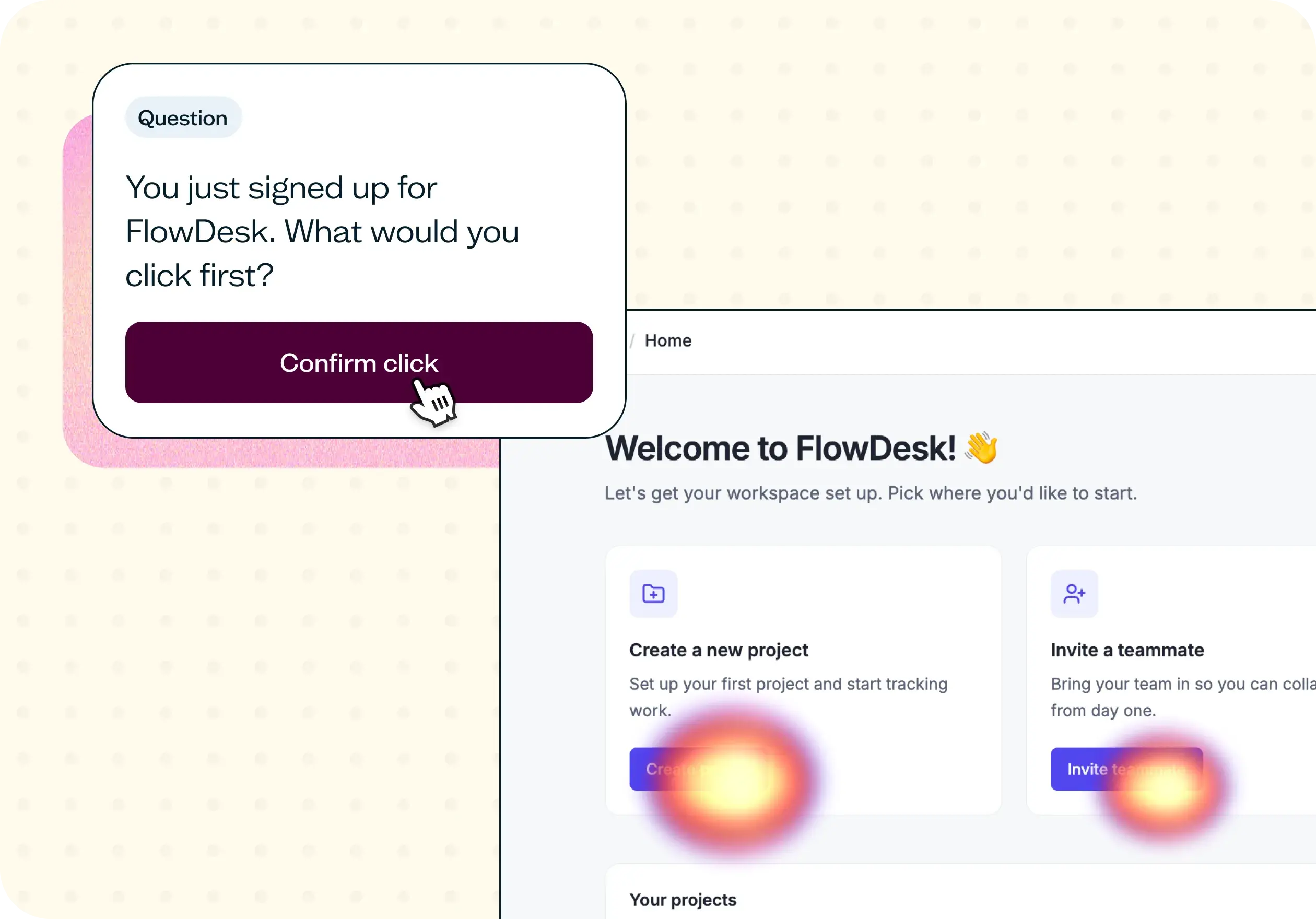
You may also like these templates

The navigation test is god's gift to UI designers. It probably has the best power-to-simplicity ratio of any software, ever.

Nick Franklin
CEO at ChartMogul