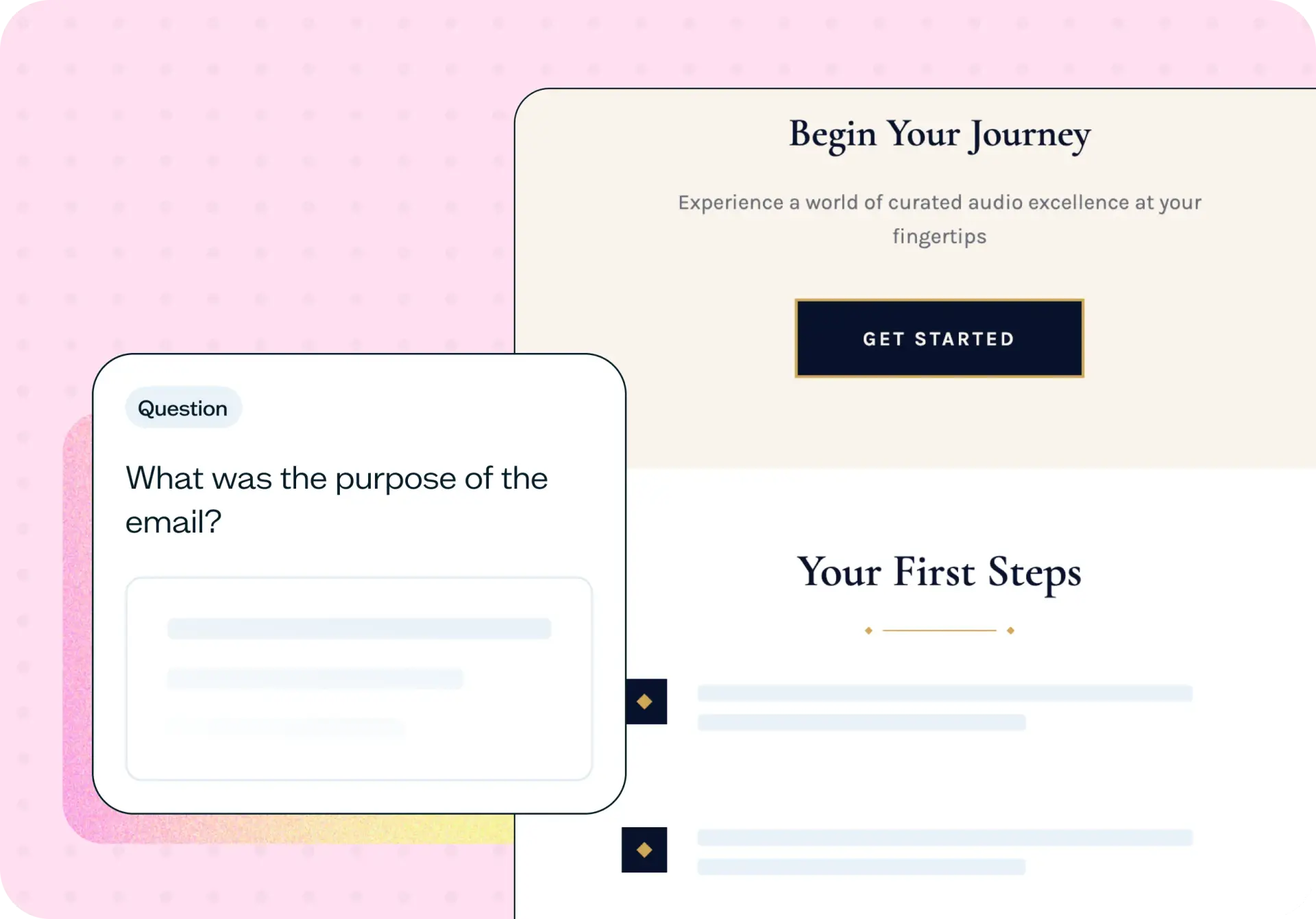

Learn how to test your email campaign in five seconds and find out what readers actually take away from it. Email campaign testing means checking what a reader notices and remembers at a glance, rather than waiting to see what happens after you hit send.
In a five second test, participants view your email design for five seconds, then answer what they recall: the email's purpose, specific words or phrases, the product or service on offer, and what they'd do next. That tells you whether your email communicates what you intended before it reaches your whole list.
The problem with untested email campaigns
Most email campaigns are only ever reviewed by the people who wrote them: the ones who already know the offer, the launch date, and the message it's supposed to land. That familiarity makes it hard to see the campaign the way a subscriber will: cold, in an inbox, with a few seconds of attention.
A design that looks polished and considered when you're studying it at your desk can collapse the moment someone actually skims it. The hierarchy that seemed obvious in the design file might send a reader's eye straight to a hero image instead of the offer.
And because most teams send to their whole list in one go, there's rarely a way to catch that before it's too late. Unlike a website change, an email campaign can't be quietly rolled back once it's landed in inboxes. A/B testing catches problems too, but only after you've sent to part of your list, and only if you have enough volume for the split to mean anything.
Common signs your email campaign needs testing:
Your email carries one key message and nobody outside the team has confirmed it lands.
Engagement is falling and the copy hasn't changed.
The design has more than one focal point competing for attention.
Your list is too small for a meaningful A/B split.
You're launching a campaign that has to work the first time.

This template will help you discover
A five second test on your email campaign surfaces four things you can't reliably judge from inside your own team.
What readers take away at a glance
The single message that actually survives a five-second exposure, which may or may not be the message you intended to lead with. If participants give you several different answers, the email isn't communicating one clear idea.
The words that actually stuck
A direct recall check on specific words or phrases – not just the gist, but the actual language that survived a five-second exposure. If nobody recalls the words doing the work in your subject or hero line, that copy isn't earning its place.
Whether your offer comes across
Participants describe, in their own words, what product or service they think the email is offering. If that description doesn't match what you're actually selling, the design or copy is getting in the way of the offer itself, not just the branding around it.
What they'd do next
A follow-up asks what action participants would take after reading the email: reply, click through, delete, ignore. That's the closest this test gets to behavioral intent, and it's a useful reality check against whatever action you actually designed the email to prompt.
What you'll test
You'll test an email design (a mockup, an exported image, or a screenshot of the finished campaign) shown to participants for five seconds. Once the exposure ends, you ask a small set of recall questions.
Keep the questions specific: ask what the email's purpose was, what words or phrases they recall, how they'd describe the product or service on offer, and what action they'd take after reading it. Each question should target one thing you actually need to know before you send.
It's worth resisting the urge to ask more. A five second exposure is designed to test recall, not comprehension. Pile on additional questions and participants start guessing at answers rather than reporting what they actually noticed, which makes the results harder to trust. A few focused questions on message, call to action, and impression will tell you more than a long list of scattered ones.
How the research works
This template uses one research method with one type of output. Here's how the test works and how to read what comes back.
Five second test
A five second test works by controlling exposure time: participants see your email design for exactly five seconds, then the image disappears and they answer your questions from memory. That time limit is the entire point. It's not an arbitrary constraint; it's what makes the test match how email actually gets read. Five seconds is roughly what a real inbox affords a message competing with dozens of others. If you want to see the mechanics in more detail, this guide to five second testing walks through setting one up, and the Five second testing feature page covers what it can test beyond email.
Reading the results
Recall answers are qualitative: read them for themes, not for a score. If most participants name the wrong message, or none at all, that's telling you something about hierarchy, not about the copy itself. The design is directing attention somewhere other than where you need it to go.
It's worth being clear about what this measures and what it doesn't. A five second test tells you about first impression and recall among participants who match your audience. It doesn't tell you anything about deliverability, inbox placement, open rate, or click-through rate. Those depend on your sending setup and your list, not on what your email communicates.
How to use this template
Start exploring with a free plan. Sign up and open the email campaign testing template to set up your five second test.
Upload your email design. Add a mockup, export, or screenshot of the campaign you want to test. This is what participants will see for five seconds.
Add your recall questions. The template includes a built-in set that asks what the email's purpose was, what words or phrases participants recall, how they'd describe the product or service on offer, and what action they'd take after reading it.
Recruit participants who match your audience. Use our research panel to find participants who reflect your subscriber base, or share the test link with your own list.
Review the recall themes in your results. Look for patterns across responses, then adjust the design before you send to everyone.
When to use this template
Test your email campaign before a send, not after – the whole point is catching problems while you can still fix them. A few specific moments call for it:
Before any campaign send, especially one going to your full list at once.
When you're redesigning your email template, since a new layout can change what readers notice first without anyone realizing it.
Before a launch or announcement that has to land the first time, such as a product launch, a webinar invite, or a limited-time offer.
When the email carries a single critical message, like a policy change or a renewal notice, where missing it has real consequences for the reader.
When your list is too small to A/B split meaningfully, since a five second test gives you a read on the design without needing send volume.
Who this template is for
Email and lifecycle marketers who need to know a campaign will land before it goes out to a full subscriber list, especially for lifecycle sends where one email might be a subscriber's only touchpoint that week.
Marketing designers who want to check that a new email template communicates clearly, not just that it looks good in the design file.
Content marketers writing the copy and structure of a campaign, who need to confirm the message they intended is the message that actually comes across.
Founders and small teams sending campaigns without a dedicated design or research function, who need a fast way to catch a confusing layout or a buried offer before it reaches their whole list, without needing a large list to test against.
FAQs about email campaign testing
Run a five second test on the design before it goes to your list. Show participants a mockup, export, or screenshot of the email for five seconds, then ask what the email's purpose was, what words or phrases they recall, how they'd describe the product or service on offer, and what action they'd take after reading it. That tells you what a real reader would take away, before you're committed to a full send.
It means the design or copy is getting in the way of the offer itself, not just the branding around it. If several participants describe something other than what you're actually selling, that's a hierarchy problem worth fixing before the message problem. Readers can't act on an offer they didn't correctly understand.
That's the test working as intended, not a bad result to explain away. Whatever language actually survived the five seconds (a phrase from your subject, a word from your hero image, or nothing specific at all) is the language your design is actually promoting, whether or not it's the language you wrote to lead.
Enough that a pattern, not a single answer, emerges across the four recall questions. Since the results are qualitative themes rather than a score, look for the same purpose, words, or action showing up across most of a modest sample who match your list's actual audience. That consistency is the signal, not a specific headcount.
A/B testing compares two versions after you've sent to part of your list, so it needs send volume and a wait for results. A five second test happens before you send anything, works with a single design, and tells you about first impression and recall rather than which version performs better in the wild.
Keep it to a few focused questions: what the email's purpose was, what specific words or phrases they recall, how they'd describe the product or service on offer, and what action they'd take after reading it. Asking more than that pushes participants into guessing rather than reporting what they actually noticed, which weakens the reliability of your results.
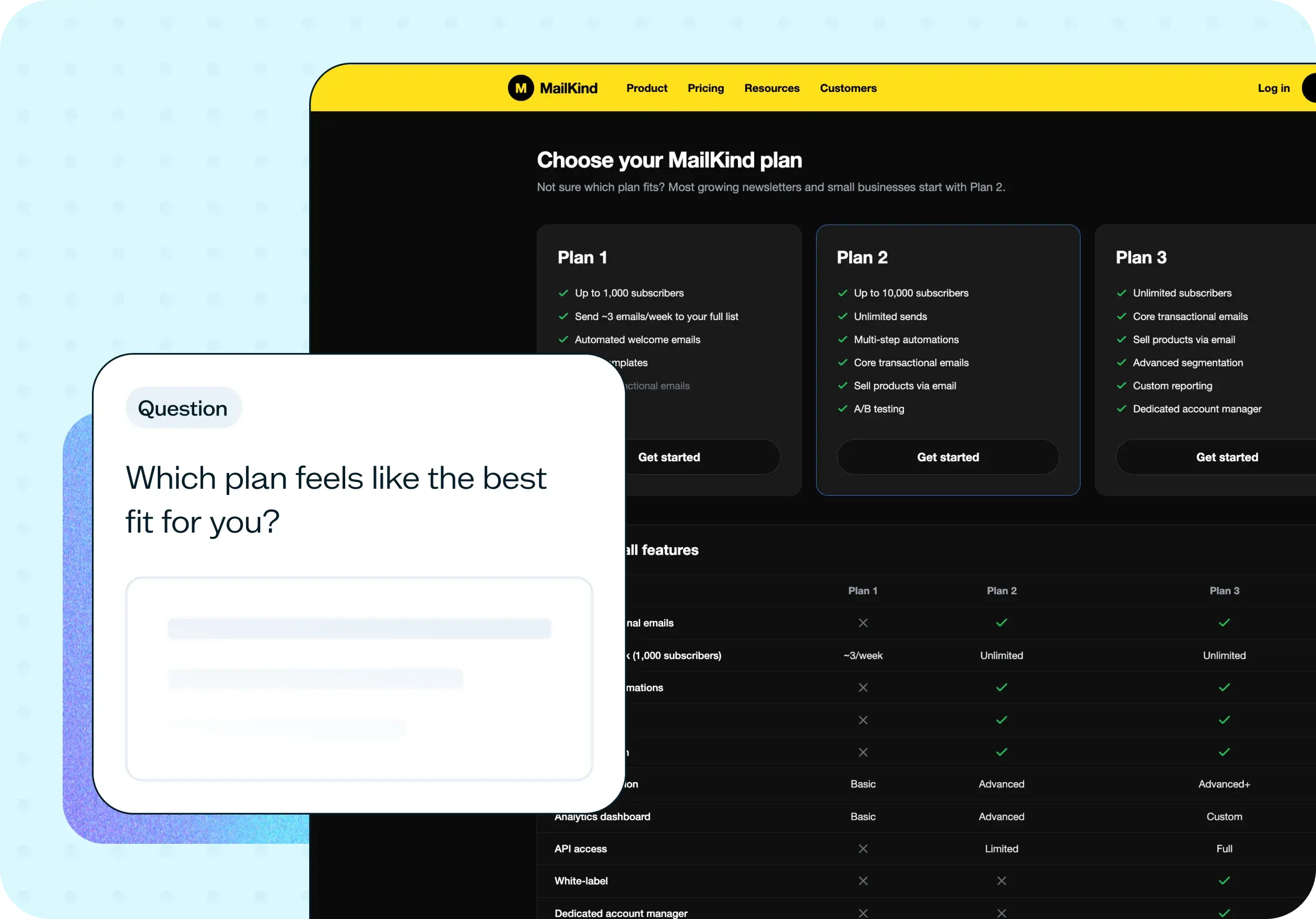
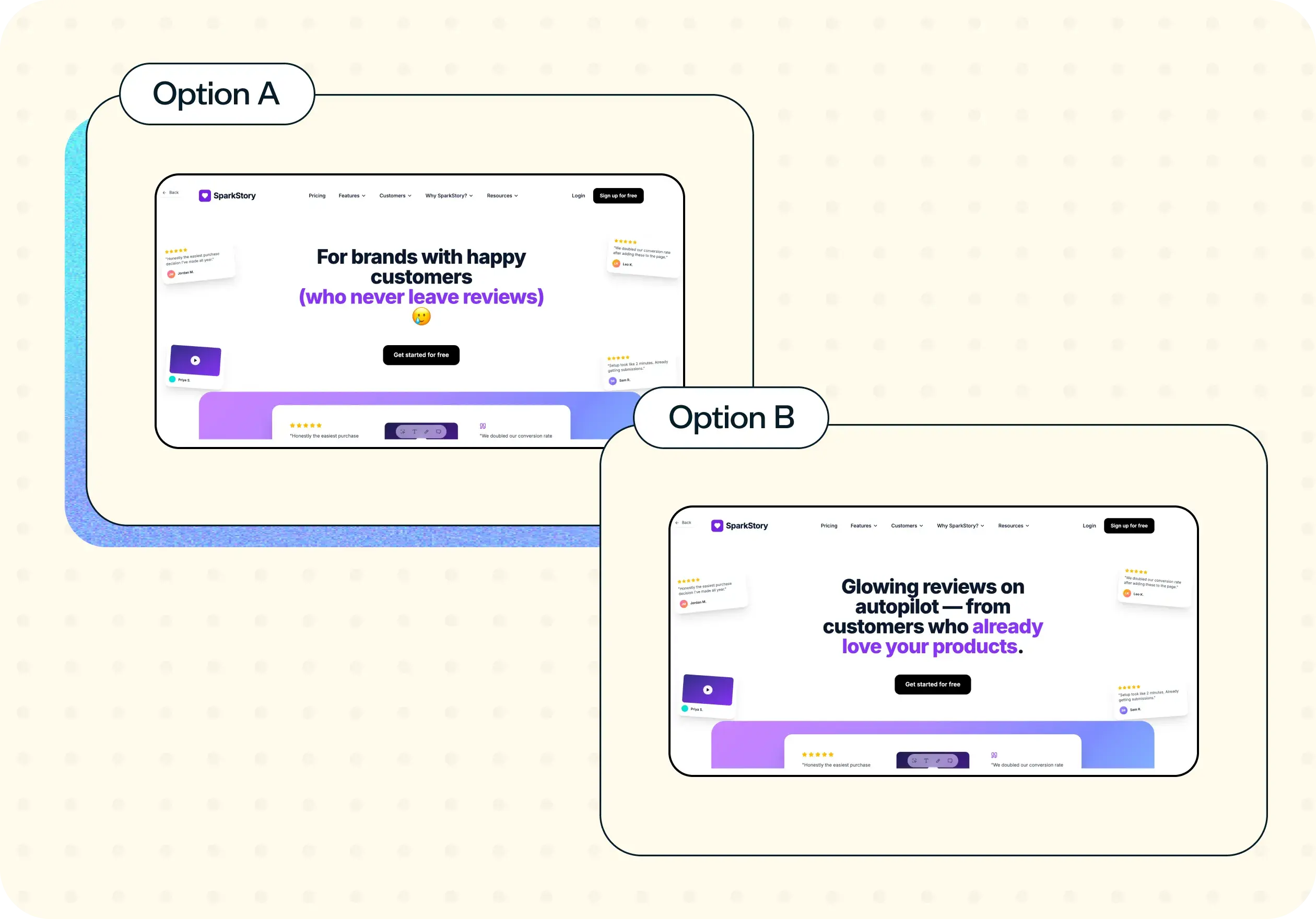
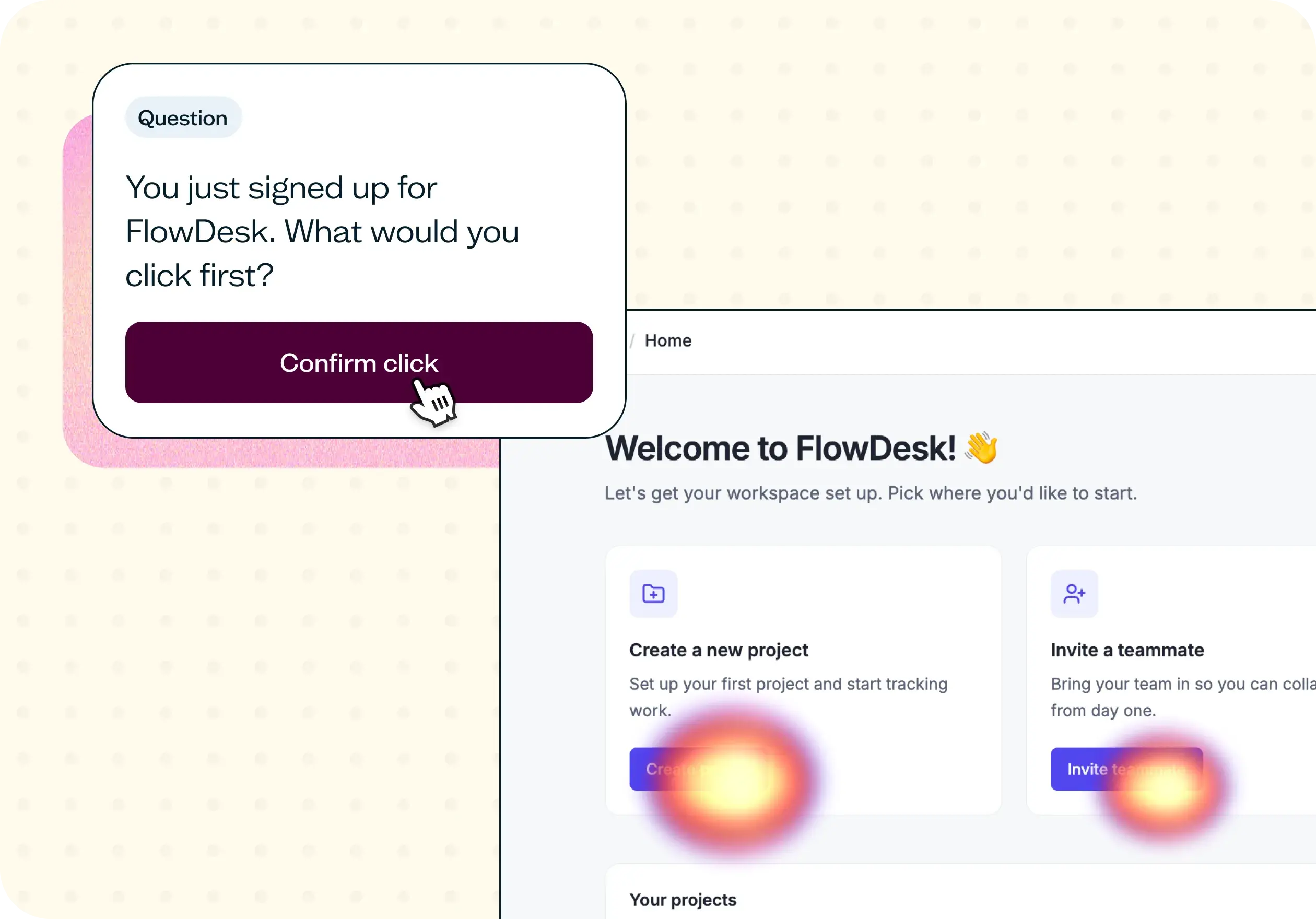
You may also like these templates

We used to spend days collecting the data we can now get in an hour with Lyssna. We're able to get a sneak preview of our campaigns' performance before they even go live.

Aaron Shishler
Copywriter Team Lead at monday.com