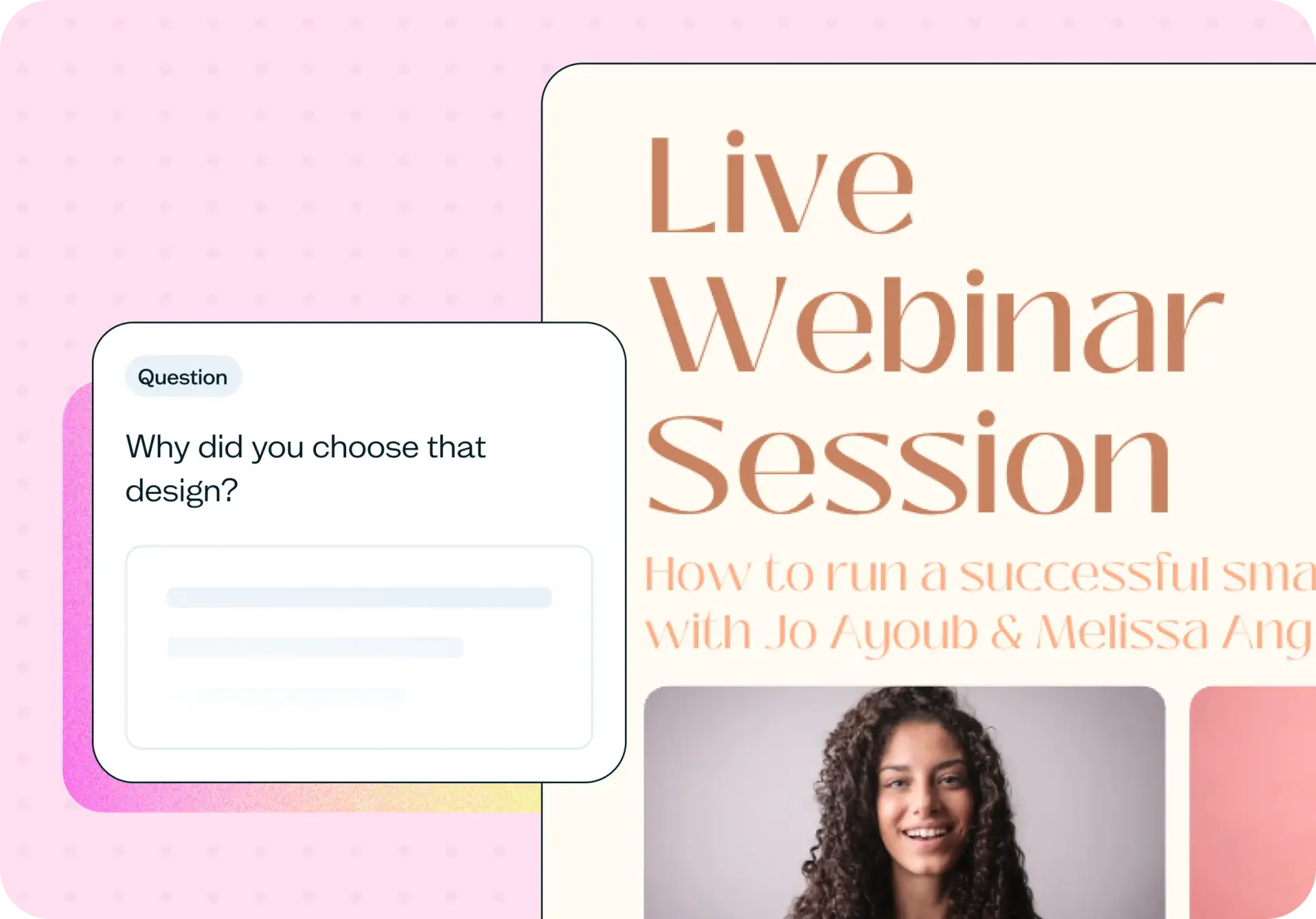

Testing social media creative means showing two or more options to people who match your target audience, then asking which they prefer, how likely they'd be to click on it, and why – before any of it goes live. Unlike A/B testing inside a social platform, which compares posts that are already published, a preference test works at concept stage, on unfinished work, and hands you the reasoning behind the choice, not just the choice itself. This template sets that up so you can settle the internal debate over which creative direction to run with before you post anything at all.
The problem with untested social media creative
Most social creative gets posted on instinct and judged by metrics that only show up after the fact. If your account doesn't have the audience for a platform split test, there's no structured way to check a direction before it goes live, and the internal debate gets settled by seniority rather than evidence.
Common signs your social creative needs testing:
You have several creative directions in play and you're choosing between them on internal preference alone.
Your audience is too small for a platform split test to produce a meaningful result.
Engagement varies from post to post and you can't say which element is actually responsible.
Production wraps before anyone outside the team sees the work.
You're launching a campaign into a segment your team doesn't represent well.
If any of these sound familiar, it's worth testing before you post rather than after.

This template will help you discover
Run this template before a launch and you'll walk away with answers to four specific questions, not just a single winner. Together, they give you a fuller picture than engagement metrics alone, because they separate the pick itself from whether it holds up, how likely people are to act on it, and why.
Which asset your audience prefers
The core preference result: when participants see your creative options side by side, which one do they choose, and by how much? A direct read on which asset your audience is drawn to, independent of internal opinion.
Whether the result actually holds up
Lyssna flags automatically when a lead isn't statistically significant, so a narrow split doesn't get mistaken for a clear winner. You'll know whether to act on the result or collect more responses first.
How likely people are to click
A linear-scale follow-up asks how likely participants are to click on the option they saw, giving you a stated engagement signal alongside the preference itself.
The reasoning behind the pick – and the pass
Two open-text follow-ups capture the fuller picture: why participants chose the design they did, and what they didn't like about the one they passed on. You get the case for the winner, not just the winner.
What you'll test
Upload two to four creative approaches at whatever stage they're in: early concepts, rough mockups, or finished assets ready to publish. You don't need everything at the same level of polish to get a useful read. A rough sketch can be tested against a fully designed asset, and concept-stage options work just as well as finished creative.
Copy variations work the same way, so if the real question is which caption or headline performs better rather than which image, you can build the test around that instead. The point is to check the direction before it's locked in, not to validate a decision that's already been made.
Alongside the preference choice, the template asks two follow-up questions in participants' own words: why they picked the design they did, and what they didn't like about the one they didn't pick. It also includes a linear-scale rating of how likely they'd be to click on it. You can also add short profiling questions, like industry or job title, before the test if you want to segment the result by who's answering.
How the research works
This template uses a preference test combined with follow-up questions to give you more than a simple winner.
Preference test – how it runs
This template runs as a preference testing study, one of Lyssna's core research methods. You upload your creative options, participants view them side by side, and they choose the one they prefer before answering follow-up questions about why. It's a fast, structured way to compare options with real people rather than relying on internal opinion. Read the guide to preference testing for more on how the method works across different use cases.
The question mix
The template combines long text, a linear scale, and short text questions because a preference on its own only tells you which option people chose, not why. Two long-text questions capture the reasoning in participants' own words: why they chose the design they did, and what they didn't like about the one they passed on. A linear scale captures how likely they'd be to click on it, and short text profiling questions let you segment the result by who's answering.
Lyssna also flags automatically when the preference lead isn't yet statistically significant, so a narrow split doesn't get mistaken for a clear winner. Worth noting the scope: this template measures preference, stated click intent, and the reasoning behind both, among people who match your audience. It doesn't predict reach, impressions, or actual engagement rate, which depend on the platform's algorithm and your audience's real behavior on the day.
How to use this template
Start exploring with a free plan. Create your Lyssna account to access this template and set up your test in a few minutes.
Upload your creative options. Add two to four approaches, at concept stage or further along.
Set your questions. Use the built-in mix of preference, long text, short text, and linear scale questions, or adjust them to fit what you need to know.
Recruit your audience. Bring in your own participants or recruit people who match your target audience from Lyssna's research panel.
Review the results. See which option came out ahead, how people rated it against the others, and the reasoning behind their choice.
When to use this template
Run this template before production starts, while creative is still a concept rather than a finished asset, which is when a change is cheapest to make. It's also worth running before a campaign launch, particularly if the campaign is going into a segment your team doesn't represent well, or onto a platform you haven't tested with before, where internal instinct is least reliable.
If your account is too small for a platform split test to return a meaningful result, this is the alternative that doesn't depend on audience size. It works whether you're a brand-new account with a few hundred followers or an established one testing a new direction. And if the team is deadlocked on which direction to run with, a test gives you an answer that doesn't rest on whoever's most senior in the room.
Who this template is for
This template is built for anyone making creative decisions for social channels, whether that's their full-time role or one part of a broader marketing function:
Social media managers deciding between creative directions before a posting schedule locks in, especially when a client or stakeholder is going to ask why one option was chosen over another.
Content and brand marketers who want to know not just which option people prefer, but why, and what almost tipped them the other way, before a campaign goes live across multiple channels.
Designers who want evidence for a creative recommendation instead of relying on internal opinion, particularly when a stakeholder favors a different direction than the one the research points to.
Founders running their own channels, who often don't have a team to debate with at all and need a fast, independent way to check a decision before it goes out under their own name.
FAQs about social media creative testing
Upload two or more creative options to a preference test and show them to people who match your target audience. Ask which they prefer, how likely they'd be to click on it, and why. Then use a second open-text question to find out what they didn't like about the one they passed on, all before anything goes live.
Platform A/B testing compares posts that are already live and needs a large enough audience to produce a statistically readable result. A preference test works at concept stage, on unfinished creative, doesn't depend on audience size, and returns the reasoning behind a choice as well as the choice itself.
Two to four is the practical range. Fewer than two doesn't give participants a comparison to make, and beyond four, the choice gets harder for participants to reason through clearly, which can make the results less useful.
Enough to spot a consistent pattern in preference and reasoning. For most social creative decisions, a modest sample of participants who match your target audience is enough to see which option is pulling ahead and why.
Yes, this is one of the main advantages over waiting until a post is live. Concept-stage sketches, rough mockups, and near-final assets can all be tested the same way, so you can catch a weak direction before production time is spent on it.
Yes. The same preference and question structure works for copy variations (headlines, captions, or full post copy), so you can test the words as rigorously as the visuals.
You may also like these templates

We use Lyssna tests to help us make decisions for various projects. From web and mobile design to marketing activities.

Luther Lowe
VP Public Policy & Gov. Affairs at Yelp