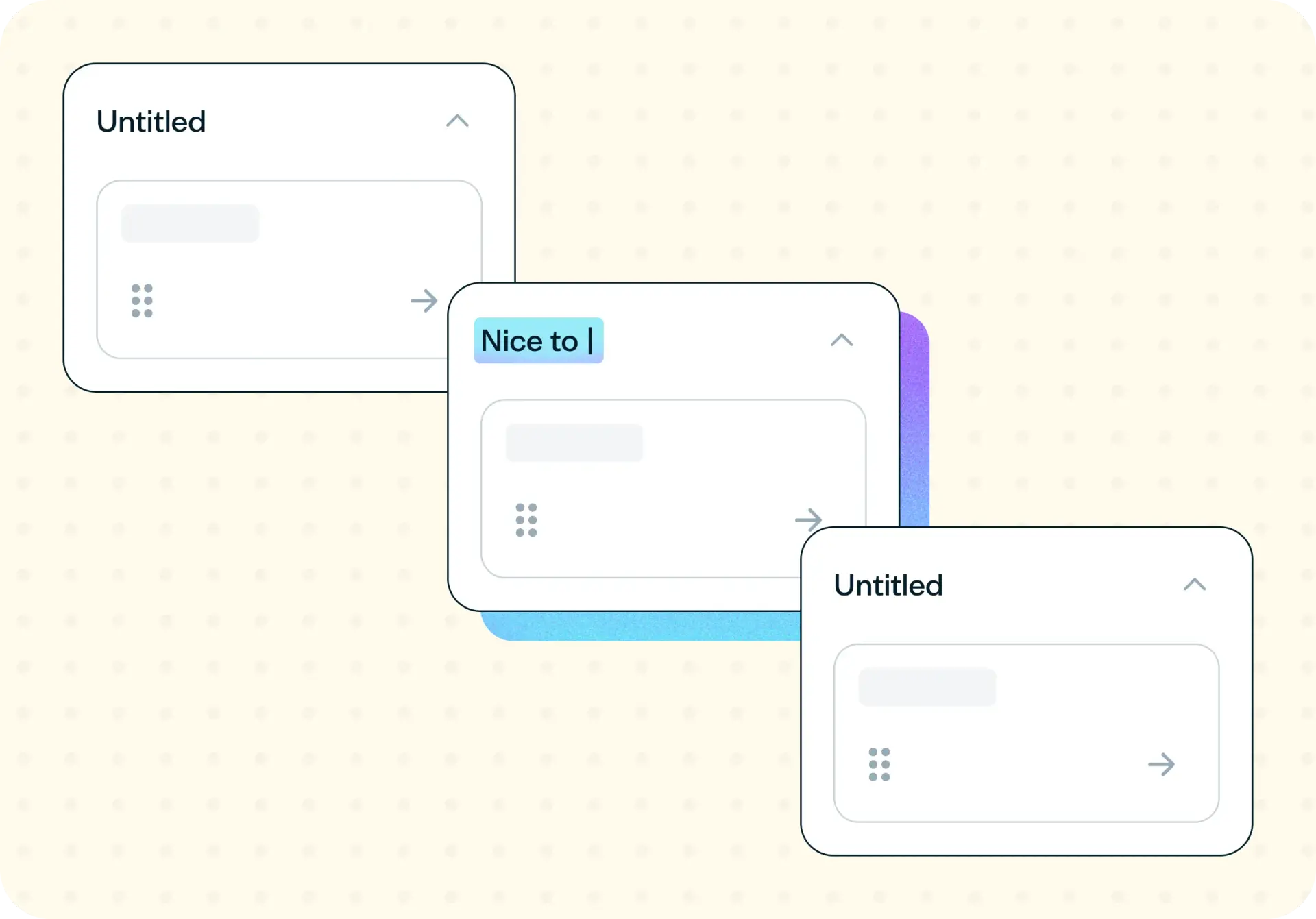

An open card sort asks participants to group content items into categories they create and name themselves, showing you how people actually organize information instead of how your team assumes they will. Run one before you design or redesign an information architecture, and you'll walk away with the clusters your users form naturally and the labels they invent for them.
Unlike a closed card sort where you supply categories in advance, an open sort lets users generate the structure from scratch, which is why most teams run both: open first to discover, closed second to validate.
The problem with an untested information architecture
When your navigation is built on internal assumptions rather than user evidence, problems stay hidden until after launch. These signs suggest your information architecture needs testing:
You're building a new site or app section and starting from a blank structure.
Your navigation labels came from internal vocabulary, not user language.
Users search for things that are already sitting in the menu.
The structure has grown by addition, never by design.
You're about to commission a redesign and have no evidence about how the current structure performs.

This template will help you discover
An open card sort with a built-in follow-up reveals how users organize your content, where the structure breaks down, and what vocabulary they naturally use.
How users naturally group your content
An open card sort shows you the clusters that form without any prompting, revealing which items participants consistently put together even when they've never seen your content organized that way before.
The items that don't fit anywhere
Content that resists categorization is content with a naming problem. When participants can't decide where something belongs, or keep creating one-off categories for it, that's a signal worth investigating. A built-in follow-up asks participants directly whether any items were hard to categorize, then which ones and why, so you're not left inferring a naming problem from the matrix alone.
The words your users actually use
The category names participants invent are real evidence of how they talk about your content. Those labels, not your team's internal shorthand, are what your navigation should borrow from.
What they expected to find and didn't
An open sort also surfaces gaps: content your users assumed would exist, went looking for a place to put it, and didn't find anywhere in the set you gave them. That's often the first sign that something is missing from your content or product entirely, not just mislabeled. No amount of internal navigation review would catch this, because your team already knows the gap is there and stops noticing it.
What you'll test
Participants sort a set of content items (page titles, product names, feature names, or topics, depending on what you're testing) with no categories supplied and no structure imposed. They create their own groups and name each one in their own words.
Aim for 30 to 60 cards. Fewer than 20 and the groupings become trivial, since there's not enough content for real patterns to emerge. Participants can group everything correctly without revealing much about how they actually think. More than 60 and participants start to fatigue partway through, which shows up as rushed, low-effort sorting toward the end of the test.
Keep item names as close as possible to your real content: actual page titles, product names, or feature labels rather than paraphrased summaries. If the wording is vague or invented for the test, you're measuring how well participants interpret your test copy, not how they'd navigate your actual site or app.
After the sort, a short follow-up checks for friction directly: whether any items were hard to categorize, which ones, and why in their own words. That combination of sorting data and direct feedback is what turns a messy similarity matrix into a specific list of items that need a clearer name or a different home.
How the research works
The template pairs an open card sort with a short follow-up to give you both broad grouping patterns and specific items that caused confusion.
Open card sort
Participants are shown your full set of content items and asked to sort them into groups that make sense to them, then give each group a name. There's no guidance on how many groups to create or what to call them, and that's the point. Card sorting from Lyssna runs this remotely, so participants complete the sort in their own time rather than around a table with sticky notes.
Reading the results
Open sorts produce messy output, and that's normal, not a sign you've done something wrong. Start with the similarity matrix, which shows you which items participants repeatedly grouped together regardless of what they called the group. Then read the labels themselves for recurring vocabulary. You're looking for words that keep showing up, not exact matches between participants. Read this alongside the built-in follow-up, too: an item that shows up as scattered in the matrix and that participants also flagged as confusing is your clearest priority. One that only shows up in the matrix might just reflect reasonable disagreement rather than an actual problem.
Expect two or three strong, obvious clusters and a long tail of disagreement around the rest. That long tail is the honest result of an open sort, not a failure of the method: participants are generating a structure, not measuring agreement with one you've already proposed. Treat what you find as input to a proposed information architecture, then validate that proposal with a closed card sort.
A workable range is 15 to 30 participants – fewer than a closed sort typically needs, because you're looking for patterns to emerge rather than measuring how strongly people agree with a fixed set of categories.
How to use this template
Start exploring with a free plan. Sign up for a free Lyssna account to access card sorting and set up your first open card sort.
Add your content items as cards. Include 30 to 60 items, unlabeled and unsorted. Use real page titles, product names, or feature labels so the results reflect how users think about your actual content rather than test copy.
Write a clear sorting instruction. Ask participants to group the cards however makes sense to them, then name each group in their own words. Keeping the instruction simple ensures you're capturing their natural mental model, not guiding them toward a structure.
Recruit 15 to 30 participants. Choose people who match the audience you're designing for so the groupings and labels reflect real user expectations.
Launch the test and review the results. Look at the similarity matrix for recurring clusters, the category names participants created for navigation vocabulary, and the built-in follow-up answers on which items caused confusion and why.
When to use this template
Run an open card sort at the start of a site or app structure, before you've committed to any categories at all. It's also the right move before a navigation redesign, when you're adding a large body of new content to an existing structure, or when the team keeps disagreeing internally about what the categories should be. In that case, let your users settle it instead.
Open card sorting comes first in the sequence: it generates a proposed structure from user logic. A closed card sort template comes second, to validate that structure with a fresh set of participants before you build it. Skipping straight to a closed sort means testing categories nobody's confirmed make sense in the first place.
Who this template is for
This template is built for UX designers shaping a new structure and needing evidence before committing to it, content designers who need to know what to actually call things, information architects validating a site or app's organization from the ground up, and product managers who need something concrete to bring to stakeholders before greenlighting a redesign.
Whether you're starting an IA from scratch, untangling one that's grown past the point anyone on the team fully understands it, or trying to settle an internal disagreement about categories, an open card sort gives you a user-grounded starting point instead of a guess dressed up as a decision. It's equally useful for a solo designer validating a hunch and for a larger research team running structure work across a much bigger product.
FAQs about how to run an open card sort
You may also like these templates

I consistently receive responses on the same day or the following day, greatly aiding my interactions with various stakeholders.

Sonal Malhotra
UX Research Lead at Klarna