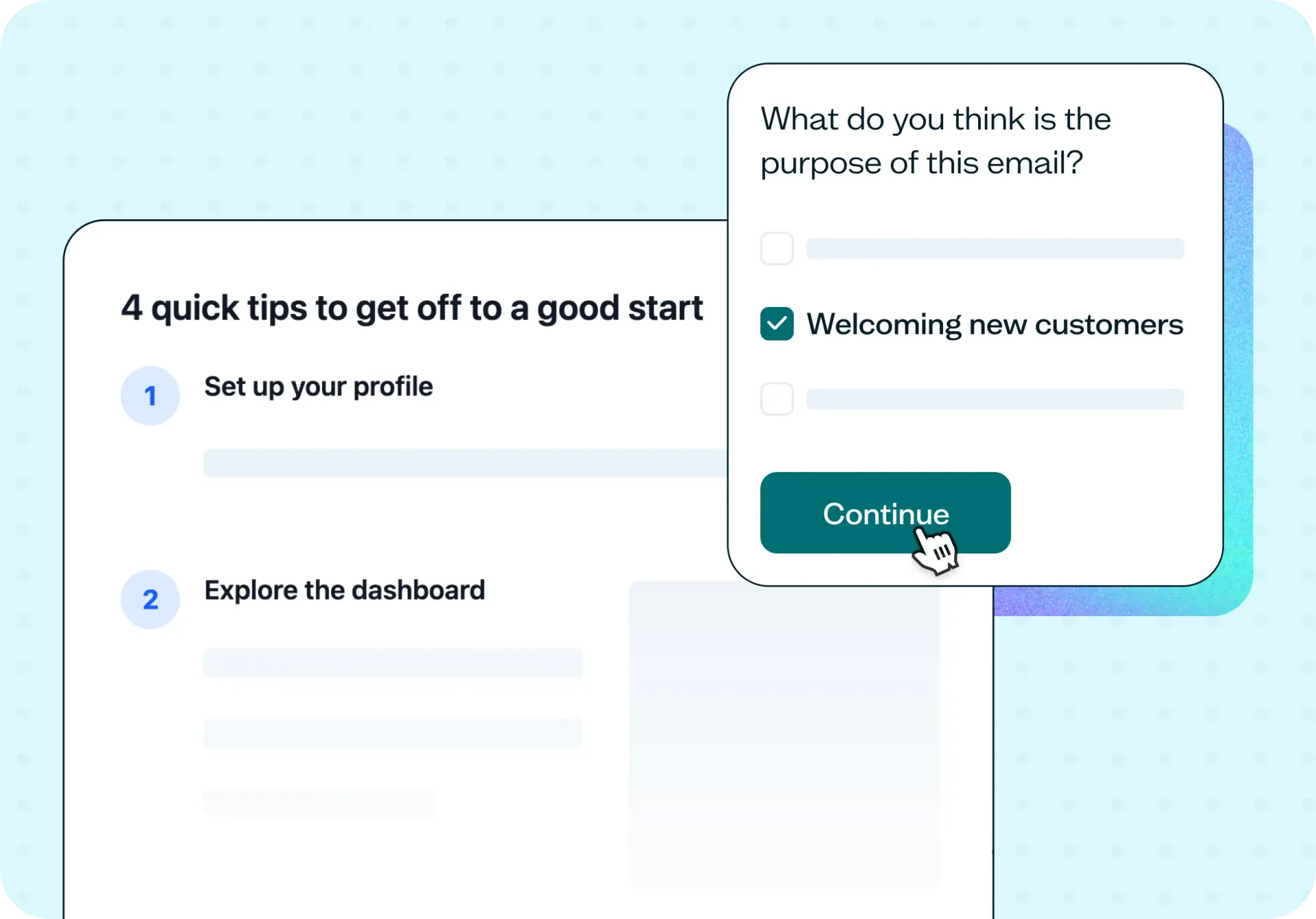

Choosing an email subject line often comes down to a gut call between two versions your team likes, or a debate that never quite resolves. Email subject line testing uses a Preference test with follow-up questions to show your options to people who match your audience, find out which line they'd open, and capture the reasoning behind their choice – all before your campaign goes out.
The problem with untested subject lines
A/B testing after send is the usual fix for uncertain subject lines, but it has real limits. It needs a large enough list to reach statistical significance, and even when it works, it only tells you which line won, never why.
Scoring tools promise a shortcut: paste a line, get a number. But a score grades your line against a generic formula, not the people you're actually trying to reach.
Common signs your subject lines need testing:
You've got two or three directions in the running and no reliable way to choose between them.
Open rates have gone flat and you're not sure why.
Your list is too small to run a meaningful A/B split.
The team keeps rewording the same line without getting any closer to an answer.
You're launching into a new segment where your usual instincts might not hold.

This template will help you discover
Here's what you'll walk away with once your test wraps up.
Which subject line your audience picks
The core preference result shows which line more people say they'd open, giving you a clear, ranked answer instead of a hunch.
Why they picked it
Participants explain their reasoning in their own words. This is often the more useful part: knowing that people preferred one line because it felt more specific, more urgent, or less like every other email in their inbox.
Whether the line sets the right expectation
A follow-up question asks participants what they think the email is actually about. That tells you whether your winning subject line signals the right thing, or wins on appeal while leaving people unsure what's actually inside.
How preference differs by segment
The Lyssna research panel (690,000+ participants across 124 countries with 395+ targeting options) lets you test the same subject lines against different segments and see where preference shifts. A line that wins with one audience can lose with another.
What you'll test
Each test centers on two or more subject line variations, real options you're actually deciding between, not hypothetical ones. Two to four variations tends to work best. Beyond that, the signal thins out as participants start comparing too many options at once, and the reasoning behind their choice gets harder to isolate.
Alongside the subject lines themselves, you'll include follow-up questions that ask participants to explain their choice and point to the specific words or phrasing that stood out. That combination of a clear preference plus the reasoning behind it is what makes the result usable, rather than just another number to file away.
How the research works
This template runs as two connected pieces: a preference test, and a set of follow-up questions that turn a simple choice into something you can act on.
Preference test
A Preference test shows participants two or more options and asks them to choose the one they prefer. In this case, that's the subject line they'd be most likely to open. It's well suited to comparing copy variations because it isolates a single decision (which line wins) without the complexity of testing a full flow or interface. Read the guide to preference testing for more on how it works.
Follow-up questions
Two follow-up questions turn the preference result into something you can act on. A short open-text question asks participants why they chose the line they did, which is where the reasoning comes from, the part a scoring tool or a plain A/B test can't give you. A follow-up multiple-choice question then asks what they think the email is actually about, which checks whether the winning line sets up the right expectation rather than just winning on appeal.
It's worth being clear about what this test can and can't tell you. This test measures preference and reasoning among people who match your audience. It does not measure open rate, click-through rate, or deliverability, which depend on your list, your sending reputation, and your send time. That's a deliberate scope, not a limitation. The test answers a different question than your email platform's analytics do.
How to use this template
Start exploring with a free plan. Lyssna's free plan lets you set up your first test without a credit card, so you can see how the template works before committing.
Add your subject line variations to the Preference test. Include any context participants need to judge the lines fairly, so their choice reflects how they'd actually react in their inbox.
Add your follow-up questions. Ask participants why they chose a line and what they think the email is actually about, so you can check whether the winning line sets up the right expectation.
Launch your test and review the results. Share the test with your own network or recruit participants who match your audience from the Lyssna research panel. Review the preference result alongside the reasoning to see which line wins and why.
Want to see what this looks like in practice, with a real preference split, the reasoning participants gave, and whether they agreed on what the email was actually about?
When to use this template
Run this template before a campaign send when you have two or three subject line directions and no way to settle on one. Use it before a launch or a newsletter relaunch, when the stakes of getting the first line right are higher than usual.
It's also useful when you're entering a new segment and your usual instincts about what works don't necessarily apply, or when your list is too small to run a meaningful A/B split. And if the team is deadlocked with three people and three opinions, a preference test gives you a decision backed by evidence, not another round of debate.
Who this template is for
This template is for marketers who own the campaign calendar and need to make a call between subject line options quickly. It's for email and lifecycle marketers running send after send, who want a repeatable way to test copy without waiting on live performance data. It's for founders sending to a list that's too small for A/B testing to tell them anything reliable. And it's for content designers and copywriters who write the lines but don't always get the final say. A preference test gives them evidence to bring into that conversation, rather than just an opinion.
Whether you're testing your very first campaign or refining a subject line for the tenth relaunch this quarter, the same test structure works. Swap in your own copy variations and you're set up in minutes.
FAQs about email subject line testing
You may also like these templates

We used to spend days collecting the data we can now get in an hour with Lyssna. We're able to get a sneak preview of our campaigns' performance before they even go live.

Aaron Shishler
Copywriter Team Lead at monday.com























