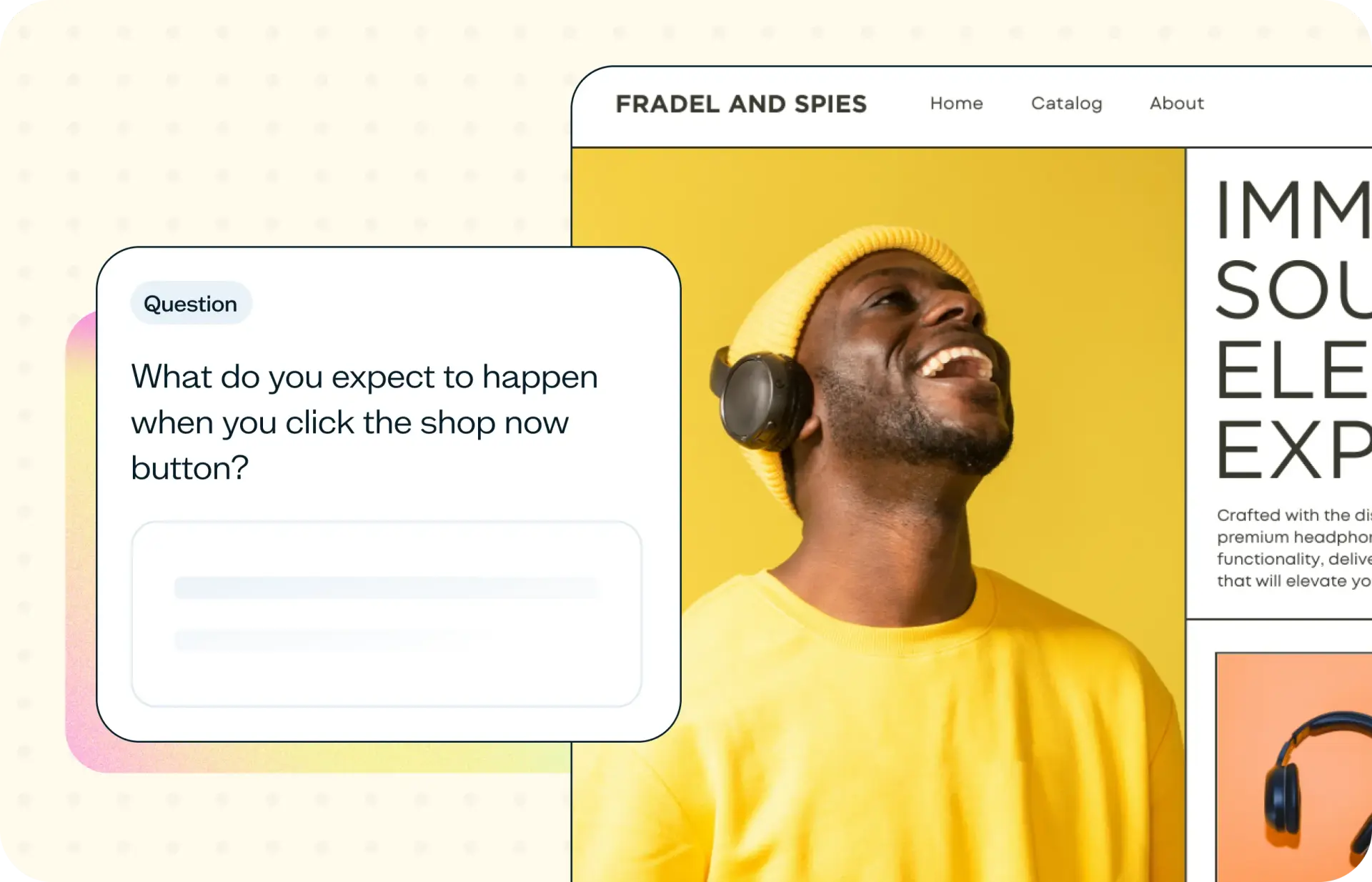

Every screen you ship is a bet on how users will interact with it. Where will they click? What will they notice first? Which path will they take? Most teams make these calls based on instinct, past patterns, or stakeholder preference rather than actual user behavior. User interaction testing closes that gap by showing you how people really respond to your designs before anything goes live.
This template uses Lyssna's Design surveys feature to help you validate interaction choices with real users in hours, so you can ship screens that work the way people actually think.
Why interaction assumptions cost you conversions
The gap between how your team expects users to interact with a screen and how they actually think about it can hurt conversions. A misplaced primary action, an unclear label, or a competing visual element can shift click-through rates.
Most teams don't catch this until after launch, when heatmaps and analytics reveal the problem on a live page – but by then, the cost of change is already locked in.
A design survey gives you a faster read. Show participants your screen and ask what they expect a specific button or link to do, or how they'd navigate to find something. You'll see whether your labeling and layout communicate what you intended, in hours rather than weeks.

What this template helps you discover
This template is designed to surface specific, actionable insights about how users interpret and respond to your screens. You'll learn:
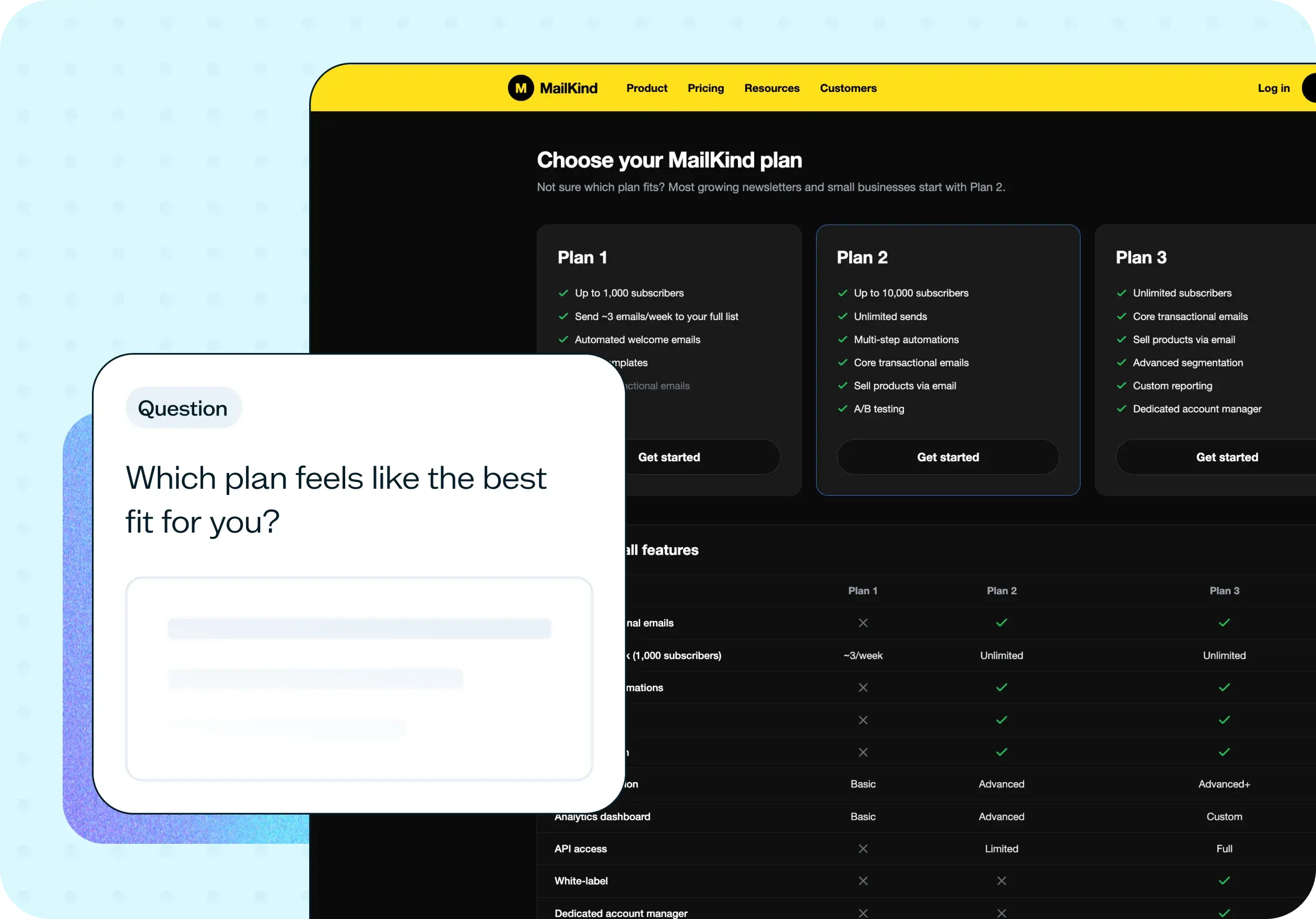
Whether users understand what each interactive element does and what will happen when they click, tap, or interact with it
Which elements communicate their purpose clearly and which confuse or mislead users
How well your screen's layout and visual hierarchy guide users toward the primary action
Whether users can identify the correct next step without hesitation or guesswork
Where your design creates friction, false expectations, or unnecessary cognitive load
How interaction expectations vary across different audience segments or contexts
What you'll test
Use the survey to ask people what they expect specific parts of your screen to do. For example:
What they think a button or link will do when clicked
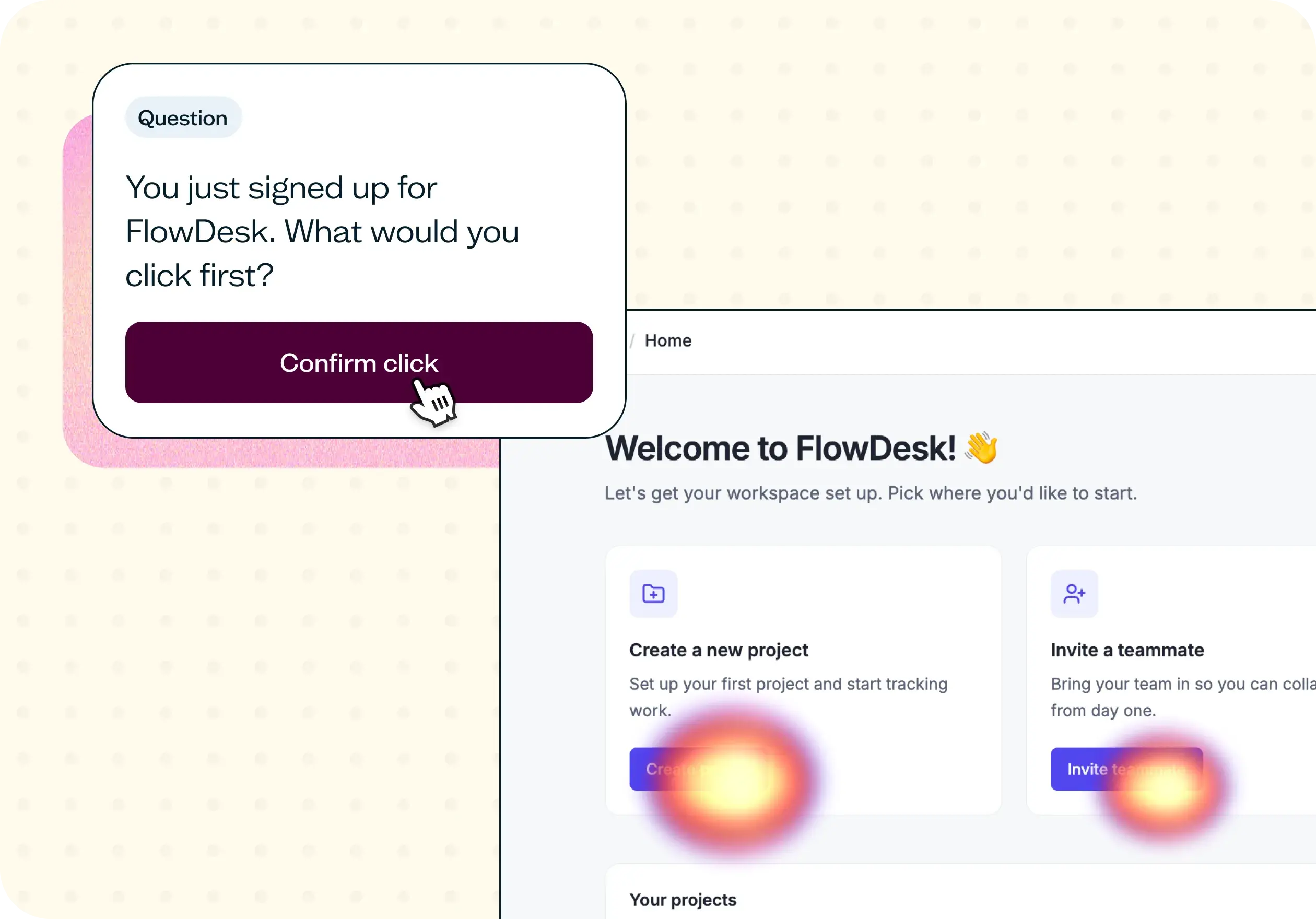
Which element they'd interact with first, and why
How they'd navigate to find a specific page or piece of information
What stands out to them on the screen, and what they overlook
Where their answers match your intended design, that's a good sign. Where they diverge, you've found something worth fixing before launch.
If you also want to see where people actually click (not just what they say they'd expect), pair this survey with Lyssna's First click testing.
How to use this template
Setting up a user interaction test in Lyssna takes just a few minutes. Follow these five steps to go from question to insight:
Start with the template. Click "Use this template" to open a pre-built design survey in Lyssna. If you don't have an account yet, you can get started with a free plan.
Upload the screens you want to test. Add the designs, mockups, or screenshots you're evaluating. The survey shows your image alongside your questions, so participants can look at the screen while they respond.
Write your questions. Ask what participants expect a specific button or link to do, or how they'd navigate to find something. Keep each question focused on one element or decision.
Recruit participants. Share your test link with your own users or recruit from Lyssna's research panel. Use demographic and behavioral targeting to reach the audience that matches your actual users.
Review the responses. Look for patterns in how people describe their expectations. Where answers align with your design, you have validation. Where they don't, you know what to fix.
When to use this template
You're about to ship a new landing page, product screen, or onboarding step and want a quick check that people understand it
A conversion rate drops after a redesign and you want to know whether layout, copy, or labeling is the issue
Stakeholders disagree on button placement or CTA copy and you need real feedback to settle it
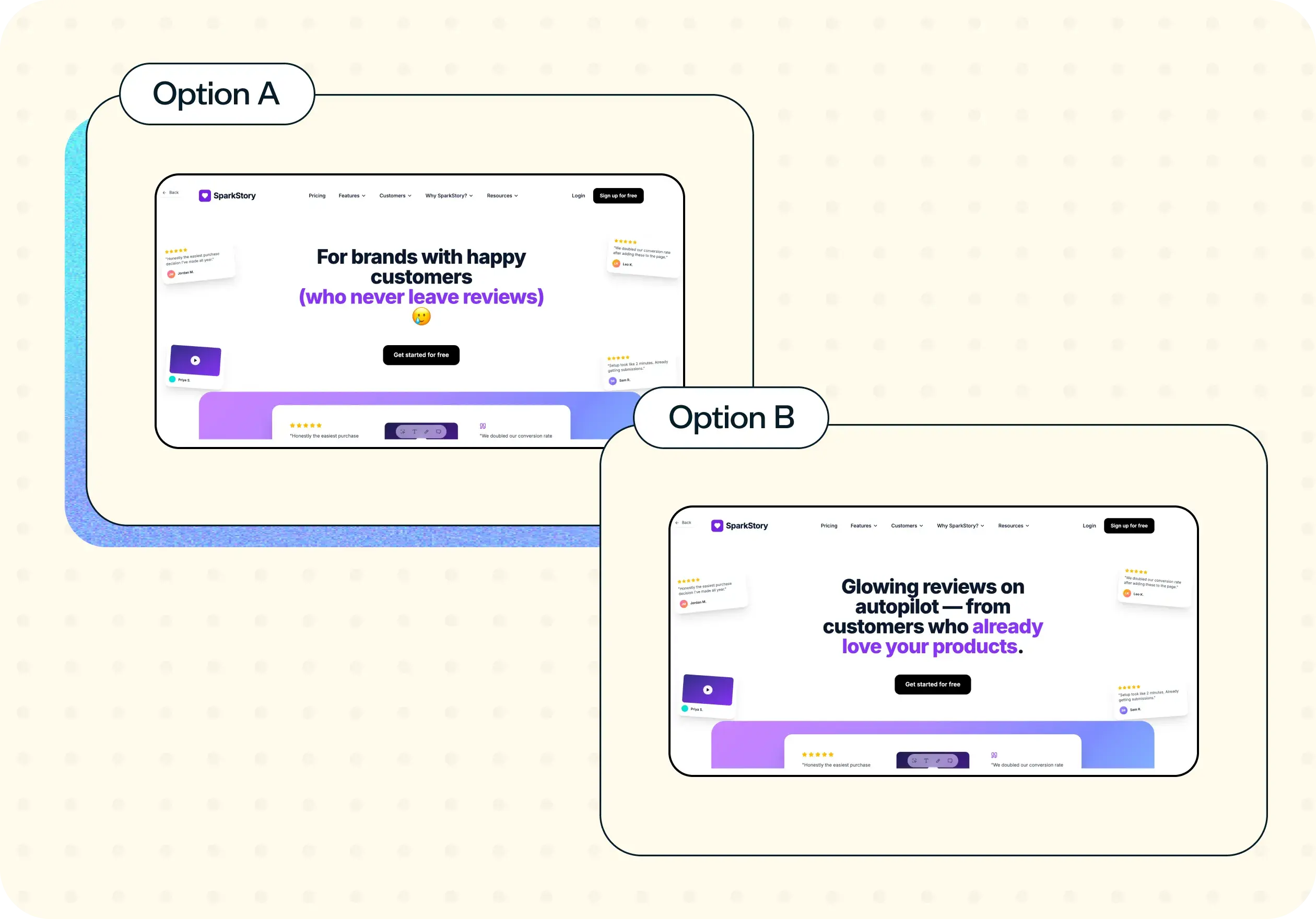
You're deciding between two or three design directions and want to know which one people find clearest
You're onboarding new designers and want to compare their assumptions against real feedback
Example outcomes
A clear read on which screen variant people found easiest to understand
Evidence that a design change is ready to ship, or a signal that it needs more work
Relabeled or repositioned CTAs based on how people actually interpreted them
Shared feedback that helps settle sprint debates with something other than opinion
Who this template is for
UX researchers who want quick feedback on a design before it goes into development
Product designers comparing layout options
Product managers who want a fast sanity check before a release
Anyone who needs shared, concrete feedback to move a design decision forward
FAQs about how to test user interactions
You may also like these templates

The navigation test is god's gift to UI designers. It probably has the best power-to-simplicity ratio of any software, ever.
Nick Franklin
CEO at ChartMogul























