
Overview
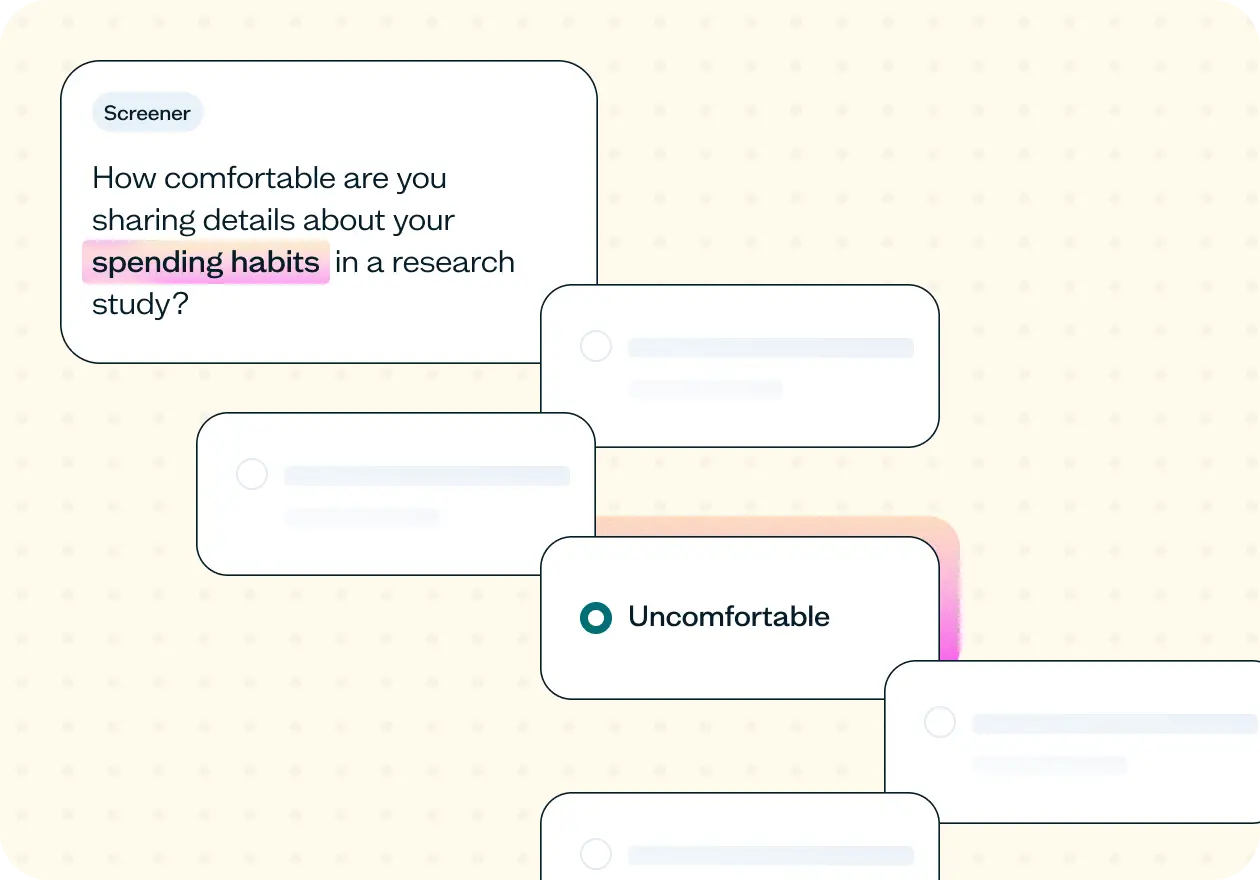
Screen participants before research on sensitive topics to find people who are genuinely comfortable sharing – not just willing on paper. This template checks consent and comfort level upfront, so you only progress participants who are ready to engage honestly with what your study asks of them.
The risk of skipping a sensitivity screener
Sensitive research topics create a specific kind of recruitment problem. A participant who agrees to join a study doesn't necessarily agree to answer every question in it – and when the topic involves income, health status, family situation, or personal identity, you often only find that out mid-session.
The result: drop-off at the point of disclosure, refusal to answer key questions, and sessions that end with incomplete or unusable data. The participant wasn't the wrong person, they just weren't the right fit for this particular study, and it wasn’t caught early enough.
A sensitivity screener solves this at the source. By asking participants directly about their comfort level before the study begins, you filter out people who would disengage when the questions get personal and only recruit people who are ready and willing to share honestly. That means fewer abandoned sessions, more complete responses, and participants who are genuinely engaged with what you're asking.
This template will help you discover
Whether a participant is willing to share sensitive information at all – and how comfortable they actually are doing it.
Whether a participant's comfort is genuine openness or reluctant compliance – something a single yes/no consent question won't tell you on its own.
How participants relate to the sensitive topic itself, giving you baseline context about their situation before the core study begins.
How this sensitivity screener works
Genuine comfort when talking about a sensitive topic isn't something participants always volunteer. The set up of this screener will help draw it out before the session starts.
The first question is a straightforward consent check – are they comfortable sharing information about the topic at all? The second goes deeper, asking them to rate how comfortable they actually are on a scale. A participant might say yes to the first question but reveal real hesitation on the second, and that gap is exactly what this screener is designed to catch.
While this template pairs the screener with a follow-up survey, the screener questions can be added to the front of any Lyssna study type where participant comfort affects the quality of your results.
Here's what it unlocks across different research methods:
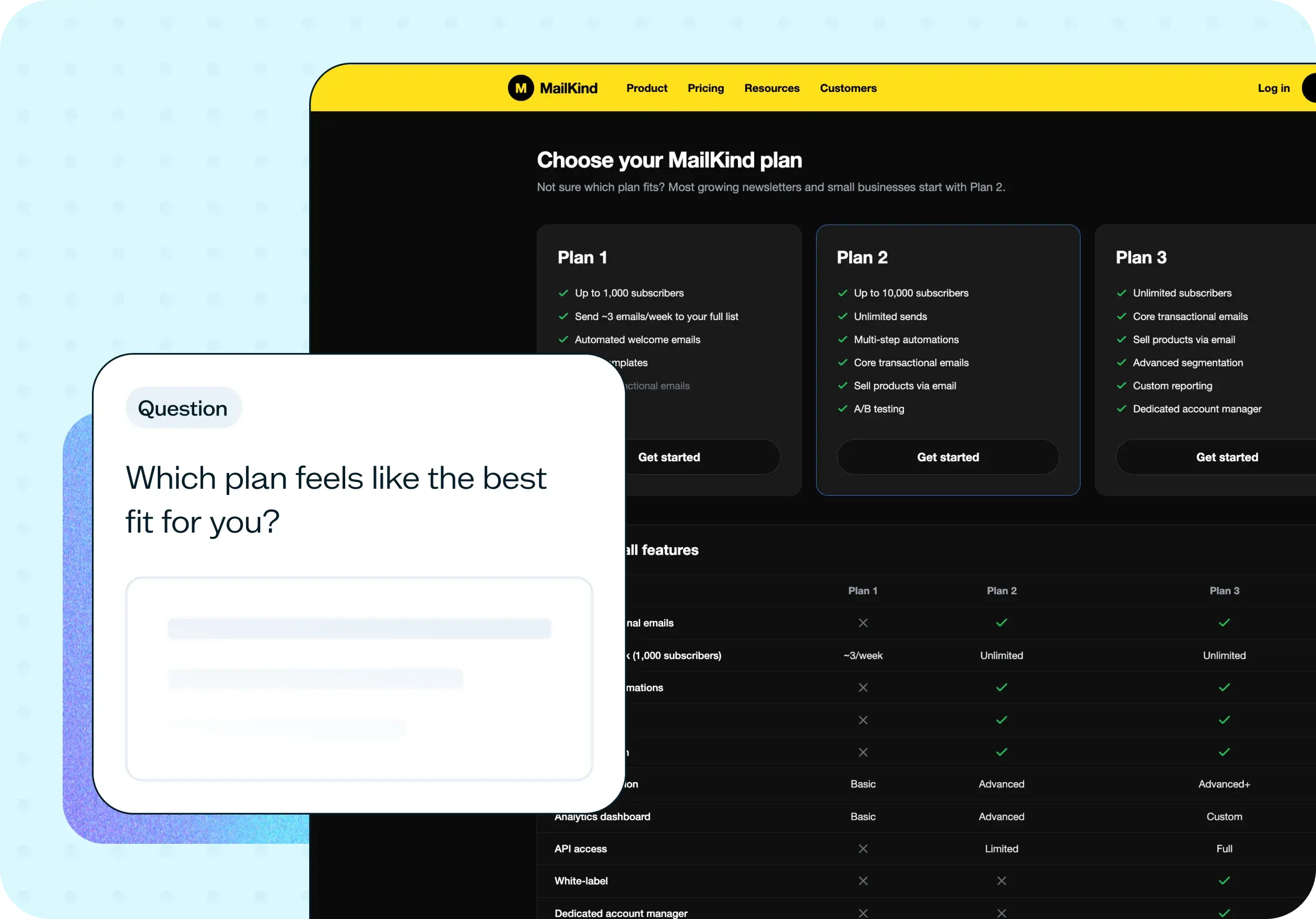
Prototype test – Screen for comfort before testing products in sensitive categories like health, finance, or wellness apps, so feedback reflects genuine user experience rather than guarded responses.
Live website test – Screen for comfort before sending participants through a live product in a sensitive category, so you're observing genuine behavior, not someone navigating cautiously because they weren't ready to engage.
Concept test – When you're testing concepts in sensitive product categories, screen for comfort first so reactions reflect honest first impressions – not reluctance to engage with the subject matter.
How to use this template
Start by replacing the topic and specific type of information placeholders with the actual subject of your study, and be specific. "Personal finances (such as spending habits or budgeting)" will feel more transparent to participants than a vague reference to "financial information," and transparency is part of what makes this screener work.
Next, decide where to set your qualify/disqualify threshold on the comfort scale. The default qualifies participants who score at the comfortable or very comfortable end and disqualifies everyone below that, but think about what your study actually needs. If your topic is particularly sensitive or requires significant disclosure, you might want to qualify only the very comfortable end. If you're researching the experience of people who find a topic difficult, a lower threshold might be exactly right.
Once your screener is live, use the results to review your participant mix before sessions begin. The breakdown of consent responses and comfort scores tells you a lot about who you're working with and flags early if your pool is skewing more guarded than you intended.

See an example of the screener results
Click the ▸ icon to reveal screener results
When to use this template
When your study involves topics that require personal disclosure – income, health, family situation, identity, or anything participants might hesitate to discuss openly.
When comfort levels are likely to vary across your participant pool and you need to know where each person sits before sessions begin.
When you're researching in healthcare, insurance, finance, HR and benefits, wellness, or legal services.
When your study is eligibility-based and participants need to meet a specific experiential threshold to be relevant to your research.
When your study would typically carry a content warning – if that's the case, it almost certainly needs a sensitivity screener.
Who this template is for
UX researchers running studies on sensitive topics who need to know participants are genuinely comfortable before sessions begin – not just willing on paper.
Product and design teams building products in healthcare, fintech, insurance, or wellness where the subject matter requires a baseline level of participant trust.
Research ops teams managing large participant pools who need a lightweight, repeatable way to filter for comfort and willingness at scale.
Anyone who has ever had a session fall apart halfway through because a participant wasn't ready for what the study asked of them.
FAQs about screening users for sensitive topics
You may also like these templates

The navigation test is god's gift to UI designers. It probably has the best power-to-simplicity ratio of any software, ever.

Nick Franklin
CEO at ChartMogul