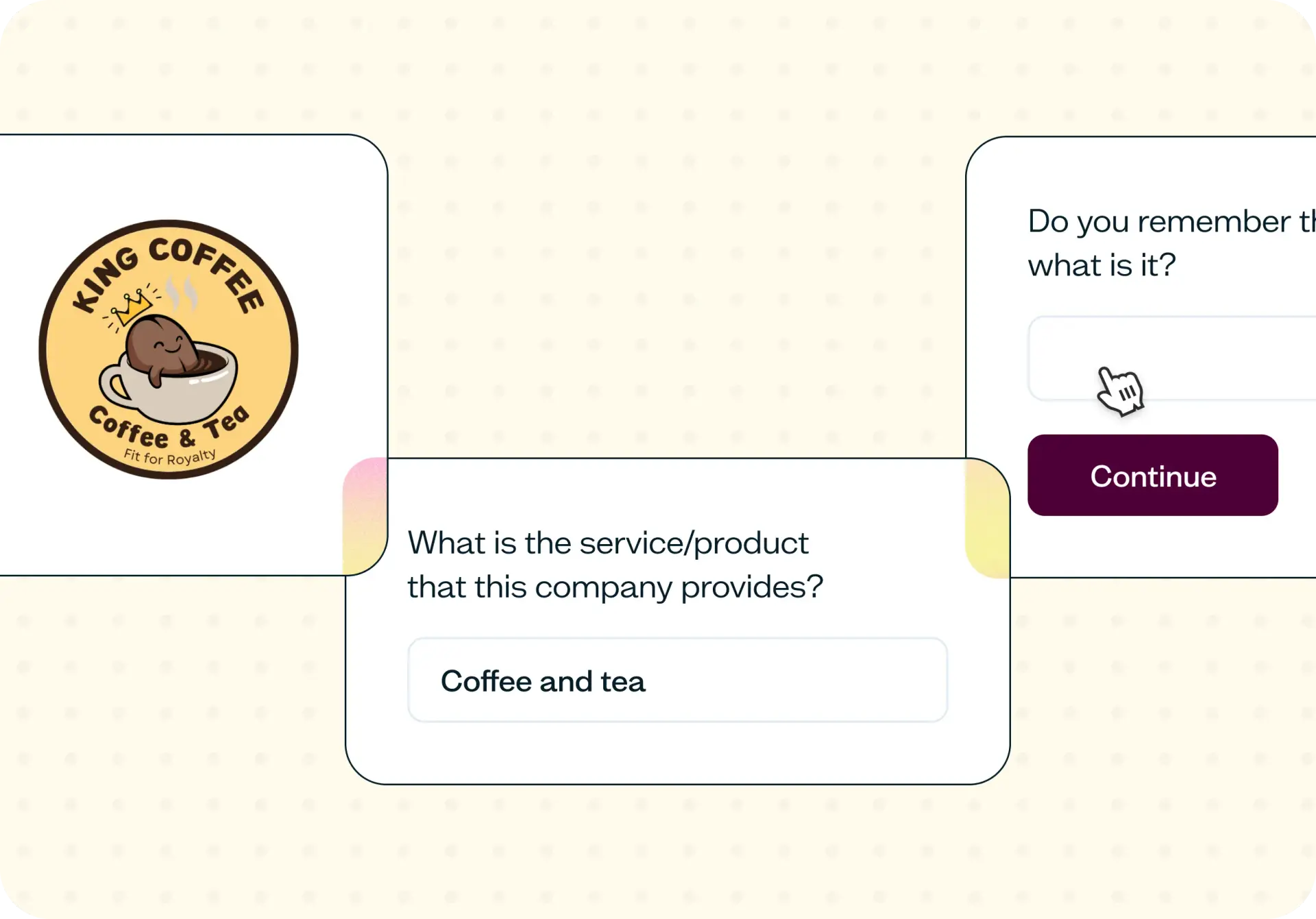

Most design decisions get shaped by internal opinions (stakeholder reviews, Slack threads, and quick show-and-tells) rather than by the people the work is actually for. Design feedback from real users reveals what your audience notices, remembers, and understands in the first seconds of exposure.
This five second test template gives you a fast, structured way to test first impressions, sentiment, and clarity on any screen or mockup, so you can move from debate to decision in hours.
Why internal feedback isn't user feedback
Design reviews often rely on the people closest to the work: stakeholders who have seen the brief, teammates who know the product inside out, and colleagues who respond fastest in Slack. Design review feedback has value, but it carries built-in context that your actual users will never have.
When a stakeholder reviews a landing page, they already know the product story, the positioning, and the intended message. They can't unsee what they know. A real user arrives with zero context, and their first five seconds of exposure determine whether your design communicates what you intended.
This gap is where design feedback from users becomes essential. A five second test isolates the first-impression layer: what users notice, recall, and understand before they read, click, or scroll. It's the layer that most internal reviews never actually check.
Moderated sessions can surface this kind of insight, but they're too slow when the team needs a directional read today. Unmoderated usability testing gives you structured evidence from real users in hours, so the next design review is grounded in data rather than opinion.

What this template helps you discover
This template surfaces specific, actionable insights about how your design lands with real users:
Whether users can identify what your screen is about within five seconds of viewing it
Which visual elements are remembered, overlooked, or misinterpreted after brief exposure
Whether your primary message lands the way your team intended it to
How sentiment and trust shift across different audience segments or devices
Which copy, layout, or visual choices need another pass before launch
What you'll test
This template covers three layers of design feedback, each targeting a different aspect of how users experience your screen:
First impressions
A five second test captures what users register before conscious evaluation kicks in. You'll see what your screen communicates in the first five seconds, and just as importantly, what gets missed. Participants describe what they noticed and recall immediately after the exposure ends, giving you a clear read on whether the most important elements are actually registering.
Clarity and comprehension
Beyond first impressions, this template tests whether users can describe the purpose of your screen in their own words. You'll discover which terms, labels, or layout patterns cause confusion, and whether the overall message is clear enough to stand on its own without internal context or explanation.
Sentiment and trust
Design feedback goes beyond what users understand. It also reveals how your design makes them feel. This template captures whether users feel confident, confused, or skeptical after viewing your screen, and which specific elements earn or erode trust on first impression.
When to use this template
This template fits a range of scenarios where you need a fast directional read from real users:
A design is mid-sprint and needs a quick signal before moving to development
Two or three directions need a user pulse before a design review
A landing page, hero section, or email is close to ship but hasn't been validated with your target audience yet
A stakeholder debate is stuck on opinion and needs audience evidence to move forward
You're onboarding a new designer and want to calibrate their work against real user reactions
Research capacity is fully booked and the team still needs user input today
How to use this template
Choose your design. Click "Use this template" and log in to your Lyssna account. Don't have one yet? Start exploring with a free plan. Upload the screen, mockup, or concept you want to test. The template works across fidelity levels, from early wireframes to polished landing pages.
Set up your five second test. Select Five second testing as your test type and configure the follow-up questions. The template includes pre-built questions about recall, clarity, and sentiment that you can customize to match your specific goals.
Recruit participants. Use Lyssna's research panel of 690,000+ participants to reach your target audience quickly, or share the test link with participants from your own network.
Collect responses. Participants view your design for exactly five seconds, then answer your follow-up questions about what they noticed, understood, and felt. Results typically start coming in within hours.
Review and act on your results. Analyze recall patterns and sentiment across participants to identify which elements are landing and which need revision. Use the findings to sharpen your next design iteration or bring evidence to your next design review. You could also combine with other methods to gather feedback, like preference testing or design surveys.
Example outcomes
Running a quick design feedback round with this template gives your team concrete evidence to work with:
Clear first-impression readouts that sharpen the next design iteration, showing exactly what users noticed and what they missed
Evidence that your primary message is landing with your target audience, or specific insight into where it falls short
A defensible direction to take into the next design review, backed by real user data rather than internal opinion
Reduced rework after launch because early reads caught clarity gaps and misinterpretations before they shipped
Faster sprint cadence because small design calls no longer get stuck in debates about personal preference
Who this template is for
This template is built for anyone who needs user evidence on a design without waiting weeks for a full research study:
Designers who need user feedback inside a sprint, not weeks after the feature has already shipped
Product managers pressure-testing a direction or validating a decision before committing to development
Research leads offloading quick reads so senior research time stays focused on larger strategic studies
Marketing teams validating landing pages, hero sections, email designs, and campaign creative before launch
Content designers checking whether copy is being read and understood the way it was written
FAQs about how to gather quick design feedback
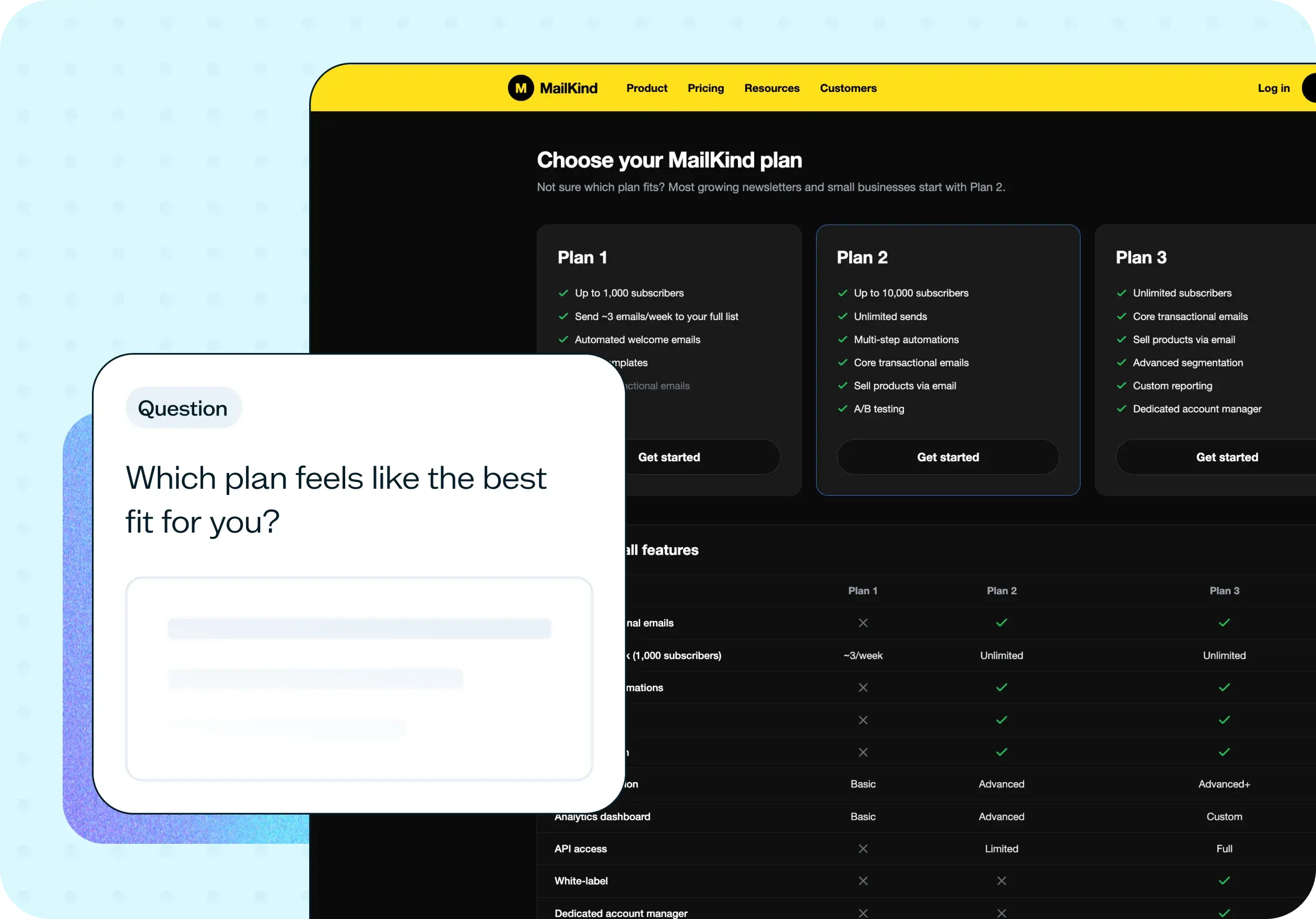
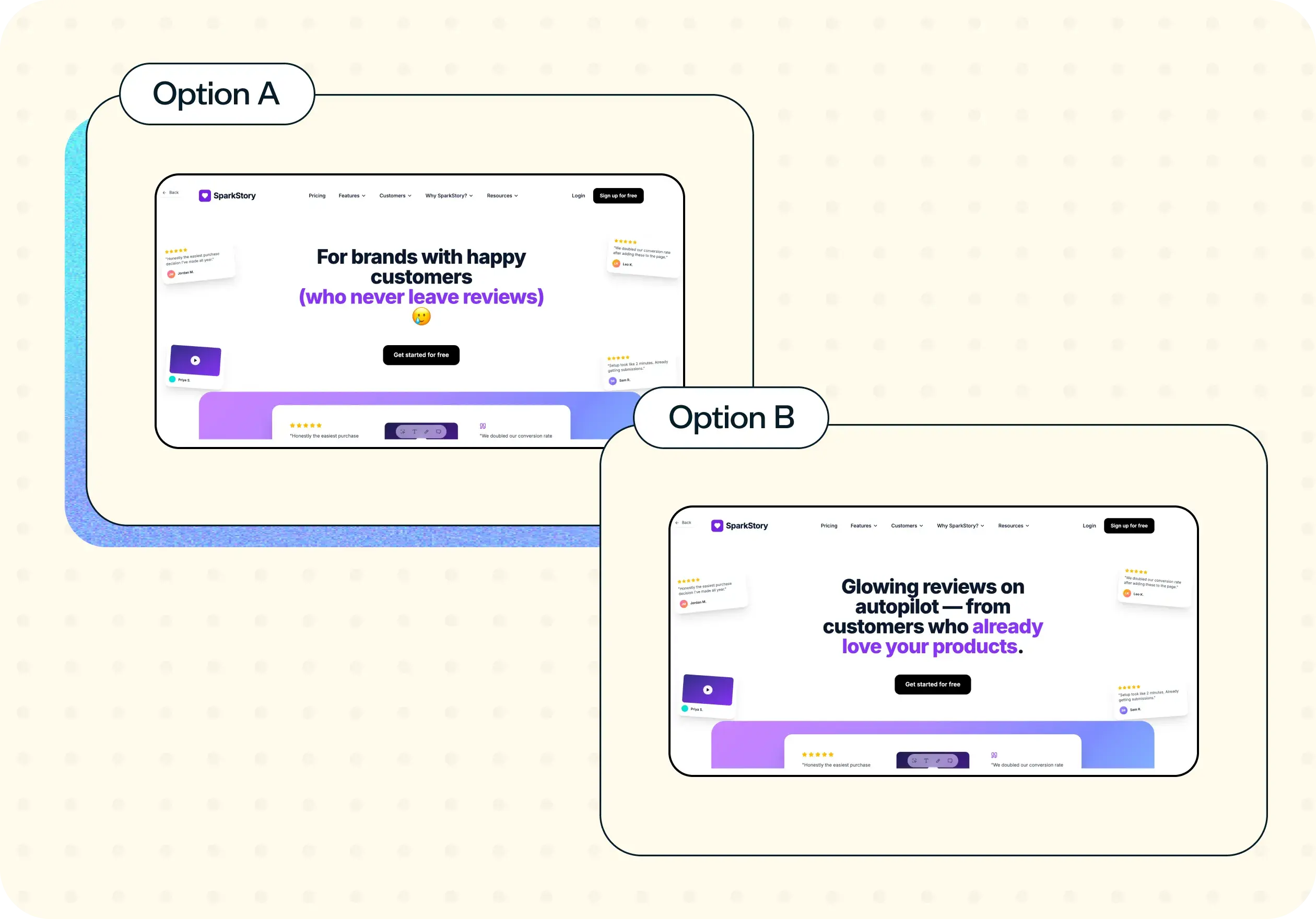
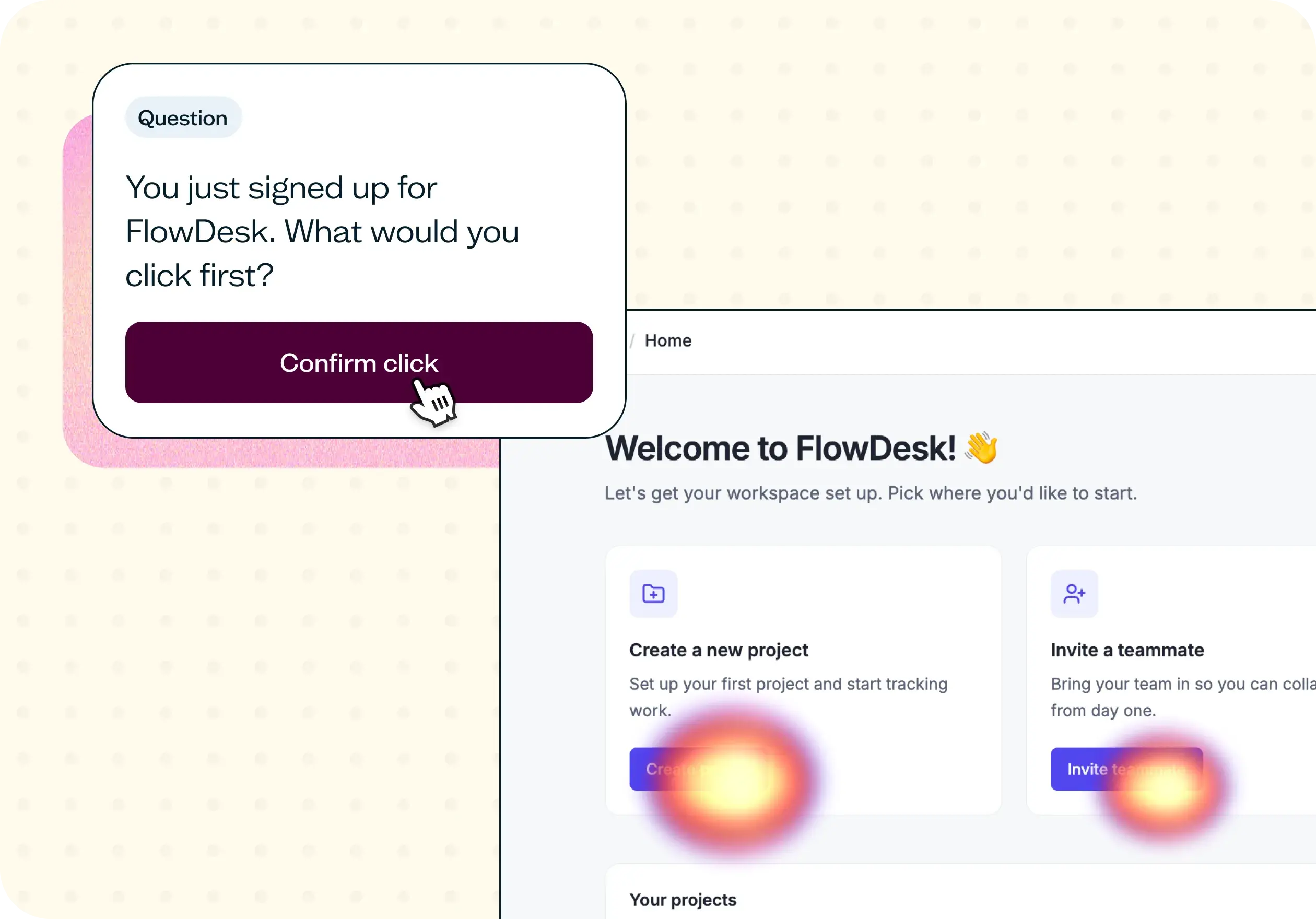
You may also like these templates

I love that Lyssna lets me be lightweight and fast. As a UX practice of one in a large enterprise, my stakeholders won't slow down for research. Lyssna lets me provide insights at speed.

Kevin Boulier
Lead UX Strategist & Designer at ManpowerGroup






















