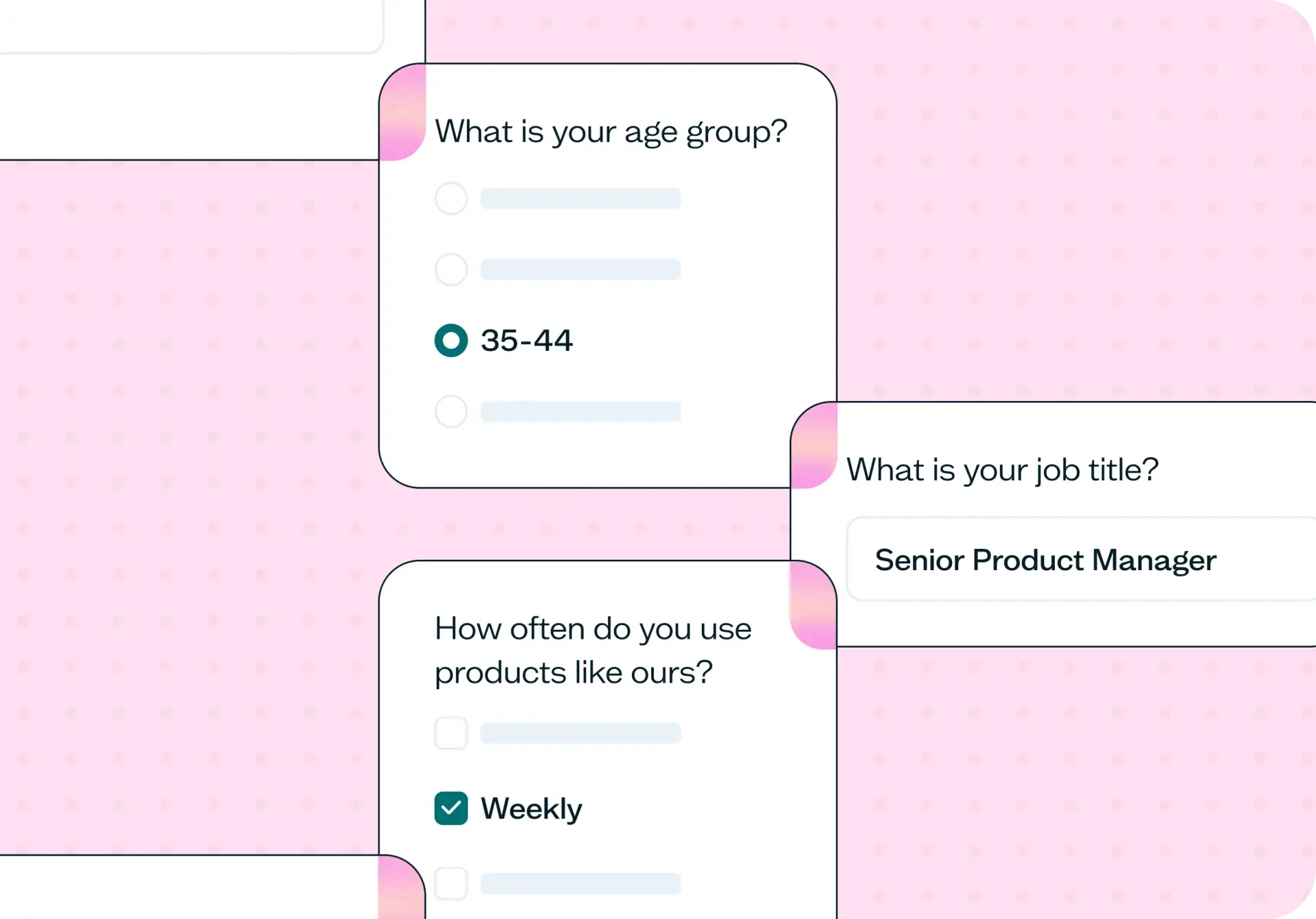

A user persona is a short profile of a real audience segment: who they are, what they're trying to do, what gets in their way, and what makes them choose one product over another. A persona template gives you the structure to record that; the evidence that fills it in has to come from somewhere real.
This template surveys your actual audience on demographics, behavior, motivations, challenges, and technology use, then groups the responses into two to four clusters by shared motivation – so the persona is built from what people said, not what your team assumed.
The problem with invented personas
Most personas aren't built from research. They're assembled from internal assumptions, given a name, and never revisited. The result is a profile that looks finished but can't be traced back to a single conversation with a real user.
You can usually tell when this has happened. Here are the common signs your personas need real data:
You can't point to the research behind any persona your team uses.
Your personas were built in a workshop, from internal opinion.
Two people on the team describe the same persona differently.
The personas have not been revisited since the product changed.
You are being asked to prioritize for a user you have never spoken to.

This template will help you discover
Run the survey and you'll come away with answers in five areas, each one grounded in what participants actually said rather than what the team guessed on their behalf.
Who your users actually are
Demographics, roles, and background, drawn from real responses instead of an assumption about who's likely using the product.
How they actually use products like yours
How often they use it, what they're using it for, and which devices and channels they rely on. These are the habits behind the profile, not just the label.
What is getting in their way
Pain points and challenges, in participants' own words: the specific moments things go wrong, not a paraphrased summary of "friction."
What drives them
The motivations that bring someone to your product in the first place, and what they're actually trying to accomplish when they show up.
How they choose
The factors that decide between your product and a competitor's: price, trust, timing, or a feature the alternative doesn't have.
What you'll test
The survey behind this template covers five areas: demographics, behavior, motivations, challenges, and technology use. It runs as a mix of single-choice, multiple-choice, and open-ended questions, and the mix is deliberate. Closed questions do the segmenting. They group respondents by role, company size, or how often they use a product like yours. Open-ended questions do something a closed question can't: they capture the actual language a participant uses to describe a problem, and that language is what makes a persona feel like a real person instead of a composite.
Plan on both question types appearing throughout the survey rather than closed questions up front and open ones as an afterthought. The closed responses tell you how to group people; the open responses give you what to quote once you've grouped them.
How the research works
The research behind this template happens in two stages: collecting responses through a survey, then grouping those responses into personas based on shared motivations and challenges.
Survey
You can run this survey against your own customers or recruit from the Lyssna research panel, which gives you access to 690,000+ participants across 124 countries with 395+ demographic and psychographic targeting options. That's especially useful when you need respondents who match a specific role, industry, or region and don't already have a list of your own. Either way, the survey itself takes the same shape: the same five areas, the same mix of closed and open questions.
Turning responses into personas
This is the step most persona guidance skips, and it's where the real persona research happens. Once responses are in, group them by shared motivation and challenge rather than by demographic. Two people in different roles who are blocked by the same thing belong in the same persona. Look for two to four clusters, not ten; more than that and you've built an org chart, not a set of personas anyone can hold in their head. Quote participants verbatim in your write-up rather than paraphrasing. Their words carry the nuance a summary loses. And if a cluster only has one supporting response, treat it as a hypothesis to test further, not a finished persona.
How to use this template
Open the template and set up your account. Click "Use this template" to load the survey in Lyssna. If you're new, start exploring with a free plan.
Customize the survey questions. Adjust the demographics, behavior, and challenge sections so they match your product and audience. The default questions cover the essentials, but tailoring them helps you capture the details that matter most for your personas.
Preview and recruit participants. Run through the survey yourself to check the flow, then recruit from your own customers or the Lyssna research panel.
Launch and collect responses. Set the survey live and start collecting the responses you'll group into personas.
When to use this template
A few moments make this template worth running rather than reaching for what your team already believes:
Before a roadmap planning cycle, so priorities reflect insights from real users rather than last year's assumptions.
When you're entering a new segment or market and need to validate who's actually there before you commit resources to it.
When the team disagrees about who the product is for: this settles the argument with responses instead of opinions, and gives you something concrete to point to when stakeholders ask how you know.
After a significant product or pricing change, when your existing personas may no longer describe who's using the product.
On a recurring cadence, because personas decay. An audience that was accurate a year ago won't necessarily be accurate now.
Persona work like this often sits alongside other research. Teams that run this survey to define who they're designing for will frequently follow it with usability testing to check whether a design actually works for the persona it was built for.
Who this template is for
You don't need a research background to run this template. Product managers use it to make sure roadmap decisions reflect real users instead of internal opinion. User experience (UX) and product designers use it to design for someone specific rather than an imagined "average user." Marketers use it to sharpen messaging around what an audience actually values. Founders use it when they need a working picture of their audience before either group exists in scale.
Whether you're a solo designer running your first persona survey or leading a research team that revisits personas every quarter, the template adapts to how much structure you need. No specialist research training required.
FAQs about how to create a user persona
You may also like these templates
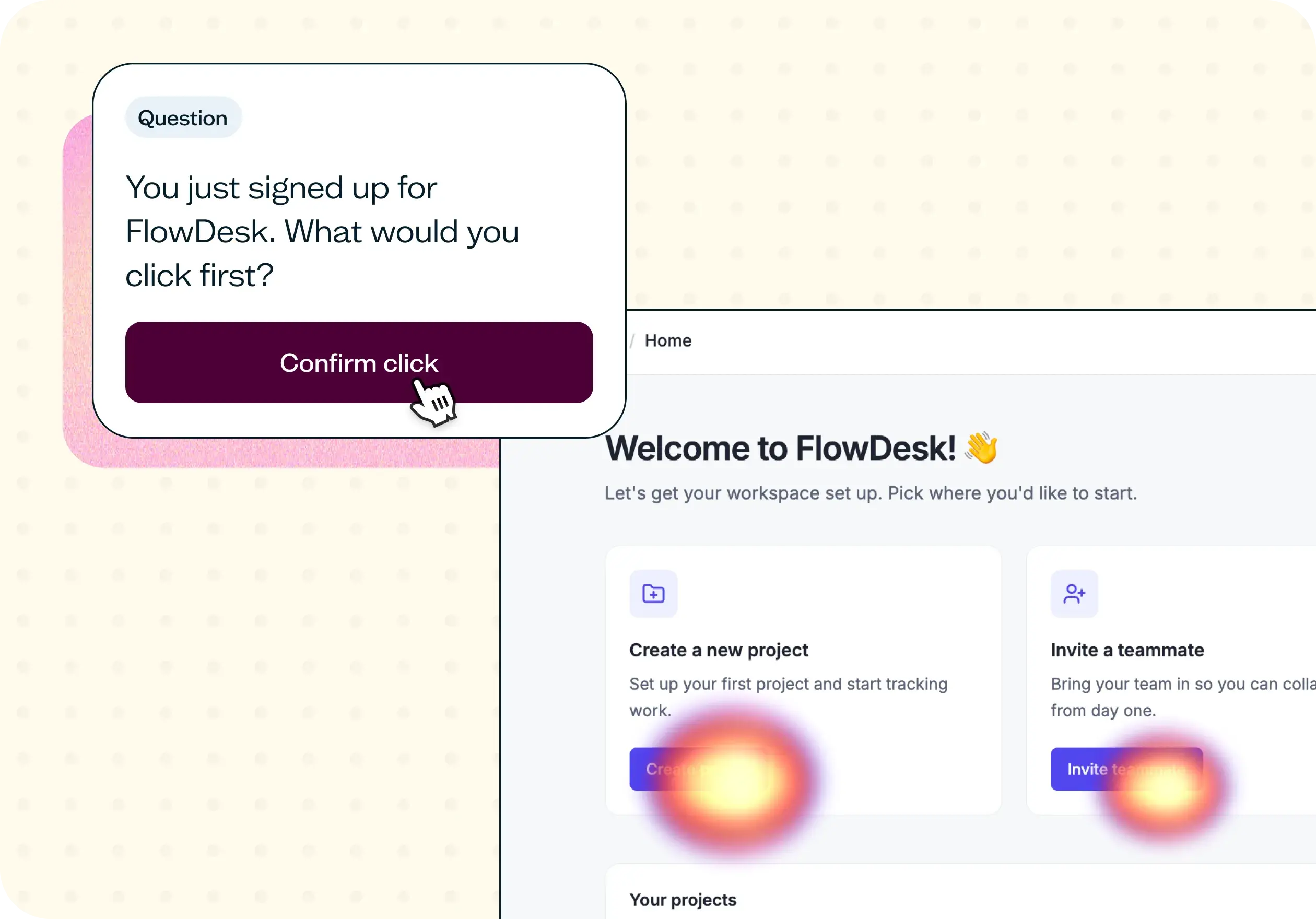

The navigation test is god's gift to UI designers. It probably has the best power-to-simplicity ratio of any software, ever.

Nick Franklin
CEO at ChartMogul























