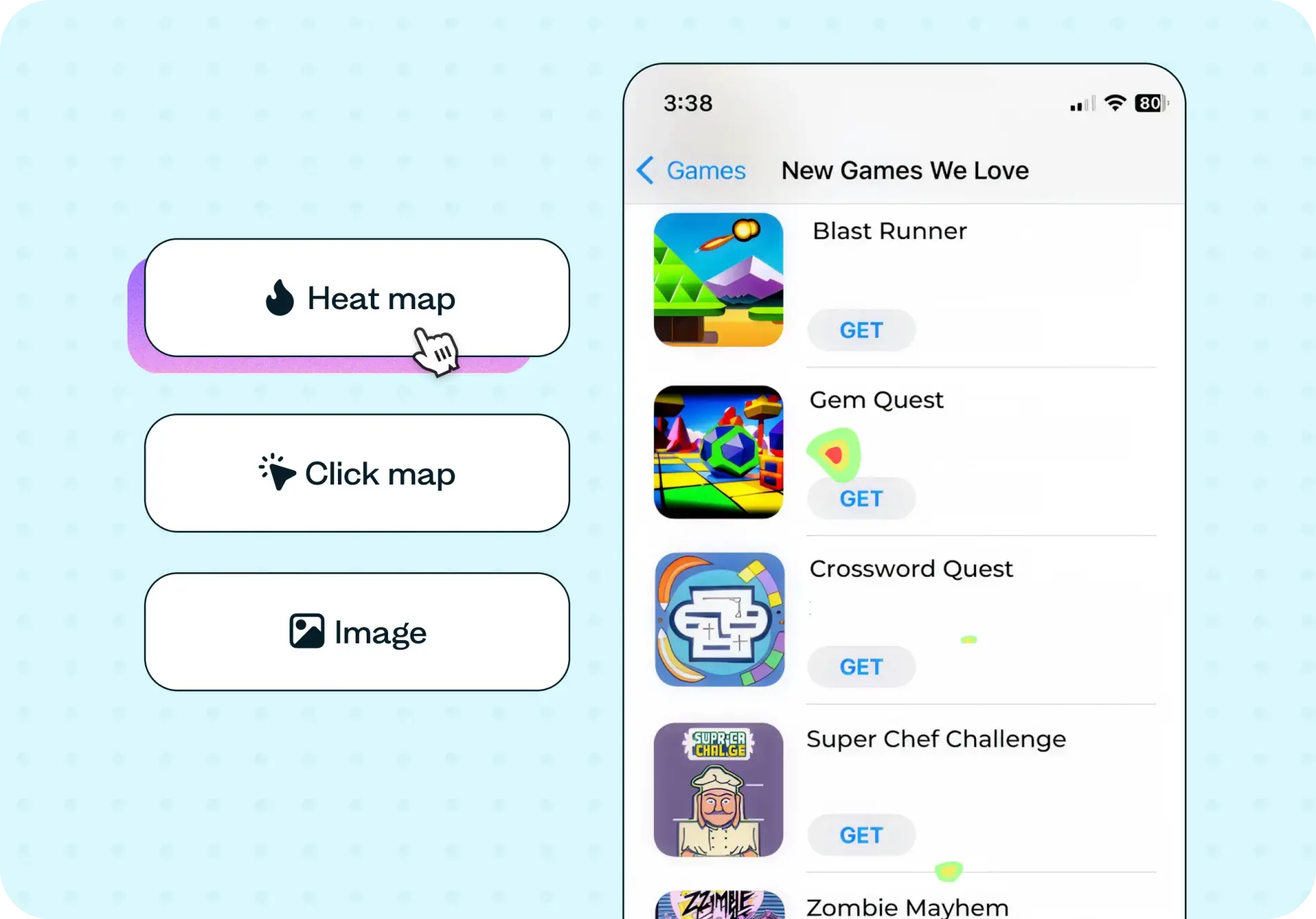

App store optimization (ASO) determines whether users discover and download your app – but most teams optimize based on keyword data and analytics alone, without understanding how users actually perceive their listing. This template uses first click testing and preference testing to evaluate how real people interact with your app store screenshots, icons, and descriptions. You'll identify which elements attract attention, communicate value, and drive install decisions – so you can improve your ASO with evidence, not assumptions.
The problem with app store visibility
Your app is competing with millions of others for attention – and users often decide whether to download within seconds of seeing your listing. The icons, screenshots, titles, and descriptions on your app store page are the first (and sometimes only) impression potential users get.
The challenge is that many teams build app store listings based on internal assumptions. Designers and product managers know the product deeply, which can make it difficult to see the listing the way a first-time user would. Without testing these elements with real people, you risk investing in a listing that looks polished internally but fails to communicate value to the users who matter most.
App store optimization goes beyond keyword research and metadata. Understanding how users actually perceive and interact with your listing – which screenshots catch their eye, whether your icon stands out in a crowded results page, and how clearly your description conveys what the app does – is the foundation of an ASO approach that drives real downloads.

What this template helps you discover
This template combines first click testing and preference testing to surface specific, actionable insights about your app store listing:
Whether your app icon stands out in a crowded app store results page
Which screenshots most effectively communicate your app's core value proposition
How users interpret your app description and whether it motivates them to install
Which design elements – color, typography, imagery – attract the most attention
How your listing performs when presented alongside competing apps
When to use this template
This template is most valuable at moments when your app store listing has a direct impact on your growth:
Before launching a new app – to validate that your listing elements resonate with your target audience before you go live
When updating an existing listing – to test whether changes to screenshots, icons, or descriptions actually improve user perception
After a redesign – to compare new visual assets against previous versions and confirm they perform better
When install rates are declining – to diagnose which elements of your listing may be underperforming
Example outcomes
Teams who test their app store listings with real users can expect outcomes like:
Clearer app store listings that communicate purpose and value within seconds
Higher install conversion rates driven by screenshots and icons that resonate with your target audience
Stronger value communication that helps your app stand out from competitors
Better-performing visual assets based on user preference data rather than internal assumptions
Improved app discoverability through listings that align with how users actually search and browse
How to use this template
Click "Use this template" and log in to your Lyssna account. If you don't have an account yet, you can get started with a free plan.
Customize the test to match your app store listing. Upload your screenshots, icons, or full listing designs – and adjust the tasks and questions to focus on the elements you want to evaluate.
Recruit participants who match your target audience. You can use Lyssna's research panel to reach relevant users quickly, or share the test link with your own network.
Launch your test and collect responses. Most studies using the Lyssna panel return results within hours.
Review your results using the heatmap, click map, and preference data to see where users focused their attention and which listing elements performed best.
Who this template is for
This template is designed for anyone who needs to understand how users perceive and interact with app store listings:
Product managers looking to improve mobile app growth by optimizing listing conversion rates
App marketers who want to validate their ASO approach with real user feedback
UX researchers studying how users perceive and evaluate app store listings
Designers refining app icons, screenshots, and visual assets based on user preferences
Startup founders preparing to launch a mobile app and wanting to get their listing right before going live
FAQs about app store optimization
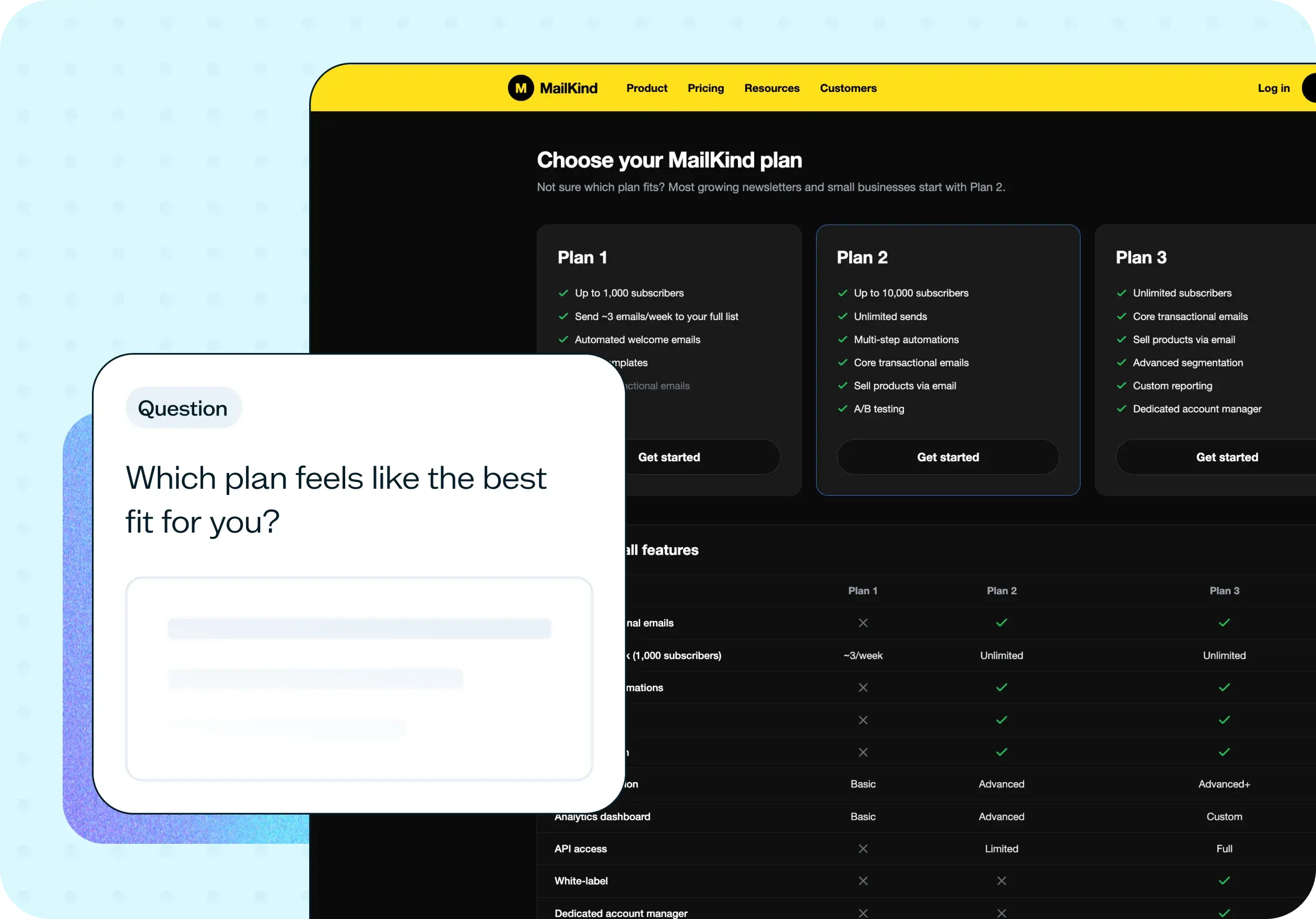
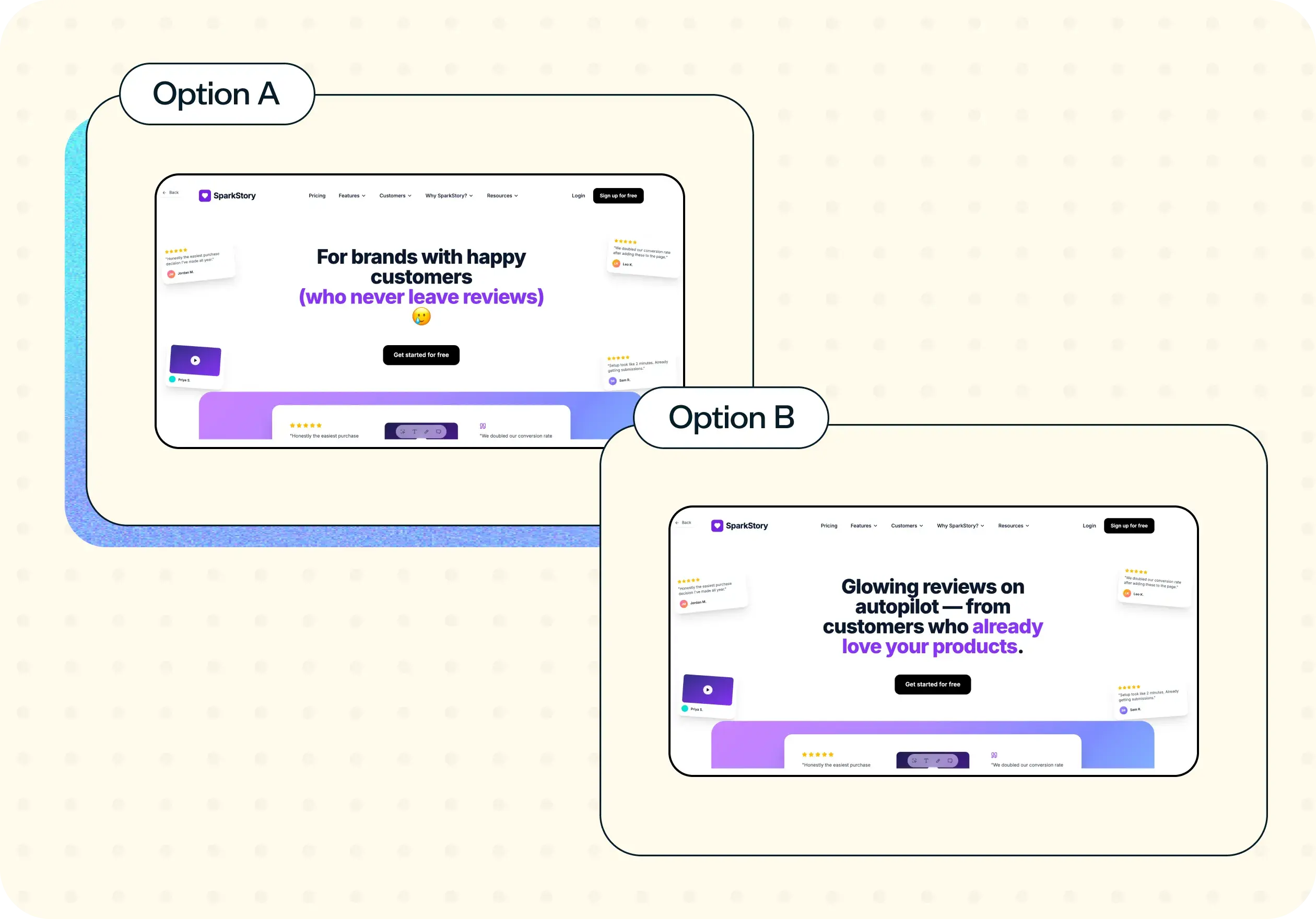
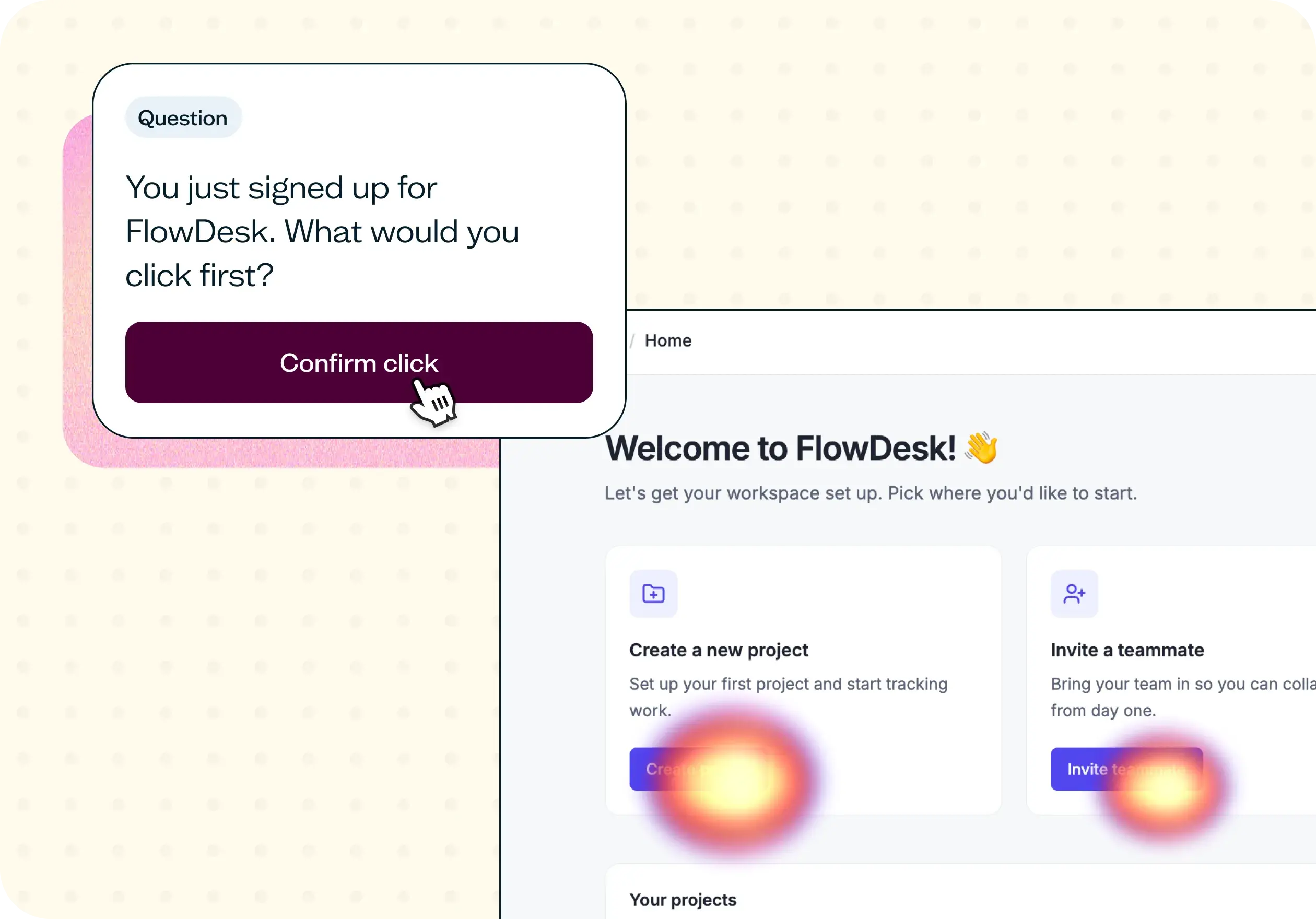
You may also like these templates

Adopting Lyssna got us into the habit of asking our users questions before locking in decisions.

Ron Diorio
VP Business Development & Innovation, at The Economist























