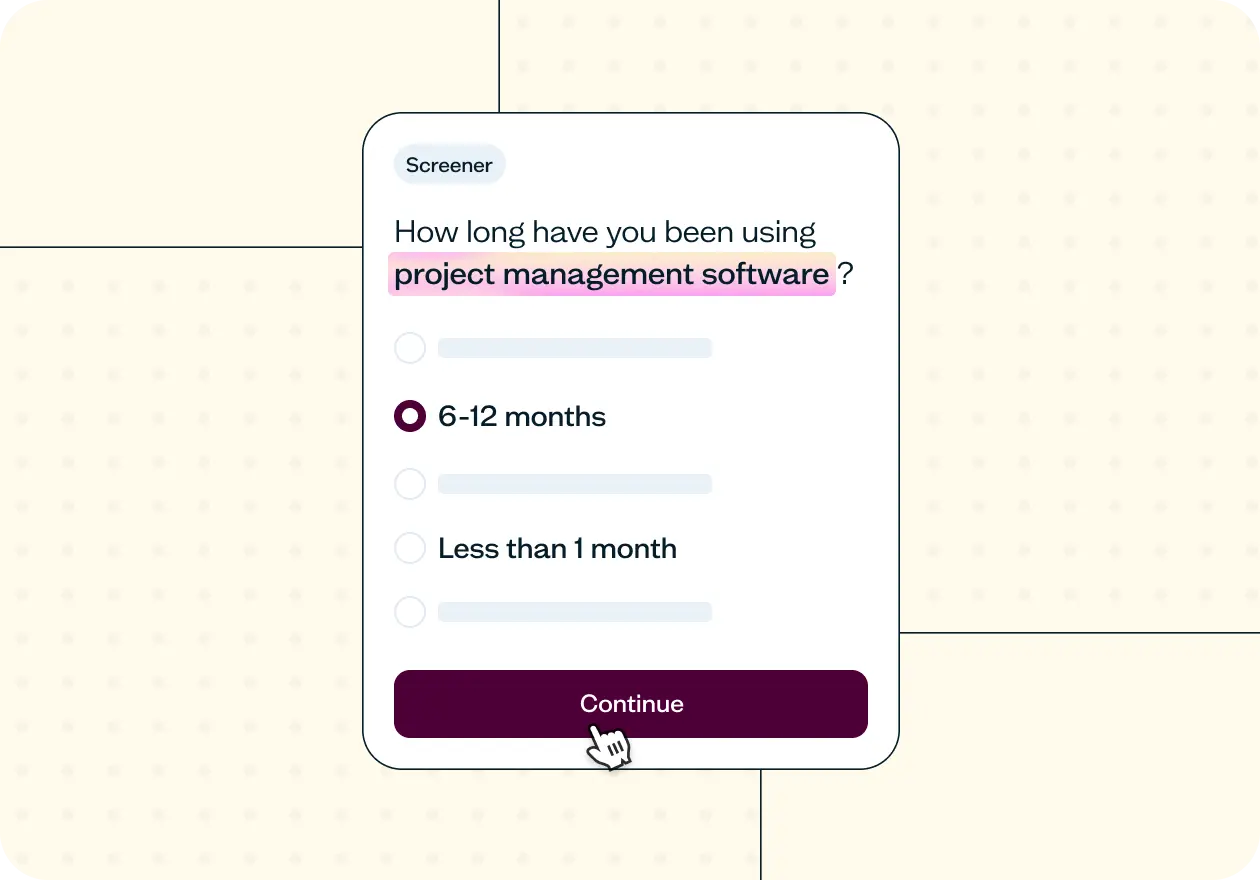

Overview
This template helps you screen research participants based on their product experience level, so only people with the right familiarity, tenure, and feature usage reach your study. It includes a ready-to-run screener with qualifying questions you can adapt to any product or research goal.
Why product experience matters
Product experience is one of the strongest variables that shapes how people respond to research. A participant with three years of daily use will navigate your interface, interpret your terminology, and evaluate your features completely differently from someone who signed up last week. If you don't control for that variable, your data is shaped by it regardless.
Screening by product experience solves the problem before your study begins. By filtering participants based on their familiarity, tenure, and feature usage, you make sure that the right people reach your study.
This template gives you a ready-to-run screener built around three qualifying questions – familiarity level, tenure, and feature usage – so you can qualify the right participants quickly and adapt it to whatever product or research goal you're working on.

This template will help you discover
Which participants have enough product experience to give meaningful feedback on what you're researching.
How long each participant has been using the product, so you can segment findings by tenure.
Which specific features participants have used, so you can filter for people with hands-on experience of exactly what you're studying.
How the product experience screener works
Screener questions make sure you’re talking to the right people from the start. This template combines three questions to understand each participant’s experience and filter out anyone who isn’t a good fit.
The first question captures familiarity level on a five-point scale, giving you a quick read on experience depth. The second filters by tenure, so you can set a minimum threshold for how long participants have been using the product or category. The third confirms which specific features they've actually used. This is the most precise filter of the three, catching people who self-reported as familiar but haven’t engaged with the functionality you're researching.
Together, these three questions move you from "people who use [product]" to "people with the right kind of experience to give you useful answers."
While this template pairs the screener with a survey, it can be added to the beginning of any study type where product experience level matters.
Here's what it unlocks across different research methods:
Survey – qualify participants before asking about satisfaction, feature perception, or unmet needs, so every response comes from someone with enough experience to have formed a genuine opinion.
Usability test – make sure participants testing a specific workflow or feature set have actually used it before, so their feedback reflects real familiarity.
Interviews – filter for participants who can speak in depth about their experience with specific features or workflows, rather than giving you surface-level impressions.
Tree testing – confirm that participants navigating your IA have enough product context to reflect how real users would move through it, rather than approaching the structure cold.
How to use this template
This template is built to adapt to your product, your study goals, and the audience you need to reach.
To get started, open the template in Lyssna and replace the [product/service] and [type of product/service] placeholders in the screener questions with your specific product name or category. The logic stays the same across every customization: qualify on familiarity, filter by tenure, confirm by feature usage.
Set your familiarity threshold. The screener's first question uses a five-point familiarity scale. Decide which responses qualify based on your research goals. For feature validation or satisfaction studies, you'll typically want "very familiar" or "extremely familiar." For onboarding research or competitive benchmarking, you might qualify lower-familiarity participants instead or even disqualify the highly familiar ones to isolate fresh perspectives.
Choose your tenure cutoff. The default tenure question qualifies participants who have been using the product for six months or more. This works well for most SaaS and subscription research, where six months represents enough time to have moved past the onboarding phase. Adjust the threshold based on your product's typical adoption curve. For simple consumer apps, three months may be enough; for complex enterprise tools, you may want to require a year or more.
Customize the feature list. The third question asks participants which features they've used. Replace Feature A, B, C, and D with the actual feature names relevant to your study. Keep the list focused to four to six features. If a participant hasn’t used a feature, they're disqualified. If they've used any features, they qualify. You can also tighten this logic by requiring participants to have used a specific feature (not just any feature on the list) if your study is narrowly focused.
If you're using the Lyssna research panel, layer panel filters – industry, job role, device usage – on top of your screener questions to pre-qualify participants before the screener even runs. This keeps your disqualification rate low and makes your recruitment budget go further.
Finally, decide which study type you're pairing the screener with. The screener questions can be added to the beginning of any study where product experience level matters. Add your core research questions directly after the screener, and you're ready to launch.
When to use this template
UX researchers use it for feature validation, usability testing, or satisfaction studies where experience level shapes the quality of feedback.
Product managers use it to gather more reliable feedback on features, onboarding, and retention by making sure insights come from users with the right level of familiarity.
UX designers use it to separate usability issues from learning curves, so they can identify what’s actually broken versus what’s just new to users.
Growth and product teams use it to segment feedback by tenure and experience, helping them understand how needs differ between new, active, and long-term users.
FAQs about screening users based on product experience
You may also like these templates

The navigation test is god's gift to UI designers. It probably has the best power-to-simplicity ratio of any software, ever.

Nick Franklin
CEO at ChartMogul