27 Feb 2026
|33 min
Landing page optimization tools
Compare 20 landing page optimization tools across testing, analytics, A/B testing, and surveys. Find the right stack to increase conversions with data-driven decisions.

Landing page optimization tools help you understand why visitors aren't converting and what changes will drive better results. Whether you're testing headlines, analyzing user behavior, or validating design decisions with real users, the right tools transform guesswork into confident, data-driven improvements.
The challenge? There are dozens of options, each with different strengths. Some excel at A/B testing, others at behavioral analytics, and still others at gathering direct user feedback.
Choosing the wrong tool, or using too many, can slow you down rather than speed up your optimization efforts.
This guide breaks down 20 landing page optimization tools across key categories, helping you find the right combination forƒ your team's needs and budget. We'll cover what each tool does best, who it's ideal for, and how to build an optimization stack that delivers real results.
Quick comparison: 20 landing page optimization tools
This table gives you a snapshot of all the tools we cover, organized by what they do best.
Tool | Category | G2 rating | Starting price | Best for |
|---|---|---|---|---|
Lyssna | User research and testing | 4.5/5 | Free plan available, from $166/month | Testing messaging and visuals with targeted audiences |
UserTesting | User research and testing | 4.5/5 | Custom pricing | Enterprise video-based user feedback |
Maze | User research and testing | 4.5/5 | Free plan available, from $99/month | Rapid prototype testing within design workflows |
Hotjar | Heatmapping and behavior analytics | 4.3/5 | Free plan available, from $39/month | All-in-one behavior analytics at an accessible price |
Crazy Egg | Heatmapping and behavior analytics | 4.2/5 | From $29/month | Straightforward heatmapping with built-in testing |
Contentsquare | Heatmapping and behavior analytics | 4.7/5 | Custom enterprise pricing | Enterprise analytics tied to business outcomes |
Mouseflow | Heatmapping and behavior analytics | 4.6/5 | Free plan available, from $31/month | Form-heavy landing pages and friction detection |
FullStory | Heatmapping and behavior analytics | 4.5/5 | Free plan available, custom paid pricing | Finding specific user behaviors across sessions |
Optimizely | A/B testing and experimentation | 4.2/5 | Custom enterprise pricing | Sophisticated enterprise experimentation programs |
VWO | A/B testing and experimentation | 4.3/5 | Free plan available, from $198/month | Launching tests quickly without developer support |
AB Tasty | A/B testing and experimentation | 4.5/5 | Custom pricing | Launching tests quickly without developer support |
Convert | A/B testing and experimentation | 4.7/5 | From $299/month | Privacy-focused A/B testing with GDPR compliance |
Unbounce | Landing page builders | 4.4/5 | From $99/month | Building and optimizing pages without developers |
Instapage | Landing page builders | 4.3/5 | From $99/month | PPC teams matching ads to landing pages at scale |
Leadpages | Landing page builders | 4.3/5 | From $49/month | Small businesses needing simple, effective pages |
Google PageSpeed Insights | Page speed and technical optimization | N/A | Free | Every landing page optimization workflow |
GTmetrix | Page speed and technical optimization | N/A | Free plan available, from $5/month | Detailed technical performance diagnostics |
Typeform | Survey and feedback | 4.5/5 | Free plan available, from $29/month | Higher completion rates through conversational surveys |
SurveyMonkey | Survey and feedback | 4.4/5 | Free plan available, from $39/month | Structured surveys with powerful analysis tools |
Qualaroo | Survey and feedback | 4.3/5 | Free plan available, from $69/month | In-context micro-surveys triggered by visitor behavior |
Why landing page optimization matters
Before diving into tools, let's establish why optimization deserves your attention. In just five seconds, visitors form critical first impressions of your landing page. This brief moment determines whether they'll engage further or bounce.
Landing page optimization tools help you do the following:
Increase conversions: Identify barriers that prevent users from taking action. Factors like styling choices, placement, and CTA text can all impact effectiveness.
Make data-driven decisions: Gather data like click-through rates, bounce rates, and user behavior patterns to inform your decision-making.
Improve user experience: Collect quantitative and qualitative data for creating pages that offer seamless navigation and leave users with a positive impression.
Even small improvements in conversion rates compound over time, turning the same traffic into substantially more leads, signups, or sales.
Qualities of an optimized landing page
Before selecting tools, it helps to understand what you're optimizing toward. The most effective landing pages share several characteristics:
Attention-grabbing headlines: These should make a strong impact and communicate your main message immediately.
Engaging content: Your content should connect with visitors, effectively communicate information or product benefits, and compel users to take desired actions.
Direct CTAs: These should leap from the page, immediately capturing attention and guiding users to take specific actions.
Interesting visuals: Text alone isn't enough. Landing pages need to incorporate graphics and visuals that engage users from the moment they arrive.
Pro tip: Don't just list features. Speak to your target customers' problems. Great copy highlights the problems your product solves and nudges them toward the next step, whether that's clicking a CTA or learning more.
User research and testing tools
Understanding how real users interact with your landing pages provides insights that analytics alone can't reveal. These tools help you gather direct feedback and observe actual behavior.
1. Lyssna
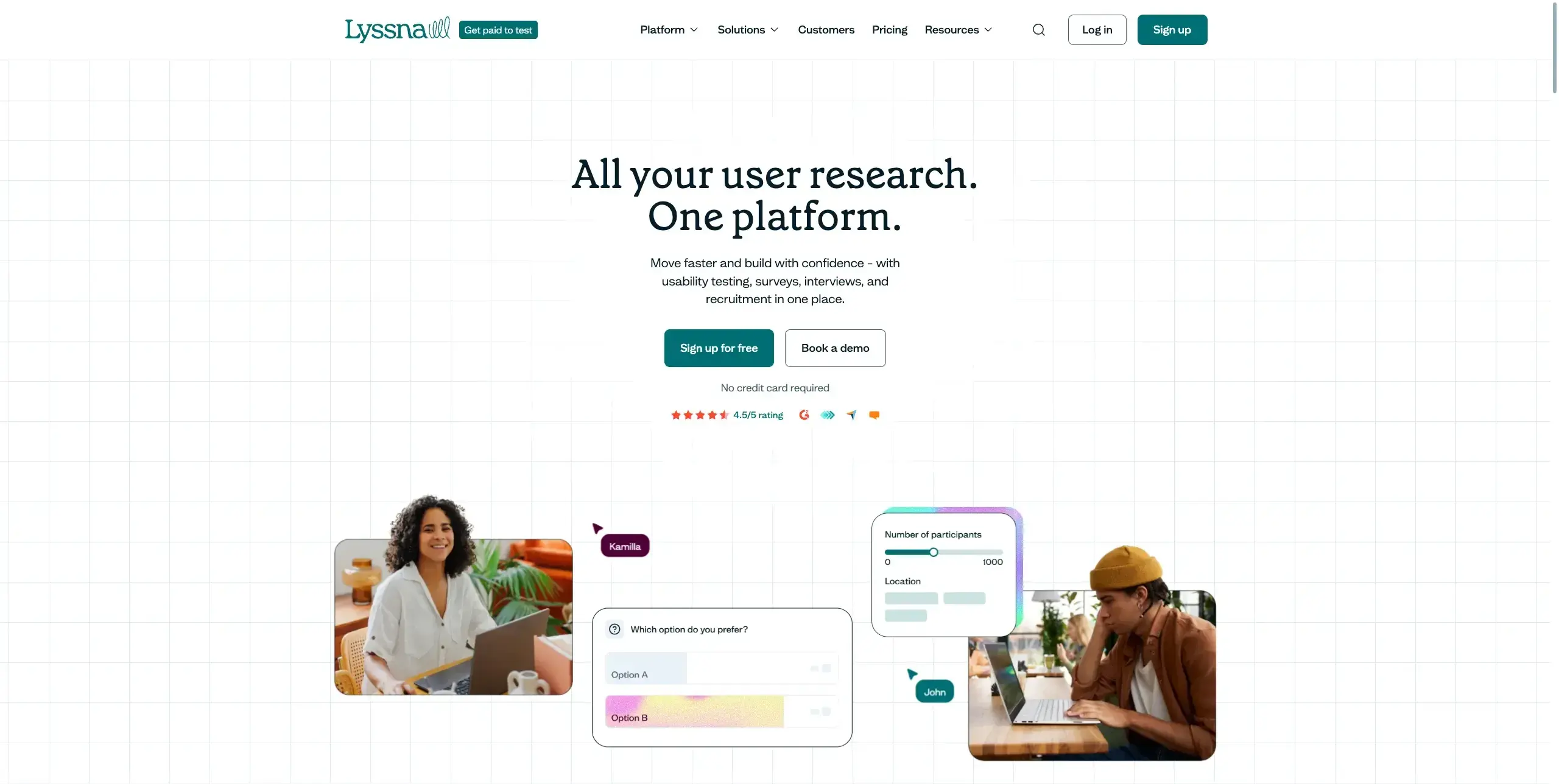
Lyssna is an all-in-one user research platform that puts human insights at the center of landing page optimization. With a 690,000+ participant panel and quick setup, you can run tests and action results quickly, often within minutes.
When it comes to landing page optimization, you'll find several features that streamline the testing process:
Five second tests: Capture users' first impressions and check whether your landing page communicates its purpose clearly. These tests measure initial reactions by showing participants your page for just five seconds before asking targeted questions like "What is this page about?" or "What action does this page want you to take?"
First click tests: Measure how users complete tasks and see how long they take. Testing your landing page can help show if your links or CTAs are in the right place. First click tests track where users click when trying to complete a specific task, how long it takes them to decide, success rate in selecting the correct element, and areas causing confusion or distraction.
Preference tests: Show multiple landing page designs to understand which option resonates best. Present users with two or more variations and ask specific questions about which design communicates trust more effectively, which layout feels easier to navigate, and which version best communicates your core message.
Live website testing: Watch users interact with live landing pages through screen, audio, and camera recordings. This can be conducted in moderated format (you observe and guide users in real time) or unmoderated format (users complete tasks independently while being recorded).
Lyssna allows you to run tests on a highly targeted audience, selecting participants based on 395+ demographic attributes including job role, industry, company size, and more, so your feedback reflects the people you actually want to reach.
In Lyssna, you can view first click test results as a click map or heatmap, and create highlights to analyze click clusters, including time-to-click. You can also filter to a cluster to analyze follow-up questions and find out why users were drawn to a particular area.
G2 rating: 4.5/5
Pricing: Free plan available; paid plans start at $166/month. Panel responses are pay-as-you-go.
Best for: Marketing teams who want to test messaging and visuals before launching campaigns, designers looking to validate UI decisions, and startups working with tight budgets but still wanting to validate ideas with real users.

Practitioner insight: "The ability for us to design a quick mockup, run it on Lyssna and receive feedback within an hour has helped us reach definitive design decisions much sooner than before."
– Chris Taylor, Senior UX/UI Designer at Canstar
2. UserTesting
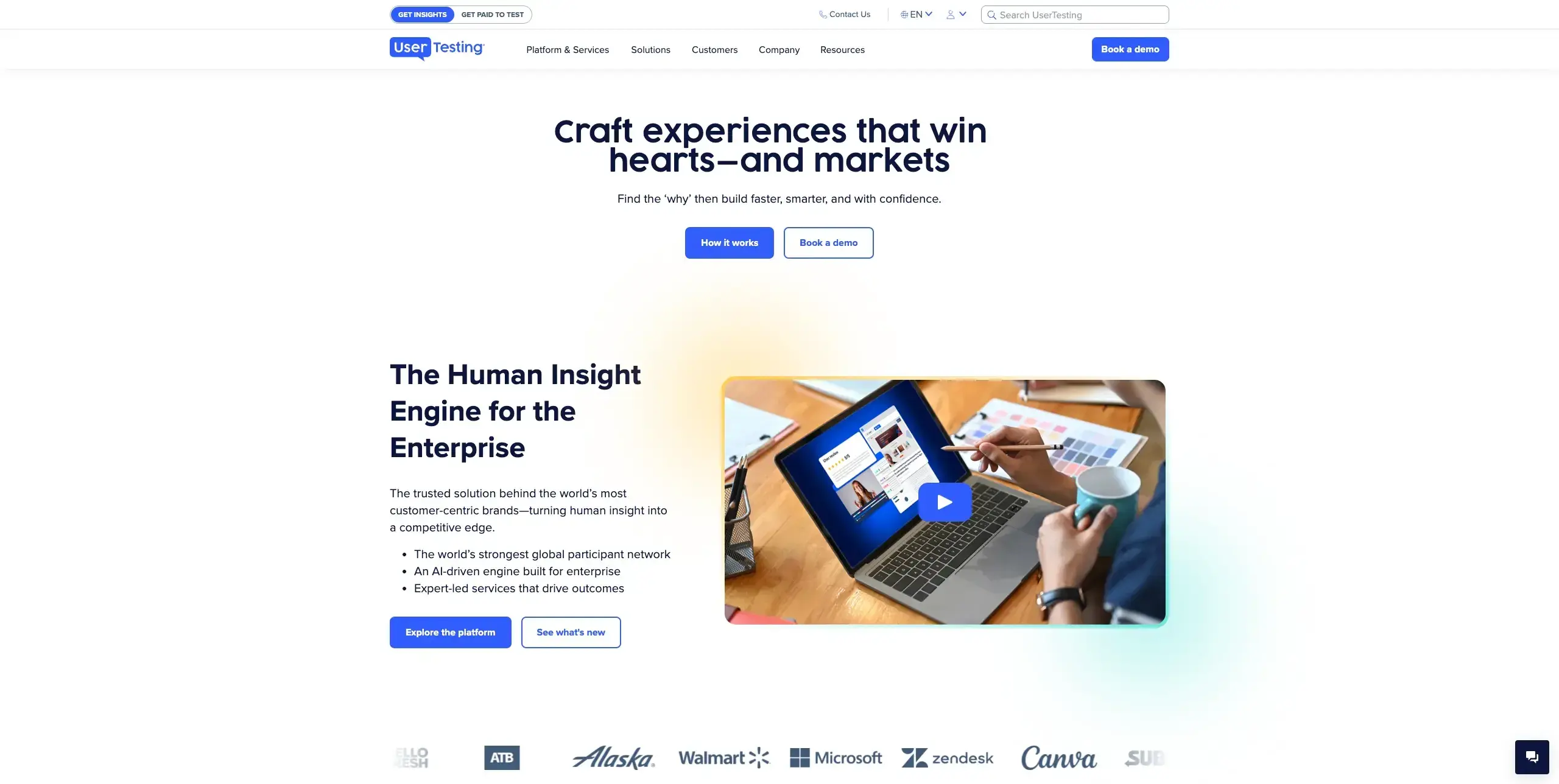
UserTesting provides on-demand access to user feedback through video recordings of real people interacting with your landing pages. You can watch users think aloud as they navigate, revealing friction points and confusion that metrics alone won't show.
For gathering detailed user feedback on landing pages, the platform provides:
Video-based user feedback: Watch real users interact with your landing pages while narrating their thought process, capturing reactions, confusion, and moments of delight that quantitative data can't reveal.
Large participant panel: Access a global network of participants with demographic targeting to get feedback from audiences who match your customer profile.
Highlight reels: Compile key moments from user sessions into shareable video clips, making it easier to communicate findings and build stakeholder buy-in.
Template library: Choose from pre-built test templates for common scenarios like first impressions, navigation tasks, and messaging clarity to get started quickly.
G2 rating: 4.5/5
Pricing: Custom pricing (enterprise-focused)
Best for: Enterprise teams needing comprehensive video feedback and detailed user insights.
3. Maze
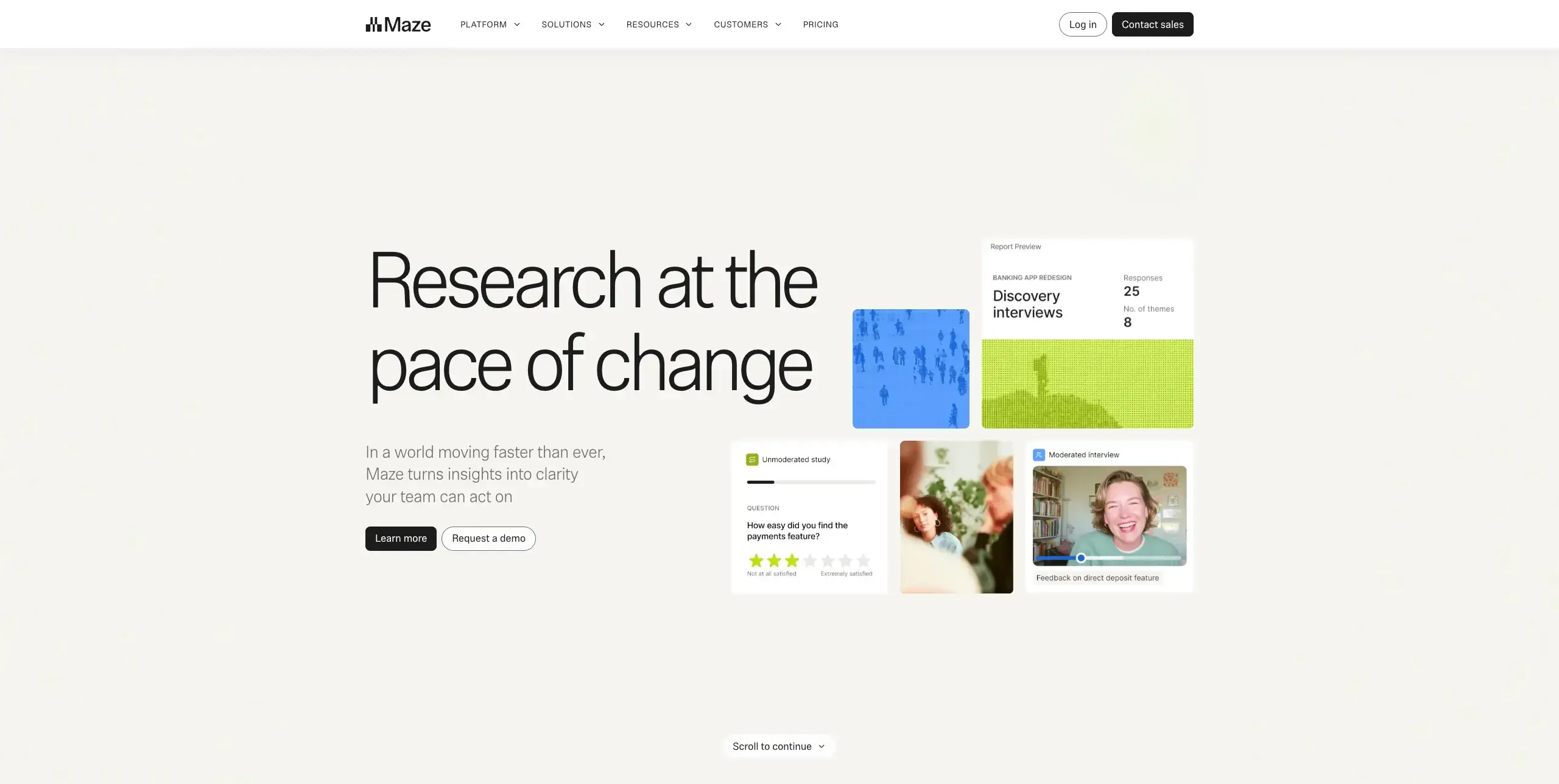
Maze focuses on rapid prototype and live site testing, integrating directly with design tools like Figma. It's particularly useful for testing landing page designs before they go live.
Maze includes several features that support landing page testing:
Direct Figma integration: Import prototypes straight from Figma (as well as Sketch and Adobe XD) to create interactive tests without leaving your design workflow.
Automated usability metrics: Get standardized usability scores, misclick rates, and task completion data automatically calculated from each test session.
Heatmaps and click tracking: Visualize where users click on your landing page prototypes to identify patterns, including areas of confusion or missed CTAs.
Mission-based testing: Set specific tasks for participants to complete on your landing page, then measure success rates and the paths users take to reach their goals.
G2 rating: 4.5/5
Pricing: Free plan available, paid plans from $99/month
Best for: Design teams who want to test prototypes quickly within their existing workflow.
Heatmapping and behavior analytics tools
These tools show you exactly how visitors interact with your landing pages through visual representations of clicks, scrolls, and mouse movements.
4. Hotjar
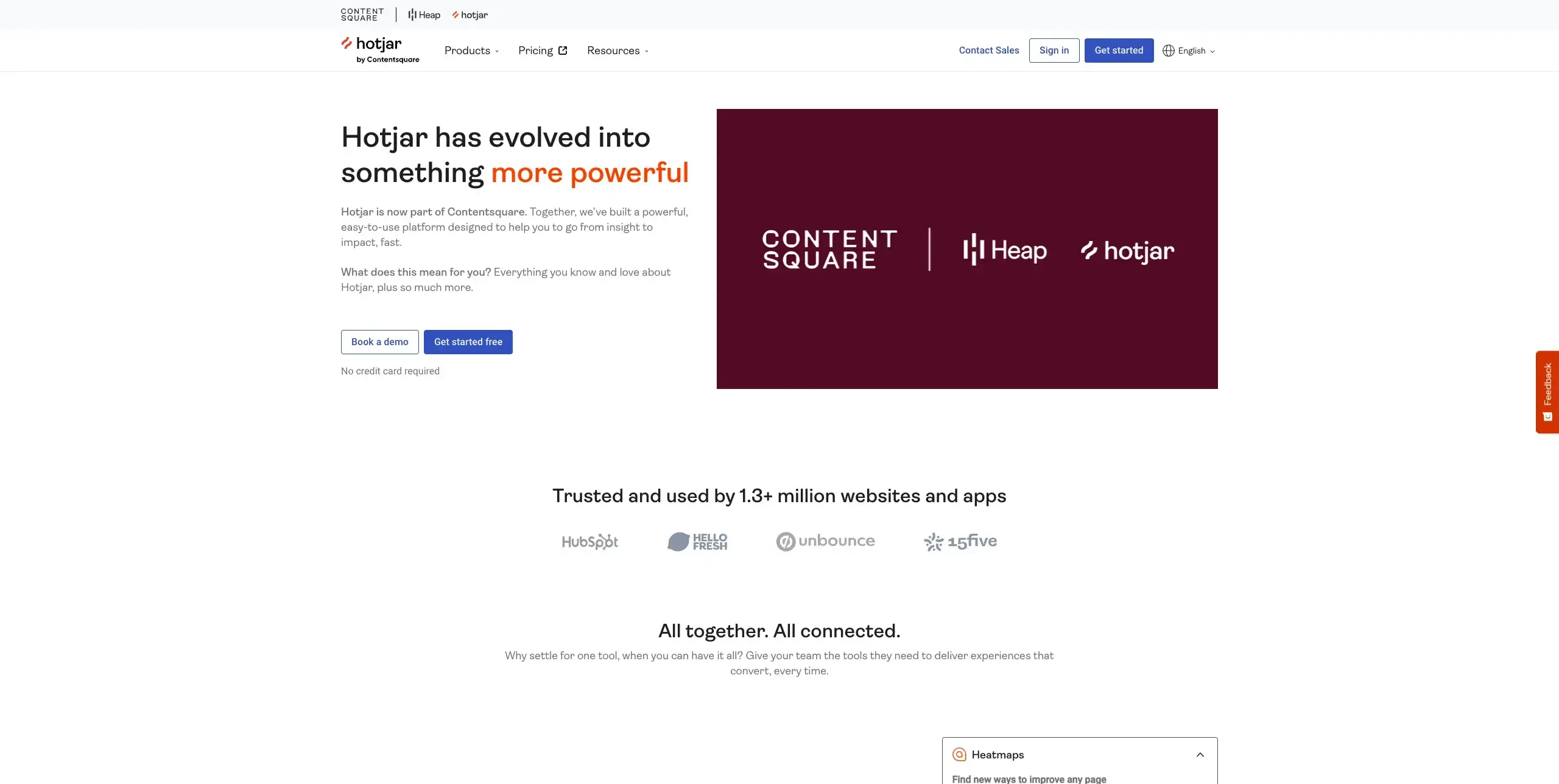
Hotjar combines heatmaps, session recordings, and feedback tools in one platform. It's a popular choice for understanding user behavior on landing pages.
Three types of heatmaps help you analyze landing page performance:
Click heatmaps: Show where users click or tap, helping you identify whether your CTAs are attracting attention or if users are clicking on non-interactive elements.
Move heatmaps: Track mouse movements across the page, indicating areas of interest and potential confusion that might not show up in click data alone.
Scroll heatmaps: Measure how far down the page users scroll, revealing whether key content and CTAs are being seen or if visitors drop off before reaching them.
Beyond heatmaps, the platform includes several additional features for landing page optimization:
Session recordings: Watch replays of individual user sessions to see exactly how visitors navigate your landing page, where they hesitate, and what causes them to leave.
Feedback polls and surveys: Collect direct user feedback through on-page polls and targeted surveys, helping you understand the "why" behind user behavior patterns.
Funnel analysis: Track how users move through multi-step conversion flows to identify where they drop off and which steps create the most friction.
Form analytics: Analyze how users interact with lead capture forms, including which fields cause abandonment and how long each field takes to complete.
G2 rating: 4.3/5
Pricing: Free plan available, paid plans from $39/month
Best for: Teams wanting an all-in-one behavior analytics solution at an accessible price point.
5. Crazy Egg
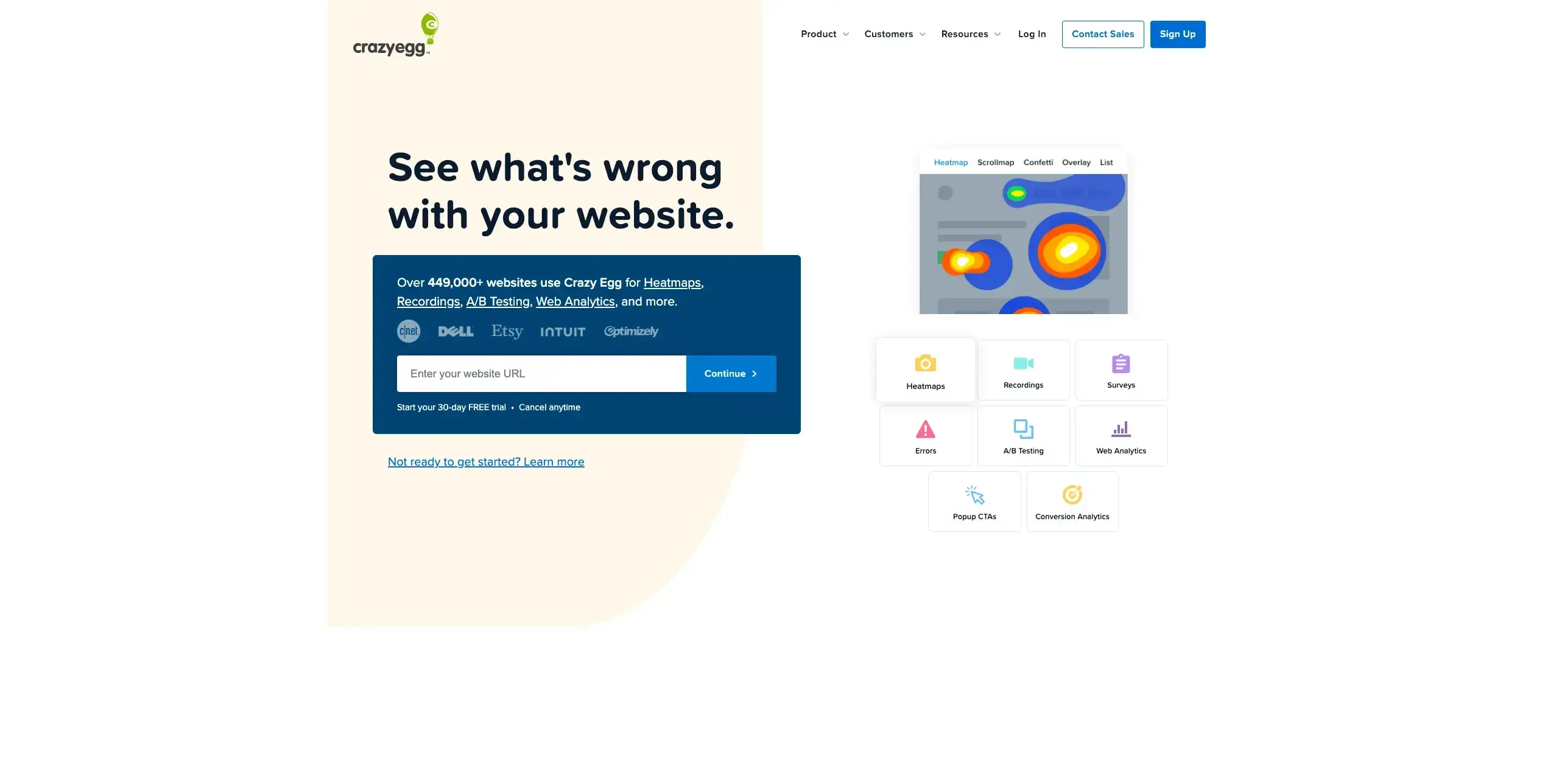
Crazy Egg pioneered heatmapping and continues to offer robust visual analytics for landing page optimization. Their confetti reports show individual clicks, helping you understand different user segments.
Crazy Egg provides several features for visualizing and improving landing page performance:
Heatmaps and scroll maps: Visualize where users click and how far they scroll on your landing pages, with multiple report types including overlay and list views for analyzing behavior from different angles.
Confetti reports: Break down individual clicks by referral source, search term, and other variables, helping you understand how different audience segments interact with the same page.
A/B testing (Plus plan and above): Test different page variations directly within the platform, eliminating the need for a separate testing tool and making it easy to act on heatmap findings.
Snapshots: Capture point-in-time heatmap reports for specific pages, allowing you to track how user behavior changes after design updates or content revisions.
G2 rating: 4.2/5
Pricing: From $29/month (billed annually)
Best for: Small to mid-size teams wanting straightforward heatmapping with built-in testing.
6. Contentsquare
Contentsquare (which acquired Hotjar in 2021) provides enterprise-grade digital experience analytics. It goes beyond basic heatmaps to offer zone-based analysis and revenue attribution.
For teams working at scale, the platform offers several advanced features for understanding landing page performance:
Zone-based heatmaps: Analyze interactions with specific page elements like CTAs, images, and content blocks, providing metrics such as click rate, hover time, and scroll exposure for each zone.
Customer journey analysis: Map out complete visitor paths across your site using sunburst visualizations, helping you identify where users drop off and which routes lead to conversions.
Revenue and conversion attribution: Quantify the business impact of individual page elements and design changes through Impact Quantification, connecting user behavior directly to revenue outcomes.
AI-powered insights: Surface anomalies, friction points, and opportunities automatically through AI Sense, reducing the time spent manually analyzing data.
G2 rating: 4.7/5
Pricing: Custom enterprise pricing
Best for: Enterprise teams needing deep analytics tied to business outcomes.
7. Mouseflow
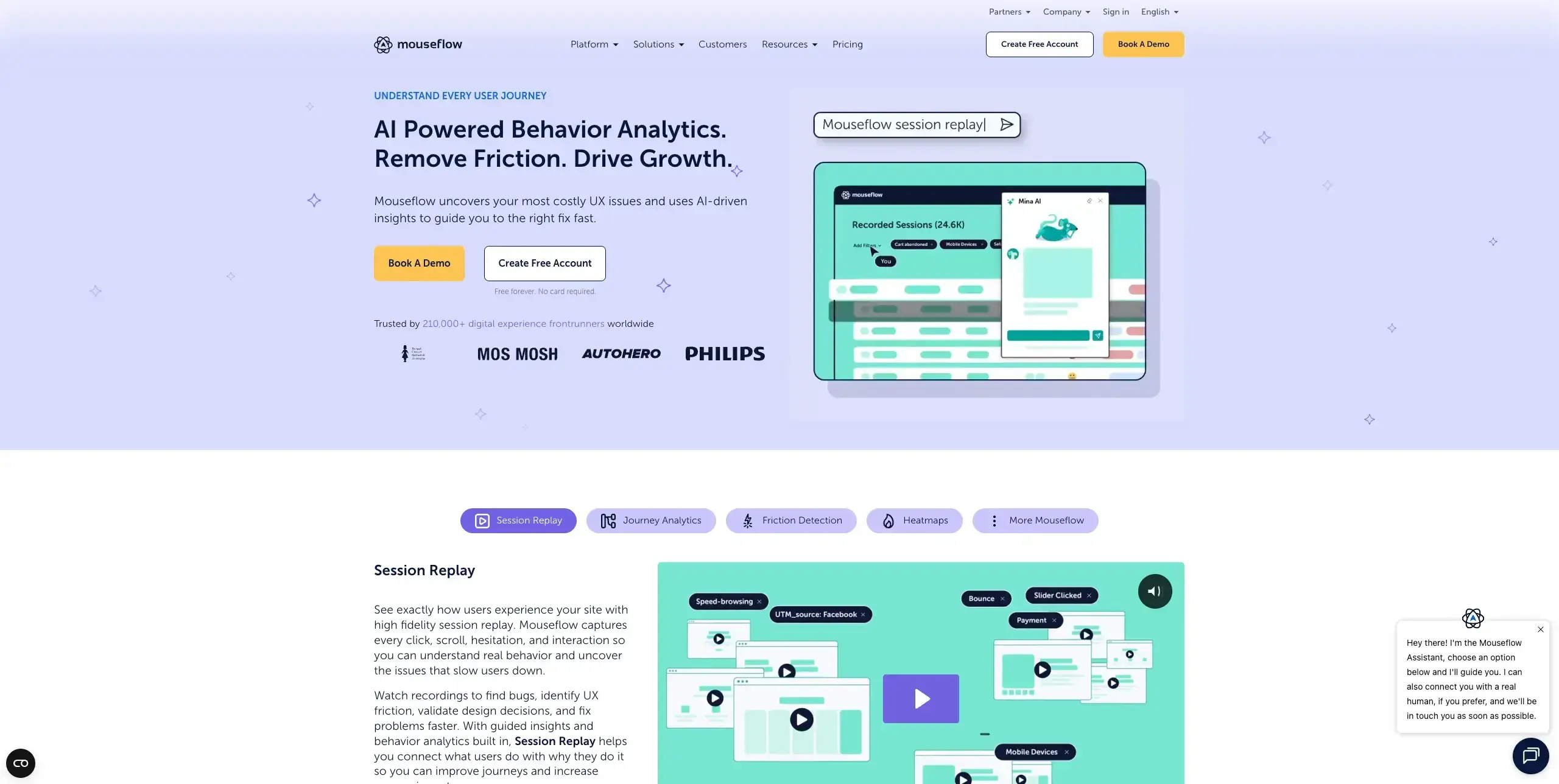
Mouseflow offers session replay and heatmaps with a focus on form analytics, making it particularly useful for landing pages with lead capture forms.
If your landing pages rely on lead capture forms, you'll benefit from several features designed to pinpoint where users struggle:
Session recordings: Watch real visitor sessions to see exactly how users navigate your landing pages, with automatic friction detection that flags rage clicks, U-turns, and other signs of frustration so you can prioritize the most telling recordings.
Six types of heatmaps: Analyze user behavior through click, scroll, movement, attention, geo, and live heatmaps, all generated automatically for every page without manual setup.
Form analytics and friction detection: Track how users interact with lead capture forms field by field, identifying which fields cause hesitation, errors, or abandonment so you can streamline the conversion process.
Funnel visualization: Build custom conversion funnels to pinpoint exactly where users drop off between landing page entry and form submission, helping you focus optimization efforts on the highest-impact steps.
G2 rating: 4.6/5
Pricing: Free plan available, paid plans from $31/month
Best for: Teams with form-heavy landing pages who need to identify where users abandon.
8. FullStory
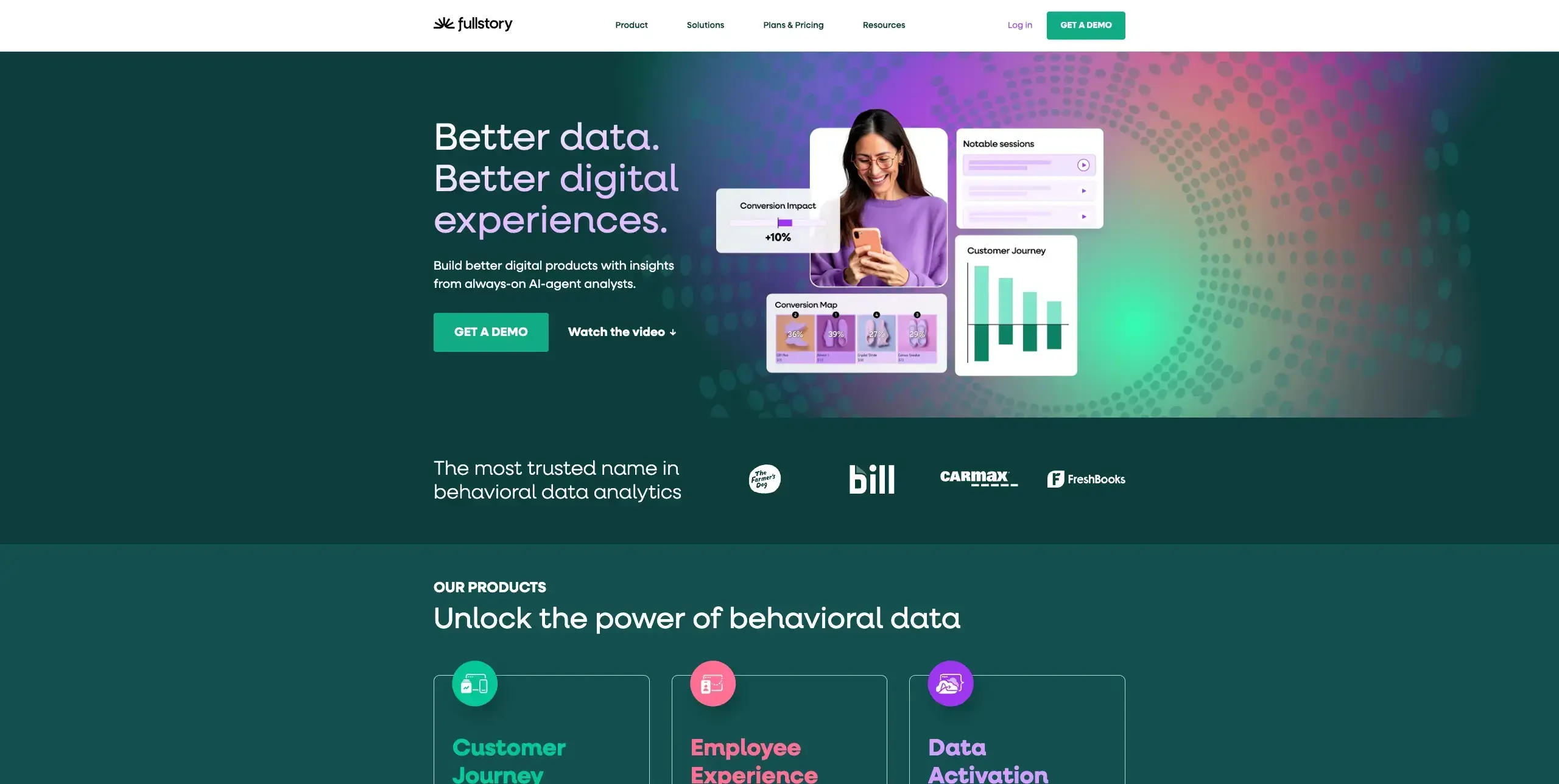
FullStory combines session replay with powerful search capabilities, letting you find specific user behaviors across thousands of sessions quickly.
With tagless autocapture recording every user interaction automatically, you'll have access to several features that help you diagnose and optimize landing page performance:
Searchable session replay: Search across all recorded sessions using any combination of user actions, page elements, or custom attributes, then replay specific sessions to see exactly what happened. Because autocapture records everything without manual event tagging, you can search retroactively for behaviors you didn't anticipate tracking.
Frustration signals detection: Automatically surface moments where users struggle, including rage clicks, dead clicks, error clicks, and back-and-forth navigation, so you can prioritize the most impactful fixes on your landing pages.
Custom event tracking: Layer custom events and attributes on top of autocapture data to track specific landing page interactions like CTA clicks, form submissions, or scroll milestones with more granular control.
Integrations with analytics platforms: Connect FullStory data with tools like Google Analytics, Slack, Jira, and Salesforce to share session insights across teams and incorporate behavioral data into your existing workflows.
G2 rating: 4.5/5
Pricing: Free plan available, paid plans require custom pricing
Best for: Product and marketing teams who need to quickly find and analyze specific user behaviors.
A/B testing and experimentation tools
These tools let you test different versions of your landing pages to determine which performs better with real traffic. For the most reliable results, effective A/B tests should focus on one change at a time for clear causality, run until statistical significance is achieved, test meaningful changes that align with conversion goals, and measure impact on both micro and macro conversions.
9. Optimizely
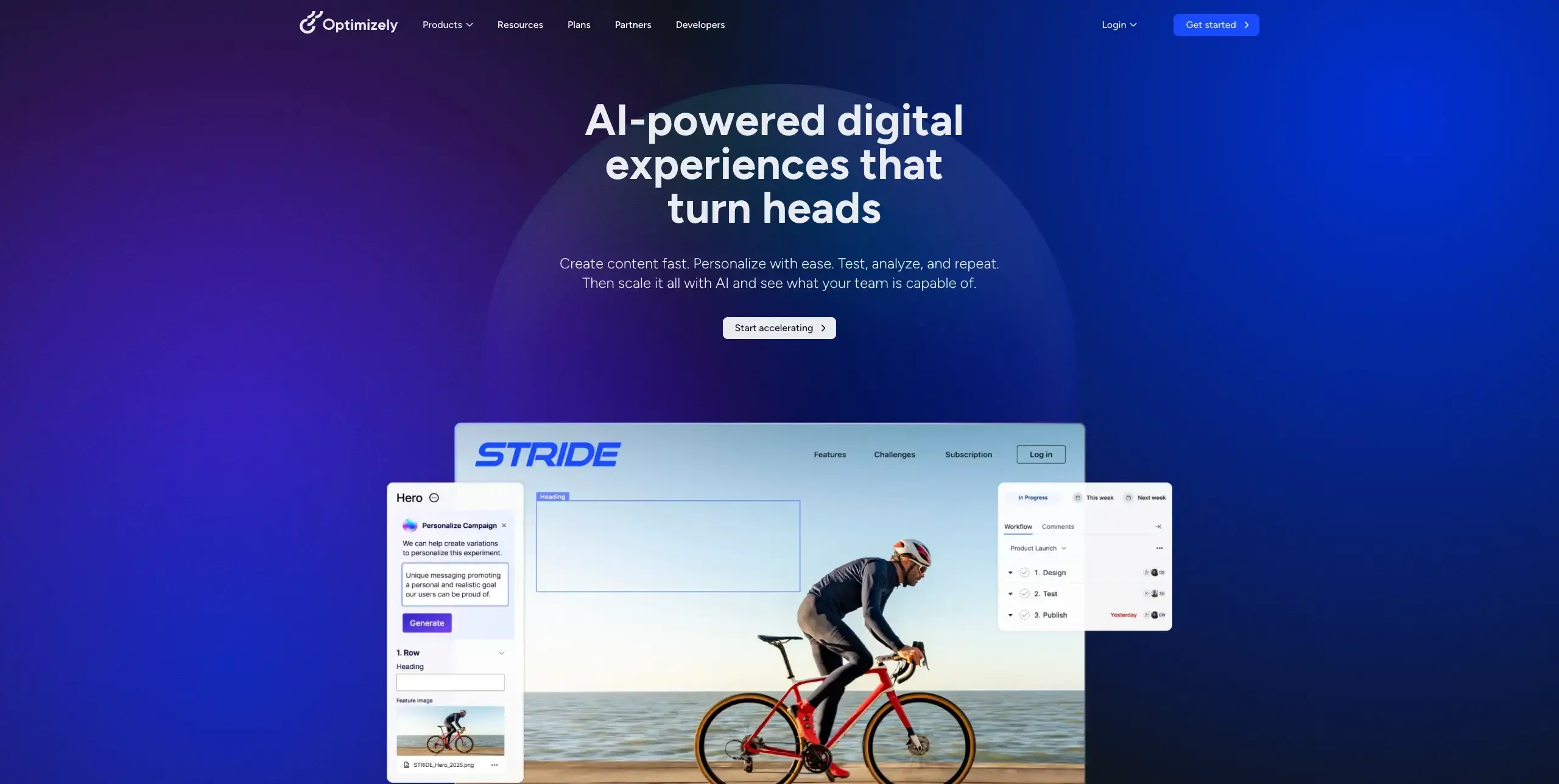
Optimizely is an enterprise experimentation platform offering sophisticated A/B testing, multivariate testing, and personalization capabilities.
Whether you're running front-end page tests or full-stack product experiments, the platform provides several features for optimizing landing page performance:
Visual editor for creating variations: Build and preview landing page variations using a point-and-click editor without writing code, making it easy for marketers to set up tests independently of engineering teams.
Statistical significance calculations: Rely on Optimizely's proprietary stats engine to determine when your test results are conclusive, removing the guesswork from deciding when to call a winner.
Audience targeting and segmentation: Define precise audience segments based on behavior, geography, device type, or custom attributes, then serve different landing page variations to each group.
Full-stack experimentation: Test beyond front-end page changes by running server-side experiments across web, mobile, and backend systems, giving product teams the ability to experiment on features and algorithms alongside marketing-focused page tests.
G2 rating: 4.2/5
Pricing: Custom enterprise pricing
Best for: Enterprise teams running sophisticated experimentation programs.
10. VWO (Visual Website Optimizer)
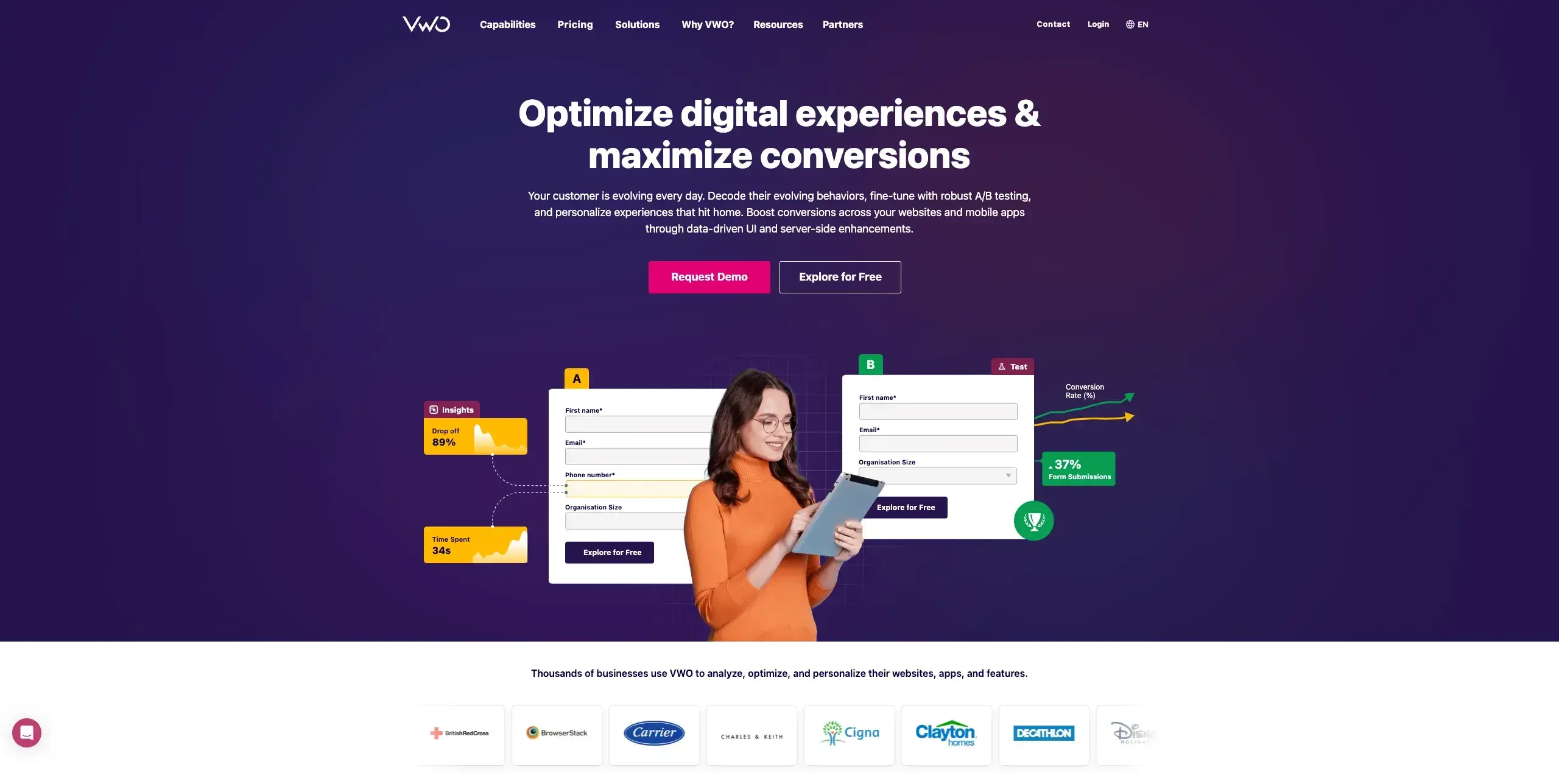
VWO provides a comprehensive conversion optimization platform combining A/B testing, heatmaps, session recordings, and surveys.
As an all-in-one CRO platform, VWO bundles testing and behavioral analytics together, so you don't need separate tools for each:
A/B and multivariate testing: Run A/B, split URL, and multivariate tests using a visual editor that lets marketers create variations without developer support, backed by VWO's SmartStats engine for reliable statistical analysis.
Built-in heatmaps and recordings: Analyze user behavior directly alongside your experiments with click, scroll, and movement heatmaps, plus session recordings that show exactly how visitors interact with each variation.
Form analytics: Identify where visitors abandon your landing page forms with field-by-field analysis that tracks interaction time, drop-off rates, and blank submissions for each form field.
Personalization engine: Deliver tailored landing page experiences to different audience segments using behavioral targeting rules, so returning visitors or specific demographics see content matched to their interests.
G2 rating: 4.3/5
Pricing: Free plan available (limited), paid plans from $198/month (billed annually)
Best for: Mid-market teams wanting testing and analytics in one platform.
11. AB Tasty
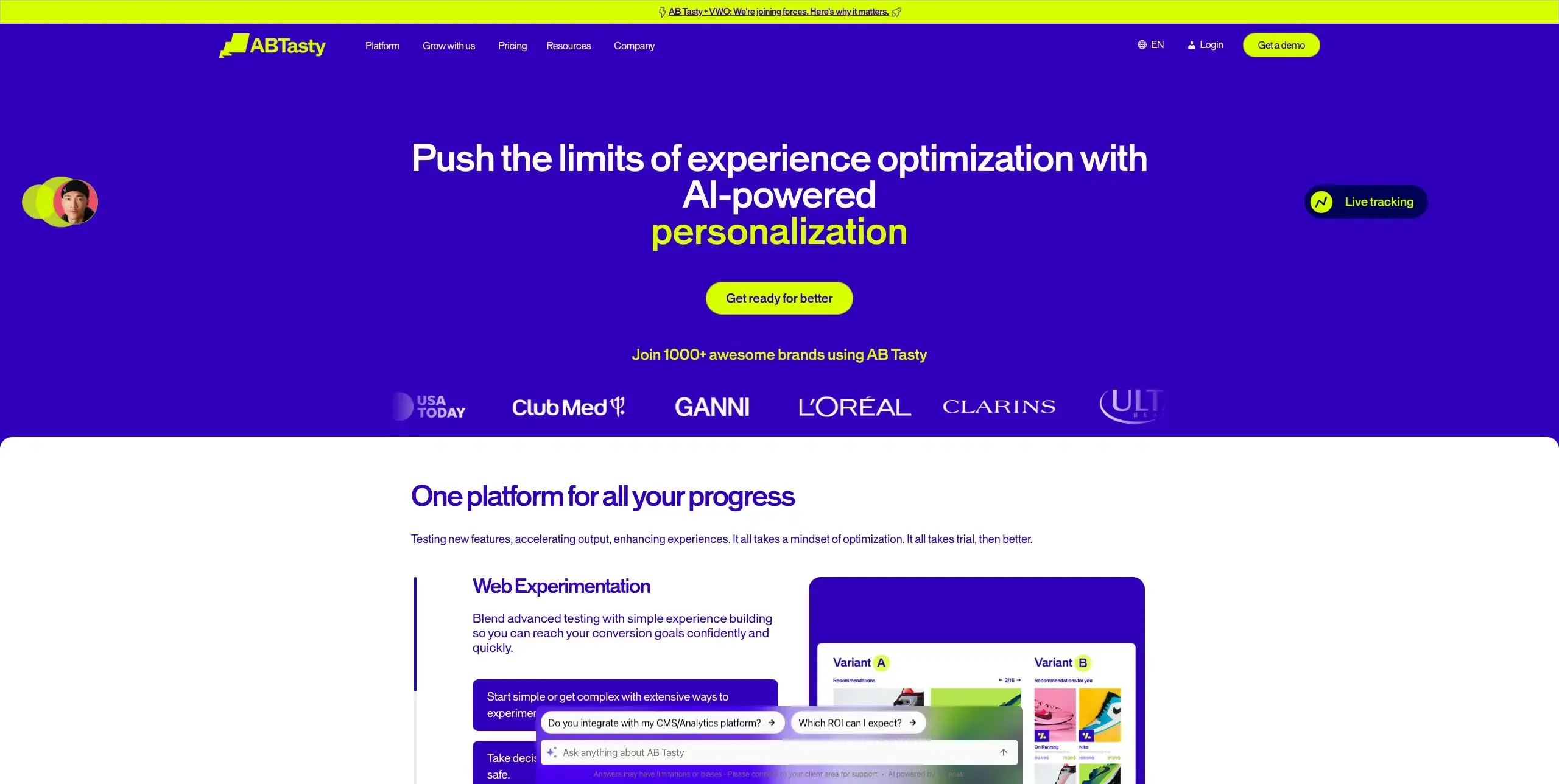
AB Tasty focuses on experimentation and personalization with an emphasis on ease of use and speed to launch tests.
If your marketing team needs to launch landing page experiments without waiting on developers, you'll find several features designed for speed and autonomy:
Visual editor with no coding required: Create and modify landing page variations using a drag-and-drop editor that works directly on your live site, including support for single-page applications and modern front-end frameworks.
AI-powered optimization: Leverage AB Tasty's EmotionsAI to automatically segment visitors based on emotional browsing patterns, plus an AI Copilot that suggests experiment ideas and analyzes qualitative feedback from surveys.
Personalization and segmentation: Deliver tailored landing page experiences to specific audience segments using behavioral, contextual, and AI-driven targeting rules, with native integrations to analytics platforms like GA4.
Campaign performance reporting: Track the impact of your experiments with built-in reporting that ties test variations to conversion metrics, helping you identify winning combinations and communicate results to stakeholders.
G2 rating: 4.5/5
Pricing: Custom pricing
Best for: Marketing teams who want to launch tests quickly without developer support.
12. Convert
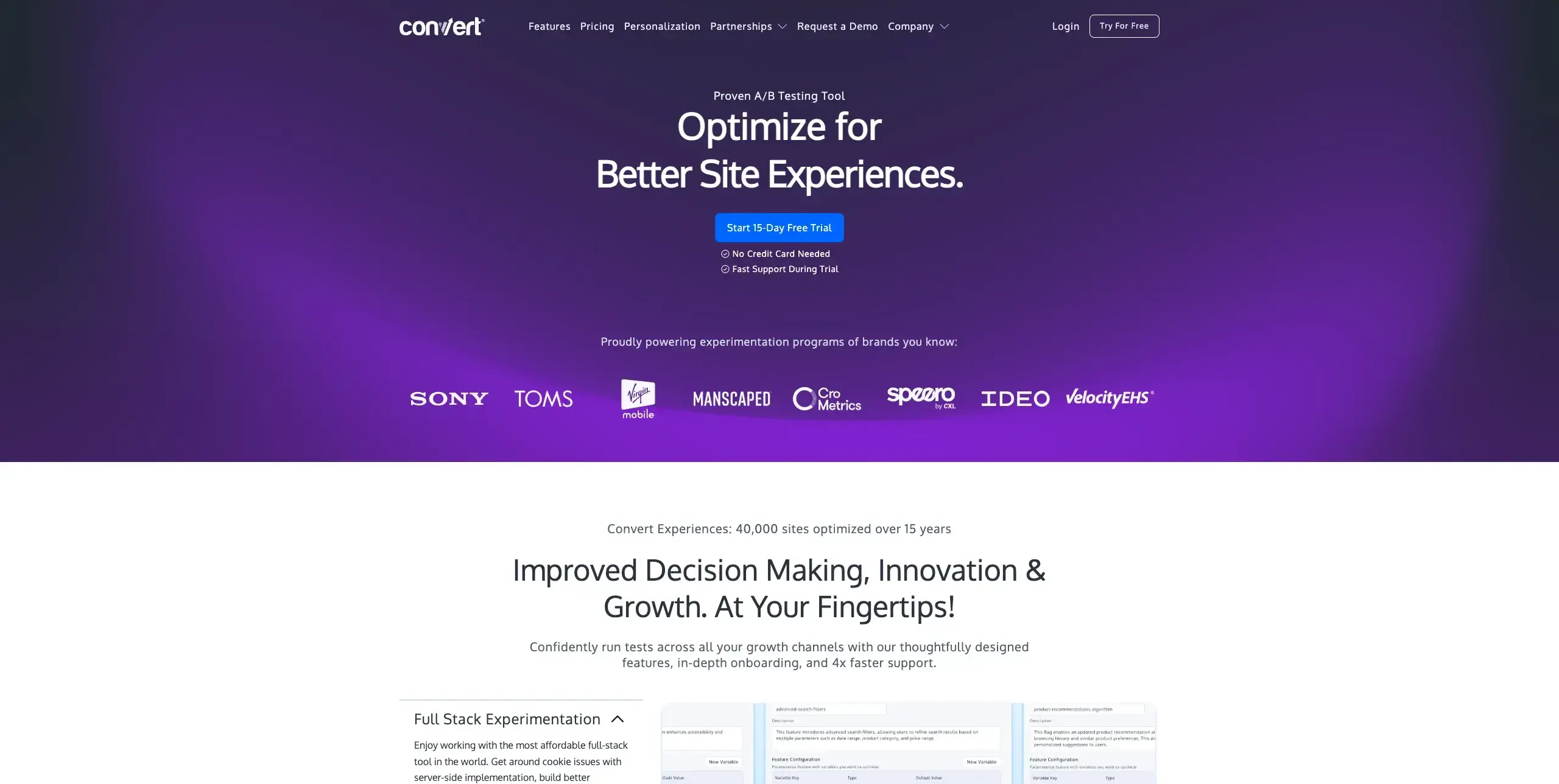
Convert is a privacy-focused A/B testing platform built for teams who need robust experimentation capabilities without compromising on data privacy or page performance.
For teams navigating GDPR, CCPA, or other privacy regulations, Convert offers a testing platform designed with compliance built in from the ground up:
A/B, split, and multivariate testing: Run A/B tests, split URL tests, multivariate experiments, and multipage tests from a single platform, with both a no-code visual editor for marketers and a code editor for developers who need more control.
Privacy-first architecture: Experiment confidently knowing Convert uses no third-party tracking, stores no personal data by default, and maintains a lightweight script that minimizes impact on page load times.
Advanced audience targeting: Define precise test audiences using over 40 filters, including behavior, geolocation, device type, traffic source, and cookies, so you can target the right landing page variations to the right visitors.
Transparent, self-serve pricing: Unlike many enterprise testing tools that require sales calls, Convert offers publicly listed monthly plans with no long-term contracts required, making it accessible to growing teams.
G2 rating: 4.7/5
Pricing: From $299/month
Best for: Teams prioritizing data privacy and GDPR compliance alongside robust A/B testing.
Landing page builders with optimization features
Unlike standalone A/B testing tools that work with your existing site, these platforms let you build dedicated landing pages from scratch with optimization and testing capabilities built right in. They're especially useful for marketing teams running paid campaigns who need to create, test, and iterate on landing pages without relying on developers or your main website's CMS.
13. Unbounce
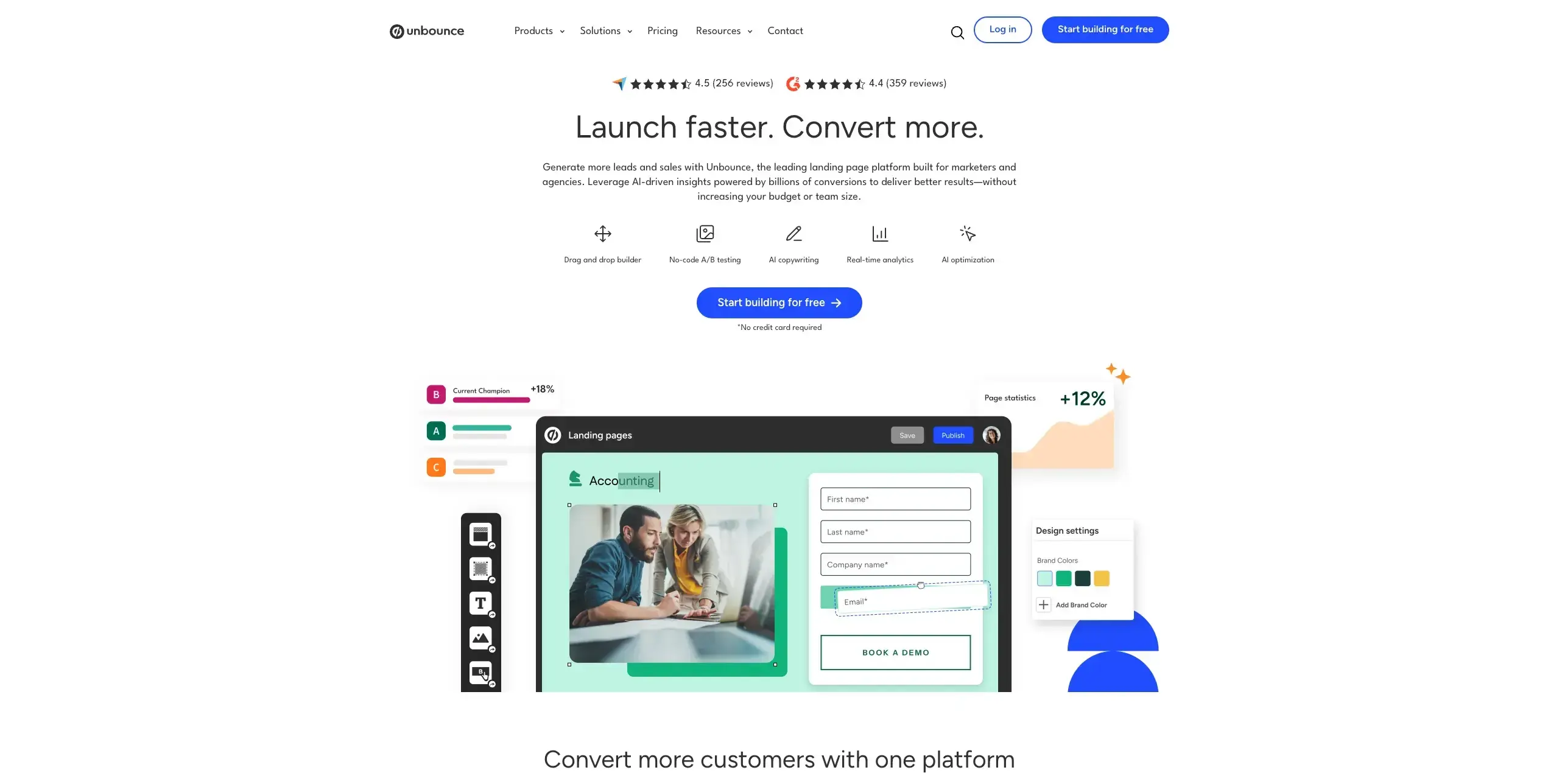
Unbounce is a dedicated landing page builder with AI-powered optimization features. Their Smart Traffic feature automatically routes visitors to the variant most likely to convert them.
For marketing teams building campaign-specific landing pages, the platform combines page creation and conversion optimization in one place:
Drag-and-drop page builder: Create landing pages from scratch or customize from a library of templates using a visual editor that requires no coding, with unlimited pages available across all plans.
Smart Traffic and A/B testing: Test landing page variations with built-in A/B testing, or let Smart Traffic use AI to automatically route each visitor to the variant most likely to convert them based on their attributes like device, location, and browsing behavior.
Dynamic text replacement: Automatically match your landing page headlines and copy to the search terms visitors used to find you, improving relevance and quality scores for paid search campaigns.
Pop-ups and sticky bars: Layer conversion elements on top of your landing pages with targeted pop-ups and sticky bars that can be triggered by scroll depth, time on page, or exit intent.
G2 rating: 4.4/5
Pricing: From $99/month (A/B testing from $149/month, Smart Traffic from $249/month)
Best for: Marketing teams who want to build and optimize landing pages without developer resources.
14. Instapage
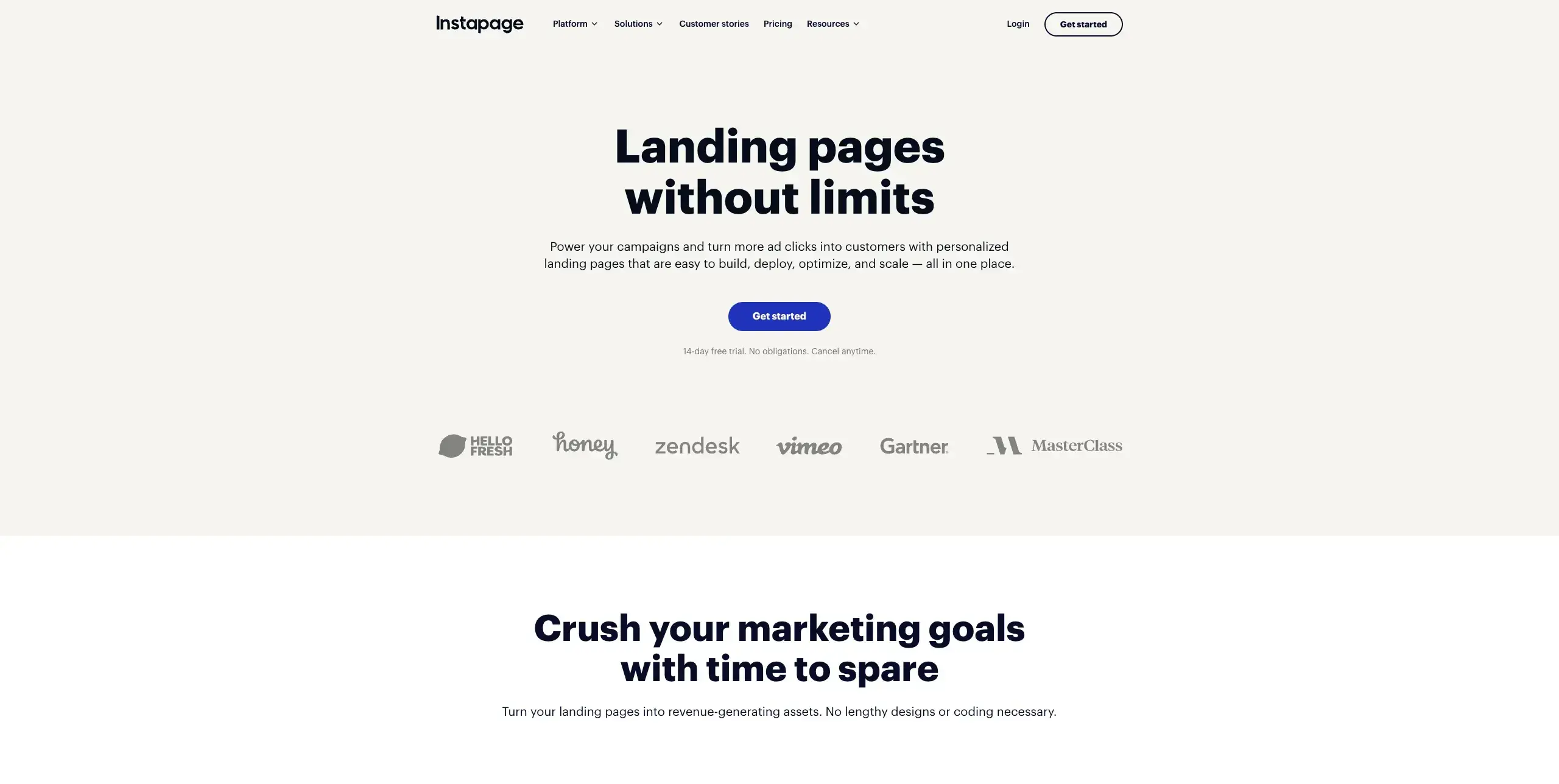
Instapage focuses on post-click optimization, helping you create personalized landing pages that match your ad campaigns.
Built around the idea that every ad deserves its own tailored experience, the platform connects your campaigns to dedicated pages at scale:
AdMap campaign visualization: Maps your ad campaigns directly to corresponding landing pages, so you can manage which ads connect to which page experiences from a single visual dashboard.
Dynamic text replacement: Automatically swaps headline and copy elements to match each visitor's search terms or ad campaign parameters, improving relevance without creating separate pages for every keyword.
Real-time team collaboration: Built-in commenting lets designers, copywriters, and stakeholders leave feedback directly on the page, removing the need for separate review tools.
AI content generation: Creates headlines, CTAs, and body copy variations on demand, speeding up both initial page creation and A/B test variant setup.
G2 rating: 4.3/5
Pricing: From $99/month (A/B testing and dynamic text replacement from $199/month)
Best for: PPC teams running multiple ad campaigns who need matching landing pages.
15. Leadpages
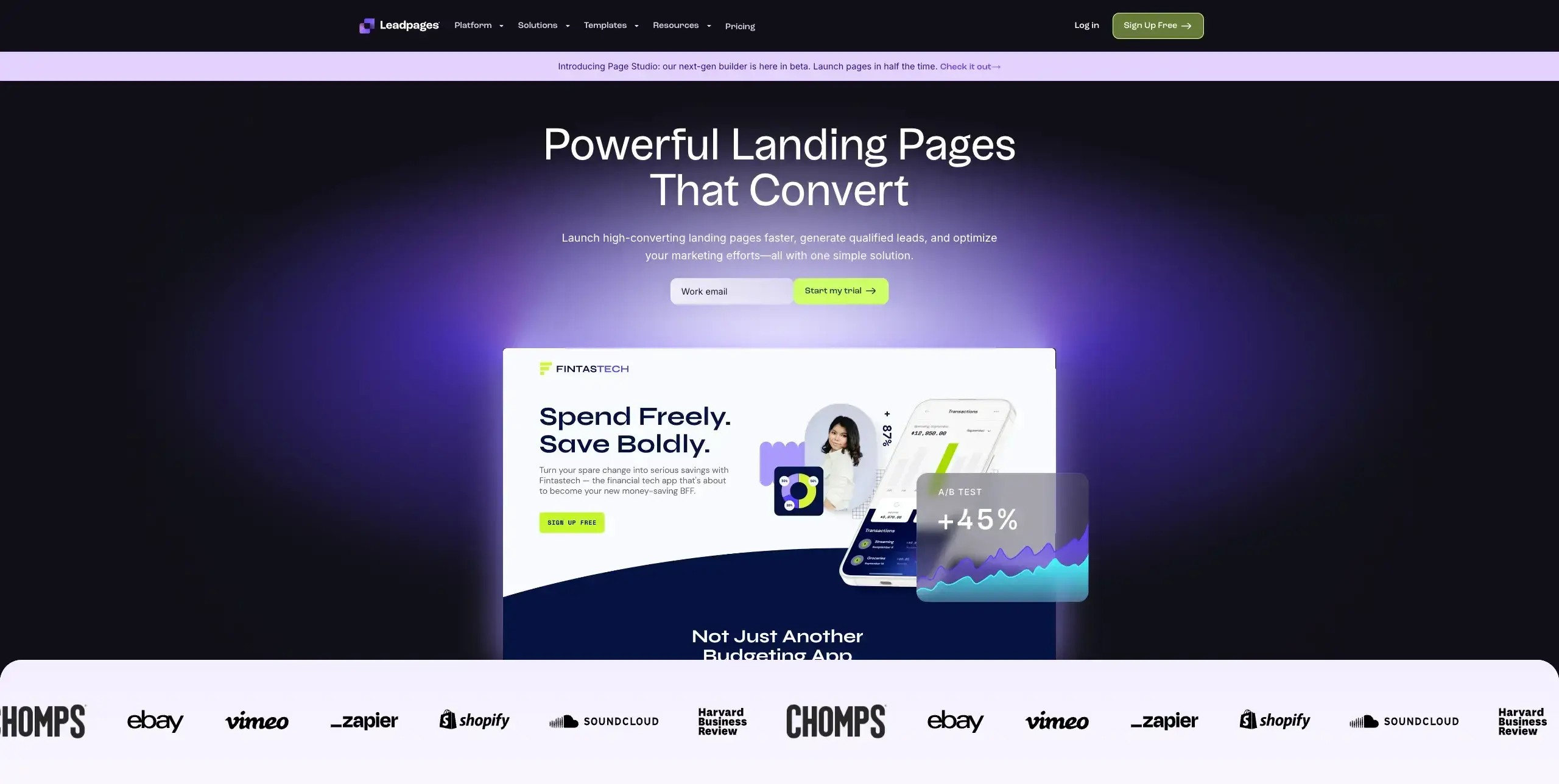
Leadpages offers an accessible landing page builder with conversion-focused templates and built-in analytics. With unlimited traffic and leads on every plan – a rarity among landing page builders – it's designed to remove growth penalties as your campaigns scale:
Conversion-ranked template library: Choose from 200+ mobile-responsive templates sorted by real conversion rate data, so you can start with designs that are already proven to perform.
Leadmeter optimization scoring: A real-time scoring tool that analyzes your page as you build it and suggests specific improvements to headlines, layout, and CTAs based on a decade of conversion benchmarks.
Built-in A/B testing: Create multiple page variations and control exact traffic split percentages to identify which headlines, images, or CTAs drive the highest conversions (Pro plan and above).
Pop-ups, alert bars, and opt-in forms: Layer additional conversion elements on top of your landing pages or existing website, with trigger options for timing, scroll depth, and exit intent.
G2 rating: 4.3/5
Pricing: From $49/month (A/B testing from $99/month on the Pro plan)
Best for: Small businesses and solopreneurs who need simple, effective landing pages.
Page speed and technical optimization tools
Even the best-designed landing page won't convert if it loads too slowly. Research consistently shows that conversion rates drop sharply with each additional second of load time, making page speed a critical, and often overlooked, part of landing page optimization.
These tools help you identify specific performance bottlenecks and fix them before they cost you conversions.
16. Google PageSpeed Insights
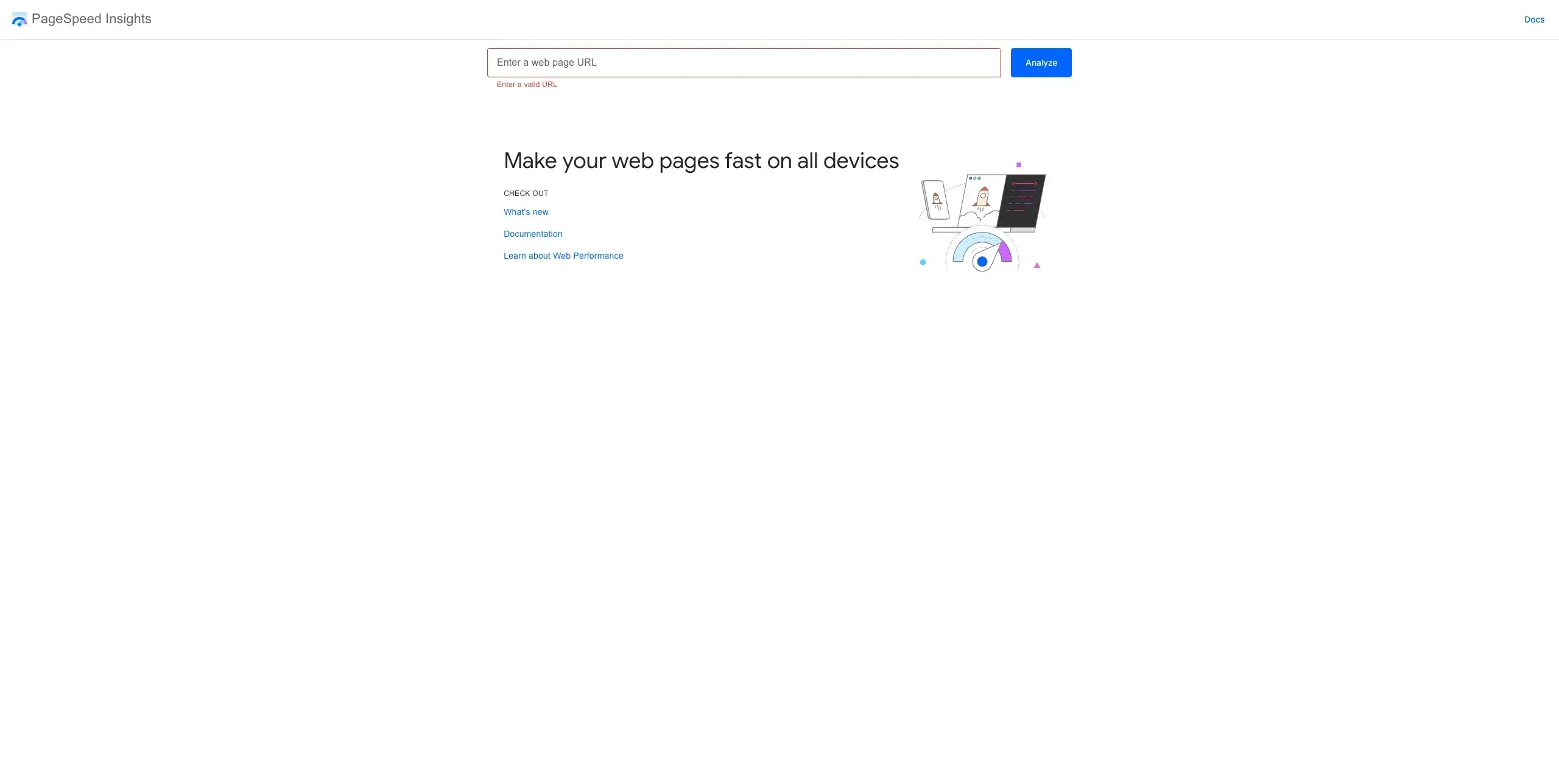
Google PageSpeed Insights is a free tool that analyzes your landing page performance and provides specific recommendations for improvement. It reports both lab data (simulated performance via Lighthouse) and field data (real Chrome user experiences collected over 28 days), giving you a complete picture of how your pages actually perform:
Performance scoring: Scores range from 0 to 100, where 90–100 is Good (green), 50–89 is Needs Improvement (orange), and 0–49 is Poor (red). However, the score that matters most for SEO isn't the overall number, it's whether your page passes the Core Web Vitals assessment below.
Largest Contentful Paint (LCP): Measures how quickly your main content loads. A slow LCP means visitors are staring at a blank or incomplete page while your hero image or headline renders.
Interaction to Next Paint (INP): Measures how responsive your page is to user input like clicks and taps. A poor INP score means your CTA buttons and forms feel sluggish, even if the page looks fully loaded.
Cumulative Layout Shift (CLS): Measures how stable your page layout is during loading. A high CLS means elements are shifting around as the page renders, which can cause visitors to click the wrong thing or lose trust in the experience.
Pricing: Free
Best for: Everyone. This should be part of every landing page optimization workflow.
17. GTmetrix
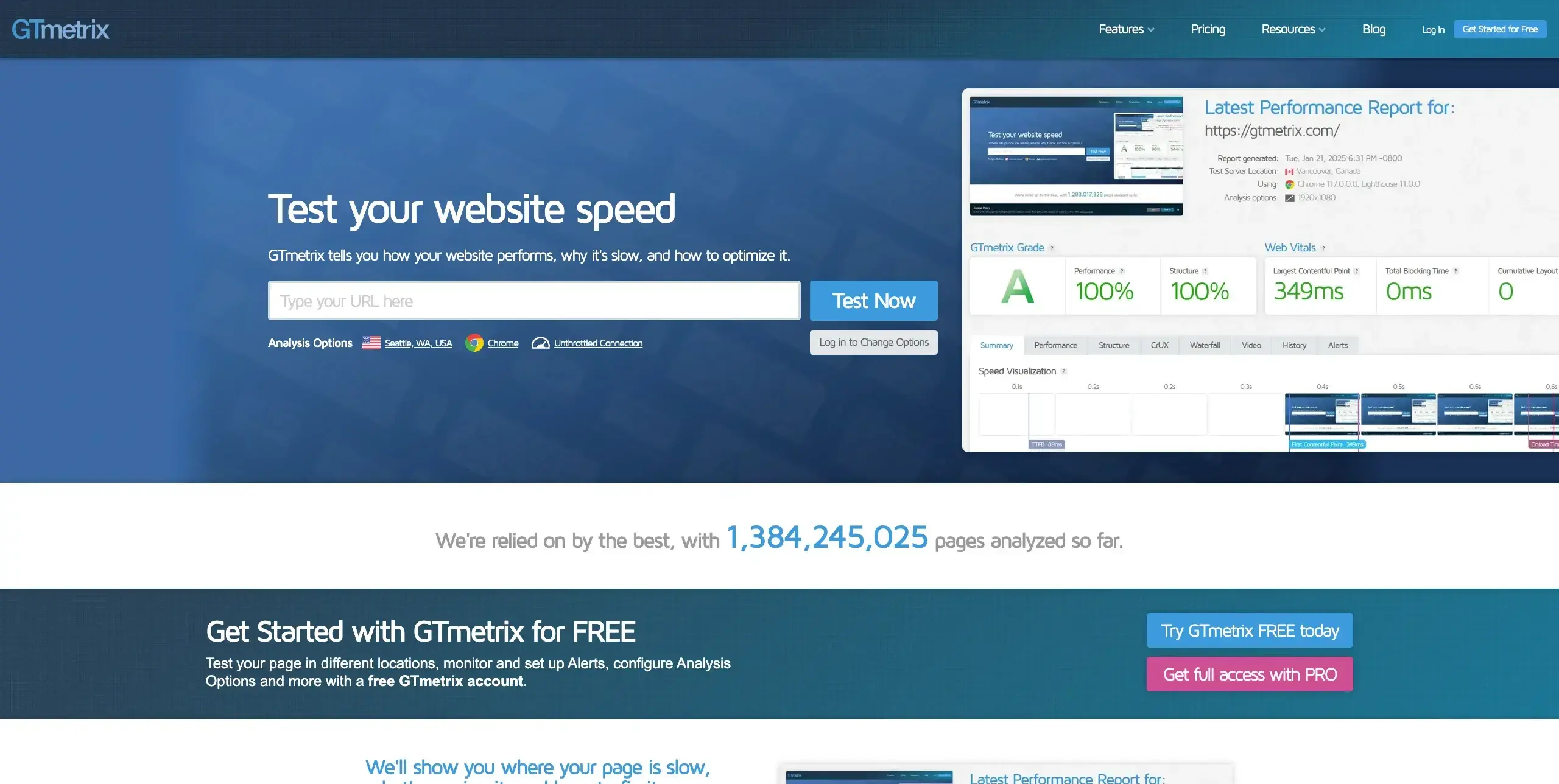
While PageSpeed Insights gives you a snapshot of how your page performs, GTmetrix goes deeper with visual diagnostics that show you exactly where bottlenecks occur in the loading sequence. It's particularly useful for diagnosing why a landing page feels slow, not just confirming that it is:
Waterfall charts: Visualize every single request your page makes during loading, displayed in sequence with timing bars, so you can pinpoint which scripts, images, or third-party resources are causing delays.
Video playback and filmstrip view: Watch a frame-by-frame recording of how your page renders from a visitor's perspective, making it easy to spot elements that load late or cause visible layout shifts.
Multi-location testing: Test your landing page performance from 22+ server locations worldwide to identify geographic speed variations that could be affecting conversion rates for specific audience segments.
Scheduled monitoring and alerts: Set your pages to be tested on a recurring schedule (hourly on higher plans) and receive email alerts when performance drops below your defined thresholds.
Pricing: Free plan available (account required), paid plans from $5/month (Micro) or $14.95/month (Solo with full PRO features)
Best for: Teams who need detailed technical insights into page performance beyond what PageSpeed Insights provides.
Survey and feedback tools
Analytics and heatmaps show you what visitors are doing on your landing pages, but they don't explain why. Survey and feedback tools fill that gap by capturing visitor intent, confusion points, and objections in their own words, giving you qualitative context that helps you prioritize which elements to optimize next.
18. Typeform
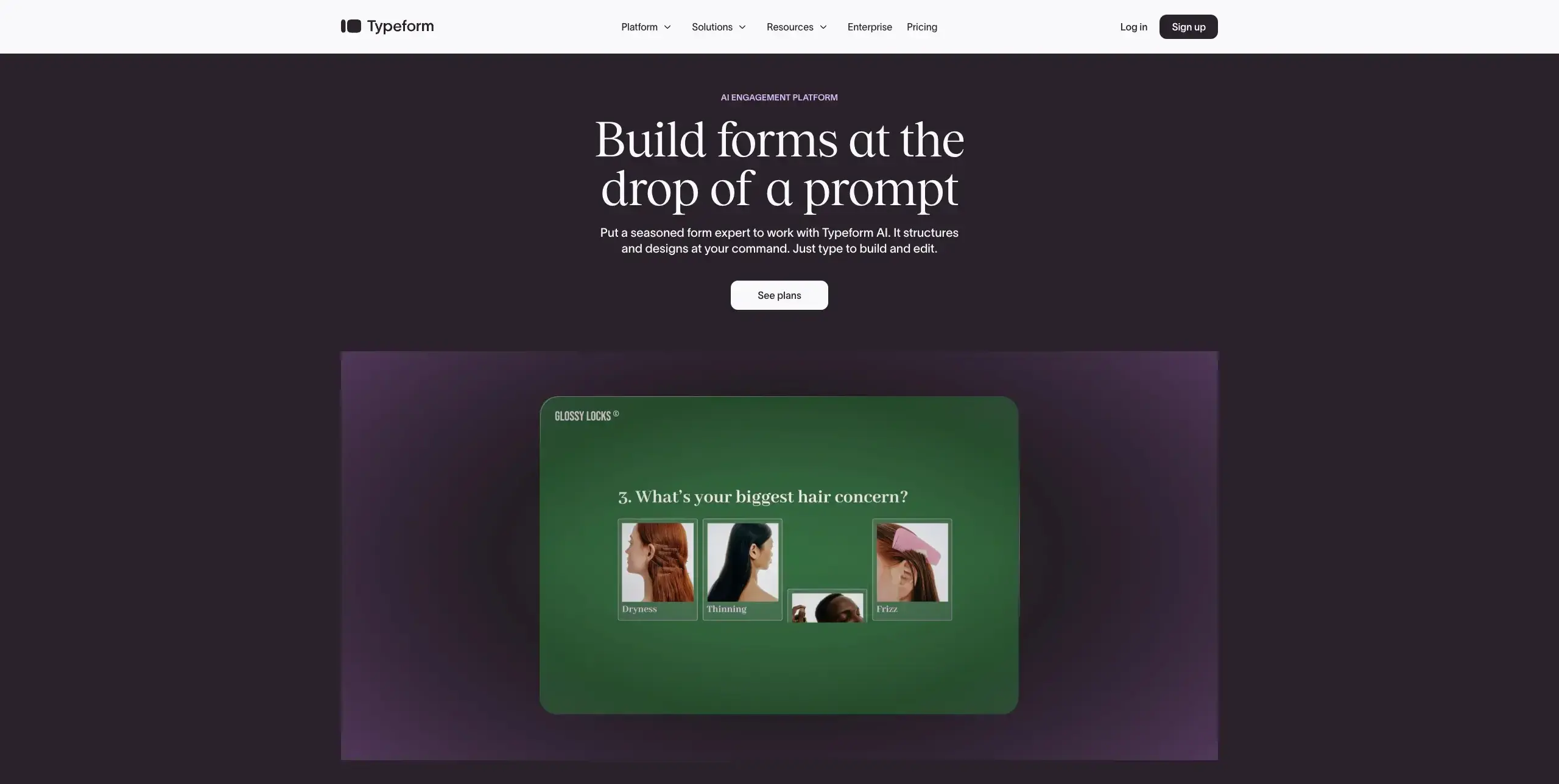
Traditional survey forms can feel like a chore, which means visitors who click away before finishing leave you with incomplete data. Typeform's one-question-at-a-time format turns feedback collection into a conversation, and that design choice has a measurable impact on completion rates. Here are the features that make it especially useful for gathering landing page feedback:
One-question-at-a-time conversational flow: Instead of presenting a wall of fields, Typeform guides visitors through questions individually, reducing overwhelm and keeping them engaged. Independent reviewers have reported completion rates of 40–60% compared to 15–20% on traditional form builders.
Logic jumps and hidden fields: Conditional branching shows different questions based on previous answers, while hidden fields pass URL parameters like UTM data, so you can customize the survey experience based on which landing page or campaign drove the visitor.
Flexible embed options: Embed surveys as a popup, slider, popover, or full-page form directly on your landing pages without redirecting visitors to a separate site.
120+ native integrations: Connects directly with tools like HubSpot, Google Sheets, Slack, and Mailchimp, so feedback flows automatically into your existing workflows without manual data entry.
G2 rating: 4.5/5
Pricing: Free plan available (limited to 10 responses per month), paid plans from $29/month
Best for: Teams who want higher survey completion rates through a more engaging, conversational feedback experience.
19. SurveyMonkey
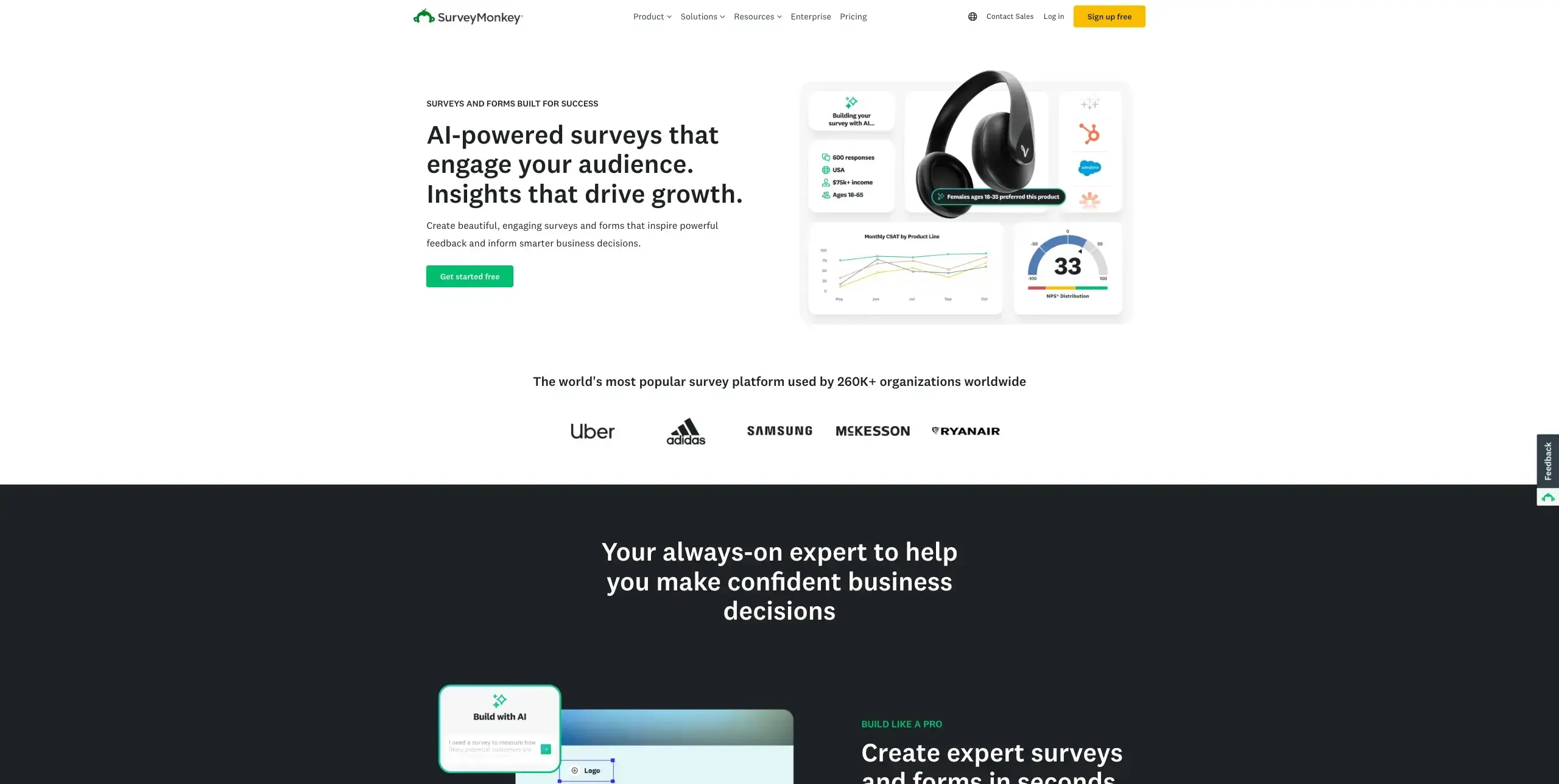
Where Typeform excels at making surveys feel conversational, SurveyMonkey leans into the analytical side, giving you the tools to design methodologically sound surveys and dig deeper into the results. It's particularly strong when you need to segment responses, compare audience groups, or identify statistically meaningful patterns in your landing page feedback:
1,600+ expert-designed survey templates: Built by survey methodologists and organized by use case, including customer satisfaction, market research, and website feedback, so you start with tested, low-bias questions rather than writing everything from scratch.
Advanced skip logic and question piping: Routes respondents past irrelevant sections based on their answers, while piping inserts prior responses into later questions. For example, if a visitor says they found your pricing confusing, the survey can immediately ask a follow-up about which pricing element was unclear.
Built-in analytics with cross-tabulation and sentiment analysis: Compare how different audience segments responded to the same questions, automatically categorize open-ended feedback using AI-powered text analysis, and track response trends over time to measure whether landing page changes are improving visitor perception.
SurveyMonkey Audience panel: Access millions of targeted respondents worldwide when you need feedback from people who match your target demographics but aren't already visiting your landing pages, useful for testing messaging with a fresh audience before committing to a campaign.
G2 rating: 4.4/5
Pricing: Free plan available (limited to 10 questions and 40 responses per survey), paid plans from $39/month (Advantage Annual, billed annually)
Best for: Teams who need structured, methodologically rigorous surveys with powerful analysis tools to segment and compare audience feedback.
20. Qualaroo
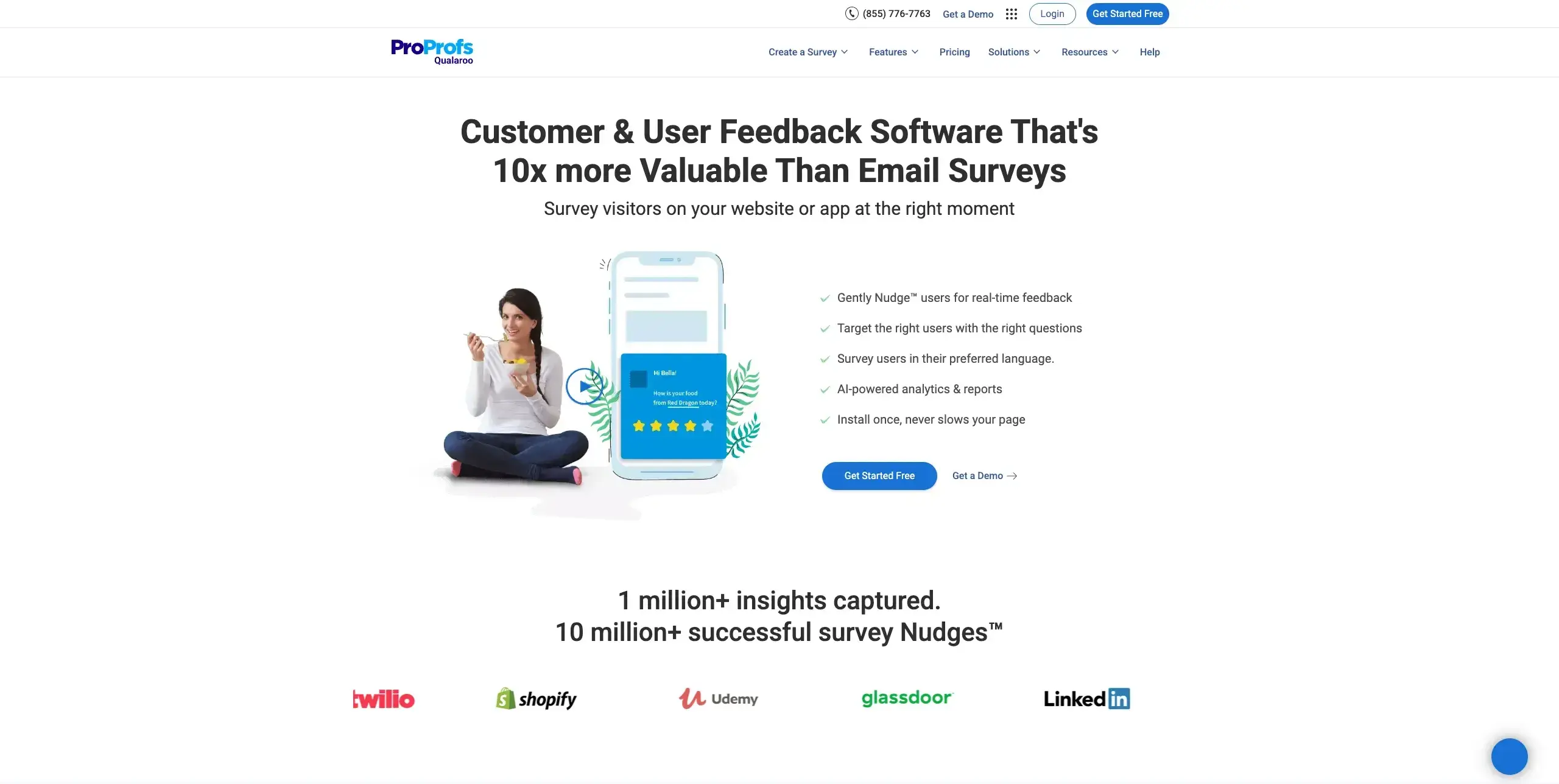
While Typeform and SurveyMonkey collect feedback through dedicated survey experiences, Qualaroo takes a different approach: it embeds micro-surveys directly on your landing pages, triggered by specific visitor behaviors.
Instead of hoping visitors will fill out a separate form, you can ask a single targeted question at the exact moment someone hesitates on your pricing, scrolls past your CTA, or moves to close the tab. These on-page "Nudges" gather contextual feedback that explains the gap between what your analytics show and what visitors are actually thinking:
Nudge™ micro-surveys triggered by visitor behavior: Small, unobtrusive survey widgets appear based on actions like time on page, scroll depth, number of visits, or specific button clicks, so you're capturing feedback in context rather than asking visitors to recall their experience later.
Exit-intent surveys for conversion recovery: Detect when a visitor is about to leave your landing page and trigger a one-question survey asking what stopped them from converting. This turns abandoned visits into diagnostic data you can use to address objections directly.
IBM Watson-powered sentiment analysis: Automatically categorizes open-ended responses by emotional tone, surfacing patterns like confusion, frustration, or enthusiasm without requiring manual review. This is especially valuable when you're collecting high volumes of qualitative feedback and need to prioritize which landing page issues to address first.
Granular visitor targeting by identity, behavior, and context: Go beyond basic page-level targeting to segment surveys by geolocation, cookie values, referral source, device type, custom user properties, and even Optimizely experiment variants, so you can compare how different audience segments experience the same landing page.
G2 rating: 4.3/5
Pricing: Free plan available (limited to 50 responses), paid plans from $69/month (varies by tracked pageviews)
Best for: Teams who want to capture in-context feedback from specific visitor segments at precise behavioral moments on their landing pages.
How to choose the right landing page optimization tools
With 20 tools across six categories, picking the right combination starts with understanding where your biggest optimization gaps are. Here are three questions to guide your selection:
1. Where are you losing visibility?
If you know your landing page isn't converting but don't know why, start with tools that reveal user behavior and intent. Heatmaps and session recordings show you what's happening, while user research tools and on-page surveys explain the reasoning behind it.
2. Can you reach the right audience?
The quality of your optimization data depends on who you're testing with. Look for tools that let you target participants by demographics, profession, or behavior, ideally with an on-demand panel so you're not limited to whoever happens to visit your page.
3. How easily can you share and act on results?
Optimization insights are only valuable if your team can understand and act on them. Prioritize tools that turn raw data into visual outputs like click maps, heatmaps, charts, or highlight reels that make it easy to communicate findings and build stakeholder buy-in.

Pro tip: You don't need to answer all three questions with a single tool. The most effective optimization stacks combine tools that complement each other, such as pairing behavior analytics (the "what") with user research or surveys (the "why").
Building your optimization stack
Most teams get the best results by combining tools across categories. This table maps common optimization needs to the tool categories and specific options that address them:
Optimization need | Recommended approach |
|---|---|
Understanding whether your messaging lands | User research tools like Lyssna and UserTesting for five second tests, first click tests, and preference tests that reveal how real users perceive your pages |
Visualizing how visitors interact with your pages | Heatmapping and behavior analytics tools like Hotjar, Crazy Egg, or Mouseflow for click maps, scroll maps, and session recordings that show where visitors engage and where they drop off |
Capturing why visitors don't convert | User research tools like Lyssna for live website testing with think-aloud recordings that capture visitor reactions in real time, plus survey and feedback tools like Qualaroo for in-context micro-surveys, or Typeform and SurveyMonkey for structured post-visit feedback |
Testing which changes improve conversions | A/B testing tools like VWO, Optimizely, or Convert for running controlled experiments that prove which variations perform better with statistical confidence |
Building dedicated campaign pages | Landing page builders like Unbounce, Instapage, or Leadpages for creating, testing, and iterating on pages without developer support |
Fixing technical performance issues | Page speed tools like Google PageSpeed Insights and GTmetrix for identifying load time bottlenecks, layout shifts, and responsiveness issues that silently hurt conversions |
Start with two tools, then expand. You don't need every tool on this list. Begin with one user research tool to understand how visitors perceive your pages and one behavior analytics tool to see how they interact. Add A/B testing once you have hypotheses to test based on your research findings, and layer in survey tools when you need qualitative context to explain what your data is showing.
Practitioner insight: "Adopting Lyssna got us into the habit of asking our users questions before locking in decisions."
– Ron Diorio, VP Innovation & New Products at The Economist Group
Start optimizing with user insights
The most effective landing page optimization combines quantitative data (what users do) with qualitative insights (why they do it). Heatmaps and conversion rates tell you where visitors click and drop off, but understanding the reasoning behind that behavior is what leads to breakthrough improvements.
That's where user research changes the equation. Instead of guessing why a headline isn't resonating or a CTA is being ignored, you can put your landing page in front of real users and watch how they respond, often getting actionable results within hours rather than weeks.
Practitioner insight: "A full-blown research project can take a lot of time and energy, but you can have meaningful early results from Lyssna in a single day. I think that's one of the best benefits I've seen: faster and better iteration."
– Alan Dennis, Product Design Manager at YNAB

FAQs about landing page optimization tools

Jeff Cardello
Freelance SaaS content writer
Jeff Cardello is a freelance writer who loves all things tech and design. Outside of being a word nerd, he enjoys playing bass guitar, riding his bike long distances, and recently started learning about data science and how to code with Python.

You may also like