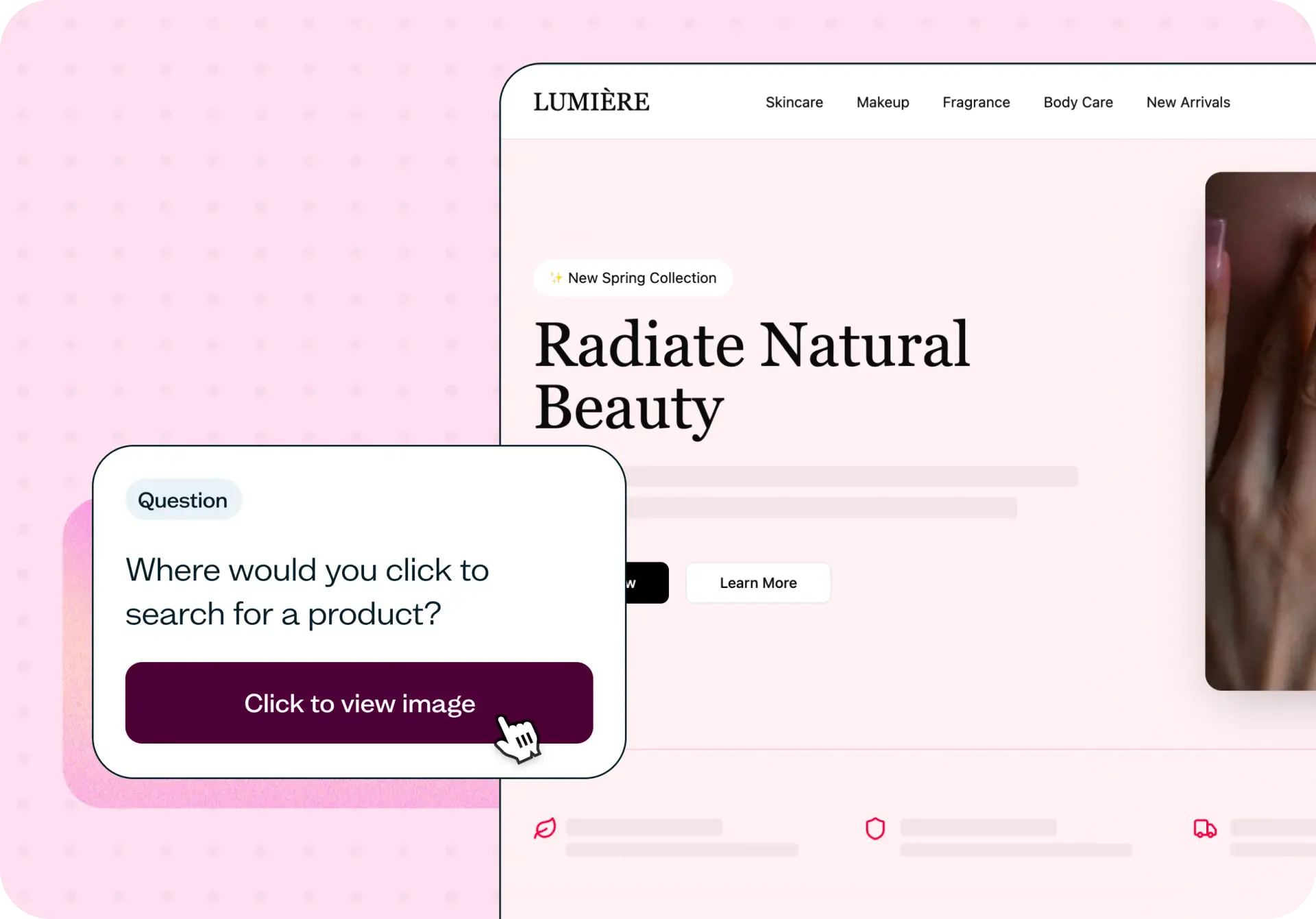

When shoppers can't find products quickly, they leave – and analytics rarely explain why. This template uses first click testing and navigation testing to show you exactly where ecommerce product visibility breaks down, so you can fix the navigation issues that are costing you conversions.
The problem with ecommerce navigation
Most ecommerce navigation problems are invisible from the inside. Your team built the category structure, wrote the labels, and reviewed the menus – so everything looks logical. But shoppers arrive with different mental models, different vocabulary, and no patience for confusion.
The result: users click the wrong category, miss the search bar, or give up after navigating two levels deep without finding what they're looking for. Analytics will show you the drop-off, but not the moment of confusion that caused it. Without testing with real users, you're left guessing whether the problem is the label, the hierarchy, or something else entirely.
This template gives you a structured way to test ecommerce product visibility before that confusion becomes a conversion problem – or to diagnose it after the fact.

What this template helps you discover
Running this test gives you specific answers about how shoppers experience your site's navigation:
Whether users can locate your search function quickly and without prompting
Where in the navigation flow confusion or hesitation appears
Which category labels feel intuitive and which don't match how shoppers think about products
How users search for products – by category, by search bar, or by browsing
Where product discovery breaks down across multiple navigation steps
What you'll test
This template combines two research methods to give you a complete picture of ecommerce product visibility.
Product findability is evaluated using first click testing. Participants see your homepage and indicate where they'd click to start looking for a product – revealing whether your search function, primary menu, and category links are discoverable at a glance. Because the first click is a strong predictor of task success, this method surfaces navigation problems fast, before they compound into abandonment.
Category structure is evaluated by asking users whether your category organization makes sense and how they interpret your navigation labels. You'll see whether participants instinctively understand where to look for a product type, or whether they're making uncertain guesses based on unclear naming.
Navigation usability is evaluated using navigation testing in Lyssna. Participants navigate screenshots of your site to complete a product-finding task – for example, locating the category where they'd expect to find a specific item. You'll see step-by-step completion rates, time on task, and the paths participants took, including where they hesitated or went wrong.
When to use this template
This template is useful whenever ecommerce navigation is under scrutiny or about to change:
Before launching a new ecommerce site or major redesign
When redesigning navigation menus or category structures
When reorganizing product categories and want to validate the new structure
When improving product discovery as part of a broader CRO effort
When conversion rates are low and navigation friction is a suspected cause
Example outcomes
Teams who run this test typically come away with clear, actionable direction:
Specific navigation labels identified as confusing, with user language to replace them
Category structures reorganized based on how shoppers actually think about products
Search bar placement or prominence improved based on first click data
Clearer navigation hierarchies that reduce the number of steps to find a product
Reduced shopping friction – and a baseline to measure future navigation changes against
How to use this template
Click "Use this template" and log in to your Lyssna account. If you don't have an account yet, you can start exploring with a free plan.
Set up your first click test. Upload a screenshot of your ecommerce homepage and write a task prompt asking participants where they'd click to search for a product. This reveals whether your key navigation elements are discoverable at a glance.
Set up your navigation test. Add your images (e.g. screenshots of your website or application), define your hitzones for each image (areas that count as successful clicks), and write a navigation task specific to your product range – for example, "From the home screen, navigate to where you'd expect to find night-time serums." Participants will navigate through each screen to emulate an interaction flow.
Add follow-up questions. The template includes post-task questions to capture how easy participants found the experience and what they'd change. These open-ended responses often surface labeling issues the click data alone wouldn't explain – participants noting they weren't sure whether to look under "Shop," or that they expected a dedicated category tab.
Recruit your participants. Bring your own participants or recruit from Lyssna's research panel.
Review your results. Your first click results show downloadable heatmap and click maps showing where participants clicked, alongside average time taken. Your navigation test results show completion rates, the percentage of participants who successfully clicked the hitzone, and the percentage of participants who didn't select a hitzone for each screen, along with downloadable heatmaps and clickmaps. Plus responses to your follow-up questions.
Who this template is for
This template works for anyone responsible for the ecommerce shopping experience, whether you're running a structured research program or answering a specific navigation question:
Ecommerce managers who need to understand whether their category structure is working before committing to a reorganization
UX researchers testing product discovery across different stages of the design process
Designers who want to validate navigation decisions with real users before handing off to development
Growth teams optimizing ecommerce funnels and looking for the friction points suppressing conversion
Online store founders who built their navigation on internal assumptions and want to check those against real user behavior
FAQs about ecommerce product visibility testing
You may also like these templates
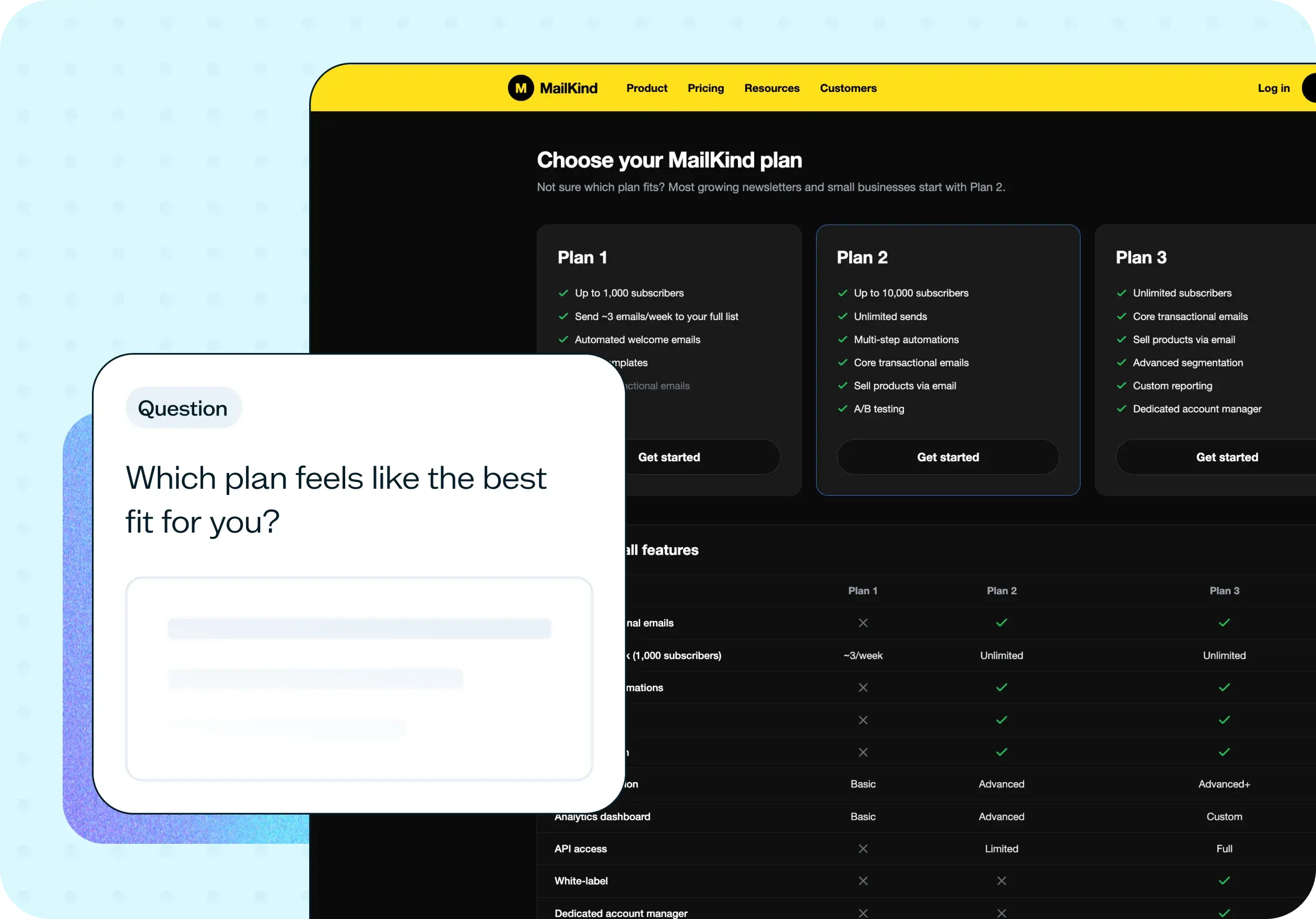
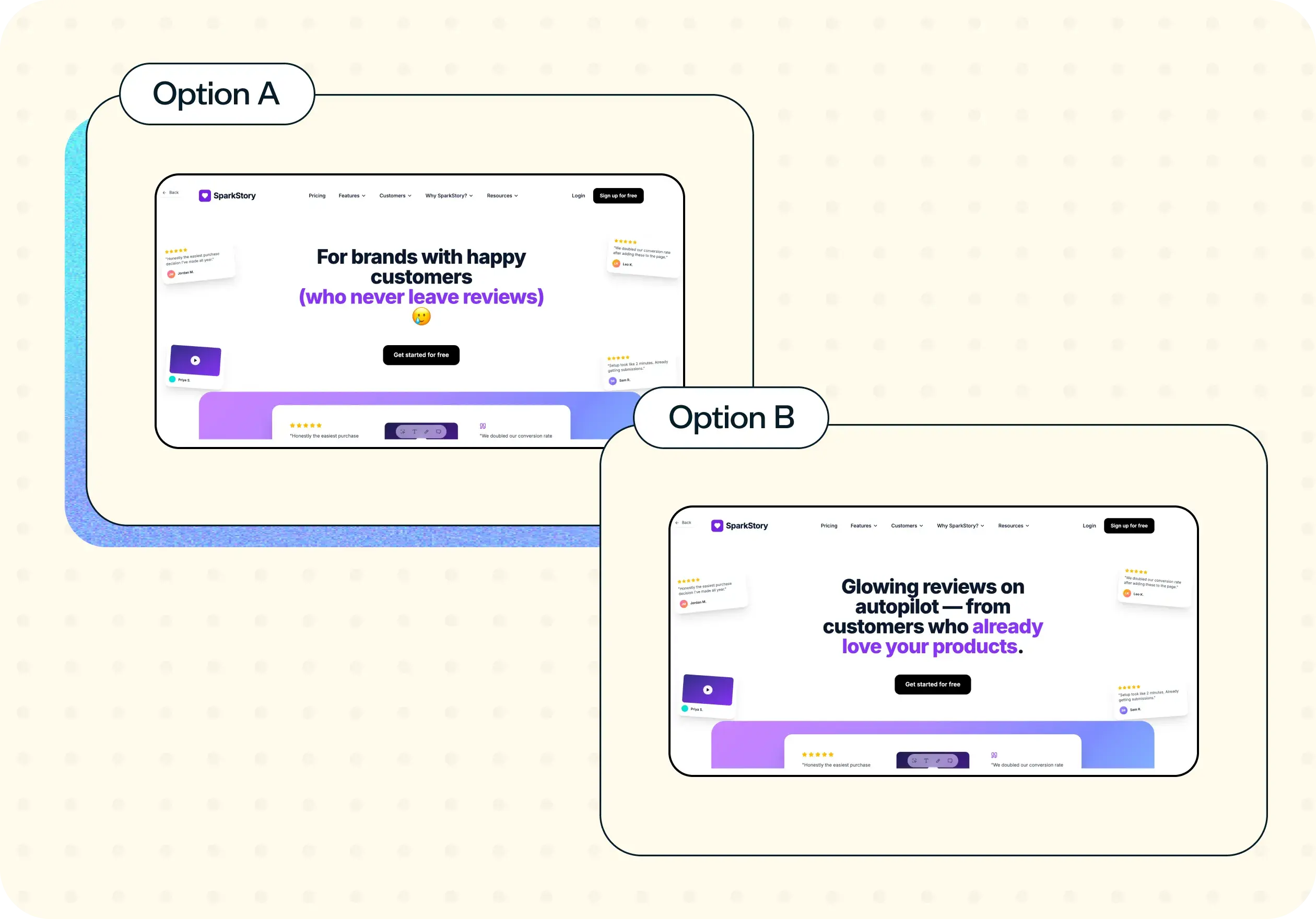
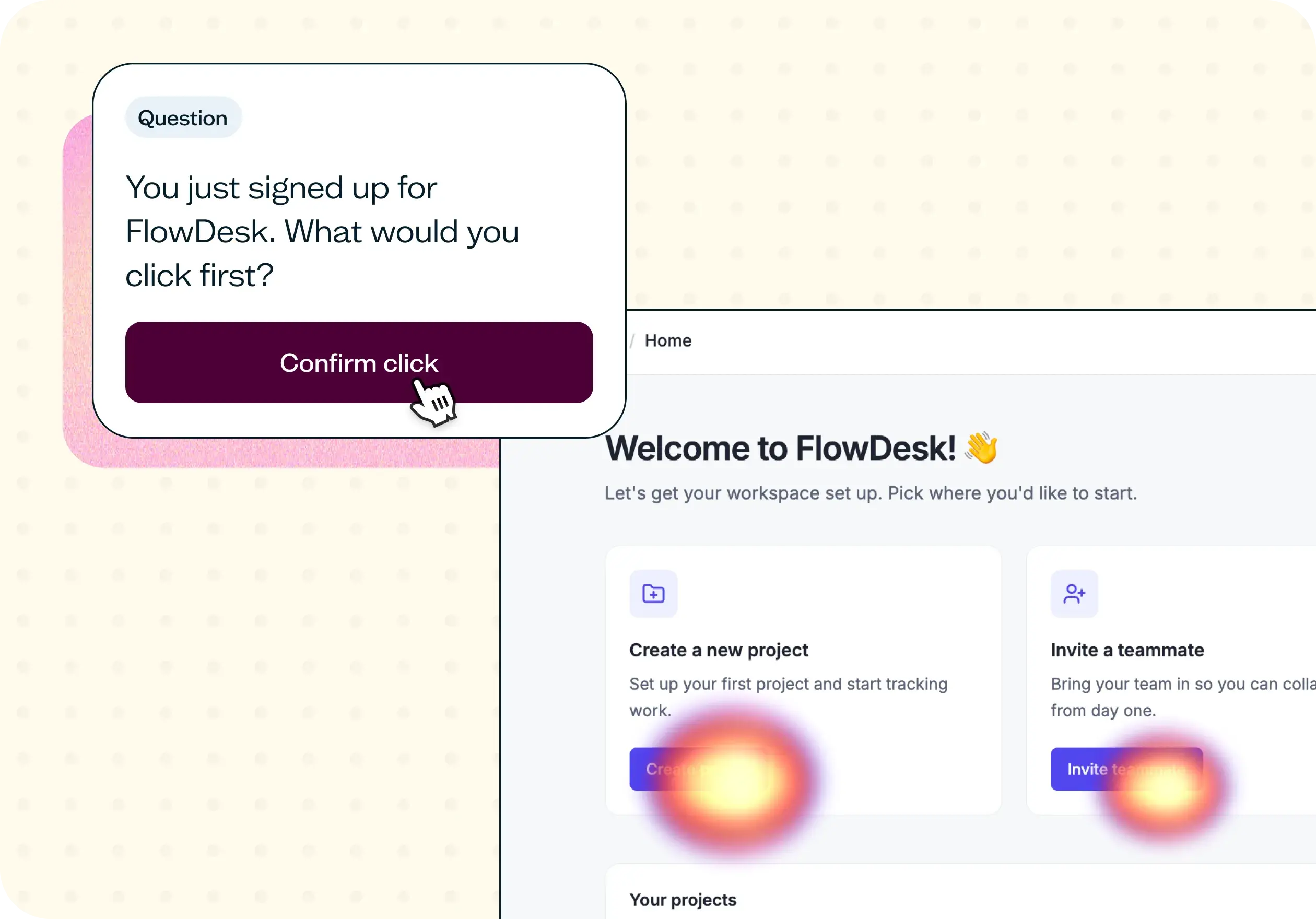

The navigation test is god's gift to UI designers. It probably has the best power-to-simplicity ratio of any software, ever.
Nick Franklin
CEO at ChartMogul