
Overview
Watch real users navigate your live SaaS website – and see exactly where they struggle to find what they need. This template uses live website testing to capture genuine browsing behavior, so you can identify navigation problems, fix conversion paths, and make structural changes with confidence.
The problem with poor website navigation
If users can't find what they need, they won't convert. Poor navigation is one of the most common reasons visitors leave SaaS websites without taking action – not because they aren't interested, but because the path to getting there is unclear.
The issue is often invisible to the teams who build the site. Navigation that feels logical internally can be completely opaque to first-time visitors. Pricing pages get buried, demo booking links are hard to find, and industry-specific solutions sit two levels deep in a menu nobody opens.
The consequences add up quickly. Low engagement, missed leads, and high drop-off rates are often symptoms of navigation that doesn't match how users actually think. Without testing on the live site, these problems go undiagnosed – and teams assume the structure is fine because they can find everything themselves.
Live website testing closes that gap. By watching real users move through your actual site, you'll see exactly where they get lost, what they expect to find where, and which conversion paths are working.

This template will help you discover
Live website testing gives you direct evidence of how your site structure performs in practice. Run this template to find out:
How easily users can reach your key conversion points – demo booking, pricing, signup.
Whether your menu labels make sense to people who aren't familiar with your product.
If industry-specific solutions are easy to find or effectively hidden.
Which navigation paths users naturally prefer – and which they avoid.
Where users get confused, backtrack, or abandon their task altogether.
Where there are opportunities to improve your information architecture.
What you'll test
This template covers the navigation behaviors that matter most for SaaS websites:
Findability: Can users locate important pages quickly, without hunting through menus or relying on search?
Conversion paths: Can users reach demo booking, pricing, or signup from wherever they land on your site?
Menu clarity: Do your navigation labels match the language your users actually use?
Page grouping: Are sections organized in a way that reflects user logic, not internal structure?
Navigation behavior: Where do users click first – and does that instinct serve them?
How the research works
This template uses live website testing to capture how real users navigate your SaaS site. Here's how the process works:
Live website navigation tasks ask users to find specific information – like locating a demo booking page or finding solutions for their industry. Watching how they move (and where they struggle) reveals real usability problems that analytics can't surface on their own.
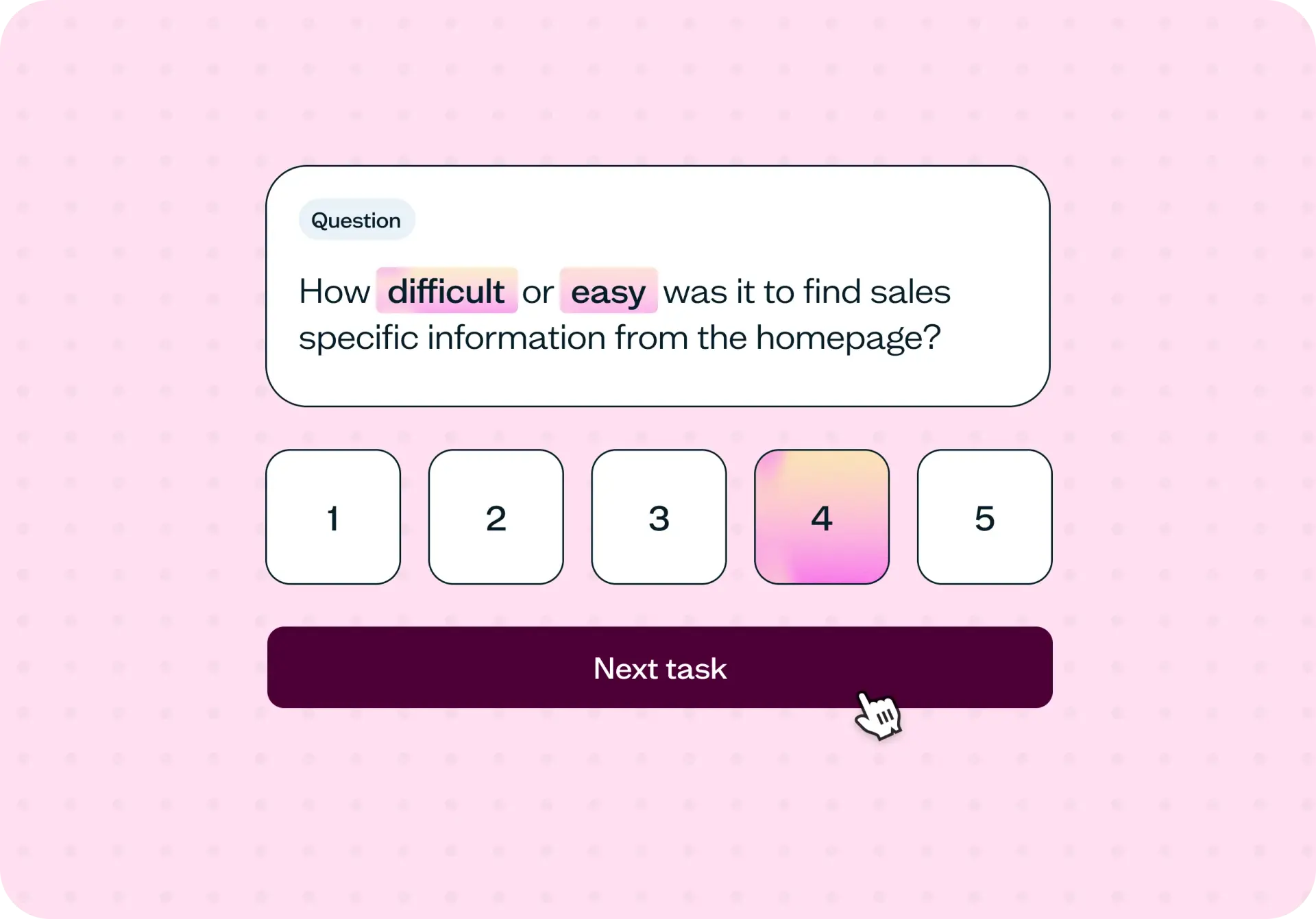
Follow-up questions ask users to rate how difficult each task felt and explain what they found confusing. This adds qualitative texture to the behavioral data – you'll understand not just what happened, but why.
Path analysis across multiple tasks shows you which routes users naturally prefer and where they take unexpected detours. Patterns across participants point directly to structural issues worth fixing.
The result is a clear picture of how users actually explore your site – not how your team expects them to.
How to use this template
Click "Use this template" and log in to your Lyssna account. No account yet? Start exploring with a free plan.
Set the starting URL. This template is built around a live website – you'll point participants to your real SaaS site so their behavior reflects genuine navigation patterns.
Customize the tasks to reflect the conversion points that matter most for your site. The default tasks cover demo booking, webinar registration, and finding industry-specific solutions – adapt them to match your own key pages.
Add or adjust follow-up questions to capture the context you need. The template includes rating scales and open-text questions to help you understand not just what users did, but how they felt about it.
Preview your test, then save and continue to recruit participants – from your own network or through the Lyssna research panel.
Set your test live and watch results come in. For each task, you'll see session recordings, task completion times, and follow-up question responses.
When to use this template
Navigation testing is most valuable at moments of change or uncertainty:
Before redesigning or restructuring your website.
When conversion rates are lower than expected and you're not sure why.
After adding new sections or expanding your solutions pages.
When user feedback suggests people are struggling to find things.
During a rebrand or a period of significant product growth.
Before launching a major marketing campaign, to make sure the destination performs.
Who this template is for
Whether you're a UX researcher running a formal information architecture study or a product marketer trying to understand why leads aren't converting, this template gives you the evidence you need:
Product teams who want to improve the usability of their website.
UX researchers testing information architecture and navigation patterns.
Designers optimizing menus, labels, and page structure.
Marketing teams who need to increase demo bookings and signups.
SaaS companies looking to reduce drop-off and improve lead generation.
Growth teams diagnosing funnel performance issues.
FAQs about website navigation testing
You may also like these templates

The navigation test is god's gift to UI designers. It probably has the best power-to-simplicity ratio of any software, ever.

Nick Franklin
CEO at ChartMogul