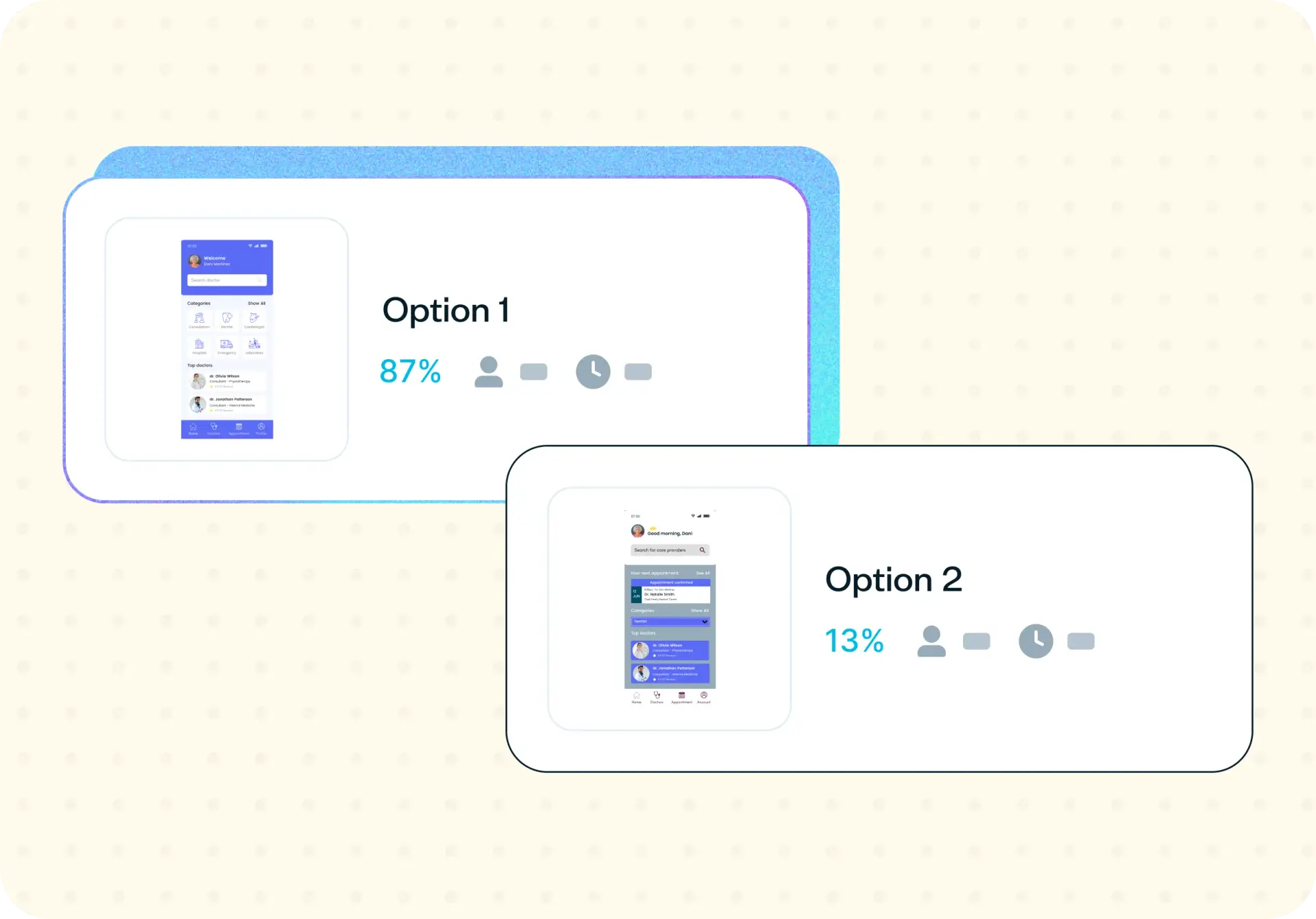

Your team might love a new design direction, but that doesn't mean your users will feel the same way. Desirability testing bridges the gap between internal opinions and real user perception by capturing how people emotionally respond to your visual designs. This template combines preference testing with targeted follow-up questions so you can discover which designs resonate – and why – before investing in development.
The problem with design assumptions
Design decisions are often shaped by internal preferences, stakeholder opinions, or gut instinct rather than real user feedback. What your team finds visually appealing may not align with how your audience actually perceives the design – and that disconnect can undermine trust, clarity, and adoption.
Visual appeal directly influences how users experience a product. When a design feels outdated, cluttered, or misaligned with expectations, it affects everything from first impressions to long-term engagement. A landing page that your team considers "clean and professional" might feel cold or generic to your users, while a bolder direction might create exactly the emotional connection you need.
Without research, design improvements become guesswork – and the risk of investing in the wrong direction grows. Desirability testing removes that uncertainty by putting your designs in front of real users. Instead of debating which direction "feels right" internally, you can capture authentic emotional reactions and make confident decisions backed by user feedback.

What this template helps you discover
This template helps you uncover the emotional and perceptual dimensions of your designs that are difficult to measure through usability testing alone. You'll discover:
How users emotionally react to your design – whether it feels trustworthy, modern, playful, or something unexpected
Which design option users prefer when comparing two or more variations side by side
What specific visual elements – such as color, layout, or typography – influence how users perceive quality and appeal
Whether the emotional response to your design aligns with your intended brand positioning
How users describe the overall look and feel in their own words, using product reaction words
What you'll test
This template is structured around three dimensions of design perception. Each dimension targets a different layer of how users experience visual design, giving you a complete picture of both preference and emotional response.
Emotional response
Emotional response captures how users feel when they view your design. Rather than asking whether a design is "good" or "bad," this section surfaces the specific emotions your design triggers – whether that's confidence, confusion, excitement, or hesitation.
You'll use product reaction words to give participants a vocabulary for describing their emotional experience. Participants select from curated words like "modern," "trustworthy," or "playful," revealing whether your design communicates the qualities you intended.
For a focused look at first impressions, you can also pair this with a five second test.
Design preference
Design preference testing presents users with two or more design variations and asks them to choose which one they prefer. But preference alone isn't enough – this template also includes follow-up questions that ask users to explain why they preferred one option over another, giving you context behind the numbers.
This combination of quantitative preference data and qualitative reasoning helps you understand not just which design won, but what made it more appealing.
Visual perception
Visual perception focuses on how users interpret specific design elements like color, layout, and visual hierarchy. This helps you understand what users notice first, what draws their attention, and what influences their overall perception of quality and professionalism.
By testing visual perception alongside emotional response and preference, you can pinpoint exactly which design elements are driving user reactions – and which ones might need refinement.
How to use this template
Running a desirability test with this template takes just a few steps:
Click "Use this template" and log in to your Lyssna account. Don't have an account yet? Start exploring with a free plan.
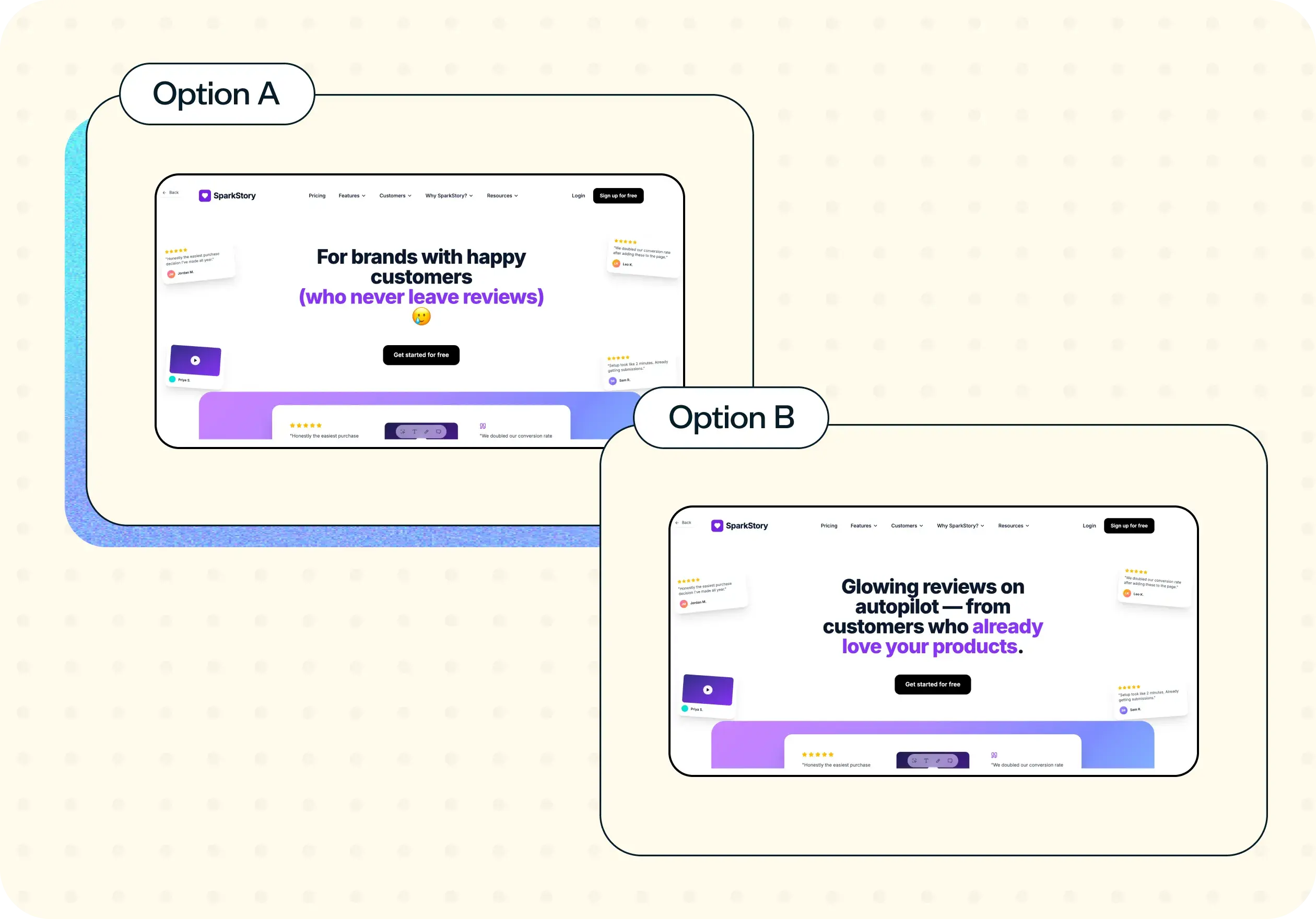
Upload your design variations. Add the design options you want to compare – whether that's two versions of a landing page, different color palettes, or alternative layout directions. Presenting clear, distinct options helps participants make a confident choice.
Customize the product reaction words. Select 15–25 words that reflect the emotional qualities you want to measure – such as "modern," "trustworthy," "playful," or "confusing." Choose words that capture both the qualities you're aiming for and potential concerns you want to test against.
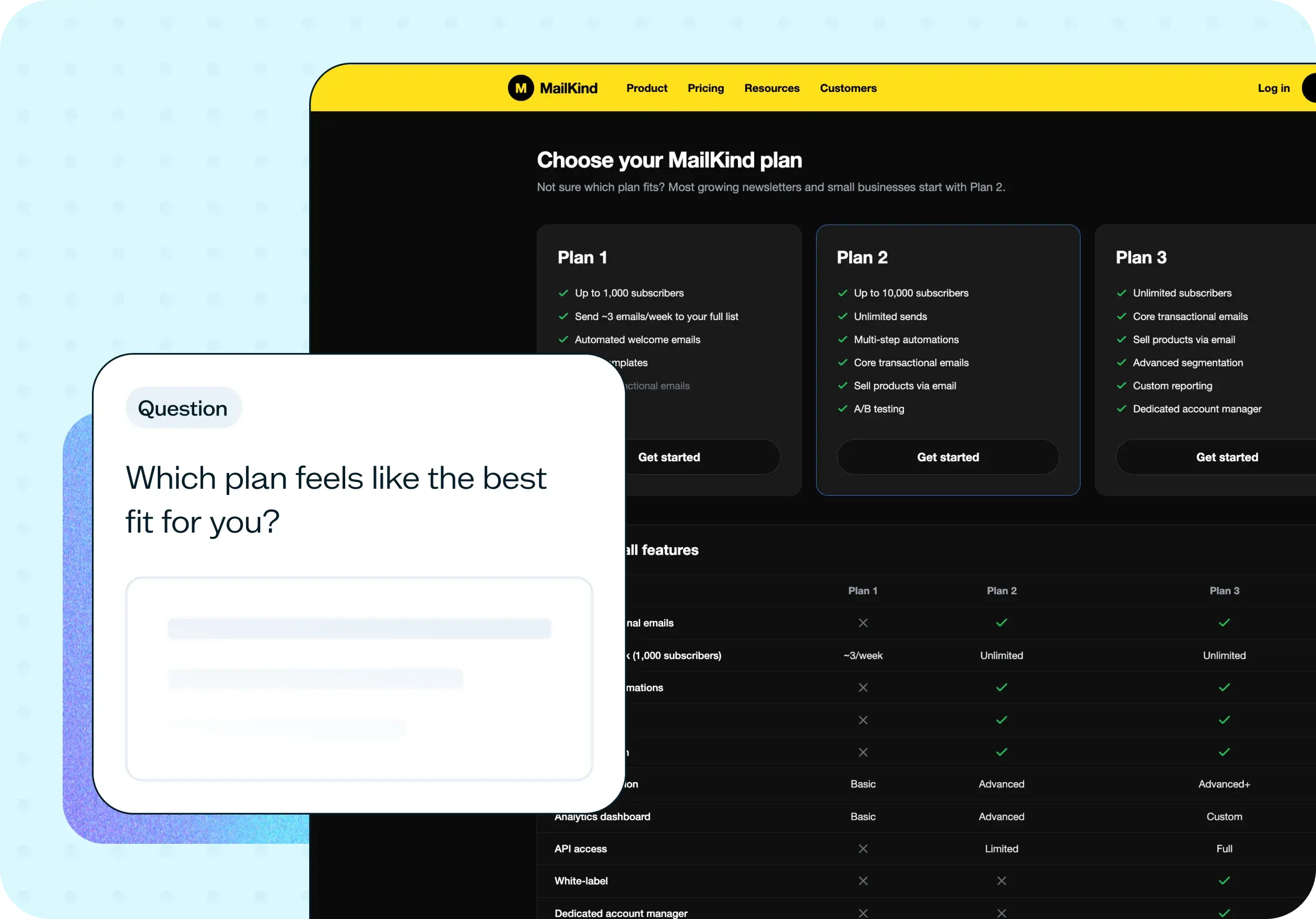
Add follow-up questions to capture context. The template includes follow-up questions that ask participants to explain their preferences in their own words. This is where you'll uncover the "why" behind the numbers – what specifically made one design feel more appealing, trustworthy, or engaging than another.
Recruit participants and launch your test. Share the test with your own network or recruit from your target audience using Lyssna's research panel. Once participants complete the test, you'll see preference percentages alongside their emotional responses and written feedback.
When to use this template
Desirability testing is most valuable when your design decisions carry real risk – when getting the visual direction wrong could mean wasted development time or a product that doesn't connect with users. This template is especially useful in the following situations:
Before launching a new design, when you need to validate that the visual direction resonates with your target audience
During a redesign, when you're evaluating whether updated designs improve perception compared to the current version
When comparing design alternatives and you need data to move past internal disagreements
When validating visual branding, such as a new logo, color palette, or brand refresh
When testing new product experiences where first impressions and emotional response directly affect adoption
Example outcomes
Teams that run desirability testing with this template can expect outcomes that directly improve design quality and decision-making:
A clearer understanding of how users perceive your designs – including gaps between the emotional response you intended and what users actually feel
Improved visual appeal based on real user preferences rather than internal assumptions
A stronger emotional connection between your product and your users, which supports trust and long-term engagement
More confident design decisions backed by user data, making it easier to get stakeholder buy-in
Higher product trust, because designs that feel aligned with user expectations create a better overall experience
Who this template is for
This template is designed for anyone who needs to validate visual design decisions with real users:
Product designers improving user interfaces who want to understand how users emotionally respond to their work
UX researchers studying user perception and measuring the emotional impact of design choices
Product managers validating design direction who need evidence to prioritize one approach over another
Design teams evaluating alternatives who need data to resolve internal debates about visual direction
Startup founders testing product aesthetics who want to ensure their product's look and feel connects with early users
Whether you're a solo designer running a quick comparison test or part of a larger team coordinating across multiple design directions, this template adapts to your workflow.
FAQs about desirability testing
You may also like these templates
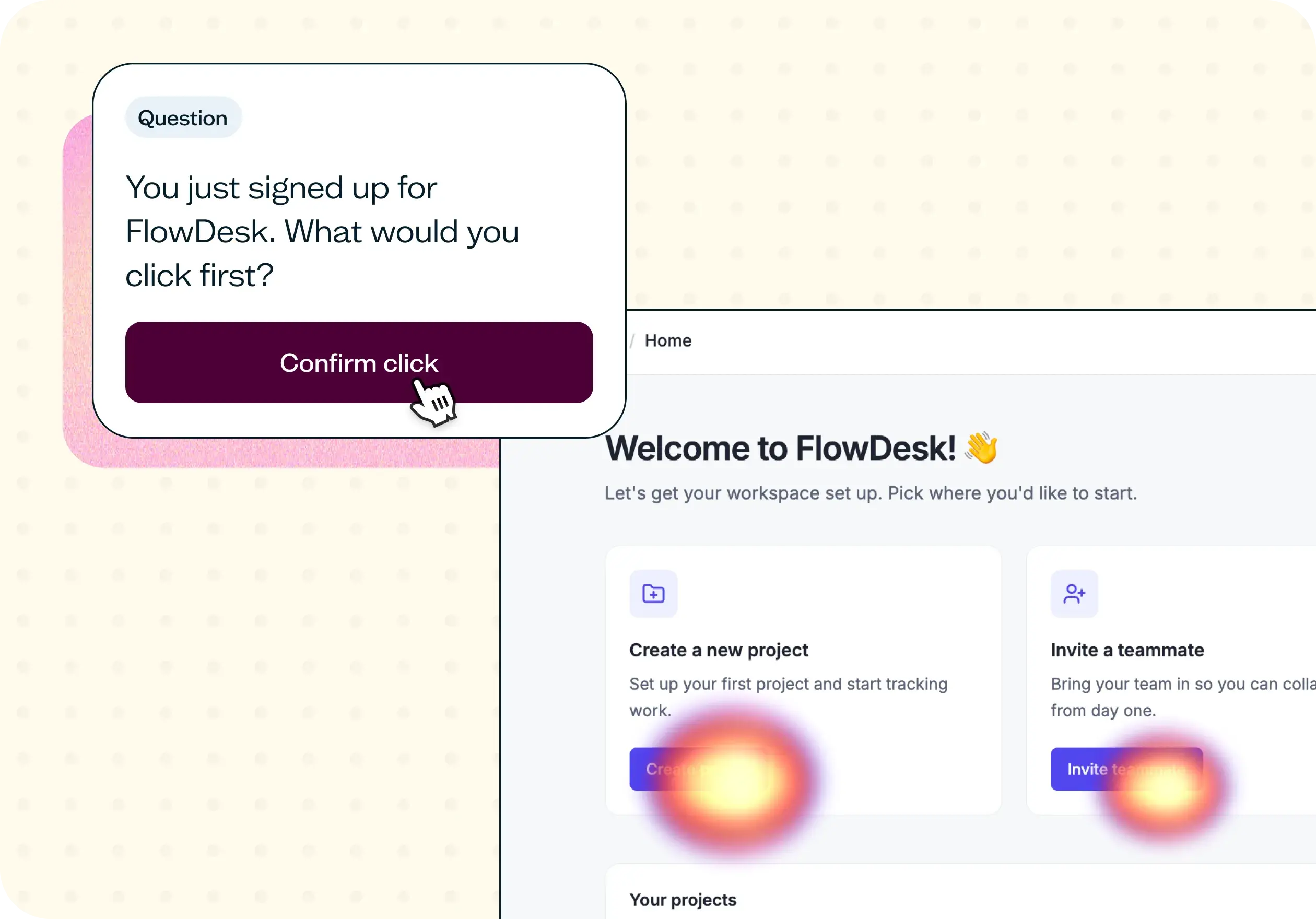

The navigation test is god's gift to UI designers. It probably has the best power-to-simplicity ratio of any software, ever.

Nick Franklin
CEO at ChartMogul























