
This template is for:
Information architecture
Product
Research
Design
Marketing
Card sorting
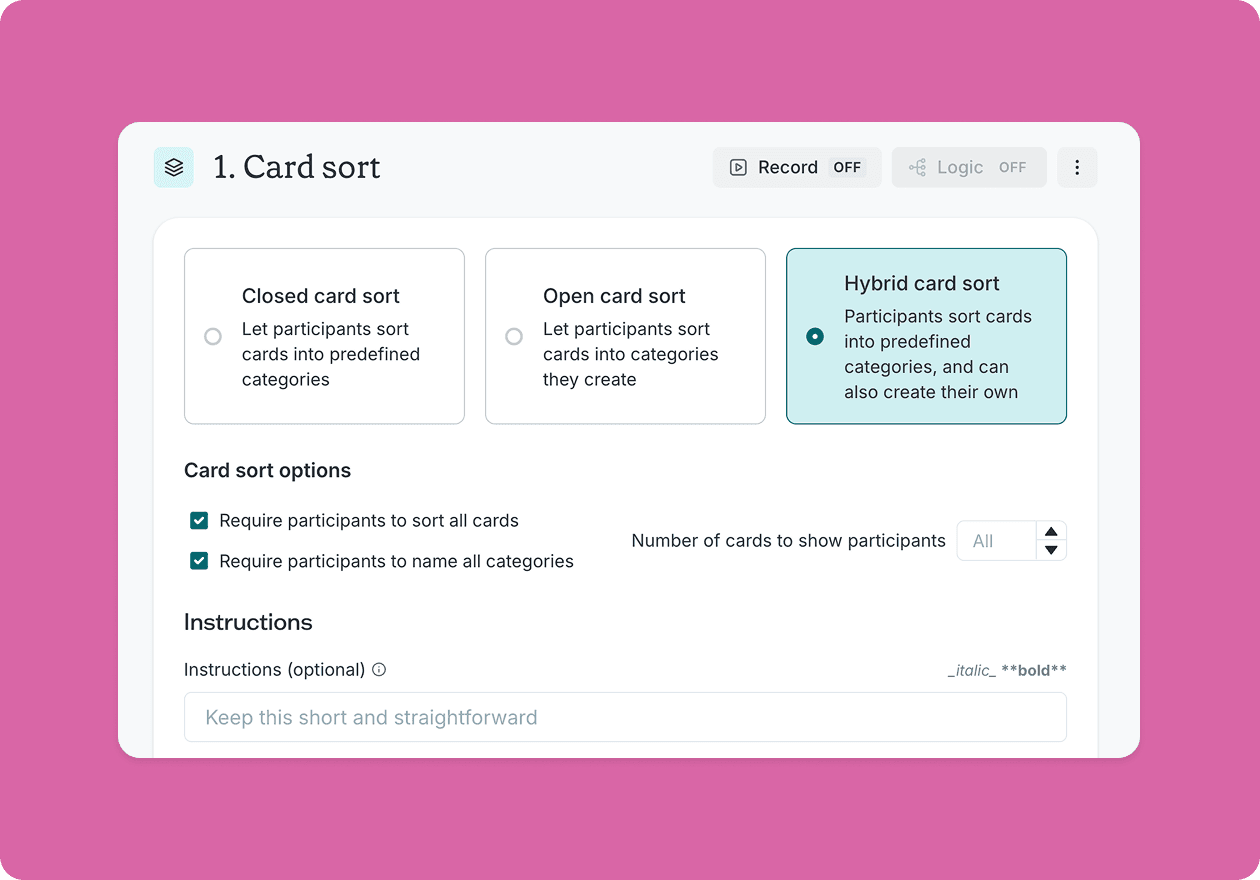
Hybrid card sorting
Created by:

Lyssna
Overview
When you're validating an information architecture, you often face a difficult choice: run a closed card sort to test your existing structure, or run an open card sort to discover how users naturally think about your content. Both are valuable – but they answer different questions, and running two separate studies takes time most teams don't have.
Hybrid card sorting solves that problem by combining both approaches in a single study. Participants sort cards into predefined categories you've provided, but they can also create their own categories if something doesn't fit. The result is a complete picture of your IA – what's working, what isn't, and what you might have missed entirely.
This template gives you a ready-to-run hybrid card sort built around a software product scenario, so you can get started quickly and adapt it to your own context.

What is hybrid card sorting?
Hybrid card sorting is a user research method that combines elements of open and closed card sorting. Participants are given a set of predefined categories – representing your proposed or existing navigation structure – and asked to sort a set of cards into those categories. If a card doesn't fit anywhere, they can create a new category and name it themselves.
This gives you two types of insight in one study: validation data showing how well your predefined categories work, and discovery data revealing the categories and language your users naturally reach for. Unlike running open and closed card sorts separately, hybrid card sorting captures both in a single session – saving time without sacrificing depth.
This template will help you discover
Running this hybrid card sort will help you understand:
Which predefined categories work well and which ones confuse participants.
Where participants struggle to place specific cards – a signal that your labels or groupings may need rethinking.
What new categories participants create, and what that reveals about gaps in your current structure.
Which terminology feels natural to users, and which labels don't land the way you intended.
Where your information architecture is solid, and where it needs refinement before you commit to building.
How the research works
This template uses a hybrid card sorting approach with three components working together.
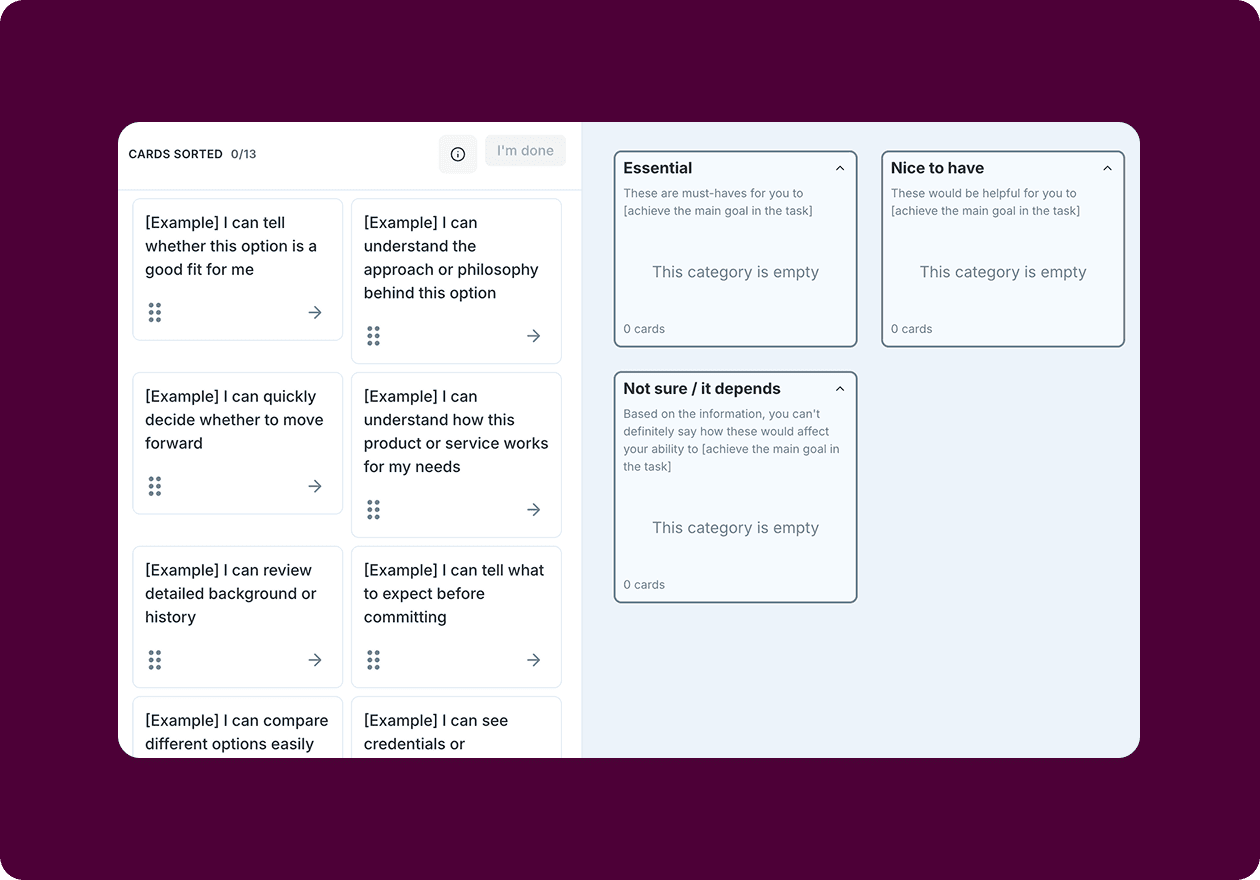
The predefined categories represent a realistic software product navigation structure – covering areas like Getting Started, Account & Settings, Billing & Plans, Integrations, Security & Permissions, Help & Support, and What's New. These give participants a framework to sort within, while leaving room to go beyond it.
The card set includes 30 cards representing features, settings, and resources typical of a software product. The cards are deliberately varied – some will fit comfortably into the predefined categories, some could reasonably belong in more than one place, and some are likely to prompt participants to create their own groups. That variation is intentional: it's where the most useful hybrid card sorting insights tend to emerge.
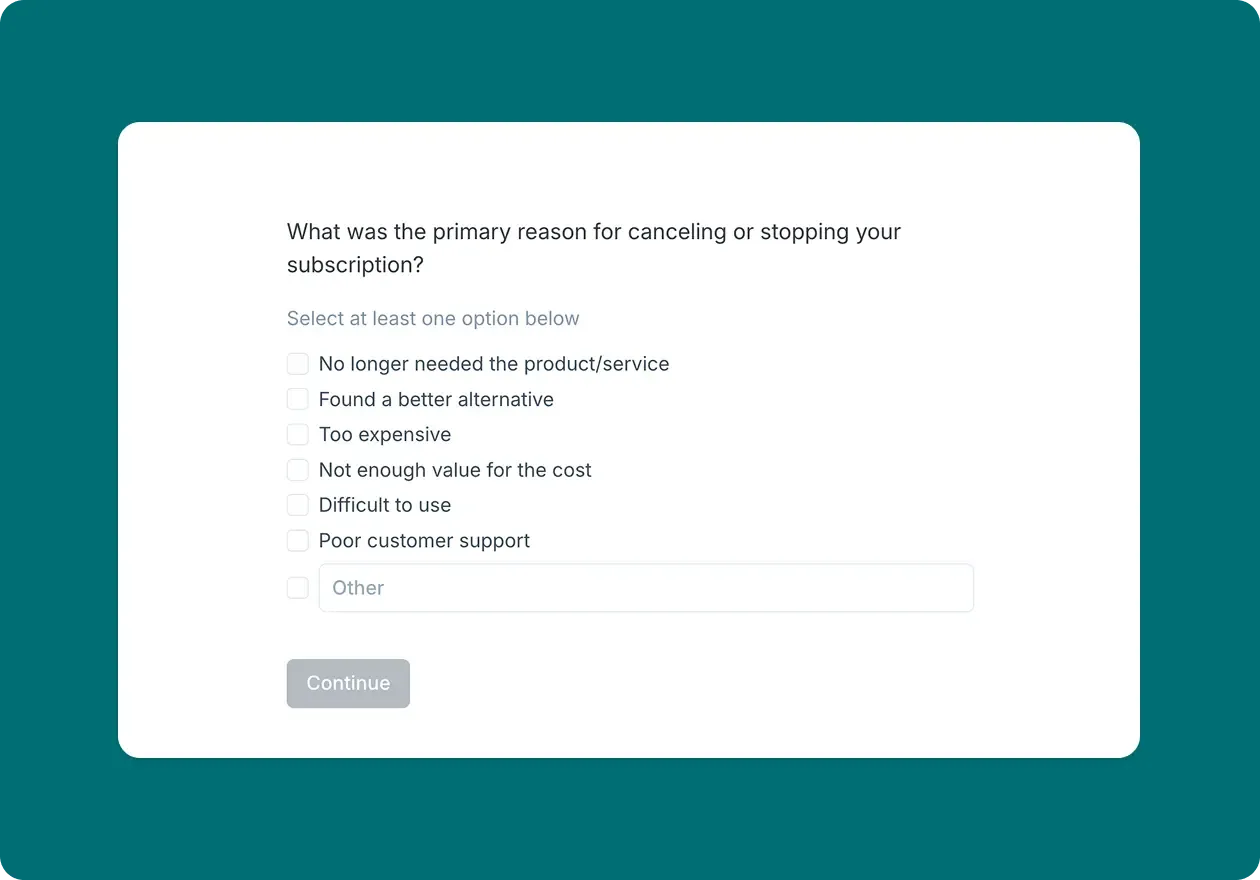
Follow-up questions add qualitative and quantitative depth to the sorting data. After completing the sort, participants are asked whether any cards were difficult to place, even when creating their own categories, and how they found the task overall. These responses help you understand the reasoning behind the patterns in your results.
How to use this template
This template is easy to adapt to your own product or context.
To get started, open the template in Lyssna and review the predefined categories and cards. If you're testing a real product navigation structure, swap out the predefined categories for your own and update the cards to reflect your actual content, features, or sections. Keep the card count between 20 and 40 to avoid participant fatigue, and make sure each card label is clear and jargon-free.
If you're recruiting participants, use screener questions to make sure you're testing with people who represent your actual users. Whether you recruit from your own network or use the Lyssna research panel, aim for at least 15 participants to identify meaningful patterns.
You can also use our sample size calculator to determine the optimal number of participants for your study based on your method, study complexity, and confidence requirements.
Once your results are in, start by looking at how participants used your predefined categories – high agreement suggests those categories are working, while cards that were consistently misplaced or left uncategorized point to potential problems. Then review the new categories participants created. These are often where the most valuable hybrid card sorting insights live, revealing the mental models and language your users bring to your content that your existing structure doesn't account for.
When to use this template
Hybrid card sorting works best when you have an existing or proposed structure to test, but aren't ready to lock it in. It's a natural fit when:
You have a draft IA and want to pressure-test it before committing to development.
Previous closed card sorts have surfaced cards that participants consistently struggled to place.
You want to validate your structure and discover what might be missing – without running two separate studies.
Your team is debating category names or labels and needs user evidence to settle the question.
You're preparing for a site redesign or navigation overhaul and want a complete picture of how users think about your content.
Whether you're working on a new software product or refining an existing one, this template gives you the evidence you need to move forward with confidence.
Who this template is for
UX researchers use it to generate both validation and discovery insights from a single study – and to translate those findings into clear IA recommendations.
Product managers use it to build a shared understanding of how users think about product navigation, and to make the case for structural changes with real user evidence.
Designers use it to align navigation and content groupings with actual user mental models, reducing the risk of building an IA that makes sense internally but not to the people using it.
IA specialists use it to identify where a proposed structure holds up under real-world pressure – and where it needs rethinking before it goes live.
FAQs about hybrid card sorting

You may also like these templates

The navigation test is god's gift to UI designers. It probably has the best power-to-simplicity ratio of any software, ever.

Nick Franklin
CEO at ChartMogul



Try for free today
Join over 320,000+ marketers, designers, researchers, and product leaders who use Lyssna to make data-driven decisions.
No credit card required