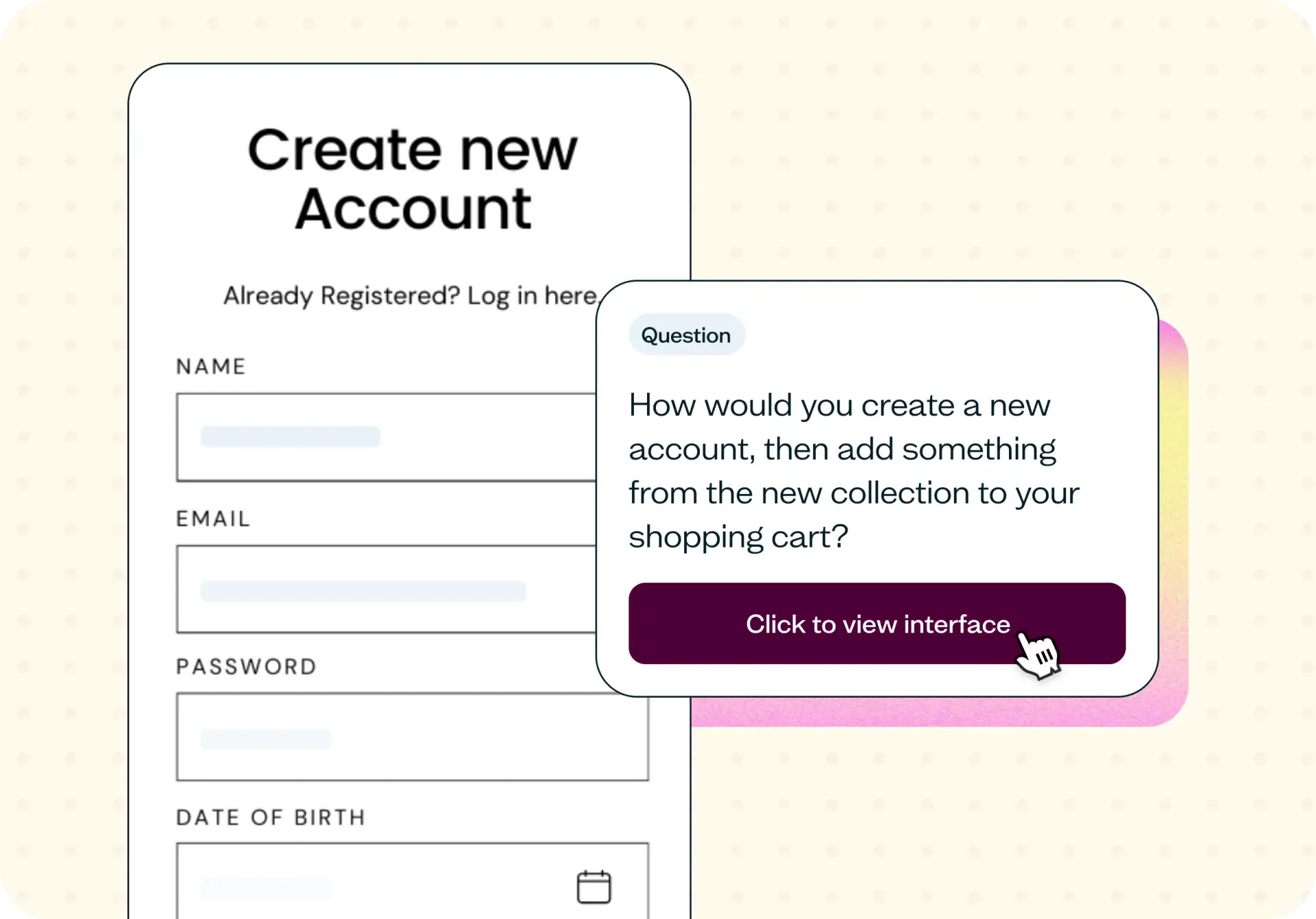

Testing website navigation on your wireframes or prototypes lets you validate whether real users can find what they need before you move into development. This template uses Lyssna's navigation testing feature to help you catch structural problems before engineering writes a single line of production code.
Why navigation should be tested before development
The cheapest navigation fix is the one you make on a wireframe. The most expensive is the one you make after launch.
Navigation structures decided in stakeholder workshops tend to mirror internal org charts rather than user mental models. Teams agree on labels, groupings, and hierarchy based on how they think about the product, not how their audience searches for information. The result is a structure that makes perfect sense to the people who built it and confuses everyone else.
Wireframes and prototypes are the ideal moment to test these decisions. Once engineering builds the navigation into production, even small structural changes can mean rework across templates, content, and code.
Testing on a prototype design also catches friction that static diagrams miss. Hover states, mega-menus, dropdown behavior, and in-page navigation all introduce usability issues that only surface when a real user interacts with the interface. Running website navigation testing before development gives you evidence your team can act on while changes are still easy.

What this template helps you discover
This template surfaces specific, actionable insights about how users interact with your navigation:
Whether users find the right starting point on a navigation menu without guidance
Where the hierarchy breaks, with pages users expect at one level but you placed at another
Which labels are clear and which are internal jargon that doesn't survive contact with your audience
The sections of the site users skip entirely, even when the content is critical
Whether mobile navigation, mega-menus, or in-page navigation patterns help or hurt task completion
What you'll test
This template covers four core dimensions of navigation usability – each designed to answer a specific question about how your structure performs with real users.
First click validation
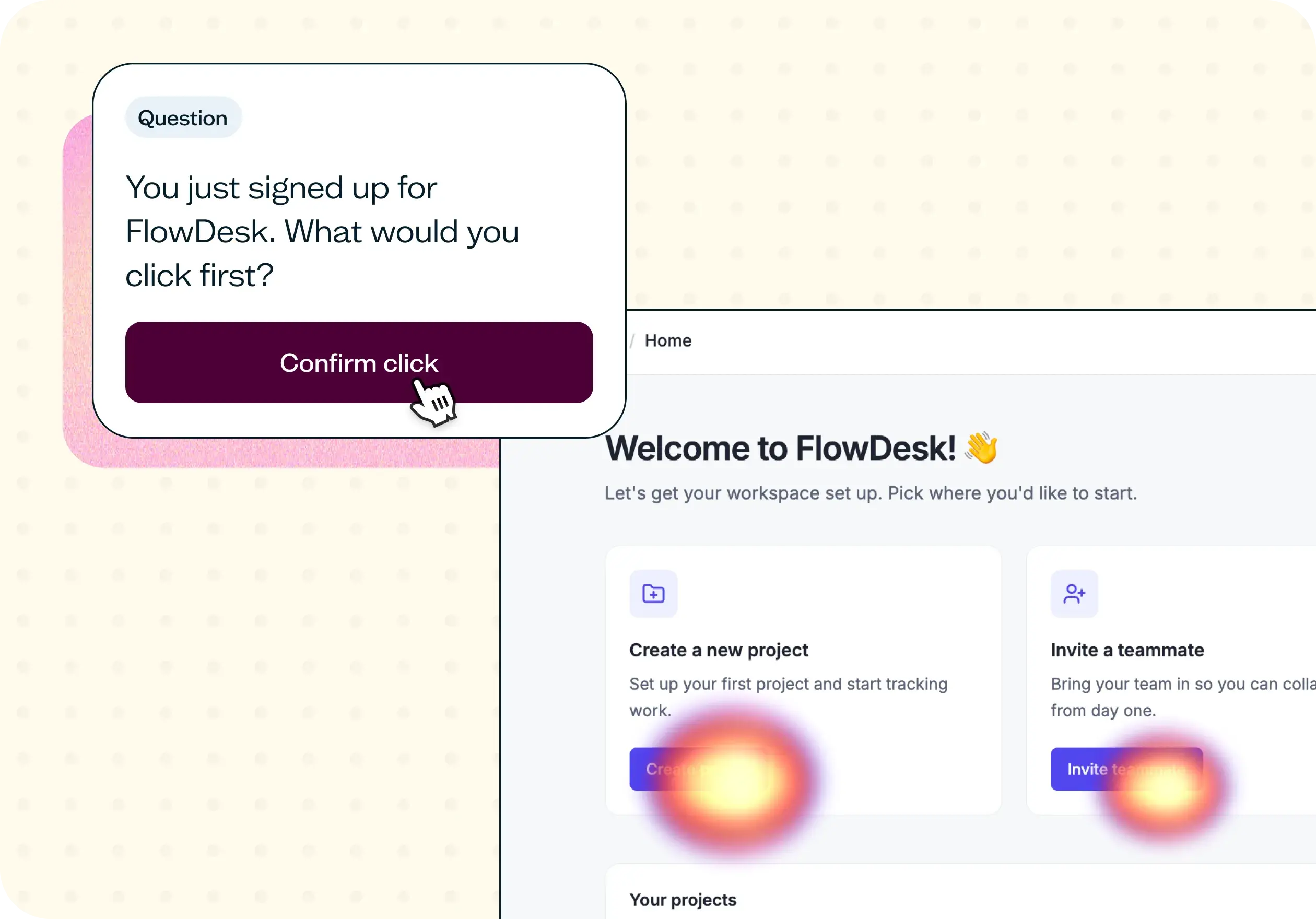
First click validation reveals where users click first to start a common task and what proportion of those first clicks land on the intended path. If users consistently start in the wrong place, the navigation label or placement needs to change before anything else. Research shows that users who get the first click right are significantly more likely to complete the full task successfully.
Path completion
Path completion tracks whether users can complete a multi-step task across your wireframe or prototype. You'll see where they backtrack, reset, or give up entirely. This is especially important for flows that span multiple sections of the site, such as finding a product, comparing options, and starting a checkout.
Label comprehension
Label comprehension tests whether users understand the words you've chosen for your navigation in their language, not the team's. You'll identify which labels split the audience by interpretation and which ones create hesitation. Even a single ambiguous label can derail a task that the underlying structure supports perfectly well.
Mobile vs desktop behavior
Mobile and desktop navigation patterns surface different priorities, hide different items, and behave differently under task pressure. Testing both layouts helps you confirm whether the mobile menu surfaces the same priorities the desktop navigation promises and whether screen size changes the pattern users follow.
When to use this template
Website navigation testing is most valuable at transition points where structural decisions are about to become permanent. Run this template in any of these scenarios:
Before engineering starts on a new site or redesign
After a card sort or tree test, to validate the proposed structure on the actual wireframe
When a new section, product line, or content type is being added to existing navigation
Before a CMS or platform migration, to confirm the new navigation maps to the old mental model
When analytics show users abandoning a journey at a navigation step
After stakeholder workshops, to test the agreed structure with the audience instead of the team
How to use this template
Sign up and select the template. Click "Use this template" and log in to your Lyssna account. Don't have an account yet? Start exploring with a free plan.
Upload your wireframe or prototype screens. Add the screens from your wireframe or Figma prototype that contain the navigation elements you want to test. You can test a full site structure or focus on a specific section.
Write realistic navigation tasks. Create tasks that mirror what real users would try to do on your site, such as "How would you create a new account, then add something from the new collection to your shopping cart?" Keep tasks specific enough to measure but open enough to reveal unexpected paths.
Recruit participants. Choose participants from the Lyssna research panel or share the test link with your own network. For navigation testing, 50–80 participants per audience segment is a reliable baseline for first-click and path analysis.
Launch and review your results. Set your test live and review the results as they come in. Look for patterns in where users click first, where they get stuck, and which labels cause confusion.
Example outcomes
After running this template, you'll have a clear set of evidence to inform your navigation decisions:
A first-click success rate per task across the navigation set
A list of labels that need to change before the design ships
Evidence that an information architecture decision is correct, with observed behavior to support it
Specific pages that need to be promoted, demoted, or relocated in the hierarchy
Confidence that the structure works on both mobile and desktop before development starts
Who this template is for
This template is designed for anyone making or validating navigation decisions:
UX designers presenting navigation options for stakeholder sign-off
Information architects validating a tree or sitemap on the actual prototype
Product designers checking that a new feature lives where users expect it
Content designers validating menu language with real audiences
Engineering leads avoiding rework by catching navigation mistakes before the build
FAQs about website navigation testing
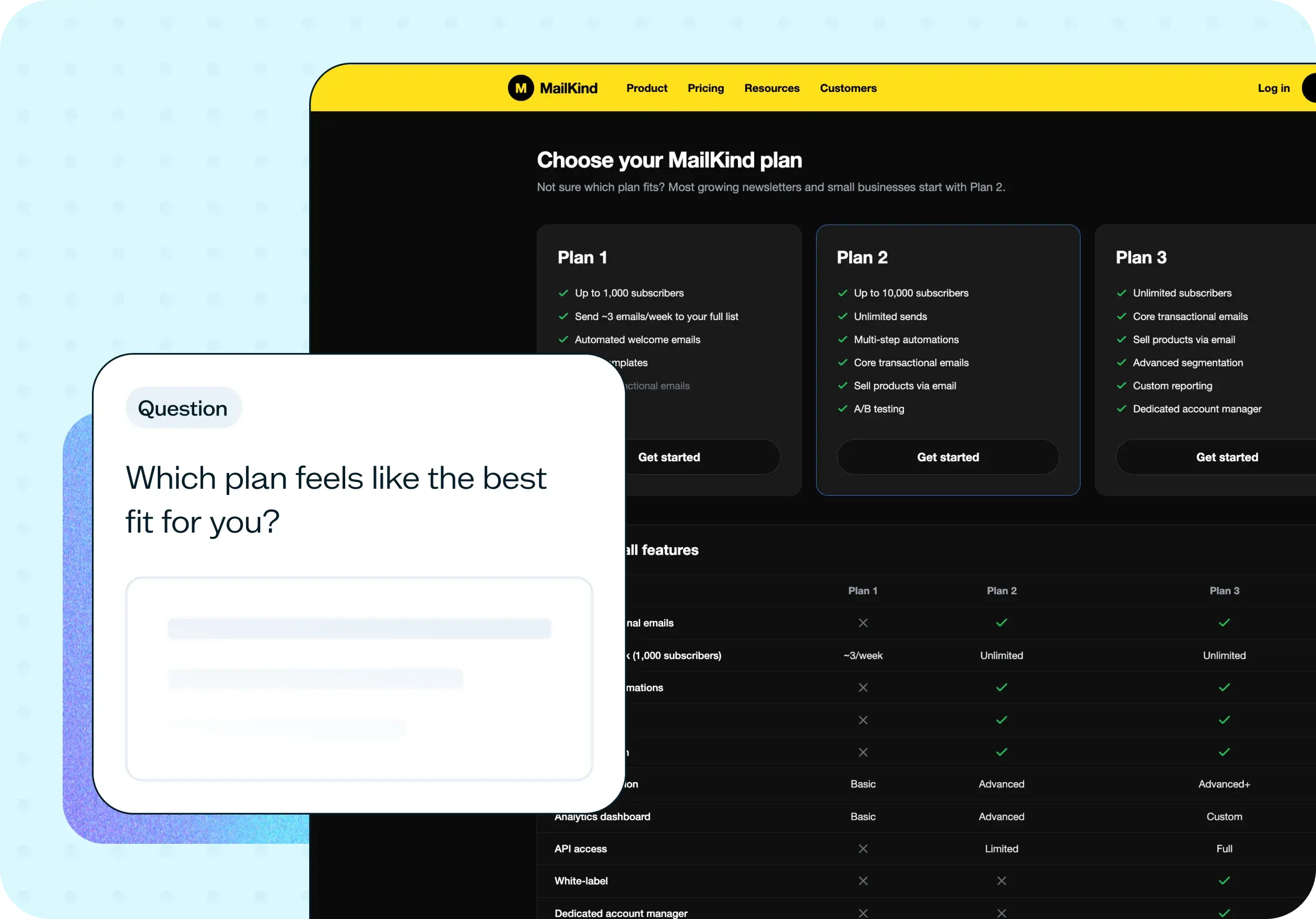
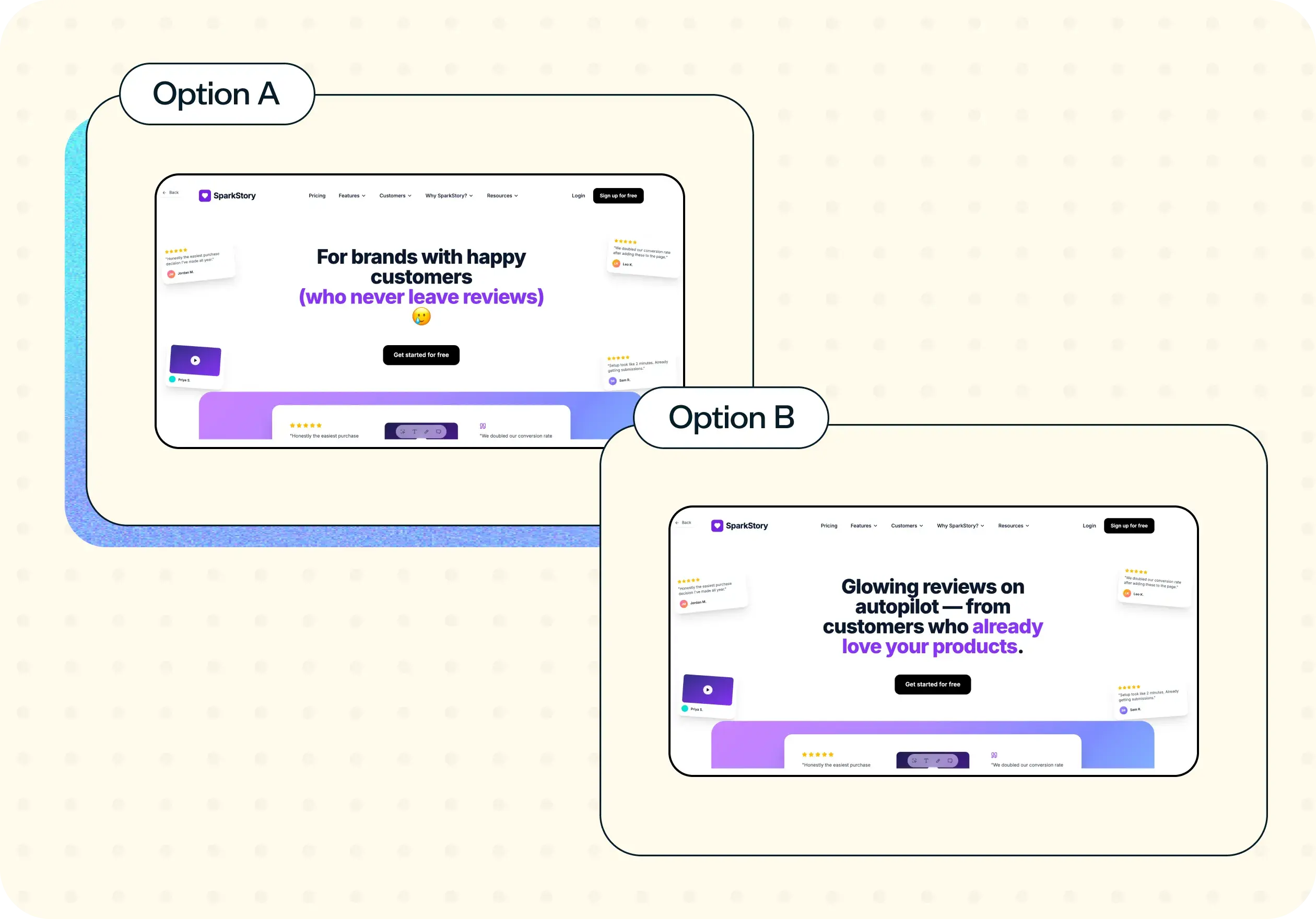
You may also like these templates
It wasn’t a big sell to move to Lyssna's paid account due to the speed at which you can put together a test, quickly get feedback, and recruit good participants. It just makes monetary sense. It's so cheap and the feedback is valuable.

Alan Dennis
Product Design Manager at YNAB